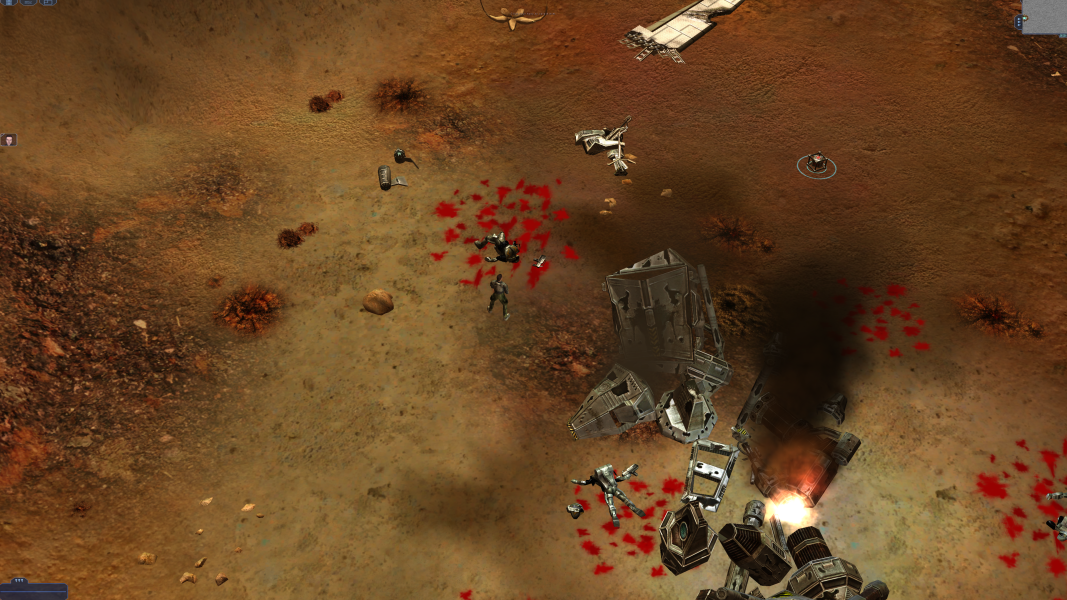



Earth 2160 follows the progress of the factions, the United Civilized States, the Eurasian Dynasty and the Lunar Corporation, who, after escaping the doomed Earth, headed for Mars. After a time of relative peace and recovery, the factions once again come to blows, with a fourth faction of extraterrestrial nature, named the Morphidians, coming into play. Just a few thousand humans were specifically chosen for the evacuation of Earth, and as such manpower and resources are limited. Upon reaching Mars, the factions set about completing the difficult and lengthy task of terraforming the planet independently of one another. As the game begins the process appears to be far from completion.
Support Summary
Game Information
Screenshots Comparison
Solutions & Issues
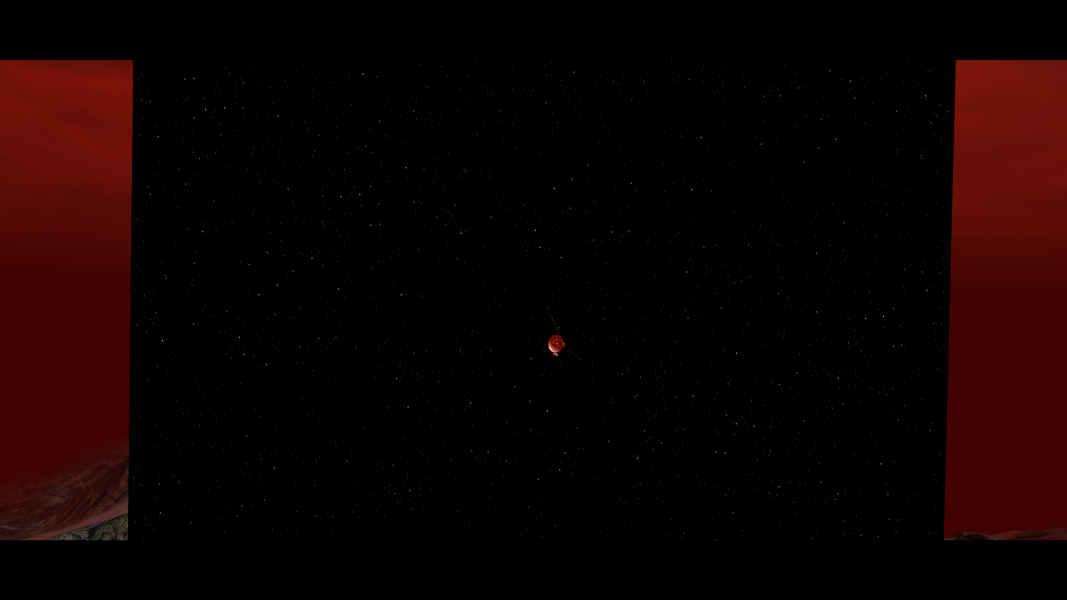
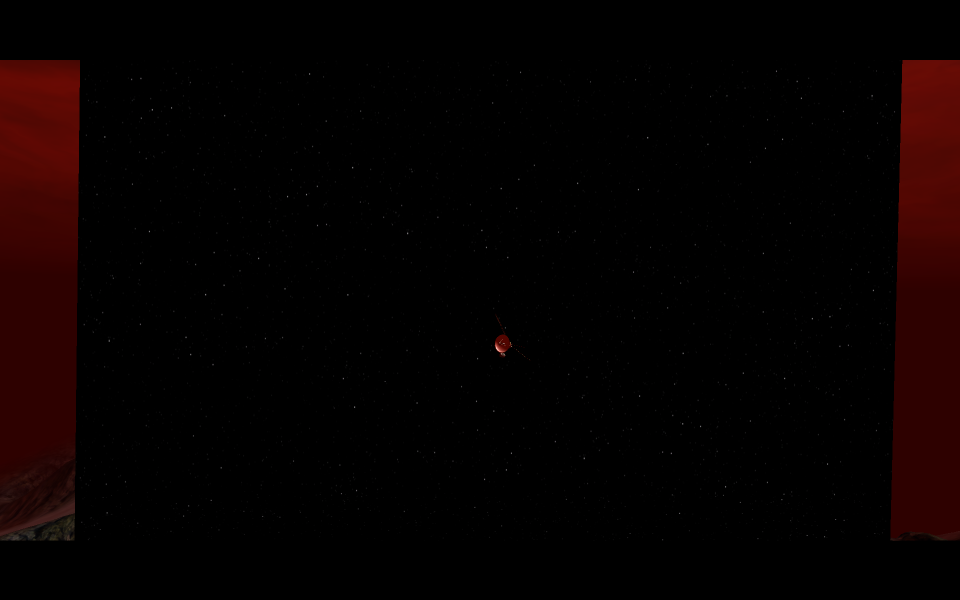
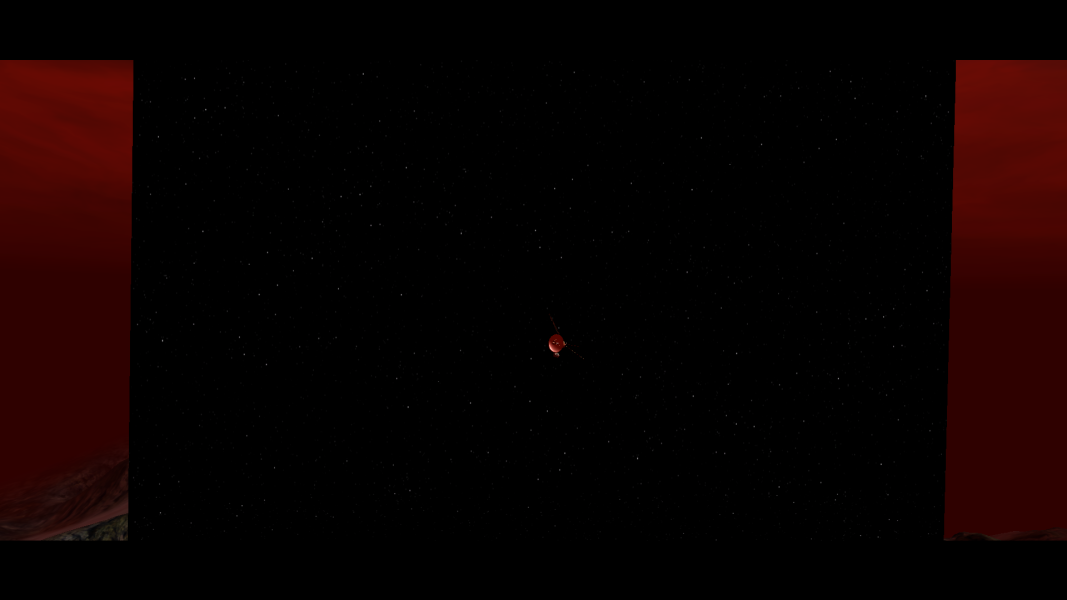
When watching rendered cut-scenes in the singleplayer campaign (the only place where rendered cut-scenes are used) using a non-4:3 resolution, various issue occur, ranging from clipping to the scene literally being too small for the resolution ratio.
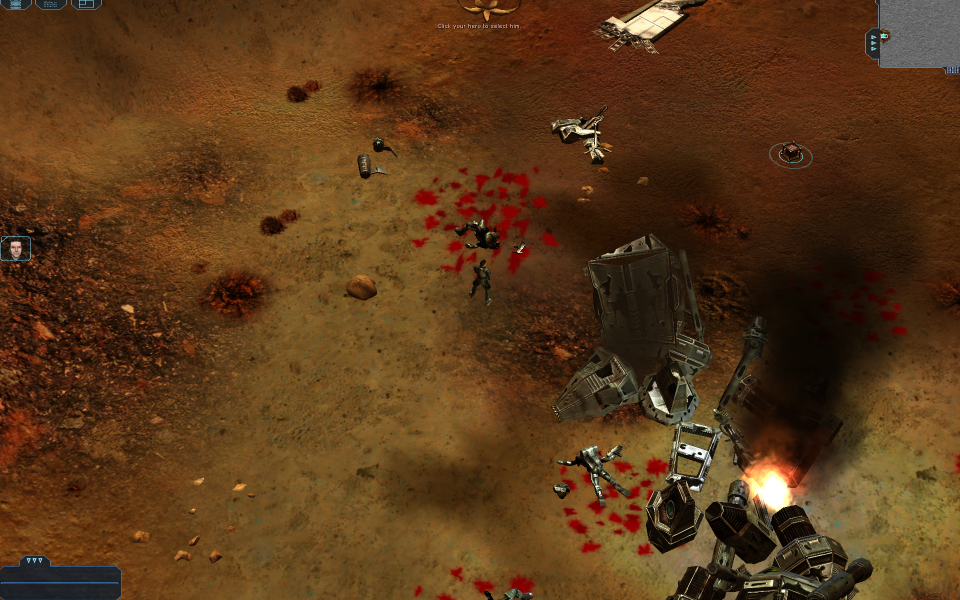
By default, Earth 2160 will attempt to set the maximum width of the HUD to 1024. This can be altered by changing the value of MaxInterfaceWidth, found in HKEY_CURRENT_USER\Software\Reality Pump\Earth2160\Interface. For an optimized HUD size, divide the current resolution's width by 2 and set MaxInterfaceWidth to the result. For example, for a monitor resolution of 2560x1080, divide 2560 by 2 to get 1280.
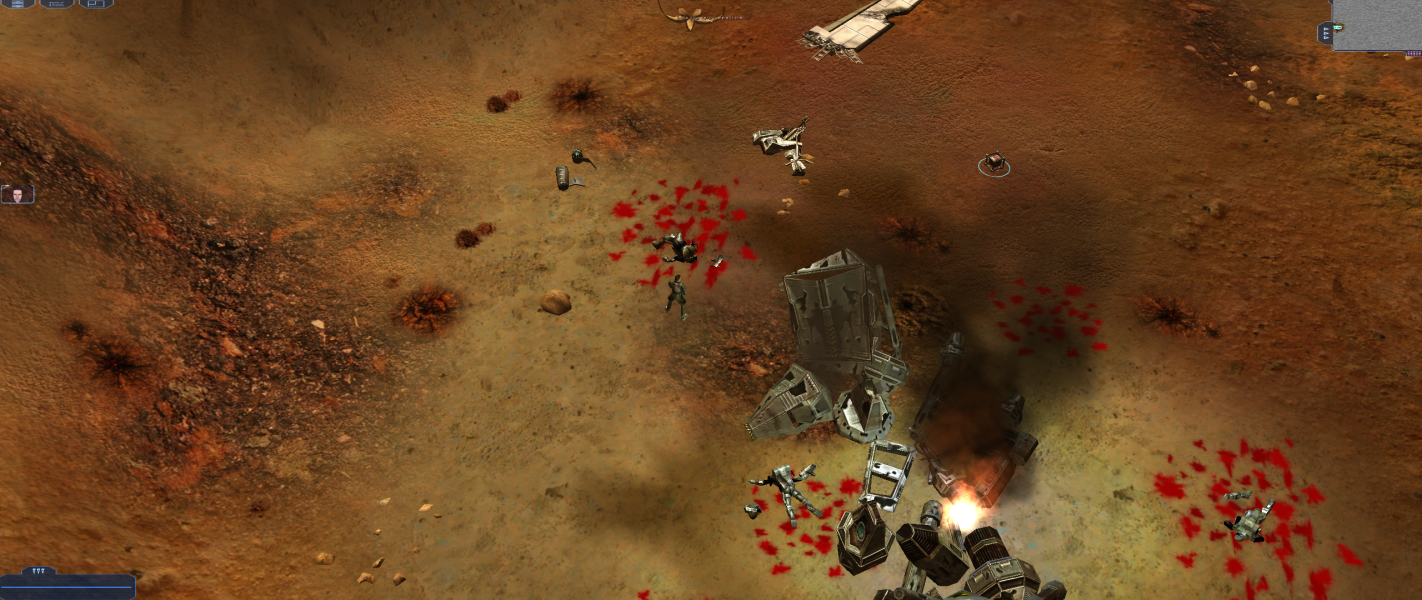
By default, Earth 2160 will attempt to set the maximum width of the HUD to 1024. This can be altered by changing the value of MaxInterfaceWidth, found in HKEY_CURRENT_USER\Software\Reality Pump\Earth2160\Interface. For an optimized HUD size, divide the current resolution's width by monitors wide, and set MaxInterfaceWidth to the result. For example, for a monitor resolution of 3840x1080, with a 3x1 (3 monitors wide by 1 monitor tall), divide 3840 by 3 to get 1920.
By default, Earth 2160 will attempt to set the maximum width of the HUD to 1024. This can be altered by changing the value of MaxInterfaceWidth, found in HKEY_CURRENT_USER\Software\Reality Pump\Earth2160\Interface. For an optimized HUD size, divide the current resolution's width by 2, and set MaxInterfaceWidth to the result. For example, for a monitor resolution of 3840x2160, divide 3840 by 2 to get 1920.
Gameplay Screenshots




In-Game (Rendered) Cutscenes



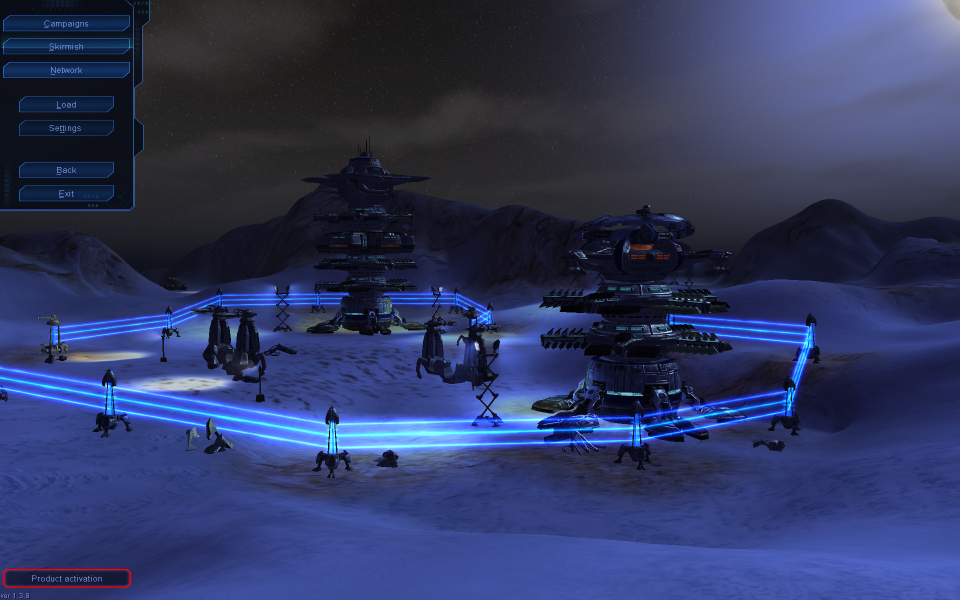
Menu Screenshots

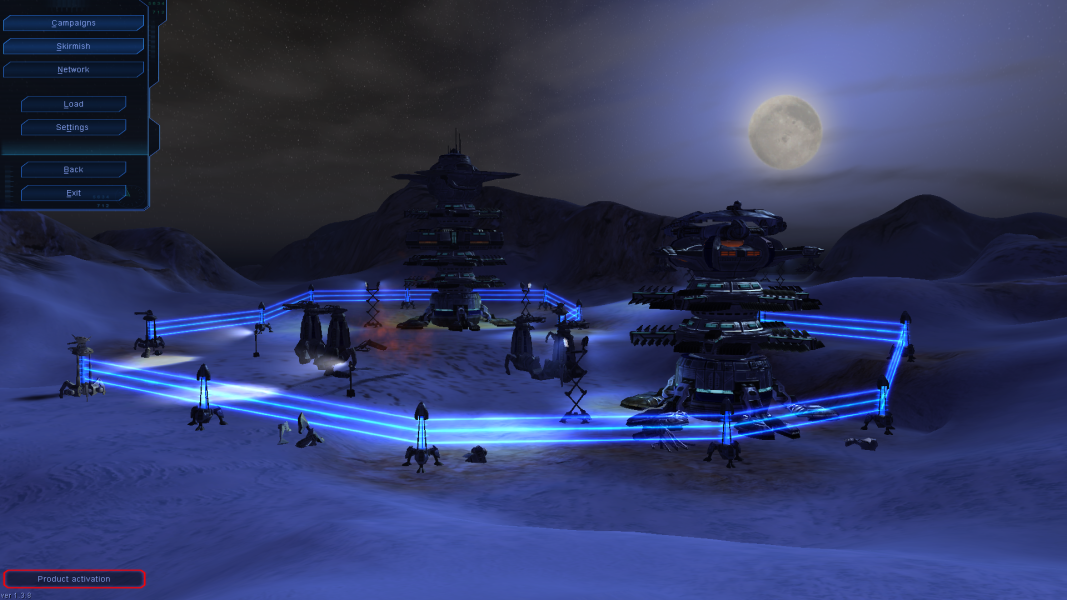


4K UHD Screenshots