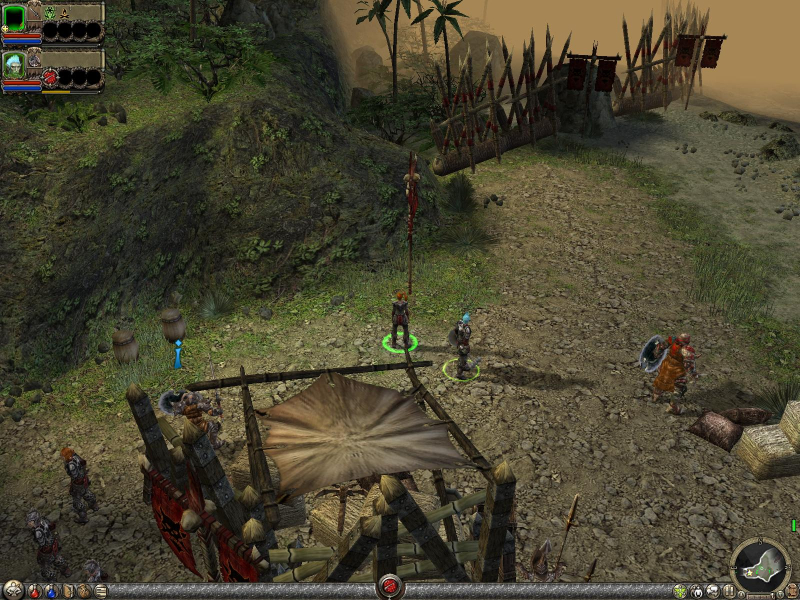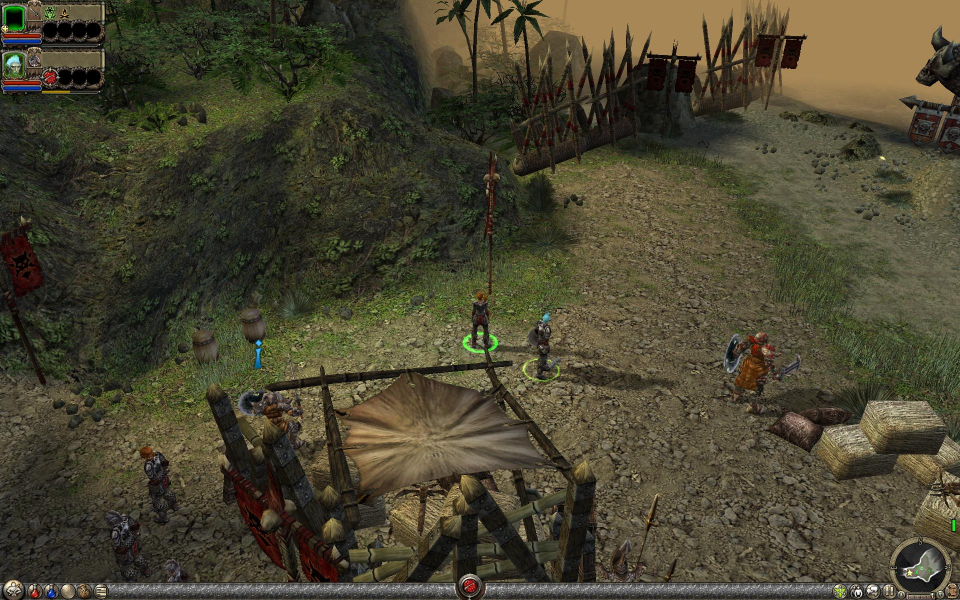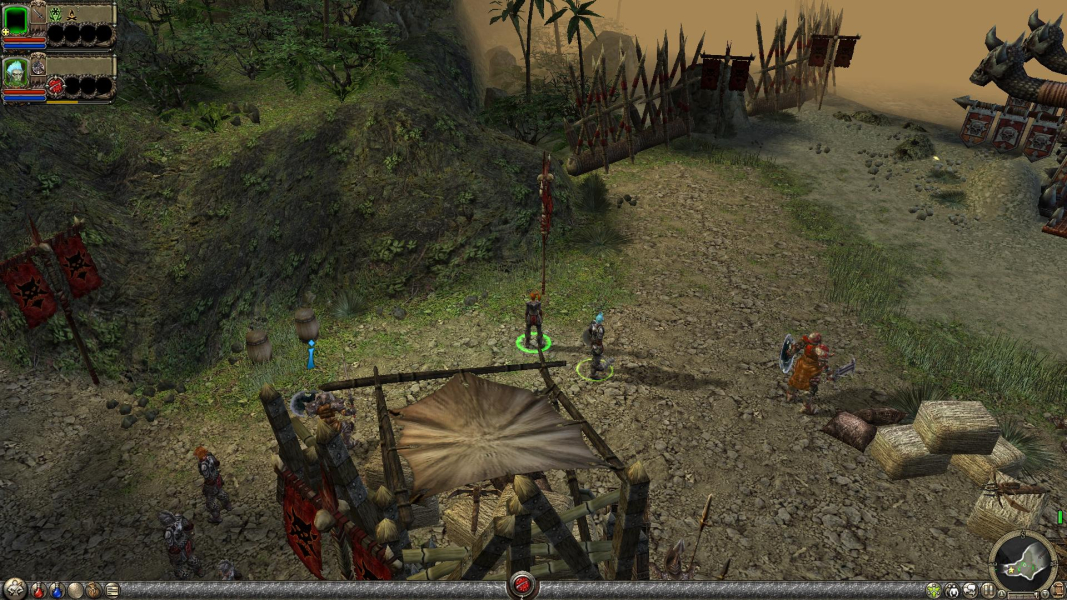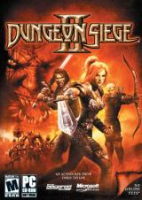


This game is an action RPG with a top-down perspective. Players can recruit additional NPCs to expand the size of their party. Character development is based upon skill points which allows for customization of abilities. Take Dungeon Siege. Take Diablo II. Mix together. Serve chilled.
Support Summary
Game Information
Screenshots Comparison
Solutions & Issues
Fix available from the PC Gaming Wiki Community Files (search there).
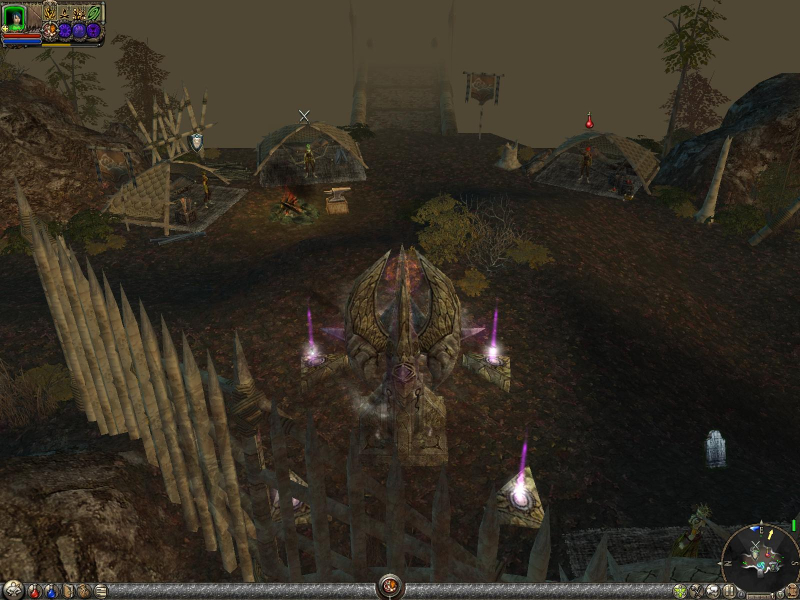
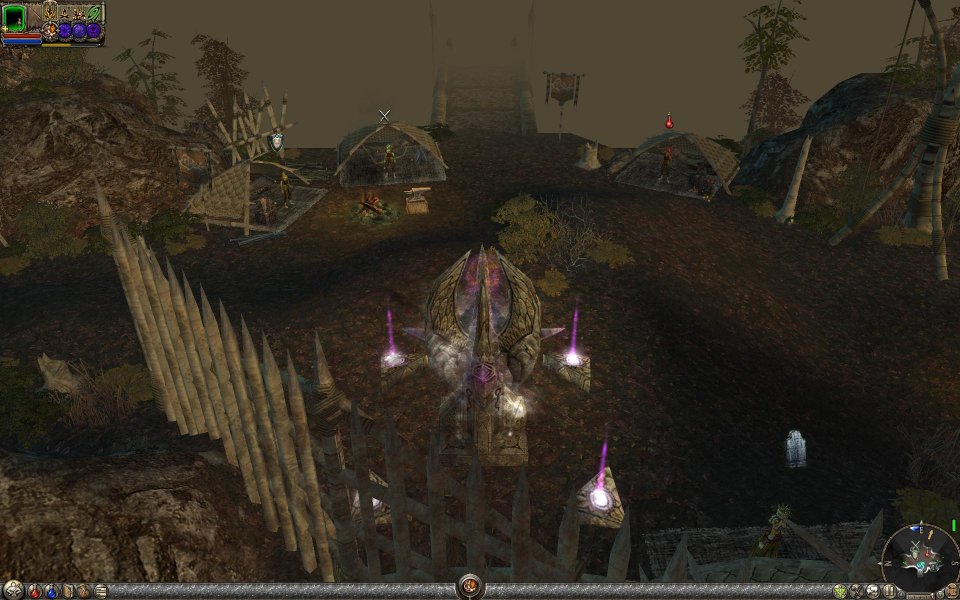
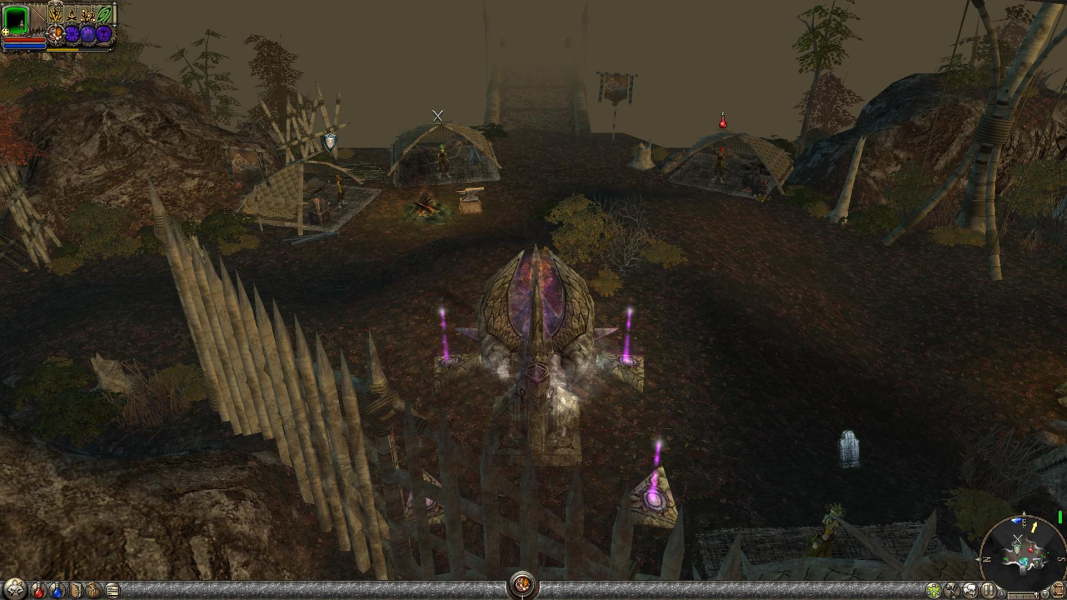
The widescreen FOV files will change your Dungeon Siege II maps so you see more horizontal viewing area when using your widescreen resolution. The surround files change the camera zoom, camera angle, fog and world load radius (frustrum) to accomodate the extremely extended field of view. Using the surround files will reduce game performance quite heavily, but if you're using surround gaming equipment (ex. TripleHead2Go) then your system is up to it.
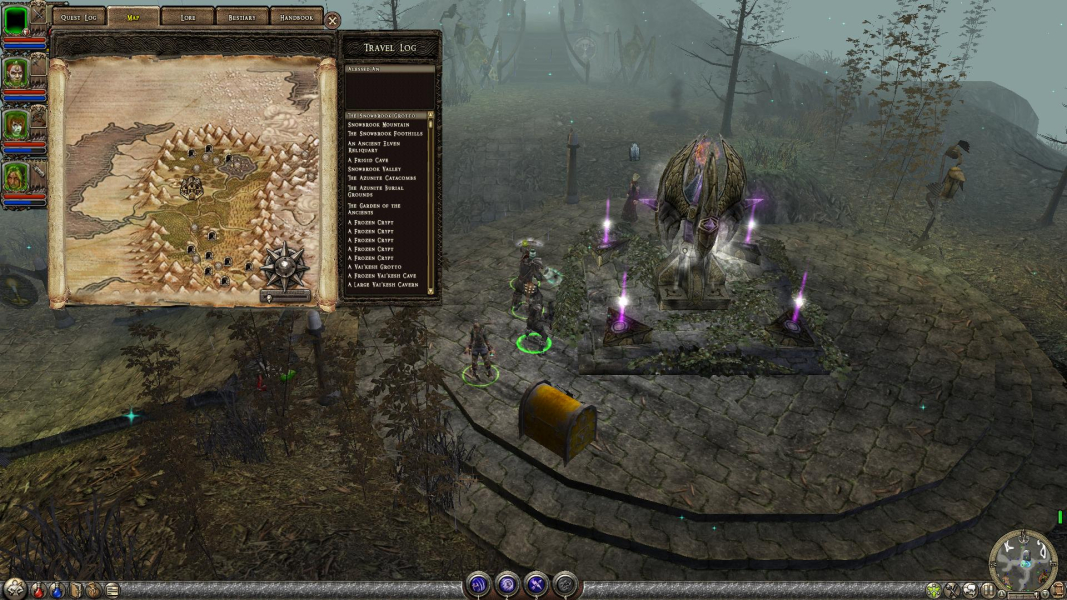
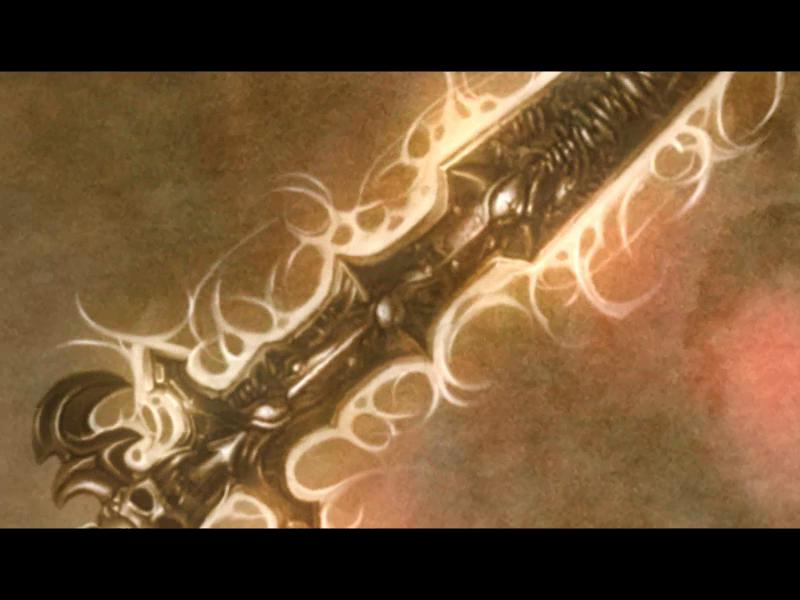
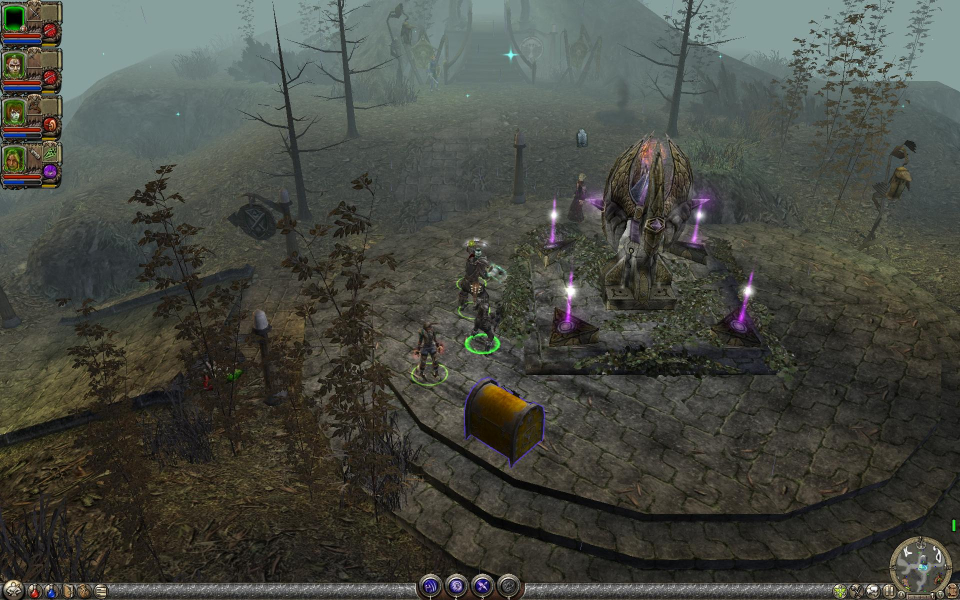
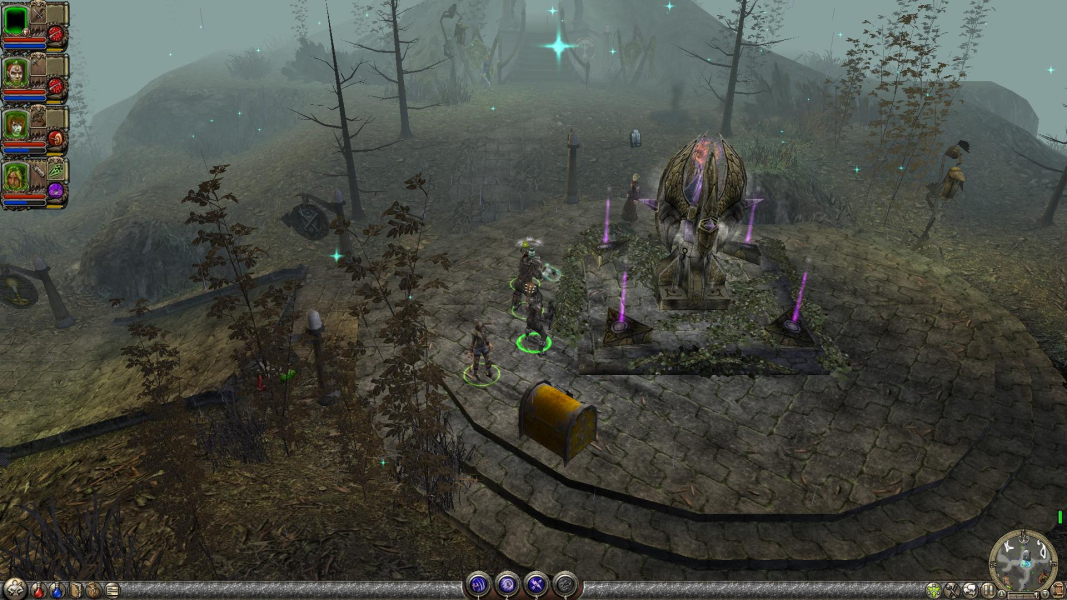
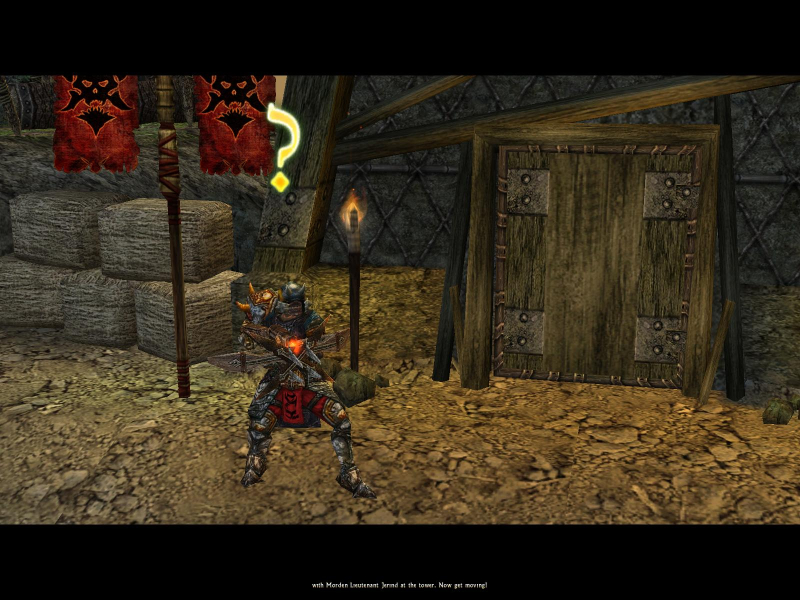
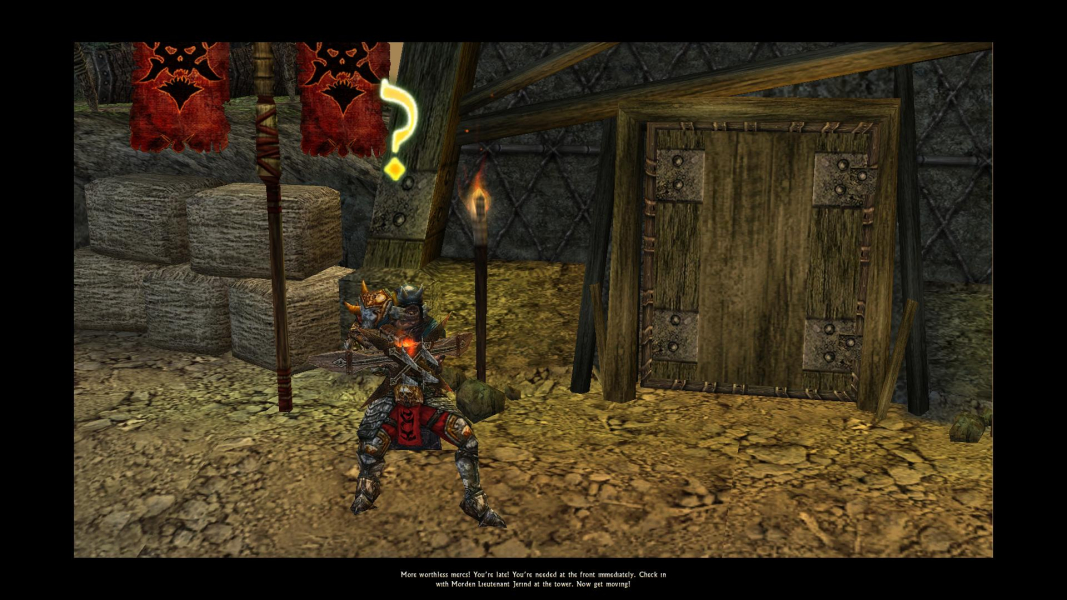
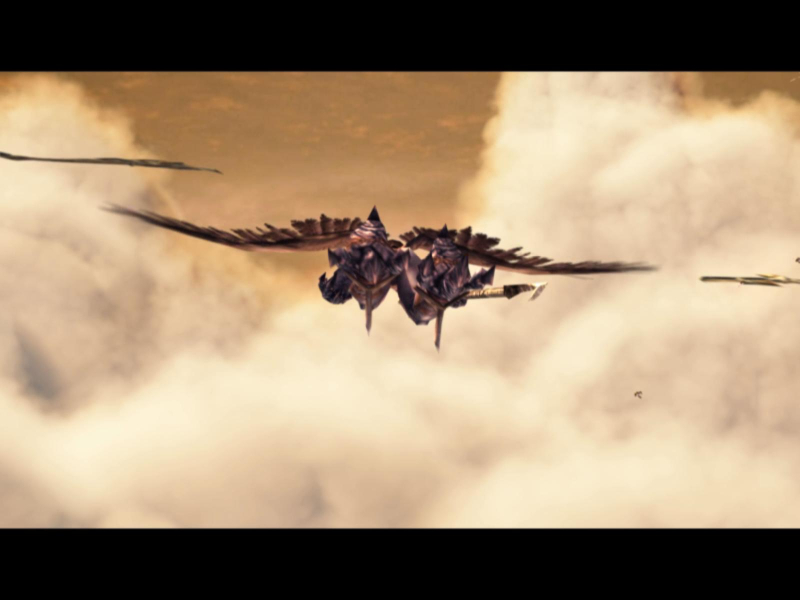
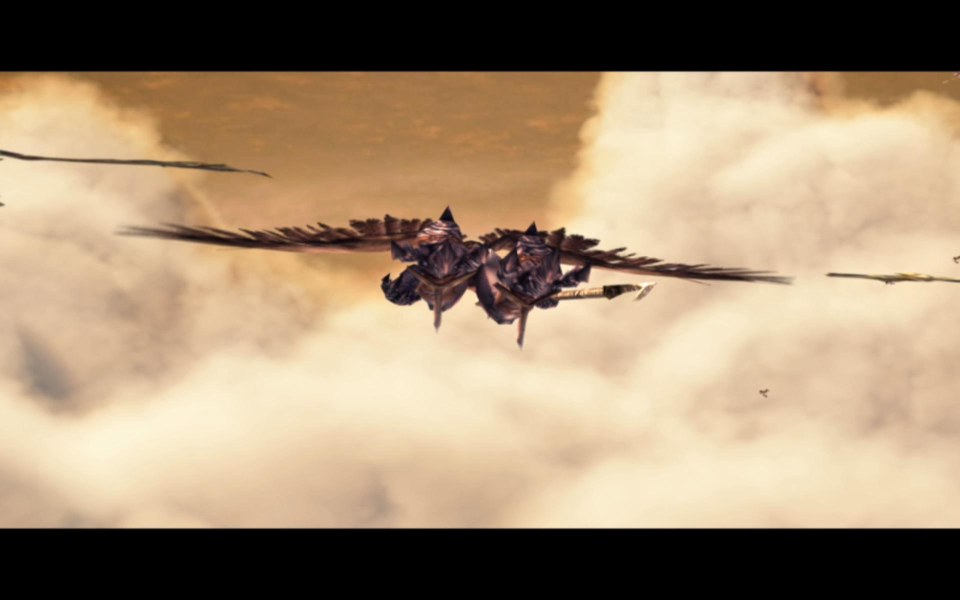
The main character portrait is misaligned in widescreen resolutions. The map screen is zoomed out in widescreen resolutions. The HUD and all two-dimensional elements do not stretch or scale. Rendered cut-scenes are anamorphic and windowboxed in widescreen resolutions. The game has a fixed-resolution main menu. Pre-rendered cut-scenes that play before the map loads use a fixed resolution of 800x600. Pre-rendered cut-scenes that play after the map loads are stretched in widescreen resolutions.
Widescreen FOV Files
Installation
- Place the Dungeon Siege II ".ds2res" file in the "*Root Dungeon Siege II Game Directory*\Resources" folder. Make sure to use the correct file for your aspect ratio.
- If you have Broken World place the Broken World ".ds2res" file in the "*Root Broken World Game Directory*\resources" folder.
- Go to "*Root Dungeon Siege II Game Directory*\maps" folder and copy "World.ds2map" to the "*Root Dungeon Siege II Game Directory*\Resources" folder. Rename the extension on the "World.ds2map" file so it is "World.ds2res".
Playing Dungeon Siege 2 with a Custom Resolution
- Navigate to the proper directory
- For Dungeon Siege II go to "Documents and Settings\*User Name*\My Documents\My Games\Dungeon Siege 2" and open "DungeonSiege2.ini" with a text editor.
- For the Broken World expansion go to "Documents and Settings\*User Name*\My Documents\My Games\Dungeon Siege 2 Broken World" and repeat the above process using the file "DungeonSiege2BrokenWorld.ini".
- Search for...
- width = ****
- height = ****
- Change "****" to your desired widescreen resolution.
Surround Files
Dungeon Siege 2 Installation
- Copy the th2g-ds2.ds2res file from this archive into the 'resource\'-folder of your DS2 installation (e.g. C:\Games\Dungeon Siege 2\Resources )
- Copy (NOT move) the World.ds2map file from the 'maps\'-folder of your DS2 installation (e.g. C:\Games\Dungeon Siege 2\Resources\World.ds2map) into your 'resource\'-folder.
- Rename the copied World.ds2map file to World.ds2res
Broken World Expansion Installation
- Patch the basis game first, using above method
- Copy the th2g-brokenworld.ds2res file from this archive into the 'resource\'-folder of your DS2-Broken World installation (e.g. C:\Games\Dungeon Siege 2 Broken World\Resources)
Gameplay Screenshots



In-Game (Rendered) Cutscenes

FMV Cutscenes

Additional Screenshots