

3rd person adventure game with a Sci-Fi protagonist. Very story driven with an emphasis on cinematics.
Support Summary
Game Information
Screenshots Comparison
Solutions & Issues
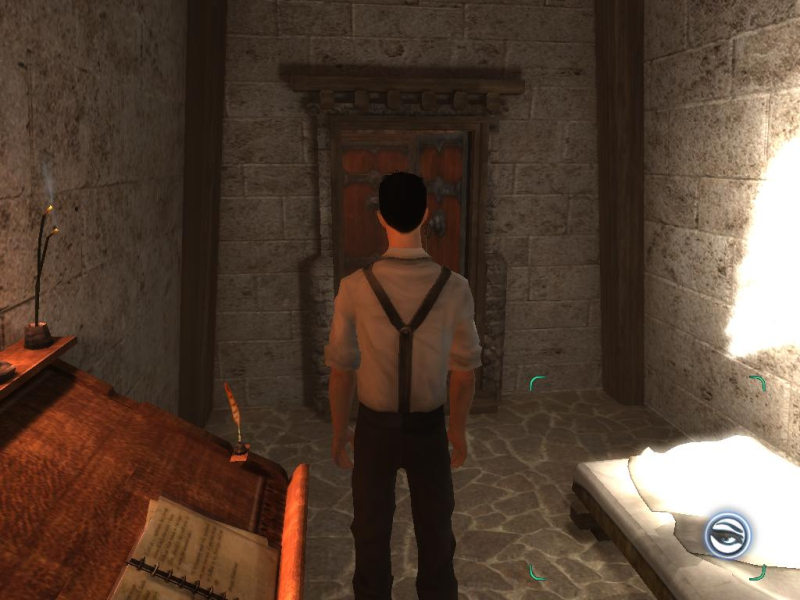
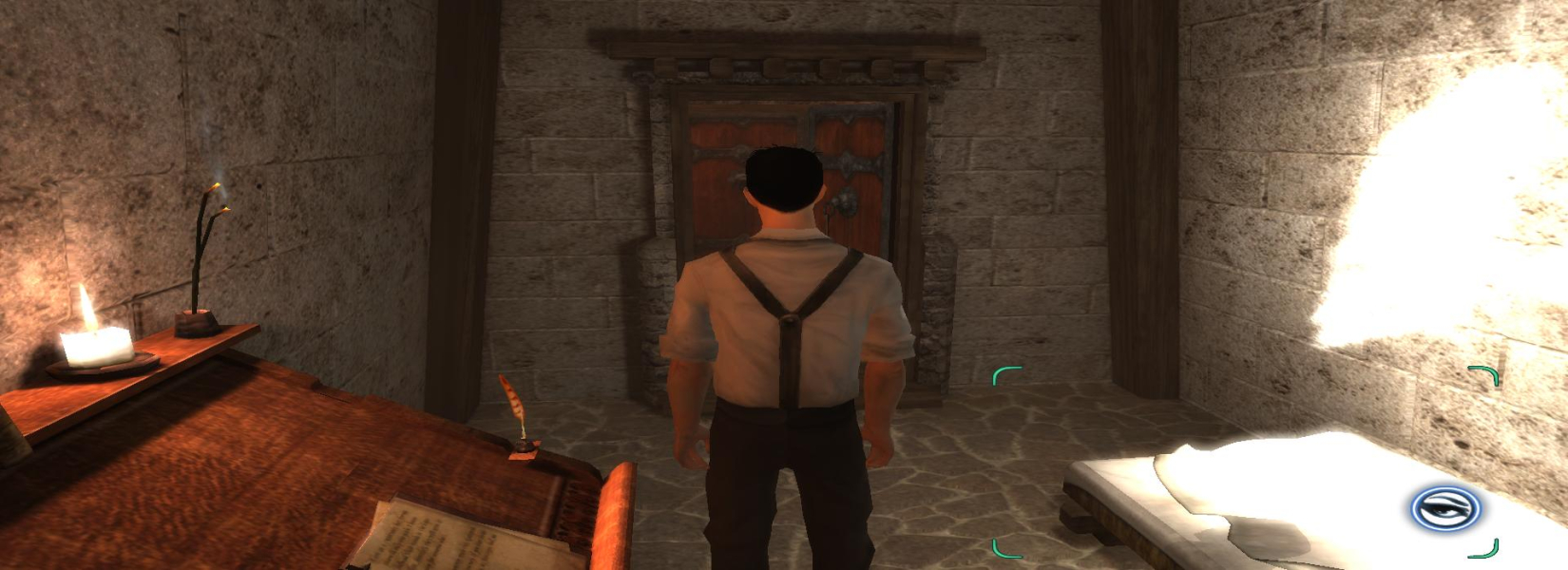
Native widescreen. Simply go to the "Video" options. You can choose from any resolution that your video card can display in windows. You can
choose from 4 aspect ratio options as well. (4:3, 16:9, 16:10 and Automatic). Automatic mode works great, especially if you run a slightly different aspect ratio.
To get proper aspect ratio and FOV, replace dreamfall.exe in the game folder from this archive. Download available from the PC Gaming Wiki Community Files (search there).
To get proper aspect ratio and FOV, replace dreamfall.exe in the game folder from this archive. Download available from the PC Gaming Wiki Community Files (search there).
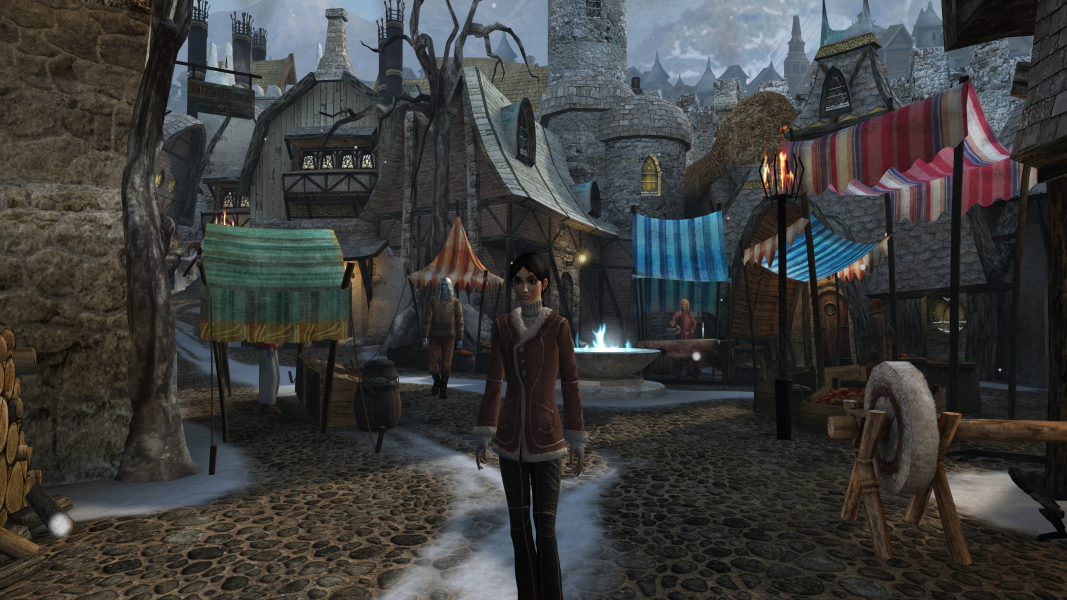
Gameplay Screenshots


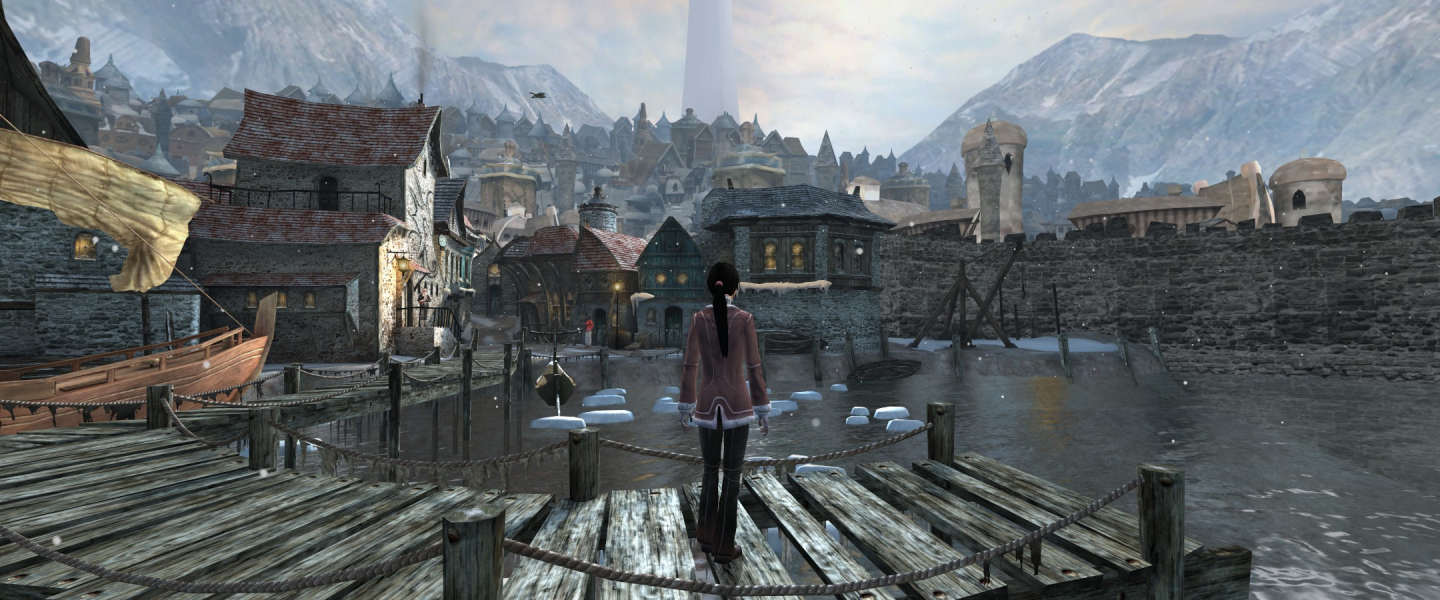


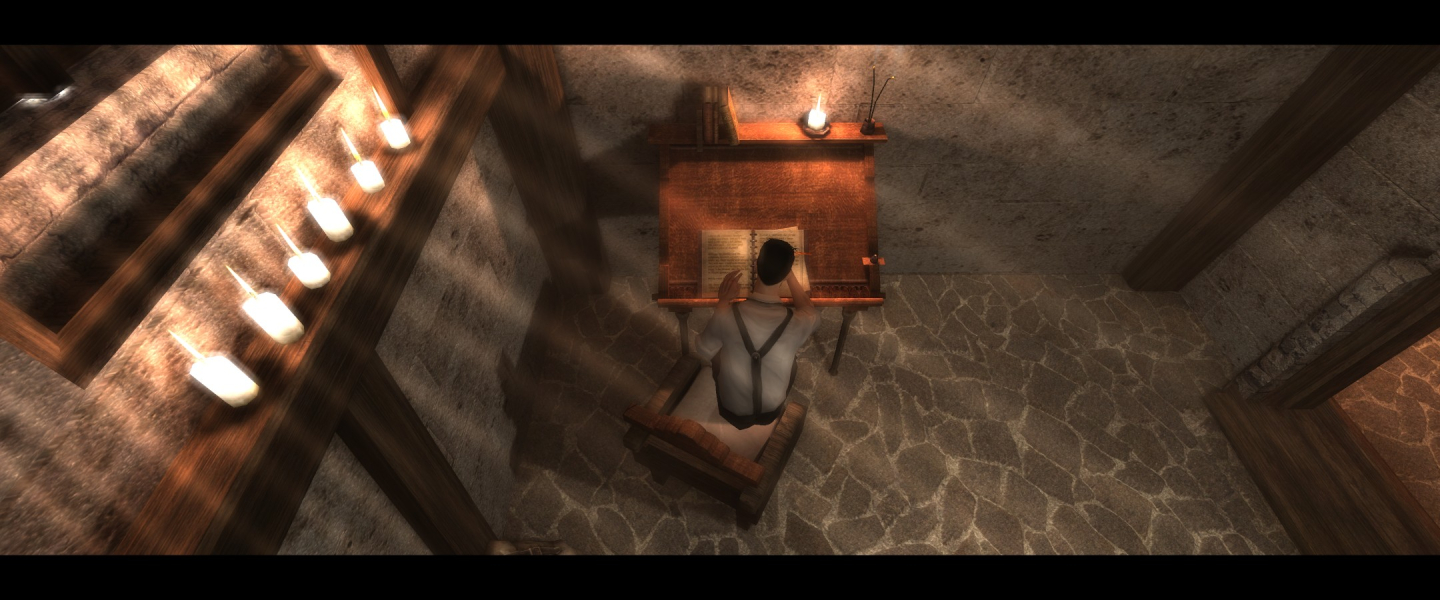
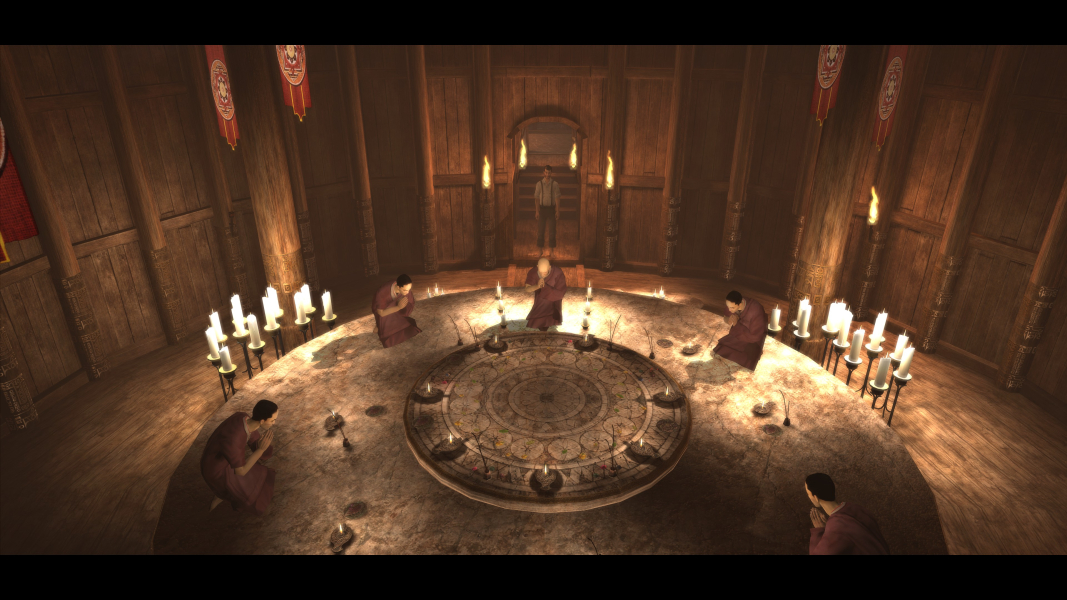
In-Game (Rendered) Cutscenes



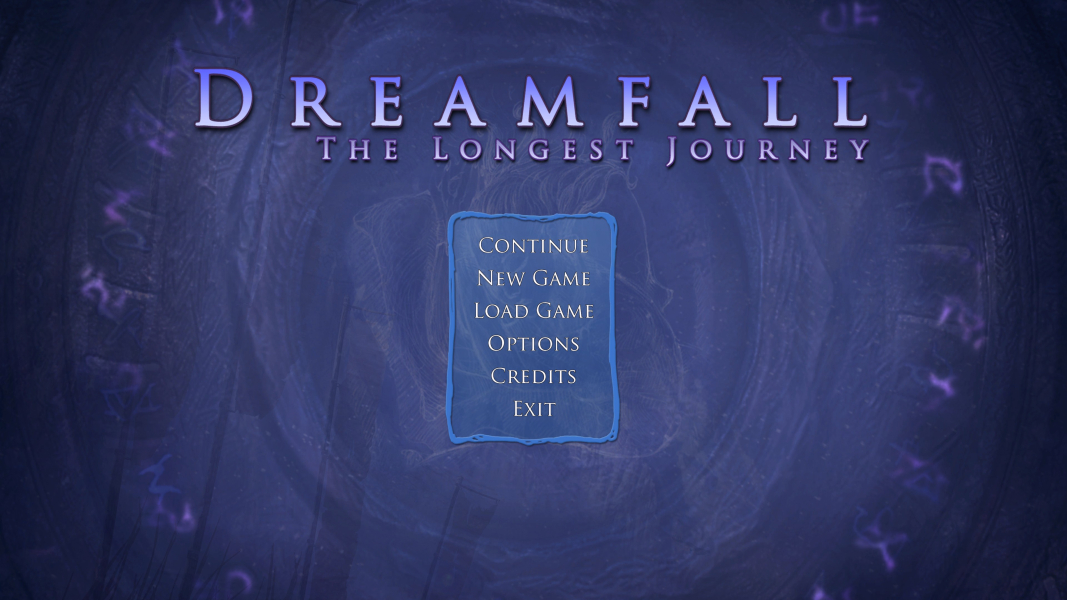
Menu Screenshots


4K UHD Screenshots
Additional Screenshots