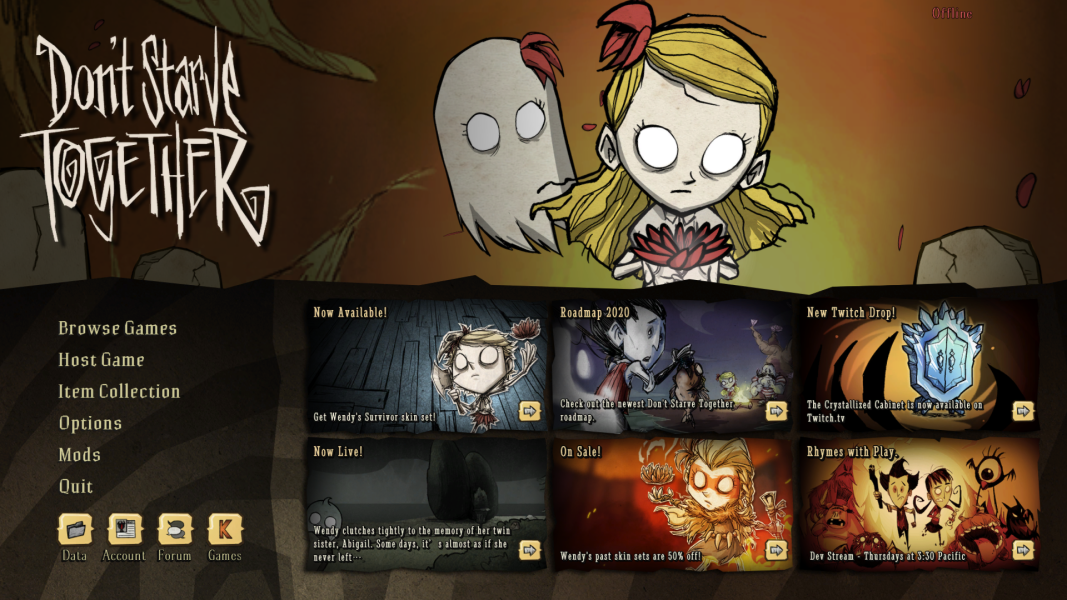


Don't Starve Together made its debut on Steam's Early Access program on December 15, 2014. It supports up to six players at a time, who can be either existing friends or strangers and can play in public or private games. The expansion contains most, if not all, features of the single-player game, but with ongoing balance patches being made for multiplayer. The game was released out of early access on April 21, 2016. If the game is purchased, by itself, two copies are given: one for the purchaser, and one stored as a gift for a friend.
Presently, this is an altogether separate game from Don't Starve itself: like the single-player game and some of its associated DLC, DST boasts some unique characters of its own (thus far, Winona, Wortox, Warly, and Wurt); however, the DLC for Don't Starve is not compatible with its multi-player counterpart, and vice versa, although some of the NPCs included in the Don't Starve DLC do appear in DST. Additionally, the DLC for this game is predominantly character skins that could be acquired by other means as well, like acquiring enough spools (an in-game currency used to purchase certain clothes) to build them.
Support Summary
Game Information
Screenshots Comparison
Solutions & Issues
No issues noted.
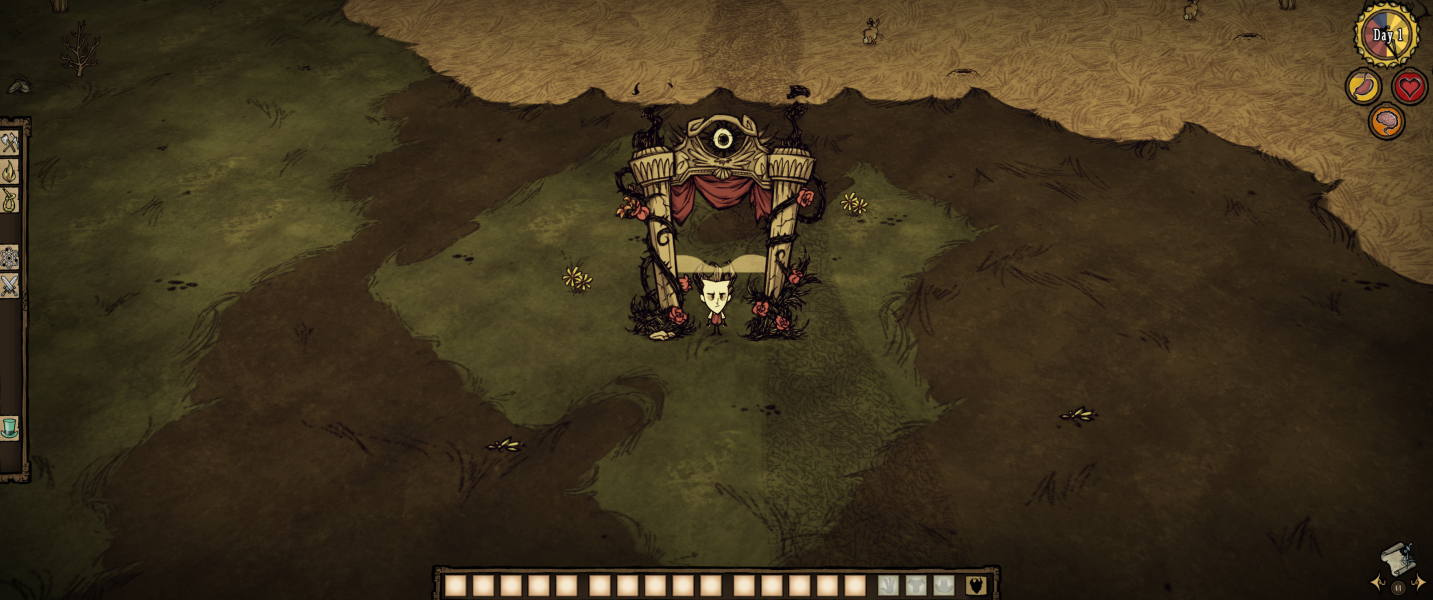
HUD positioning in 32:9 resolutions is at the distant corners and thus may be difficult to use.
HUD positioning in Eyefinity/Surround is at the distant corners and thus may be difficult to use.
Mouse cursor may be drawn too large for some users' preferences. Cursor size can be reduced in Windows by navigating to the game executable, selecting properties, and disabling DPI scaling. HUD scale can be adjusted via the in-game settings panel if desired.
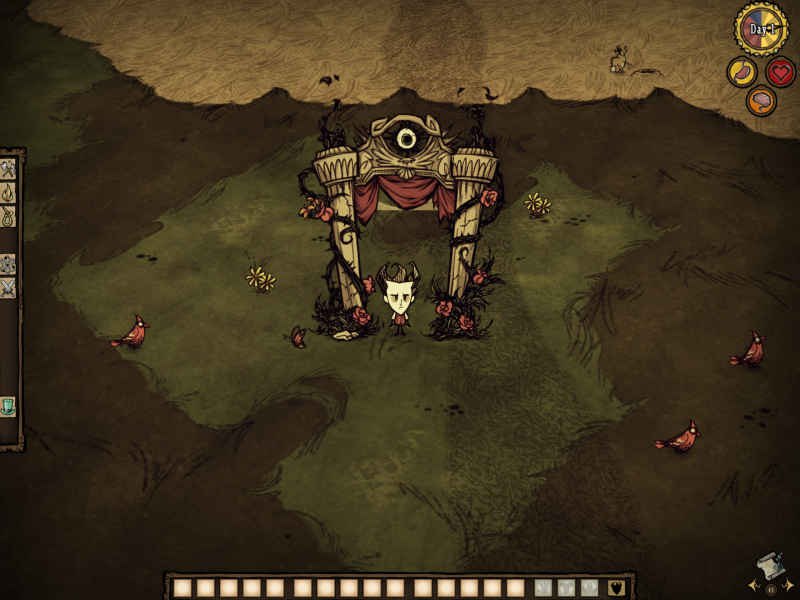
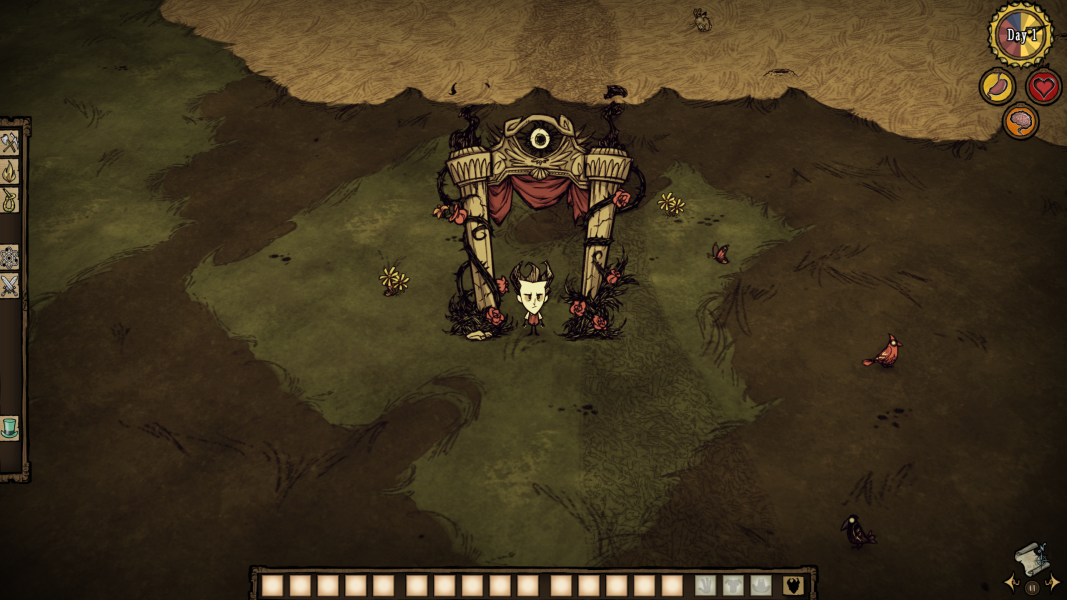
Gameplay Screenshots


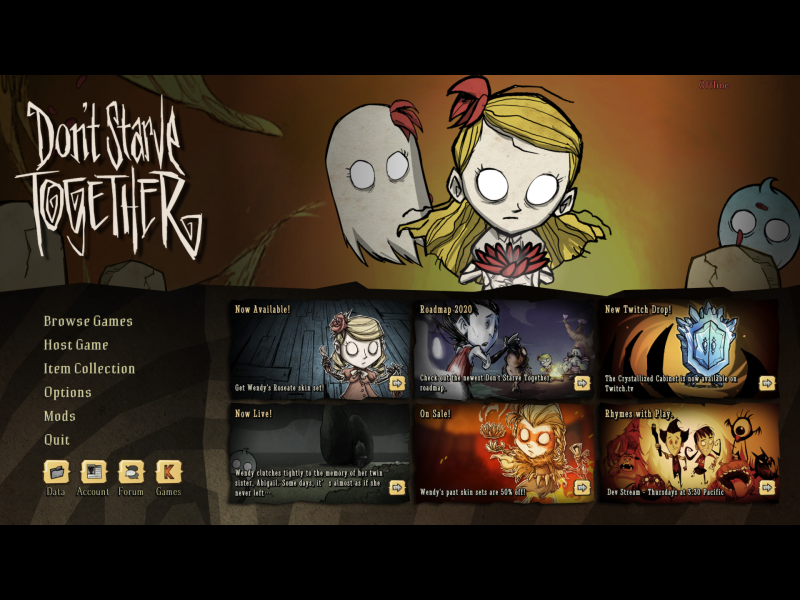
Menu Screenshots
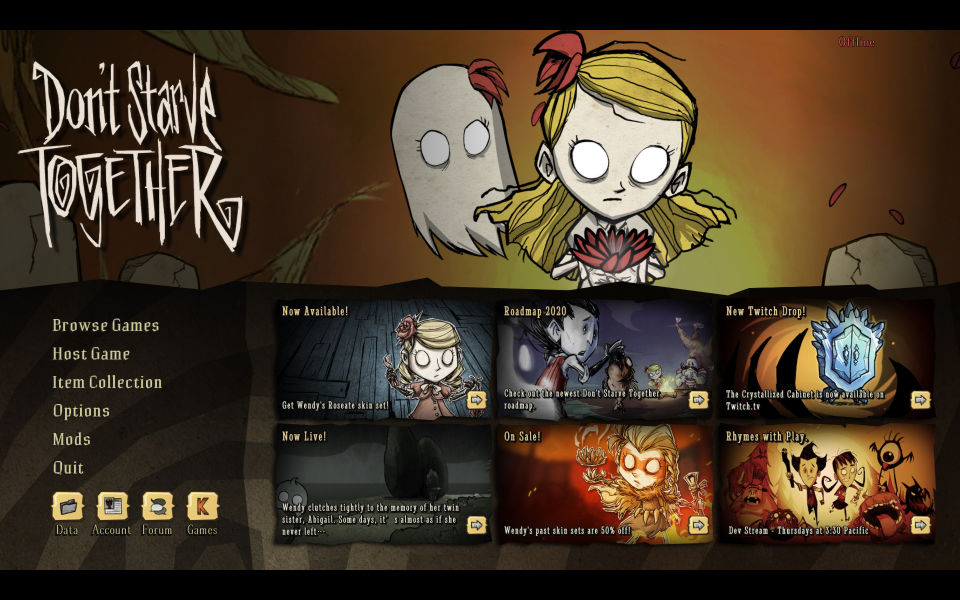
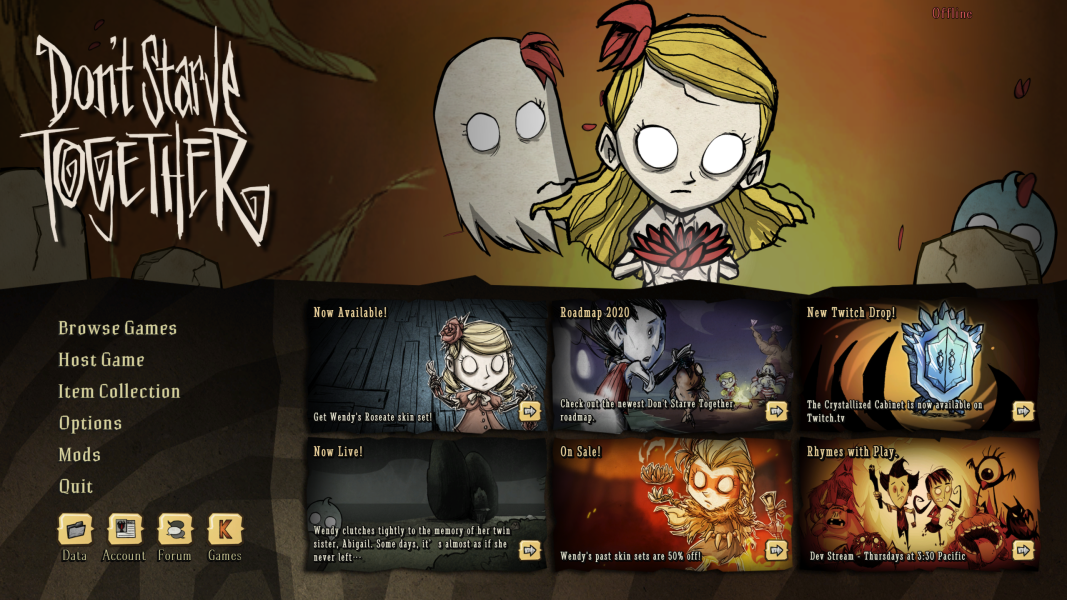
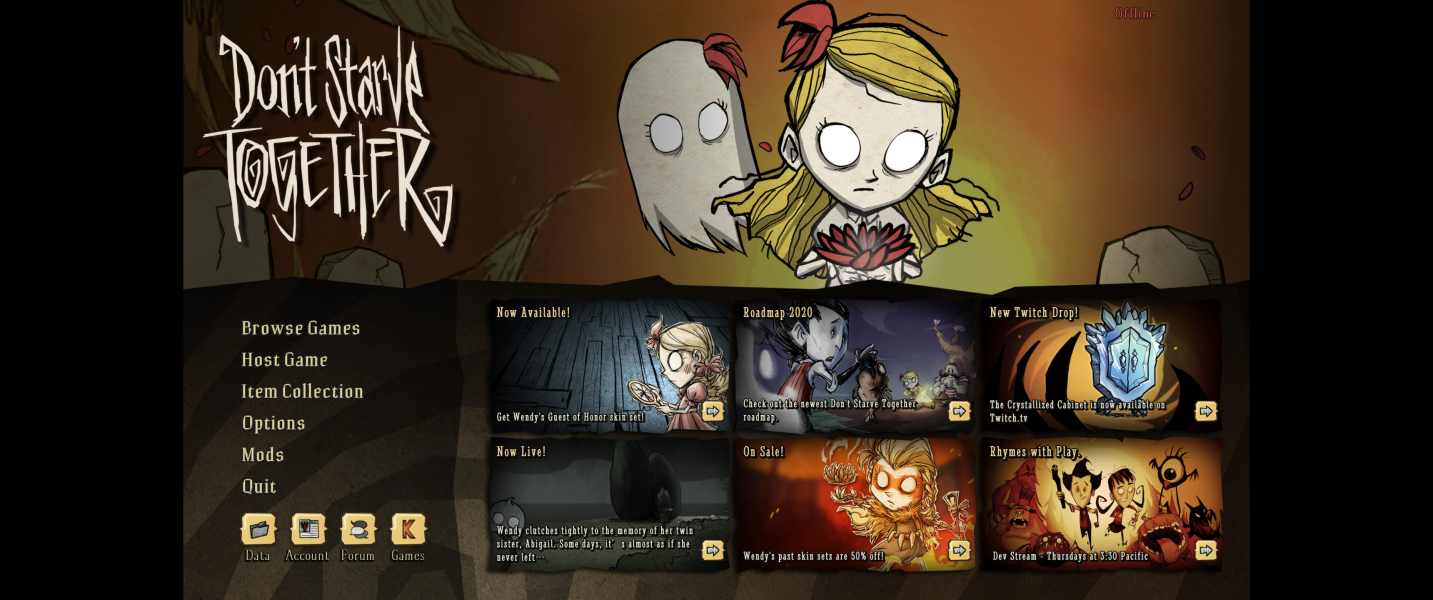
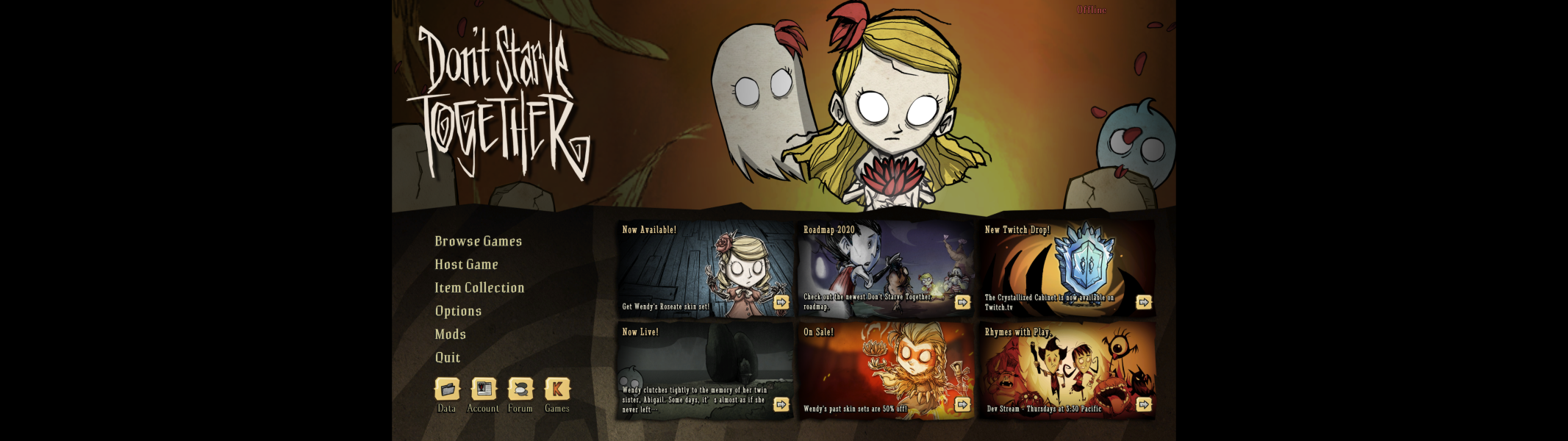

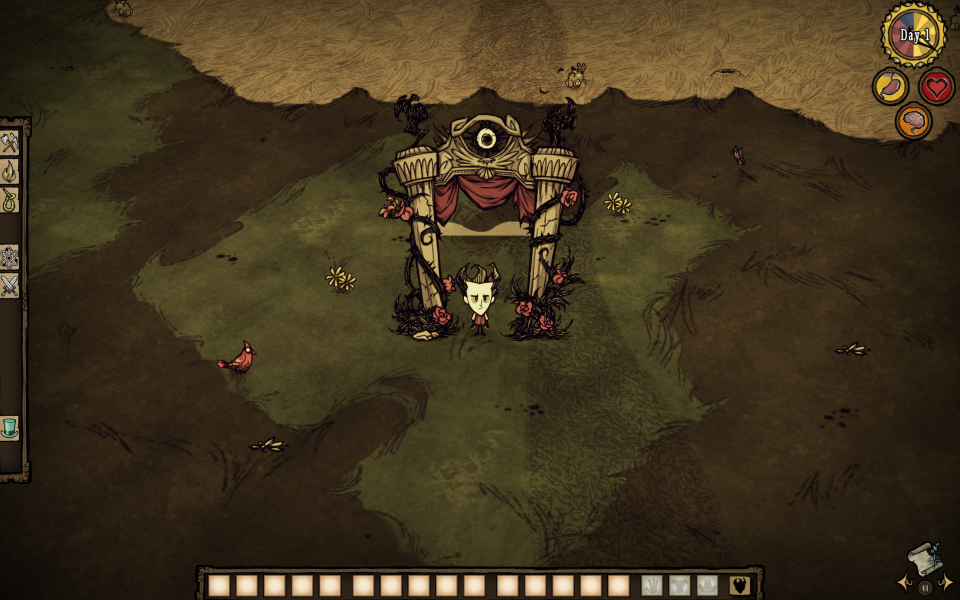
4K UHD Screenshots