


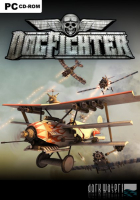


DogFighter is an action aerial combat video game for Microsoft Windows
DogFighter consists of single-player levels as well as multiplayer maps where players congregate online to play against one another. DogFighter features different aircraft varying in speed, agility and defense capabilities.
Players can play against up to 15 opponents in multiplayer game modes such as "DeathMatch", "Team DeathMatch" and "Capture the Flag". Single-player modes include a "Tournament" mode where the player can achieve medals for events completed and "Survivor" where they can battle against waves of enemy craft.
Support Summary
Game Information
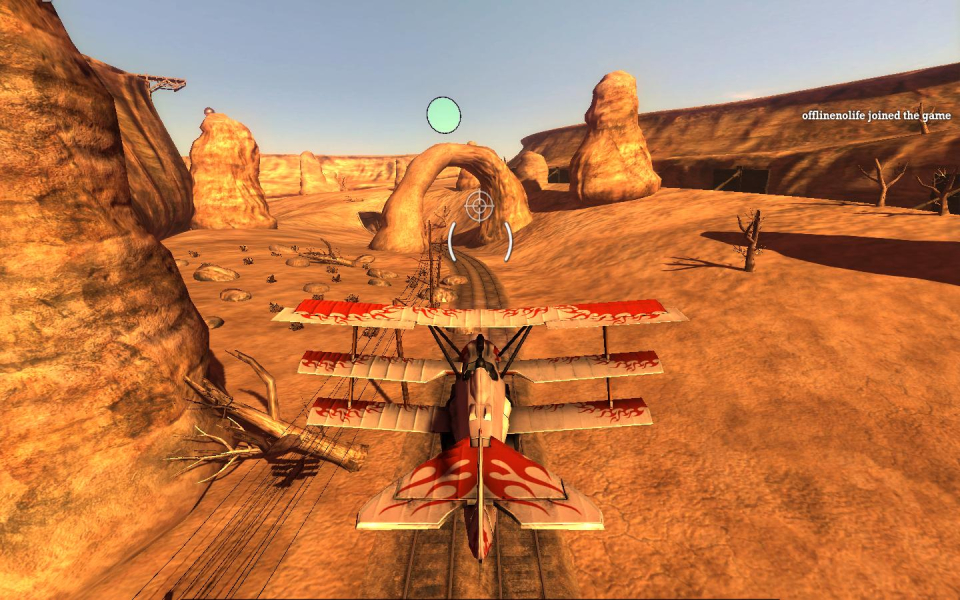
Screenshots Comparison
Solutions & Issues
Kudos to ViciousXUSMC for his hacking and lobbying efforts: http://forums.steampowered.com/forums/showthread.php?t=1538659
Personal thanks to GeneralAdmission.
Check out the detailed video tutorial by ViciousXUSMC ! http://www.youtube.com/watch?v=cdCH147Ck5o
Registry edit. By default the game is Vert- but the FOV can be adjusted manually:
HKCU\Software\DarkWaterStudios\DogFighter\\Graphics Settings
Graphics.aspectRatio //15:9 for 1280x768
Graphics.fov //use FOVCalc (http://www.widescreengamingforum.com/fovcalc.php) to get the proper value for your aspect ratio (Old Res: 1024x768, Old hFOV: 82)
Suggested values for Hor+ gameplay:
For 16:10 use Graphics.fov 92
For 15:9 use Graphics.fov 95
For 16:9 use Graphics.fov 98
For 2:1 use Graphics.fov 105
For 48:10 use Graphics.fov 144
Gameplay Screenshots

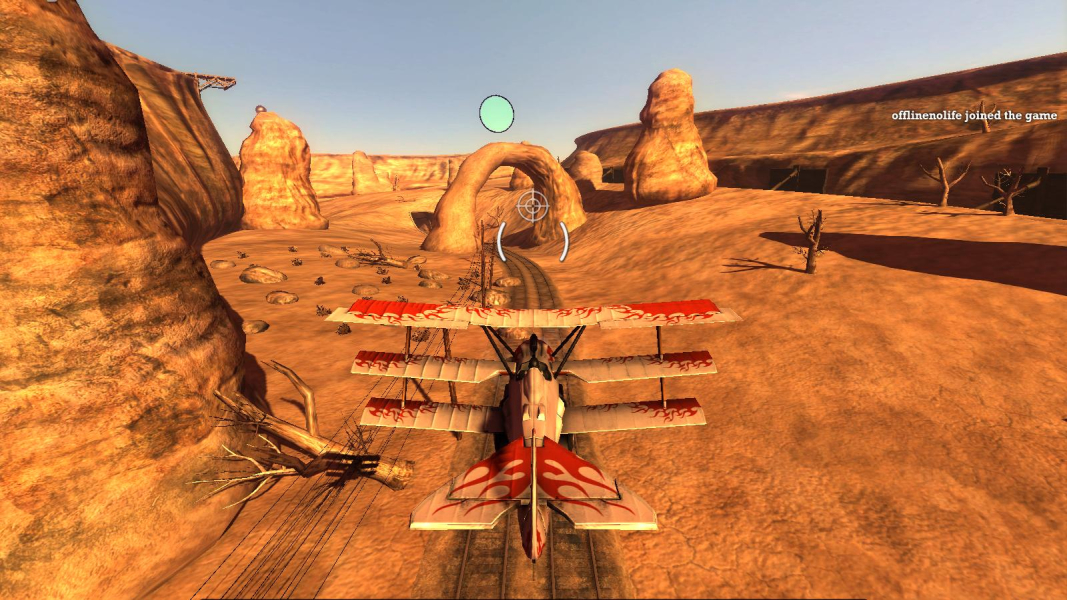


Additional Screenshots


