


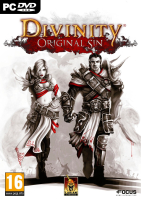


Gather your party and get ready for a new, back-to-the-roots RPG adventure! Discuss your decisions with companions; fight foes in turn-based combat; explore an open world and interact with everything and everyone you see. Join up with a friend to play online in co-op and make your own adventures with the powerful RPG toolkit.
In Divinity:Original Sin you take on the role of a young Source Hunter: your job is to rid the world of those who use the foulest of magics. When you embark on what should have been a routine murder investigation, you suddenly find yourself in the middle of a plot that will rattle the very fabric of time.
Divinity: Original Sin is a game that gives you a lot of freedom and plenty of gameplay mechanics to use or abuse. The game's epic story may drive you toward your ultimate end-goal, but how you get there is entirely up to you.
Or up to you and a friend, because Divinity: Original Sin can be played completely cooperatively, and features both online and local drop-in/drop-out multiplayer. Great adventures become even greater when shared with a trusted comrade-in-arms!
Support Summary
Game Information
Screenshots Comparison
Solutions & Issues
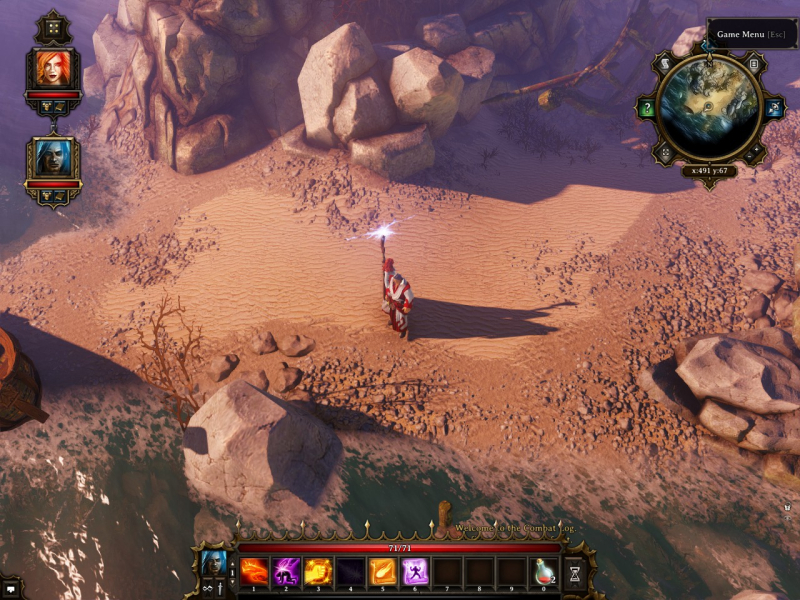
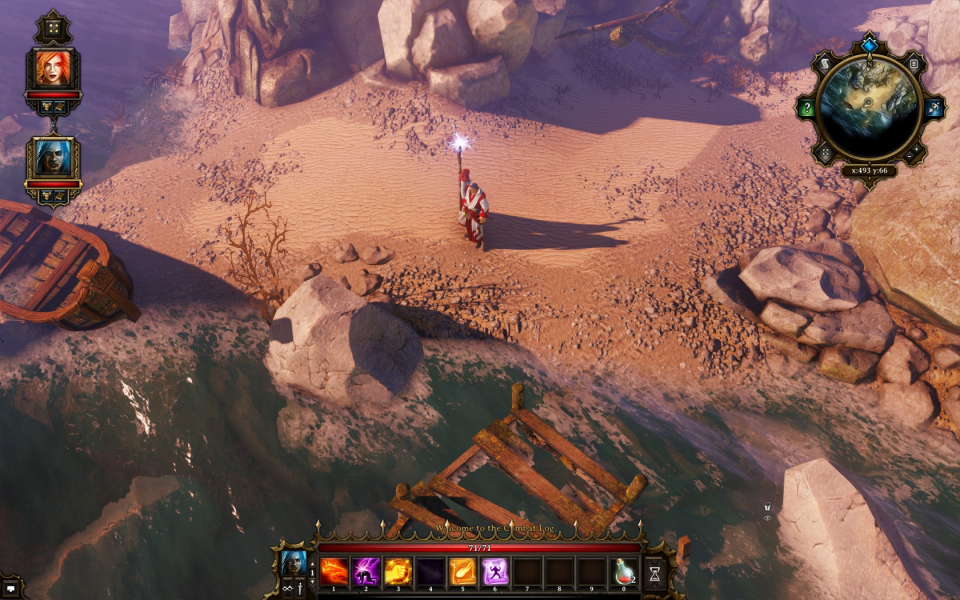
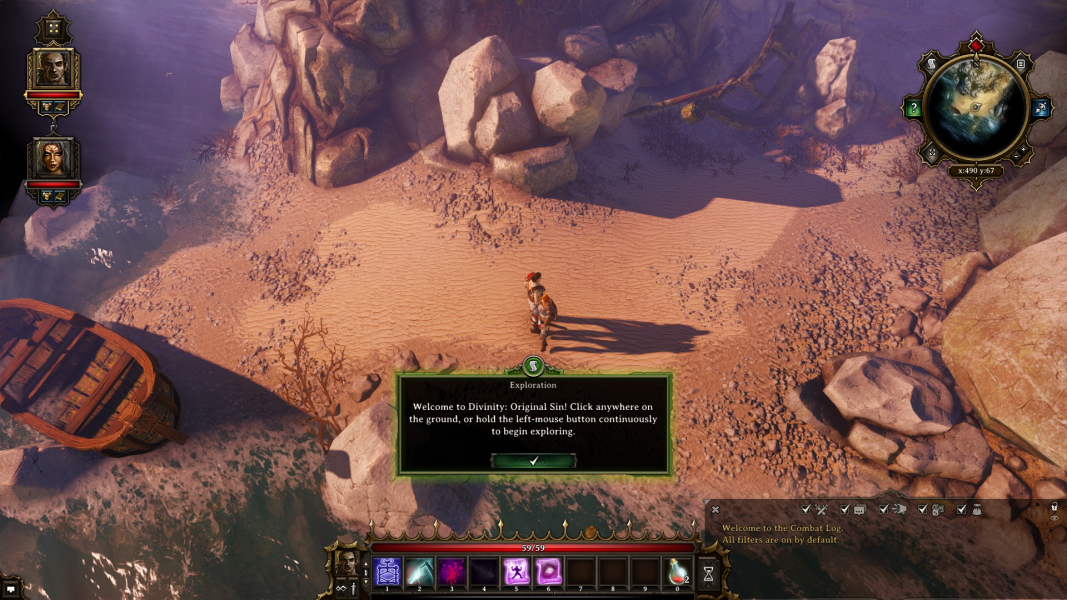
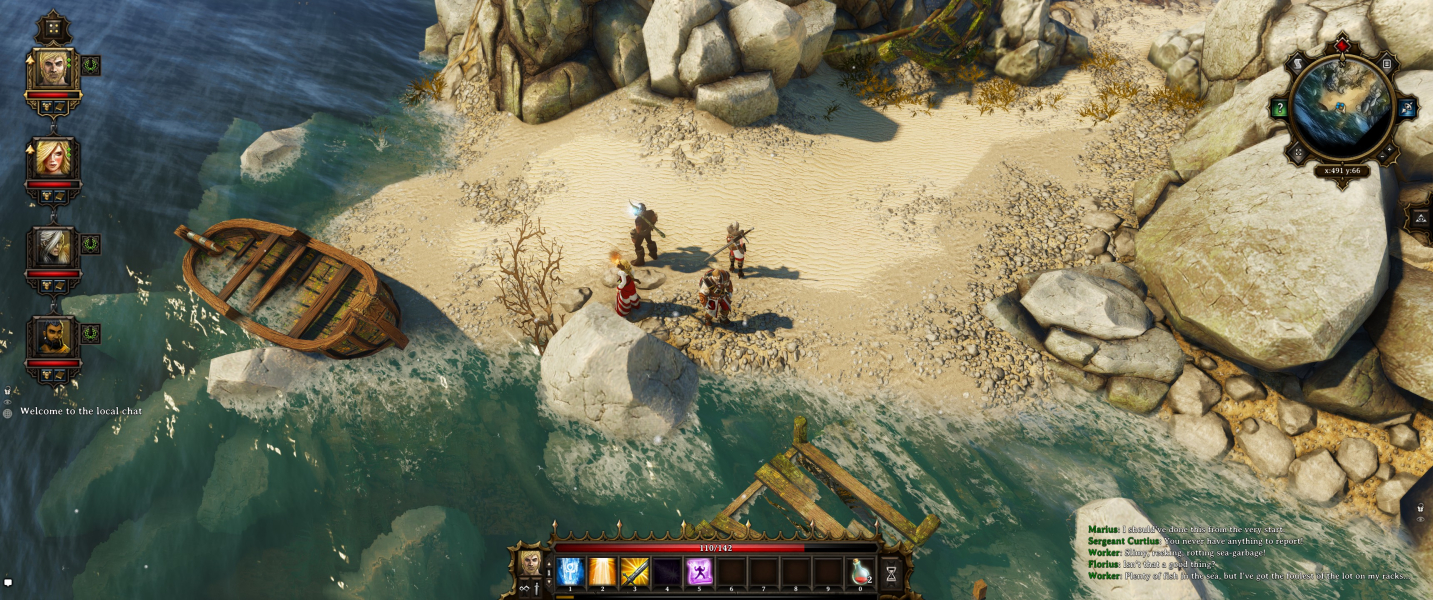
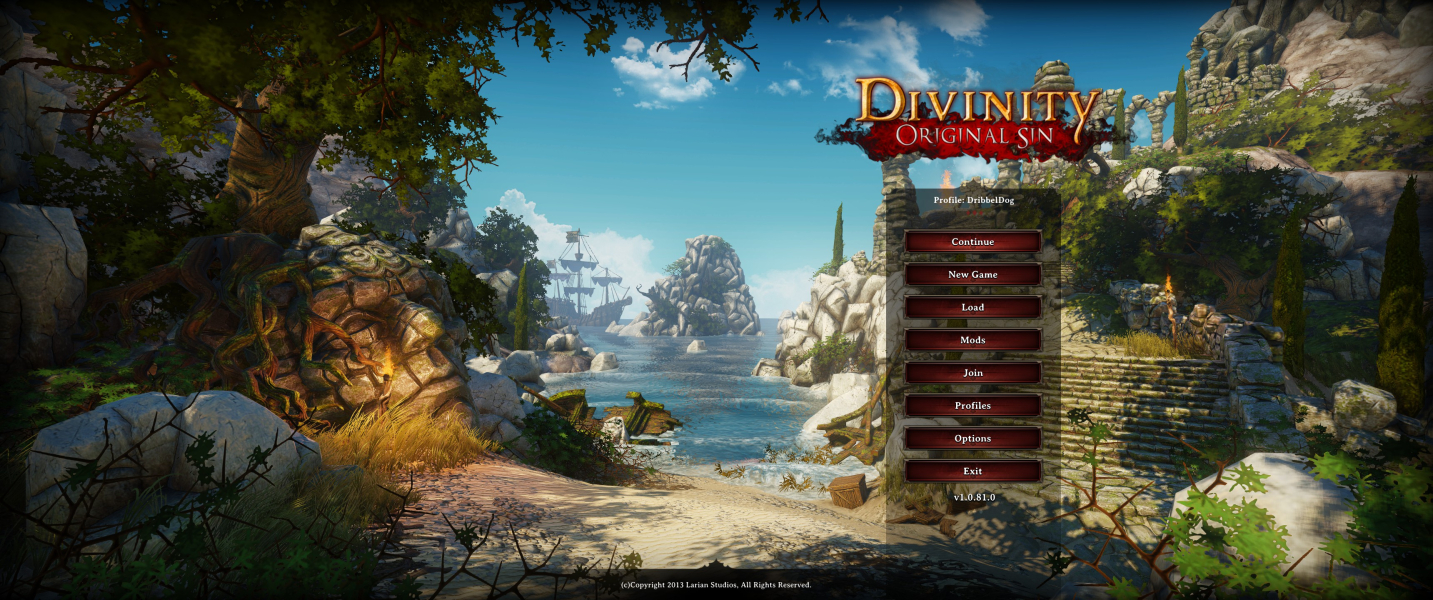
Game works great in 21:9 out of the box. Tested at 2560x1080 & 3440x1440. The minor issues with multi-monitor support don't apply as such here as a 21:9 display can generally be viewed in it's entirety more easily by the user.
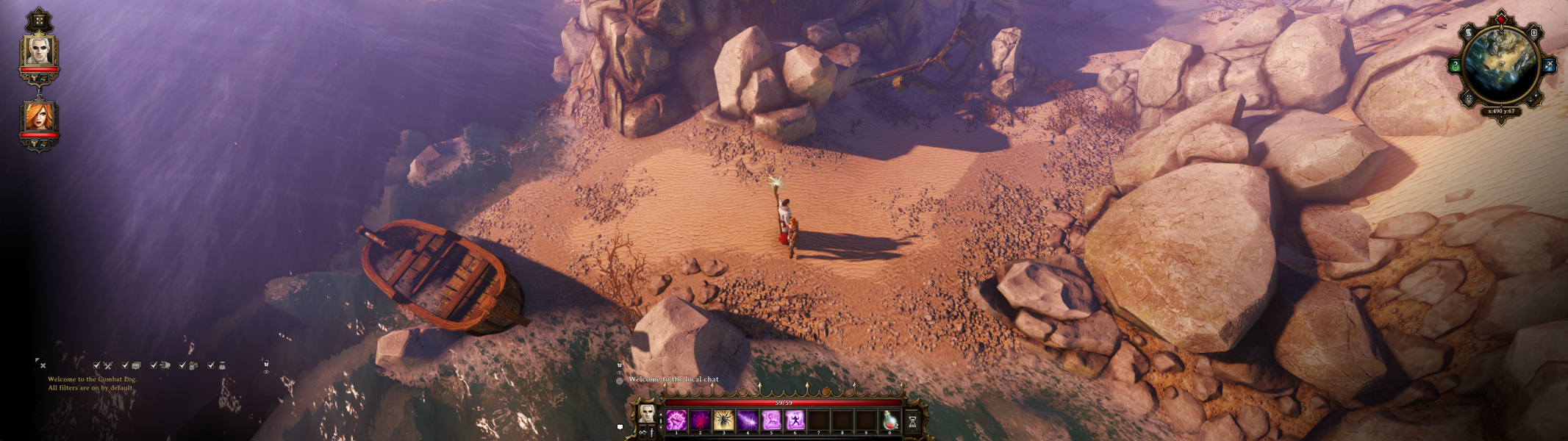
With 32:9 some Hud elements cannot be moved from the far edges but the majority of the Hud is centered or can be moved.
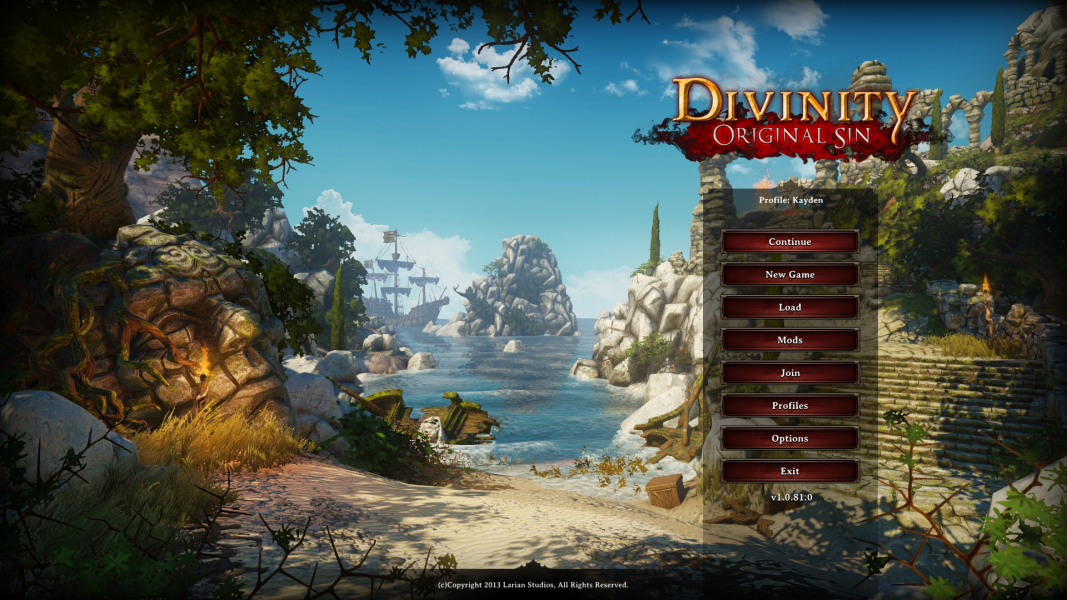
Multi-Monitor is almost perfectly incorporated the main menu fits perfectly, it is Hor+ and has native Multi-Monitor support. There are a few draw backs with Multi-Monitor however the mini map (right hand monitor) and character portraits (left hand monitor) cannot be moved anywhere else in the space. The center action bar cannot be moved either but that is a typical with these kind of games. All other in game menus like inventory, skills and etc can be moved to any point in the space but the game does not remember there locations, so they have to be moved every time you open them.
Gameplay Screenshots

In-Game (Rendered) Cutscenes

FMV Cutscenes
Menu Screenshots


Additional Screenshots


