


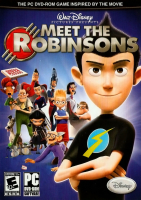


The game follows Wilbur through 40 missions and 6 different locales, a few of which are revisited in the movie. Secret Blueprints allow the player to "build" different Cheats and Extras, using Cornelius Robinson's Transmogrifier. This machine creates items using Base Components which Wilbur collects during his adventure. A Breakout like game called Chargeball is both featured in the game itself and as an extra gameplay option. Different Chargeball "maps" can be found throughout game and it is up to Wilbur to become the Chargeball champion.
Support Summary
Game Information
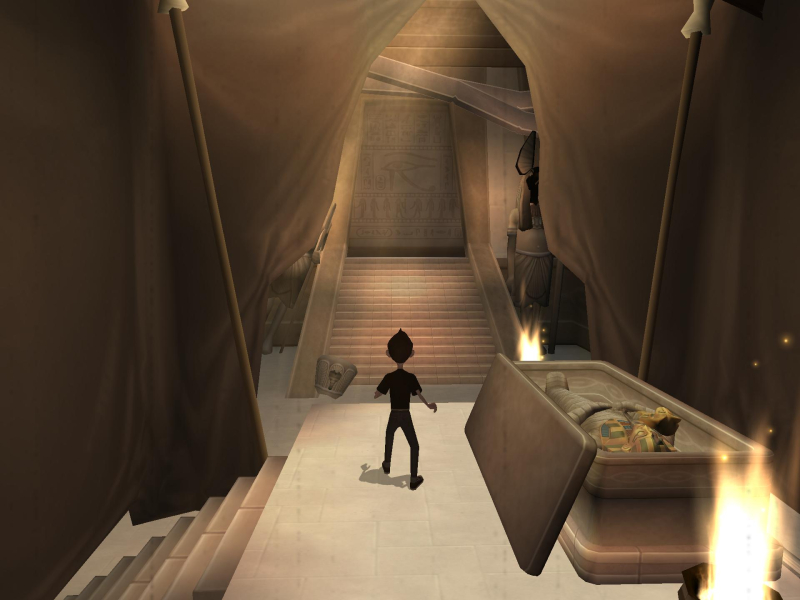
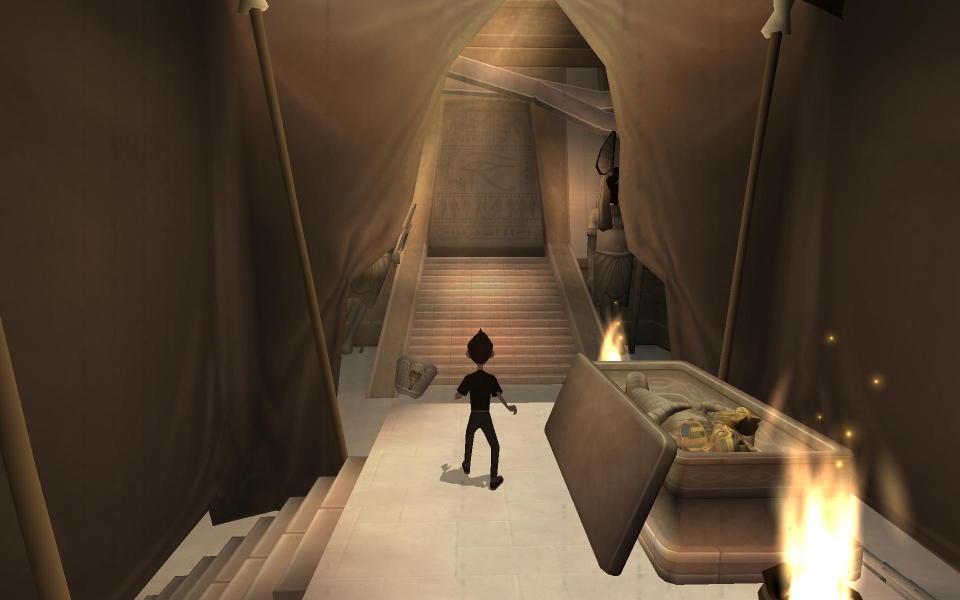
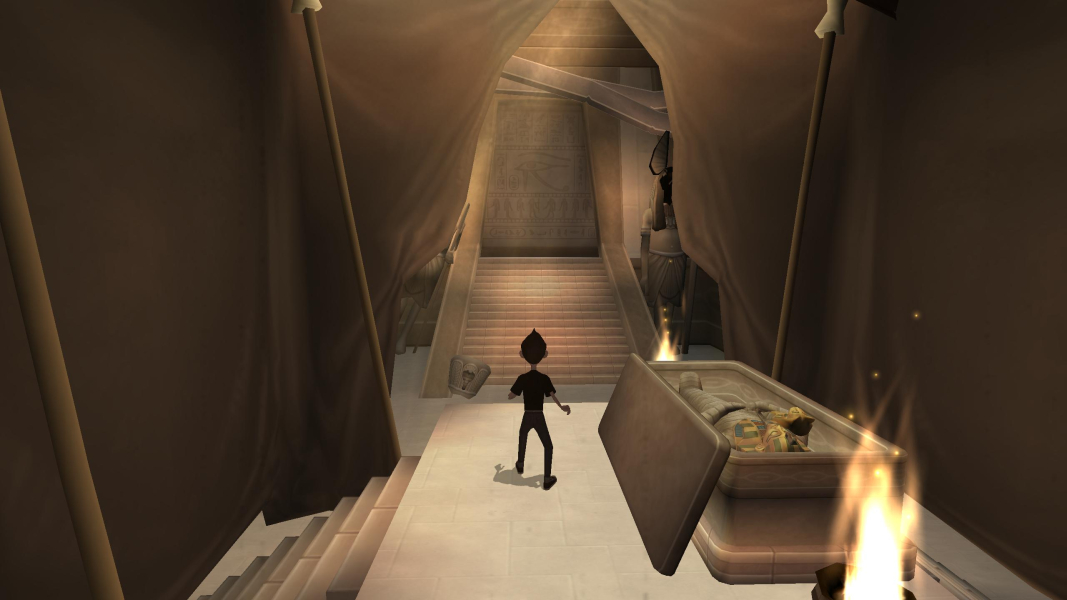
Screenshots Comparison
Solutions & Issues
Retail Version: Only 4:3 resolutions are available - a Hex edit is necessary for HOR+
Go to your Game root folder and open Wilbur.exe in a hex editor.
Look for AB AA AA 3F and change it to CD CC CC 3F (for 16:10) or 39 8E E3 3F (for 16:9).
Now open Launcher.exe in a hex editor and look for 1280x1024 (as text) and change it to your resolution for example 2560x1440.
OR
You can make a Shortcut from Wibur.exe and add this string -dxresolution=2560x1440 -dxwindowed
-dxresolution = your resolution
-dxwindowed = for windowed mode
Start the Game and select 1280x1024 in the Game Launcher.
Same solution as in Widescreen.
Go to your Game root folder and open Wilbur.exe in a hex editor.
Look for AB AA AA 3F and change it to 60 E5 18 40 (for 21:9).
Now open Launcher.exe in a hex editor and look for 1280x1024 (as text) and change it to your resolution for example 3440x1440.
Same solution as in Widescreen.
Go to your Game root folder and open Wilbur.exe in a hex editor.
Look for AB AA AA 3F and change it to AB AA AA 40 (for 48:9).
Now open Launcher.exe in a hex editor and look for 1280x1024 (as text) and change it to your resolution for example 5760x1080.
Same solution as in Widescreen.
Gameplay Screenshots
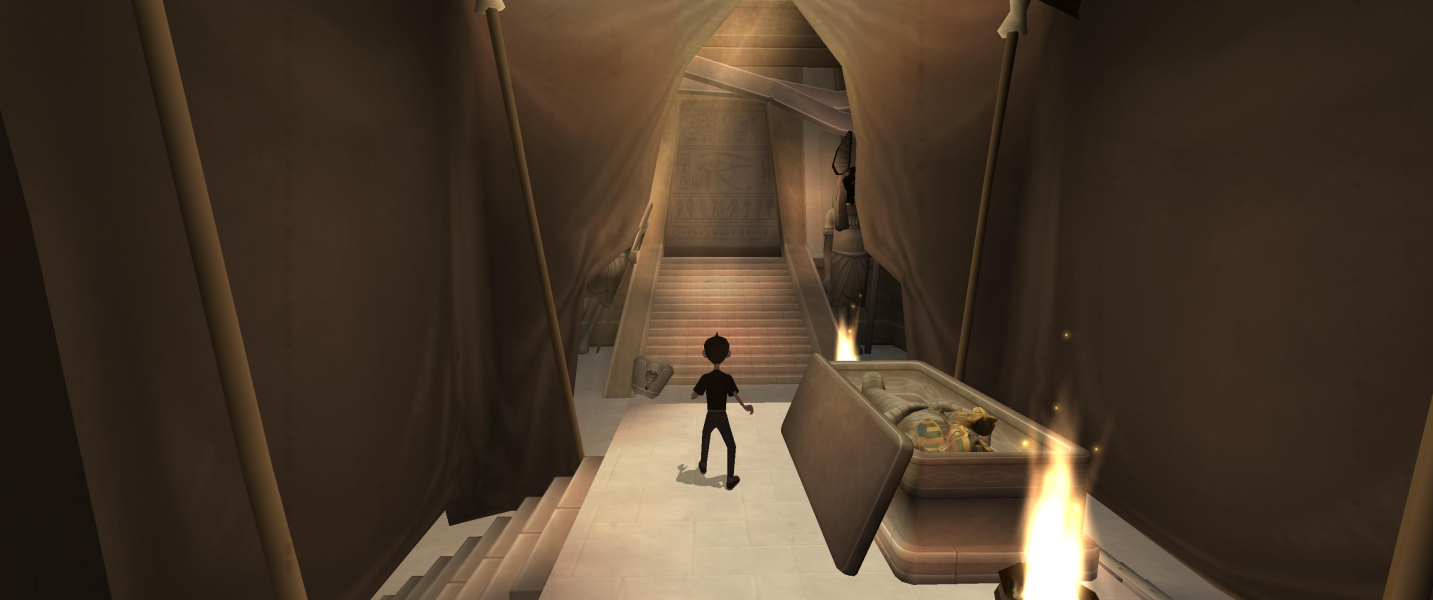


In-Game (Rendered) Cutscenes





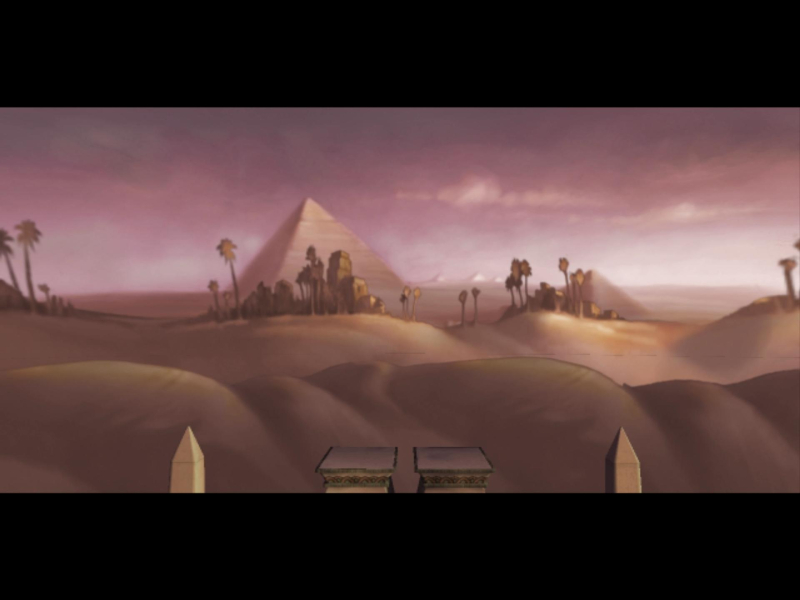
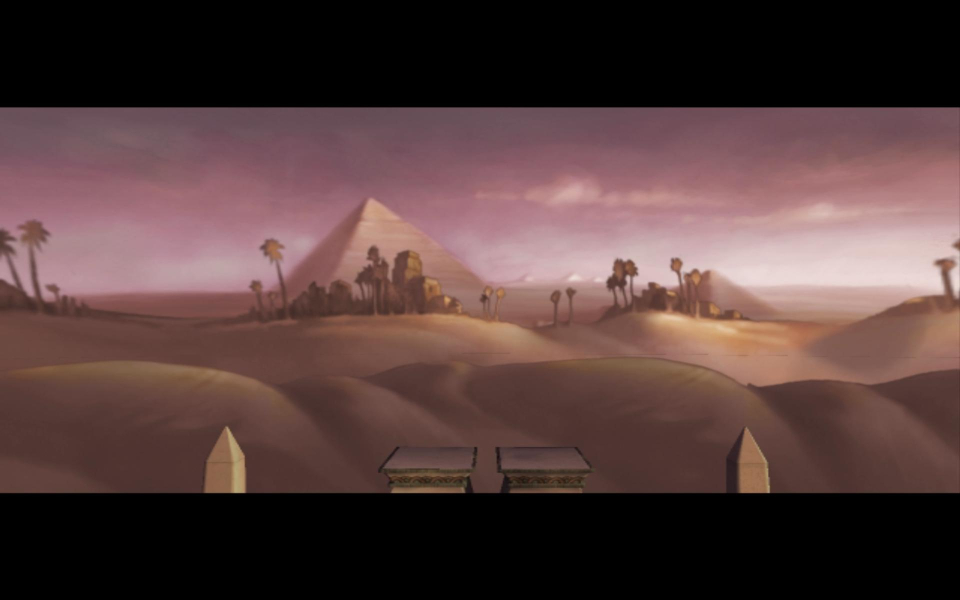
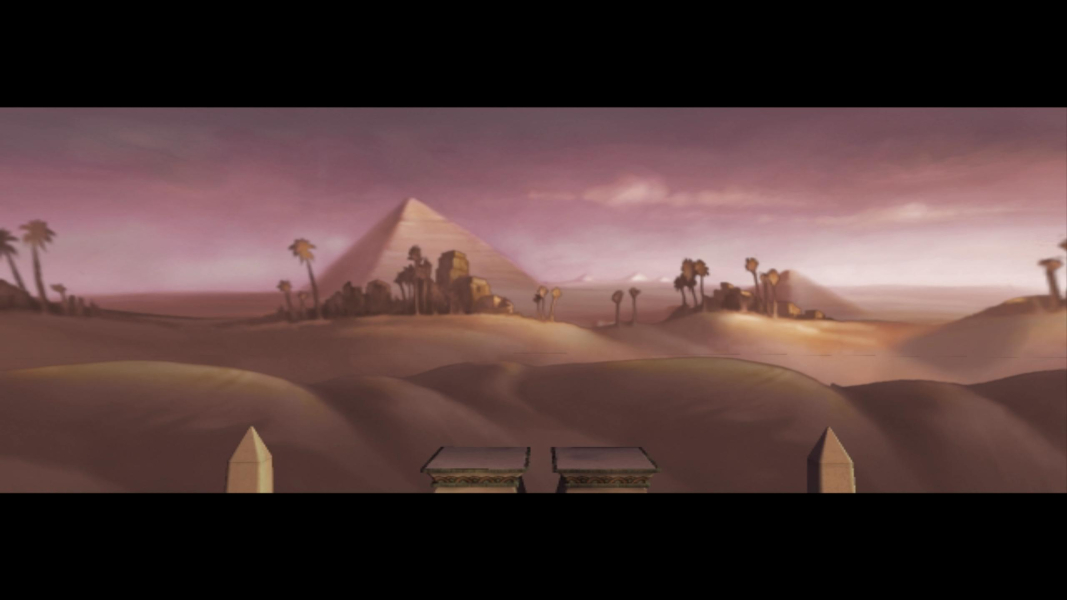
FMV Cutscenes
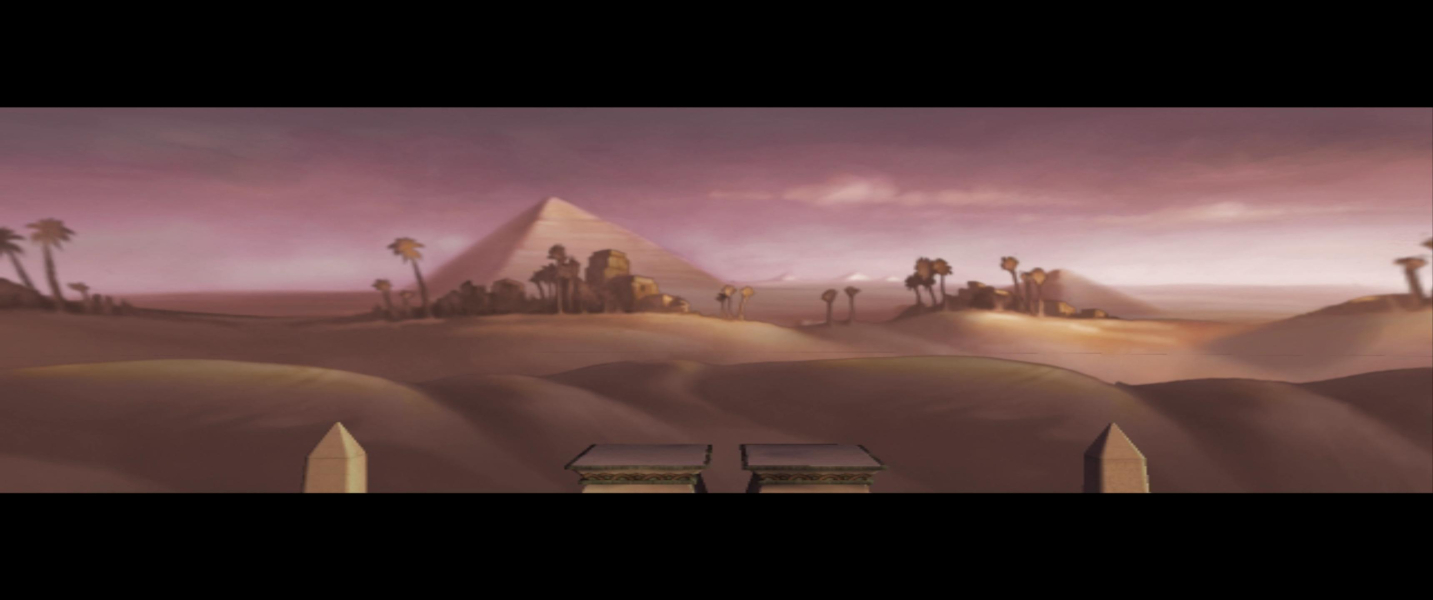

Menu Screenshots
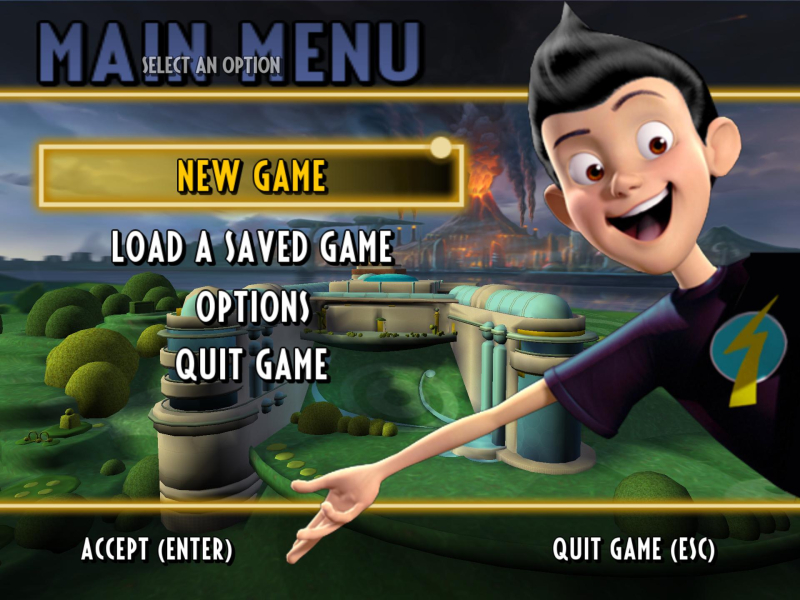
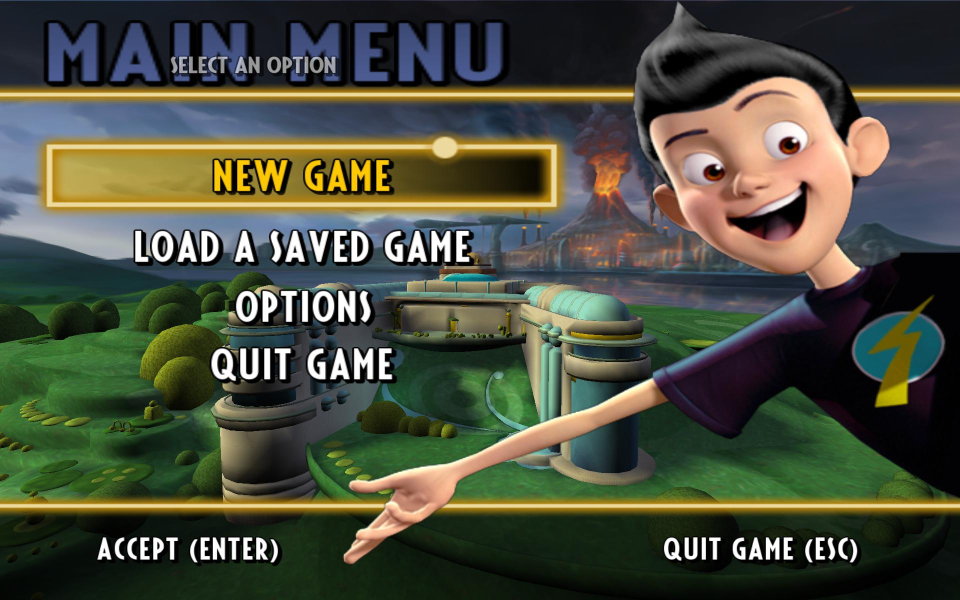
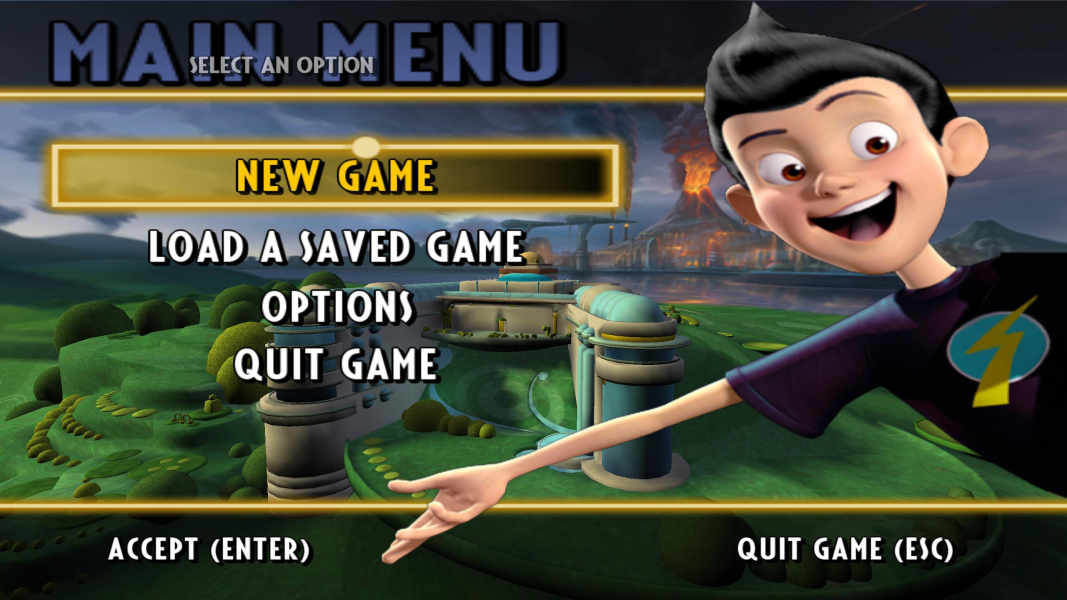
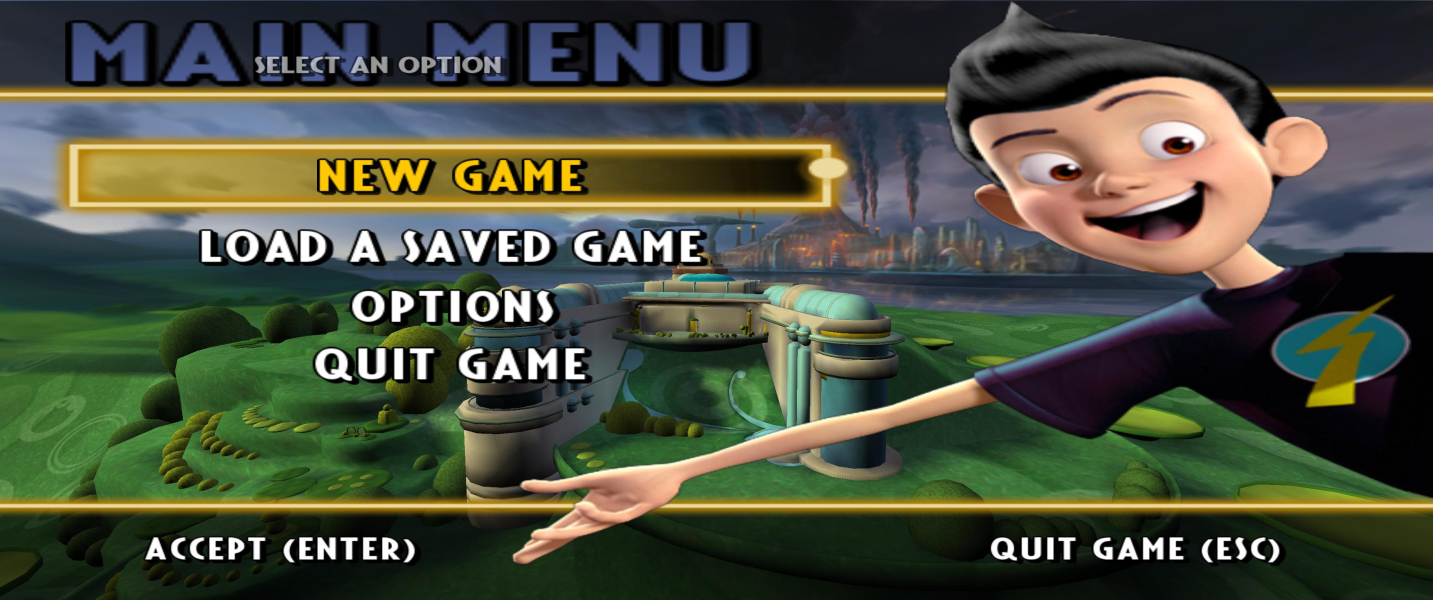

4K UHD Screenshots
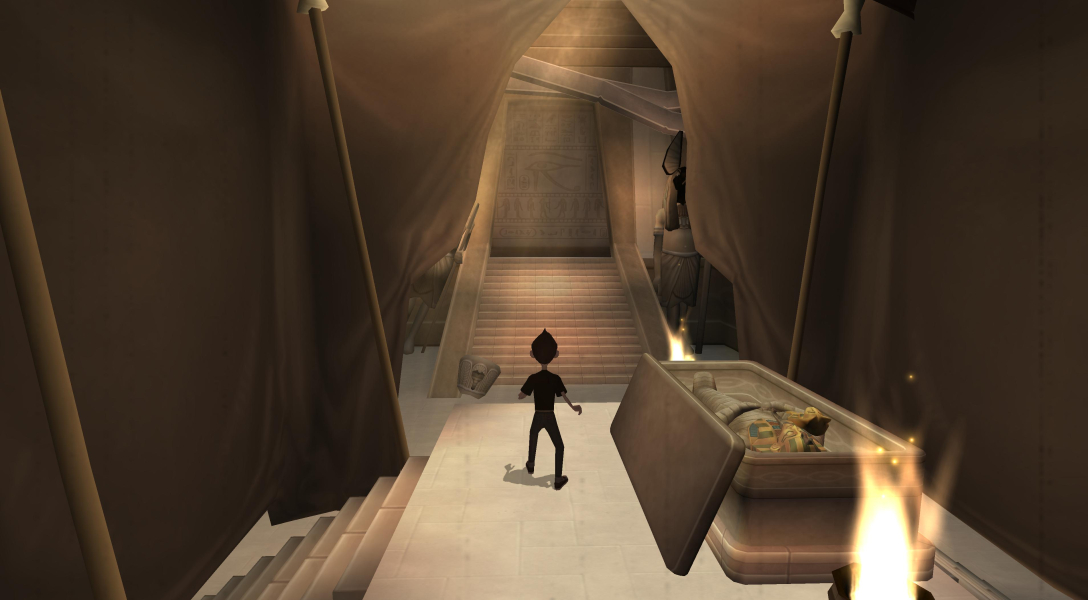

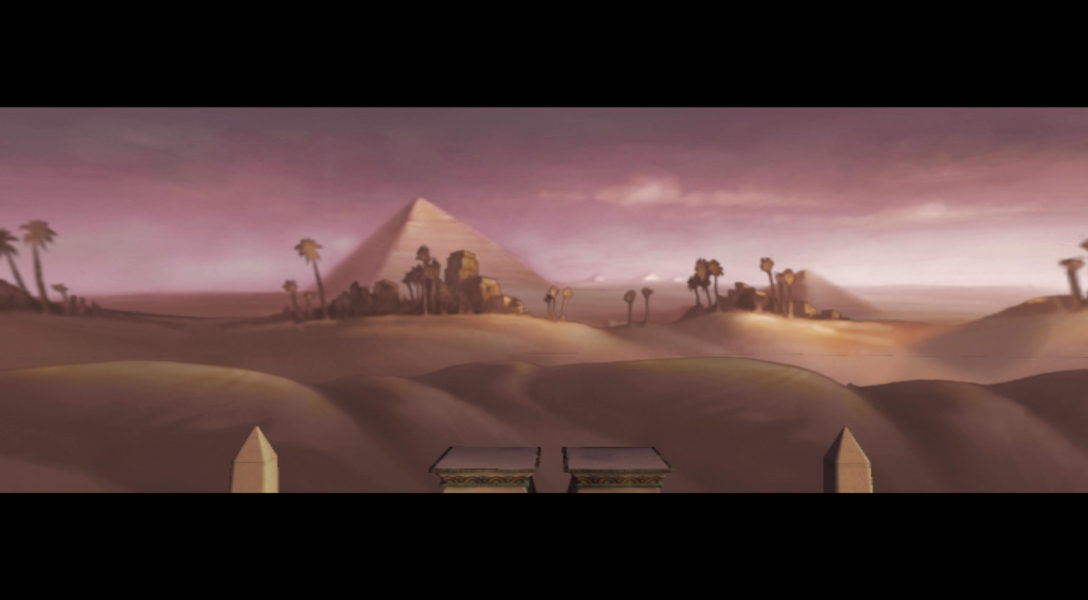

Additional Screenshots


