


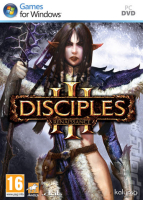


Disciples 3 is a turn-based strategy game in the vein of Heroes of Might & Magic V or King's Bounty.
The main feature that sets Disciples apart is that every unit in a hero's army does not represent a group, but is a single creature which can be healed or even resurrected between combats, and will transform into an upgraded version of itself as soon as it gains enough XP.
Support Summary
Game Information
Screenshots Comparison
Solutions & Issues
Native. Simply select your resolution from the options menu, then quit and restart the game (otherwise it may just stretch). Settings are saved in Documents\My Games\DisciplesIII\user.ini (or Program Files\Kalypso\Disciples III\System\user.ini prior to patch 1.60.2)
(Tanukiproof disclaimer: optional "cinematic camera" sequences as units attack are as Hor+ as the rest of gameplay, but you'll have to take my word for it since random cam positions and quick movements would make taking comparison screenshots a major PITA.)
Dialog scenes happen on a UI-less world map. The text crawls over all the available display width.
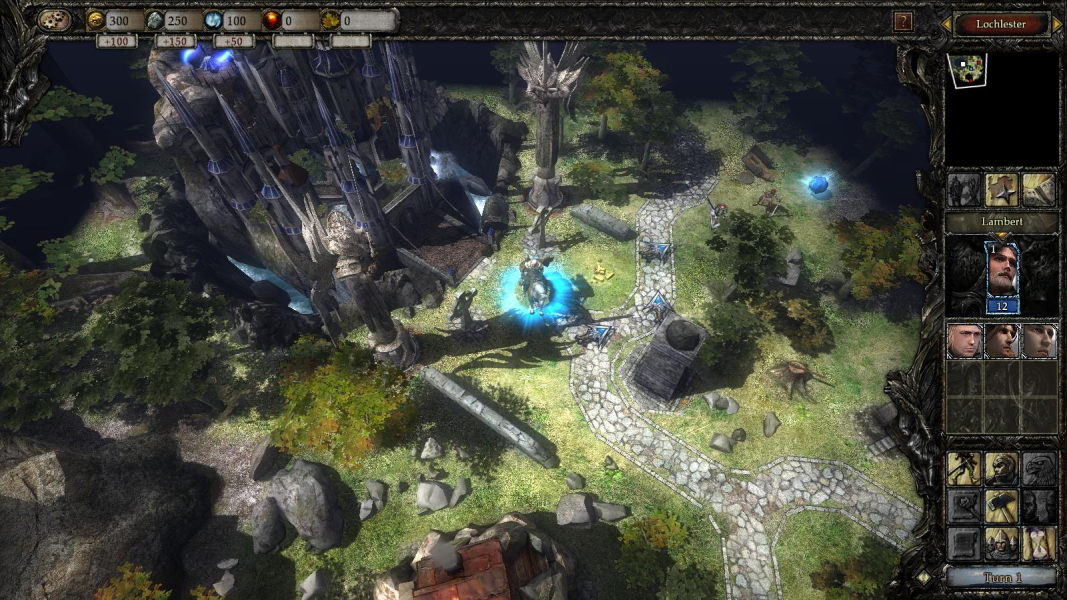
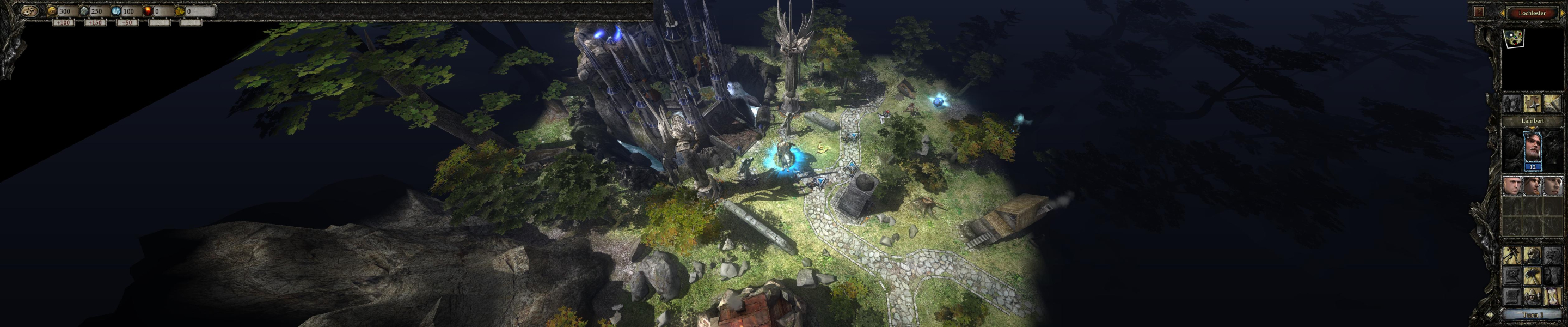
Native, Hor+ gameplay.
Simply select your resolution from the options menu. Menus may disappear as the new setting is applied (esp. when switching from a multi-mon to a single-screen resolution) so you may have to Alt+F4 out of the game and restart.
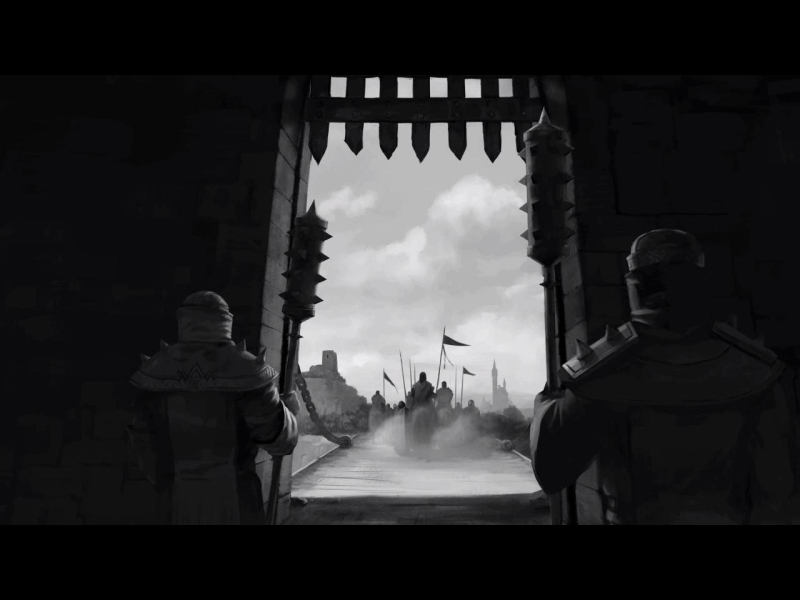
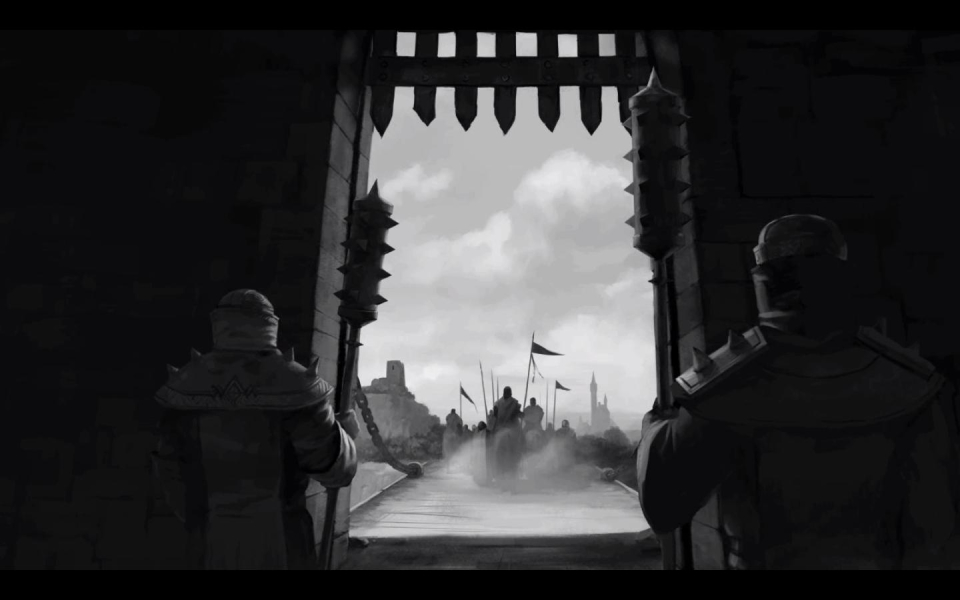
FMVs are Vert-
Loading screen backdrops stretch, but all text remains intact... on the right-hand screen.
Dialog scenes are, well, Hor+.
Gameplay Screenshots




FMV Cutscenes


Additional Screenshots


