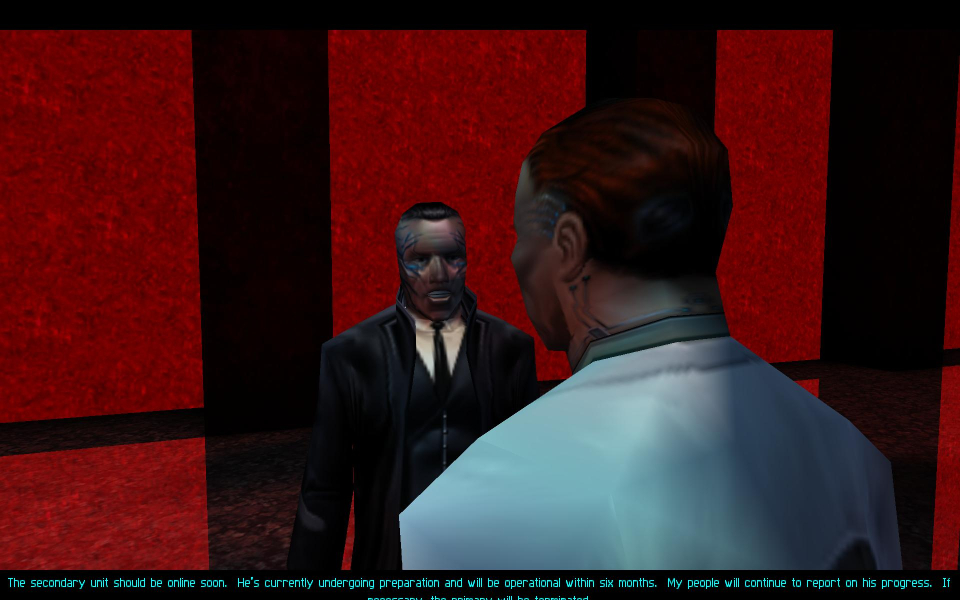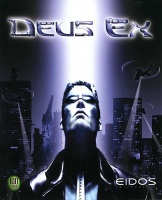


Deus Ex is an FPS/RPG hybrid from Ion Storm and Eidos Interactive. It is most notable for its free-form skill-based gameplay, which allows nearly unlimited solutions to missions, often allows for multiple outcomes, and lets you shape your character to be best suited for your style of play by allowing you to develop the skills of your choice.
Support Summary
Game Information
Screenshots Comparison
Solutions & Issues
Vert- by default. Set FOV for Hor+. Use Deus Exe for automatic FOV handling. Glide renderer may not work for this; choose Direct3D, Direct3D 10, or OpenGL. The included Direct3D renderer will not work for resolutions higher than 2048x1536.
Some higher resolutions may have HUD scaling issues. Use Deus Exe to adjust HUD scaling or set it manually.
Manual steps:
Open user.ini. Find these lines:
DesiredFOV=75.000000
DefaultFOV=75.000000
Change the values to set your FOV to your preference. I recommend 85 for 16:10 resolutions and 90 for 16:9 resolutions.
Choose your resolution in-game. Alternately, go to \system and force in deusex.ini:
FullscreenViewportX=xxxx
FullscreenViewportY=xxx
If your resolution constantly resets in user.ini:
First run the game and select a 4x4 digit res from the video options menu, i.e 1600x1200 or 1280x1024. Then you can edit user.ini and your new resolution will stick.
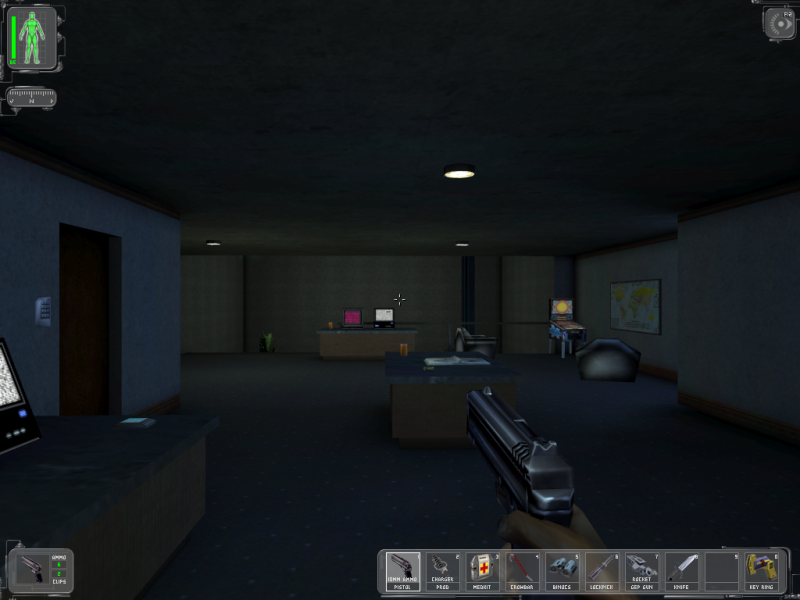
To the best of my knowledge, the FOV setting affects every part of the gameplay that uses the 3D view. 2D gameplay elements, mainly the extensive screens used for things like managing inventory, augments, and logs, are scaled correctly.
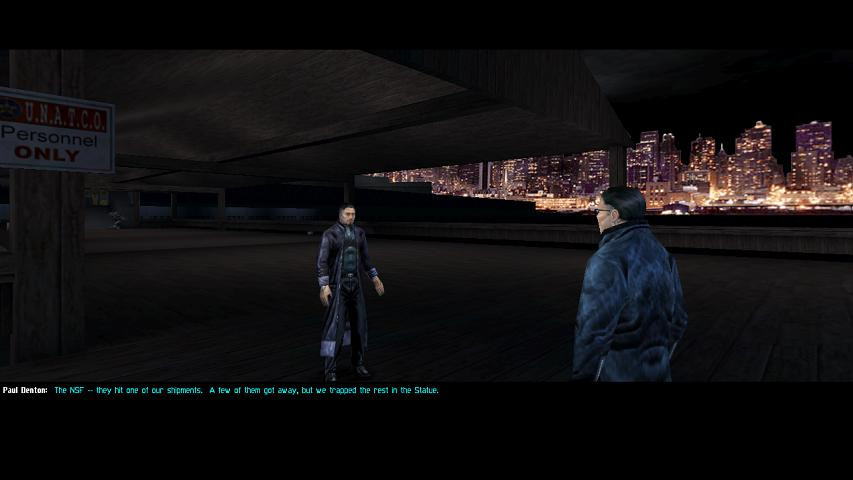
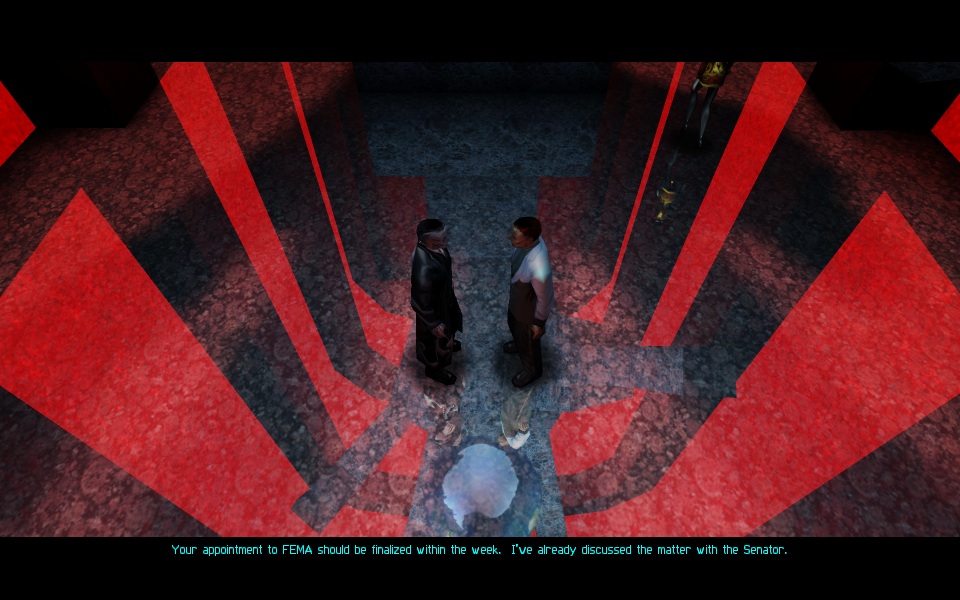
However, in the cut-scenes, at some of the higher resolutions, parts of the subtitles can get cut off. Dialog is all spoken, so this shouldn't hurt playability.
The cut-scenes are rendered ingame. Unexpectedly, they are anamorphic, independent of your FOV setting.
Resolution is detected but FOV must be set manually - see widescreen steps.
Direct3D renderer does not work--choose OpenGL or use the Direct3D 10 renderer.
Resolution is detected but FOV must be set manually - see widescreen steps.
Direct3D renderer does not work--choose OpenGL or use the Direct3D 10 renderer.
Gameplay Screenshots
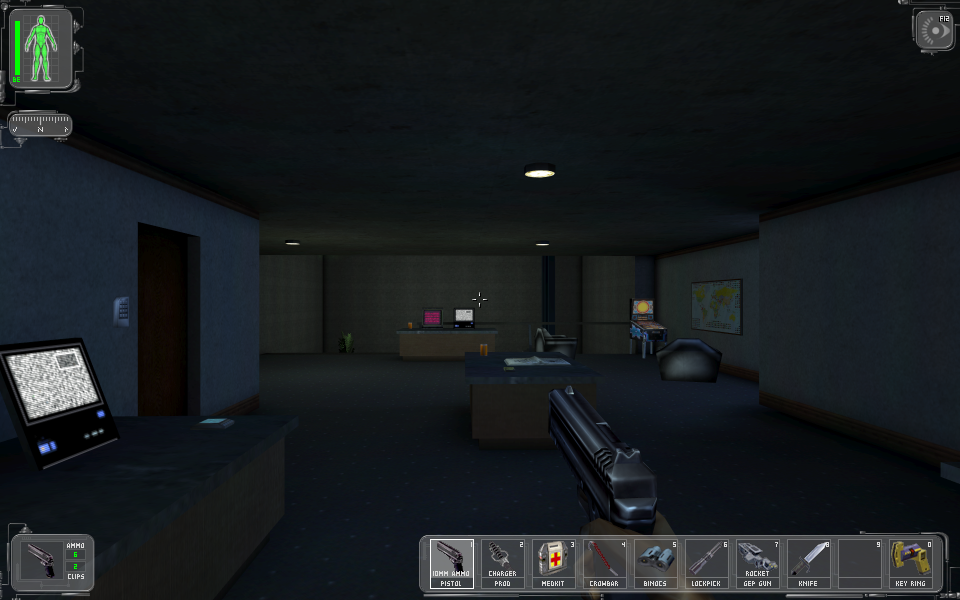

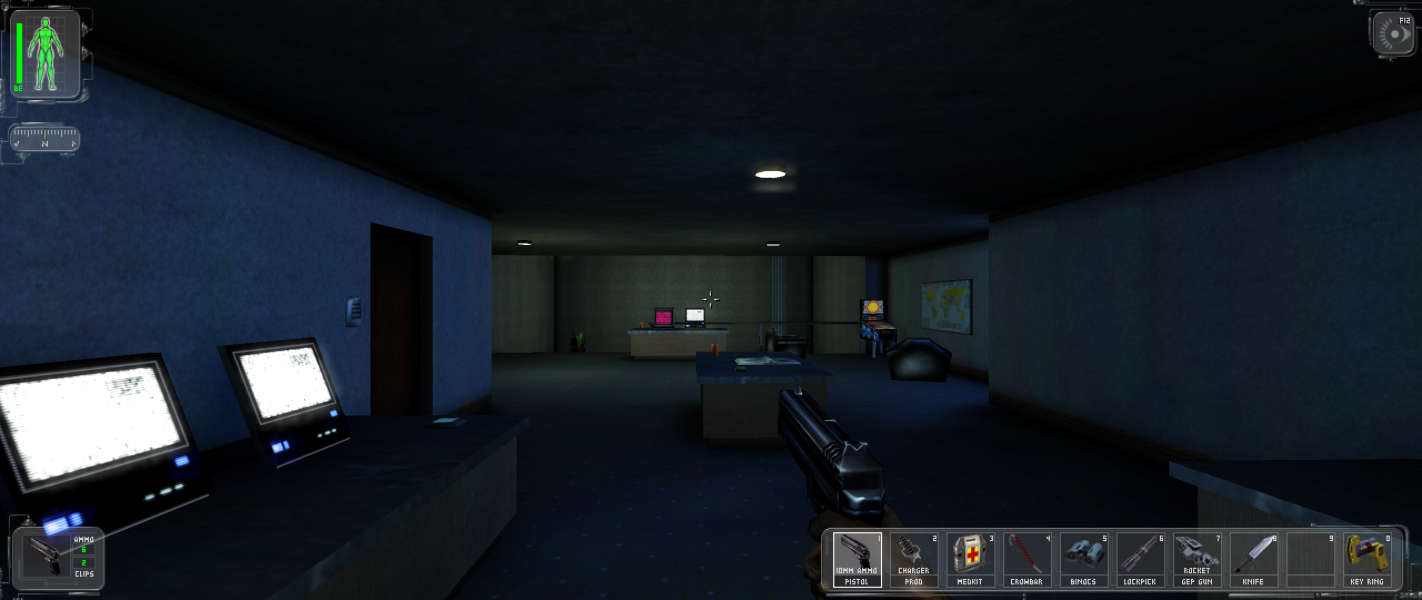


In-Game (Rendered) Cutscenes




Additional Screenshots