

Protect the town of Jorvik from monsters while vying for power with rival factions through alliances, threats and tribute.
Support Summary
Game Information
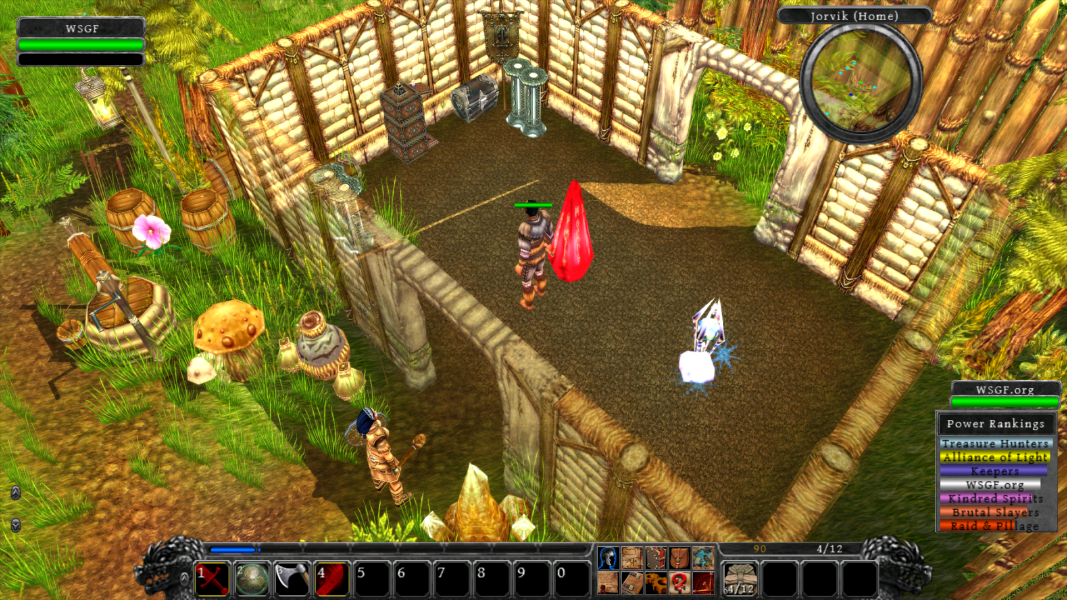
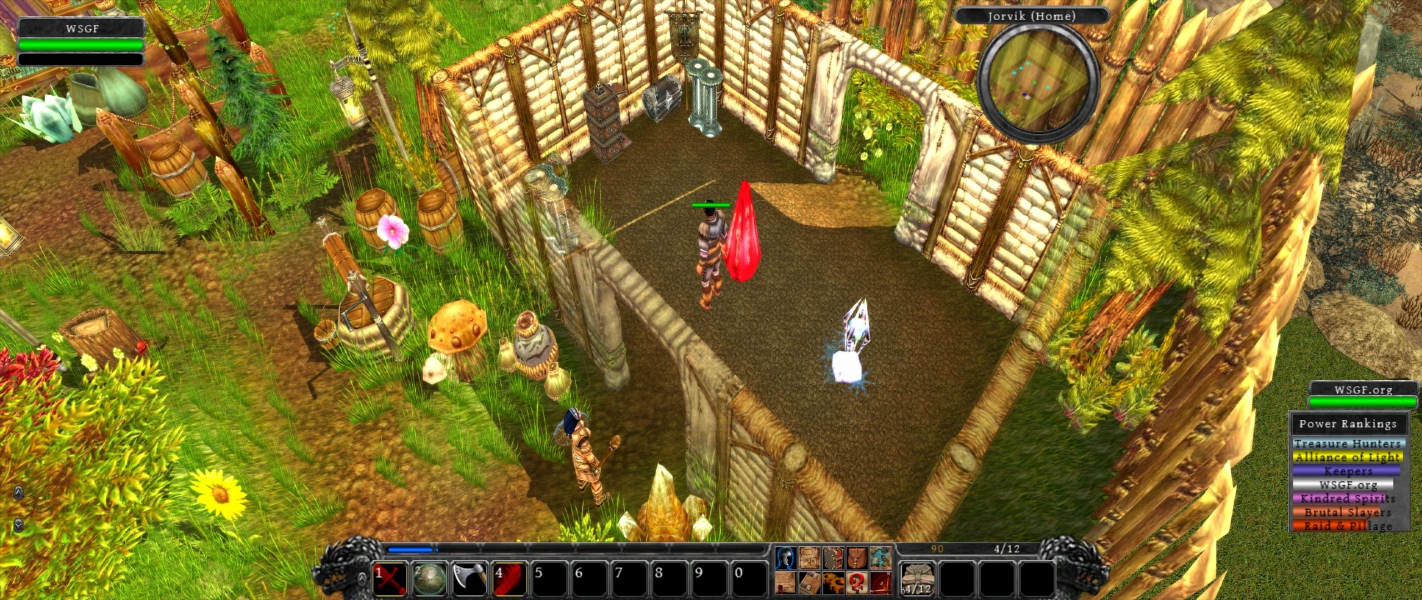
Screenshots Comparison
Solutions & Issues
All resolutions are detected from the system and listed in-game. Everything has the correct aspect ratio.
Resolutions can also be set manually by editing User\user.cfg and setting r_width and r_height to the resolution you want.
Disabling the "Center Widescreen UI" setting (enabled by default) will result in all 2D elements being stretched from 4:3.
NPCs and some world objects will disappear at the edges of the screen at higher zoom levels. This happens at all aspect ratios (even 4:3) but is more obvious with wider aspect ratios.
Perspective View adjusts the perspective of the 3D rendering. The result will vary by aspect ratio. When this setting is disabled (shows an empty space instead of a solid X block) the game will use a consistent result across all aspect ratios.
NPC/object disappearance is visible to the sides of the output.
NPC/object disappearance is very obvious on the side displays.
Shadows flicker when set to Advanced (severity may depend on the zoom level). Set shadows to Complex or lower to avoid this.
Perspective View is broken. The game will render some 3D elements with the wrong orientation (e.g. upside down) and will crash at certain zoom levels. Ensure Perspective View is disabled (shows an empty space instead of a solid X block).
The health/mana and faction power bars display at the far edges of the display. Everything else is centred correctly.
Gameplay Screenshots



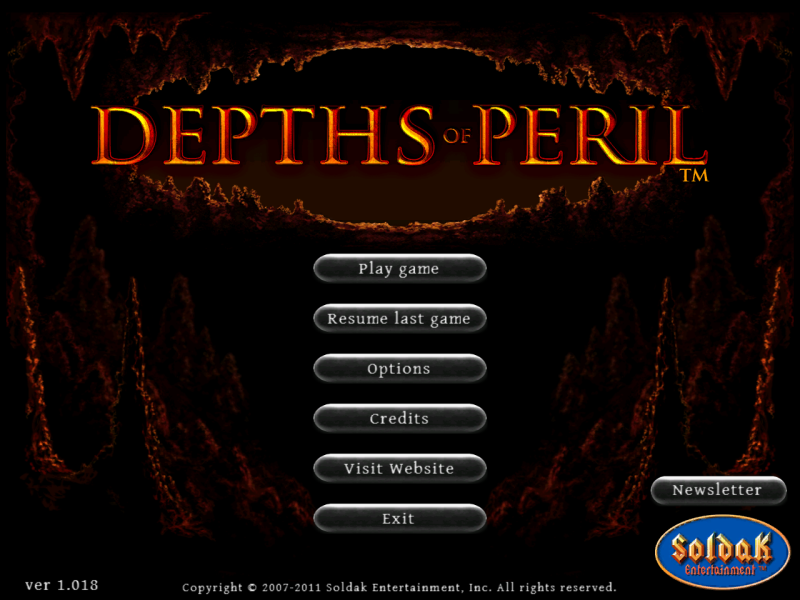
Menu Screenshots



Additional Screenshots