Depth Hunter 2: Deep Dive

A joint iOS/PC release, the new Depth Hunter is even more relaxed and accessible than its predecessor. No more evasion maneuvers or line tension to worry about: every fish shot is automatically bagged, thus making the "hunt" as effortless and cheerful as flower picking... until you get too close to a crab or jellyfish, at least.
The campaign features fishing, photography and timed treasure hunting missions over three locales. Experience and money will grant access to better equipment so you can swim faster, hold your breath longer, store more pictures, or shoot fish from further away. Freeroam mode lets players explore each area, gather XP & loot and kill, kill, kill the pretty fishies to their heart's content.

Support Summary

Widescreen
Ultra/Super‑Wide
Multi-Monitor
4K Ultra HD
Support
Method
HUD
Cutscenes
FMVs

Game Information

Game Status:Released
Release Date:
Tested Version:Steam
Play Styles:Single-Player
Setting:Modern
Developer:Biart

Screenshots Comparison

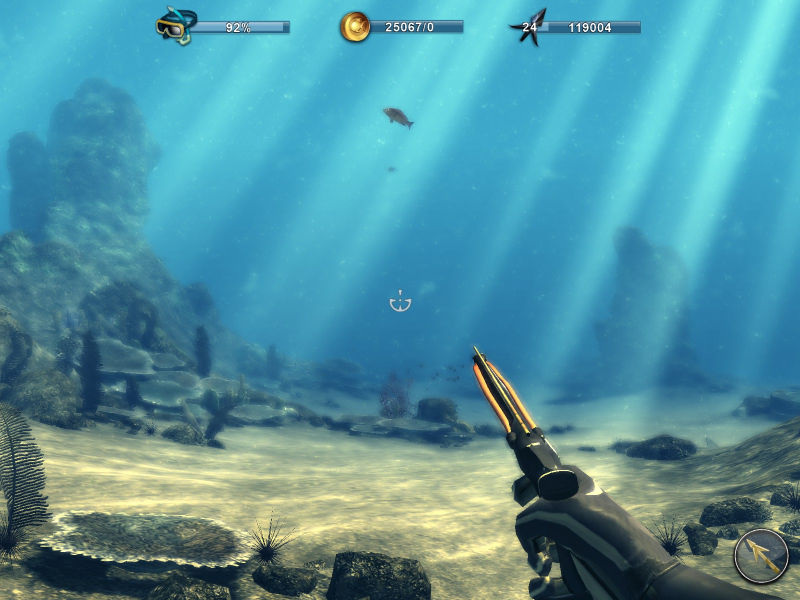
4:3 Screenshot
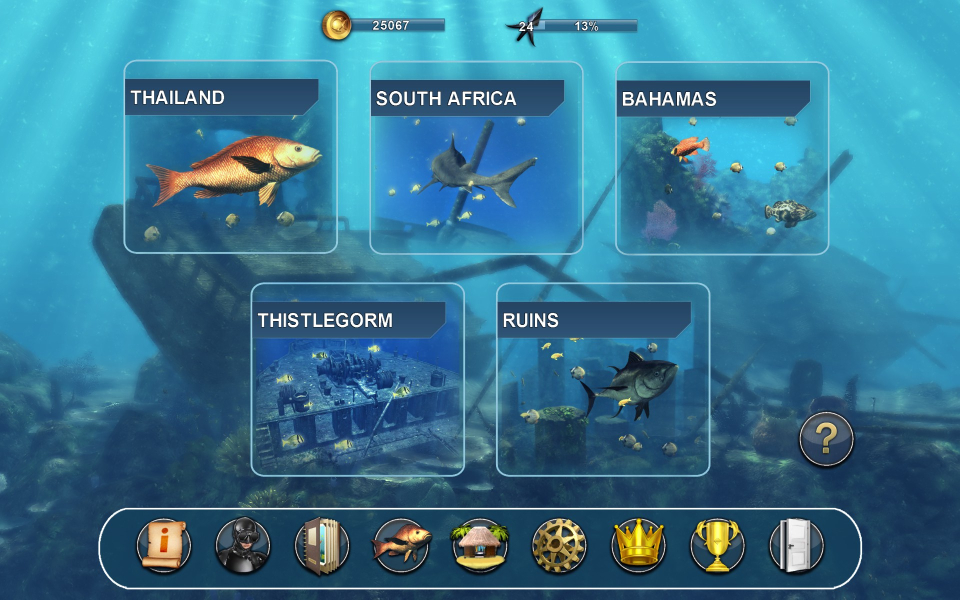
16:10 Screenshot
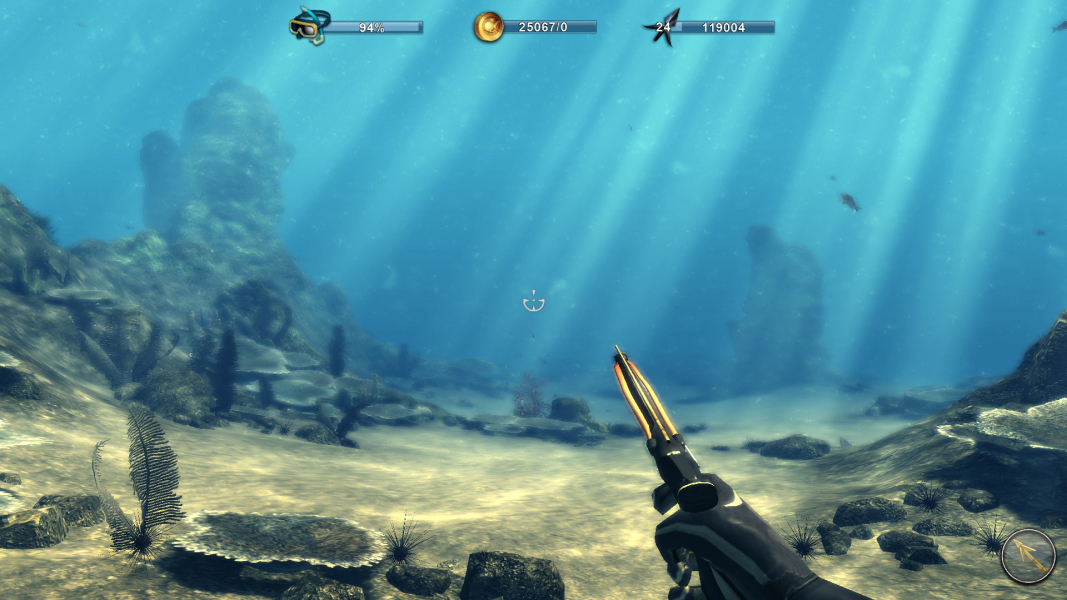
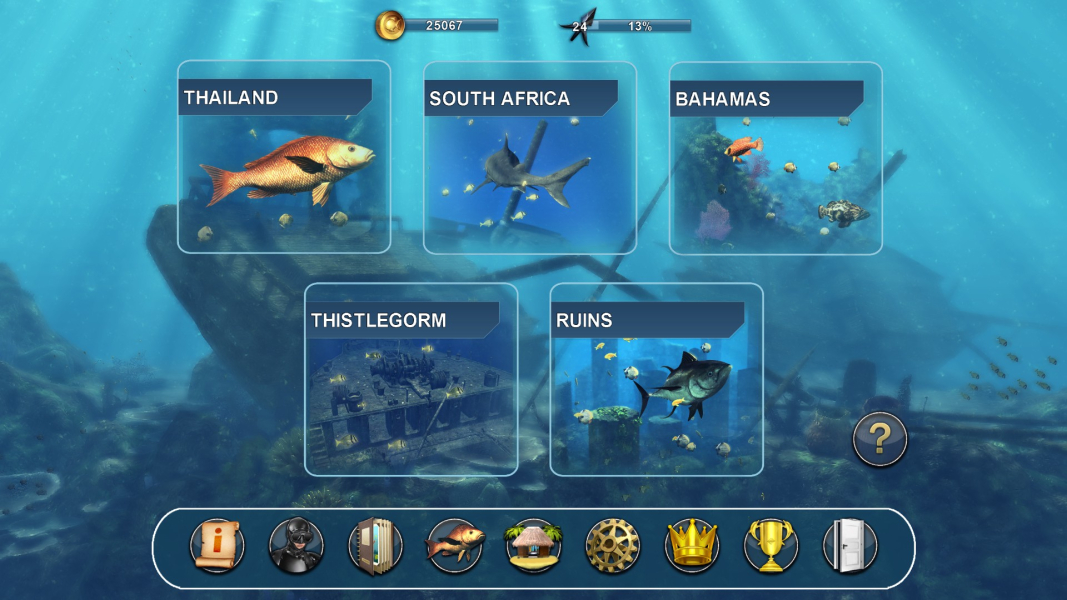
16:9 Screenshot
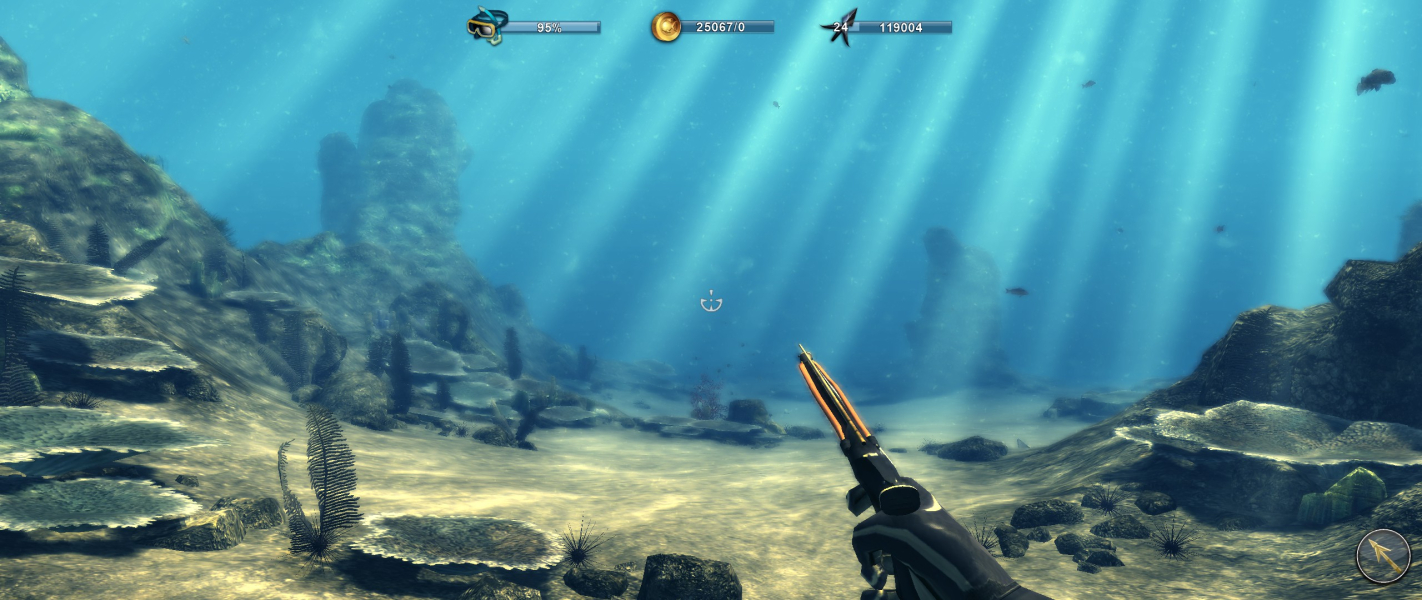
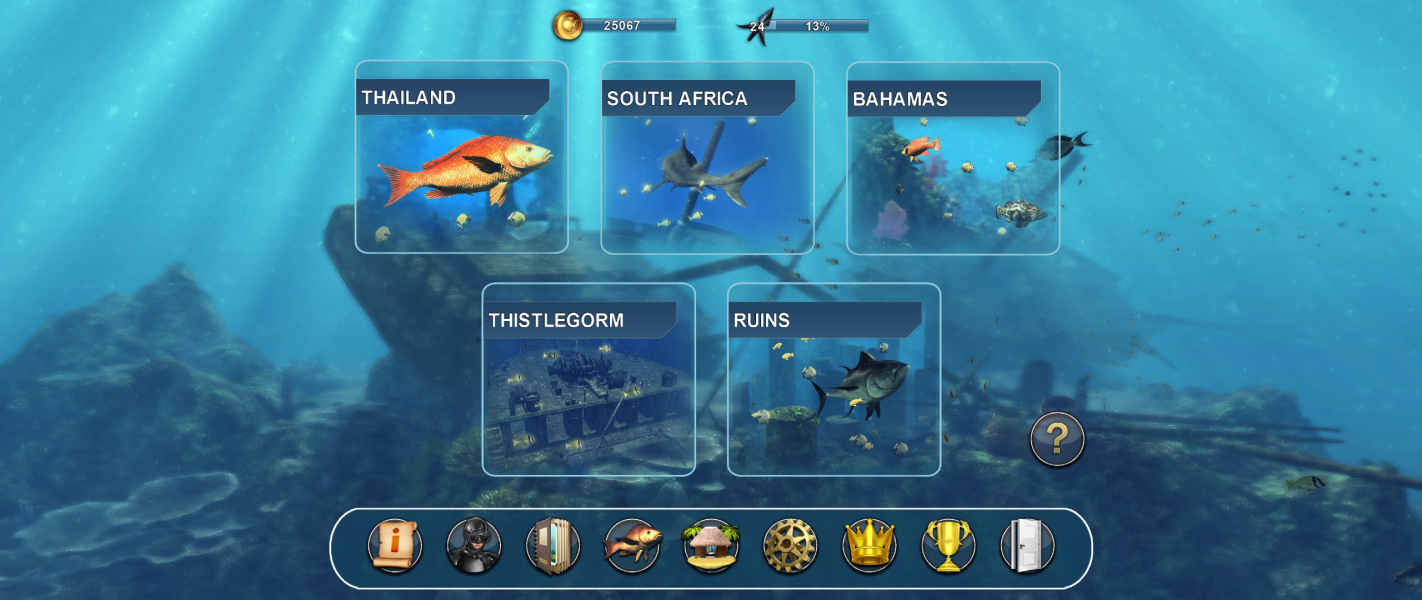
21:9 Screenshot
32:9 Screenshot
Eyefinity / Surround Screenshot
Solutions & Issues
Widescreen Solution & Issues:

Resolution may be changed at any time from the options menu.

The game was built to accomodate both 4:3 & HD portable devices, but support is not without issues:

  • Photo album is a 16:10 frame; pictures taken in non-16:10 resolutions are stretched or squished to fit the frame.
  • Loading screen art consists of 4:3 pictures. They are letterboxed in 5:4 and Vert- in widescreen.

Update Feb 14, 2015: VFOV setting is now accessible. Look for the line CameraFOV = 45 in Steam\steamapps\common\DepthHunter2\birender.ini

Ultra/Super-Wide Specific Solution & Issues:

Native support.

  • Pictures in the photo album are squished.
  • Loading screen art is Vert-.
Eyefinity / Surround Specific Solution & Issues:

Native support.

  • HUD is strictly centered: bezel compensation is not taken into account.
  • Pictures in the photo album are squished.
  • Loading screen art is Vert-.
4:3 Screenshot
16:10 Screenshot
16:9 Screenshot
21:9 Screenshot
32:9 Screenshot
Eyefinity / Surround Screenshot
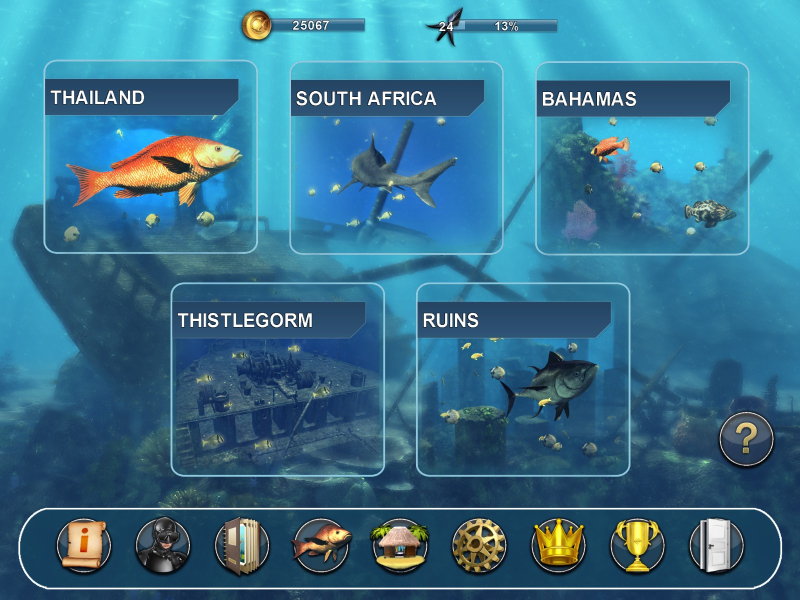
4:3 Menu
16:10 Menu
16:9 Menu
21:9 Menu
Eyefinity / Surround Menu
Uploaded by: skipclarke
Photo Album: 4:3 picture appears stretched
Uploaded by: skipclarke
Photo Album: 16:10 picture scales correctly
Uploaded by: skipclarke
Photo Album: 16:9 picture appears squished
Uploaded by: skipclarke
Photo Album: 21:9 picture appears squished
Uploaded by: skipclarke
Photo Album: 48:10 picture appears squished
Uploaded by: skipclarke
Loading Screen, 4:3
Uploaded by: skipclarke
Loading Screen, 16:10
Uploaded by: skipclarke
Loading Screen, 16:9
Uploaded by: skipclarke
Loading Screen, 21:9
Uploaded by: skipclarke
Loading Screen, 48:10
Uploaded by: skipclarke
Boat Menu: Shop, 4:3
Uploaded by: skipclarke
Boat Menu: Shop, 16:10
Uploaded by: skipclarke
Boat Menu: Shop, 16:9
Uploaded by: skipclarke
Boat Menu: Shop, 21:9
Uploaded by: skipclarke
Boat Menu: Shop, 48:10
Uploaded by: skipclarke
Encyclopædia, 4:3
Uploaded by: skipclarke
Encyclopædia, 16:10
Uploaded by: skipclarke
Encyclopædia, 16:9
Uploaded by: skipclarke
Encyclopædia, 21:9
Uploaded by: skipclarke
Encyclopædia, 48:10
Uploaded by: skipclarke
Photo Camera (Max Zoom-In), 4:3
Uploaded by: skipclarke
Photo Camera (Max Zoom-In), 16:10
Uploaded by: skipclarke
Photo Camera (Max Zoom-In), 16:9
Uploaded by: skipclarke
Photo Camera (Max Zoom-In), 21:9
Uploaded by: skipclarke
Photo Camera (Max Zoom-In), 48:10
15:9 Resolutions:1280x768
16:10 Resolutions:
Ultra/Super-Wide (21:9/32:9) Resolutions:2560x1080
Eyefinity / Surround Resolutions:
Multi-Monitor Types:Nvidia Surround
Multi-Monitor Layouts:3x1-L