

Your mission is to tear buildings into rubble using various tools and vehicles.
Support Summary
Game Information
Game Status:Released
Release Date:
Setting:City
Genre:Economic
Developer:Gas Powered Games
Store Links:
Screenshots Comparison
Solutions & Issues
Widescreen Solution & Issues:
Select your resolution from the Settings menu then click Save and confirm.
Settings are saved in Documents\My Games\DemolitionCompany\game.xml
Eyefinity / Surround Specific Solution & Issues:
Screen change:
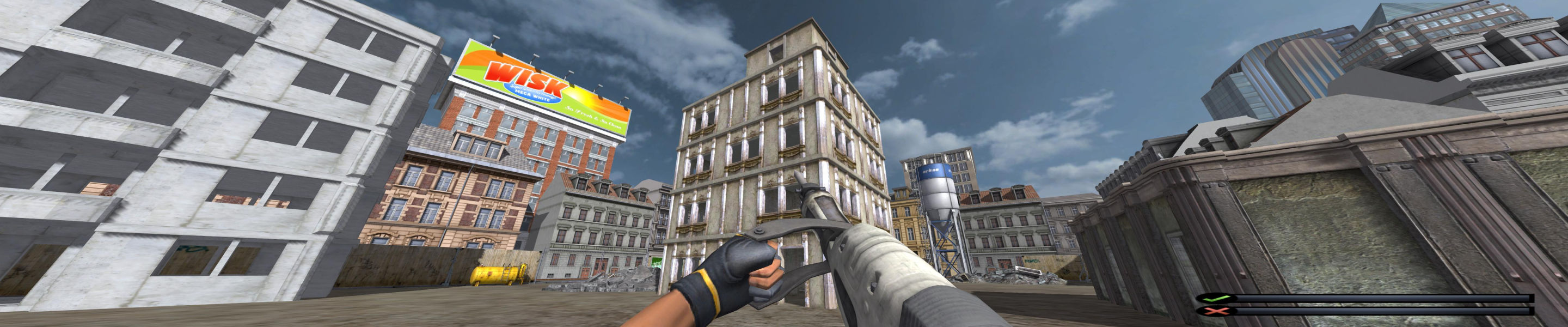
Gameplay is Hor+, all 2D elements and screens stretch.
Notes:
The FOV is calculated from your desktop res (i.e playing at a fullscreen 1680x1050 over a 5040x1050 desktop would result in stretched gameplay).
Horizontal mouse movement seems to be tied to the display width somehow. Although the difference is negligible in widescreen, turning around is painfully slower in multi-mon. Think Metro 2033, but the opposite issue.
Gameplay Screenshots
4:3 Screenshot
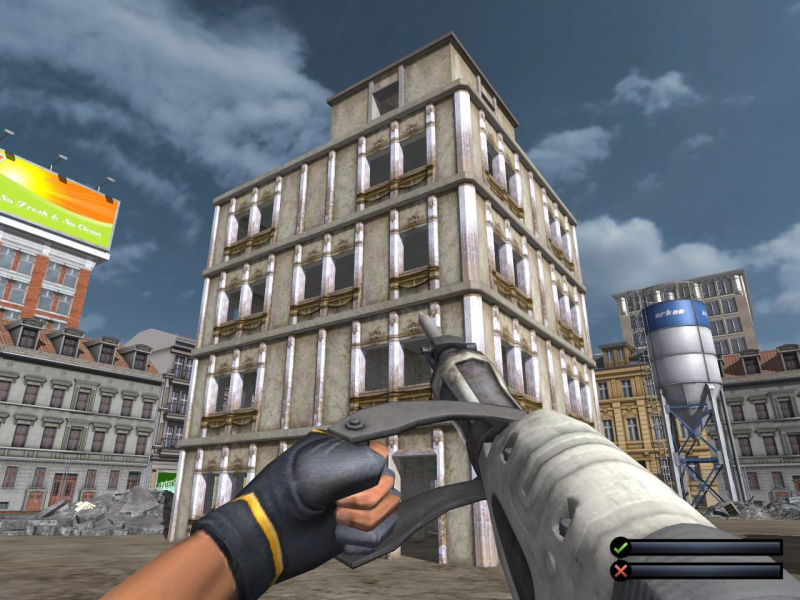
16:10 Screenshot
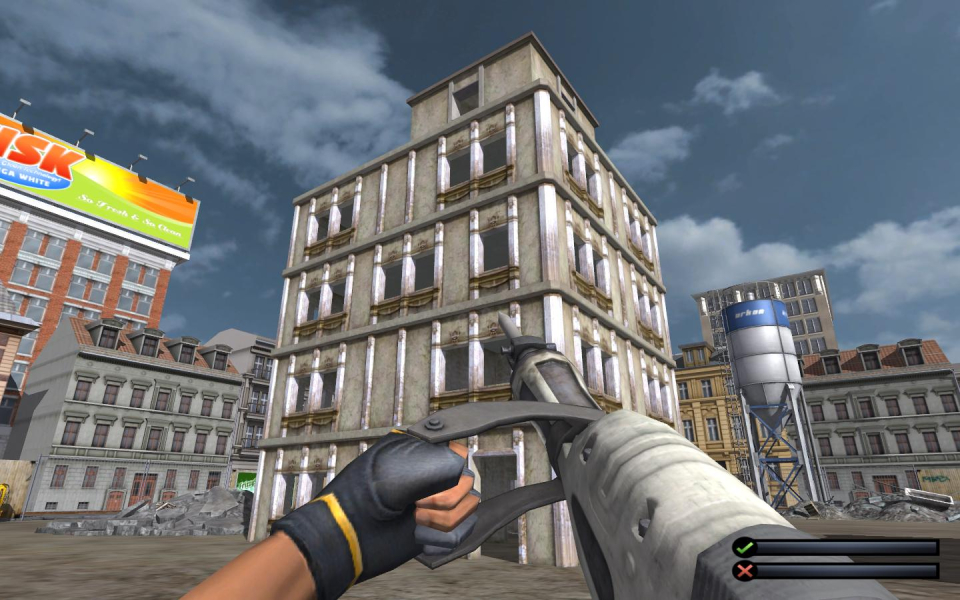
16:9 Screenshot
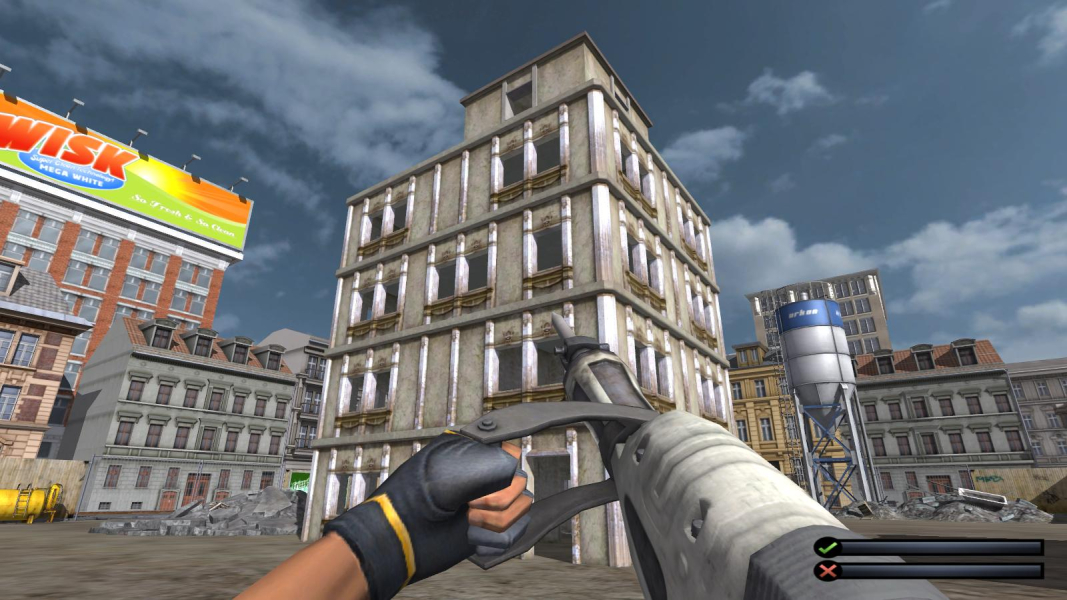
21:9 Screenshot

32:9 Screenshot

Eyefinity / Surround Screenshot