

Delta Force: Black Hawk Down is a first-person shooter video game set during the United Nations intervention in the Somali Civil War, with missions taking place primarily in the Jubba Valley and the Somali Capital, Mogadishu.
Support Summary
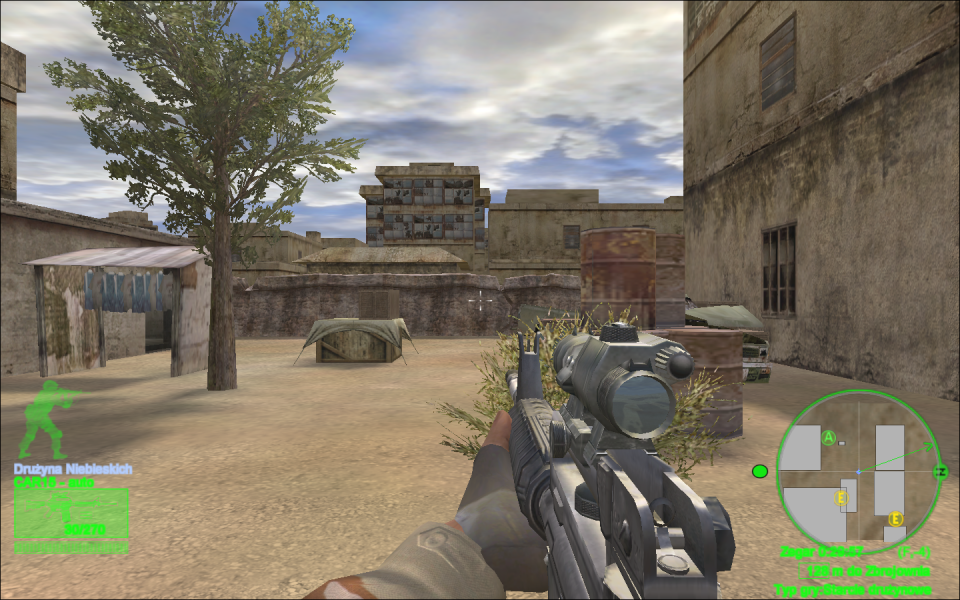
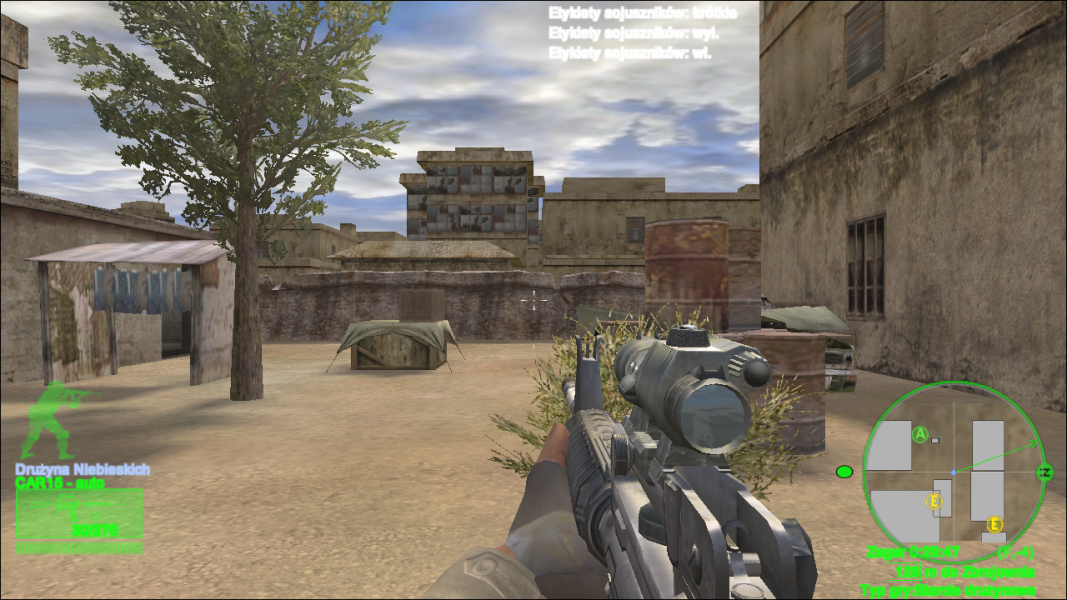
Screenshots Comparison
Solutions & Issues
2 retail versions have been tested (base game [English] and Team Sabre expansion [Polish]). Menus were stretched, as well as most of the HUD elements and FMVs. If a game displays 3 chat messages at once, the last one won't fit on the screen. Mini-map is a bit buggy as well.
Widescreen solution:
The game natively supports only 4:3 resolutions. To get the game running in widescreen mode, game's exe file has to be modified (resolutions are stored at 0x0006AA68 (width) and 0x0006AA6D (height) - both for base and expansion). For safety, before modifying exe files, run the game at least once, so it won't perform its display test with modified resolutions. The easiest solution for making the game run in widescreen mode is to download Universal Widescreen (UniWS) Patcher and modify its patches.ini file, replacing its content with:THE INI IS BELOW
[Apps]
version=1.03
a0=Delta Force Black Hawk Down / Delta Force Black Hawk Down - Team Sabre
[Delta Force Black Hawk Down / Delta Force Black Hawk Down - Team Sabre]

details=Requires 1.5.0.5 version.

checkfile=dfbhd.exe

modfile=dfbhd.exe

undofile=dfbhd.backup

sig=EB42BF00040000BE00030000EB36BF

sigwild=0000000000000

xoffset=3

yoffset=8

occur=1
After that, all it's needed is to run uniws.exe, navigate to a folder where the game is installed, type in desired resolution and patch it. After patching, launch a game and choose 1024x768 resolution.
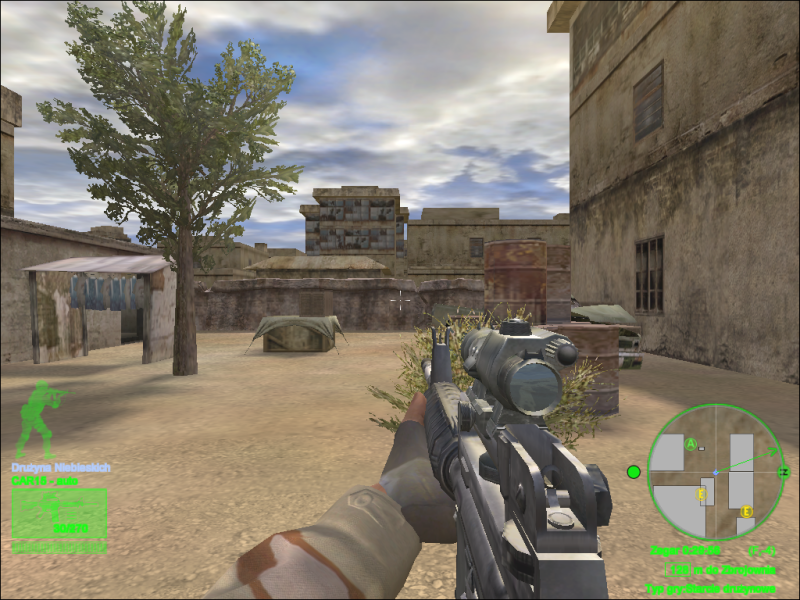
Gameplay Screenshots


FMV Cutscenes