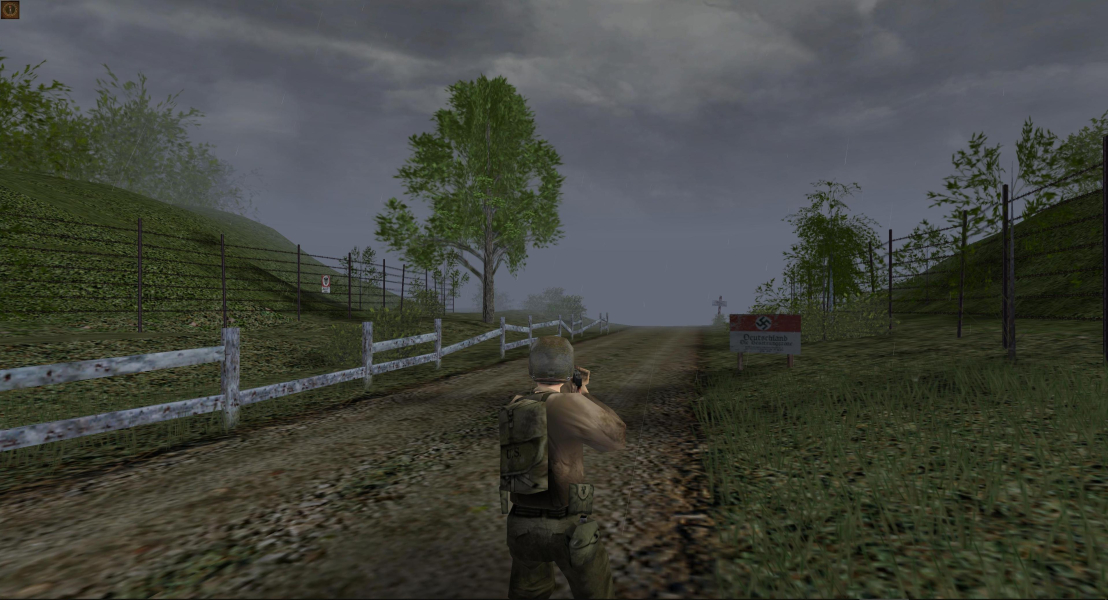


In this WWII game it's your mission to infiltrate German occupied territory with your squad of military misfits. The missions are set in 1942-45 France, North Africa, Norway and other war-ravaged locations. The game plays amazingly like Hidden & Dangerous though it's only a low-budget title.
Support Summary
Game Information
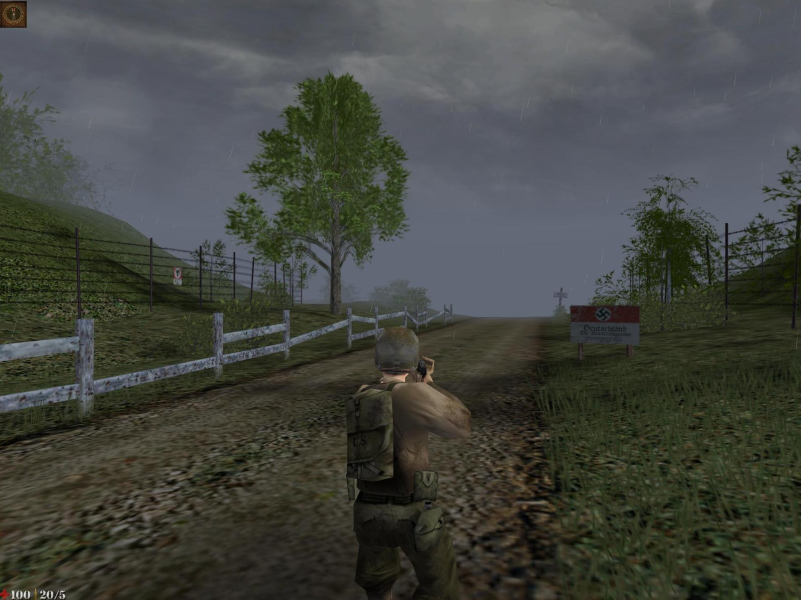
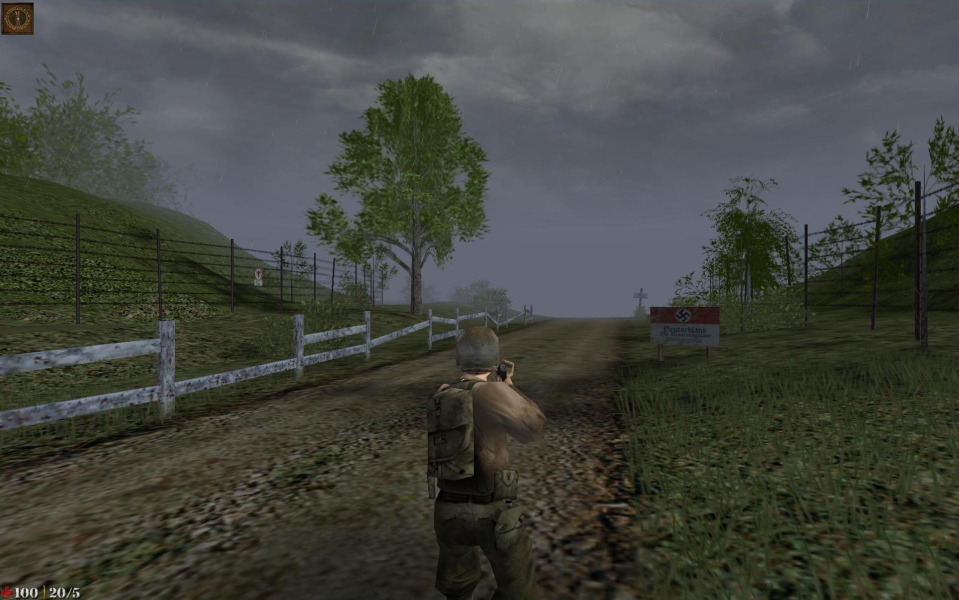
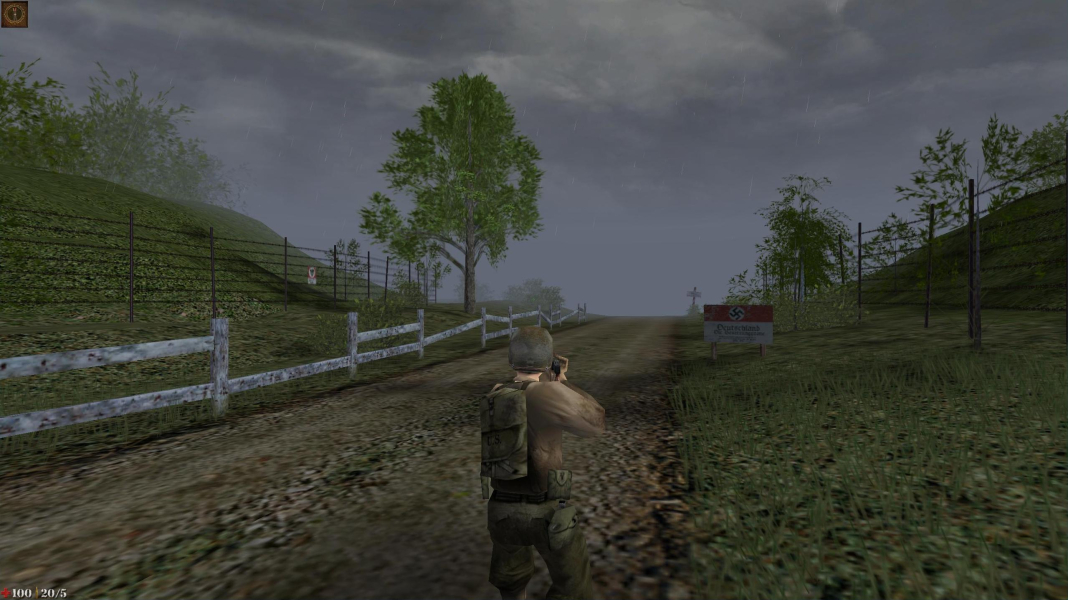
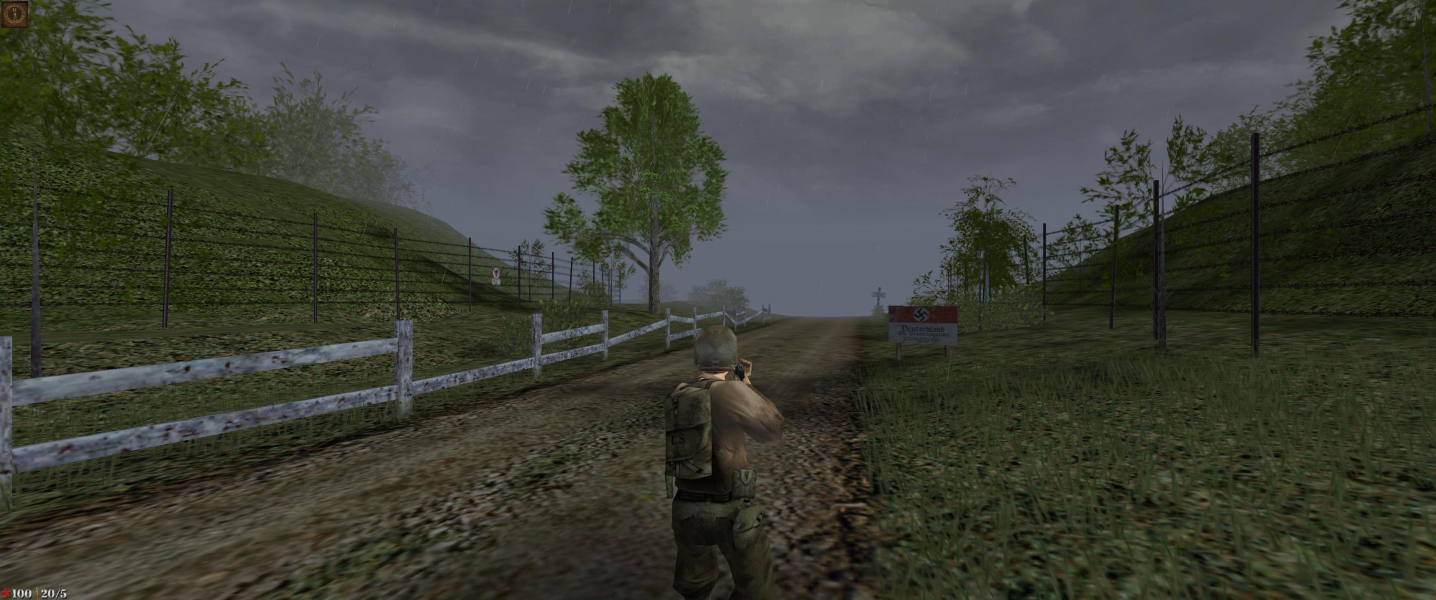
Screenshots Comparison
Solutions & Issues
The Retail Version only offers 4:3 resolutions and the Steam Version offers only resolution till 1920x1080.
To get higher you need a modified DLL see files available from the PC Gaming Wiki Community Files (search there), Borderless Gaming and a Command Line Parameter (Set Launch Options in Steam).
1. Extract D3DIM700.DLL in your Game root Folder
2. In Steam go to Set Launch Options and add these Text: -win -w 2560 -h 1440 (you can use any resolution here)
3. Use Borderless Gaming to get Fullscreen.
Same Solution as in Widescreen:
1. Extract D3DIM700.DLL in your Game root Folder
2. In Steam go to Set Launch Options and add these Text: -win -w 3440 -h 1440 (you can use any resolution here)
3. Use Borderless Gaming to get Fullscreen.
Same Solution as in Widescreen:
1. Extract D3DIM700.DLL in your Game root Folder
2. In Steam go to Set Launch Options and add these Text: -win -w 5760 -h 1080 (you can use any resolution here)
3. Use Borderless Gaming to get Fullscreen.
Same Solution as in Widescreen:
1. Extract D3DIM700.DLL in your Game root Folder
2. In Steam go to Set Launch Options and add these Text: -win -w 3840 -h 2160 (you can use any resolution here)
3. Use Borderless Gaming to get Fullscreen.
Gameplay Screenshots


In-Game (Rendered) Cutscenes





FMV Cutscenes



Menu Screenshots

4K UHD Screenshots