


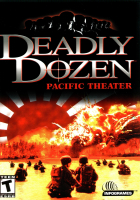


Play in realistic WWII scenarios featuring authentic uniforms and 20 weapons like the flamethrower for example. This time you can customize your squad and your strategy to fit the different mission's requirements.
The game includes a single player campaign located in the Pacific from the Philippines to Okinowa.This FPS comes also with the possibility of driving tanks and other vehicles in the field.
Support Summary
Game Information
Screenshots Comparison
Solutions & Issues
The Retail Version only offers 4:3 resolutions.
To get higher you need a modified DLL see files available from the PC Gaming Wiki Community Files (search there), Borderless Gaming and a Command Line Parameter (see Additional Screenshots).
1. Extract D3DIM700.DLL in your Game root Folder
2. Go to your Game root and create a shorcut from DDozen2.exe and add these Text in the Target Field from the shortcut: -win -w 2560 -h 1440 (you can use any resolution here)
3. Use Borderless Gaming to get Fullscreen.
Same Soultion as in Widescreen:
1. Extract D3DIM700.DLL in your Game root Folder
2. Go to your Game root and create a shorcut from DDozen2.exe and add these Text in the Target Field from the shortcut: -win -w 3440 -h 1440 (you can use any resolution here)
3. Use Borderless Gaming to get Fullscreen.
Same Soultion as in Widescreen:
1. Extract D3DIM700.DLL in your Game root Folder
2. Go to your Game root and create a shorcut from DDozen2.exe and add these Text in the Target Field from the shortcut: -win -w 5760 -h 1080 (you can use any resolution here)
3. Use Borderless Gaming to get Fullscreen.
Same Soultion as in Widescreen:
1. Extract D3DIM700.DLL in your Game root Folder
2. Go to your Game root and create a shorcut from DDozen2.exe and add these Text in the Target Field from the shortcut: -win -w 3840 -h 2160 (you can use any resolution here)
3. Use Borderless Gaming to get Fullscreen.
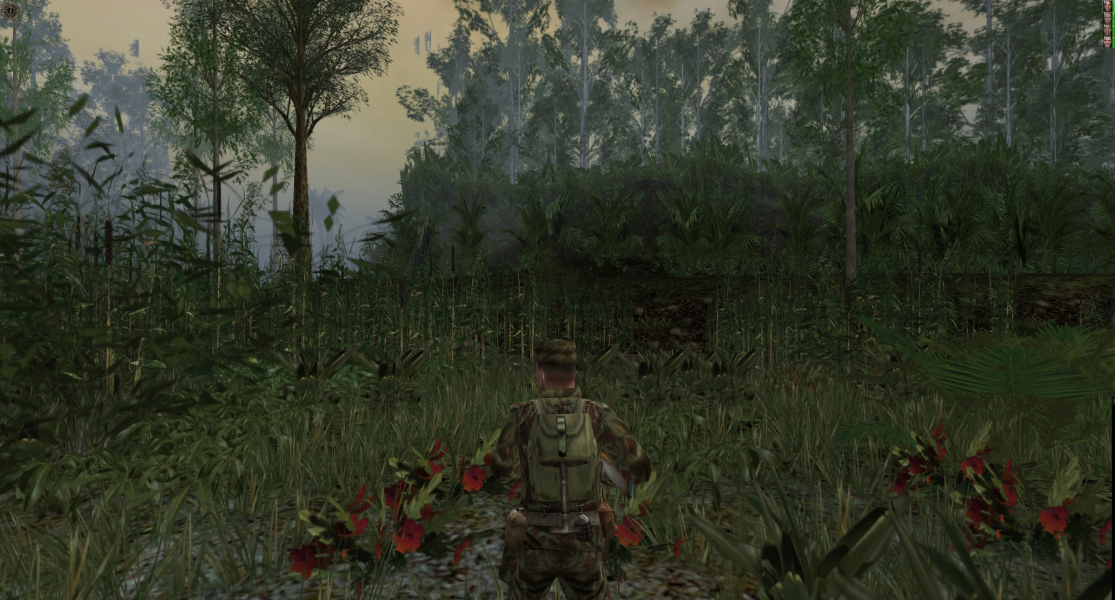
Gameplay Screenshots
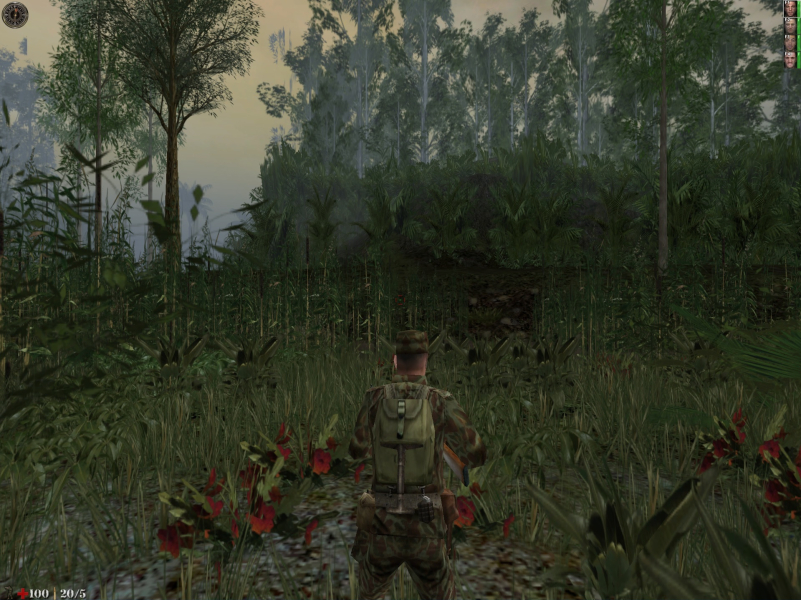
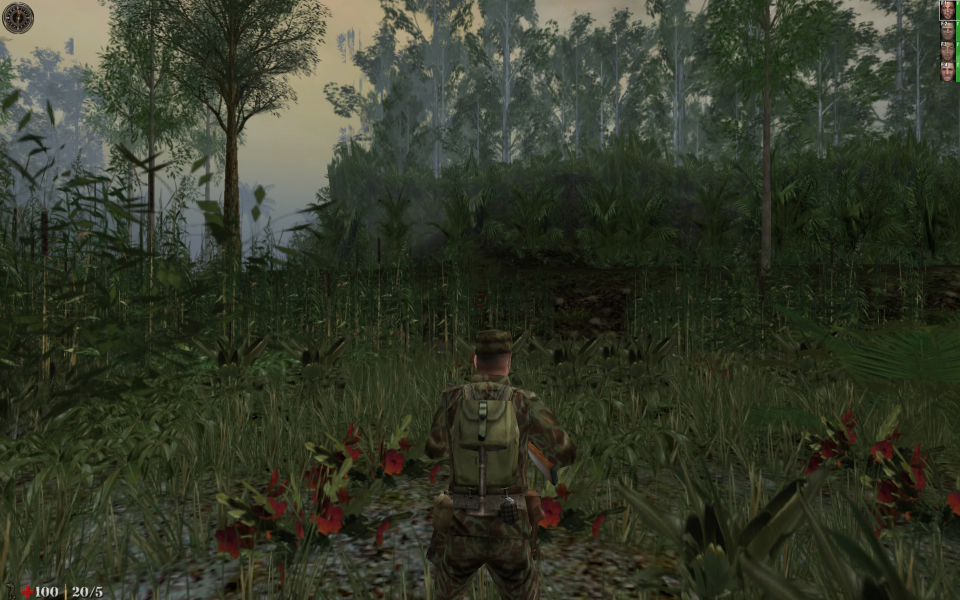

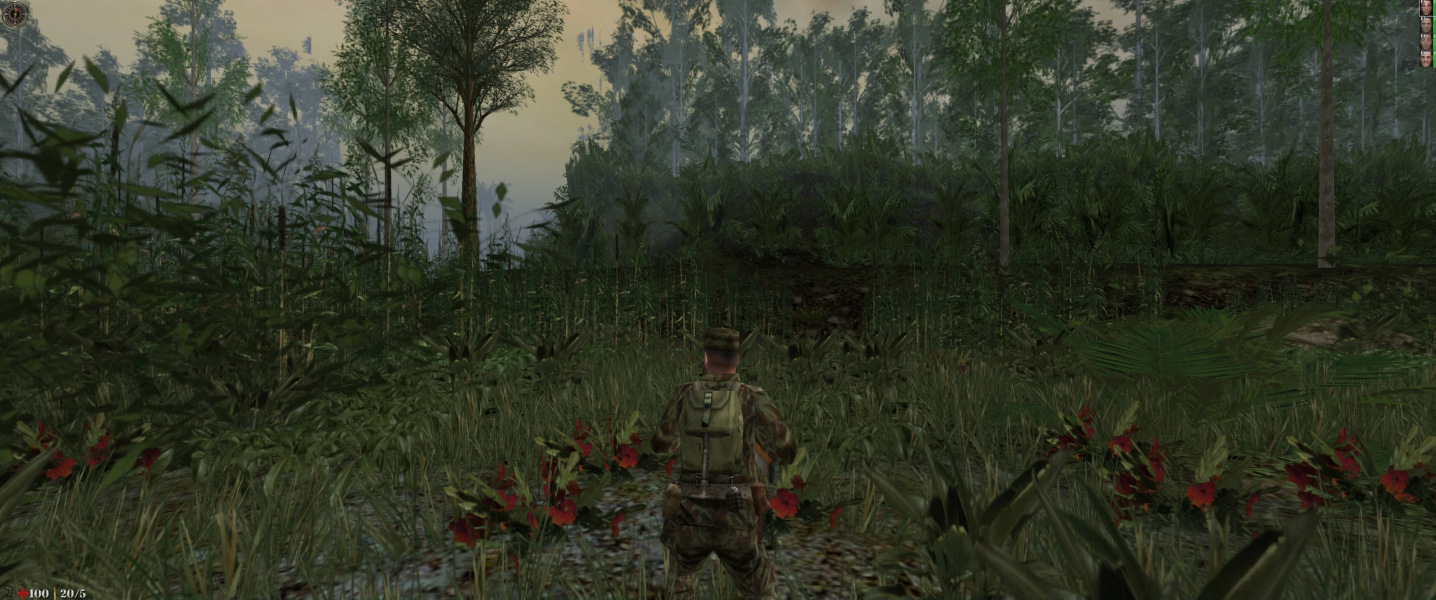


In-Game (Rendered) Cutscenes





FMV Cutscenes

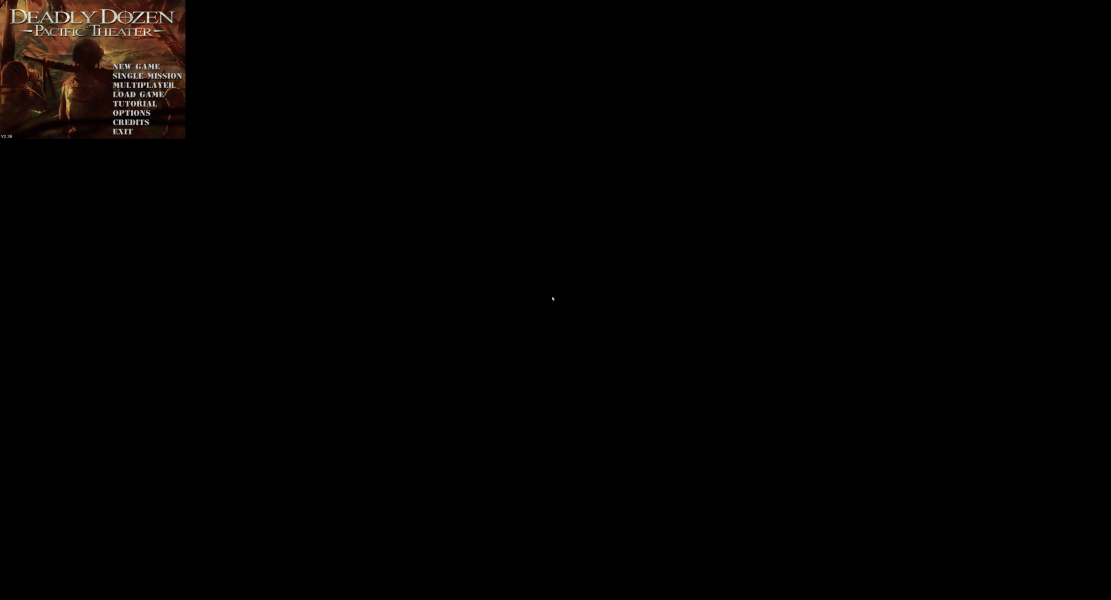
Menu Screenshots
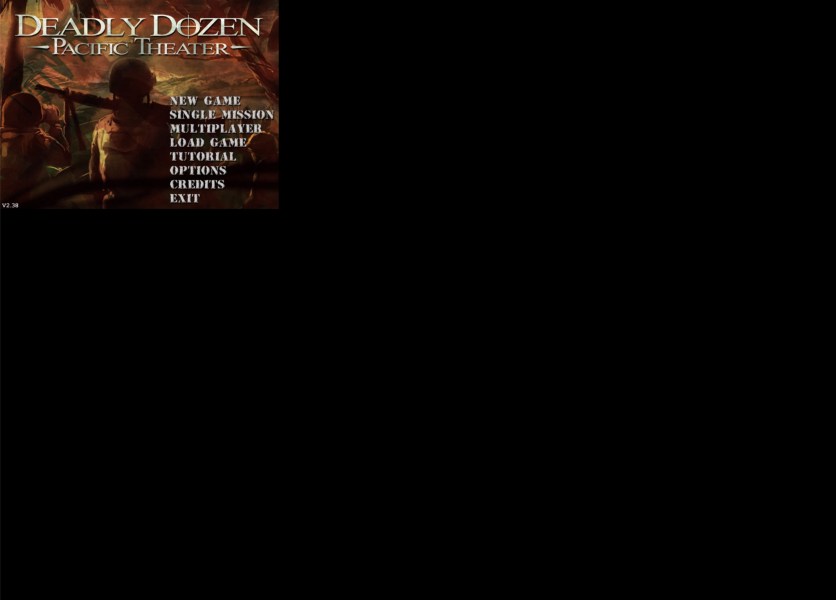
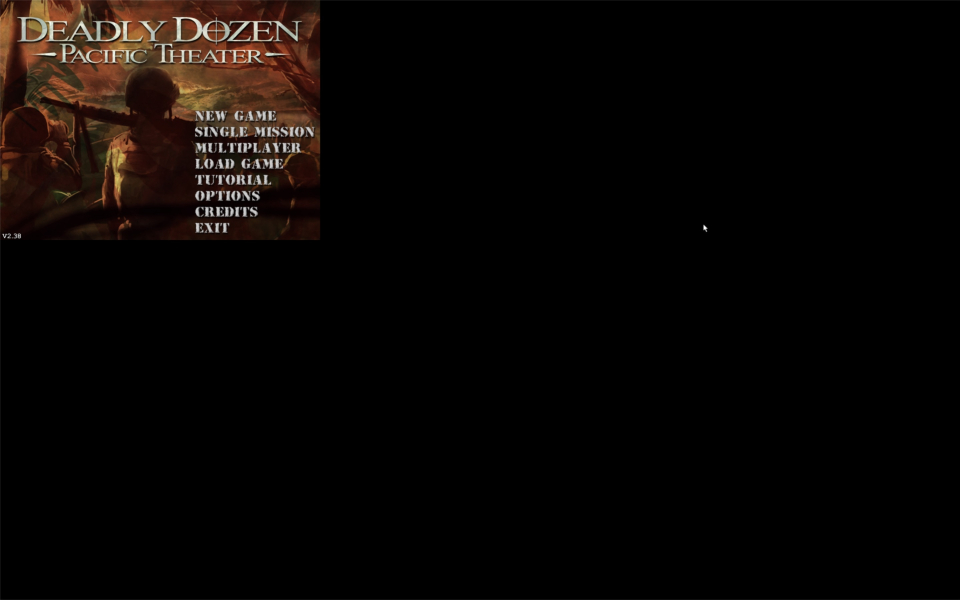
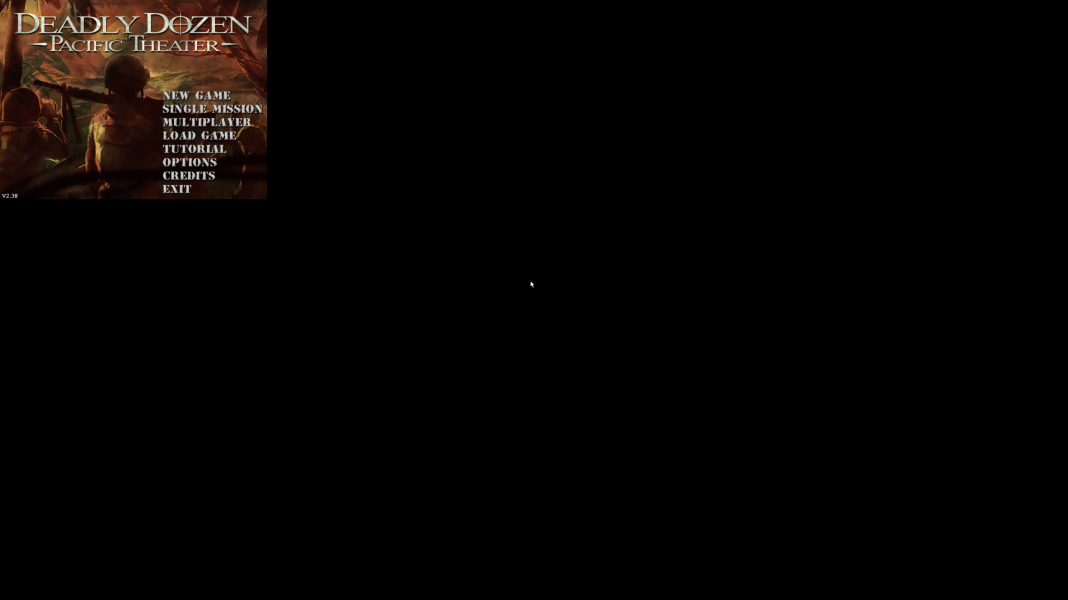
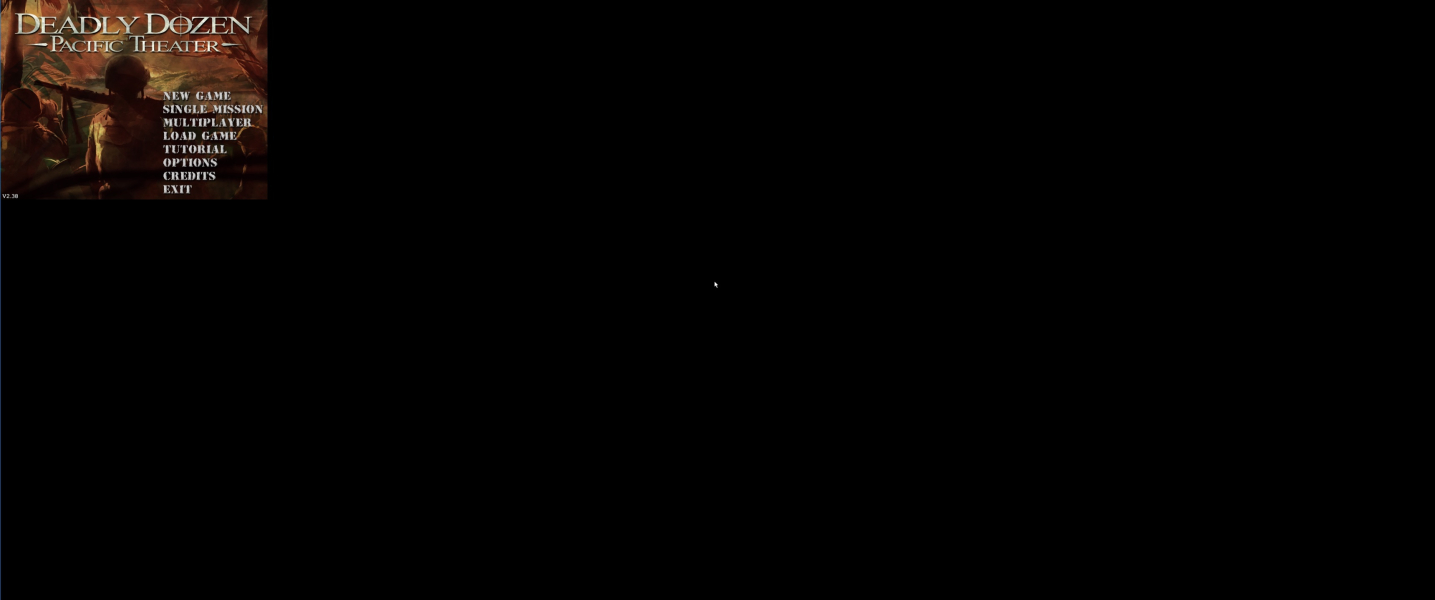

4K UHD Screenshots

Additional Screenshots


