





Ah, archeology: the millenia-old-yet-fully-functional trapped temples to ransack, the countless mummies and nazis to mow down, the mandatory female sidekick to flirt with.
Support Summary
Game Information
Screenshots Comparison
Solutions & Issues
Native "Vert+" support. Resolution must be set from the main menu, but FOV can be changed at any time.
The FOV slider (65-140) doesn't affect all views equally:
- aiming down weapons sights looks the same at any FOV. The higher the FOV, the longer it takes to zoom in/out.
- the notepad works like a separate zoom; FOV change made in "notepad view" will not stick.
So should you really need to adjust the FOV, Flawless Widescreen works actually better that the built-in slider.
Default FOV is Vert-, use Flawless Widescreenref="https://www.flawlesswidescreen.org/">Flawless Widescreen to fix it.
Kudos to the indefatigable Toothless Spoon for his day1 FOV tips !
Flawless Widescreen will make the FOV Hor+ while maintaining the scale of Quatermain's hands, weapons and tools.
A few "hand things" remain Vert- (e.g prepping a grenade, but not dynamite).
Gameplay Screenshots
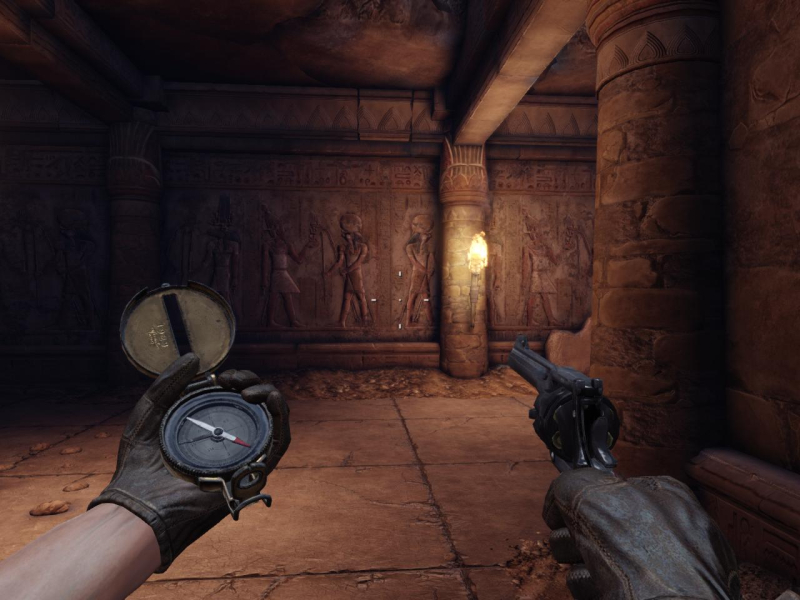
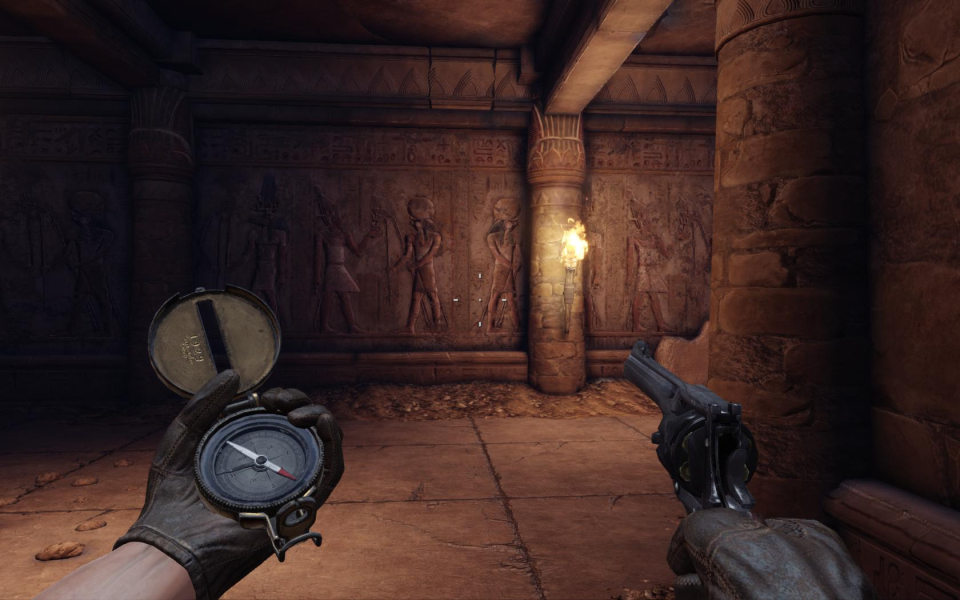

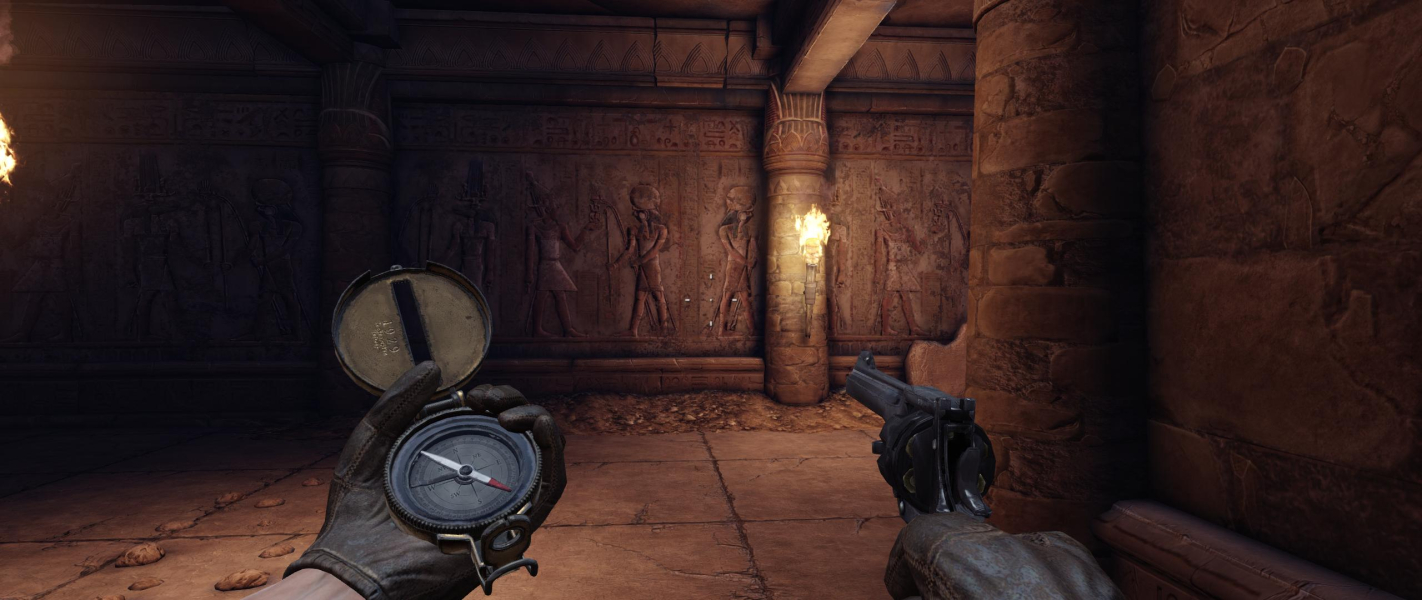


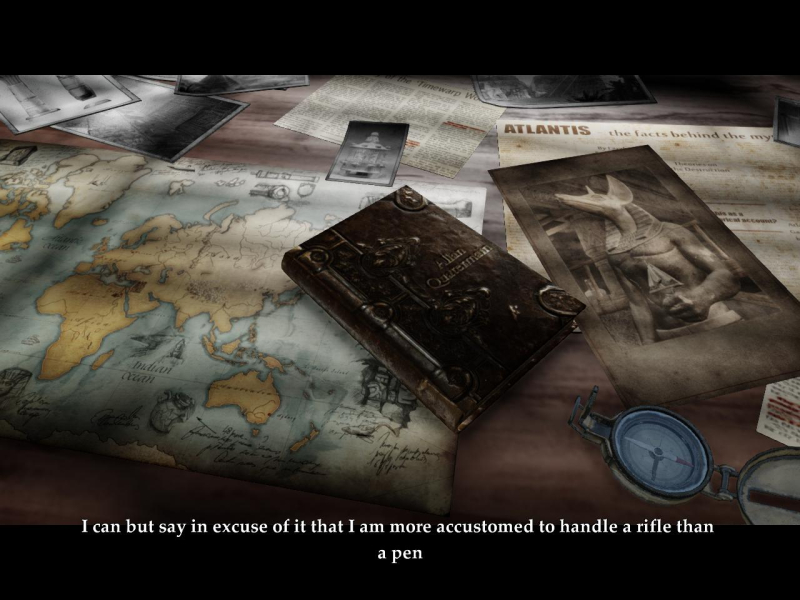
In-Game (Rendered) Cutscenes

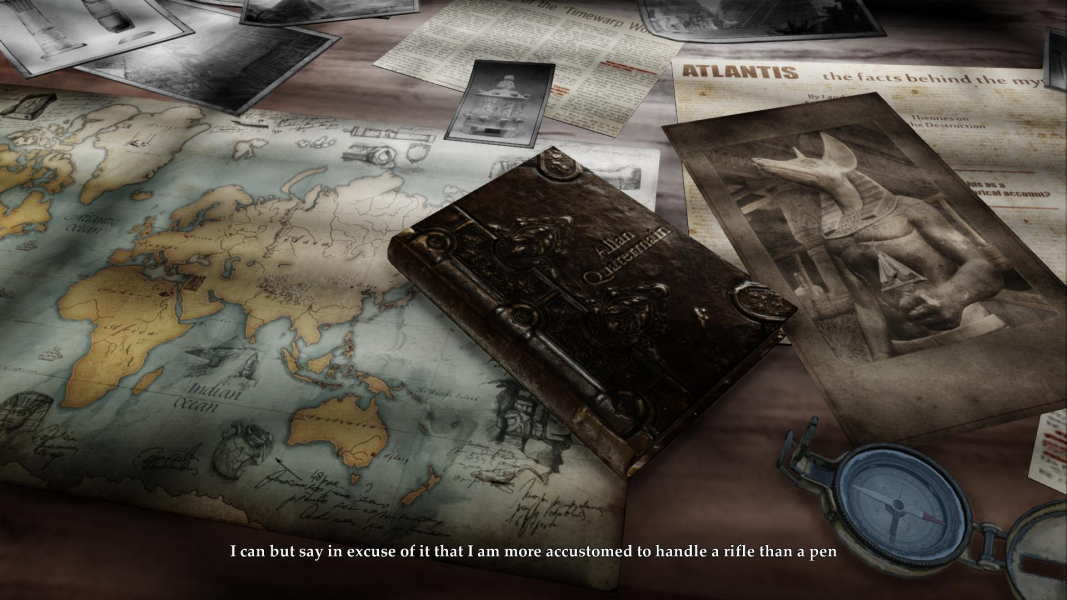
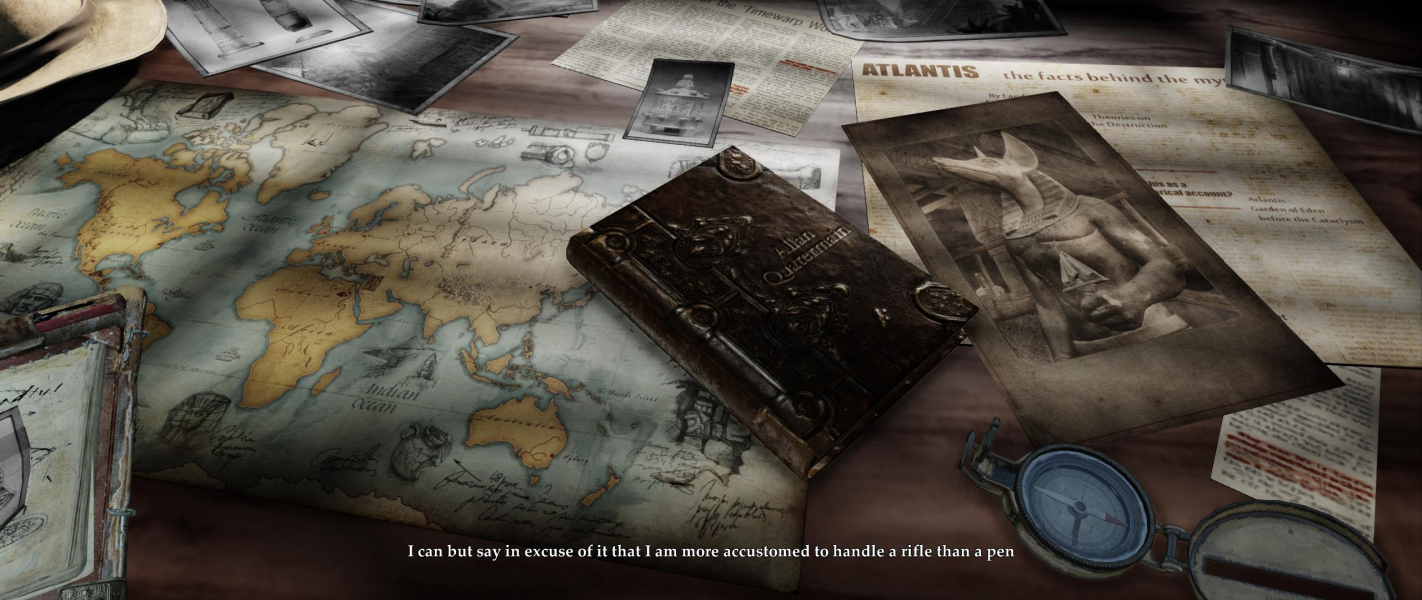

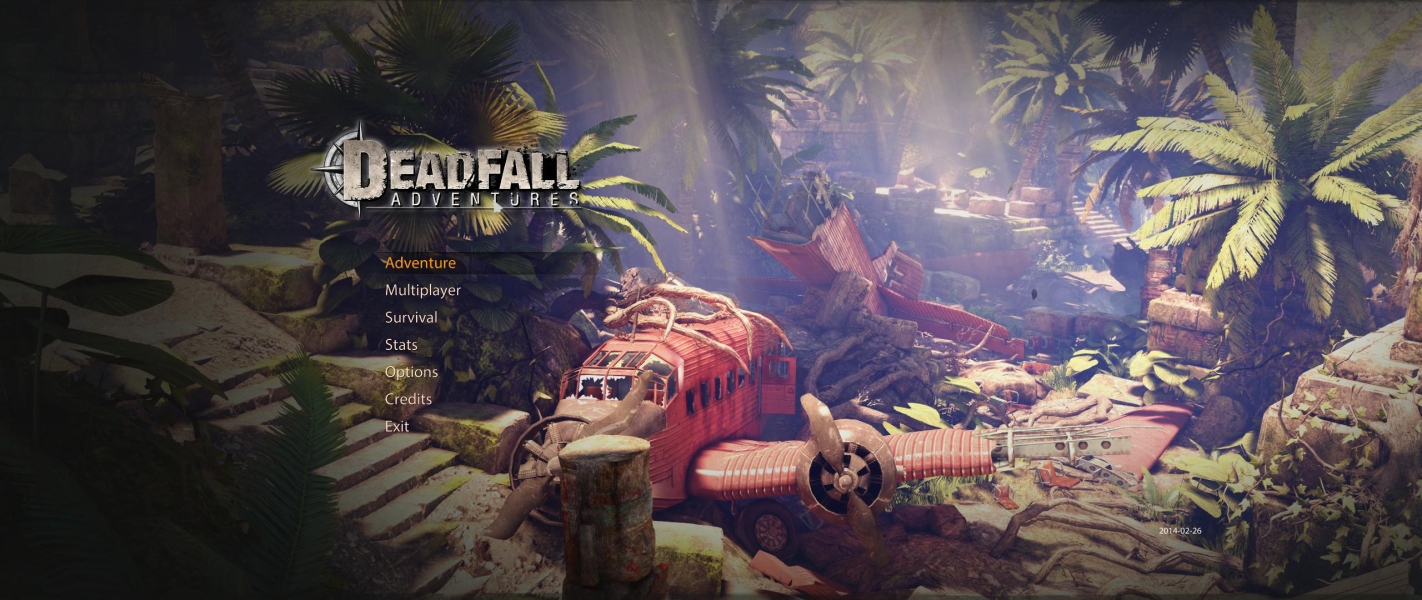
Menu Screenshots
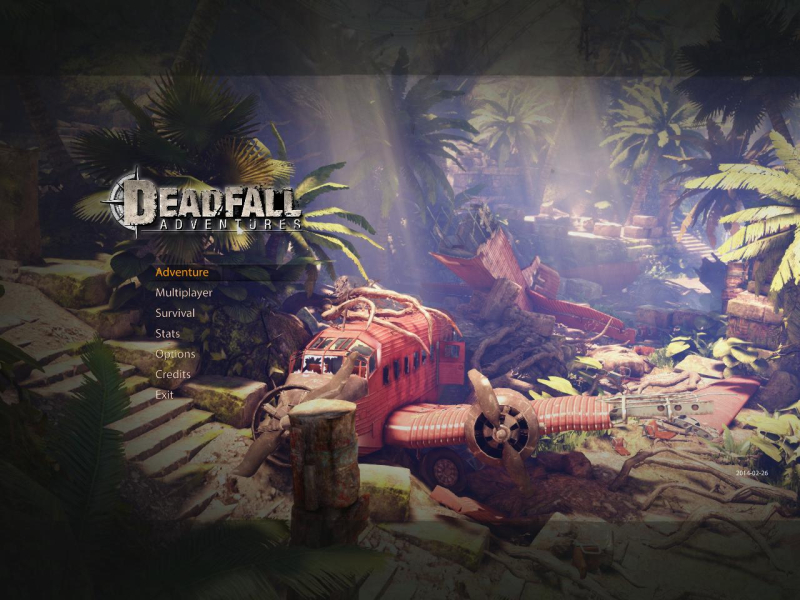

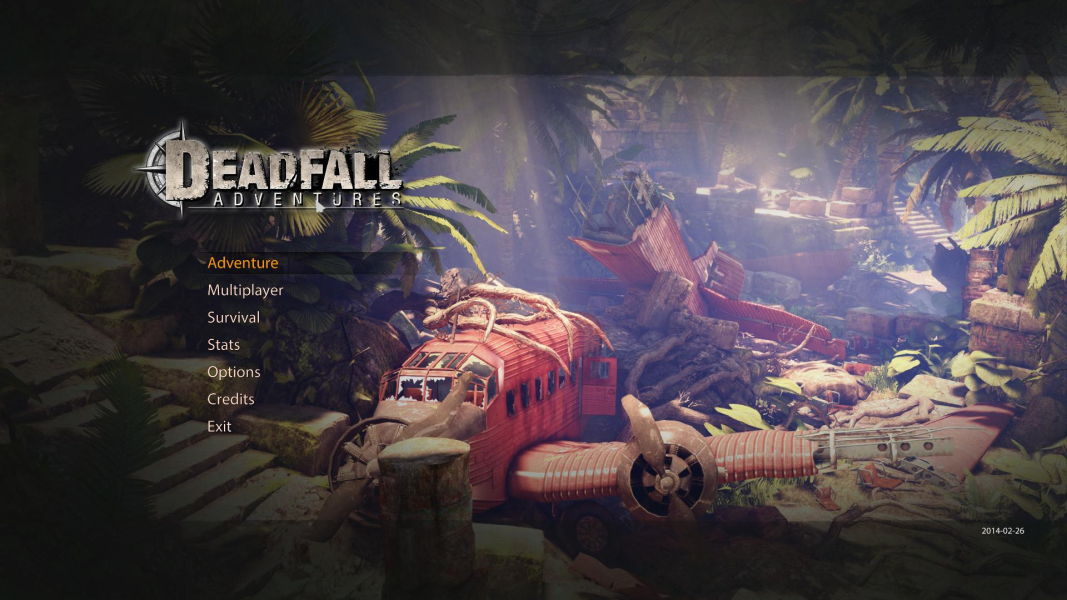

Additional Screenshots


