





Warning: this game is cursed. Developed by now-defunct Zombie Studios, the technically clunky first-person adventure struggles to turn its repetitiveness and randomly-assembled corridors into an engrossing experience. The first title built with Unreal Engine 4 to be released, Daylight is also the ominous sign that a new era of UE-powered Tunnel Vision might be upon us...
Support Summary
Game Information
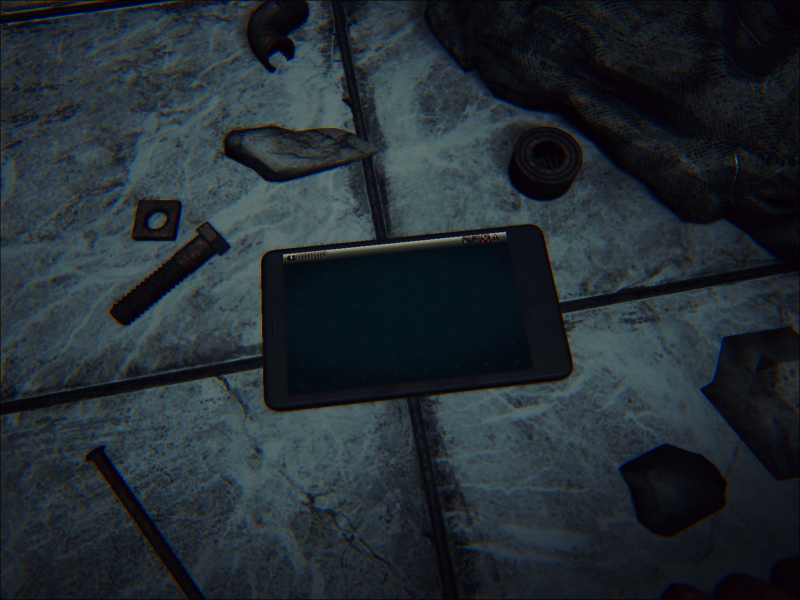
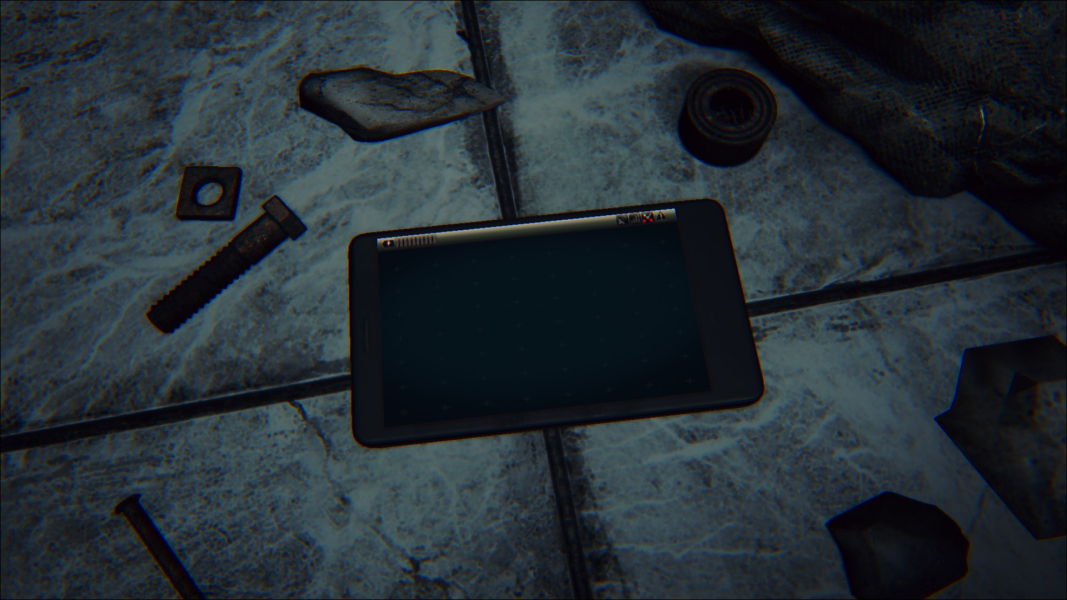
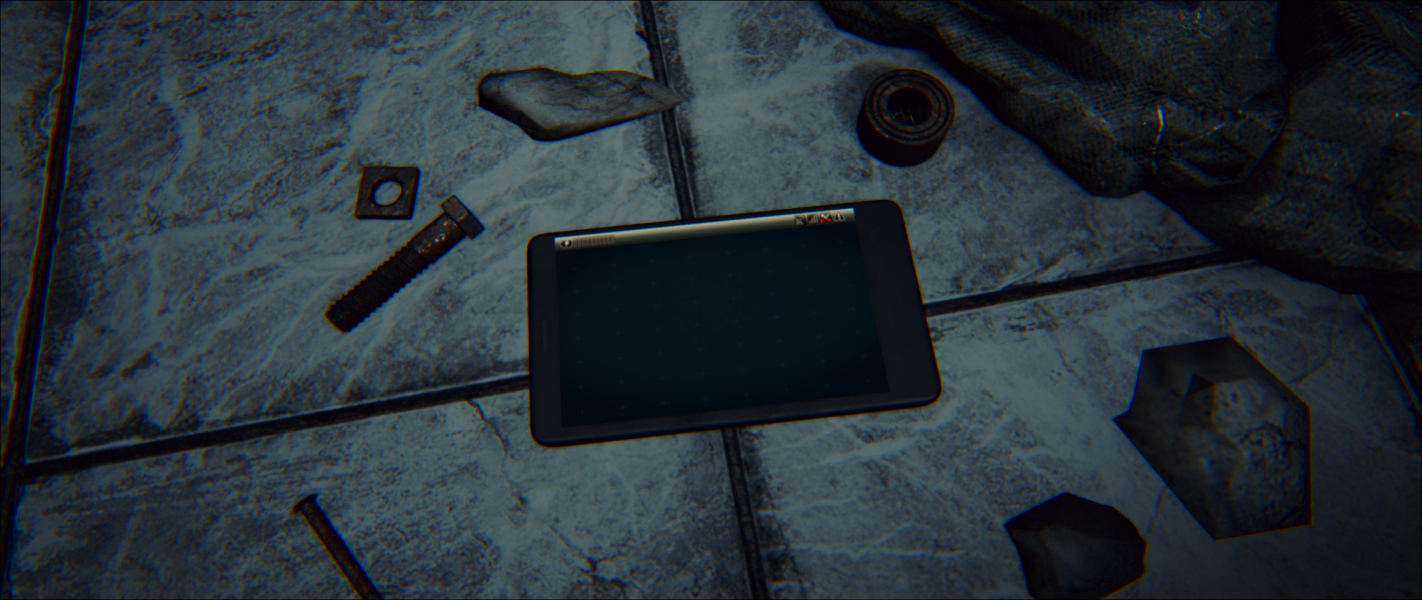
Screenshots Comparison
Solutions & Issues
Native Vert+ support.
Native Vert- support. Use the .ini edit detailed below for Hor+ gameplay.
An .ini edit is required to bind a fixed FOV to a key.
In Steam's game properties, use Browse local files... to open Steam\steamapps\common\Daylight\Engine\Config\BaseInput.ini
Add the following line under General bindings:+ExecBindings=(Key=SpaceBar,Command="FOV 140",Control=False,Shift=False,Alt=False)Save changes, run the game, then hit Space to apply the fixed FOV.
- Feel free to replace SpaceBar with any other input from this list.
- 140 is just an example, use the FOV Calculator to determine the right value for your resolution. Default HFOV is 75 for 16:9.
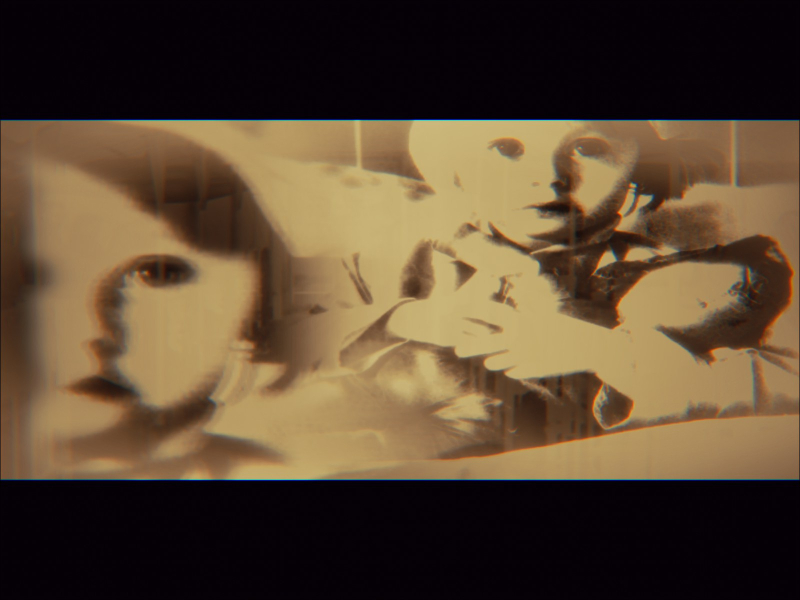
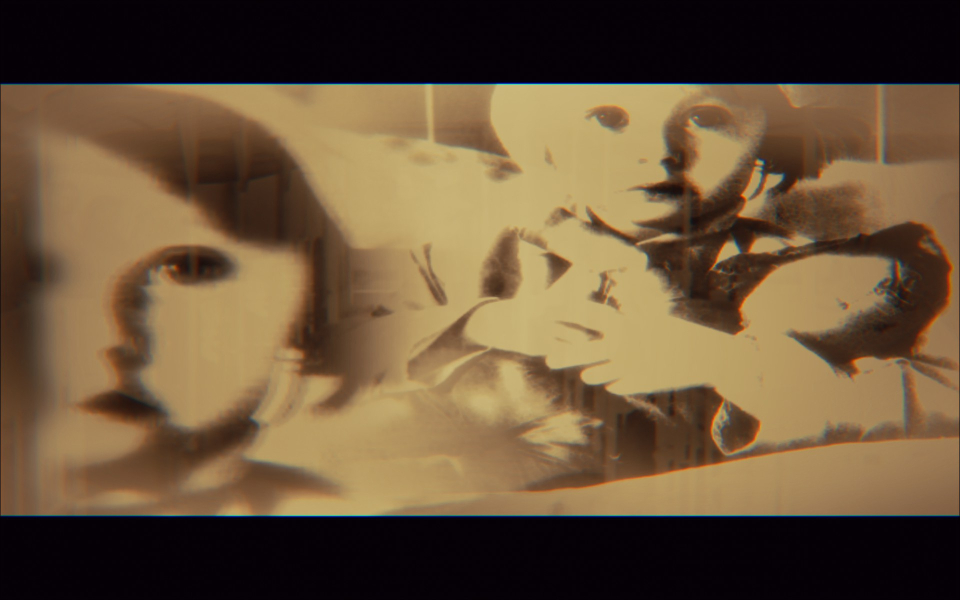
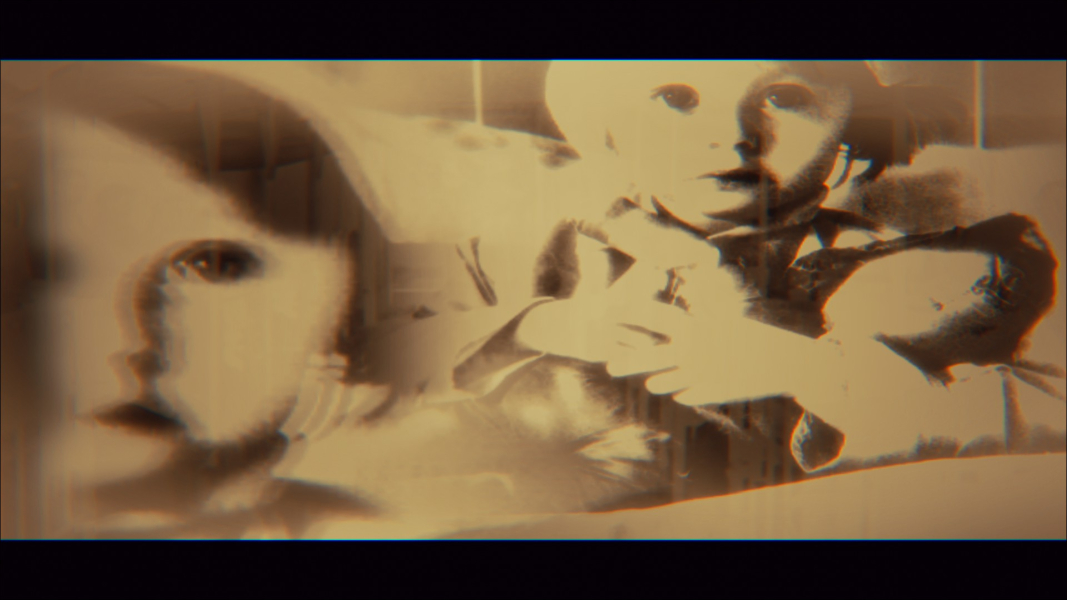
Outstanding blemish: FMVs are Vert-.
Gameplay Screenshots
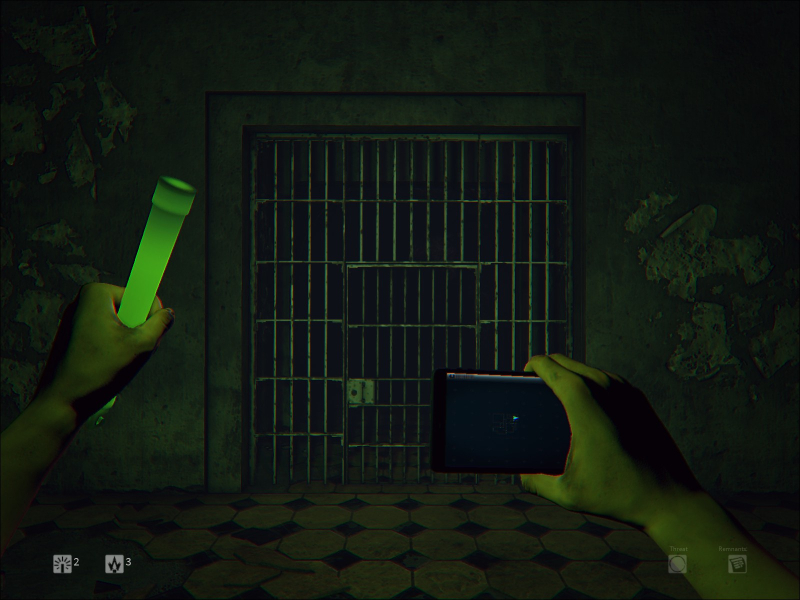
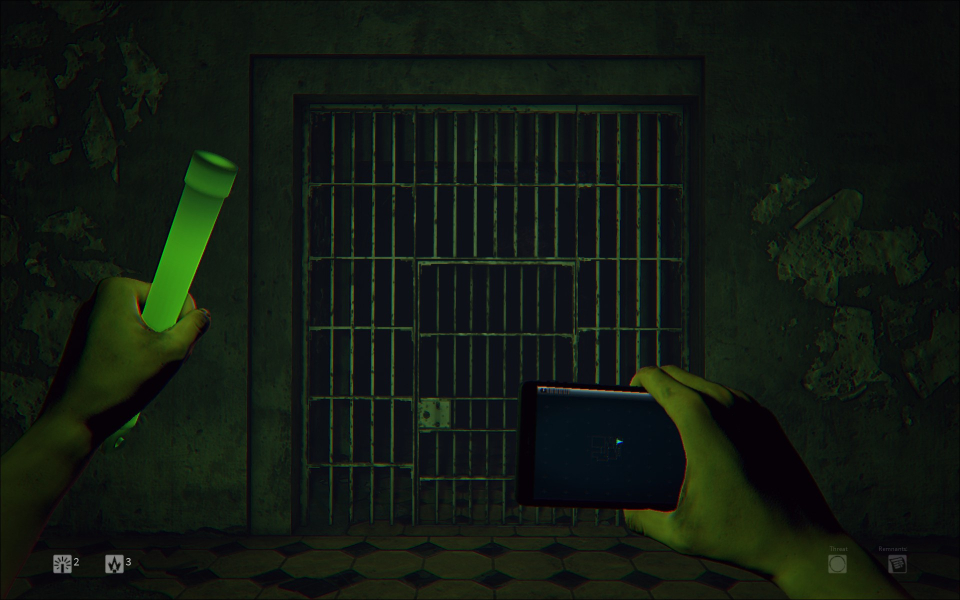
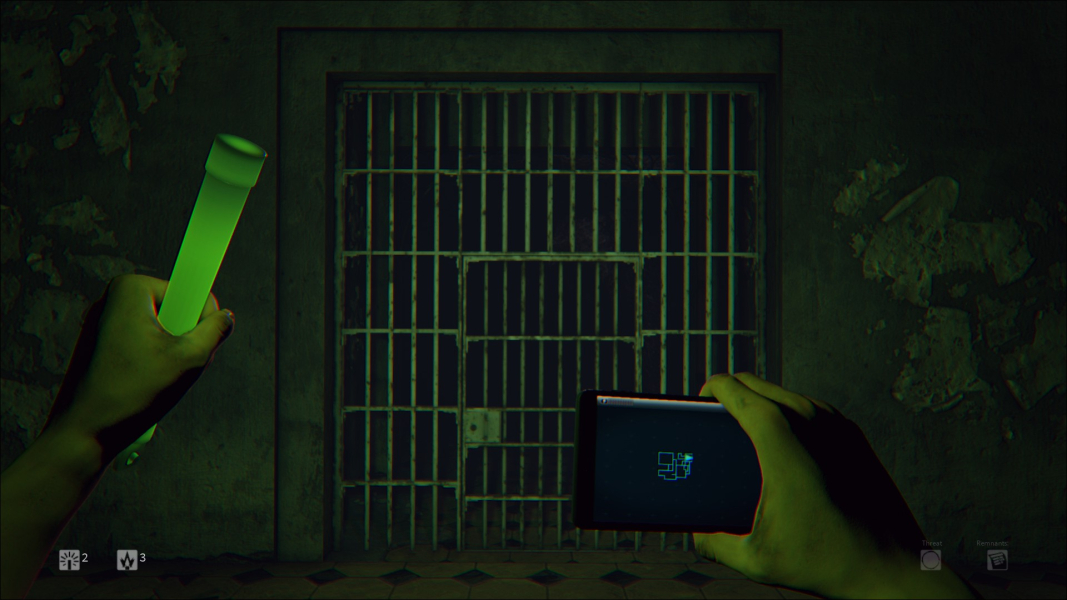
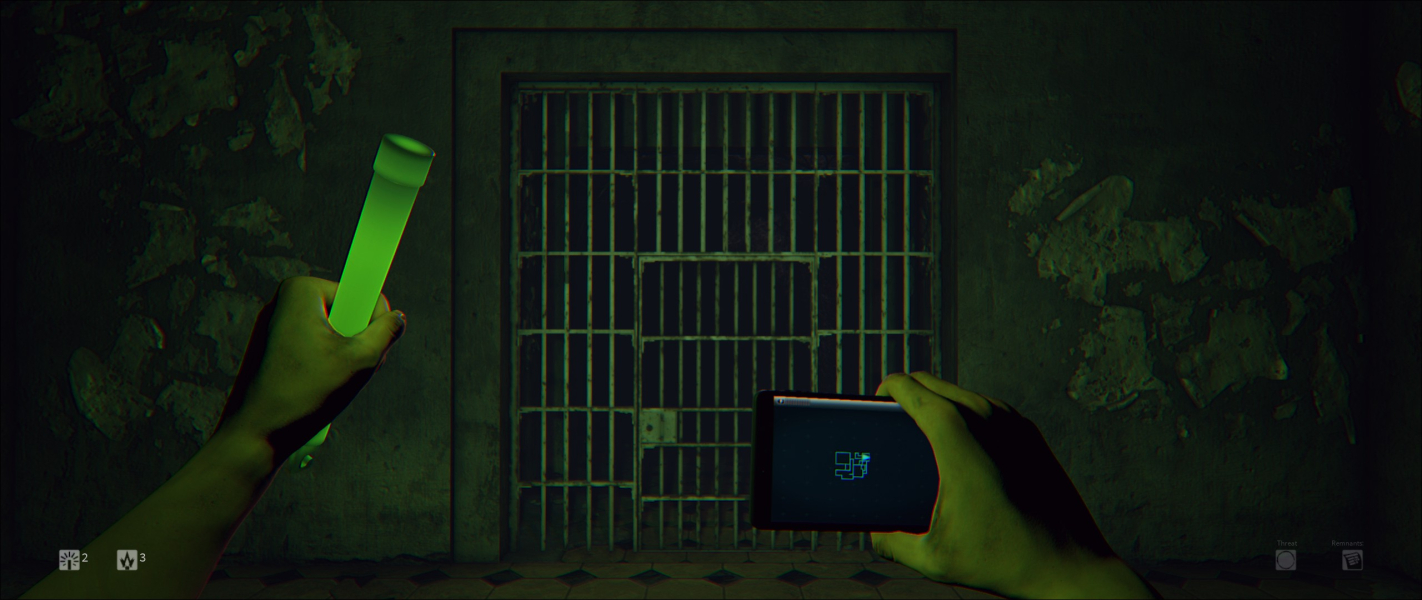


In-Game (Rendered) Cutscenes


FMV Cutscenes


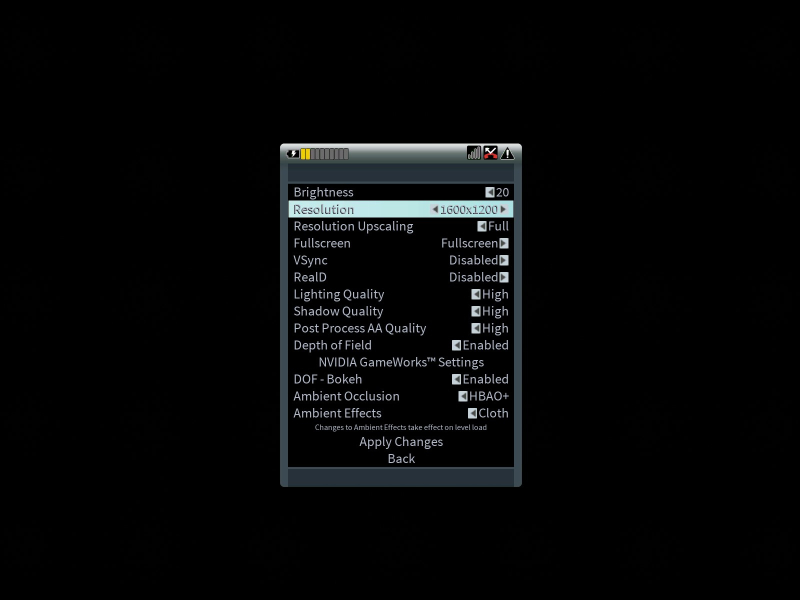
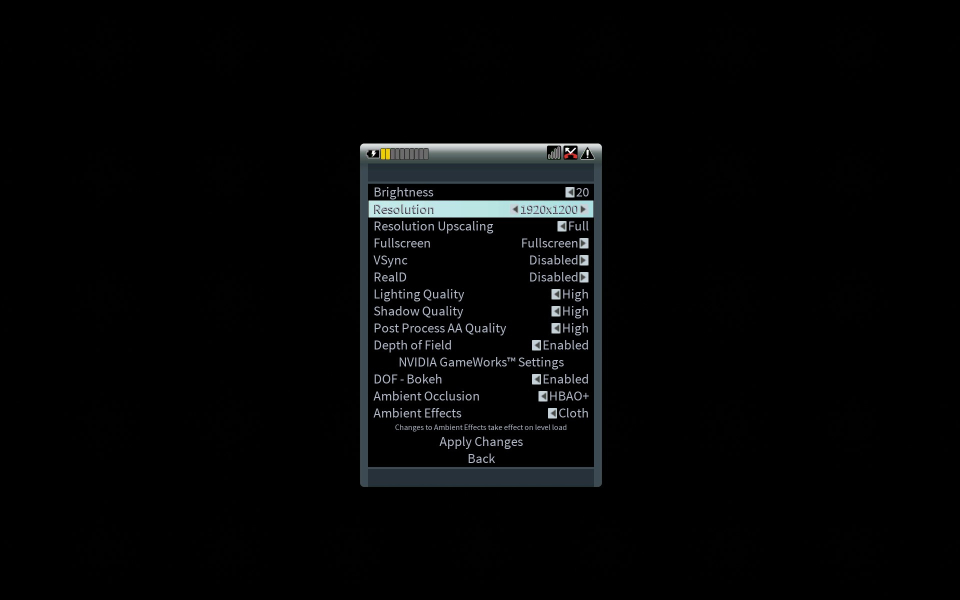
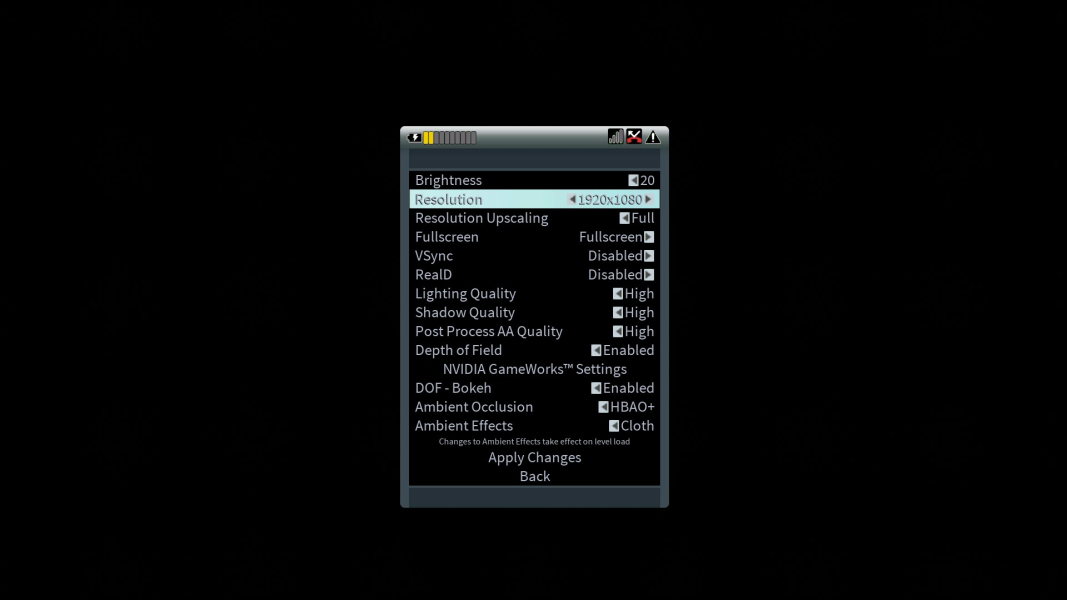
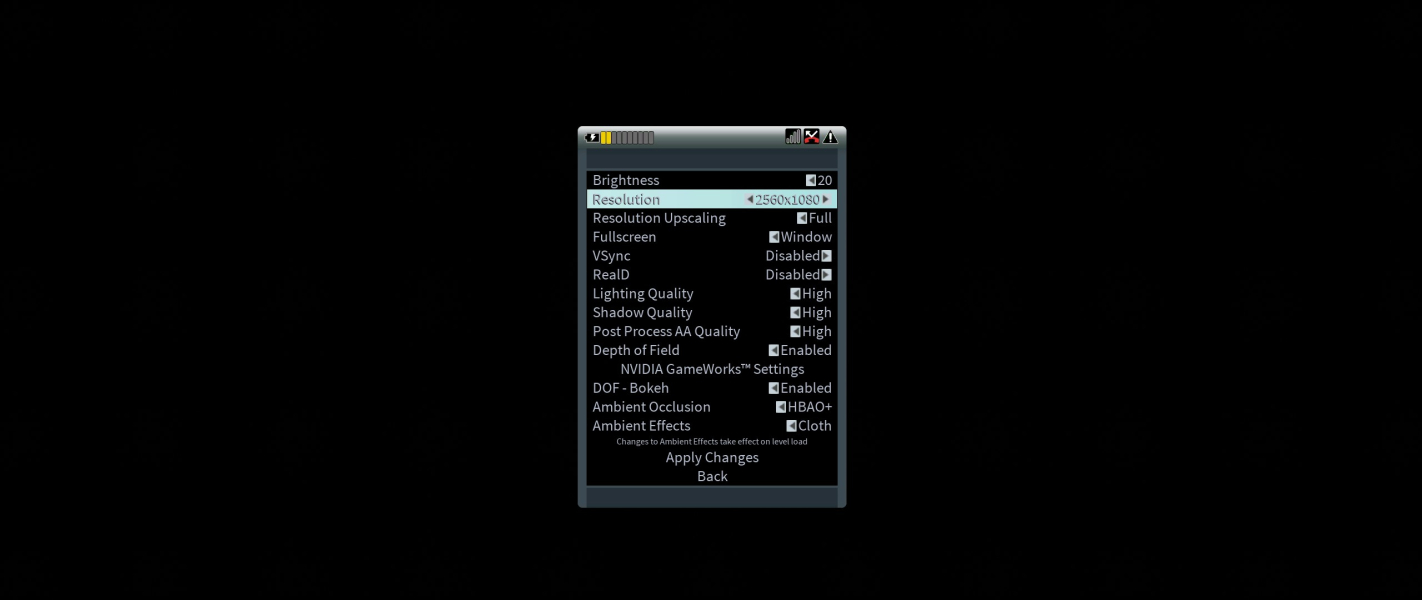
Menu Screenshots

Additional Screenshots


