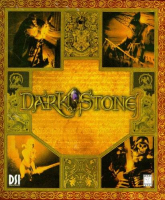


Darkstone is a single player and co-op multiplayer action-RPG. Characters can be carried between play-throughs, with higher-level characters being able to play at higher difficulty levels.
Support Summary
Game Information
Screenshots Comparison
Solutions & Issues
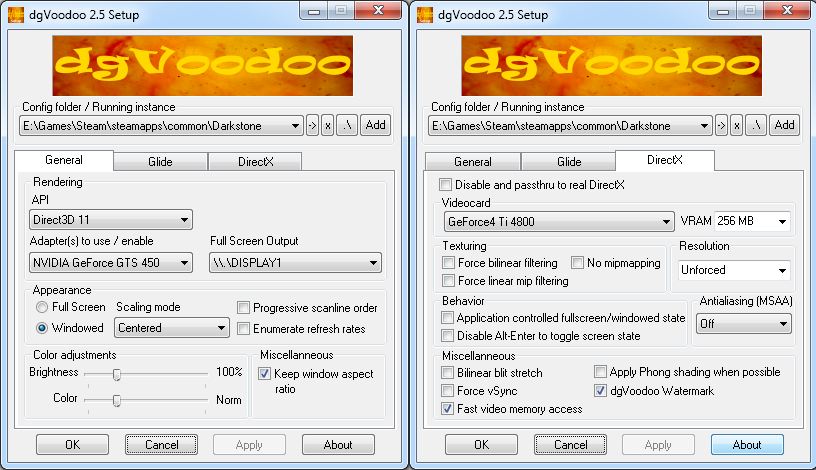
1.Use dgVoodoo2 to fix resolution crashing - see Additional Screenshots dgVoodoo Config.png
2.Use the EXE in the files available from the PC Gaming Wiki Community Files (search there) for your resolution (credits to jackfuste - I compared them and create more resolutions)
If the mouse cursor does not work correctly when using the attached dgVoodoo settings download the latest WIP version and use that.
For other resolutions open the attached 1920x10080 executable in a hex editor and search for the following lines. Replace each occurrence of 80 07 (width) and 38 04 (height) with the formatted hex values your chosen resolution (see common hex values).
81 78 FC 80 07 00 00 75 0D 81 38 38 04 00 00 75
FF FF 38 04 00 00 89 9D 70 FF FF FF C7 85 78 FF
FF FF 80 07 00 00 8B 10 51 50 FF 52 14 8B CE E8
C7 45 B8 1E 00 00 00 C7 45 C0 38 04 00 00 89 5D
B4 C7 45 BC 80 07 00 00 8B 10 51 50 FF 52 14 FF
57 51 6A 10 68 38 04 00 00 68 80 07 00 00 52 8B
Same as Widescreen Solution.
Same as widescreen method.
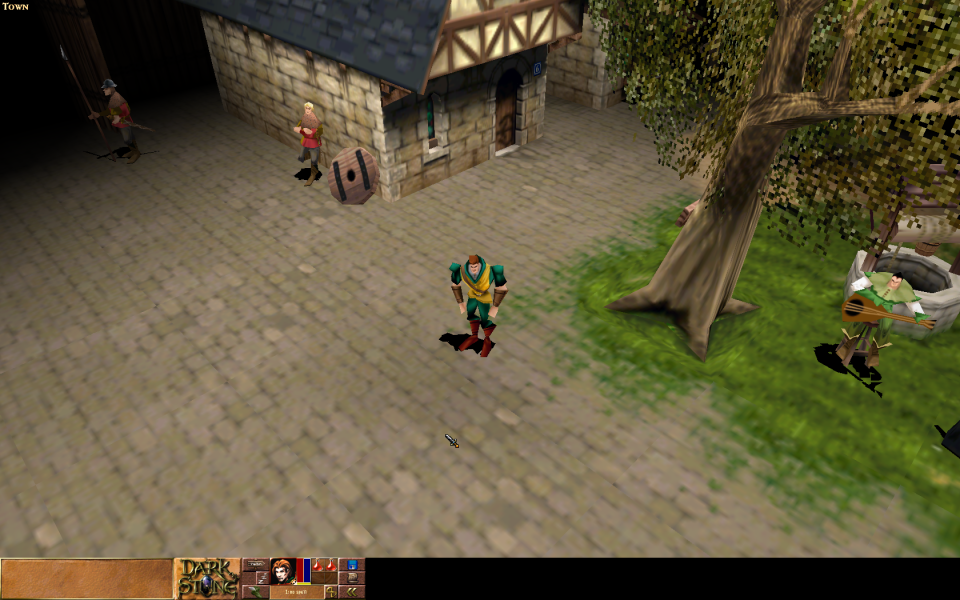
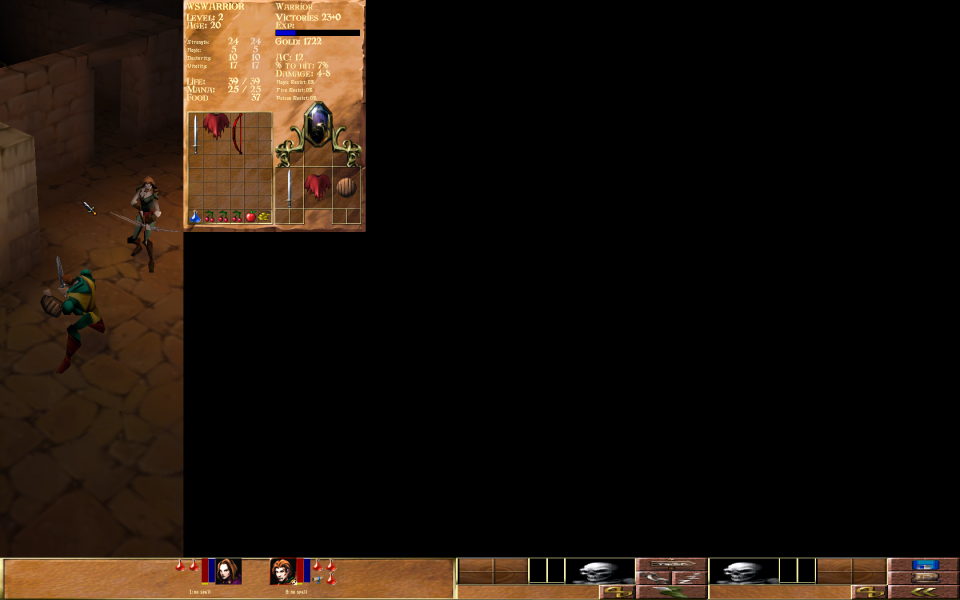
5760x1080 has major visual issues. Running the game with the -sortbyz command line argument fixes some of these issues, but not entirely. 4800x900 works correctly.
Gameplay Screenshots




FMV Cutscenes



Menu Screenshots



Additional Screenshots