

Horrific first-person point-&-click released May 31, 2010 for the PC
Support Summary
Game Information
Screenshots Comparison
Solutions & Issues
.ini
The graphics configuration system is slightly flawed:
-only 4:3 & 5:4 resolutions are available off in-game options...
-the config launcher (Config.exe) lets you specify any custom res (not wider than 5000px), but can't calculate the resulting aspect ratio...
So simply open this file:
C:\Program Files\Iceberg Interactive\Darkness Within 2\config.txt
and edit the screenwidth, screenheight and aspect values.
e.g for 1920x1080:
Code:
Display = {
fullscreen = true,
zfar = 10000,
multisample = 1,
screenwidth = 1920,
refresh_rate = 0,
fps = 60,
tex_compress = true,
bitsperpixel = 32,
hud_zbias = -0.07,
fov = 80,
screenheight = 1080,
znear = 1,
title = "Darkness Within: The Dark Lineage",
aspect = 1.77777,
}
The fov value (also adjustable from Config.exe) is a vertical angle. For Hor+ gameplay, you don't want to alter it. Leave at default !
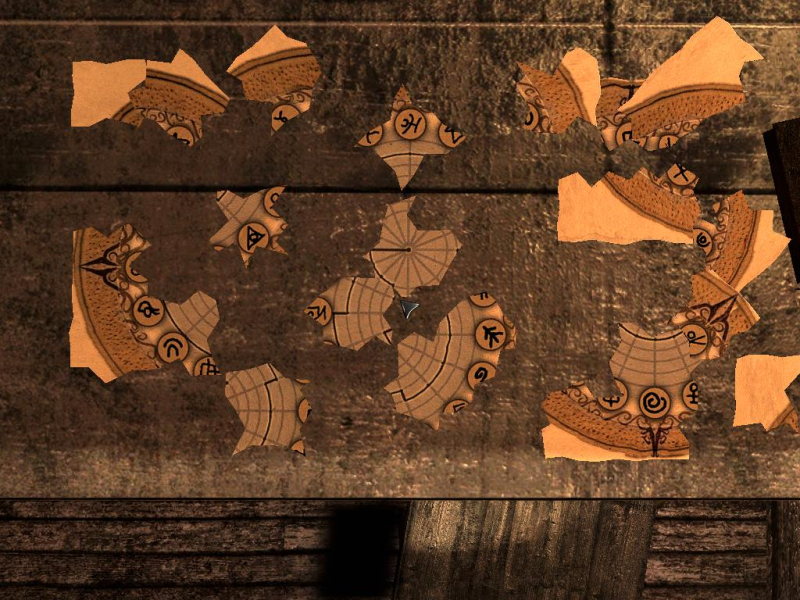
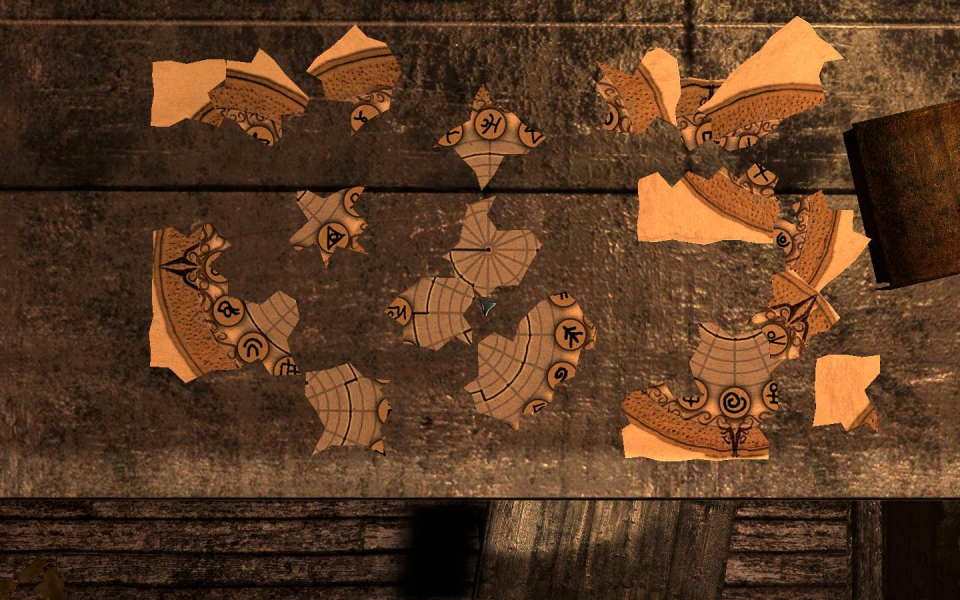
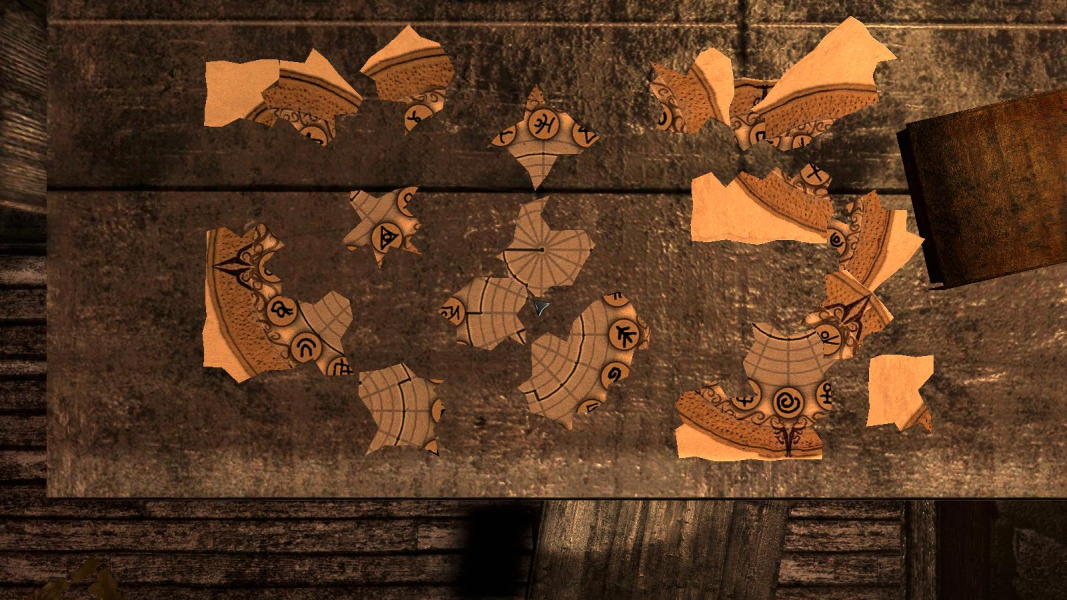
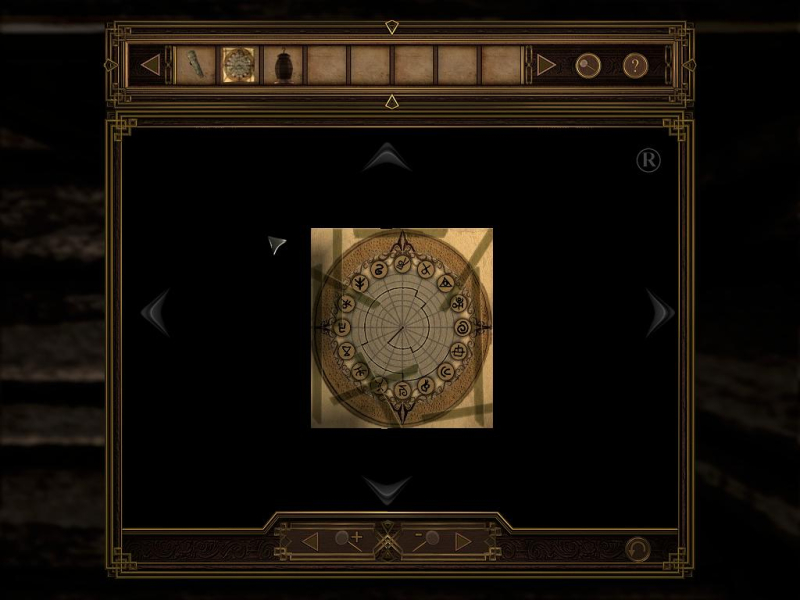
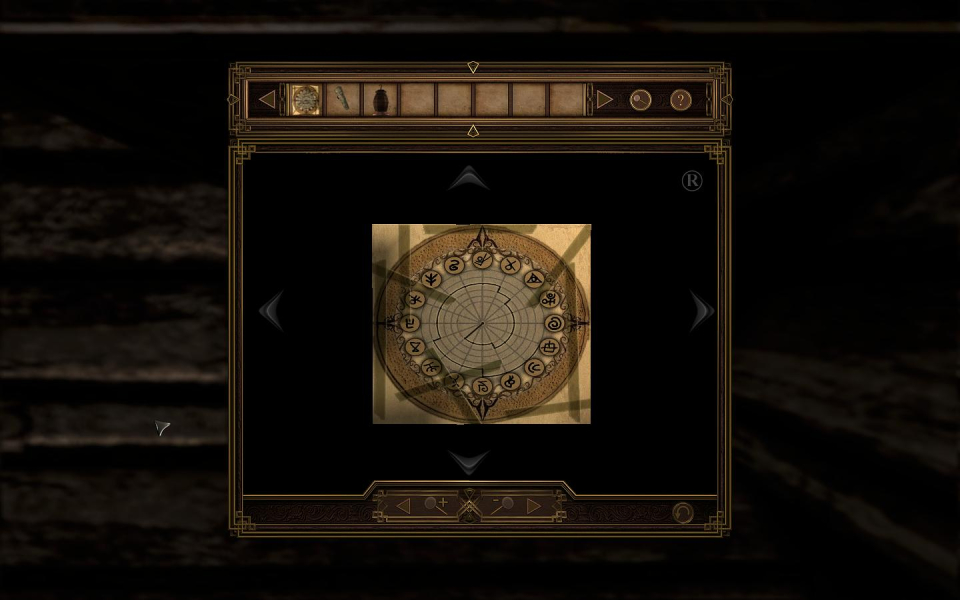
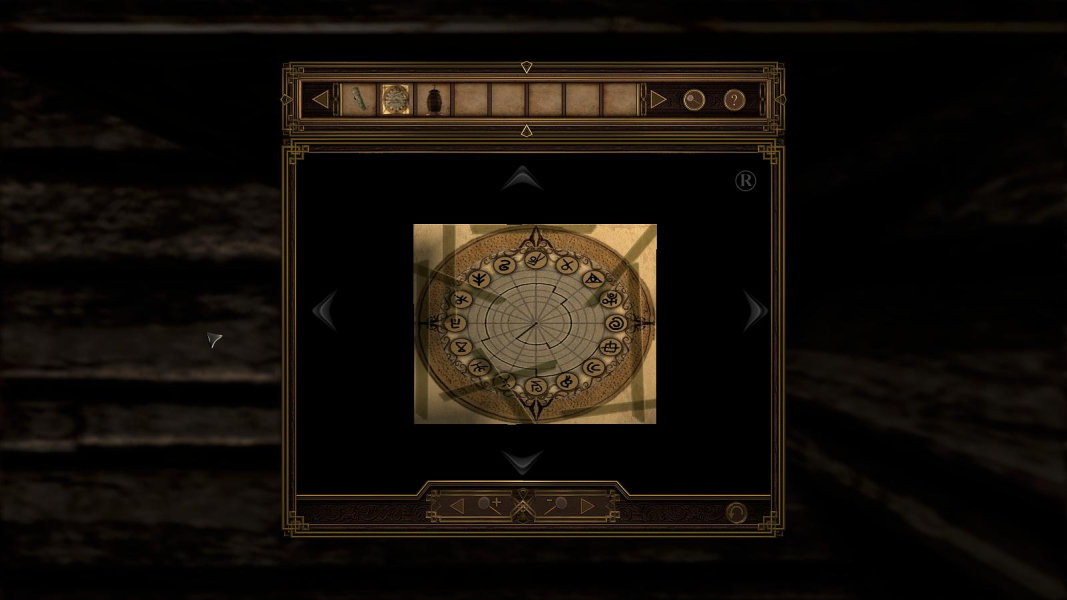
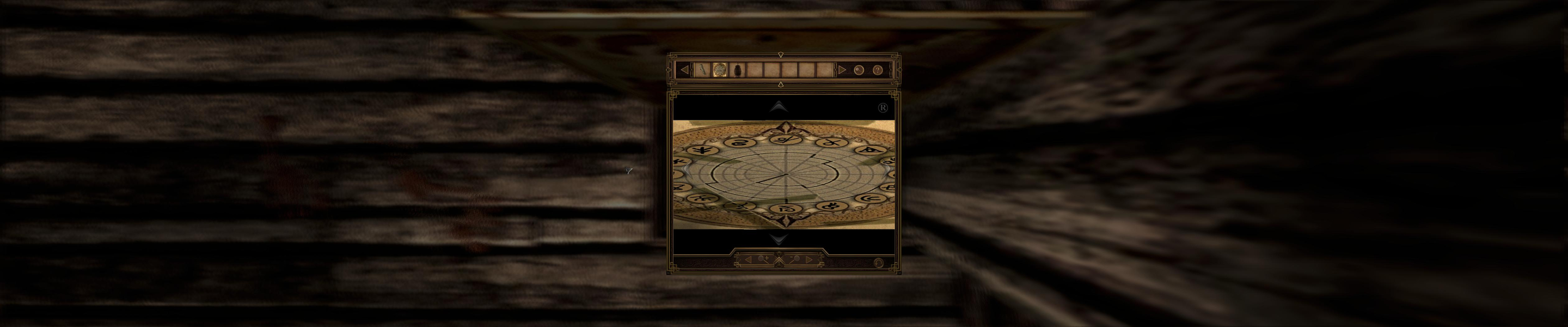
Same method as Widescreen. The inventory features an Examine screen. Examined items stretch. The free zoom prevents this from hurting gameplay too badly (at least in the demo).
Gameplay Screenshots
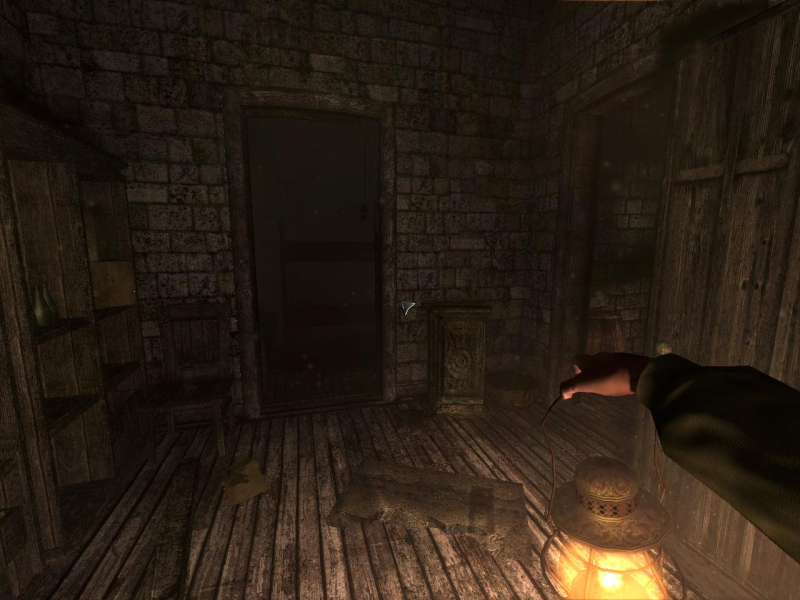


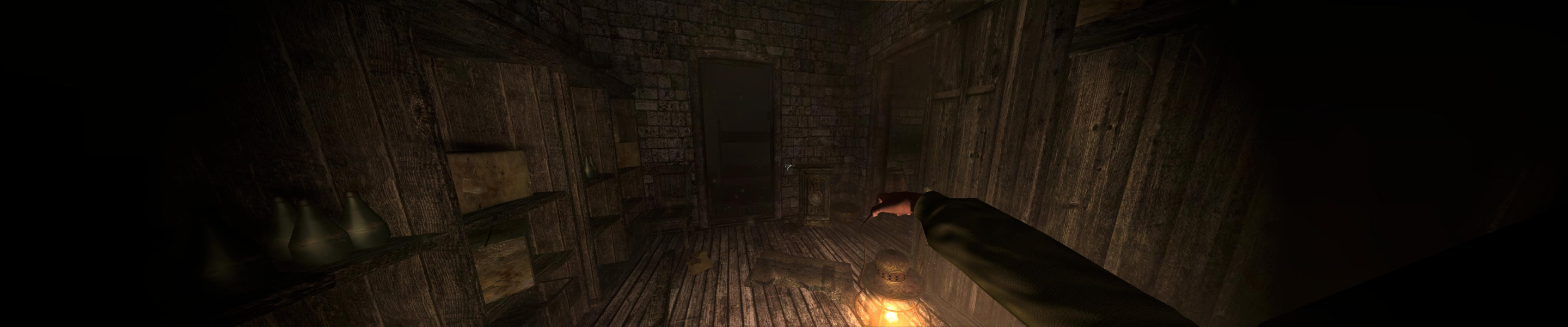
Menu Screenshots
Additional Screenshots