

Dark Sector is a single-player focused third-person shooter from Digital Extremes, who made the Unreal Tournament series through UT 2004, amongst other titles. The game has minor strategy elements and a boomerang-style bladed weapon which makes for some unique gameplay. Dark Sector was originally released only on consoles but has been ported to PC.
Support Summary
Game Information
Screenshots Comparison
Solutions & Issues
(Thanks to Deathbuffer and Postwar for updated info)
Aspyr/Digital Extremes apparently switched 4:3 and 16:9 Calculations when developing the PC Port.
To fix the Vert+ and HUD issues at 16:9 Resolutions:
1: Open..\Dark Sector\Configs\DS.cfg
in notepad or your preferred text editor.
2: Insert the following line under the[Windows_Config,/Types/Config]
section:Graphics.DisplayAspectRatio=FullScreen4x3
and Save.
Older Info:
Native support results in a vertically stretched picture in fullscreen. To get a properly scaled game, you need to enable windowed mode, as explained by Voodooman:
1) Enable hidden windowed mode
C:\Program Files\ND Games\Dark Sector\Configs\DS.cfg
[Windows_Config,/Types/Config]
Add this line:
Graphics.FullScreen=0
2) Set resolution
C:\Program Files\ND Games\Dark Sector\Configs\Editor.cfg
[MainGameWindowed,/Editor/WinRect]
SizeX=
SizeY=
The game fails to run at any resolution wider than 2048 pixels (all you get is a black screen with piled up menu items even during gameplay).
3) Optional: Make the windowed game look like fullscreen
Download GameCompanion 1.3 (or visit http://newvegas.nexusmods.com/mods/42956)
As explained by Voodooman in the DR thread, GC "removes all borders, controls gamma, sets window as topmost and renders black background behind game window, so everything looks like a fullscreen." Pretty neat.
=====
Vert- gameplay.
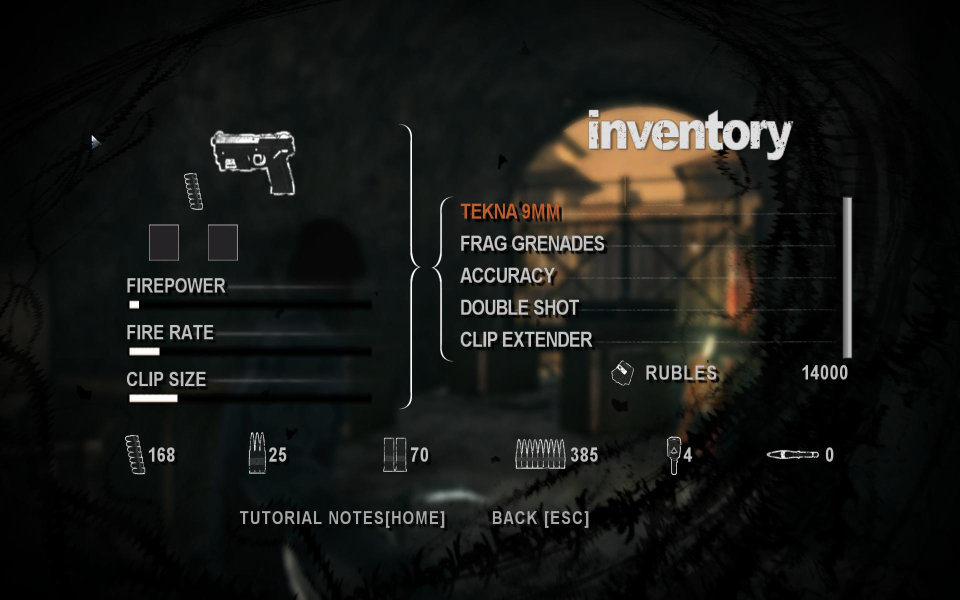
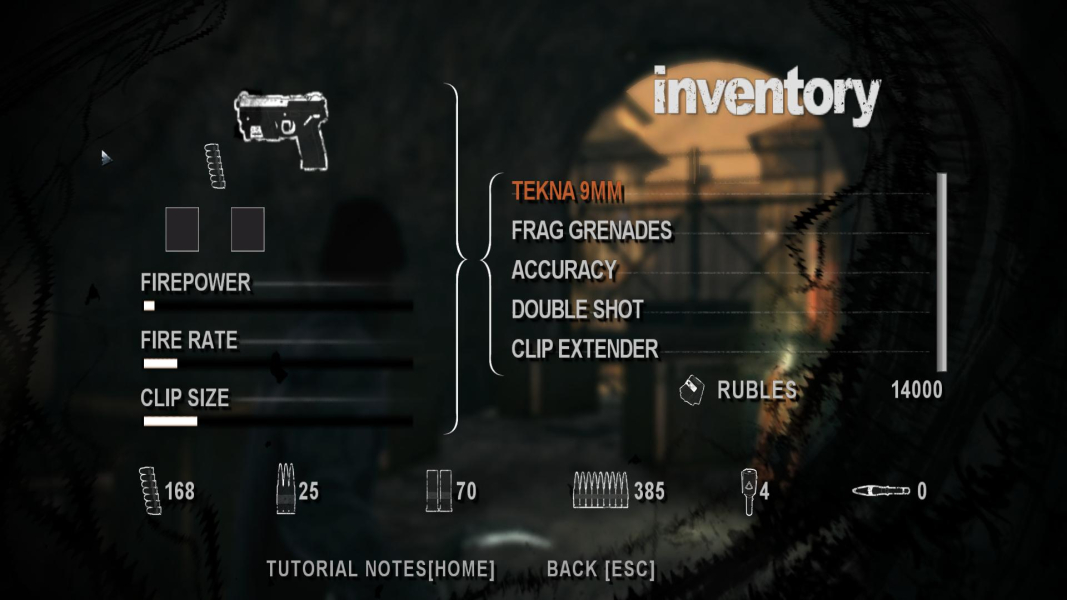
The HUD does not scale at all, so 2D elements look the same but are closer to the top and bottom of the screen in 16:9 than in lower ARs.
Menus are also stretched vertically in Vert- widescreen resolutions.
None. The game fails to run at any resolution wider than 2048 pixels (all you get is a black screen with piled up menu items even during gameplay).
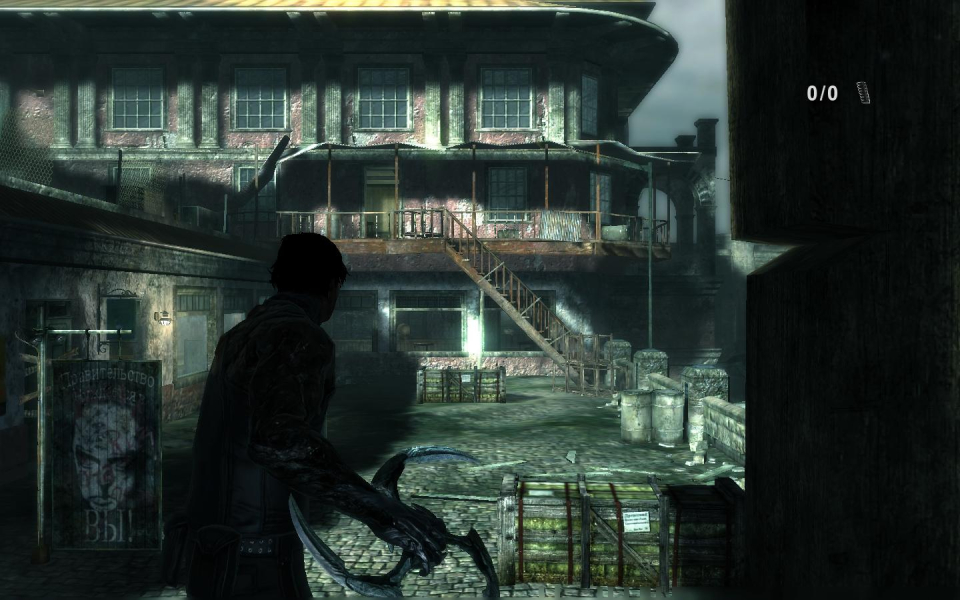
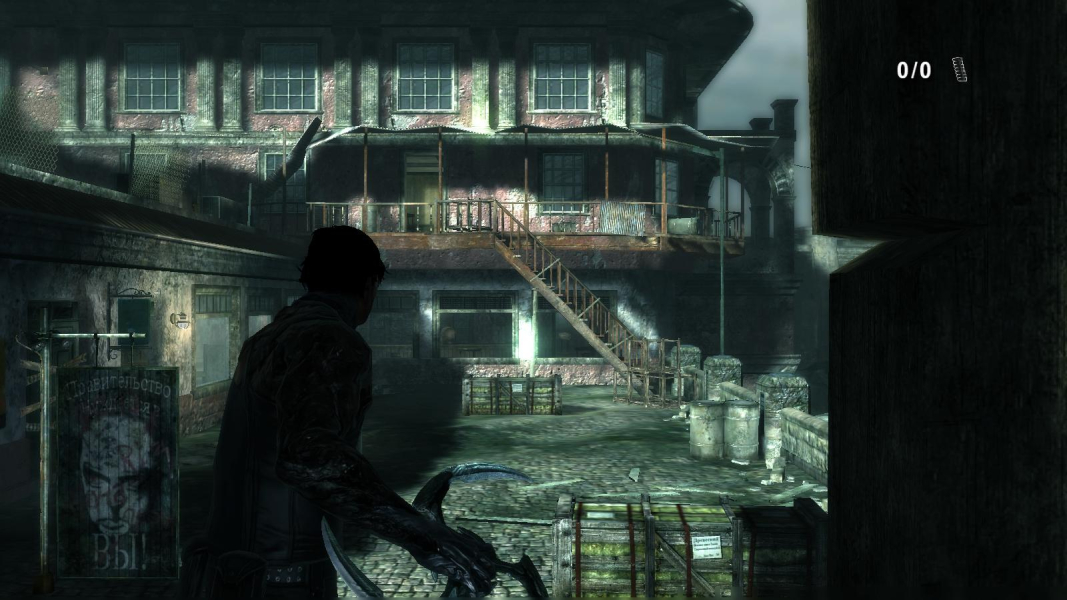
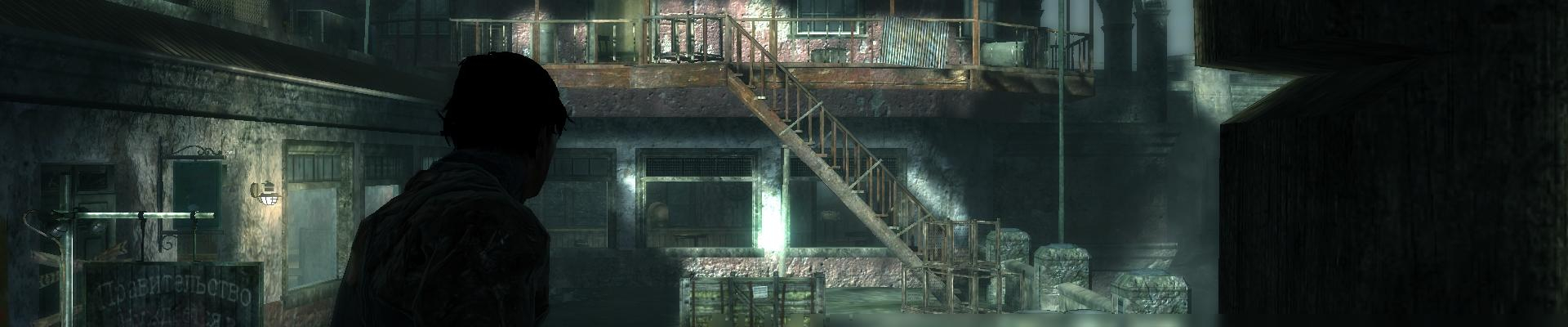
Gameplay Screenshots



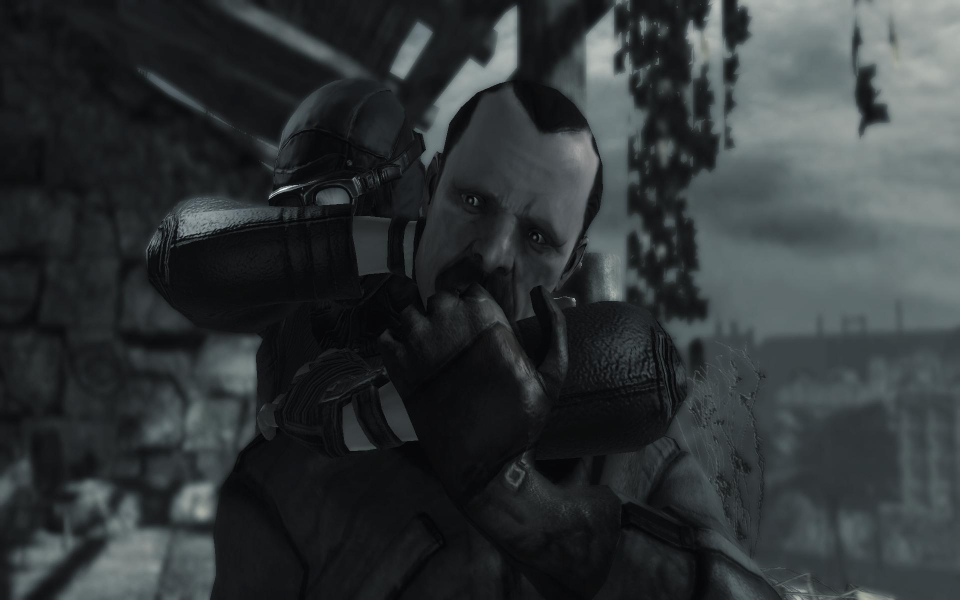
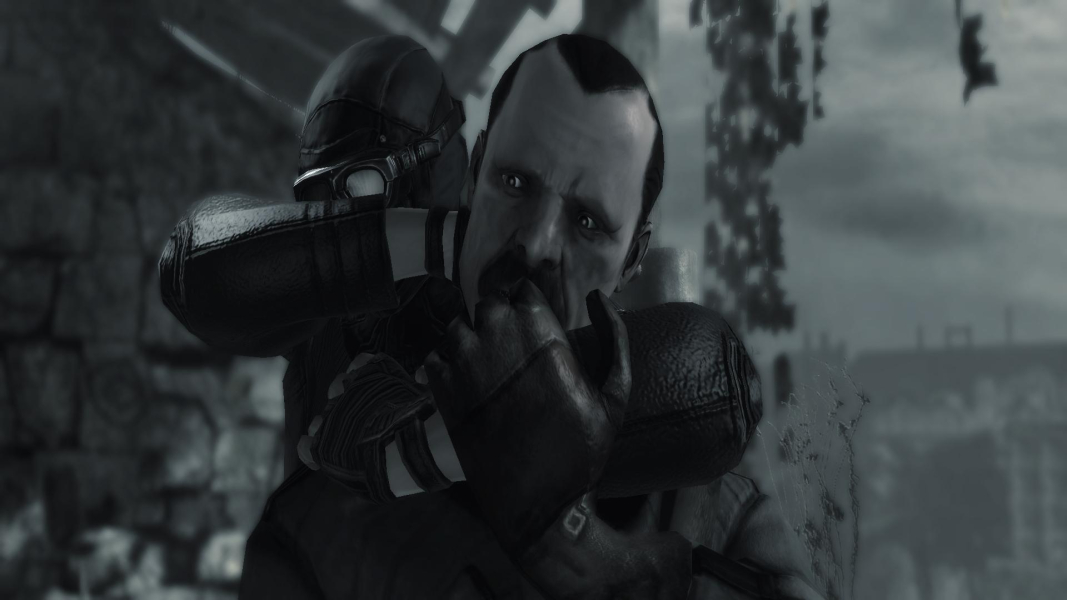
In-Game (Rendered) Cutscenes

Menu Screenshots