


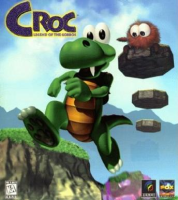


An adventure platform game revolving Croc, as he tries to rescue furry creatures called Gobbos
Support Summary
Game Information
Game Status:Released
Release Date:
Tested Version:Retail
Play Styles:Single-Player
Setting:Cartoon
Genre:Action-Adventure
Developer:
Screenshots Comparison
Solutions & Issues
Widescreen Solution & Issues:
Gameplay and menus have everything scaled correctly after using the steps below, but cutscenes are still stretched from 4:3.
A tiny part of the lives counter is visible when using a 16:9 aspect ratio. Wider aspect ratios show more of the slide-in side counters.
For Direct3D renderer (second release only):
- Open CrocD3D.exe in a hex editor.
- Search for AB AA AA 3F and replace it with your aspect ratio (see common hex values).
- Open the setup tool and choose D3D Hardware Acceleration. Detected widescreen resolutions are shown in the list. Higher resolutions may have poor performance (use dgVoodoo 2 to fix this).
For Glide renderer (both releases):
- Open croc.exe in a hex editor.
- Search for AB AA AA 3F and replace it with your aspect ratio (see common hex values).
- Delete or rename glide2x.dll in the Croc installation folder.
- Install nGlide.
- Run the nGlide Configurator and set Screen resolution to by desktop and ensure aspect ratio is set to Fit to screen.
- Run the Croc setup tool and choose 3dfx. The resolution chosen here does not matter (nGlide overrides it).
Ultra/Super-Wide Specific Solution & Issues:
The slide-in counters for lives, gems, and gobbos move to the corners when inactive.
Eyefinity / Surround Specific Solution & Issues:
The slide-in counters for lives, gems, and gobbos appear on the side displays when inactive.
Gameplay Screenshots
4:3 Screenshot

16:10 Screenshot

16:9 Screenshot

21:9 Screenshot

32:9 Screenshot

Eyefinity / Surround Screenshot

In-Game (Rendered) Cutscenes
4:3 Cutscene

16:10 Cutscene

16:9 Cutscene

21:9 Cutscene
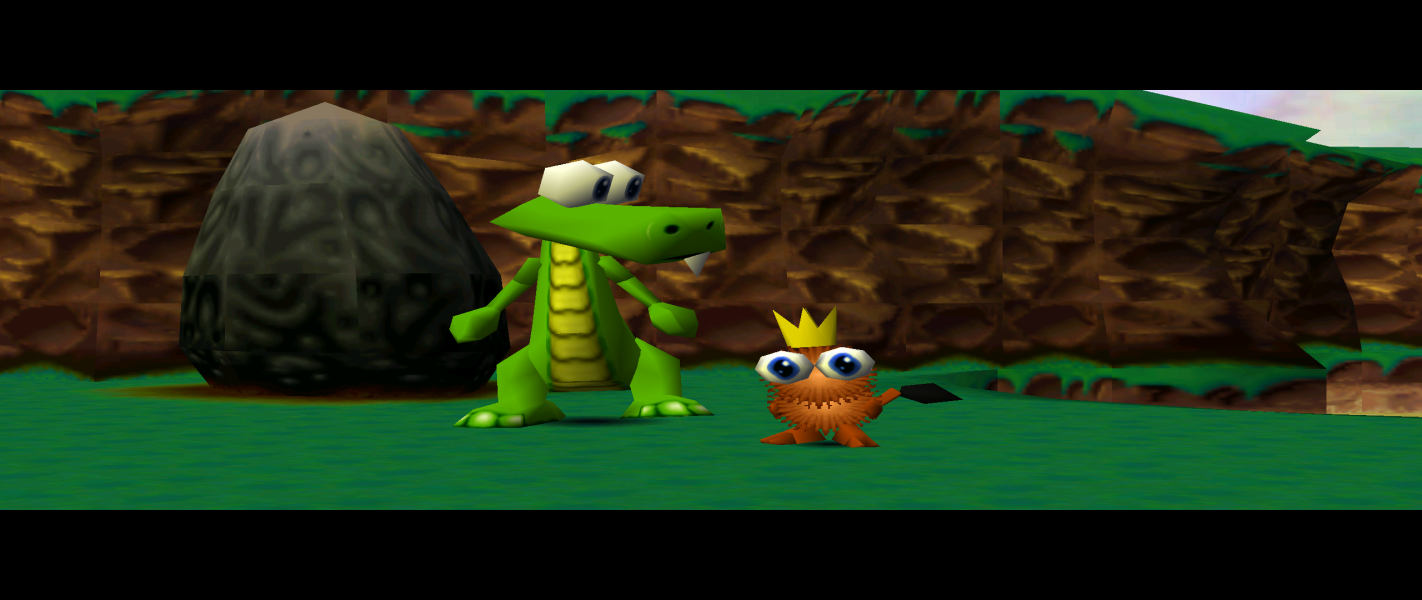
Eyefinity / Surround Cutscene

FMV Cutscenes
4:3 FMV Cutscene
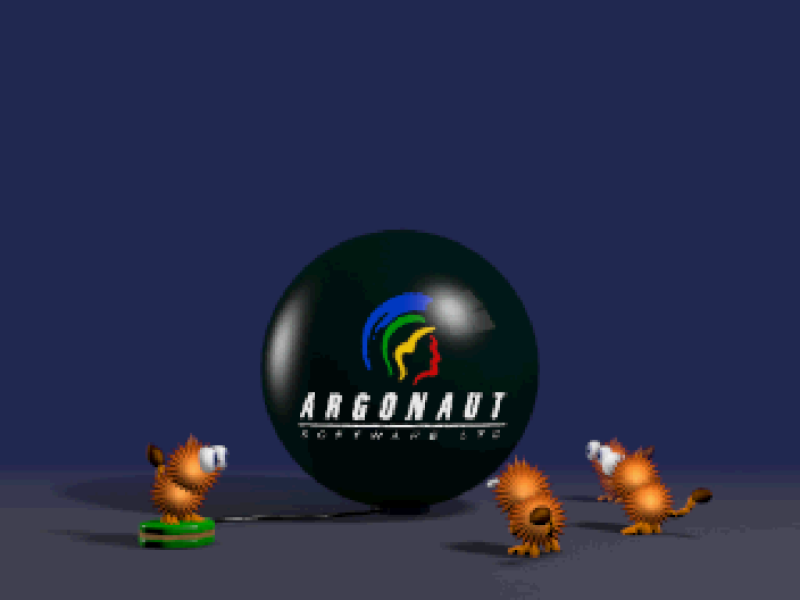
16:10 FMV Cutscene

16:9 FMV Cutscene

Menu Screenshots
4:3 Menu
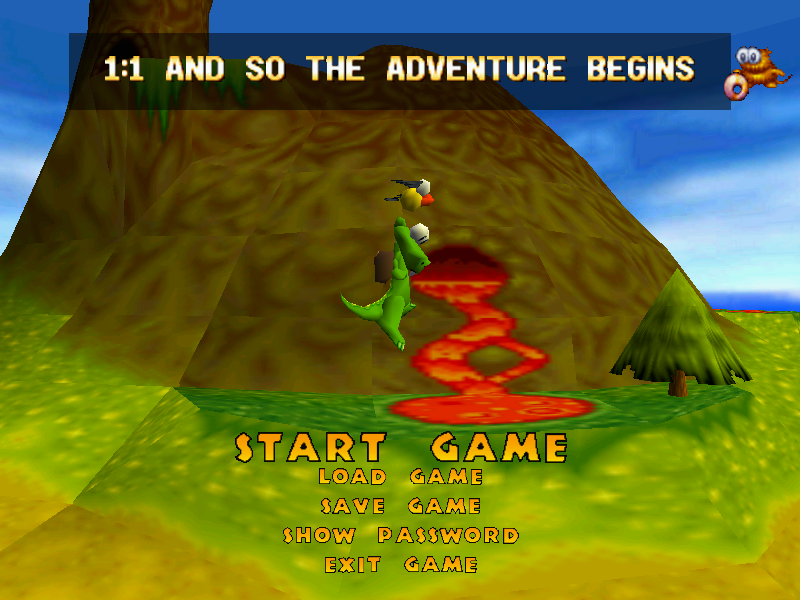
16:10 Menu
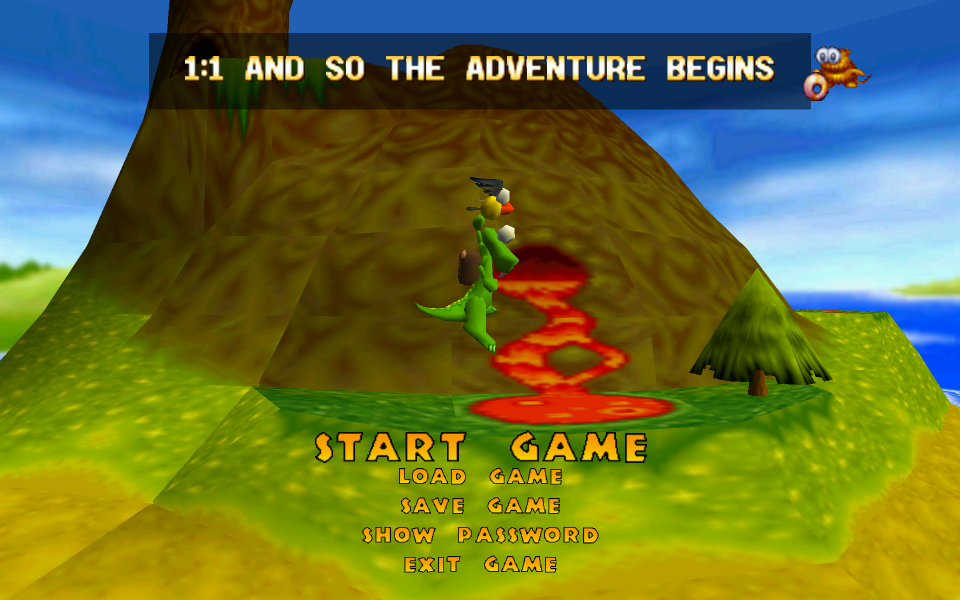
16:9 Menu
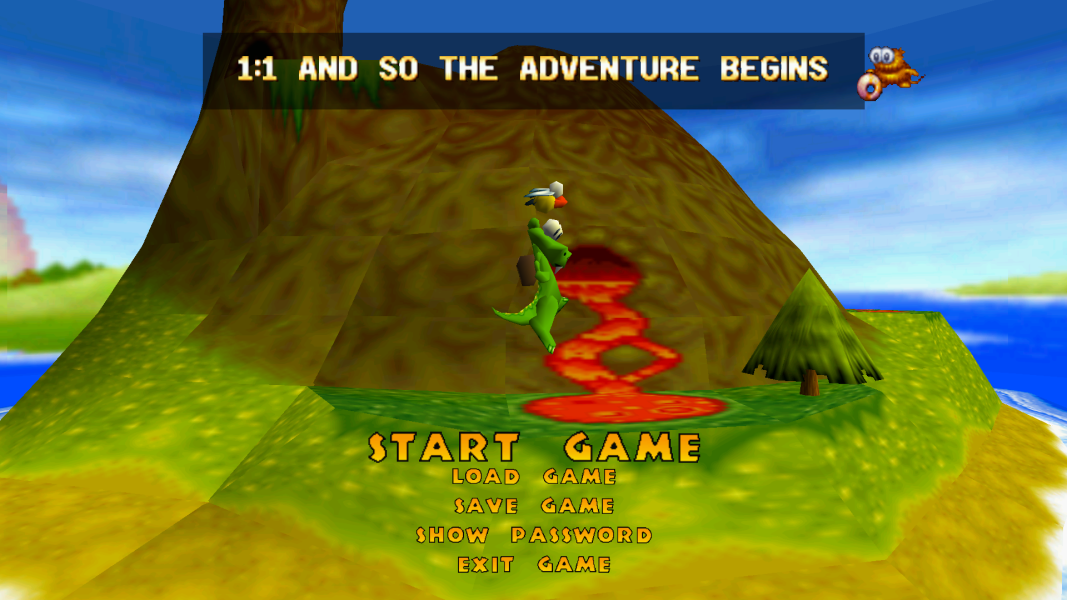
21:9 Menu
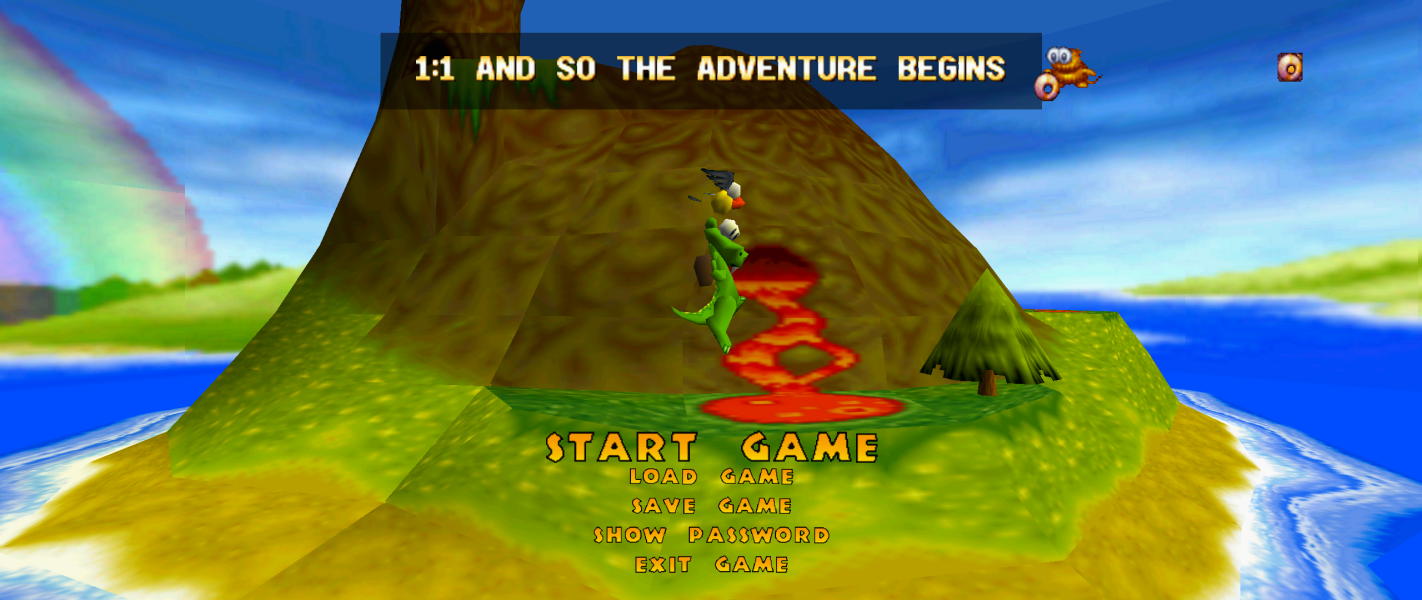
Eyefinity / Surround Menu

Additional Screenshots
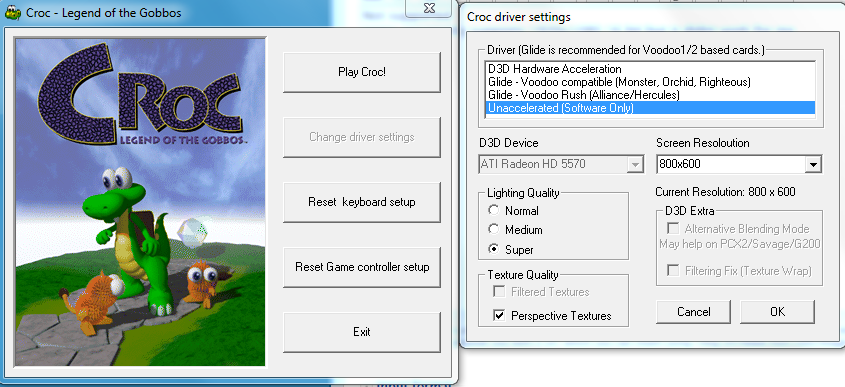
Video options


