





Mongol cyberpunk, a rare glimpse of humanity's dys-steppe-ian future. Helped by a broken gynoid, a man looks for his past between a cozy yurt and a derelict amusement park. Cradle is part point-n-click, part puzzle-action - although the most action-oriented puzzle rooms may be skipped (or tackled later on) without interfering with the story. Streamlined checkpoint and inventory systems also make hoarding useless, so you can lose yourself to the atmosphere and mysteries of a dying world.
Support Summary
Game Information
Screenshots Comparison
Solutions & Issues
Native Hor+ support of most common resolutions. A VFOV slider is present (range 50-80) and affects both gameplay and cut-scenes.
If your desired resolution is not part of the hard-coded list:
1024x576
1280x720
1366x768
1600x900
1920x1080
2560x1440
1024x640
1280x800
1440x900
1680x1050
1920x1200
2560x1600
1024x768
1280x960
1280x1024
1600x1200
2048x1536
...then a .ini edit is required, involving 3 files:
%USERPROFILE%\Cradle\cradle.cfg
Steam\steamapps\common\Cradle\cradle.cfg
Steam\steamapps\common\Cradle\bin\profiles\game.data
Make sure the following line reads the same in ALL 3 files:
-1
Now you can use a custom resolution by editing these lines in BOTH the cradle.cfg files:
1080
1920
Or if you prefer a resizable window, disable fullscreen in-game then use this setting in BOTH cfg files:
1
Manual edit required: see Widescreen solution.
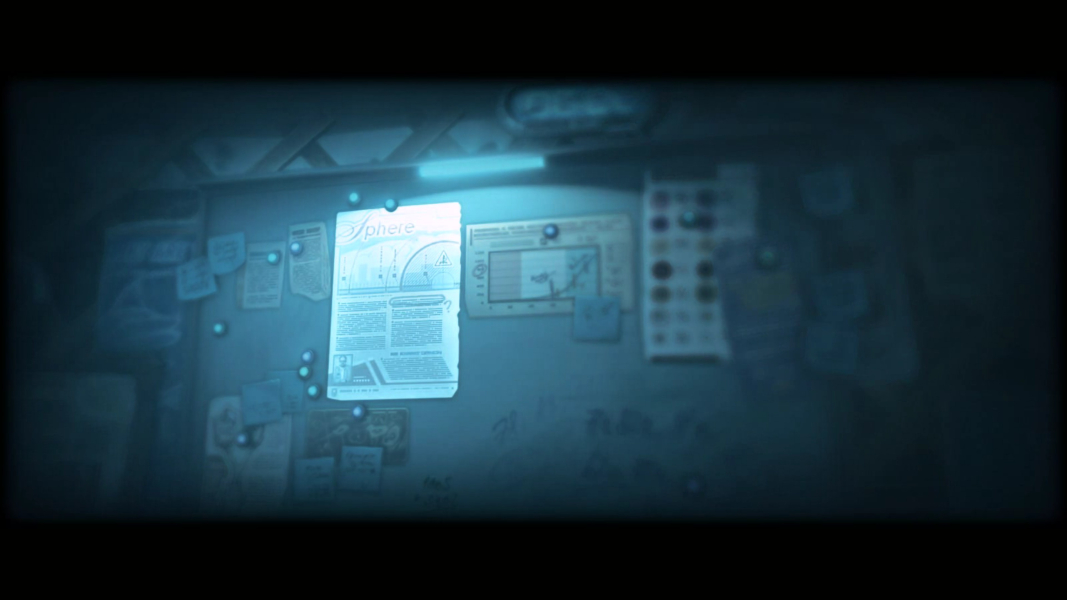
FMVs are 21:9 anamorphic so they fit the screen perfectly.
Manual edit required: see Widescreen solution.
- HUD is minimal but inventory window and dialog interface scale to the right monitor.
- FMVs are Vert-.
Manual edit required: see Widescreen solution.
- HUD is tiny.
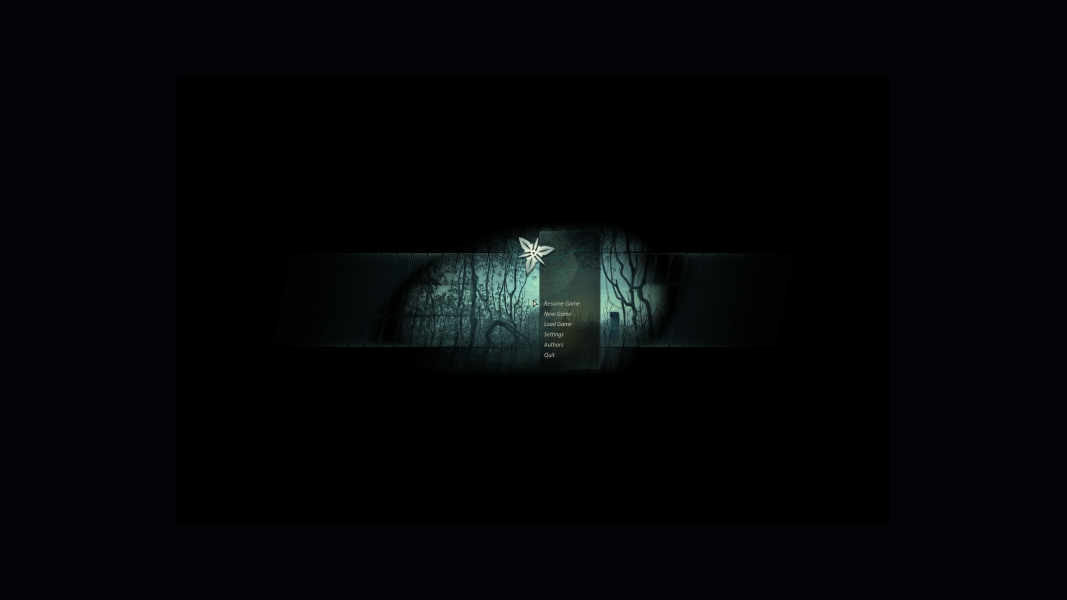
- Menu screens are windowboxed.
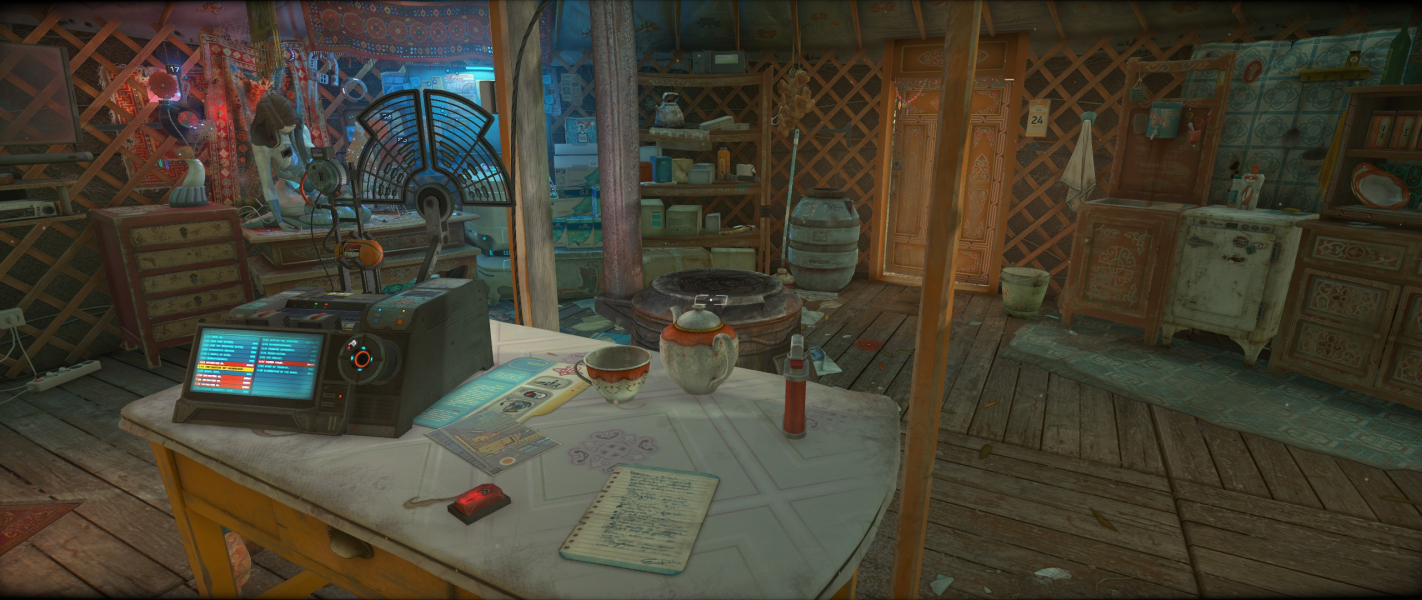
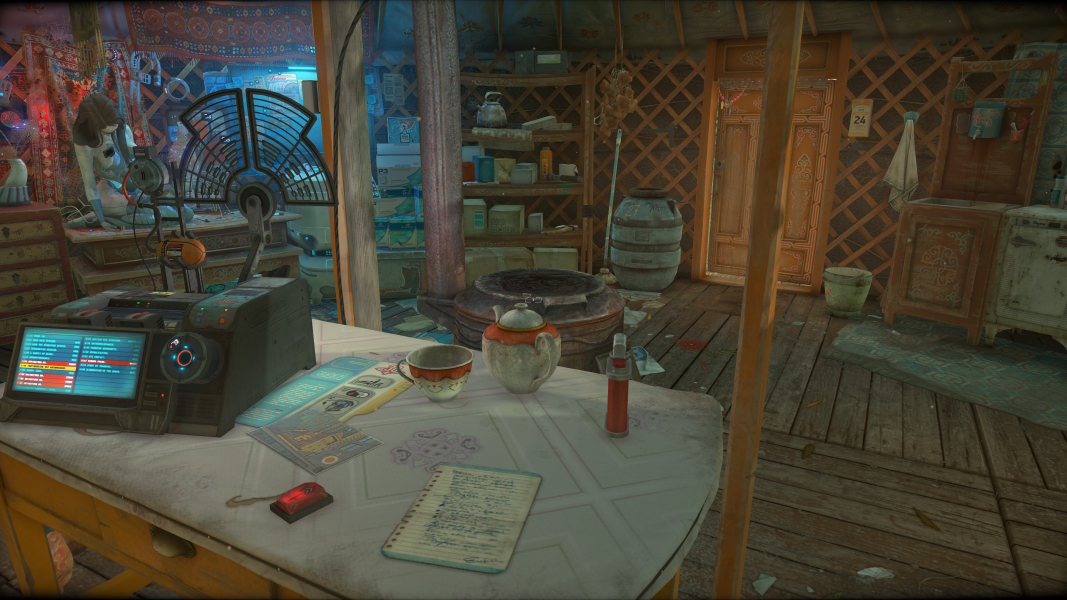
Gameplay Screenshots
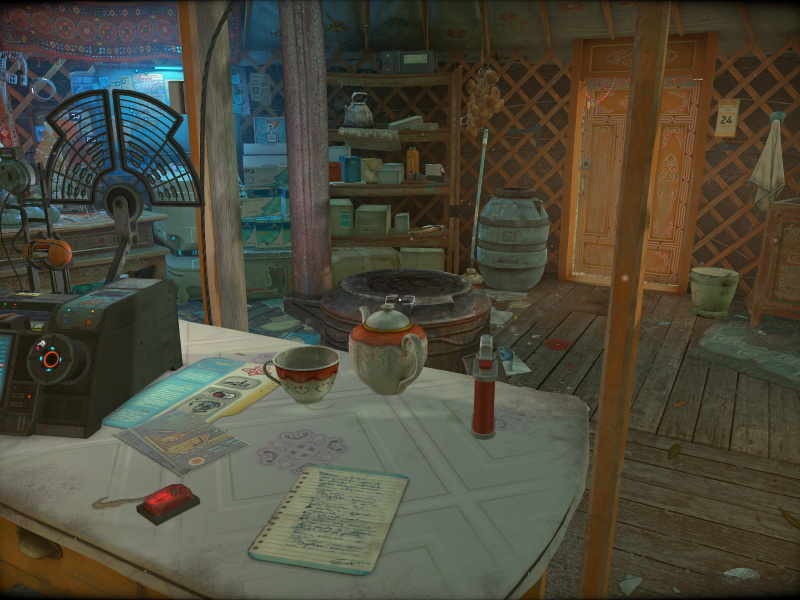
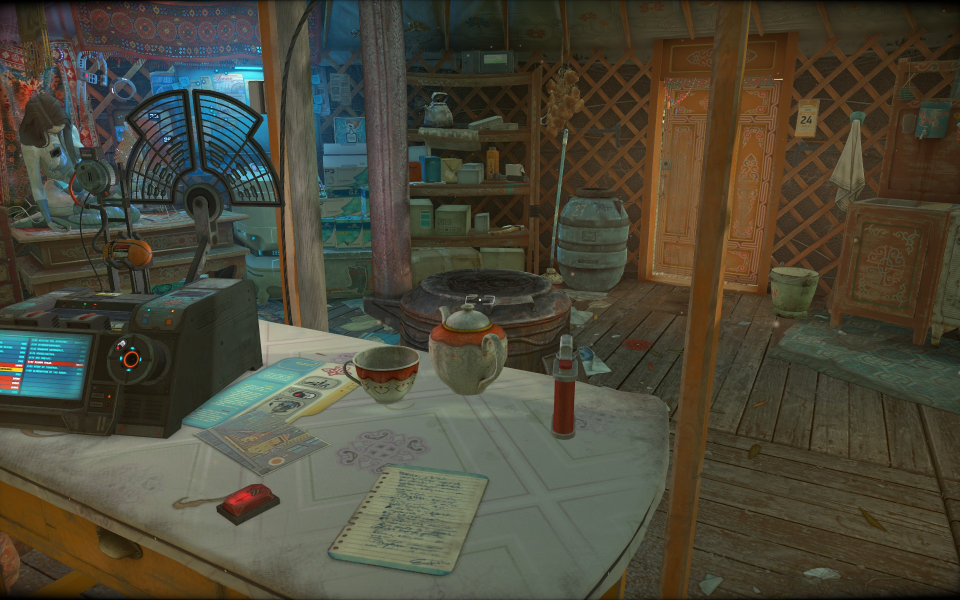
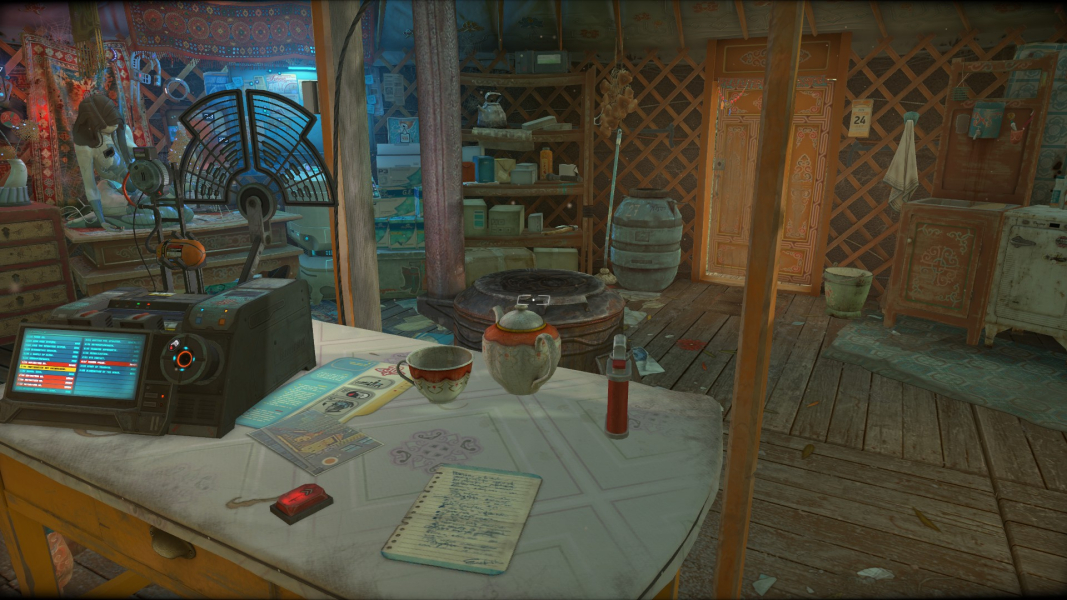


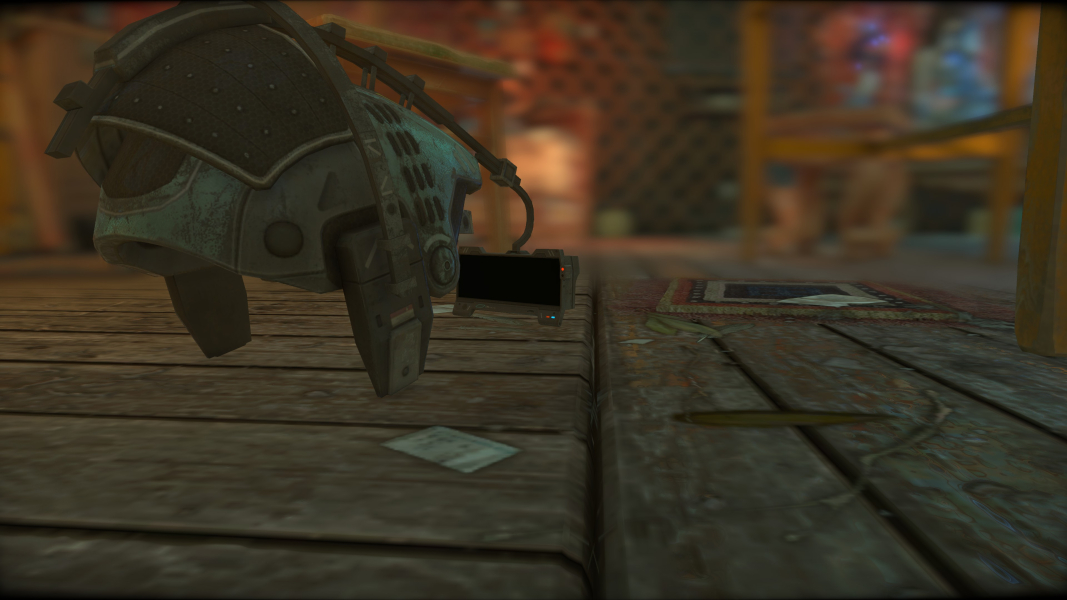
In-Game (Rendered) Cutscenes

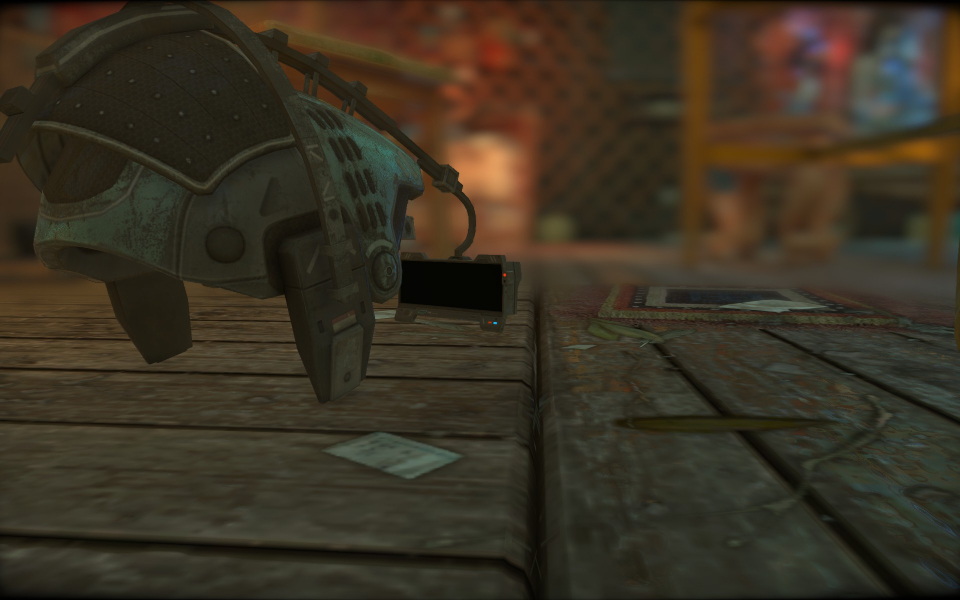
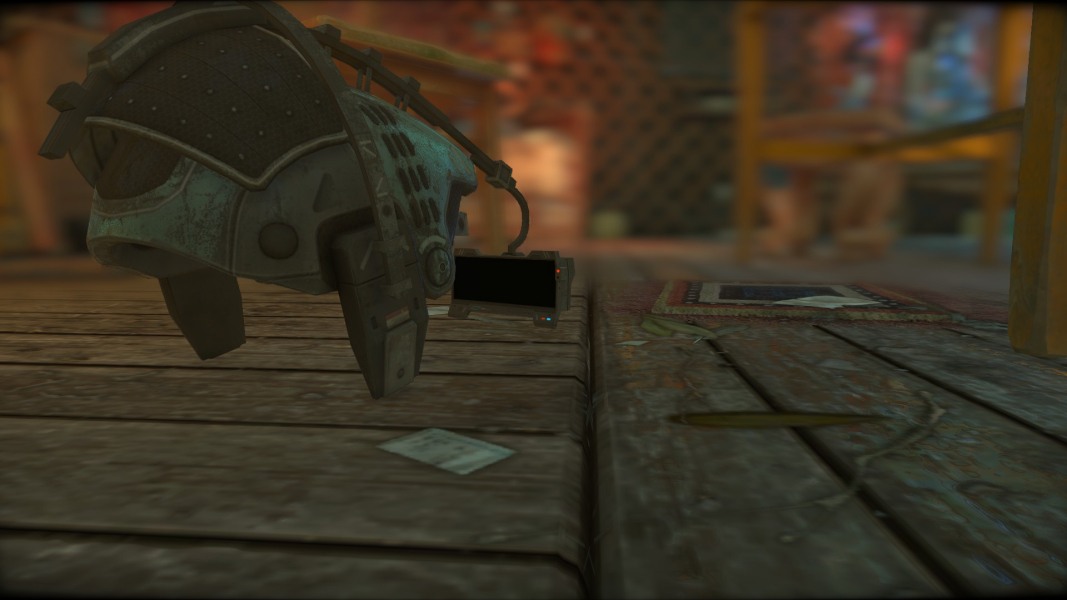
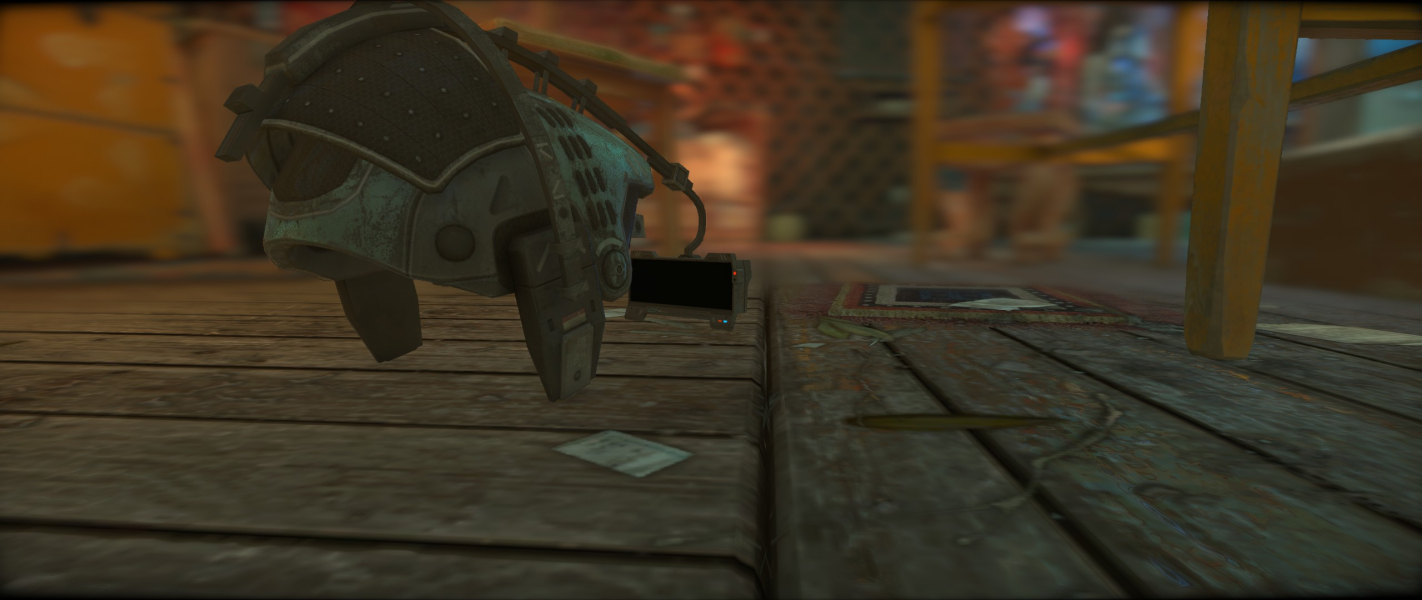

FMV Cutscenes

Menu Screenshots
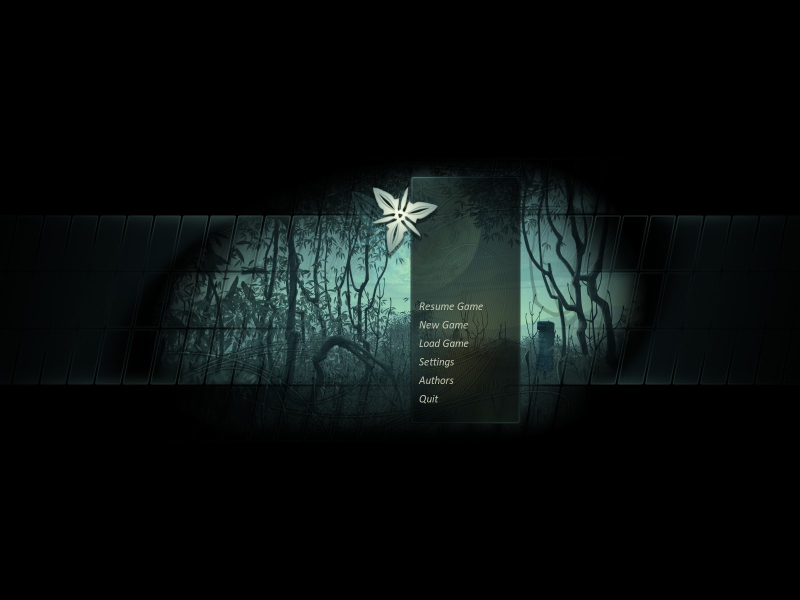
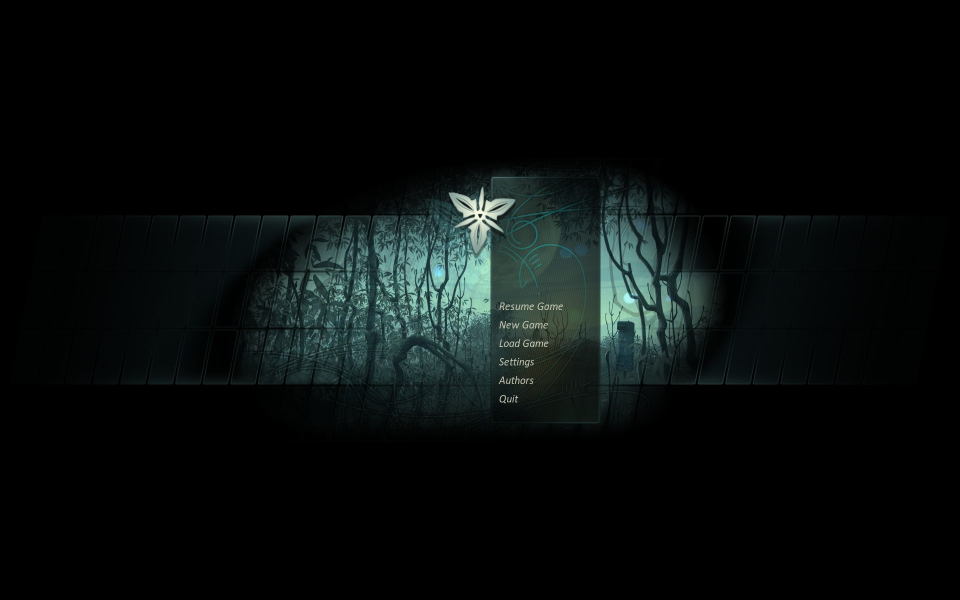
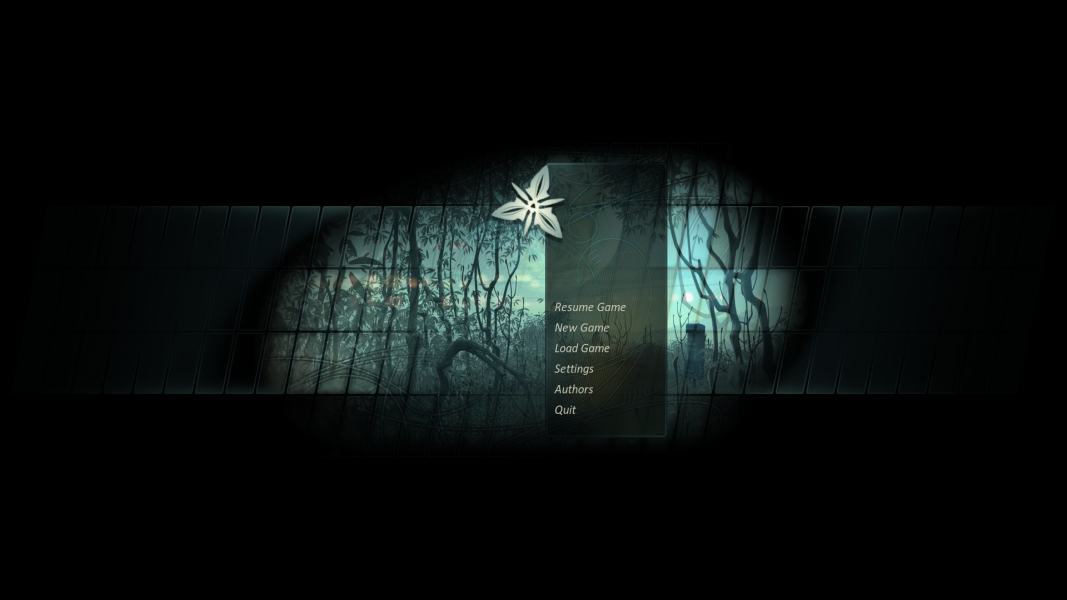
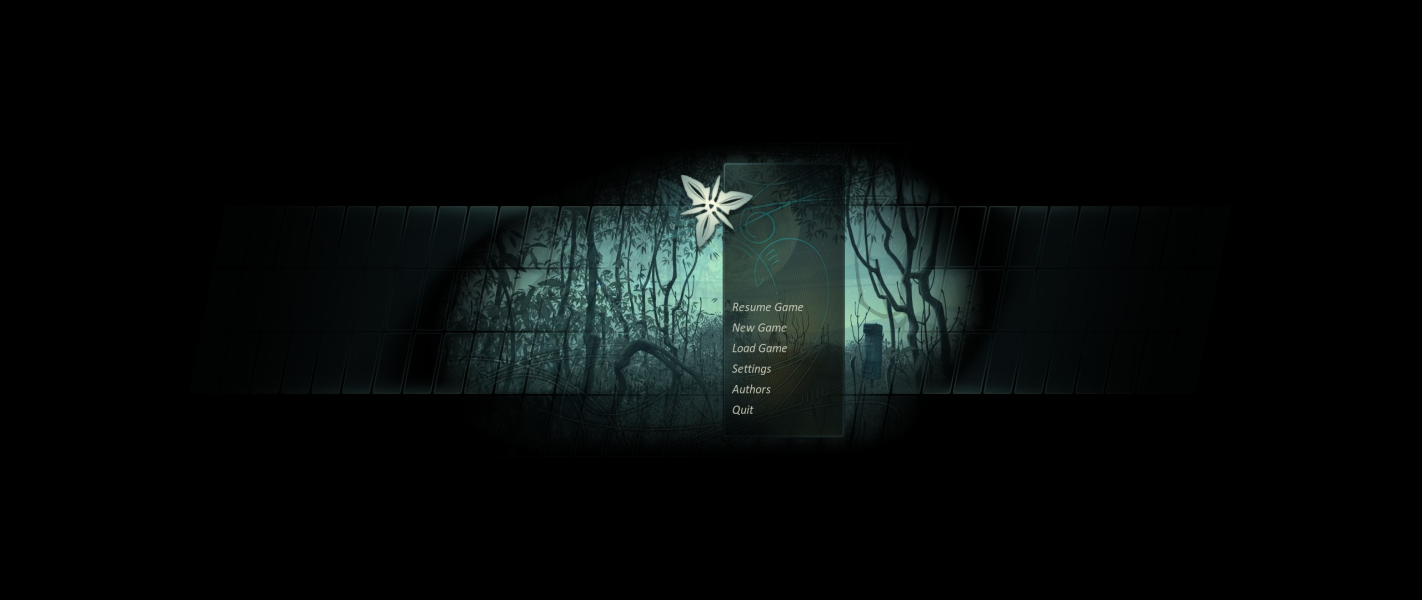

4K UHD Screenshots
Additional Screenshots


