

Counter-Strike: Global Offensive (CS:GO) expands upon the team-based action gameplay that it pioneered when it was launched 12 years prior.
CS:GO features new maps, characters, and weapons and delivers updated versions of the classic CS content (de_dust, etc.). In addition, CS:GO introduces new gameplay modes, matchmaking, leaderboards, and more.
"Counter-Strike took the gaming industry by surprise when the unlikely MOD became the most played online PC action game in the world almost immediately after its release in August 1999," said Doug Lombardi at Valve. "For the past 12 years, it has continued to be one of the most-played games in the world, headline competitive gaming tournaments and selling over 25 million units worldwide across the franchise. CS:GO promises to expand on CS' award-winning gameplay and deliver it to gamers on the PC as well as the next gen consoles and the Mac."
CS:GO was developed by Valve in cooperation with Seattle-based Hidden Path Entertainment.
Support Summary
Game Information
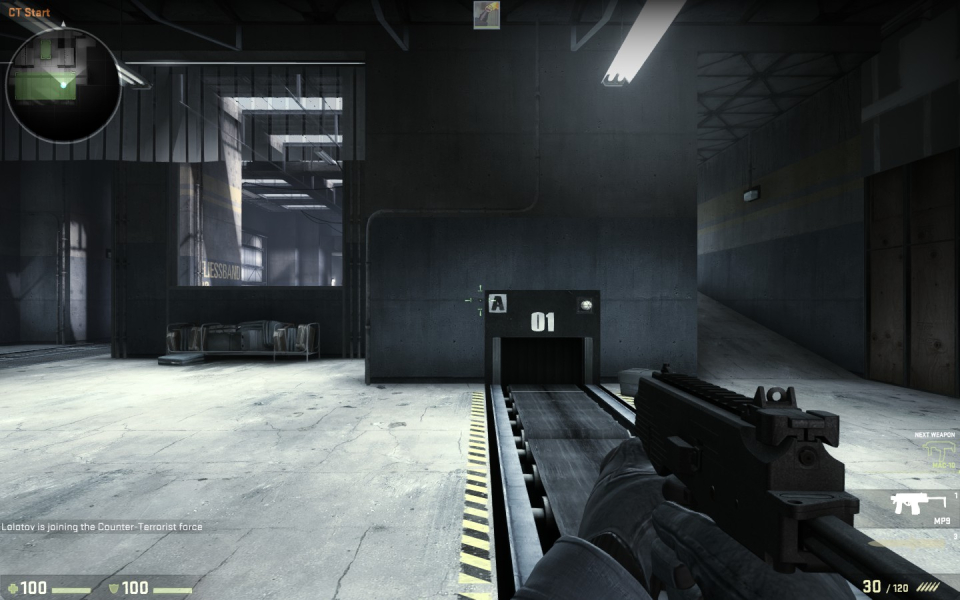
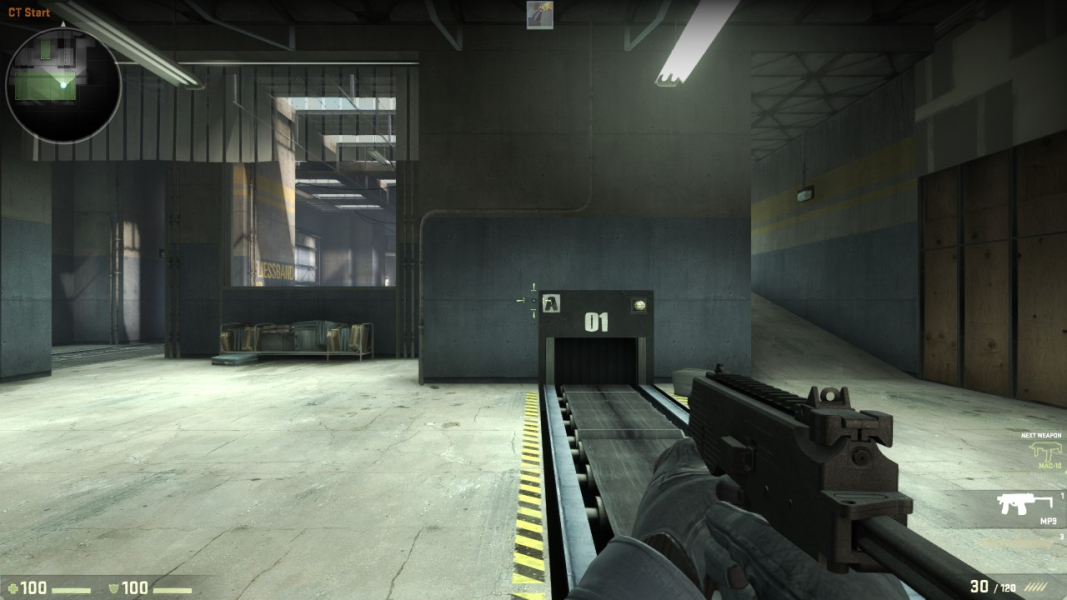
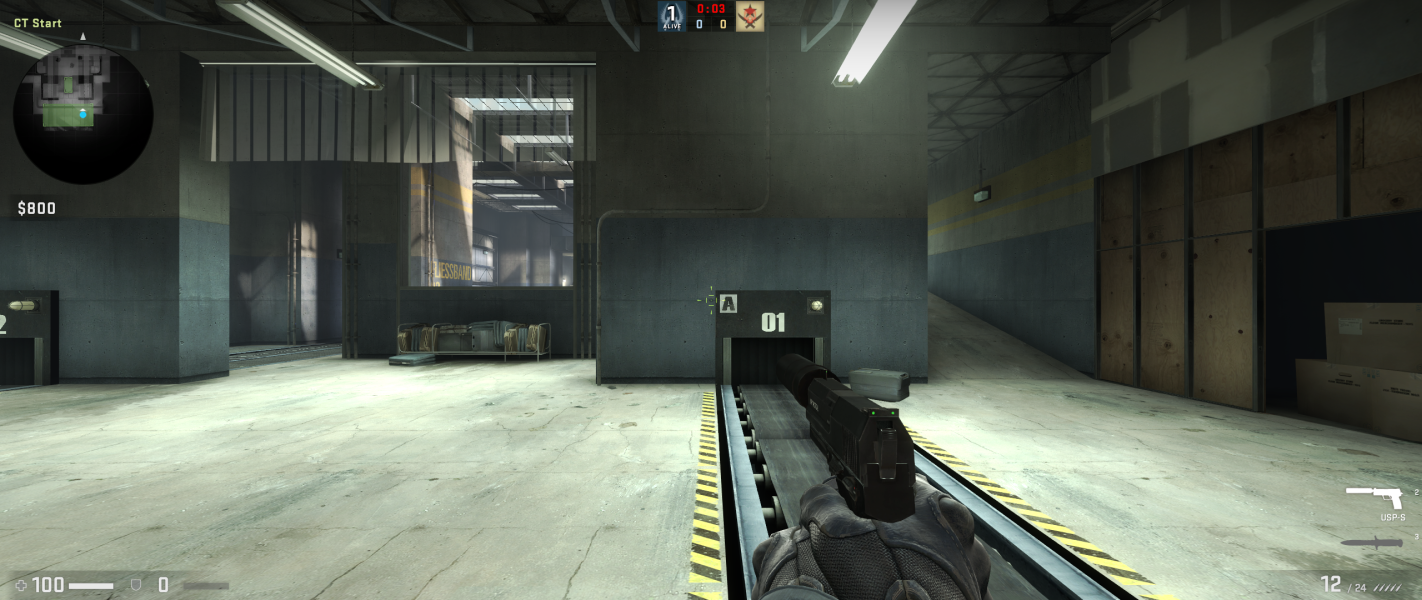
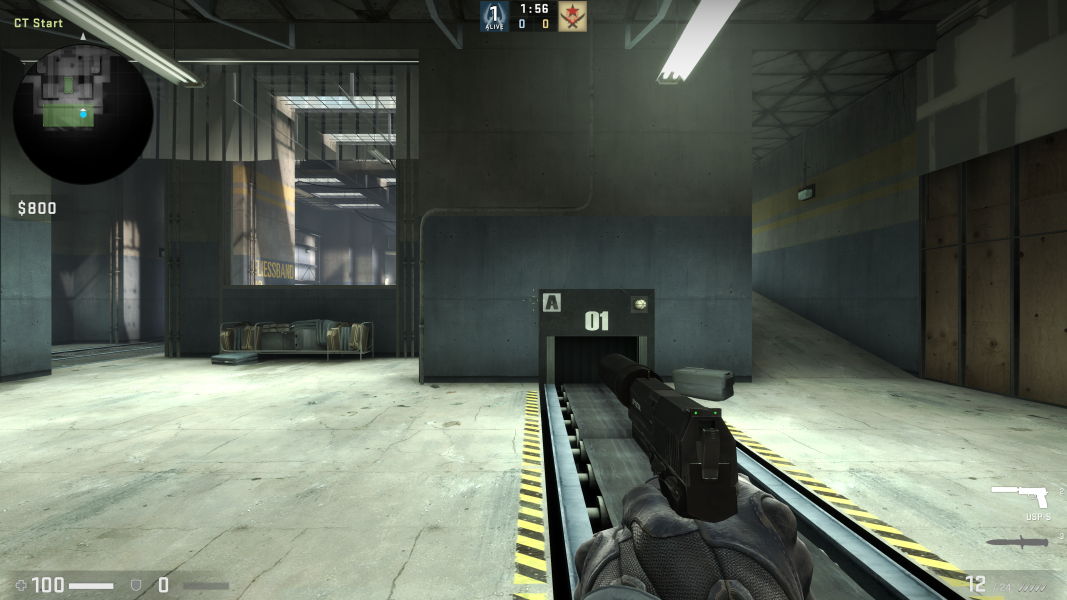
Screenshots Comparison
Solutions & Issues
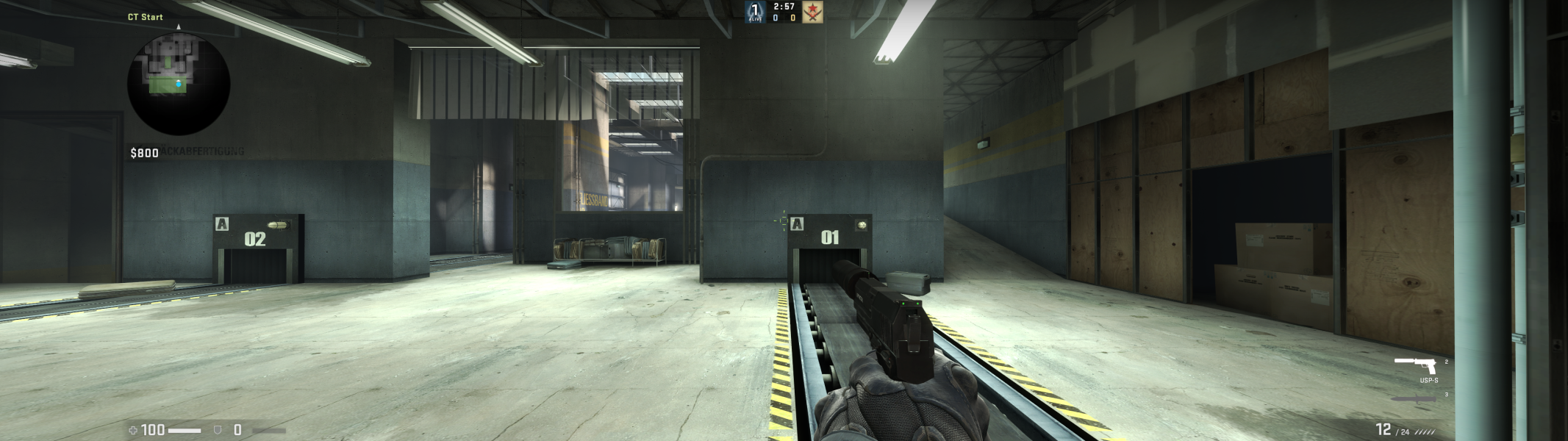
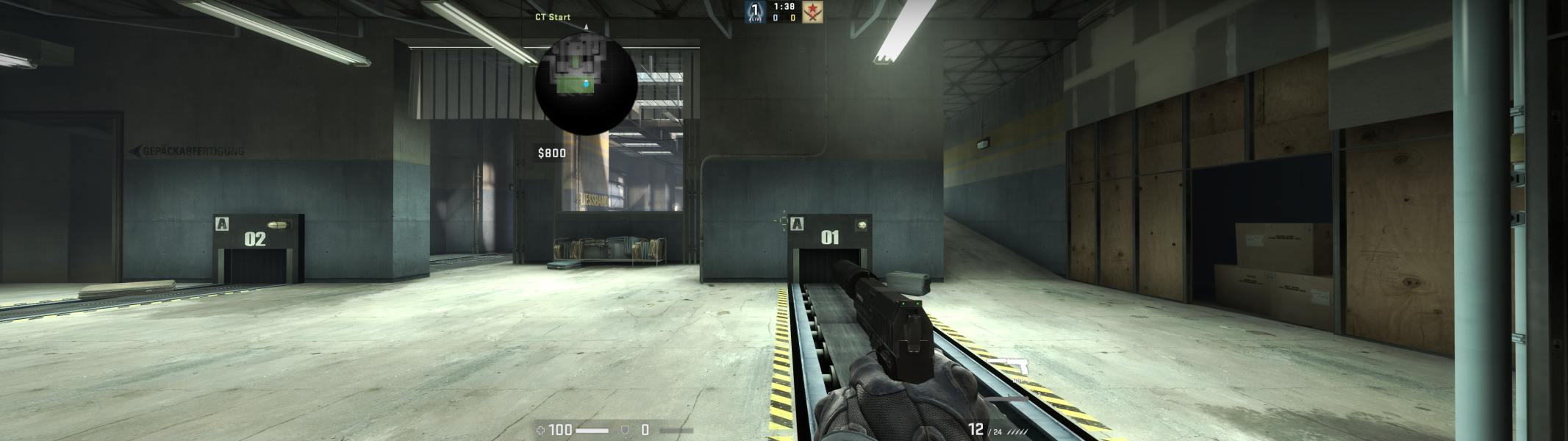
At 32:9, the user has two options with their own downsides, although they are not critical:
- The Triple-Monitor Mode that divides the screen into three and bounds the UI to the center screen, which may be too close to the middle.
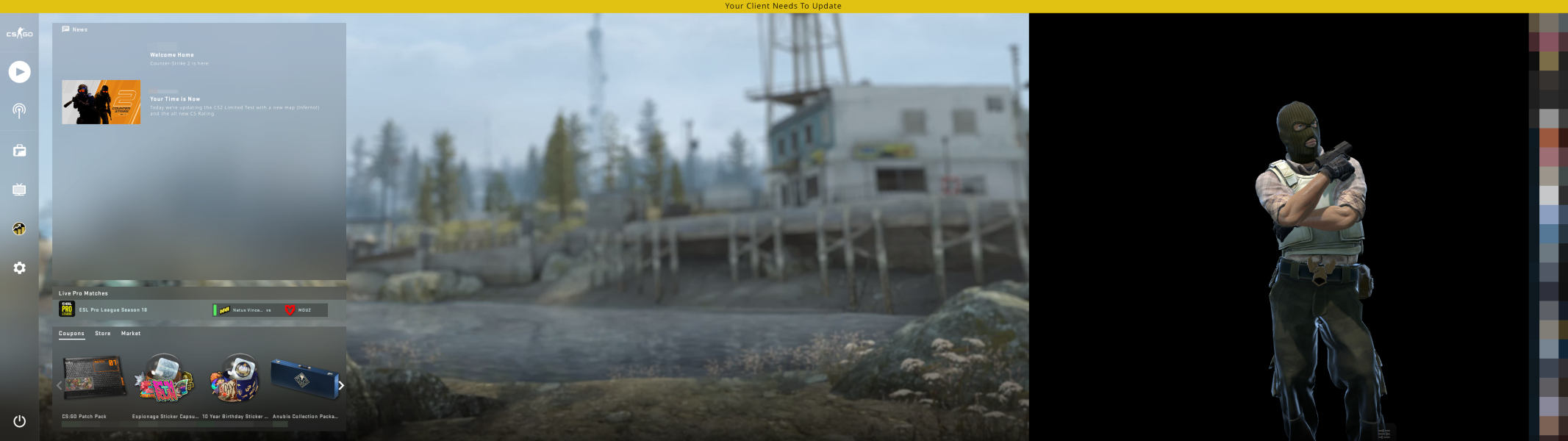
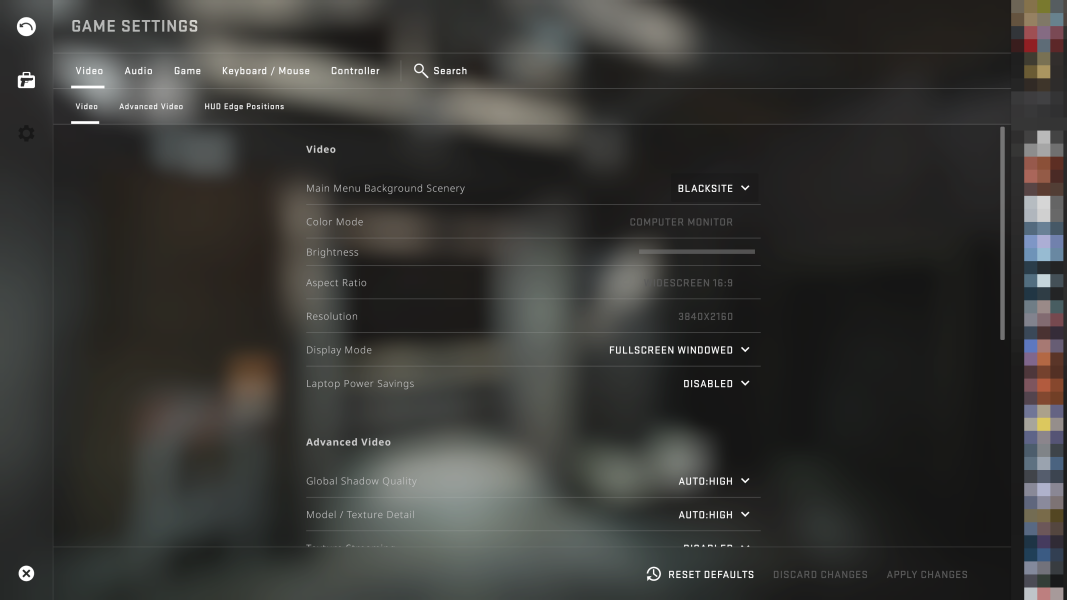
- The HUD Edge Position adjustment under Video settings, which can center the HUD to the aspect ratio of ~3.02 at 32:9, being potentially insufficient for keeping the HUD in the view. Moreover, the main menu background is in ~21:9 and anchored to the left, with black space to the right of it (see the Additional Screenshots).
Enable the Triple-Monitor Mode under Advanced Video settings to center all UI elements.
Gameplay Screenshots

Menu Screenshots
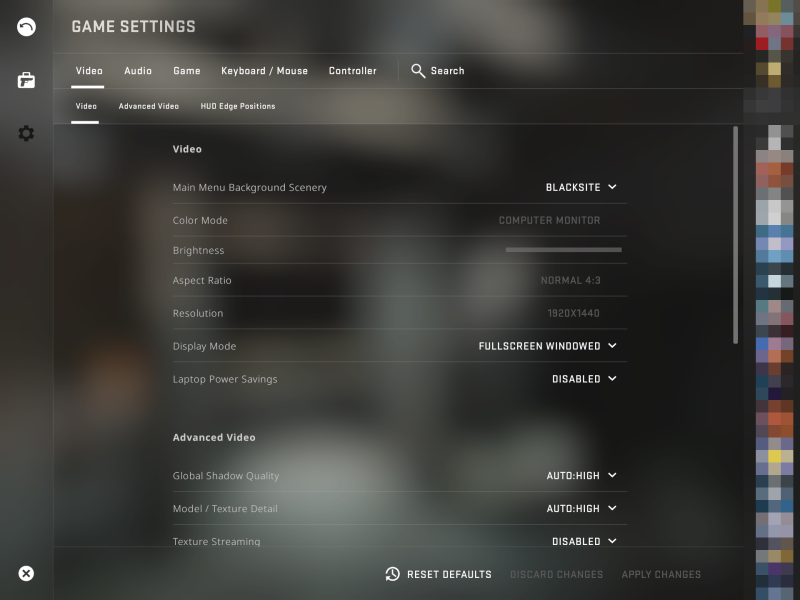

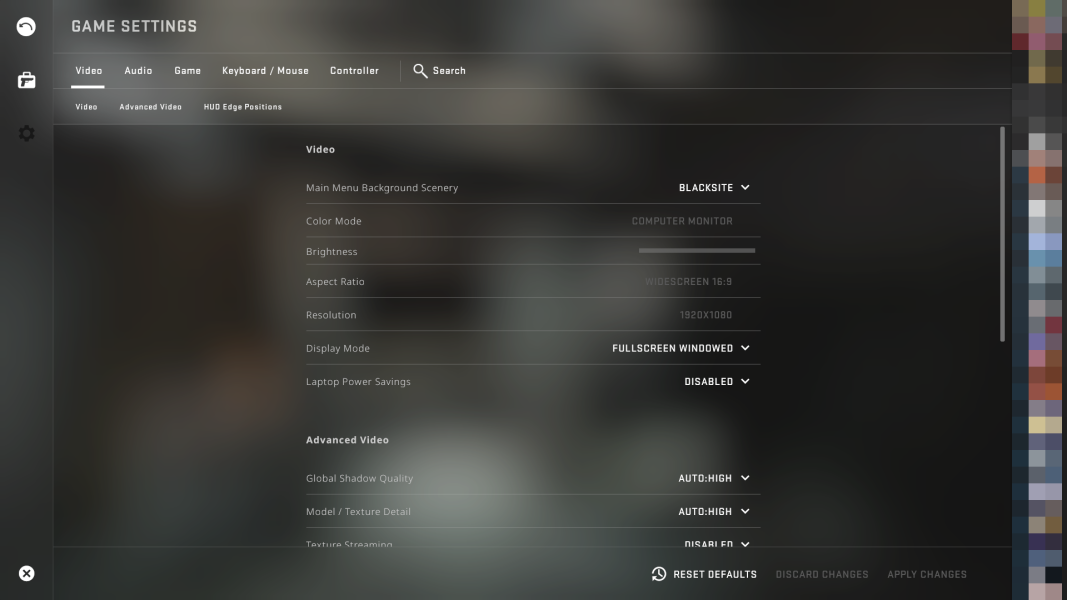
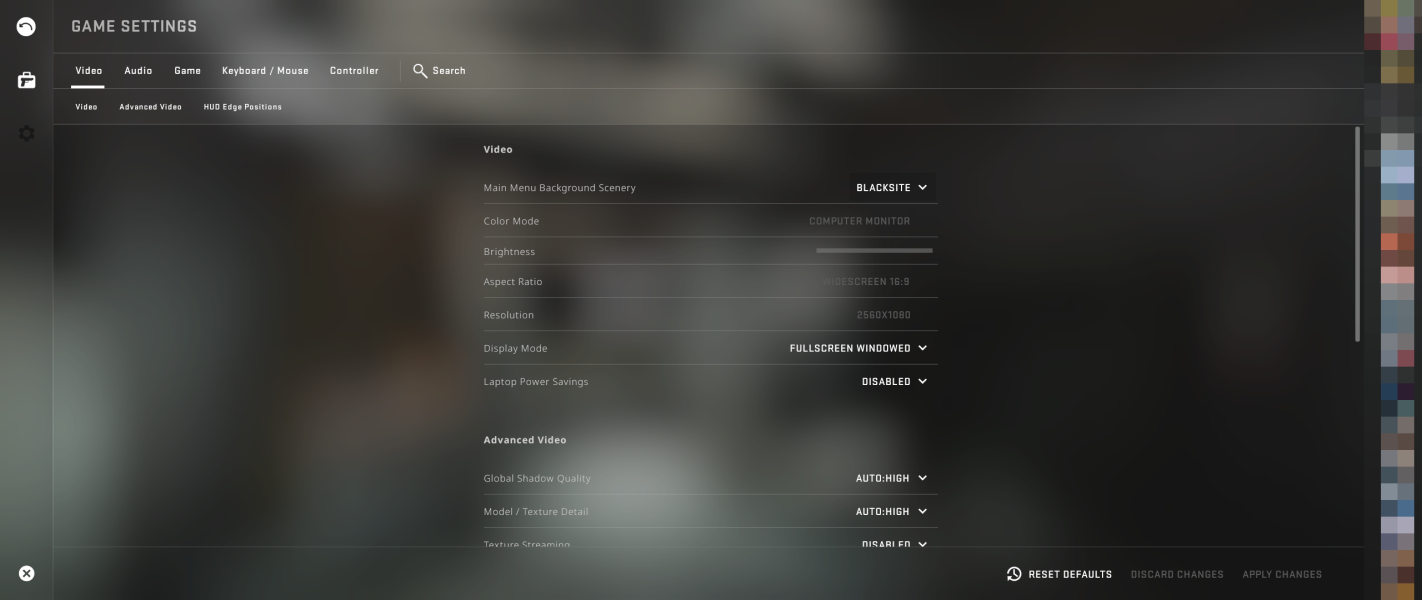
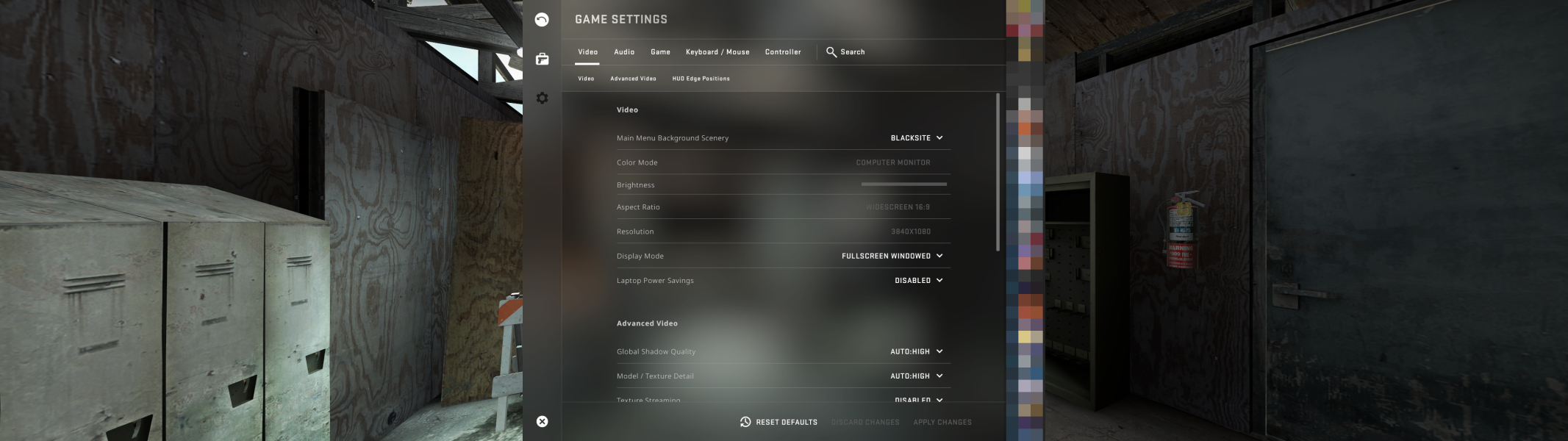

4K UHD Screenshots
Additional Screenshots