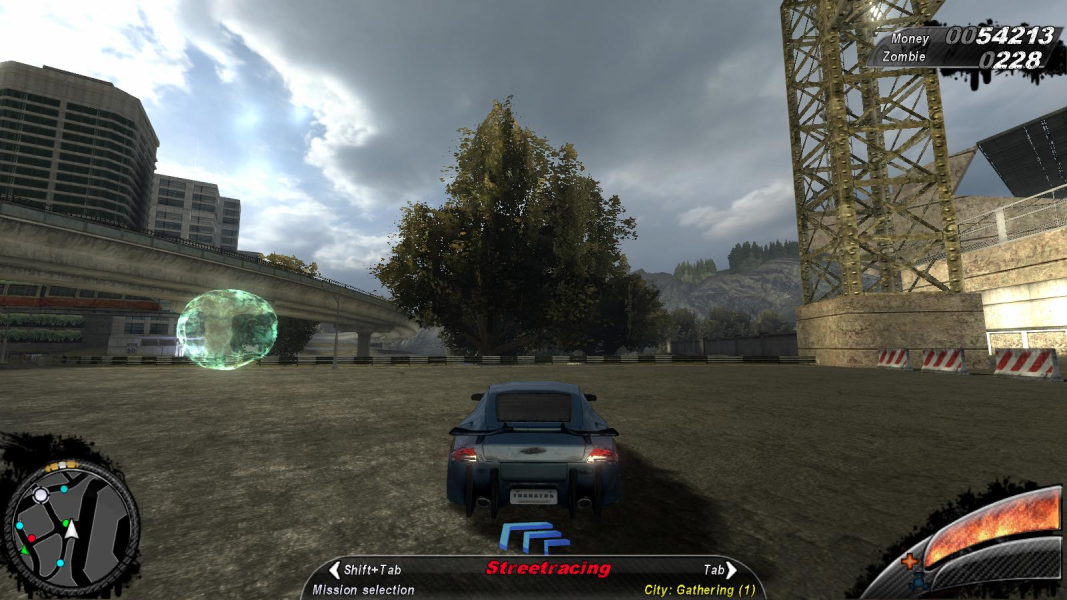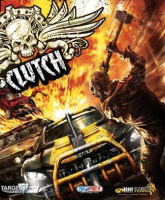


Clutch is a freeform racing and zombie-mowing game. Plays a lot like a gory budget mix of FlaOut, Crashday and Burnout Paradise... with zombies. This is also one of the very few games to natively support RuCap ultrasonic tracking devices.
Support Summary
Game Information
Screenshots Comparison
Solutions & Issues
.ini
Support is native for most 16:10 and 16:9 resolutions, both grouped under the "wide" list of in-game resolutions.
For other aspect ratios, you need to manually input your resolution in My Documents\My Games\Clutch\user_config.cfg:
seta r_height
seta r_width
Other info:
In full-screen mode the FOV is based on your desktop's aspect ratio. You can force windowed mode with the following value:
seta r_fullscreen "0"
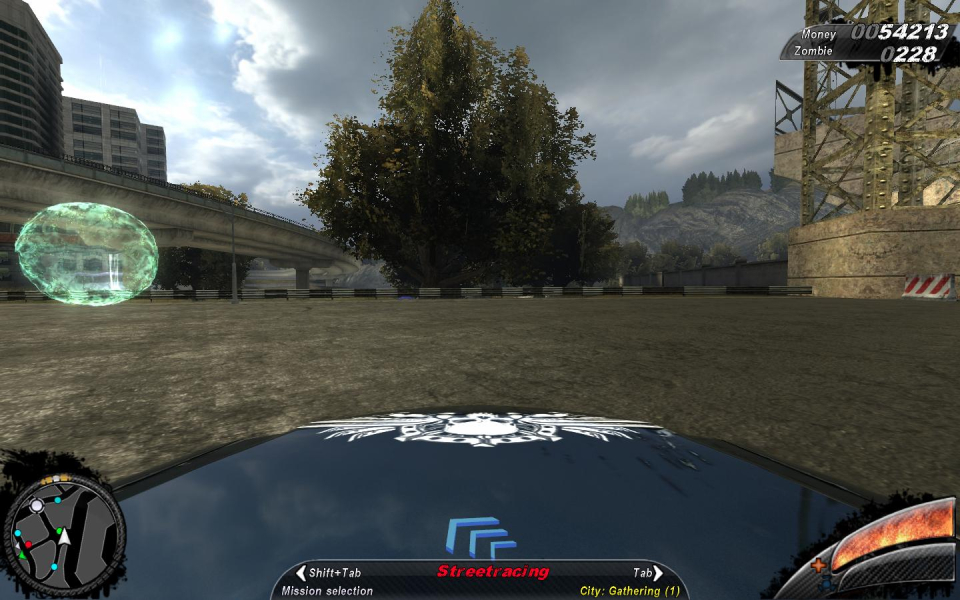
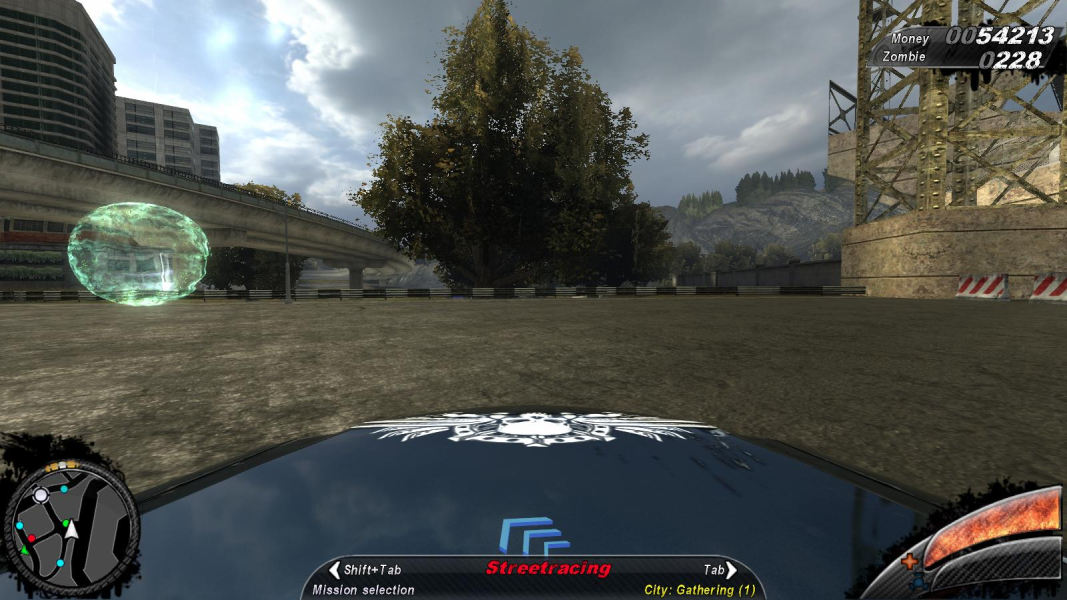
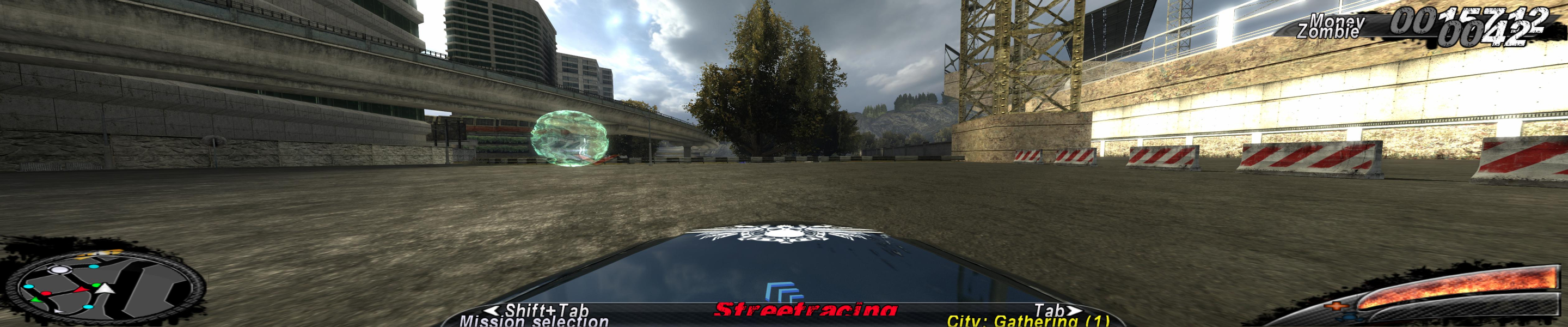
In this case the FOV will be calculated from the game's display resolution. So everyone can get a little taste of Surround gaming. Lastly, you can even adjust the base FOV to your liking by editing this value (at your own risk):
seta cam_fovInit "100.000000"
Something in the camera pitch & distance changes very slightly with the aspect ratio: the wider the screen, the further your point of view. This may be fixable thanks to a combination of cvars and game scripts, but it's too benign for me to even try.
.ini
Although Surround FOVs are applied automatically, the resolution has to be entered manually in My Documents\My Games\Clutch\user_config.cfg:
seta r_height "1050"
seta r_width "5040"
Gameplay Screenshots



In-Game (Rendered) Cutscenes
FMV Cutscenes



Menu Screenshots

Additional Screenshots