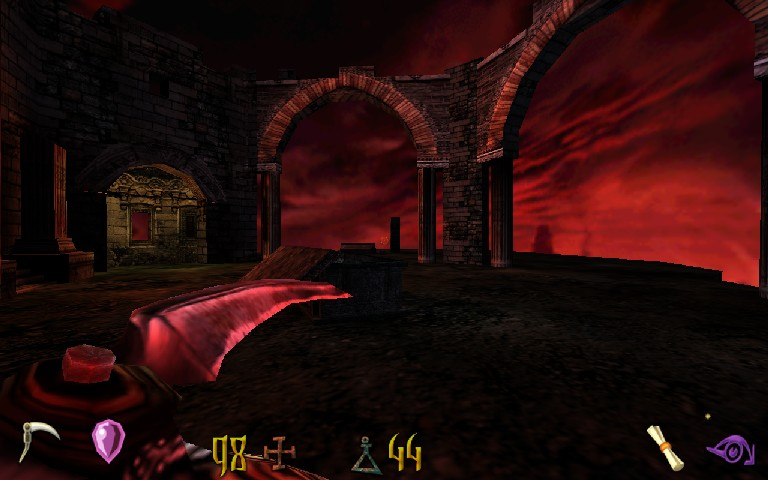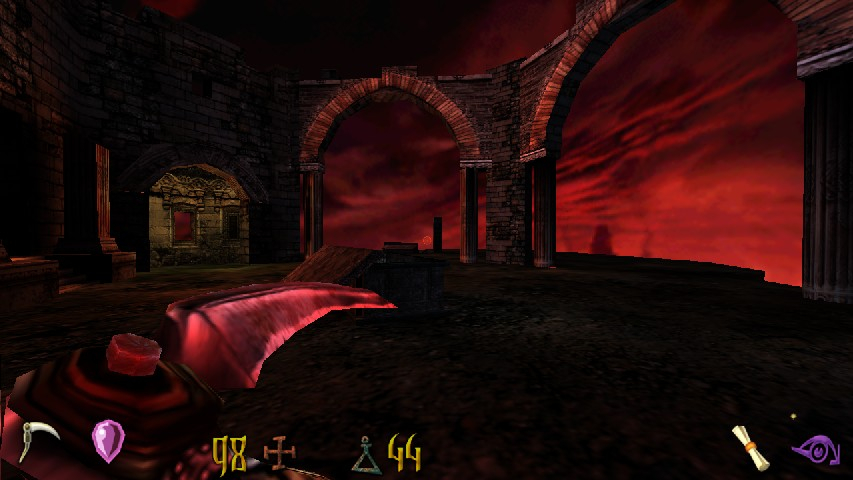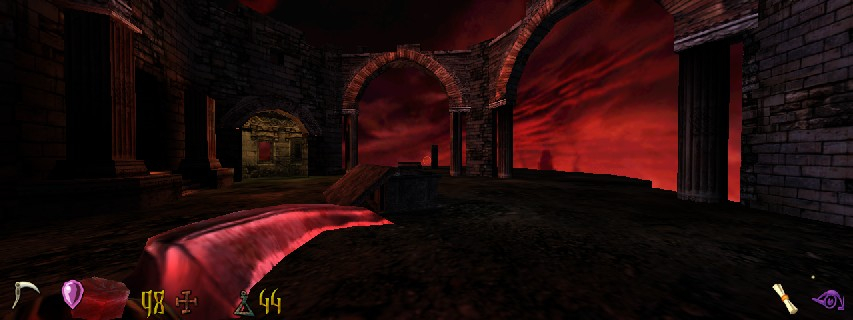


Clive Barker's Undying is a horror-themed FPS from Dreamworks and EA Games. The game takes place in an immense haunted estate on the coasts of Ireland in the early 20's. You play as Patrick Galloway, a man with limited supernatural powers who served in WWI, and must investigate a curse that has, one by one, caused every member of the aristocratic family to be driven to madness, and reanimated as a demonic monster upon their untimely death. Groundbreaking horror author Clive Barker was a consultant in the game's plot and background story, and also provided the voice for one of the antagonists.
Support Summary
Game Information
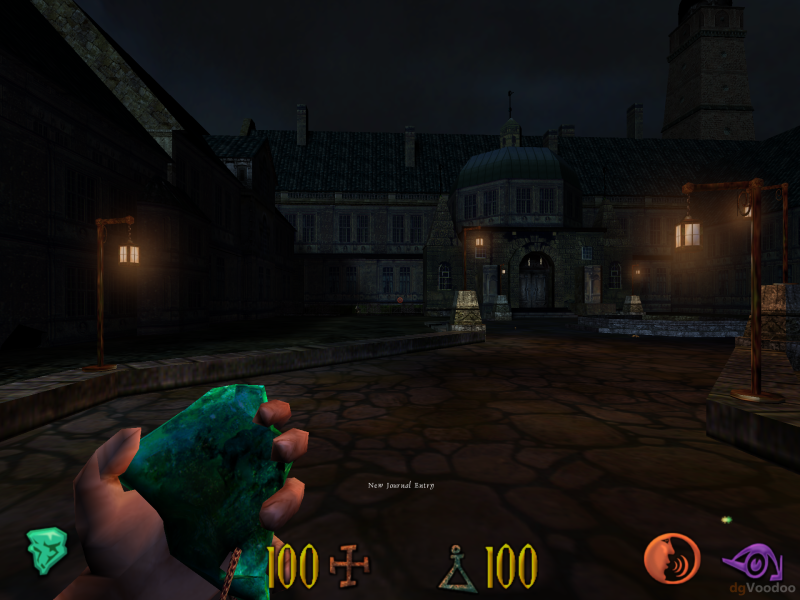
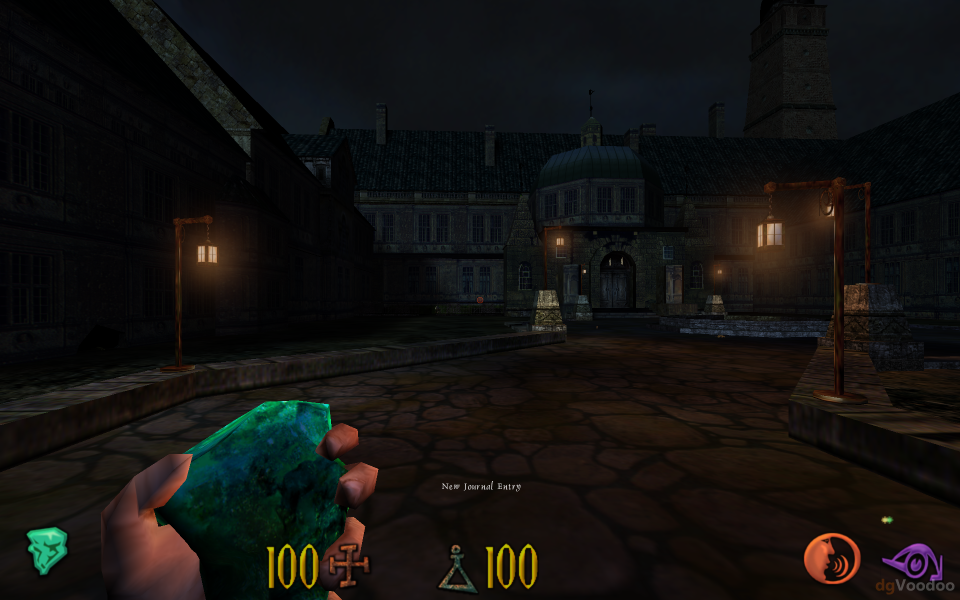
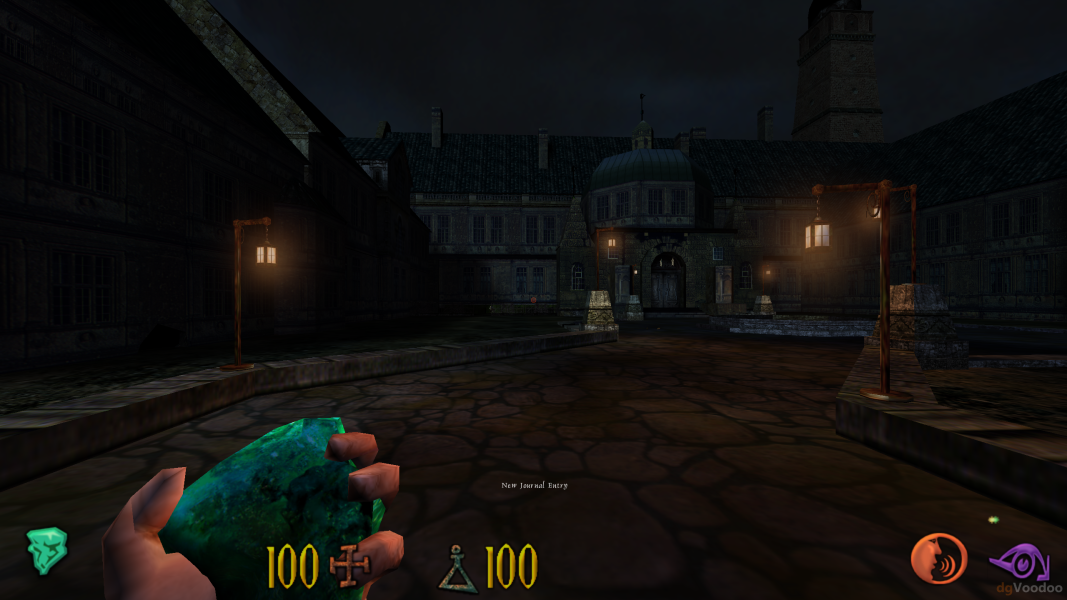
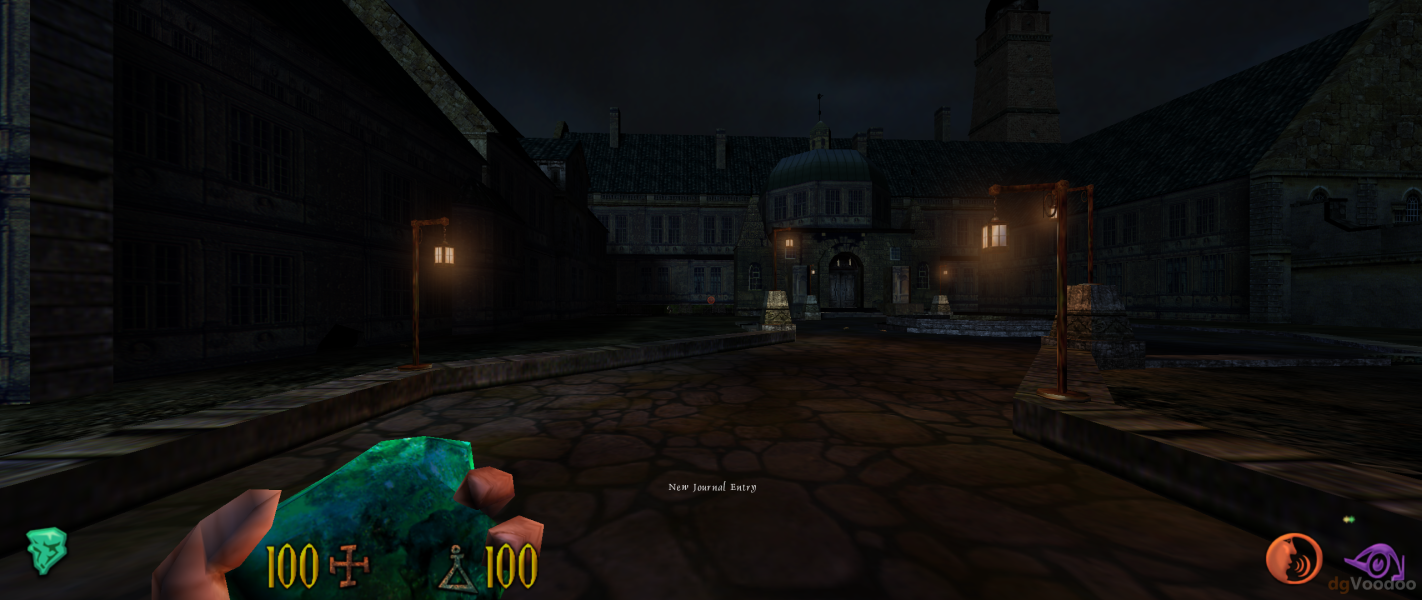
Screenshots Comparison
Solutions & Issues
1.Download the Undying Widescreen Fix. --> http://community.pcgamingwiki.com/files/file/422-clive-barkers-undying-…
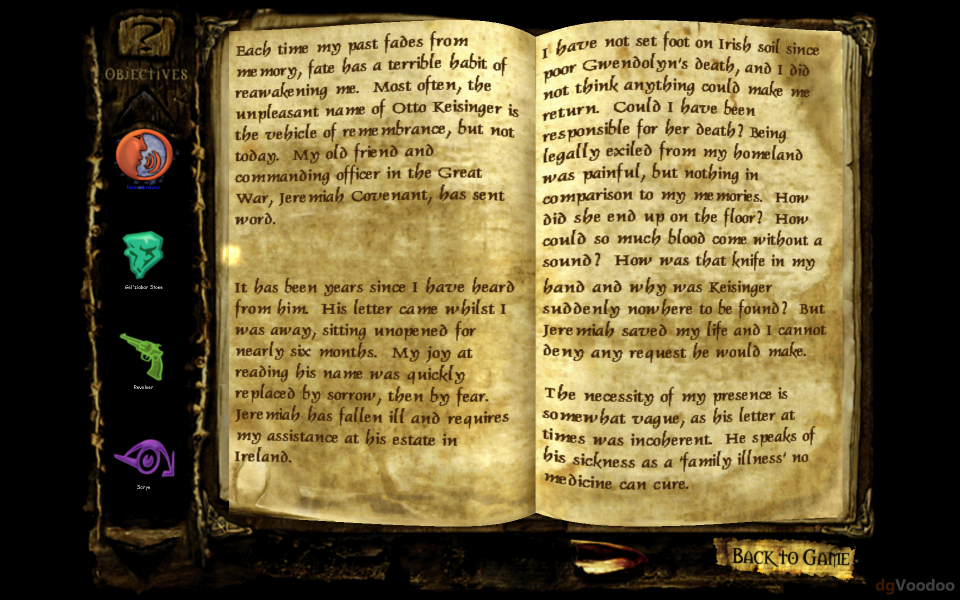
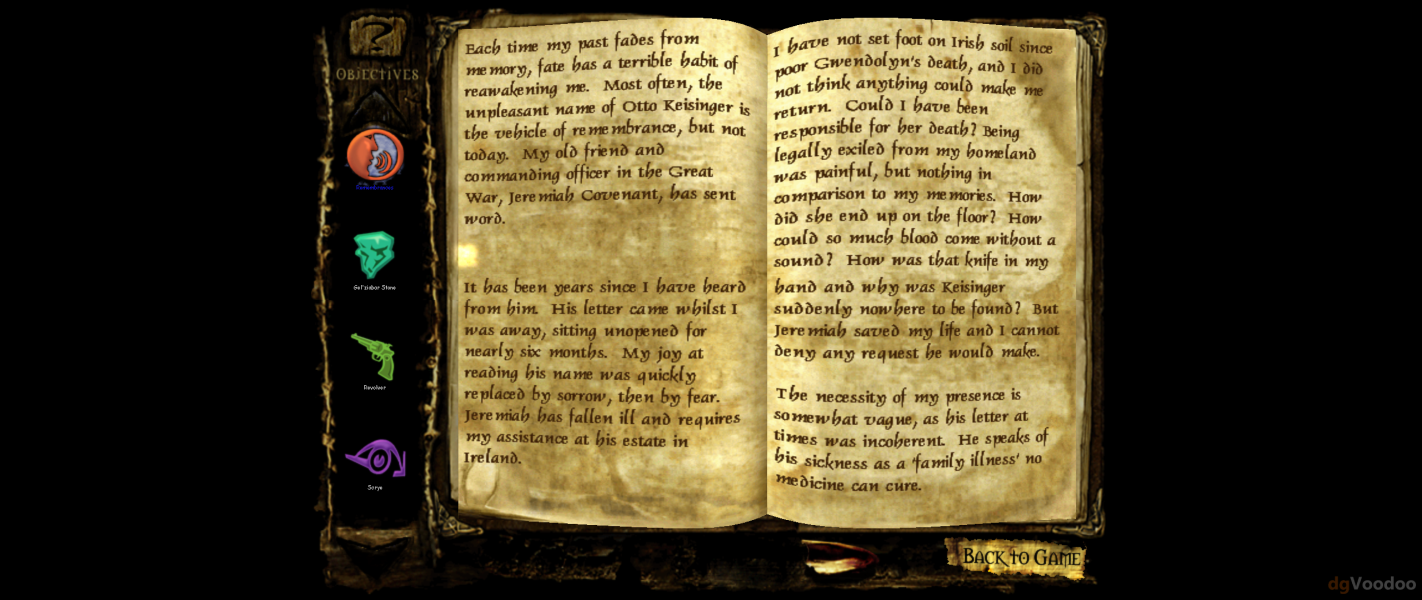
The fixed UndyingShellPC.u prevents the issue of journal pages getting cropped when running in widescreen normally. It also adds screen resolutions commonly used on modern systems to the video settings screen.
2.Download dgVoodoo2 wrapper - http://dege.freeweb.hu/dgVoodoo2.html and extract it to ...\Clive Barker's Undying\System
Copy 3 files: D3DImm.dll DDraw.dll and D3D8.dll from folder MS to the System folder
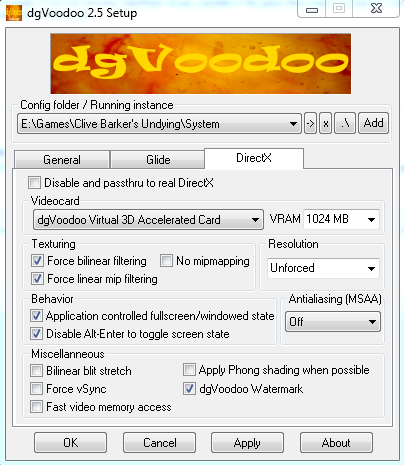
Run dgVoodooSetup.exe and make settings - see additional Screenshot Voodoo Config.
Run the Game, go in Video Options and click on the right side Change Driver - the Game restart - select Direct3D Support.
3.FOV edit --> go to \system.Open user.ini. Find these lines:
DesiredFOV=90
DefaultFOV=90
Change the values to set your FOV to your preference. I recommend 100 for 16:10 displays, and 106 for 16:9 displays.
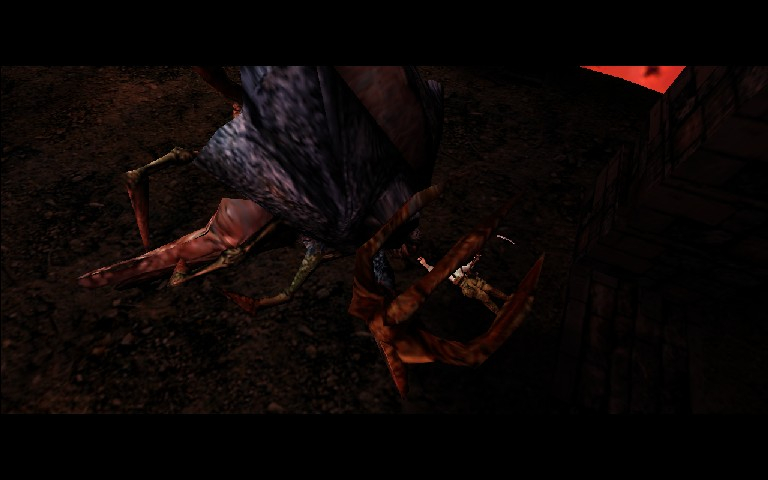
The cut-scenes are rendered ingame and most are anamorphic. FOV has no bearing on them. One exception - when the monsters drain your HP to zero, they can perform "finishing moves" that trigger a brief cut-scene (and kill you). In widescreen, the cut-scenes have reduced black bars, but are hor +, dependent on your FOV.
Point 1 and 2 same as above.
3.FOV edit Same as above. Change the values to 122 for 21:9 displays.
4.Resolution edit --> go to \system. Open system.ini. Find these lines:
FullscreenViewportX=xxxx
FullscreenViewportY=xxxx
Change them to set your resolution.
Gameplay Screenshots


In-Game (Rendered) Cutscenes

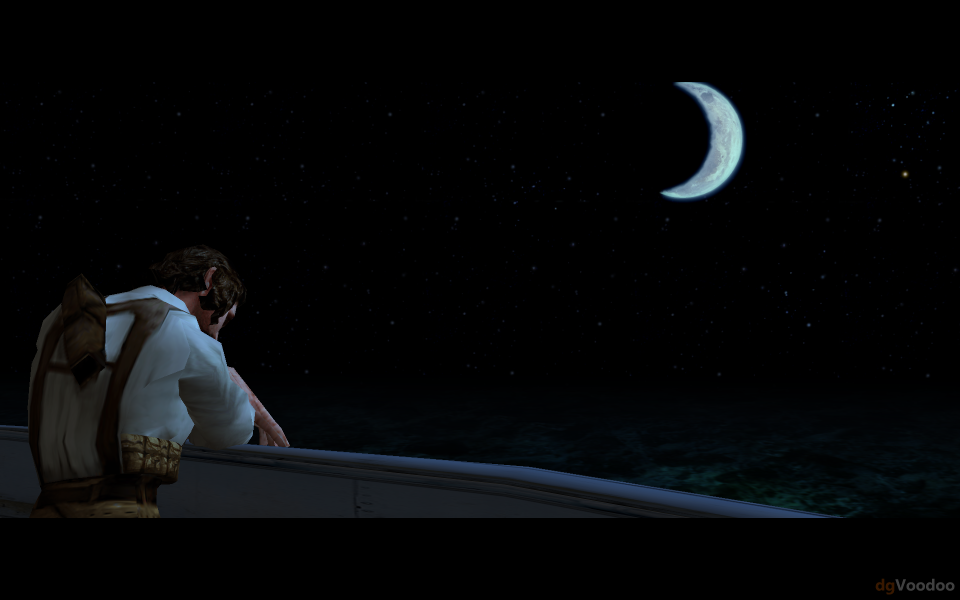
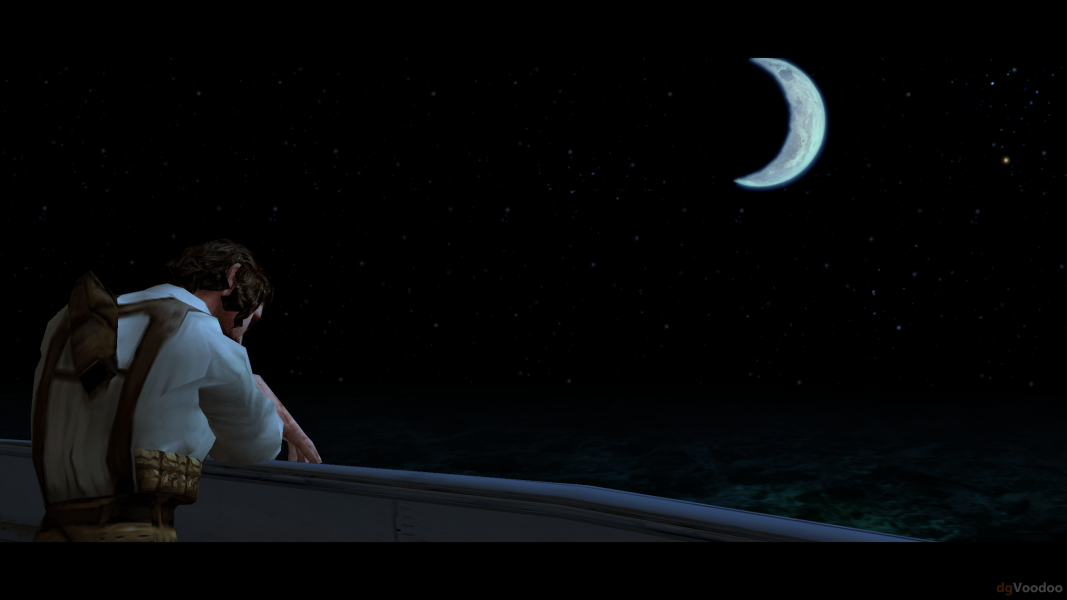
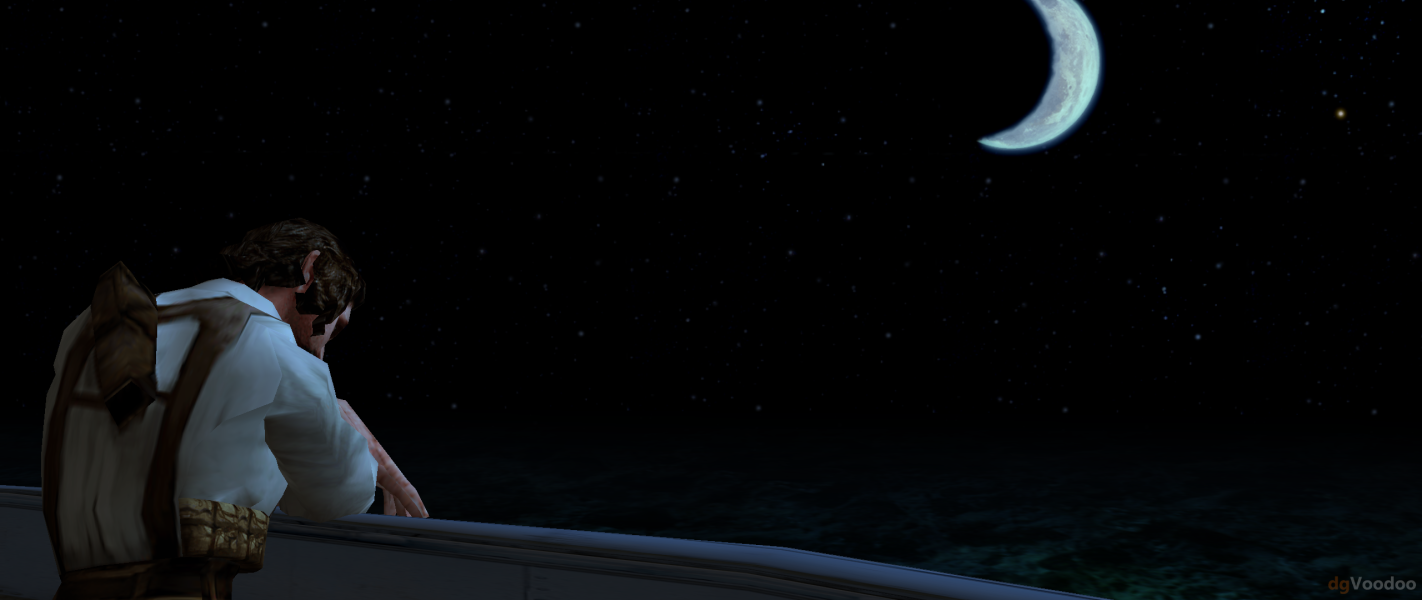
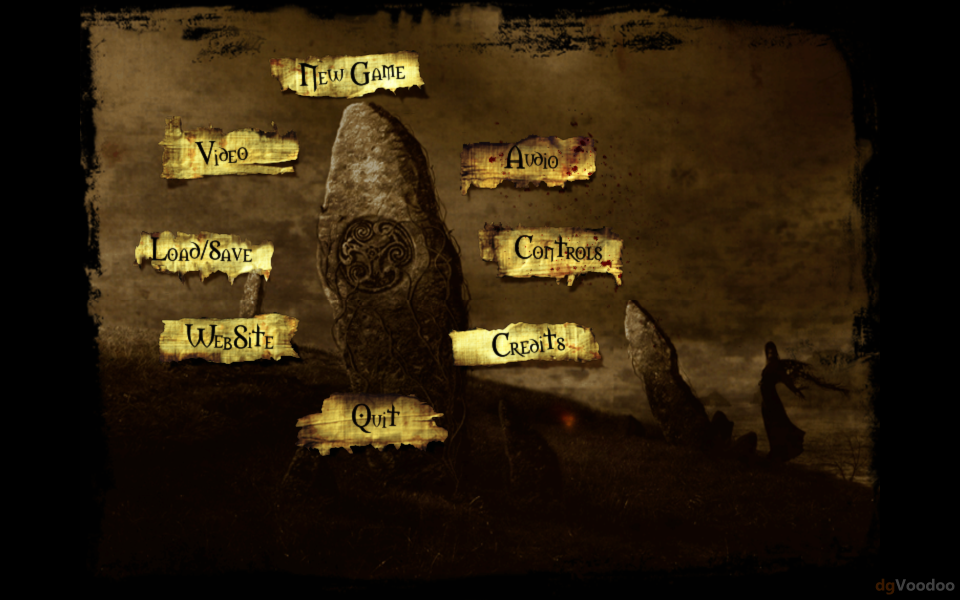
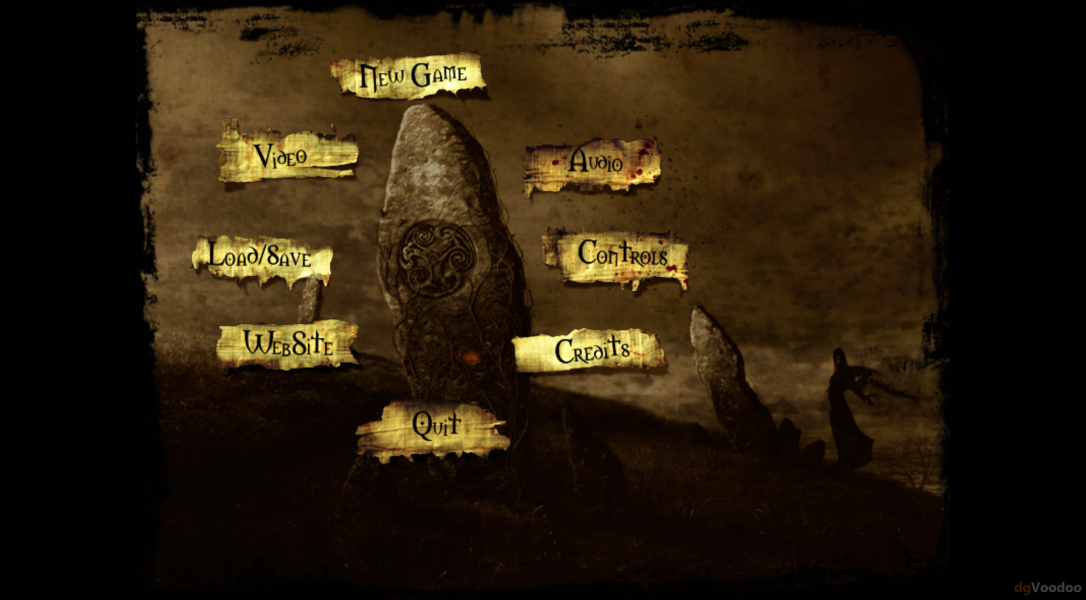
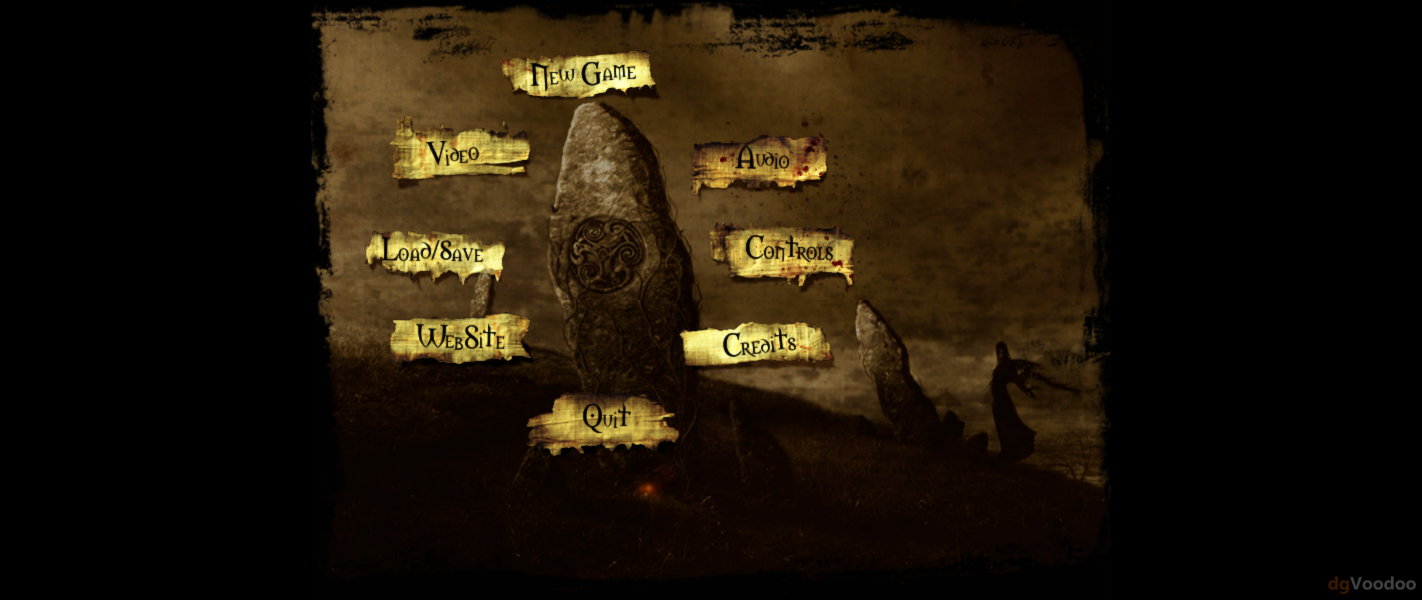
Menu Screenshots
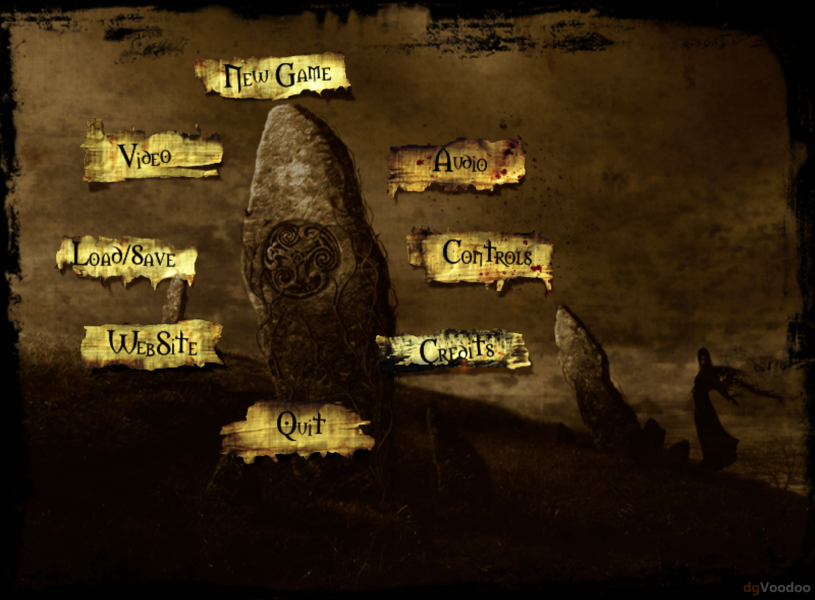
Additional Screenshots