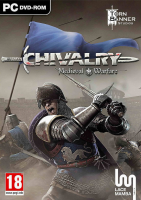


“You have a sword and you want to hurt some people.” Chivalry is skill-based and controls like a First Person Shooter. Instead of guns and grenades players are given swords, shields and longbows. Set in a fictional yet gritty and realistic world, players will fight in fast paced online battles besieging castles, raiding medieval villages and fighting for glory in the arena with up to 32 players.
Support Summary
Widescreen | Ultra/Super‑Wide | Multi-Monitor | 4K Ultra HD | |
Support | ||||
Method | ||||
HUD | ||||
Cutscenes | ||||
FMVs |
Game Information
Screenshots Comparison
Solutions & Issues
Native "Vert+" support complimented with a HFOV slider (60-120).
- Real-time rendered cutscenes have a locked FOV and are 1.7:1 anamorphic (letterboxed in 15:9, pillarboxed in 16:9).
No-brainer: bump the FOV up to 120.
For better control you can lock the vertical FOV:
- %USERPROFILE%\Documents\my games\Chivalry Medieval Warfare\UDKGame\Config\UDKEngine.ini
search for...
AspectRatioAxisConstraint=AspectRatio_MaintainXFOV
replace with...
AspectRatioAxisConstraint=AspectRatio_MaintainYFOV - %USERPROFILE%\Documents\my games\Chivalry Medieval Warfare\UDKGame\Config\UDKSettings.ini
search for...
MyFOV=105
replace with...
MyFOV=72.49
Screen change is now Hor+ and the slider controls VFOV.
Default FOV depends on display height: Vert- up to 1080p, exaggeratedly Hor+ at 1440p.
- For 5760x1080 and 3840x1024, lock the VFOV as explained for UltraWide.
- For higher resolutions the fix is even easier:
%USERPROFILE%\Documents\my games\Chivalry Medieval Warfare\UDKGame\Config\UDKEngine.ini
search for...
MultimonitorFOVThreshold=170
replace with...
MultimonitorFOVThreshold=150
Native support.
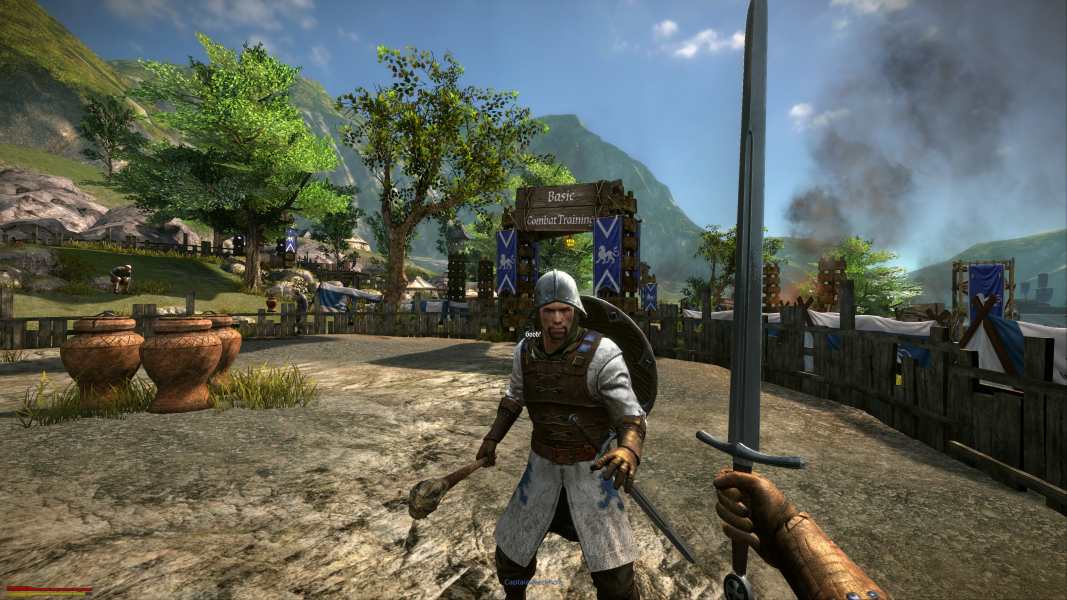
Gameplay Screenshots
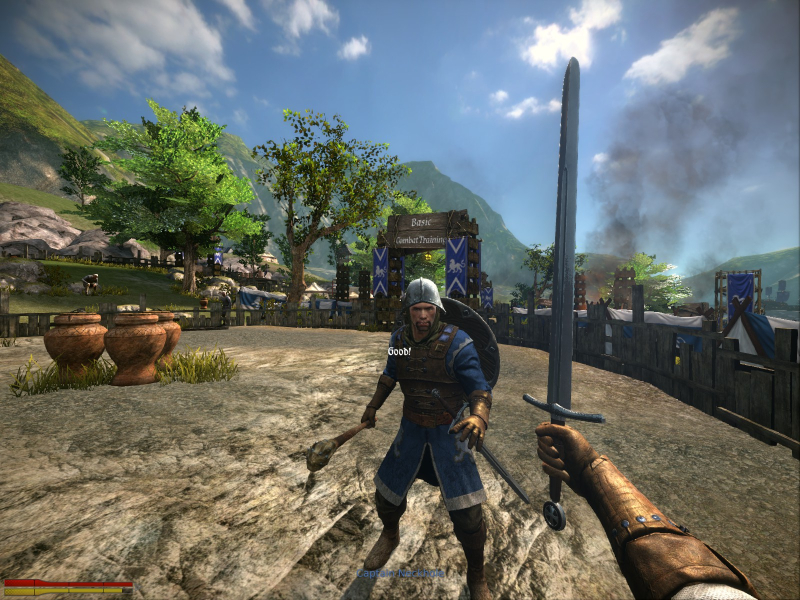
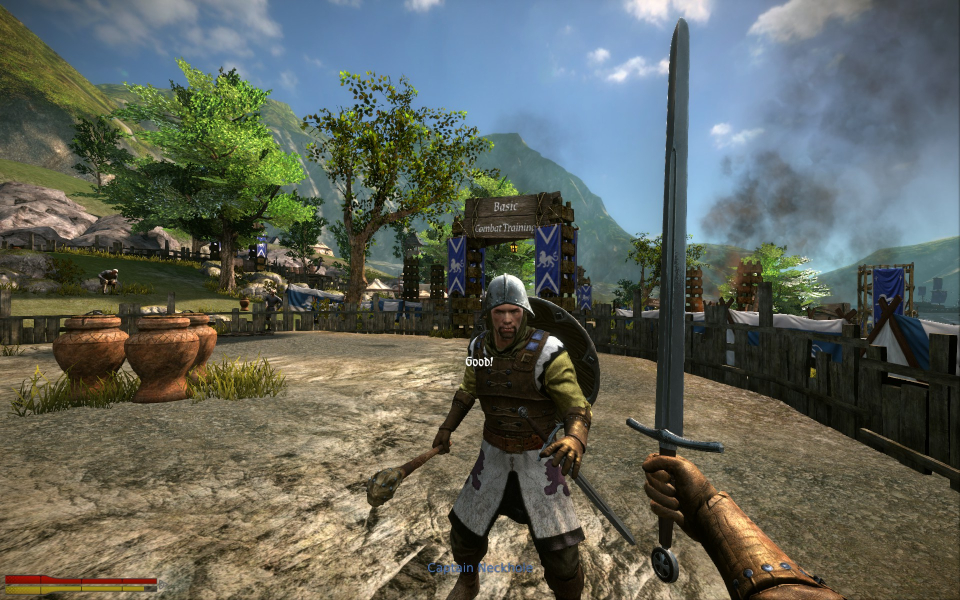
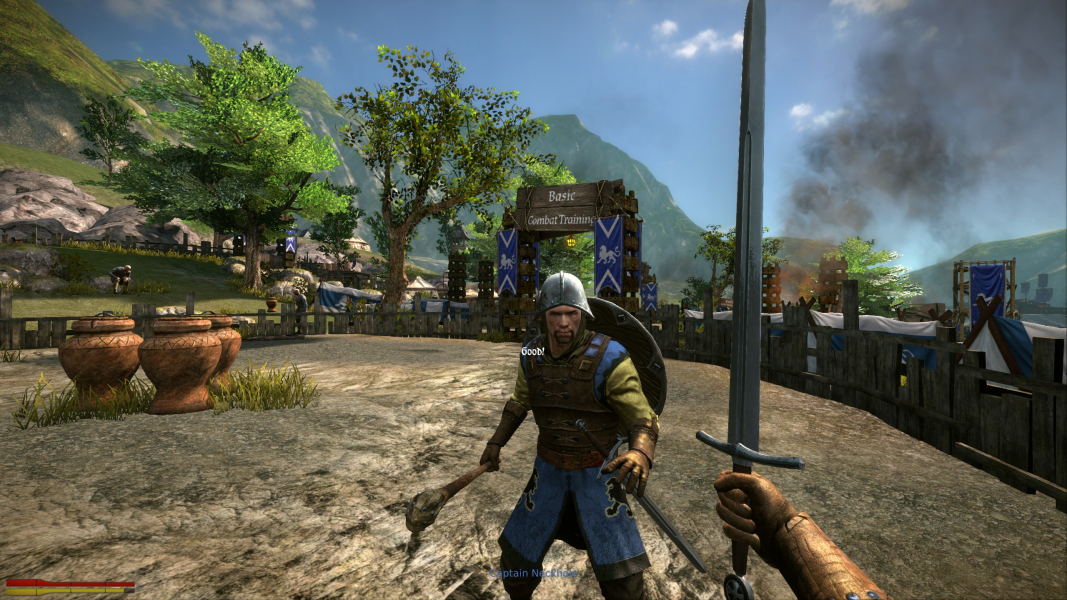
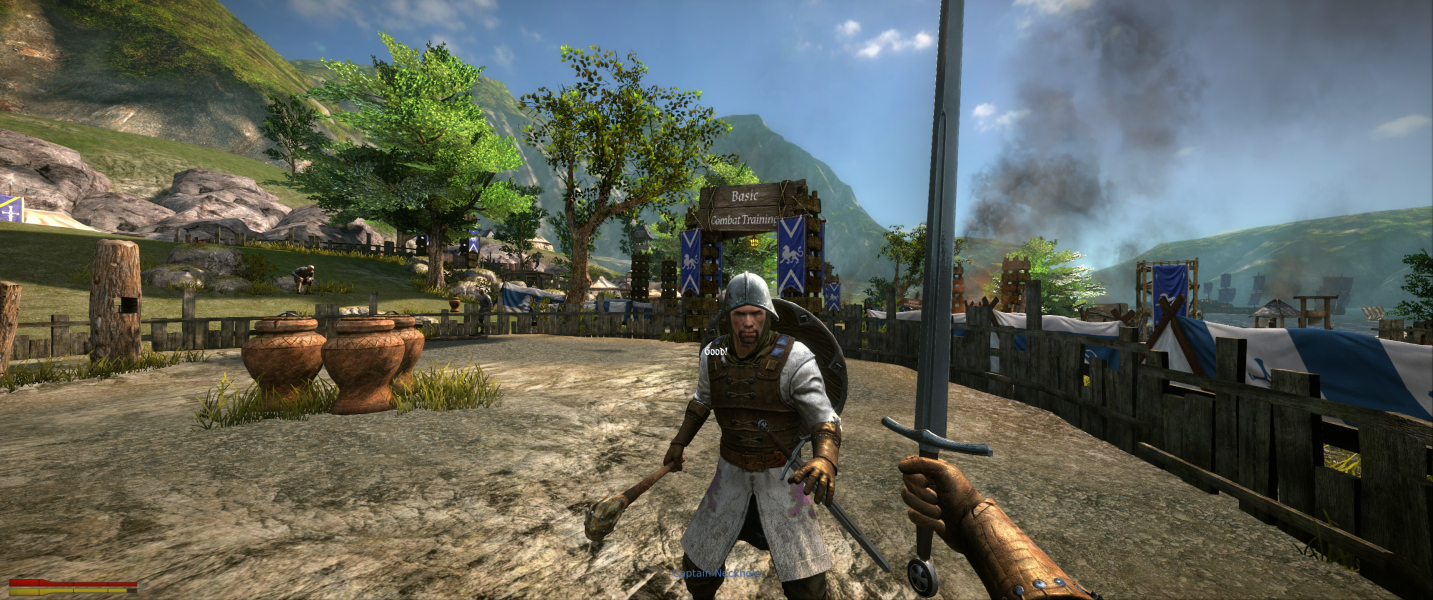


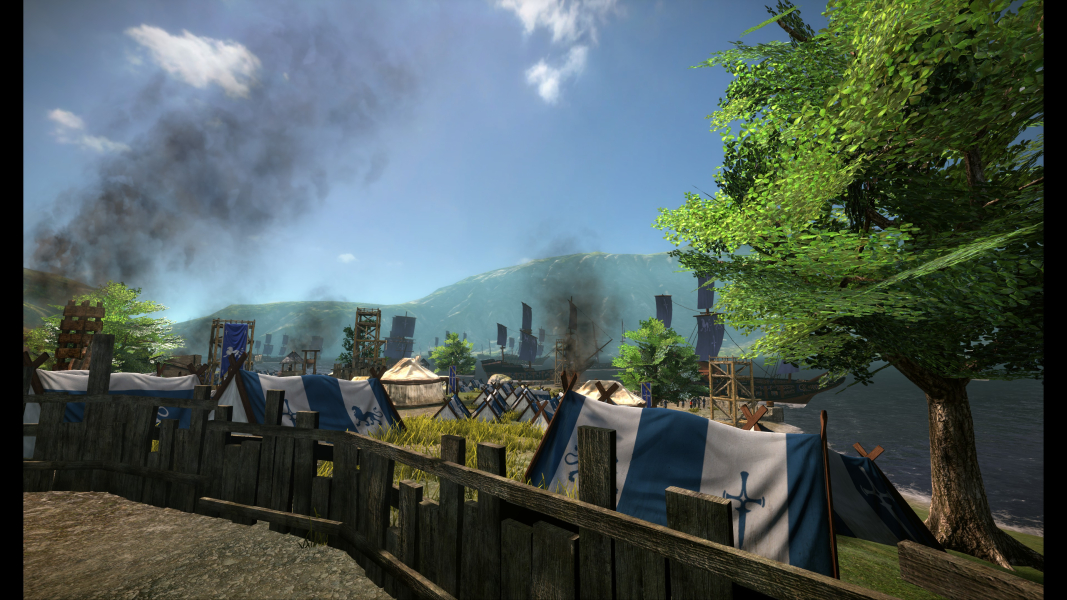
In-Game (Rendered) Cutscenes
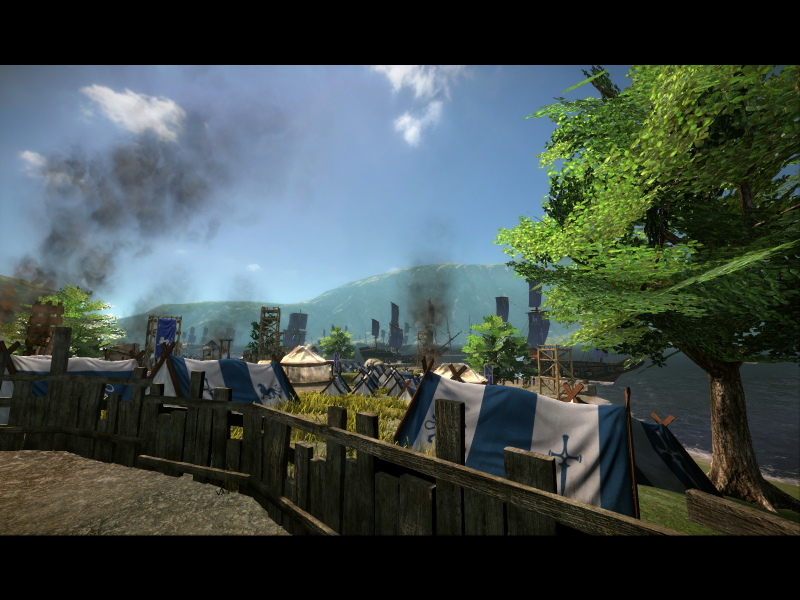
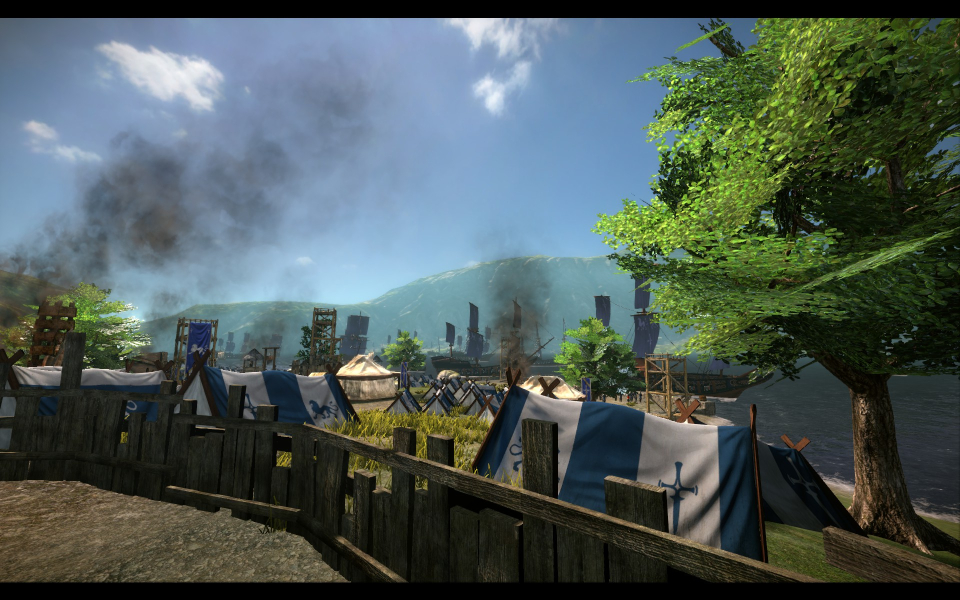



FMV Cutscenes
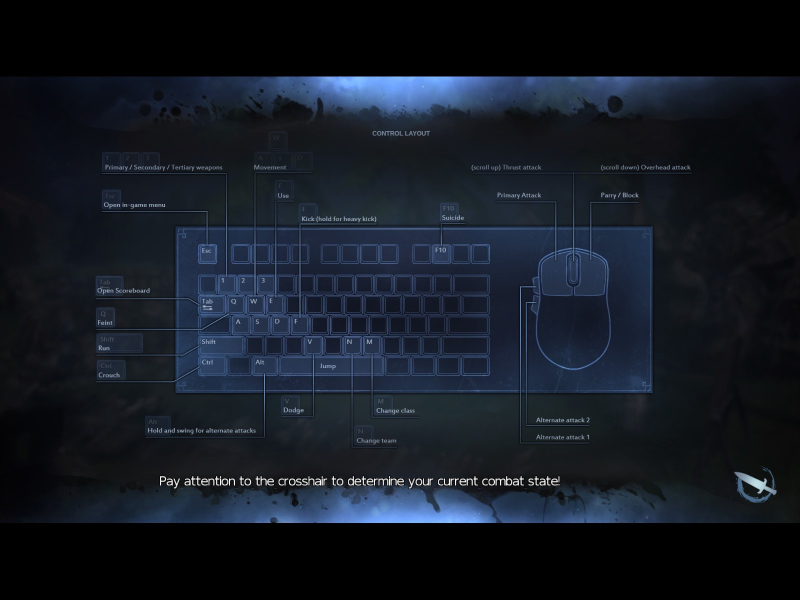

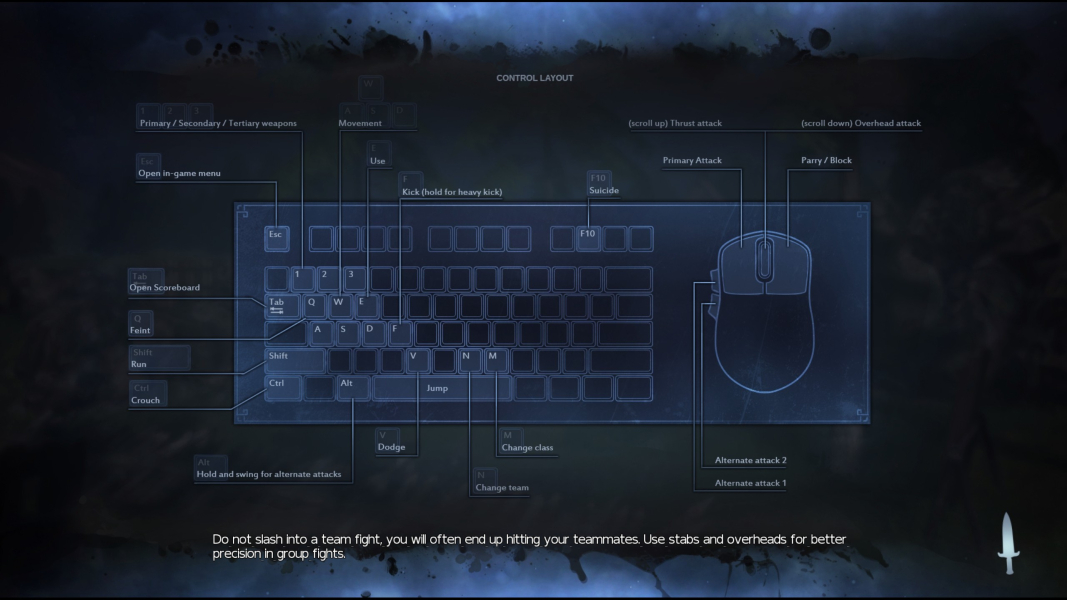


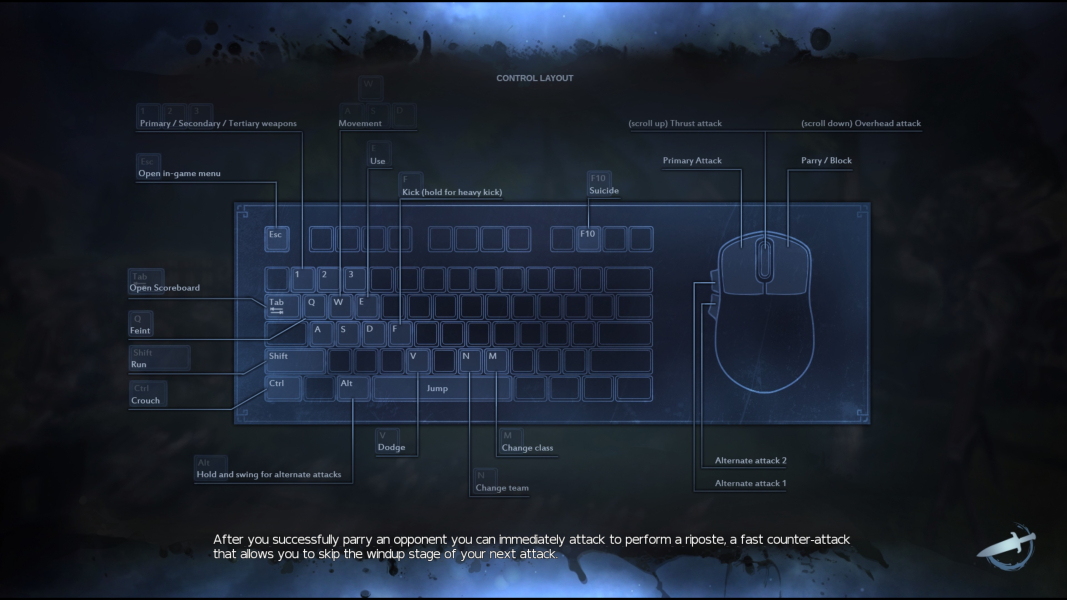
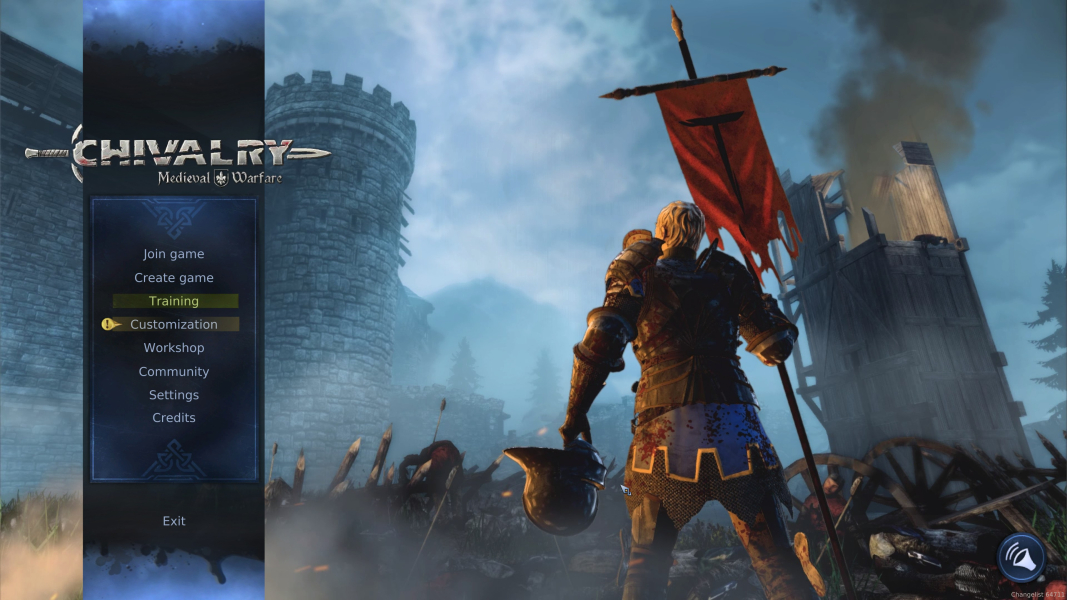
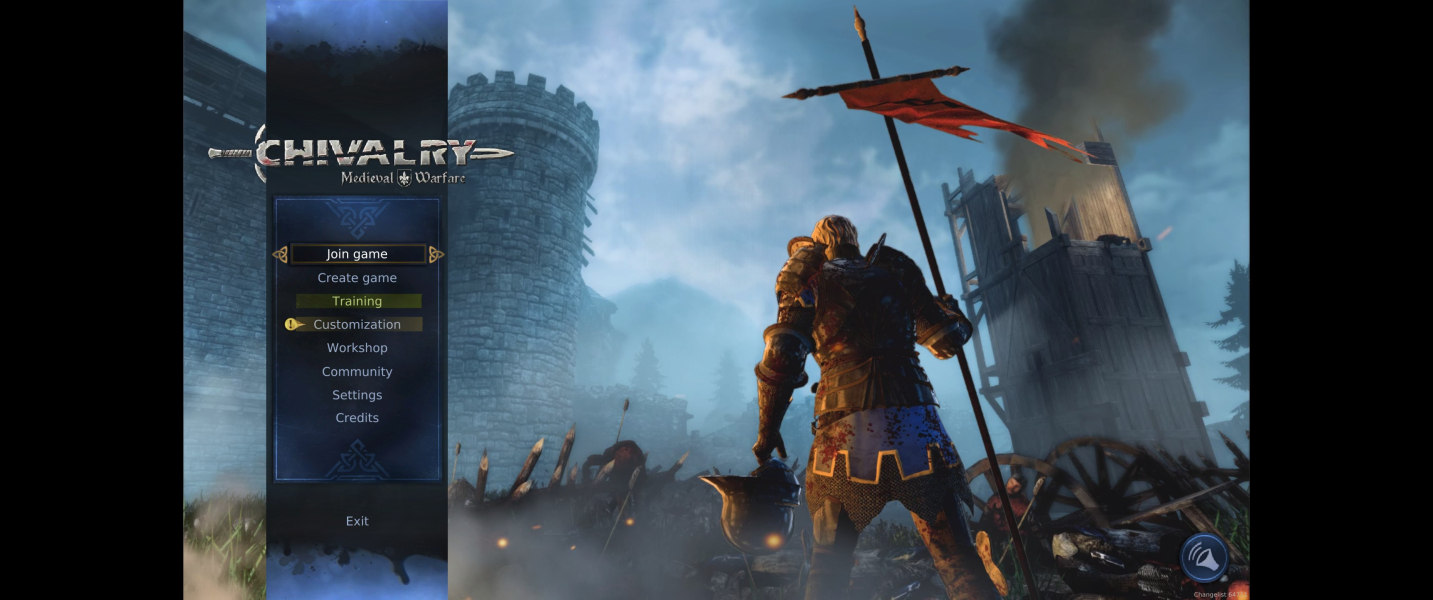
Menu Screenshots
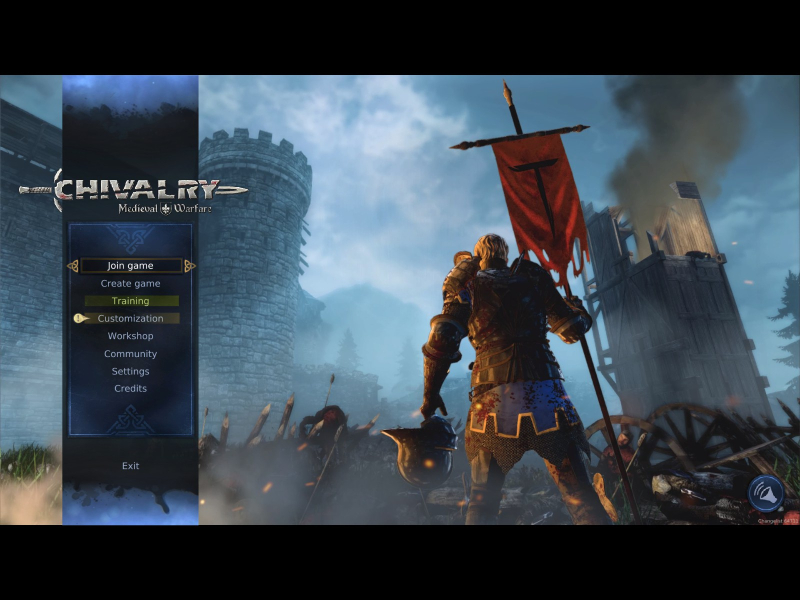
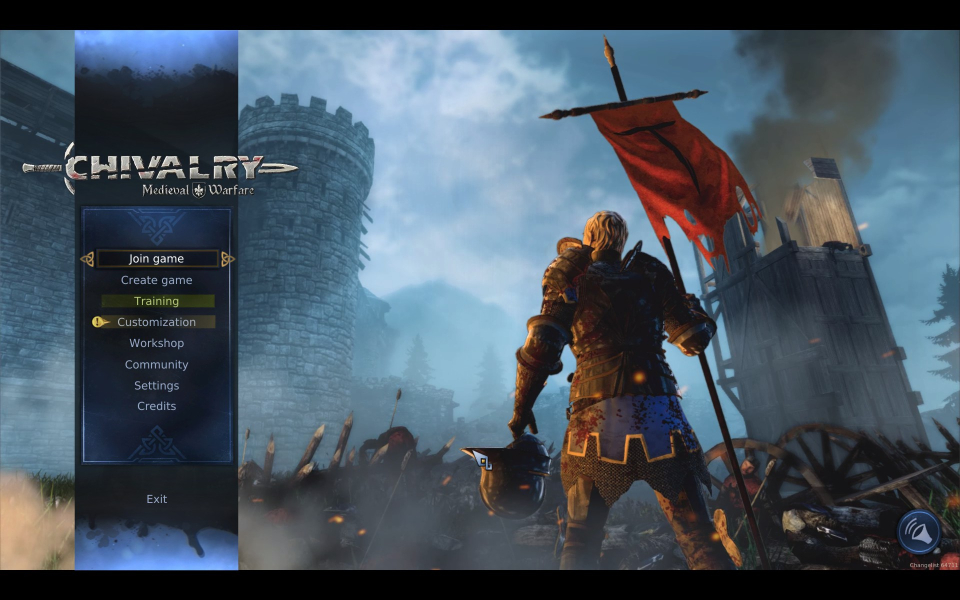
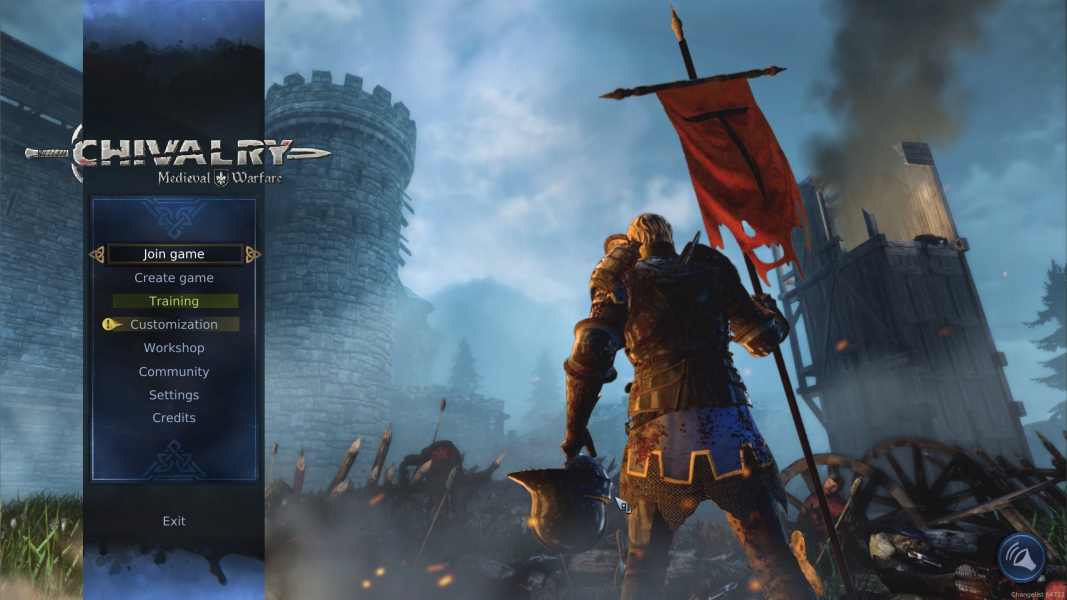

4K UHD Screenshots