




In this remake of the 1985 ZX Spectrum hit Chaos: The Battle of Wizards, staff wielders battle it out to dominate or save a world shattered by magic. Summon creatures, use deception, mounts, barriers and powerful talismans in short and merciless encounters. Consume mana not to cast but to tip the scales in your favor. Every spell may fail, every attack may kill, so think on your feet or suffer the six-branched star of defeat !
Support Summary
Game Information
Screenshots Comparison
Solutions & Issues
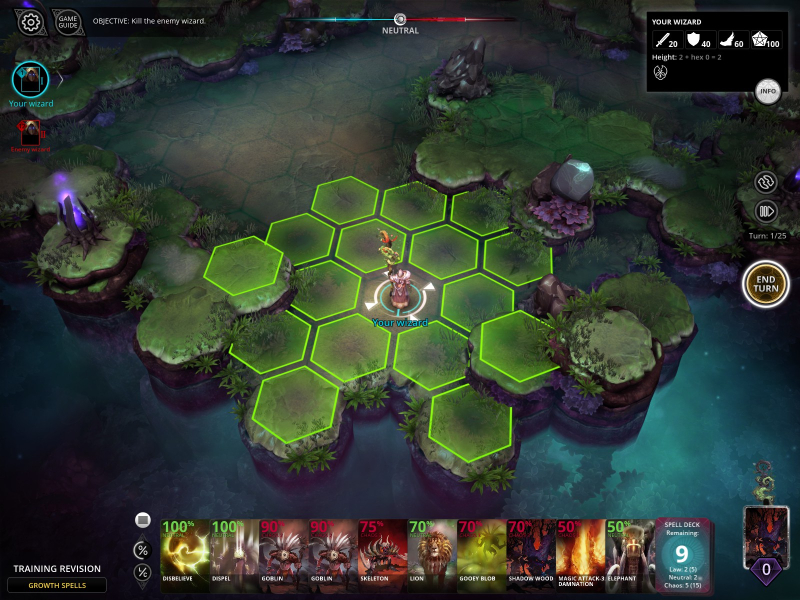
Native Hor+ support. Click the gear icon to access the list of available resolutions.
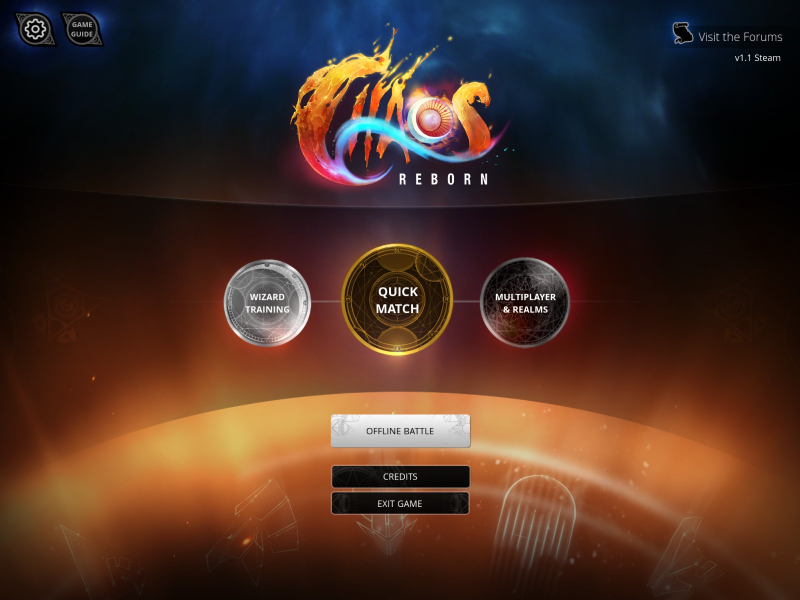
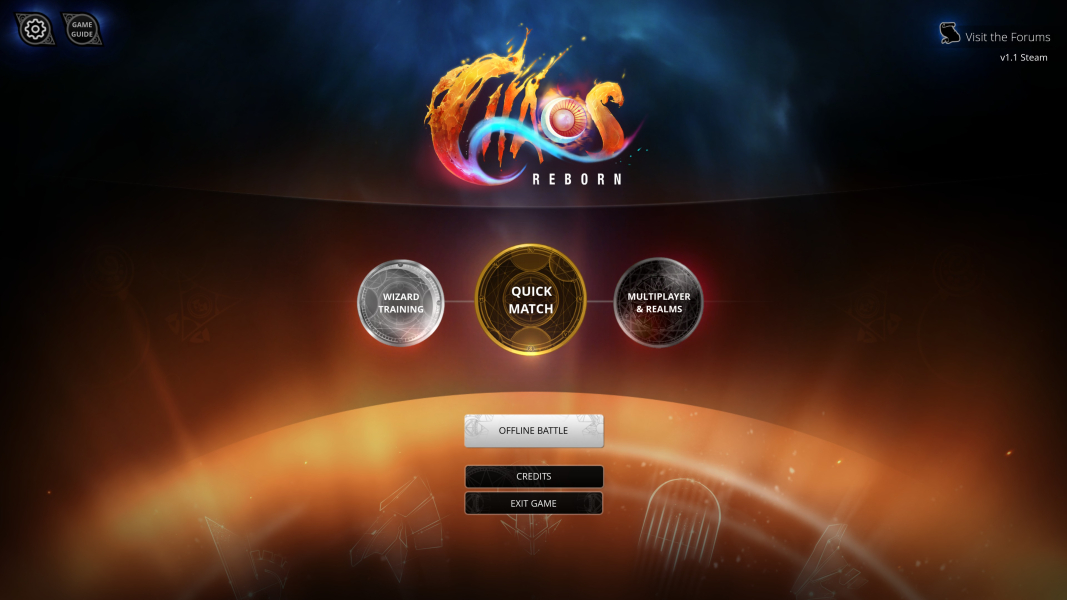
- Wizard Training menu is "Vert+".
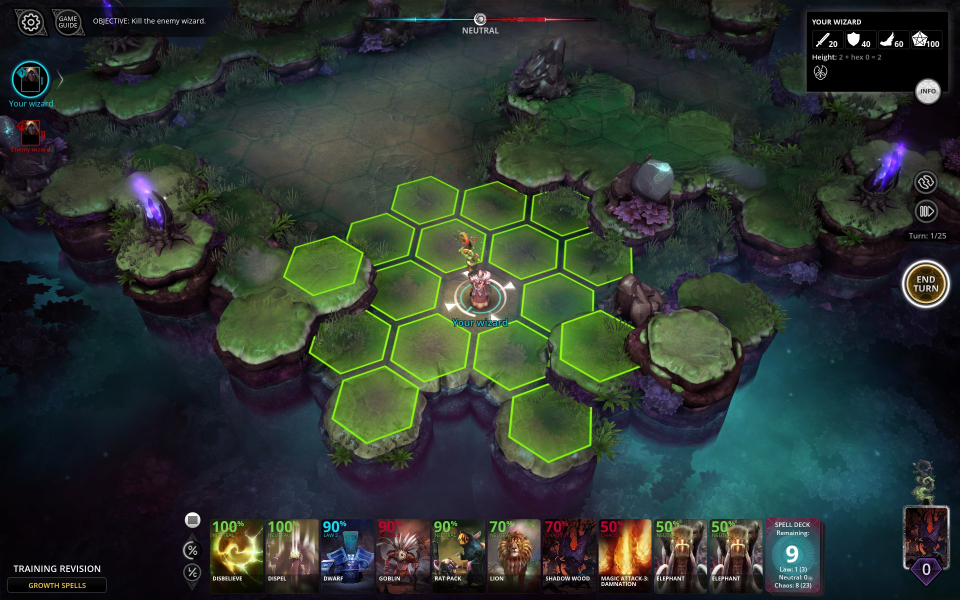
Native Hor+ support.
- Avatar screen backgdrop is pillarboxed.
- Wizard Training menu backdrop is Vert- but all buttons are accessible.
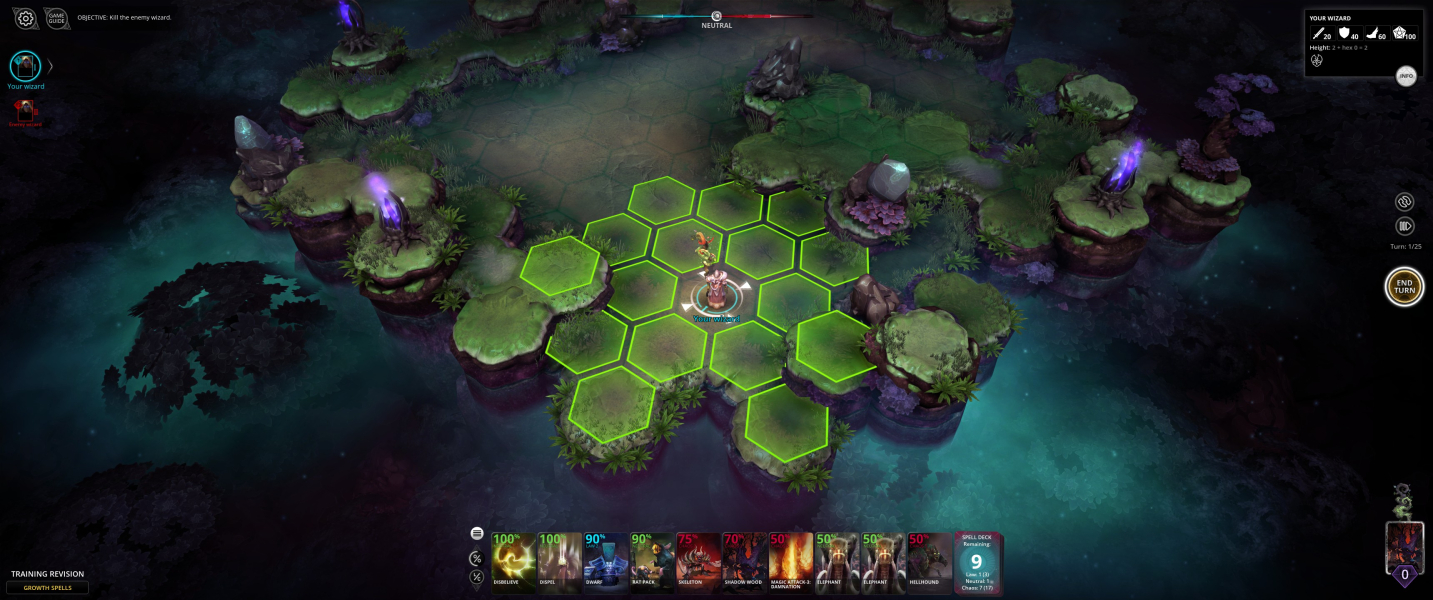
Native Hor+ support with spanned HUD. The most useful UI elements are usually centered.
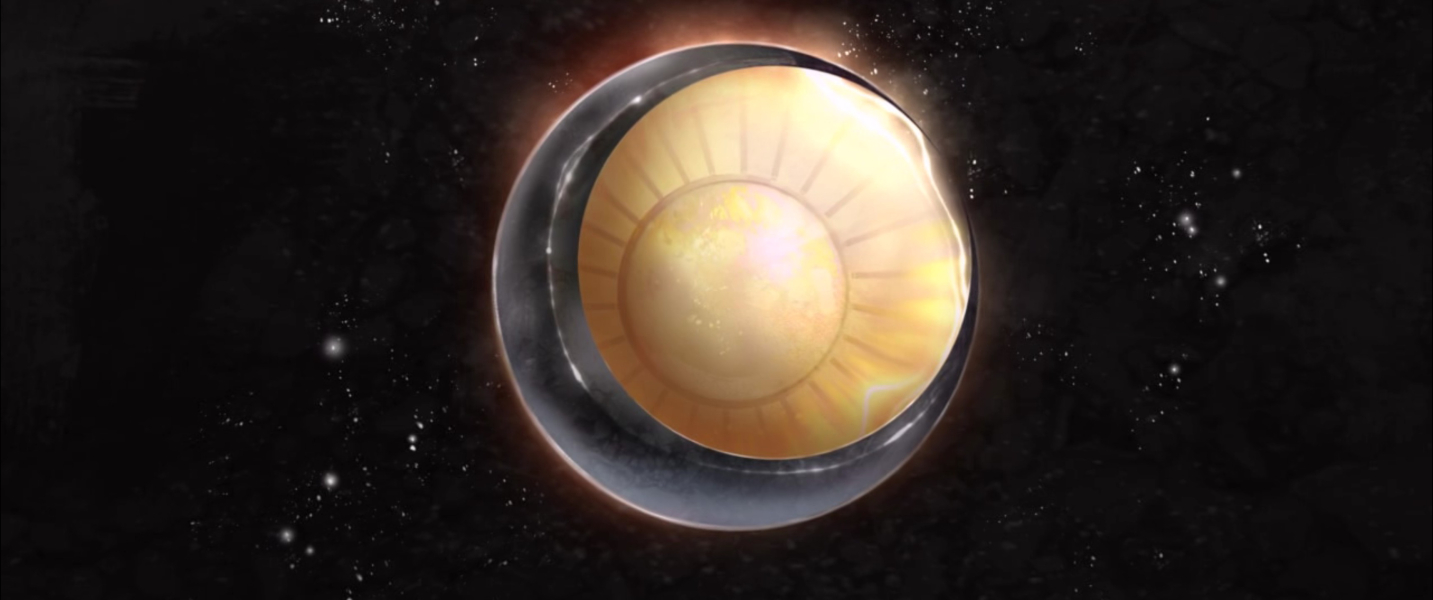
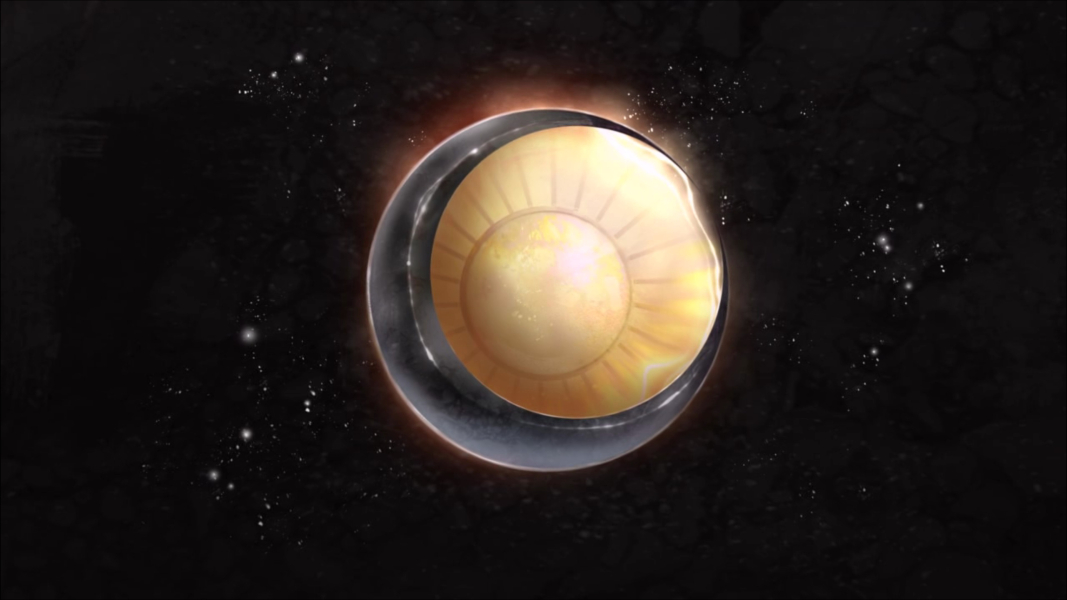
- Intro FMV is Vert-.
- Avatar screen is pillarboxed but some menu items also scale to the side screens.
- Significant issue affecting a small portion of the UI: Wizard Training menu is Vert-. Some challenge scenarios can't be accessed because the buttons are out of view.
Alternative solution:
Since Multi-mon gameplay is not ideal, you may prefer "custom pillarboxing" in order to take advantage of some of your screen real estate without the inconvenience of a fully spanned HUD.
A registry edit is required:HKEY_CURRENT_USER\Software\Snapshot Games Inc.\Chaos Reborn\
Look for these two lines:screen_w_h27238721
Screenmanager Resolution Width_h182942802
Change their DECIMAL value from [your native MM width] to [roughly 1.5x your center screen width]. For instance with 1920x1200 monitors I used a display width of only 2900:screen_h_h27238750 REG_DWORD 0x00004b0 (1200)
screen_w_h27238721 REG_DWORD 0x00000b54 (2900)
Screenmanager Is Fullscreen mode_h3981298716 REG_DWORD 0x00000001 (1)
Screenmanager Resolution Height_h2627697771 REG_DWORD 0x000004b0 (1200)
Screenmanager Resolution Width_h182942802 REG_DWORD 0x00000b54 (2900)
This results in an Ultra-Wide-ish picture, with moderate pillarboxing, and spanned HUD elements sitting just outside of the center screen. See Additional screenshots.
Native Hor+ support.
Gameplay Screenshots



In-Game (Rendered) Cutscenes
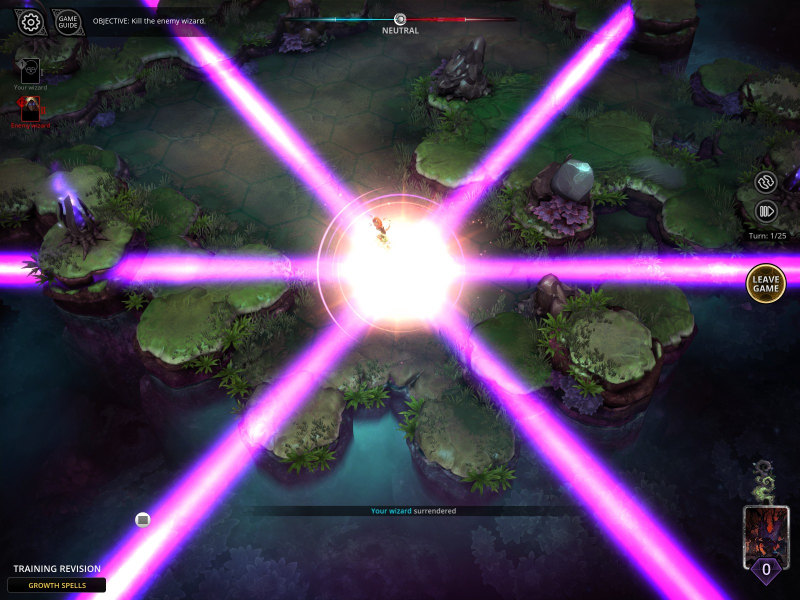
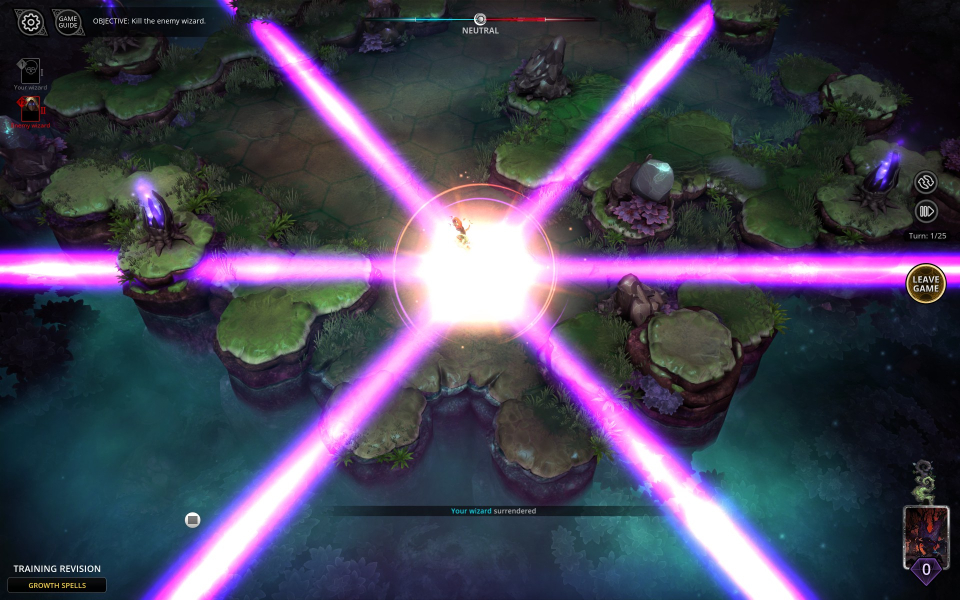

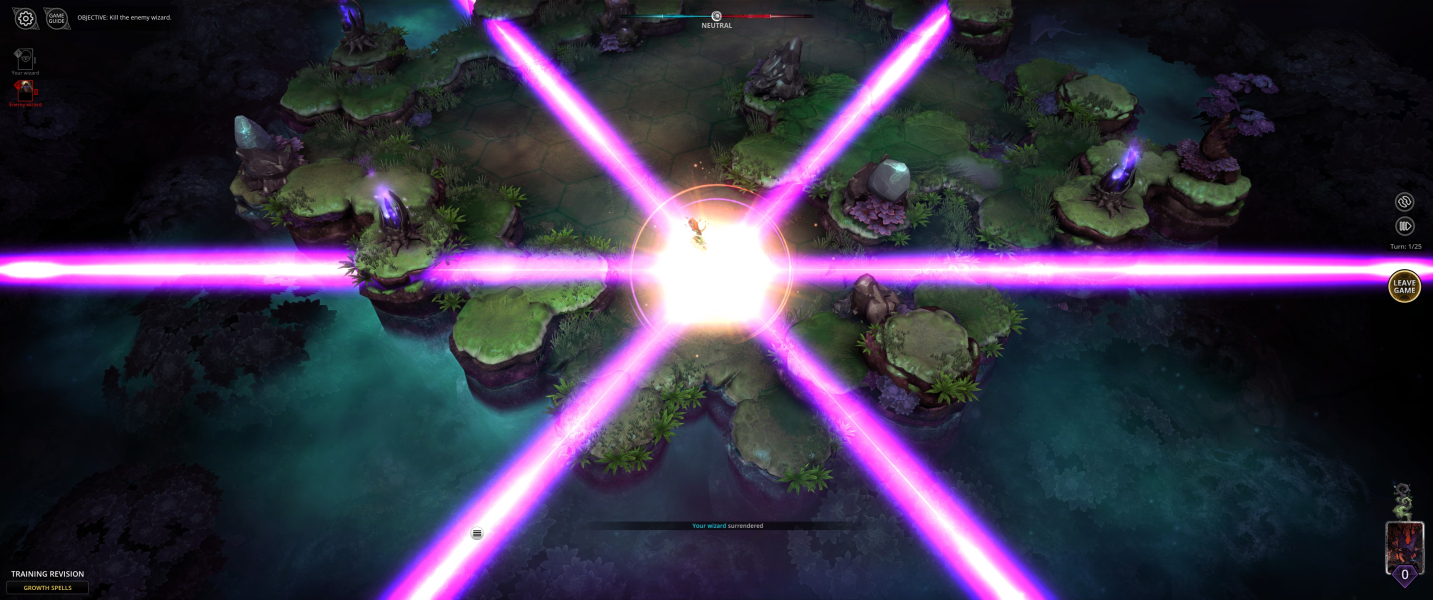

FMV Cutscenes
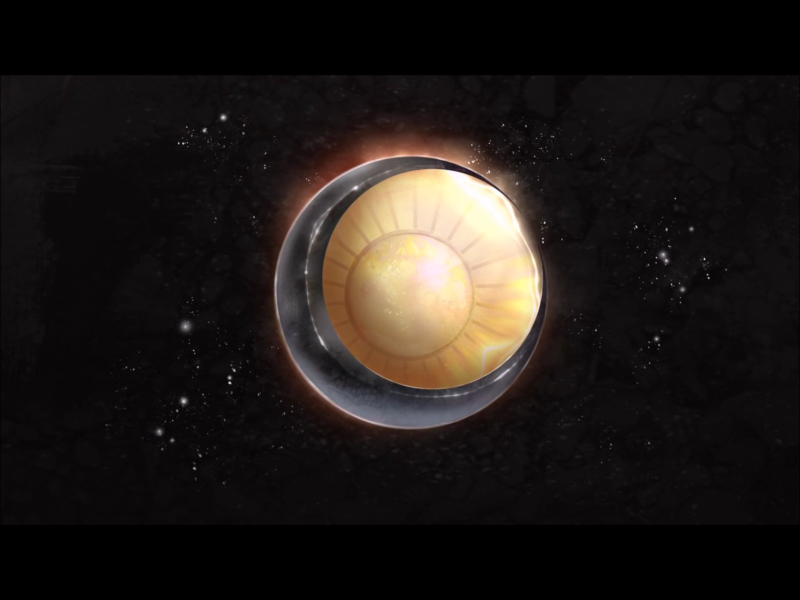



Menu Screenshots



4K UHD Screenshots
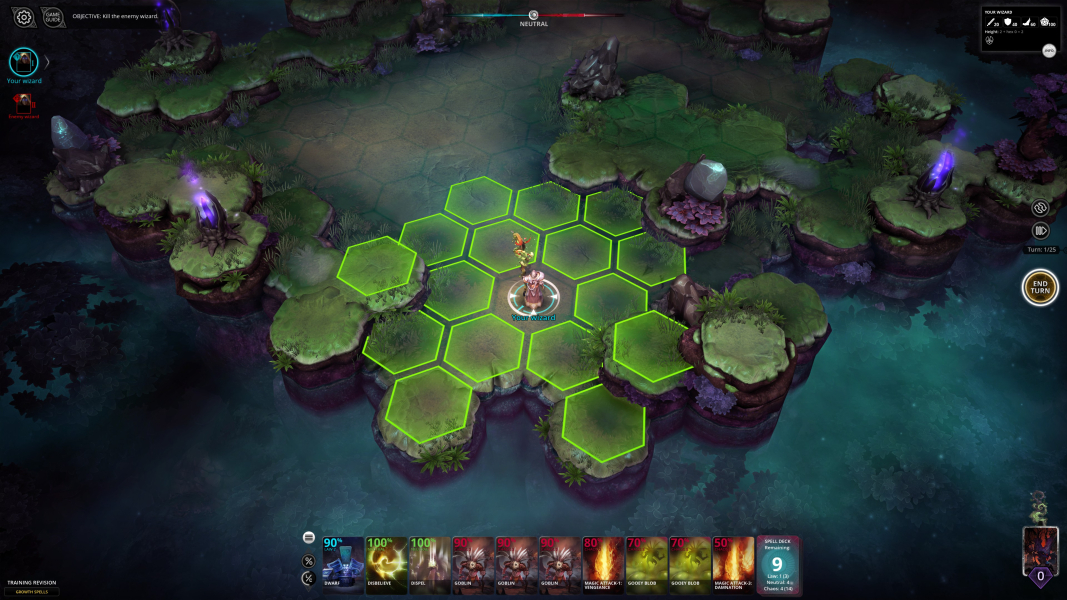

Additional Screenshots


