


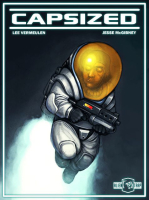


Capsized is a fast paced 2d platformer developed by Alientrap Games, focused on intense action and exploration.
As a intrepid space traveler, your ship has crash landed on a mysterious alien planet. You must navigate through the perilous environment and fight off blood-thirsty creatures to save your crewmates and escape with your lives!
Support Summary
Game Information
Screenshots Comparison
Solutions & Issues
Only some resolutions are supported. It's easy to find threads about lack of resolution support in the Steam forum for the game.
On my system, even with the desktop set to 1400x1050, I had no 4:3 resolutions available to me. I only had the following resolutions available to me:
1280x720
1280x1024
1440x900
1680x1050
1920x1080
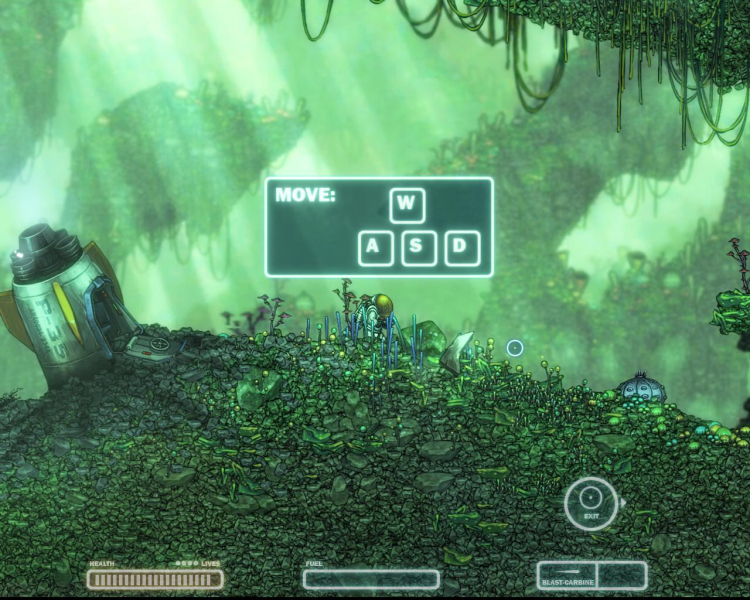
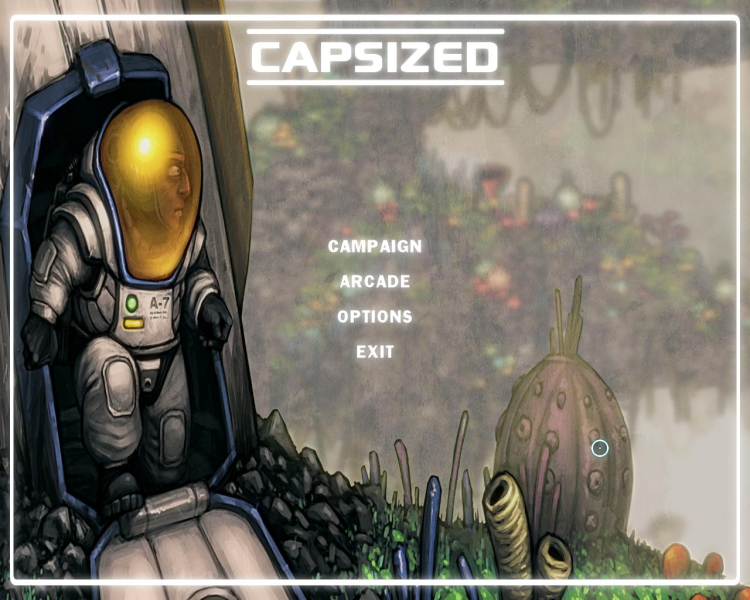
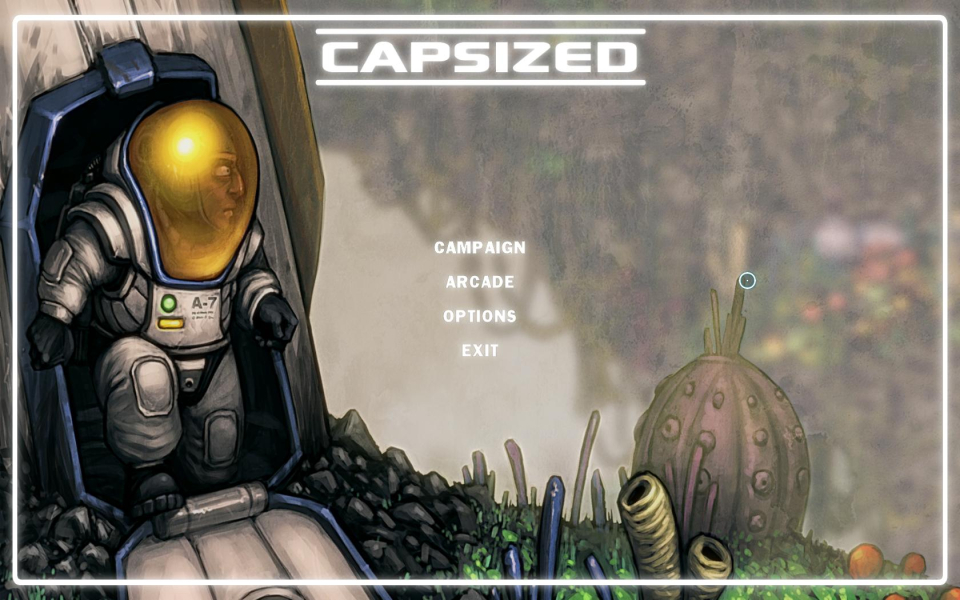
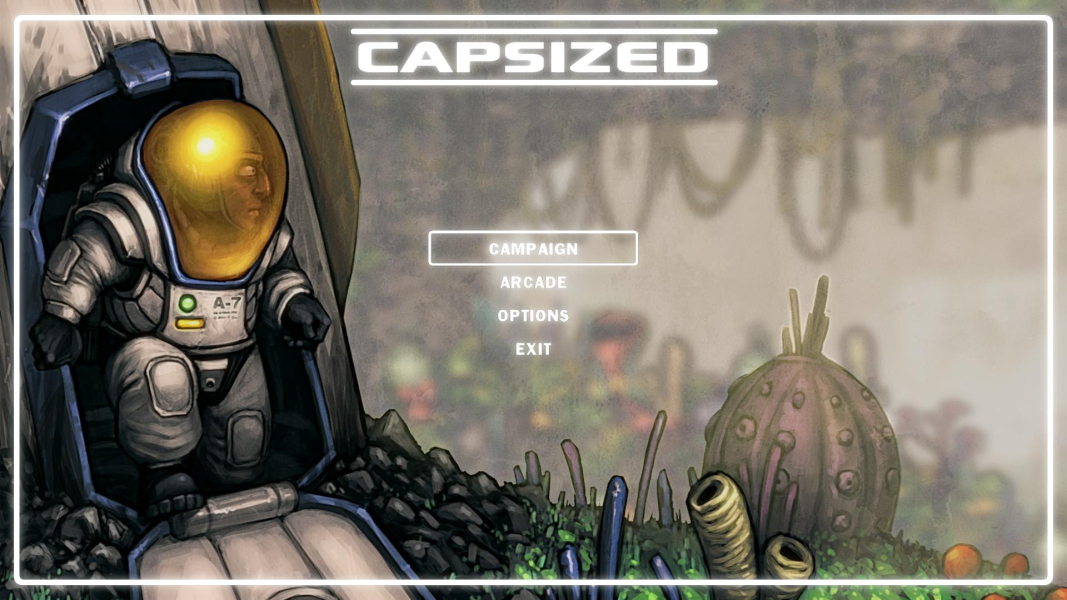
All 4:3 screenshots in this DR are actually 5:4 1280x1024 for comparison purposes.
Try GeneralAdmission's resolution patcher for custom resolutions! files available from the PC Gaming Wiki Community Files (search there).
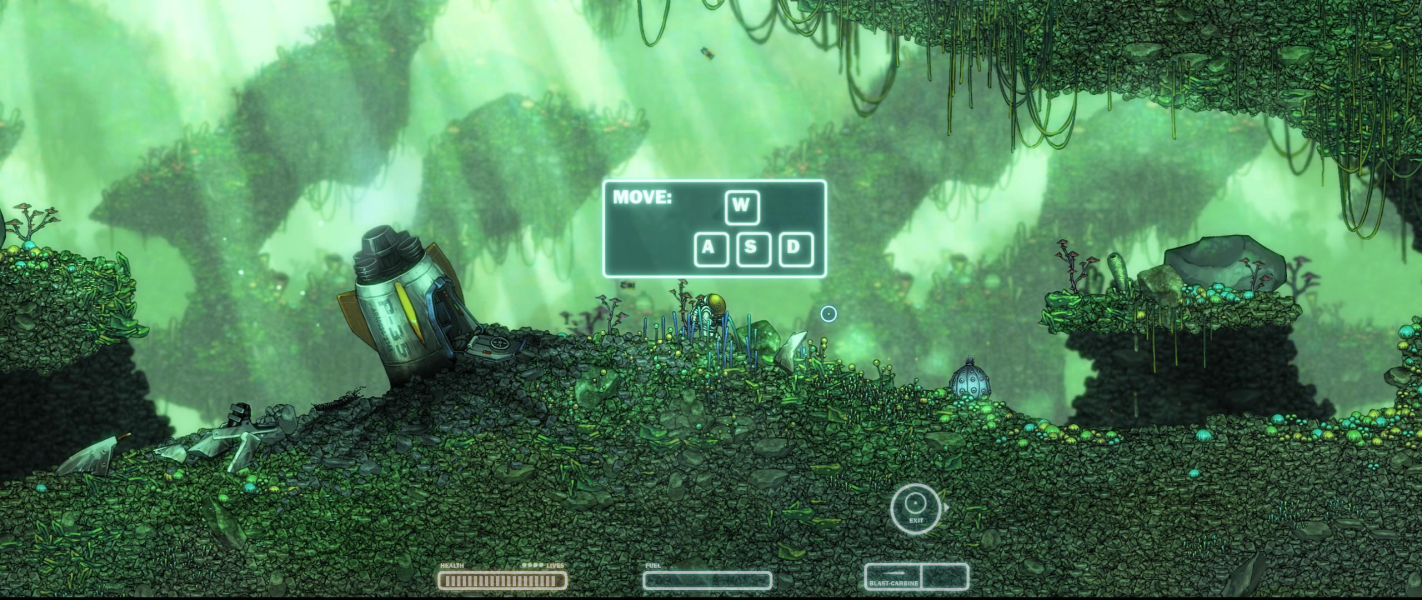
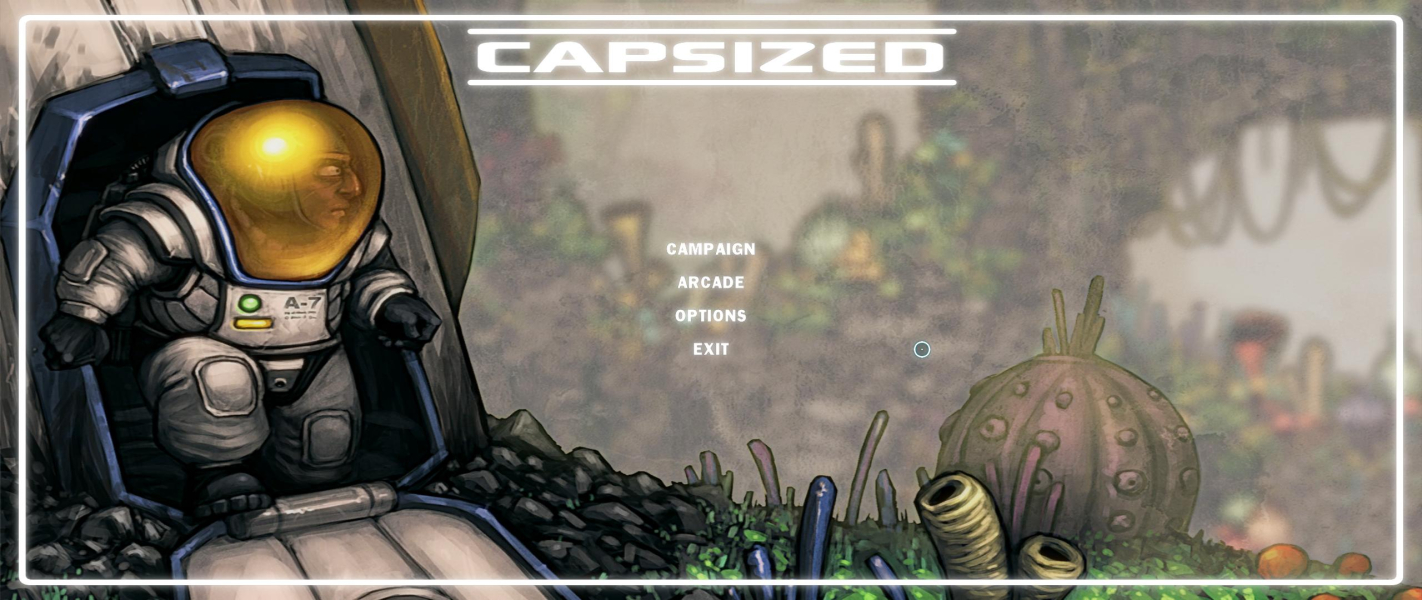
Use GeneralAdmission's patcher to select a 21:9 resolution (refer to Multimon solution).
To use the patcher, extract the Attachment into your Game Folder where the Capsized.exe is. Run it, write your custom resolution and apply it. Go into the game and select it from the list of resolutions.
No surround resolutions were available to play natively.
GeneralAdmission has made a great little patcher for Capsized. Files available from the PC Gaming Wiki Community Files (search there).
To use the patcher, enter your custom resolution and apply it. Go into the game and select it from the list of resolutions.
Use the Capsized Resolution Patcher in the Attachment.
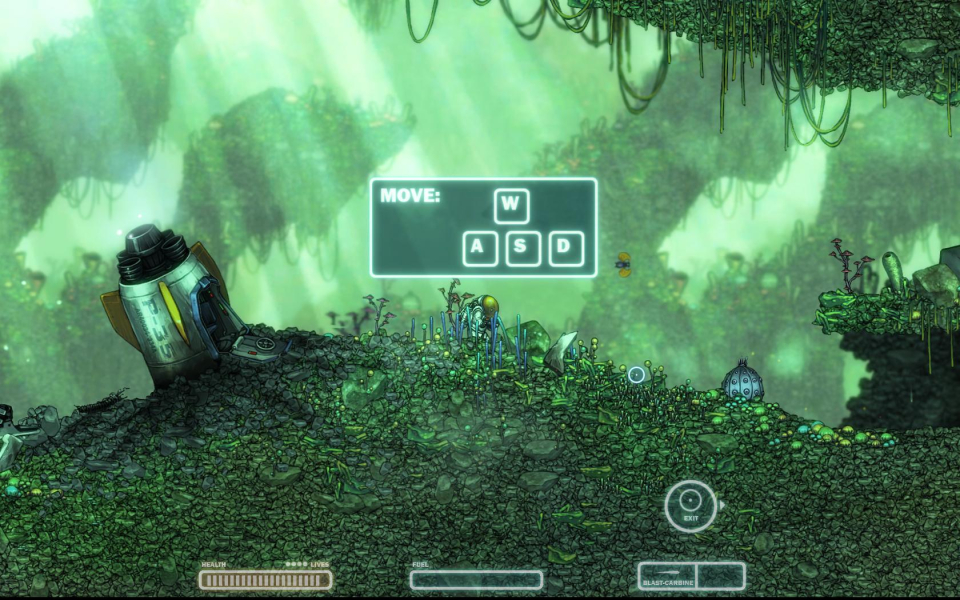
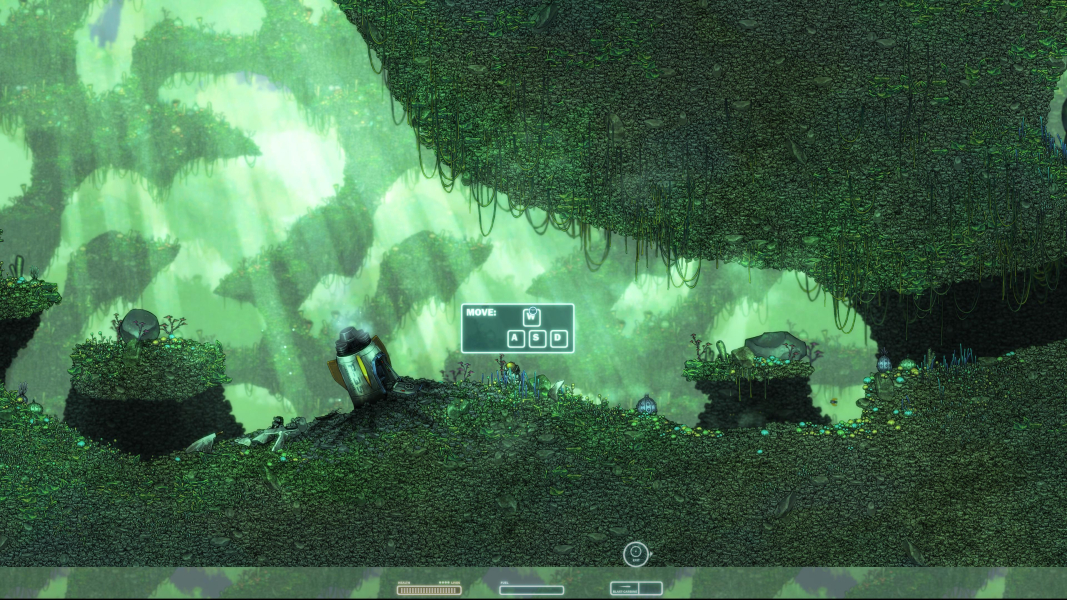
Gameplay Screenshots



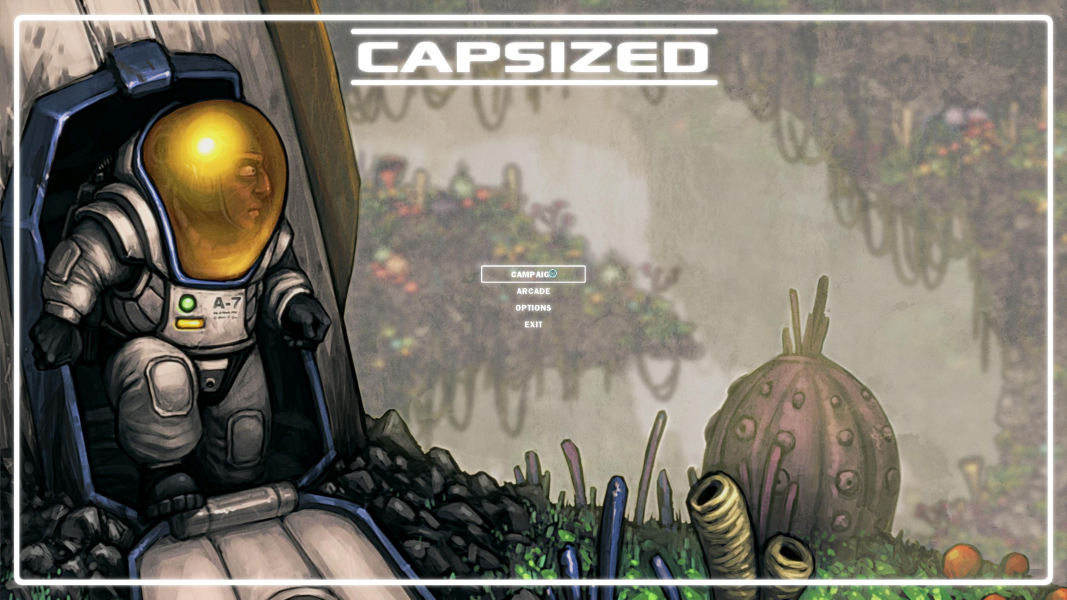
Menu Screenshots

4K UHD Screenshots


Additional Screenshots


