

Call of Duty is a WW2 themed FPS from Infinity Ward and Activision. The game is played over three campaigns; American, British, and Russian, and most of the missions emphasize fighting as a company over lone wolf tactics.
Support Summary
Game Information
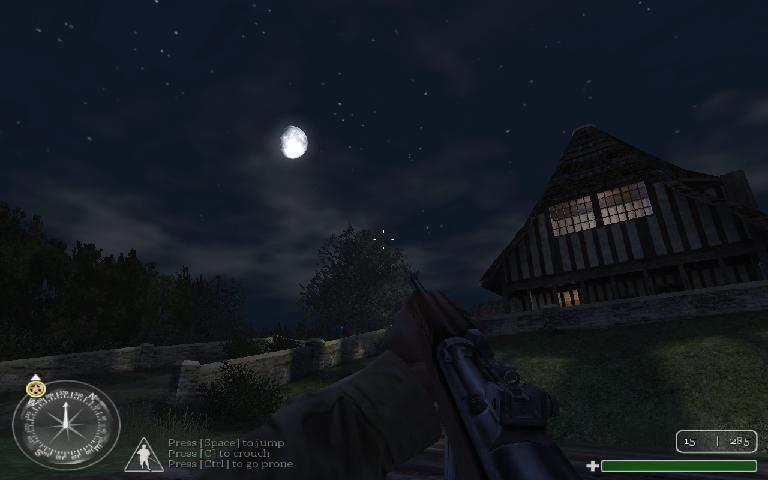
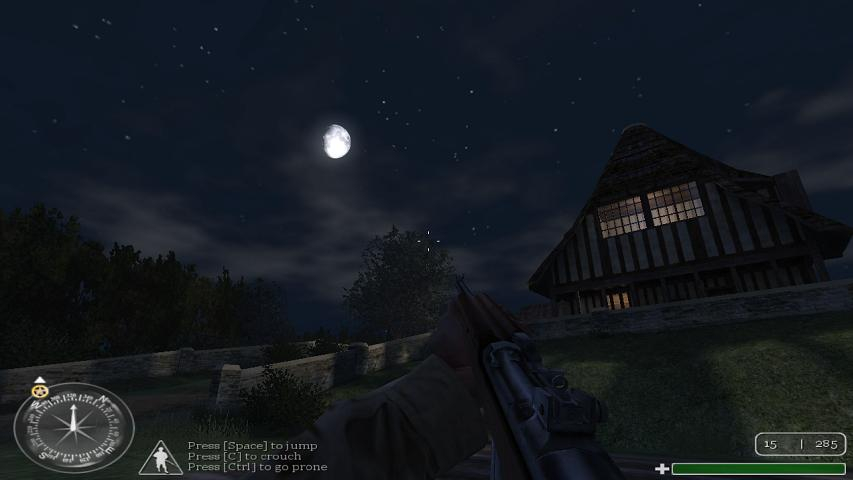
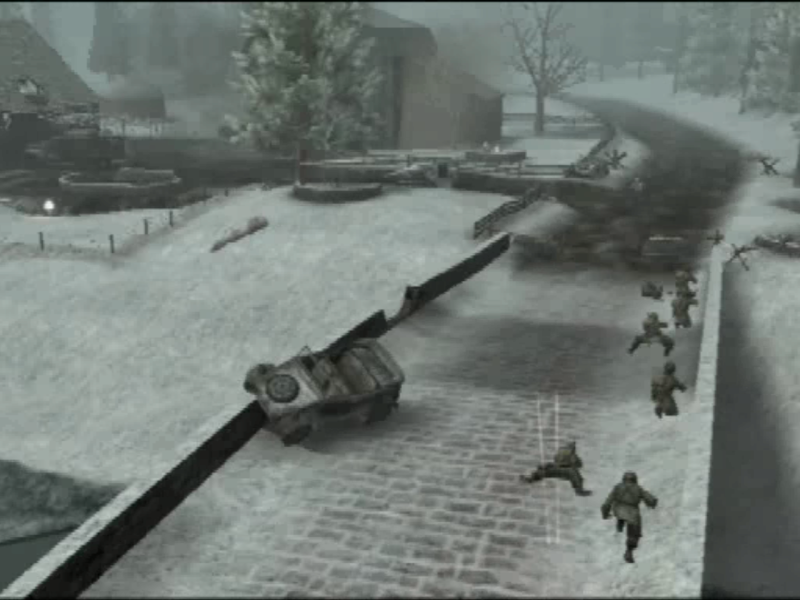
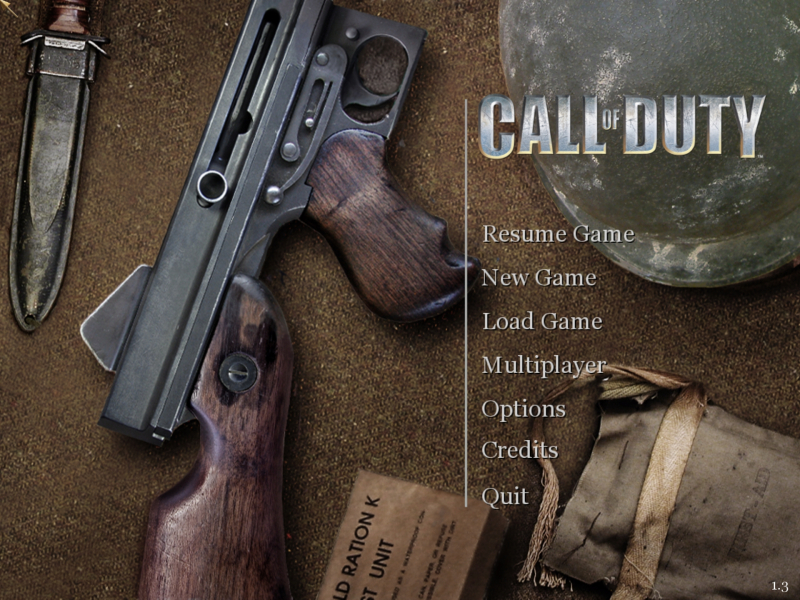
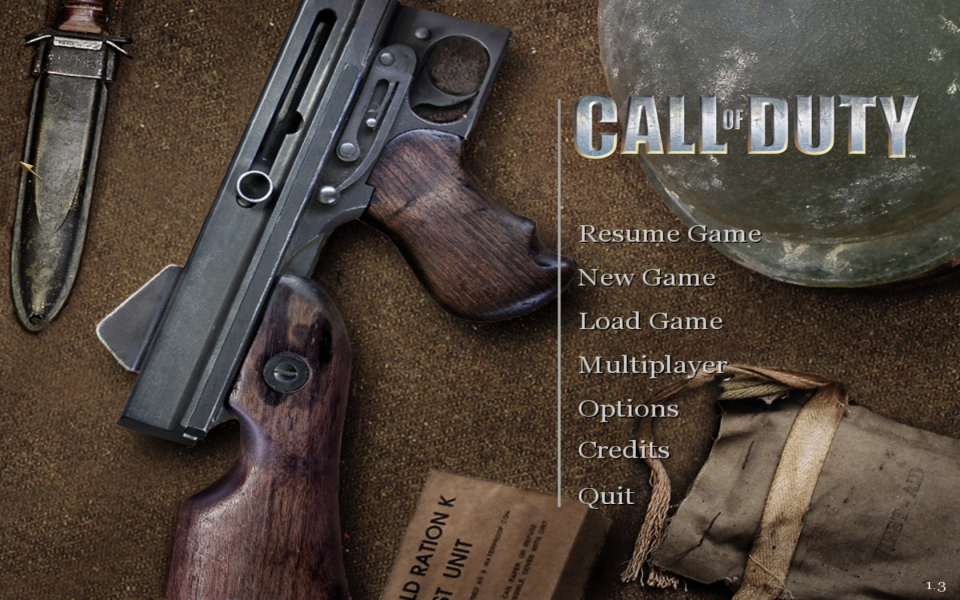
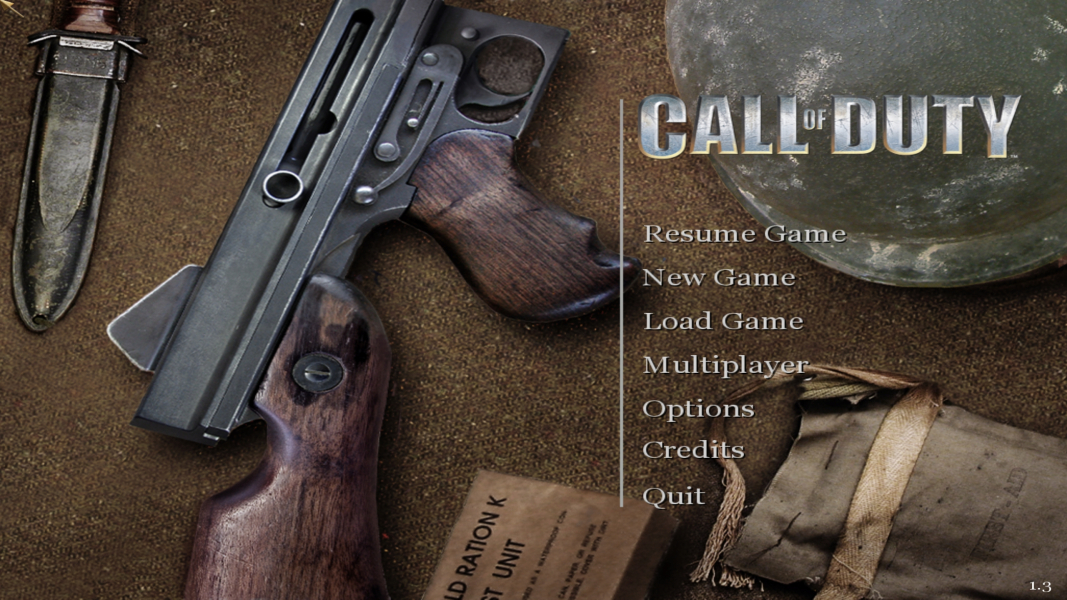
Screenshots Comparison
Solutions & Issues
Solution: Go to --> ...\Main\config.cfg and edit these lines:
seta cg_fov "xx"
Set this according to your preference. I recommend 90.4 for 16:10 resolutions and 96.4 for 16:9 resolutions.
seta r_customheight "xxxx"
seta r_customwidth "xxxx"
Set this to your favorite widescreen resolution.
seta r_mode "x"
Set this to -1.
Do the same for uoconfig.cfg in ..\Main\uo
--------------------------------------------------------------------------------------------------
In Multiplayer you can force custom resolutions using the same settings, but it is impossible to increase the default FOV. It will always revert to 80.
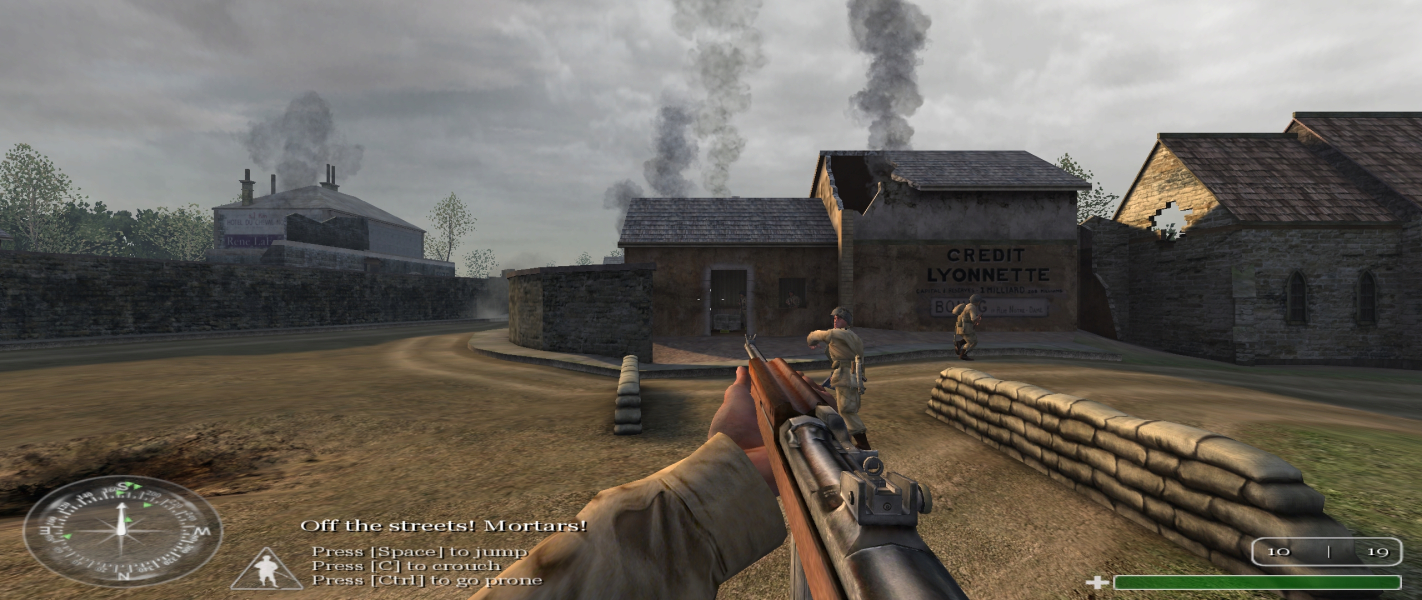
The HUD stretches. This is most obvious by looking at the oval compass. Using a widescreen resolution breaks the FMV cut-scenes (the intro and outro IIRC). They can be heard, but not seen. They can also be skipped with the Esc key.
Same Solution as in Windscreen - Use this FOV Calculator.
Issues: The HUD stretches. Using a widescreen resolution breaks the FMV cut-scenes.
Same Solution as in Windscreen - Use this FOV Calculator.
Issues: The HUD stretches. Using a widescreen resolution breaks the FMV cut-scenes.
Gameplay Screenshots




In-Game (Rendered) Cutscenes





FMV Cutscenes




Menu Screenshots


Additional Screenshots