

Call of Duty: World at War is a 2008 PC game developed by Treyarch
Support Summary
Screenshots Comparison
Solutions & Issues
The game automatically uses the correct aspect ratio for your resolution. You can select a custom aspect ratio for any resolution as well if you wish. (4:3, 16:10, 16:9). The game does NOT support any AR wider than 16:9.
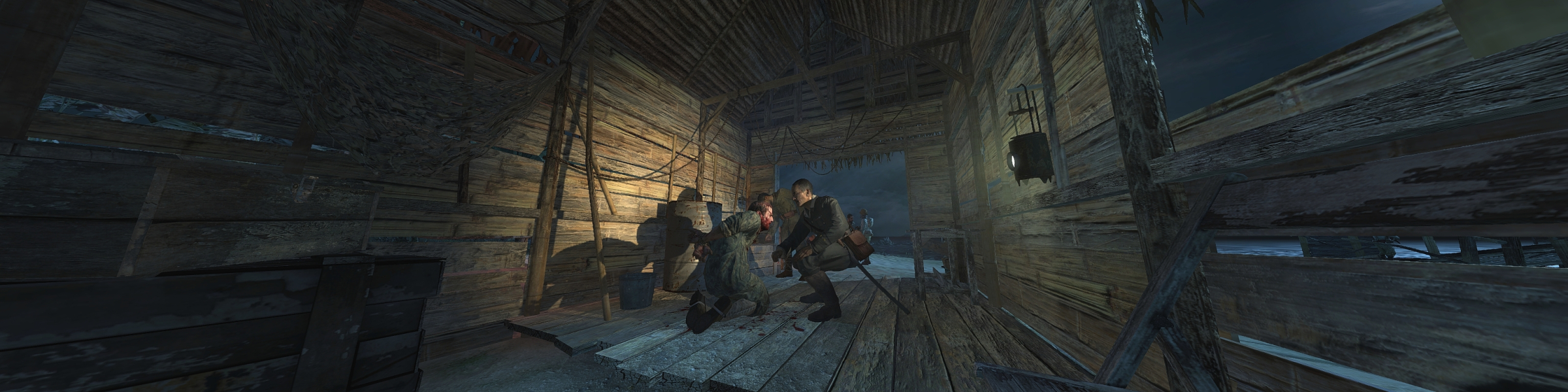
For 21:9 the Game is Streched out of the Box - use HEX edit to get HOR+
Hex edit Aspect Ratio: Go to --> ...\Game DIR\CoDWaW.exe
Look for 39 8E E3 3F and change it to CD 90 18 40
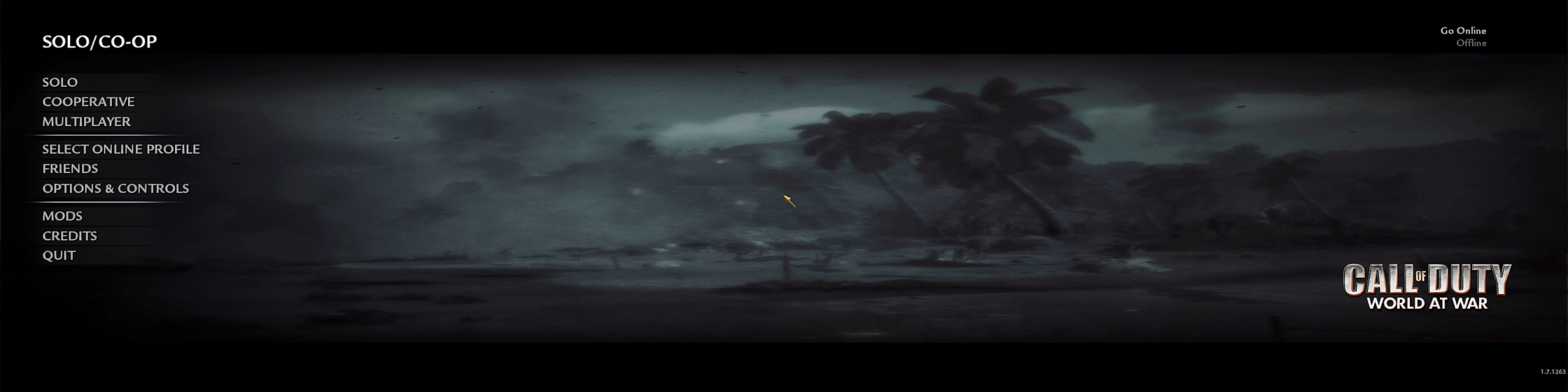
Now the Aspect Ratio of the Game,Menues and HUD is correct.
-----------------------------------------------------------------------------------------------------------------------------------
Alternative FOV edit:
Go to --> ...\Game DIR\CoDWaW.exe
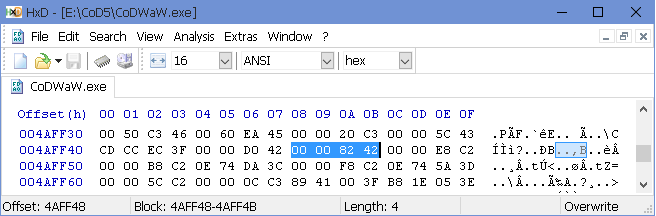
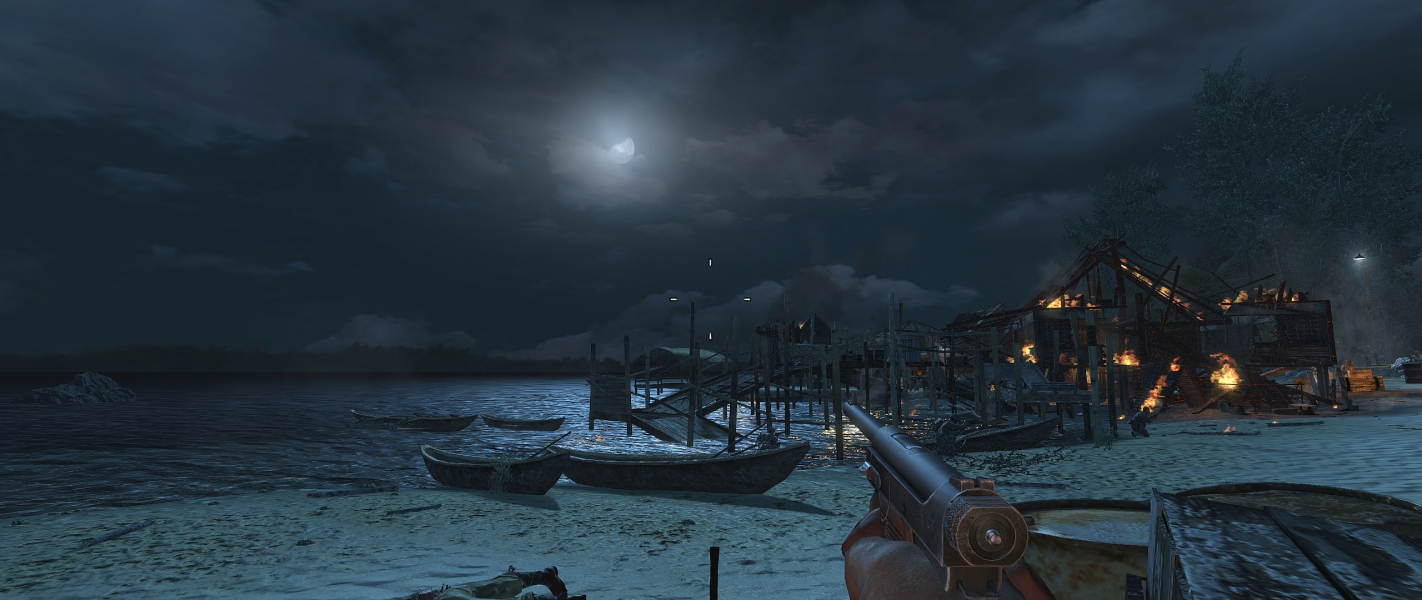
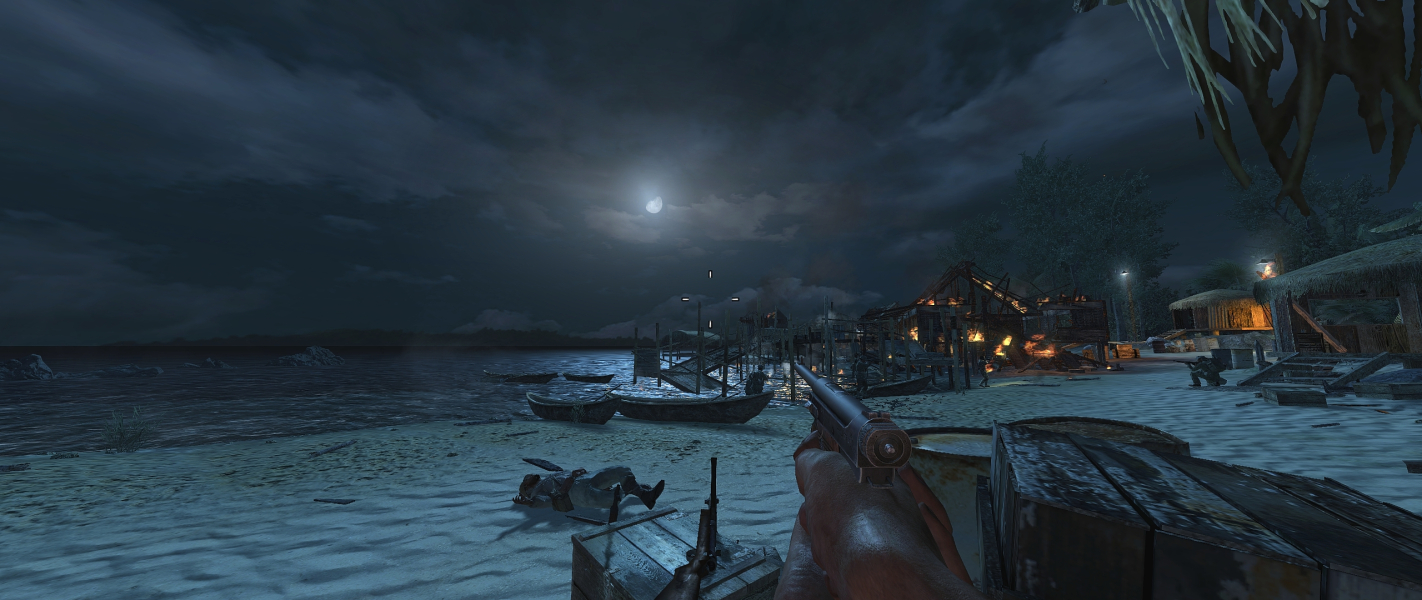
Look for 00 00 82 42 and change it to your des. FOV Value f.e. 00 00 B4 42 (FOV 90 see Additional Screenshots)
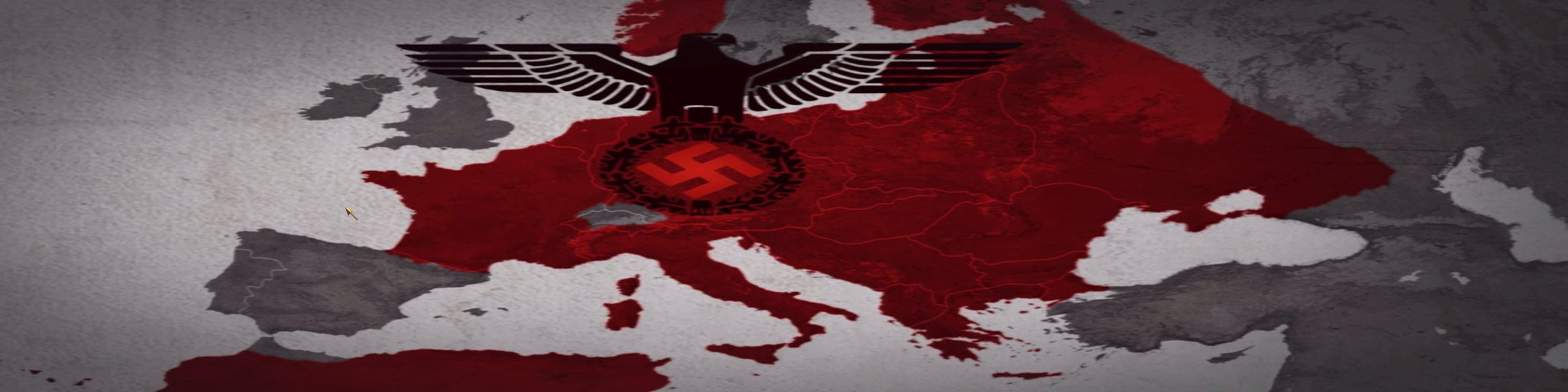
For Surround the Game is Streched out of the Box - use HEX edit or Widescreenfixer to get HOR+
Hex edit Aspect Ratio: Go to --> ...\Game DIR\CoDWaW.exe
Look for 39 8E E3 3F and change it to AB AA AA 40 (3x16:9) or 9A 99 99 40 (3x16:10)
-----------------------------------------------------------------------------------------------------------------------------------
Alternative FOV edit:
Go to --> ...\Game DIR\CoDWaW.exe
Look for 00 00 82 42 and change it to your des. FOV Value f.e. 00 00 B4 42 (FOV 90 see Additional Screenshots)
Gameplay Screenshots

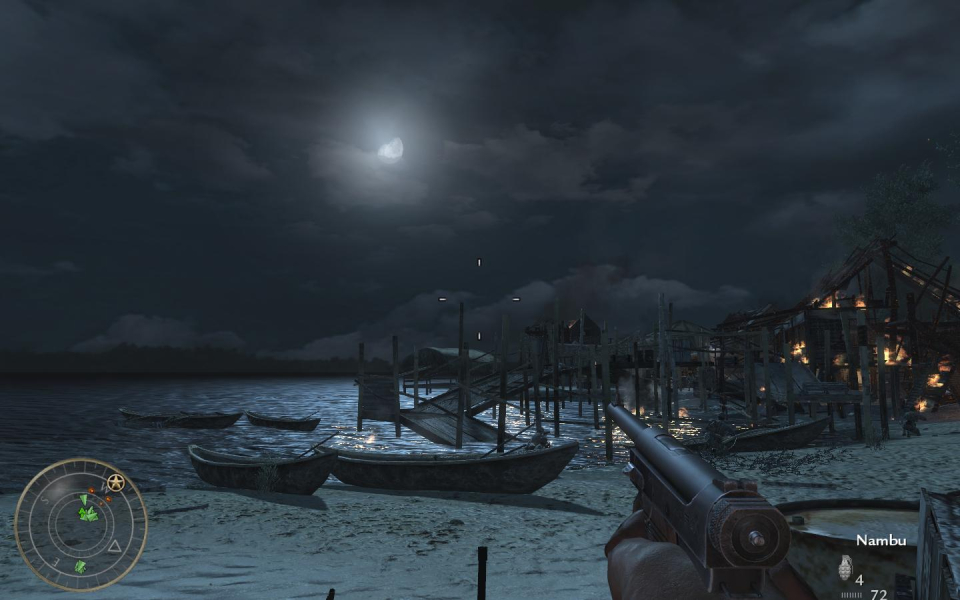

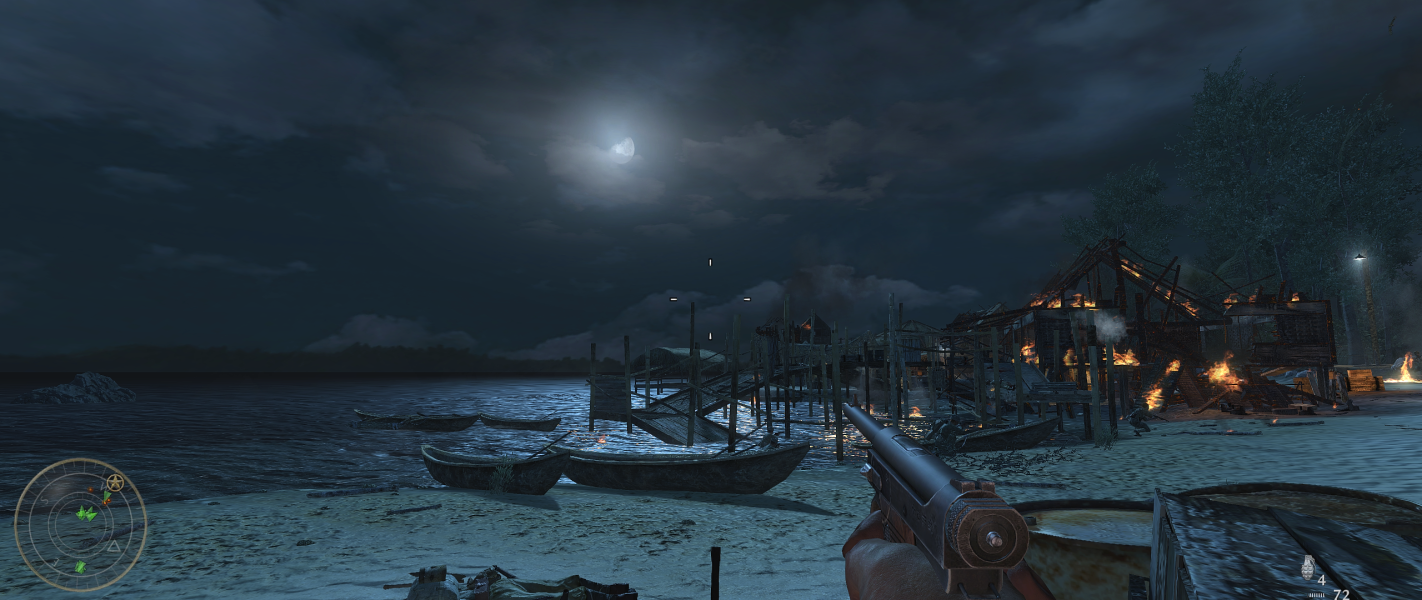


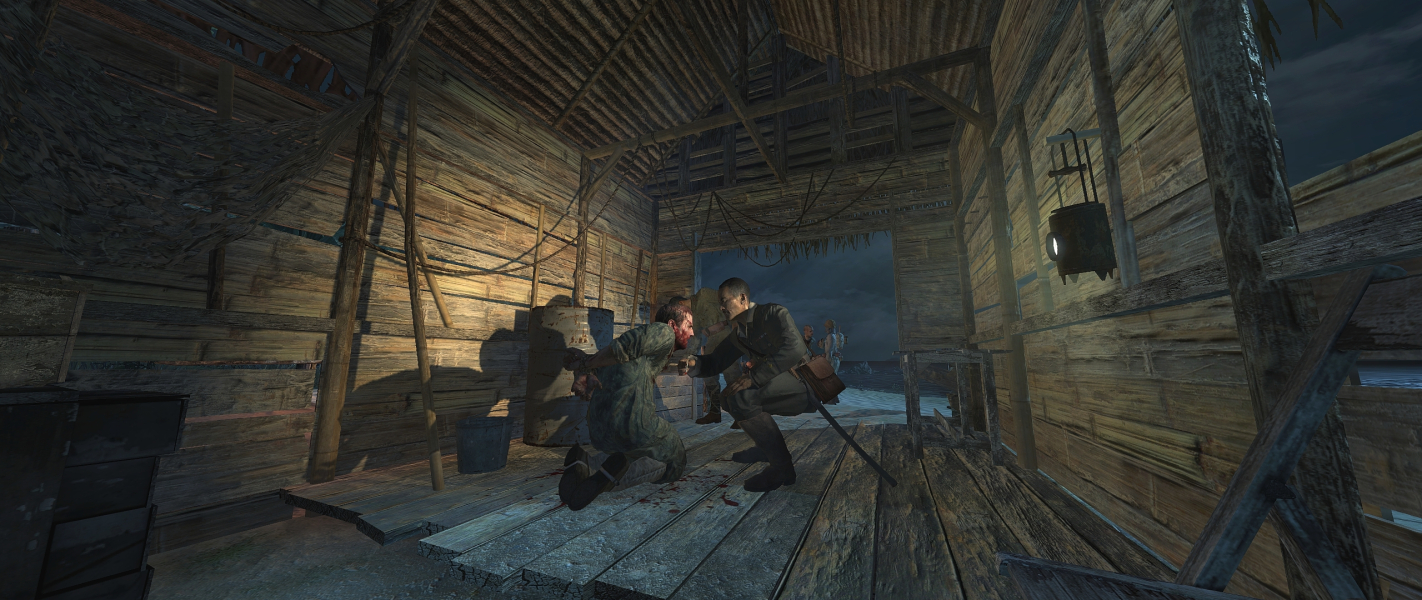
In-Game (Rendered) Cutscenes

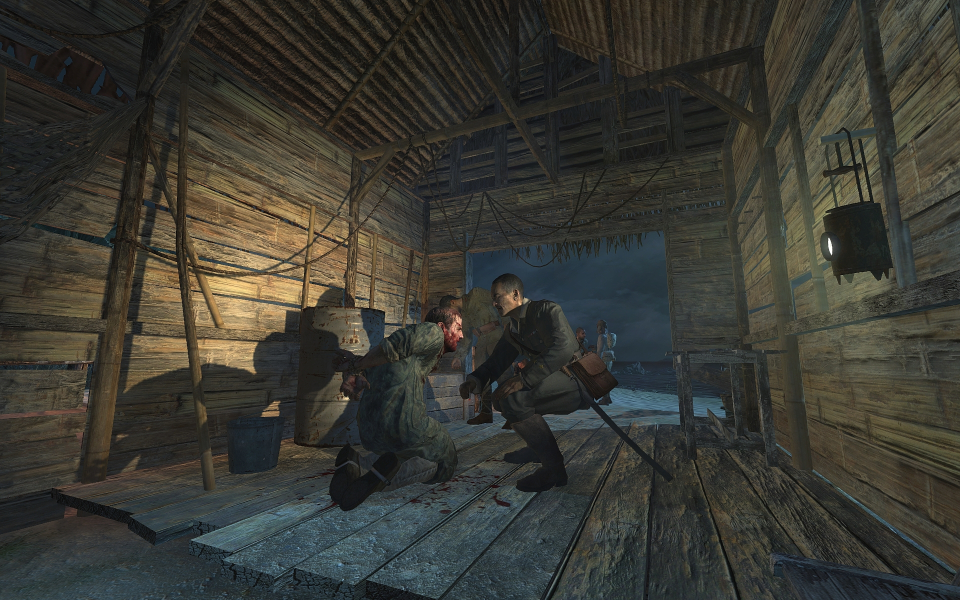
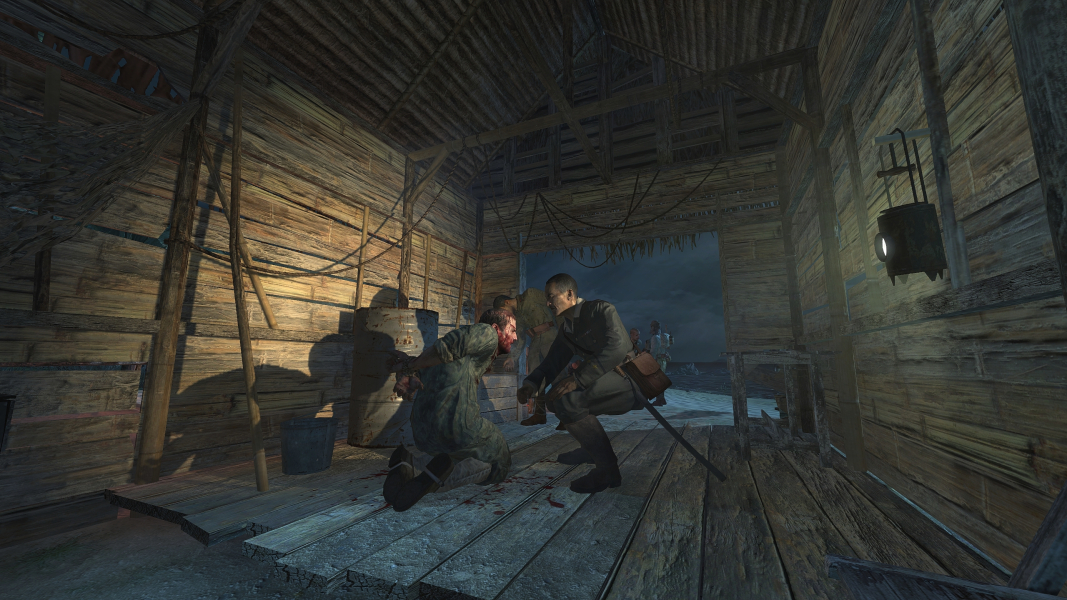
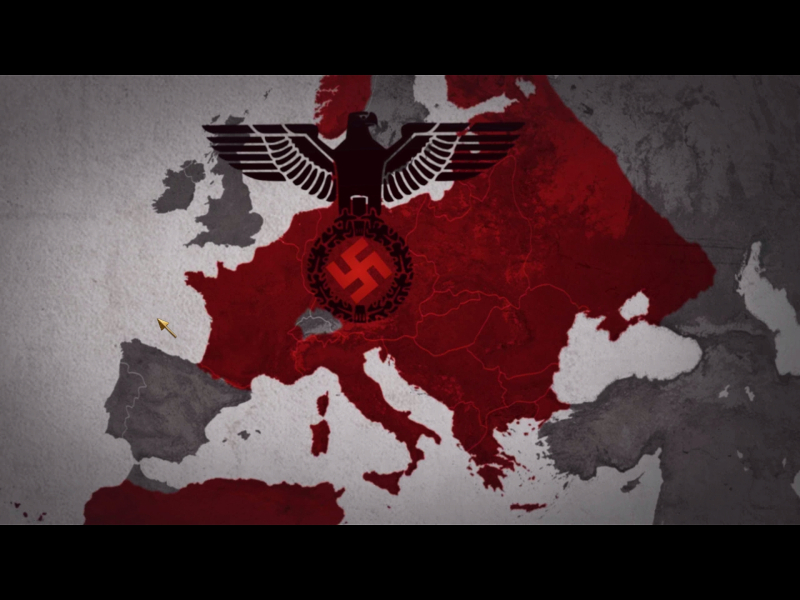
FMV Cutscenes


Menu Screenshots
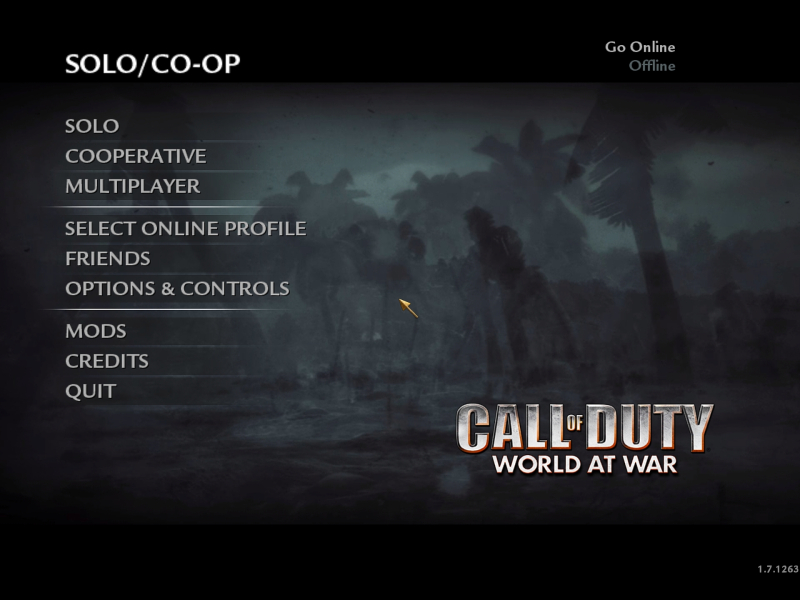
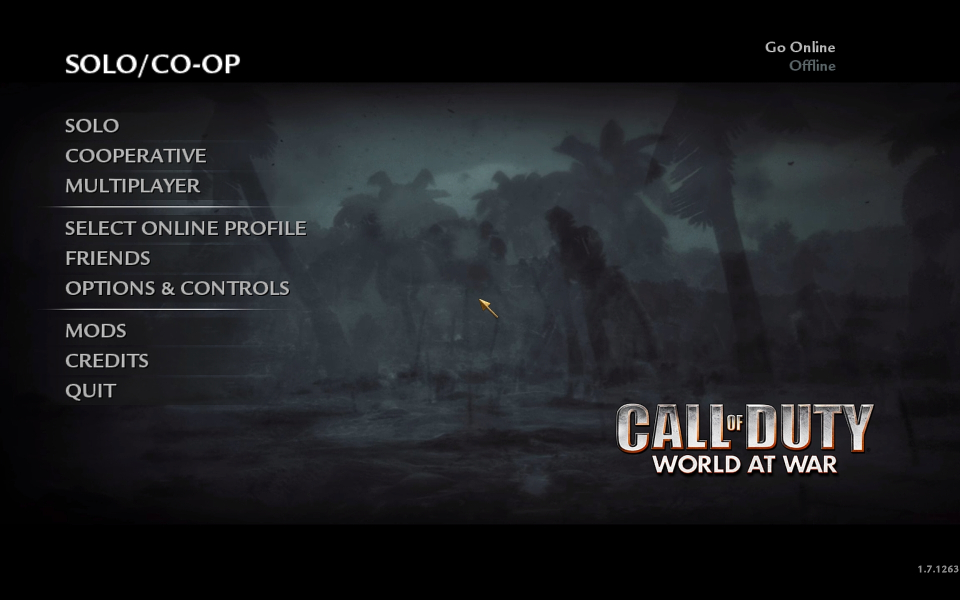
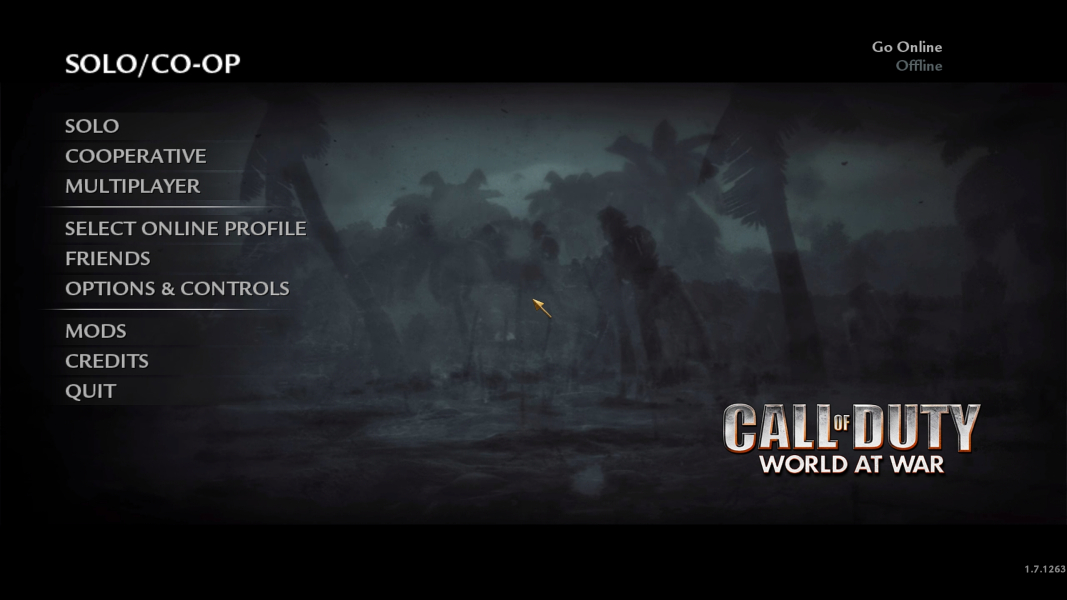
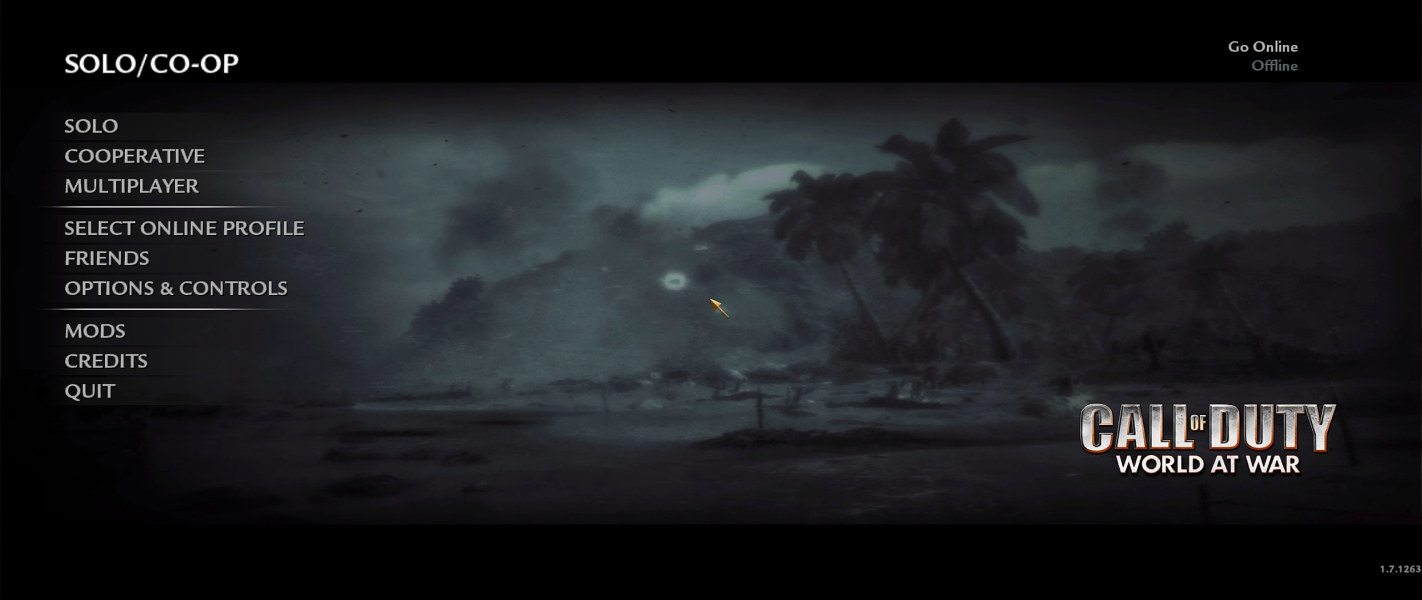
Additional Screenshots