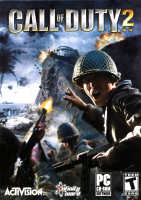


Call of Duty 2 is a WWII themed FPS from Infinity Ward and Activision. Like its predecessor, CoD2 is set over three allied campaigns. As a sequel, CoD2 features somewhat streamlined gameplay, more advanced AI, and better widescreen support.
Support Summary
Game Information
Screenshots Comparison
Solutions & Issues
Native HOR+ till 16:9
For 21:9 the Game is Streched out of the Box - use HEX edit to get HOR+
Hex edit Aspect Ratio: Go to --> ...\Game DIR\gfx_d3d_x86_s.dll
Look for 39 8E E3 3F and change it to CD 90 18 40
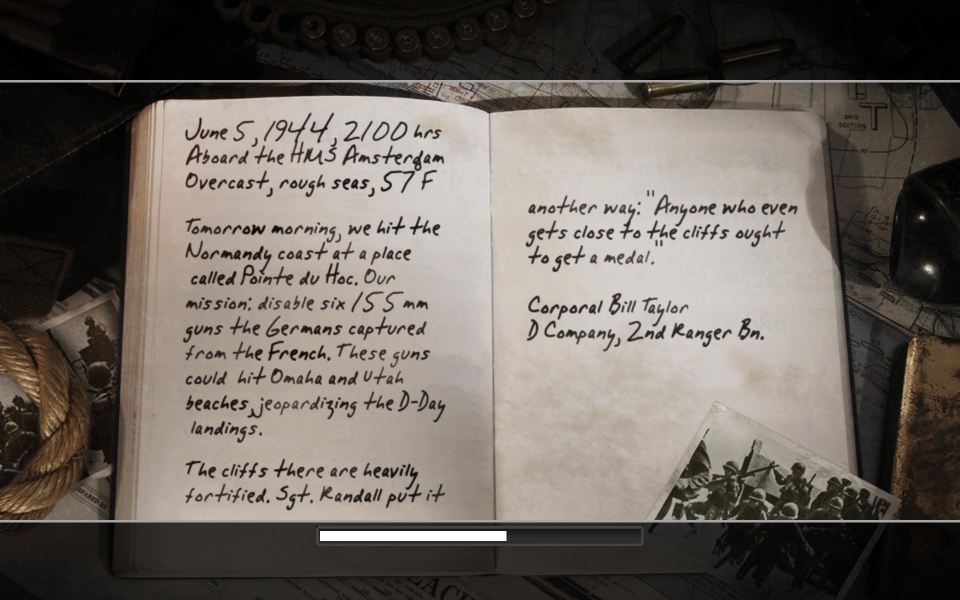
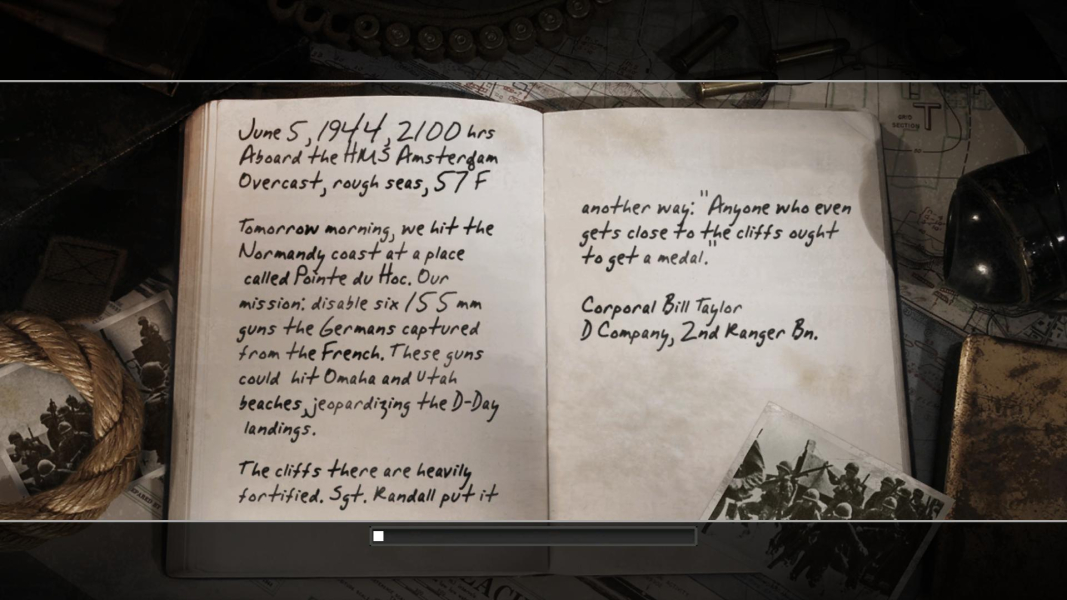
Now the Aspect Ratio of Menus, FMVs and HUD is correct - Fix available from the PC Gaming Wiki Community Files (search there).
Alternative FOV edit:
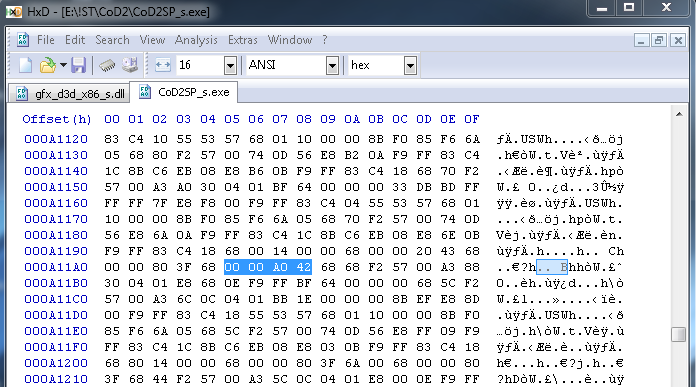
Go to --> ...\Game DIR\CoD2SP_s.exe
Look for 00 00 A0 42 and change it to your des. FOV Value ( see Additonal Screenshots)
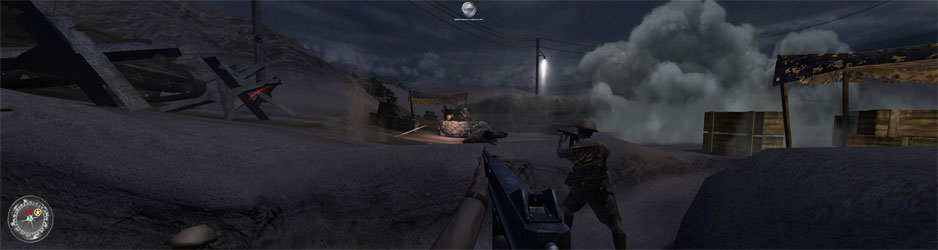
For Surround the Game is Streched out of the Box - use HEX edit to get HOR+
Hex edit Aspect Ratio: Go to --> ...\Game DIR\gfx_d3d_x86_s.dll
Look for 39 8E E3 3F and change it to AB AA AA 40 (3x16:9) or 9A 99 99 40 (3x16:10)
Now the Aspect Ratio of Menues,FMVs and HUD is correct - Fix available from the PC Gaming Wiki Community Files (search there).
Alternative FOV edit:
Go to --> ...\Game DIR\CoD2SP_s.exe
Look for 00 00 A0 42 and change it to your des. FOV Value ( see Additonal Screenshots)
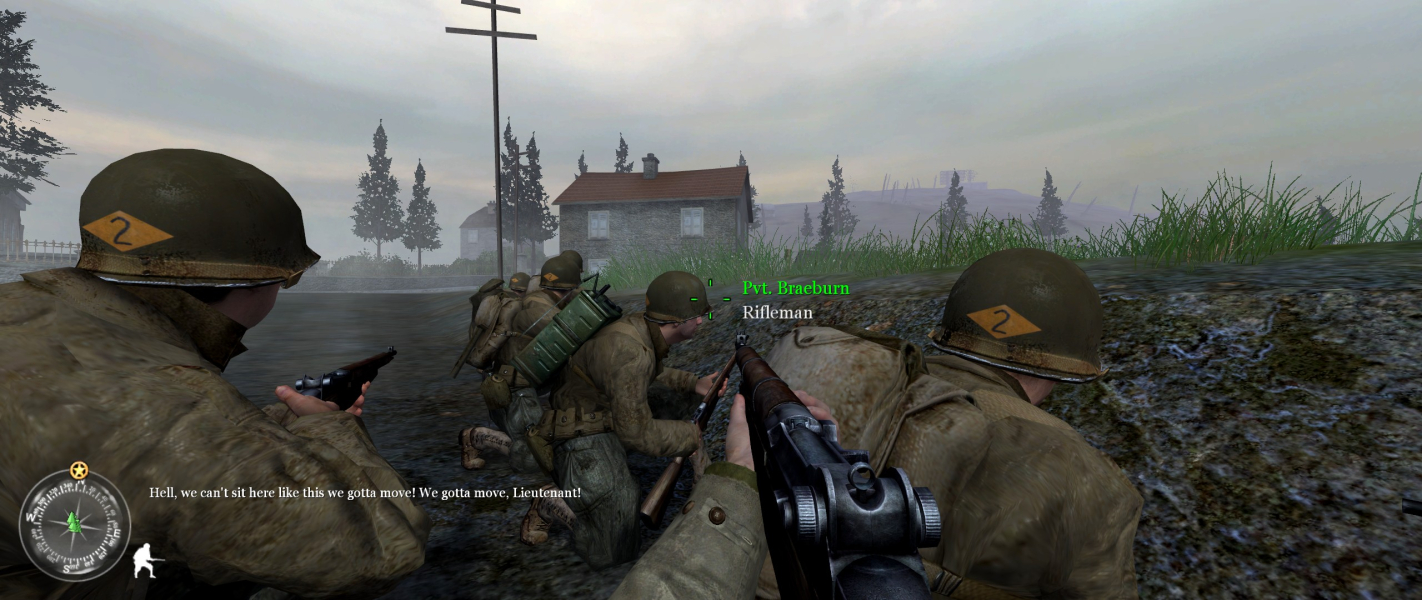
Gameplay Screenshots




In-Game (Rendered) Cutscenes





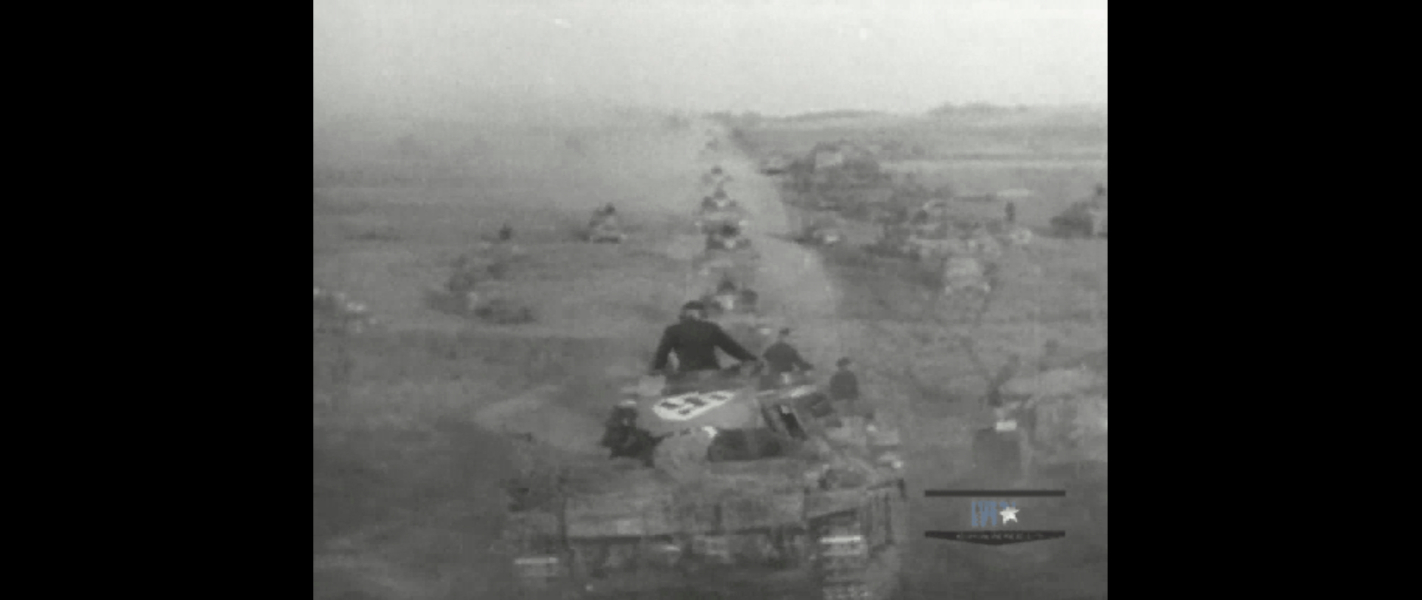
FMV Cutscenes



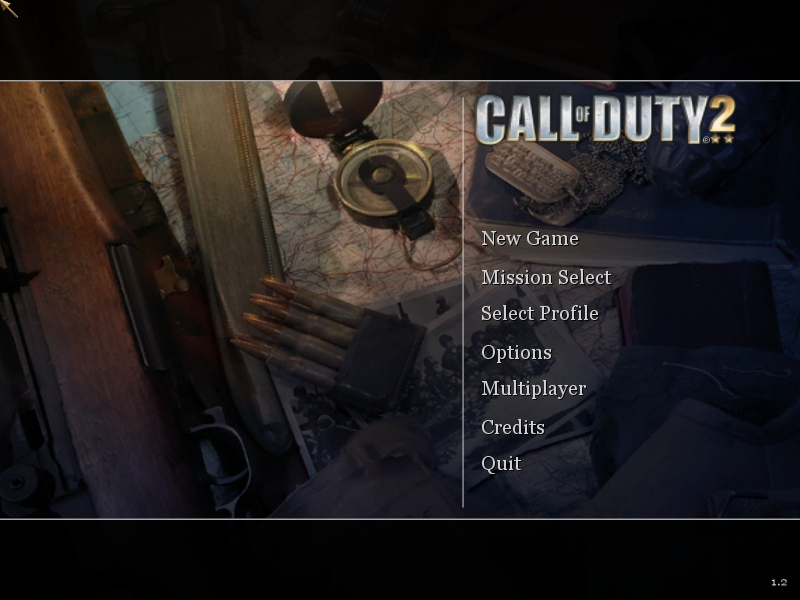
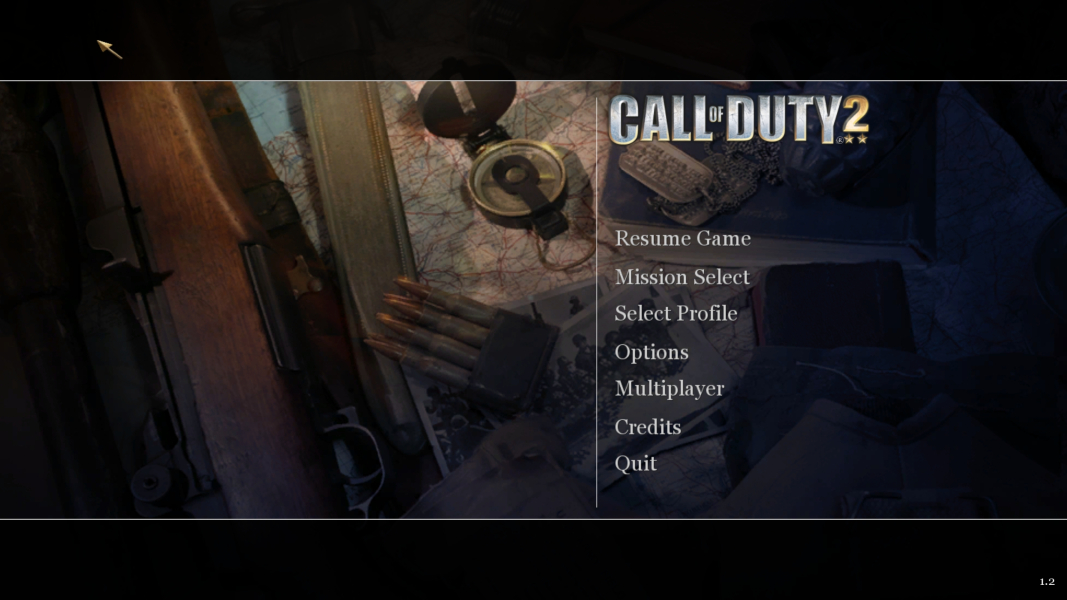
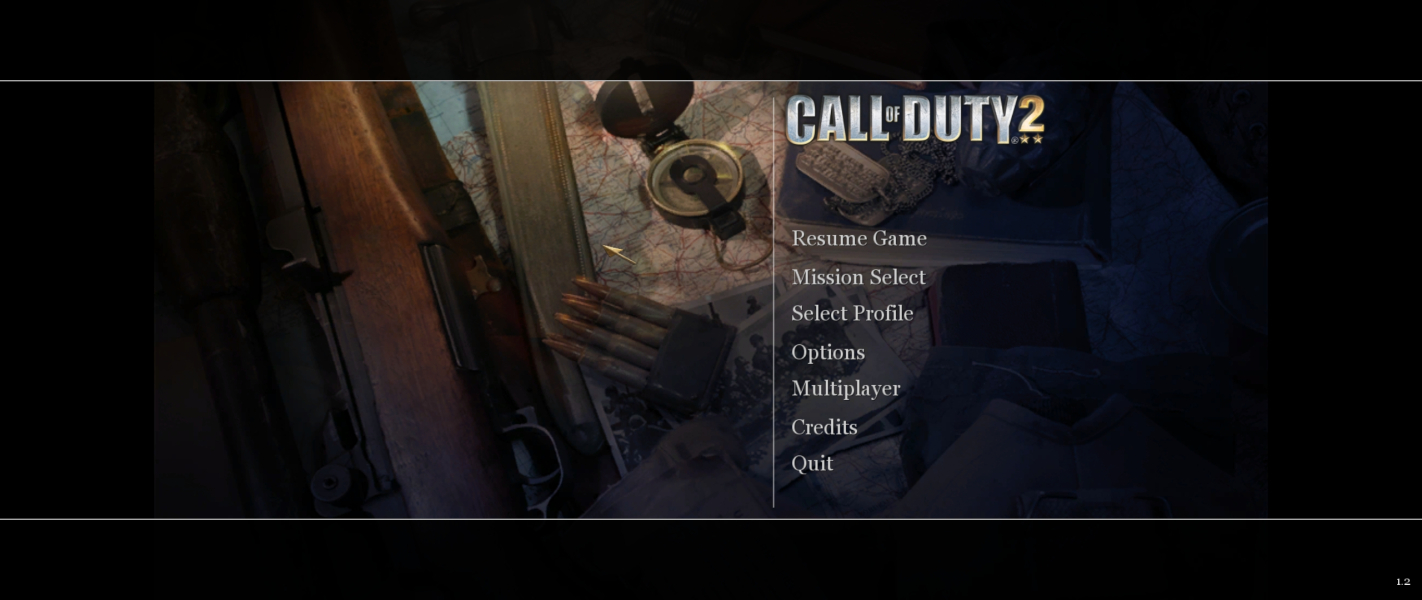
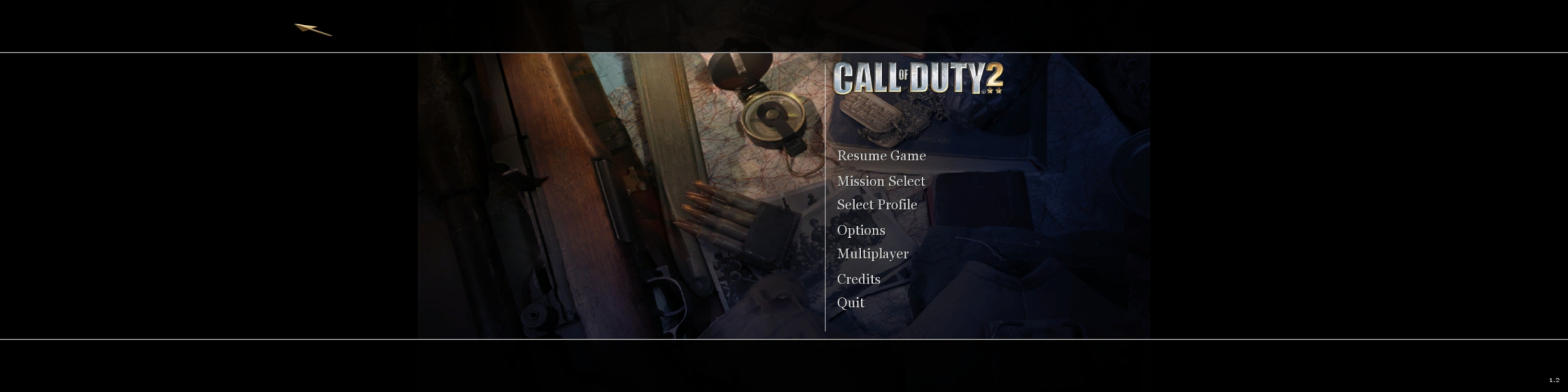
Menu Screenshots

Additional Screenshots