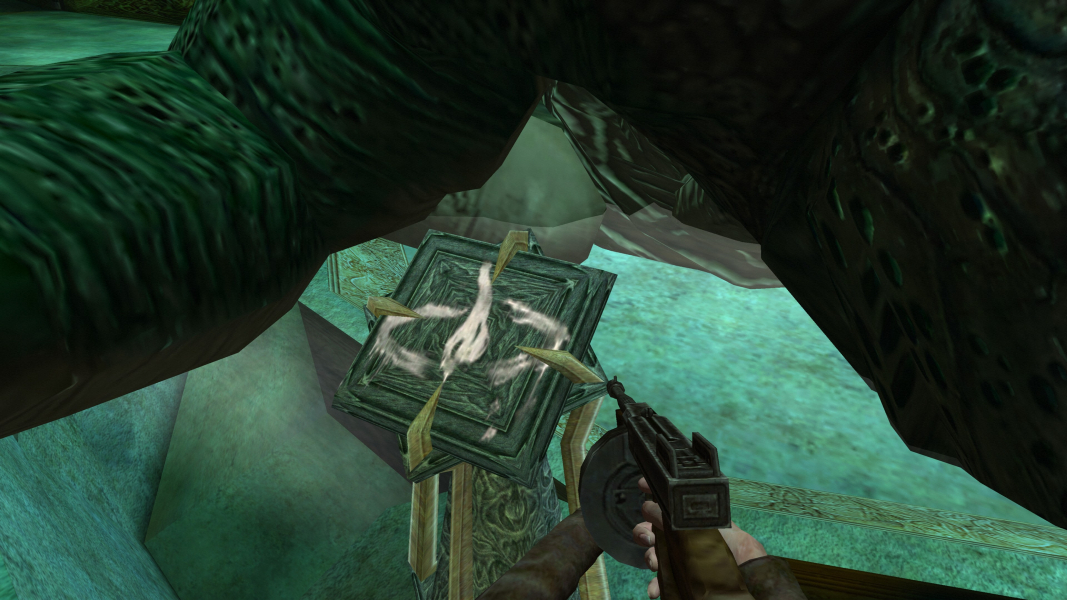


Dark Corners of the Earth is an adventure game developed by Headfirst Productions. The game is set in the The Call of Cthulhu universe created by the author H. P. Lovecraft. Players control Jack Walters as he seeks to uncover mysteries and stave off insanity. Gruesome and terrifying scenes will cause Jack to hallucinate and inhibit his ability to function. If Jack's sanity is lost the game is over. This game focuses on stealth and exploration with occasional combat. Filet-O-Fishmen.
Support Summary
Game Information
Screenshots Comparison
Solutions & Issues
Widescreen fix: https://thirteenag.github.io/wfp#callofcthulhu
The Game supports only 4:3 Aspect Ratio - you need HEX edit the Aspect Ratio to get it HOR+
Downloadthe replacement executable since the Steam and D2D executables are protected !!!
HEX edit Aspect Ratio: Go to --> ...\steamapps\common\Call of Cthulhu\Engine\CoCMainWin32.exe
Look for A5 AC A9 3F and change it to CD CC CC 3F (16:10) or 39 8E E3 3F (16:9). You need to do it for all 3 Instances.
Optional but highly recommended various Tweaks like no Intro, FOV and more --> DCoTEPatch
and also a Gamebreaking BUGFIX here --> Call_of_Cthulhu_Modern_OS_BUGFIX
Same Solution as in Widescreen:
HEX edit Aspect Ratio: Go to --> ...\steamapps\common\Call of Cthulhu\Engine\CoCMainWin32.exe
Look for A5 AC A9 3F and change it to CD 90 18 40
Same Solution as in Widescreen:
HEX edit Aspect Ratio: Go to --> ...\steamapps\common\Call of Cthulhu\Engine\CoCMainWin32.exe
Look for A5 AC A9 3F and change it to AB AA AA 40 (3x16:9) or 9A 99 99 40 (3x16:10).
Same Solution as in Widescreen:
HEX edit Aspect Ratio: Go to --> ...\steamapps\common\Call of Cthulhu\Engine\CoCMainWin32.exe
Look for A5 AC A9 3F and change it to 39 8E E3 3F
Gameplay Screenshots


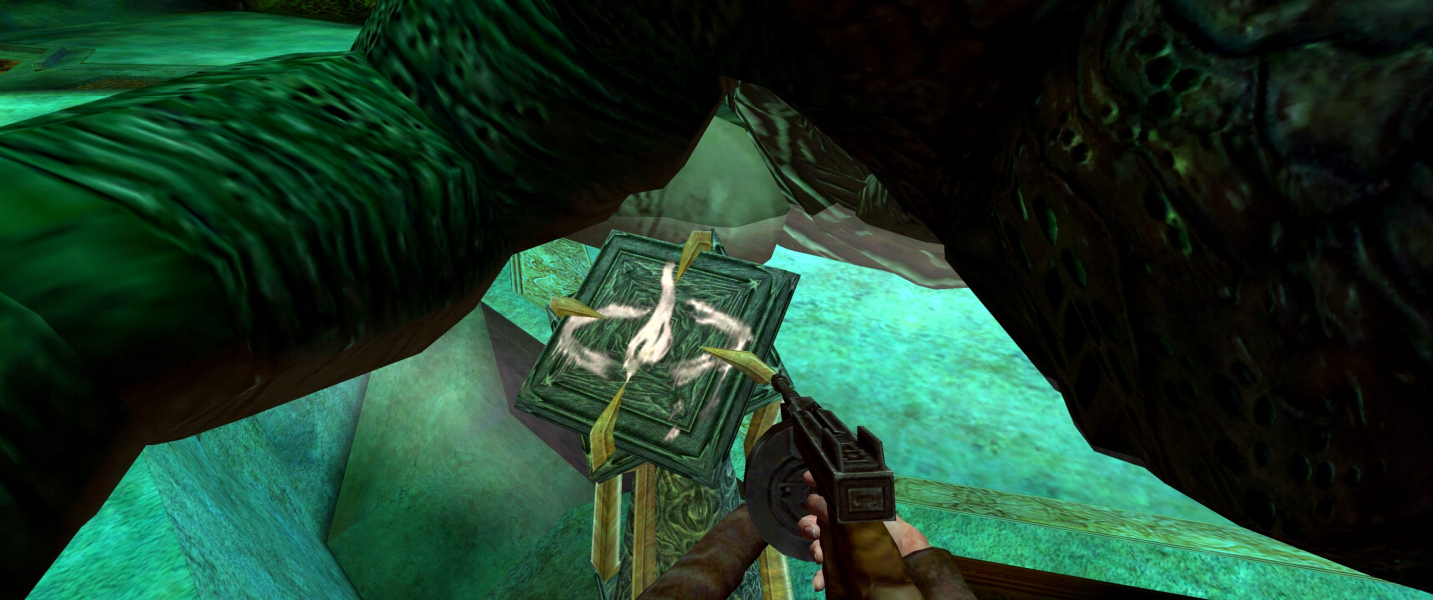


In-Game (Rendered) Cutscenes


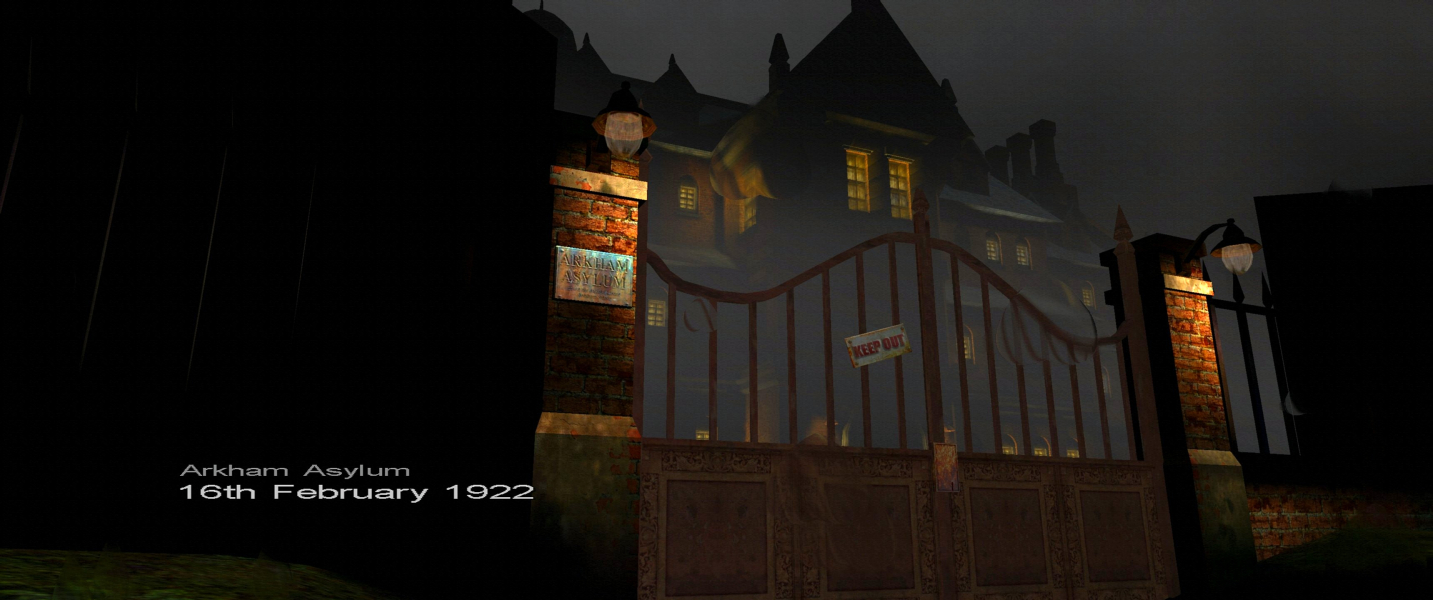
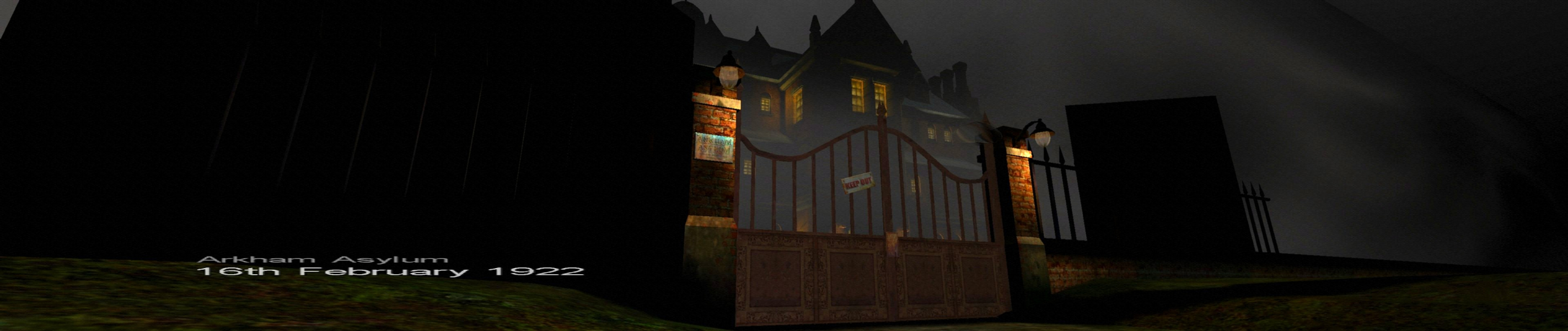
FMV Cutscenes



Menu Screenshots
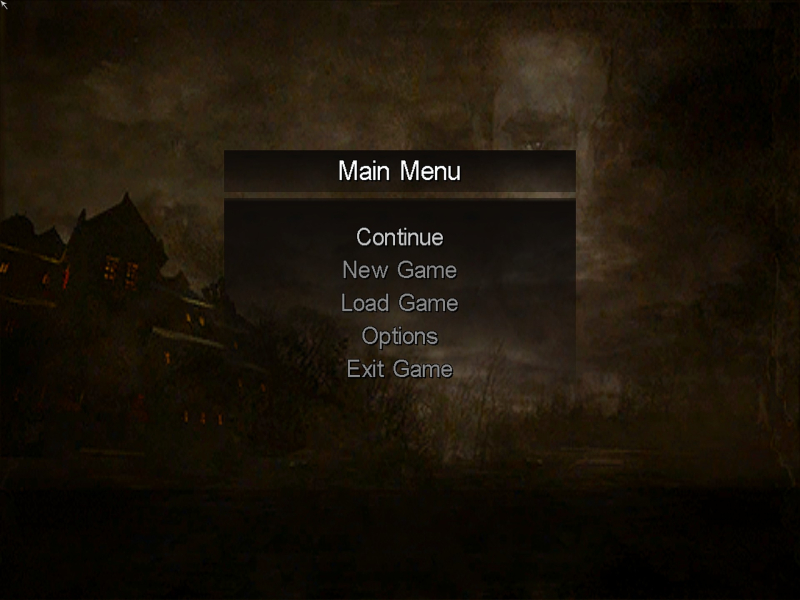
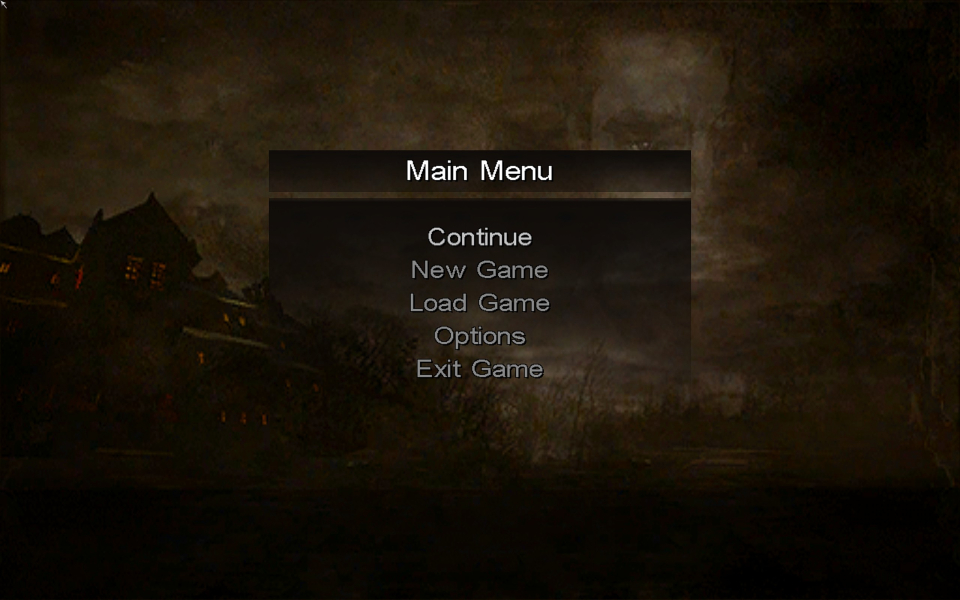
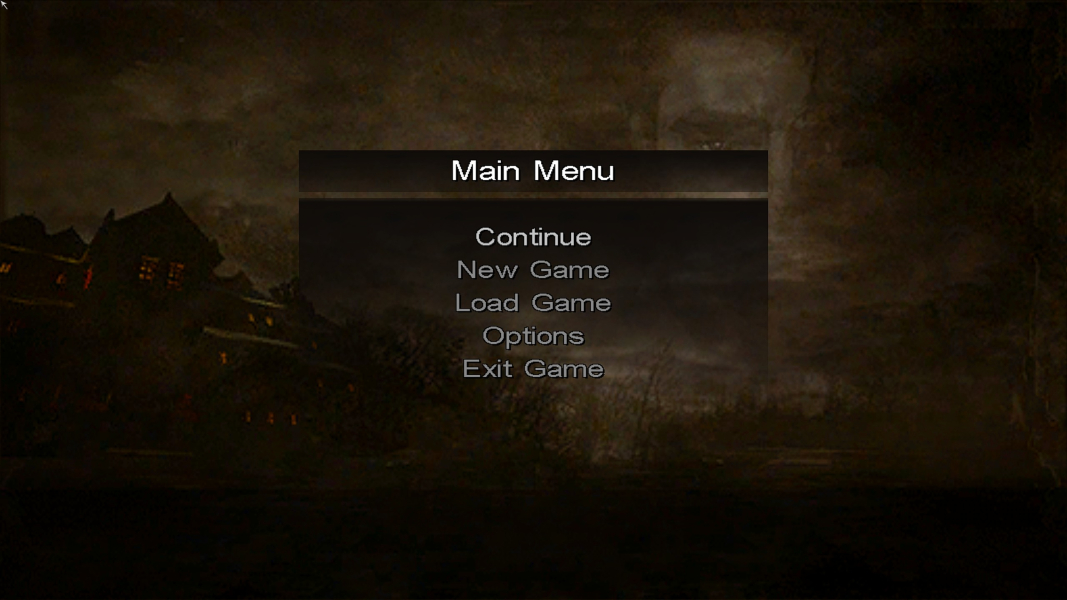


4K UHD Screenshots