




" Explore the worlds of Californium, a first person exploration game where you are a writer trapped into shifting realities. Will you find what’s behind the simulacra ?" - Steam store page
Support Summary
Game Information
Screenshots Comparison
Solutions & Issues
This game's fullscreen mode is a borderless window, so the in-game resolution option determines the internal resolution.
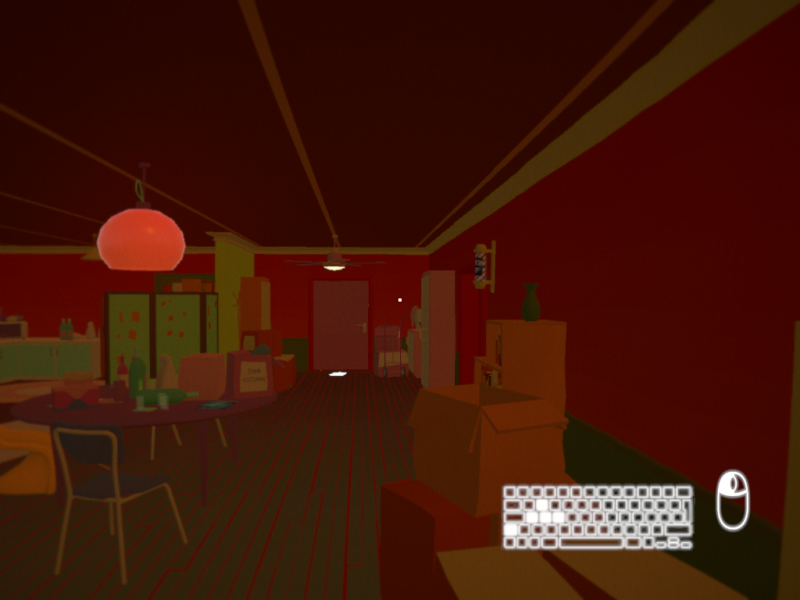
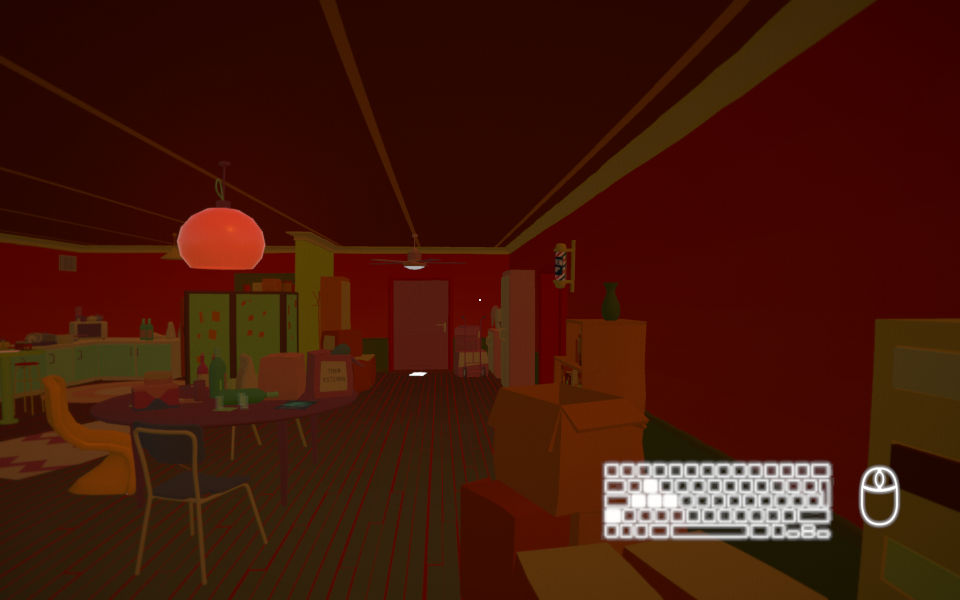
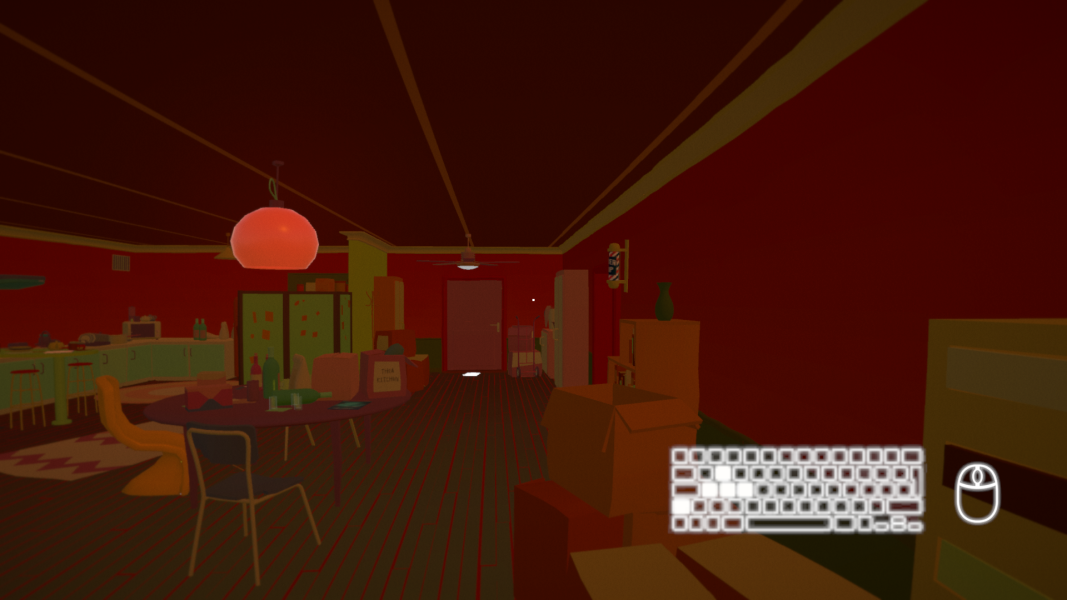
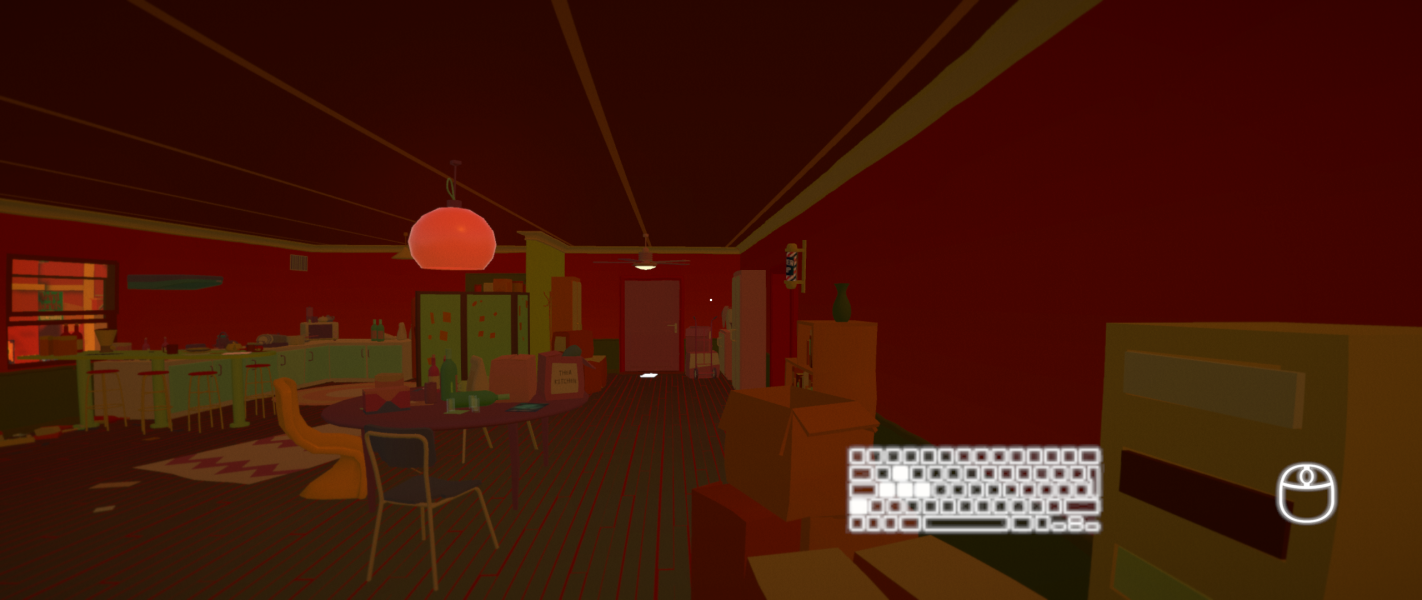
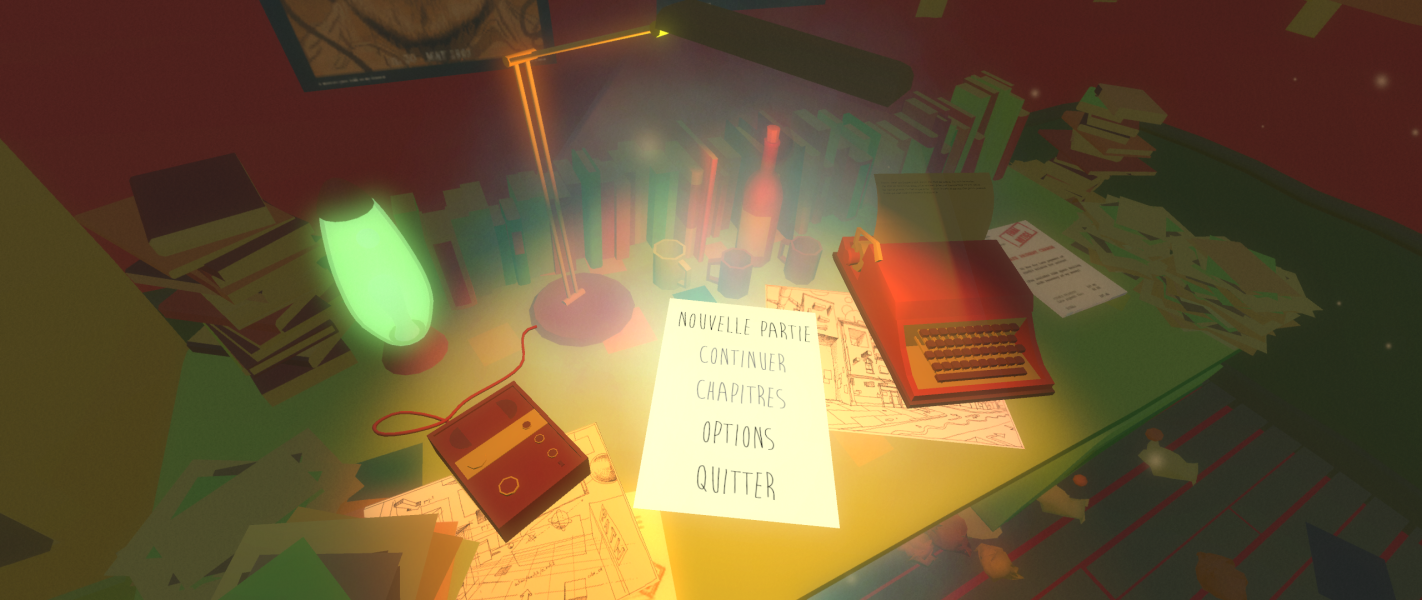
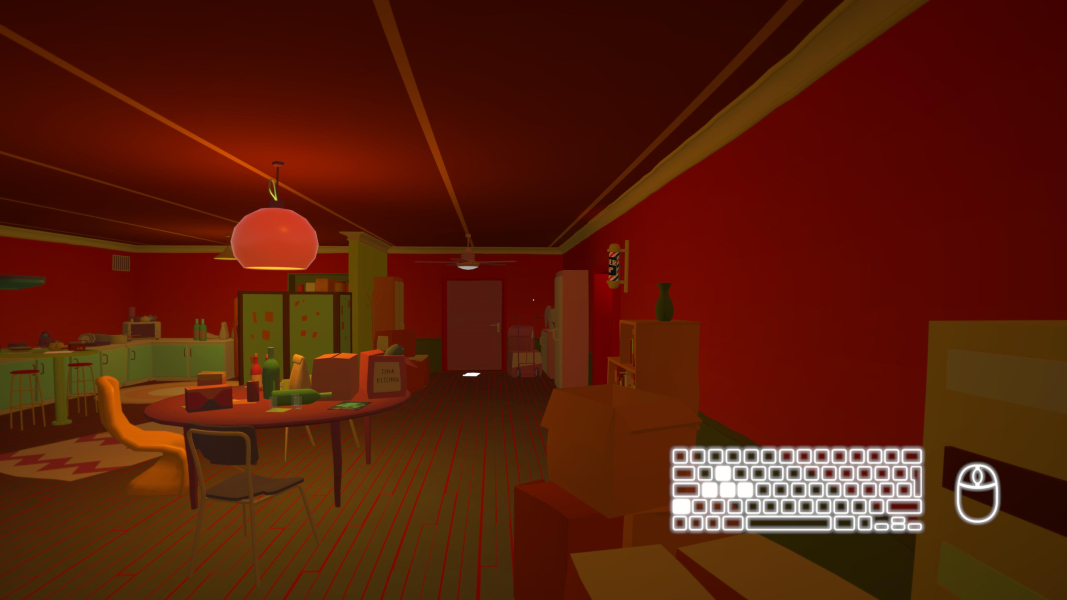
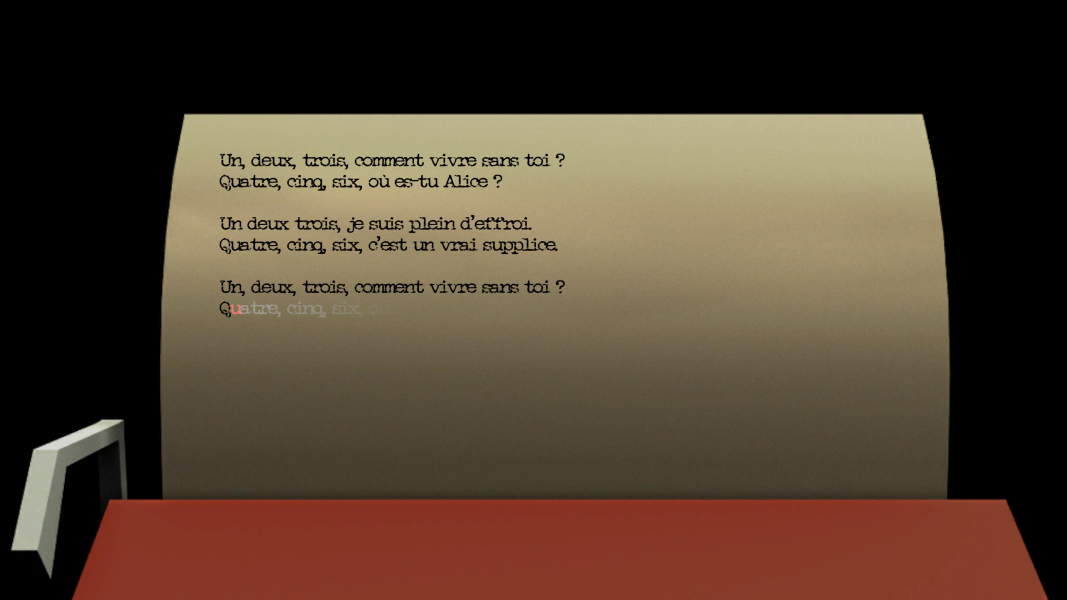
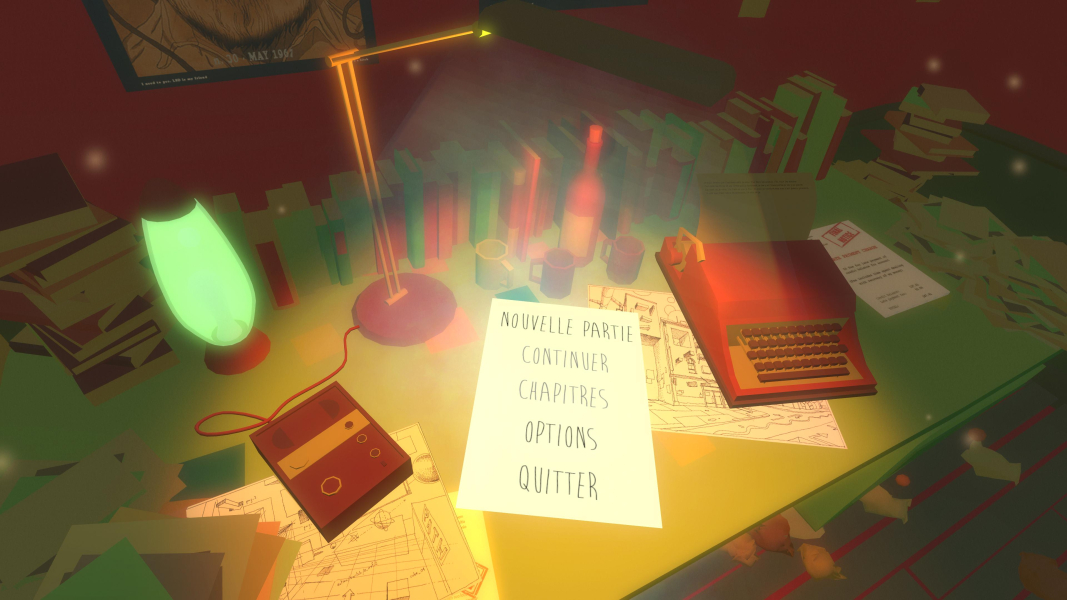
The main menu and exploration gameplay have the correct aspect ratio. The typewriter sections have stretched/squashed 3D elements (see additional screenshots).
If the desktop's aspect ratio does not match the resolution set in-game the output will be letterboxed/pillarboxed to fit.
The in-game resolution list is hard-coded. Supported resolutions are 640x480, 1024x600, 1024x768, 1152x864, 1280x720, 1280x768, 1280x800, 1280x1024, 1360x768, 1366x768, 1440x900, 1600x900, 1600x1200, 1600x1050, 1920x1080, 1920x1200, 2560x1440, 2560x1600, and 3840x2160.
The current desktop resolution will be stored in the registry when the game is first run and used in-game, but if it is not one of the resolutions listed above it cannot be selected if the in-game resolution is changed. The resolution detection can be overridden by deleting the registry keys:
- Go to HKEY_CURRENT_USER\SOFTWARE\Darjeeling\Californium
- Delete PPREF_SYSTEM_NATIVE_RESOLUTION_WIDTH_h3619601848 and PPREF_SYSTEM_NATIVE_RESOLUTION_HEIGHT_h3846779873.
- Set the desktop resolution to the desired in-game resolution.
- Run the game and the new desktop resolution will be stored.
Note that the aspect ratio will be slightly skewed if the target aspect ratio is not one of the supported aspect ratios (4:3, 5:4, 16:9, or 16:10).
Same as widescreen behaviour (not a listed resolution). The aspect ratio is slightly incorrect.
Typewriter text is slightly off the page during the typewriter sections (typing works despite this and does show the highlighted characters, so these sections can still be completed).
Same as widescreen behaviour (not a listed resolution--see registry workaround if desktop resolution differs). The aspect ratio is incorrect.
Typewriter text is largely off the page during the typewriter sections (typing works despite this and does show the highlighted characters, so these sections can still be completed).
Native support.
Gameplay Screenshots


Menu Screenshots



4K UHD Screenshots
Additional Screenshots


