


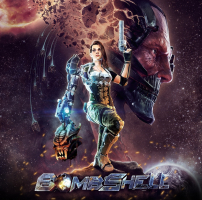


In this top-down shooter "from the creators and producers of Rise of the Triad, Duke Nukem and Max Payne" a badass brunette shoots space aliens with her talking arm prosthesis.
Support Summary
Widescreen | Ultra/Super‑Wide | Multi-Monitor | 4K Ultra HD | |
Support | ||||
Method | ||||
HUD | ||||
Cutscenes | ||||
FMVs |
Game Information
Screenshots Comparison
Solutions & Issues
Native "Vert+" support.
- Cut-scenes are anamorphic.
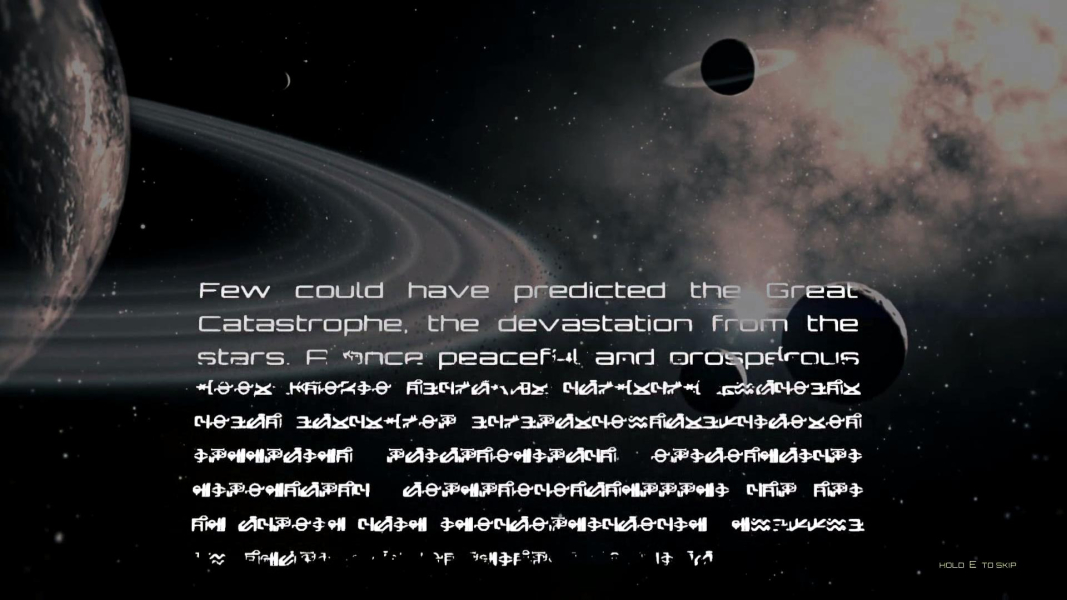
- FMVs can be swapped for real-time rendered cinematics in Options, Visual; screen change remains 16:9 anamorphic in both cases.
---------------------------------------------------------------------------------------------------------------------------
OPTIONAL FOV Fix via CheatEngine - see Attachment Bombshell - FOV - Numpad + or -.zip - Press Numpad + or - in Game. files available from the PC Gaming Wiki Community Files (search there).
Native Vert- support. The slight loss in Vert FOV is arguably preferable to the modified perspective and overcompensated FOV resulting from the Multi-monitor solution.
- Selection wheels scale slightly to the right but they respond to mouse input normally.
- Fullscreen map layout scales to the right.
- Minimap is invisible by default. To fix it, you must select a standard/widescreen resolution, apply, then revert to your UWS resolution.
Limited support: POV & UI issues.
%USERPROFILE%\Documents\my games\Bombshell\ShellGame\Config\ShellEngine.ini
Look for...
AspectRatioAxisConstraint=AspectRatio_MaintainXFOV
Replace with...
AspectRatioAxisConstraint=AspectRatio_MaintainYFOV
Gameplay is now Hor+/Vert+; use in-game "zoom" to make it less Vert+.
However since camera zoom is in fact a dolly, the point of view and perspective are never identical to widescreen. Camera zoom is also momentarily locked in numerous areas of each level. As a result the FOV is "too Hor+" more often than not.
UI issues:
- Weapon and Ability selection wheels scale to the right monitor. Mouse input is broken: it is impossible to select anything but the leftmost slots.
- Fullscreen map layout scales to the right monitor.
- Character and merchant menus (displayed on in-game monitors) are zoomed out thus harder to read. Horizontal mouse movement is slowed down (on these menus only).
- Minimap is invisible by default. To fix it, you must select a standard/widescreen resolution, apply, then revert to your multi-mon resolution.
Weapons can be switched using the number keys and next/previous weapon commands.
Abilities however can only be switched through the wheel. You're stuck with the default Ability unless you use a controller.
Native support.
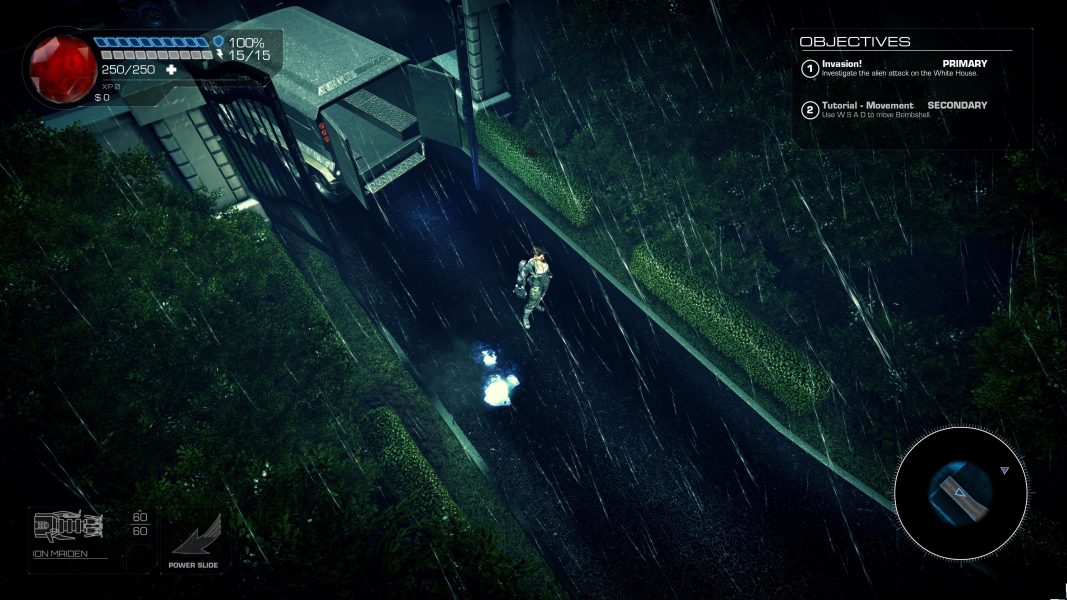
Gameplay Screenshots
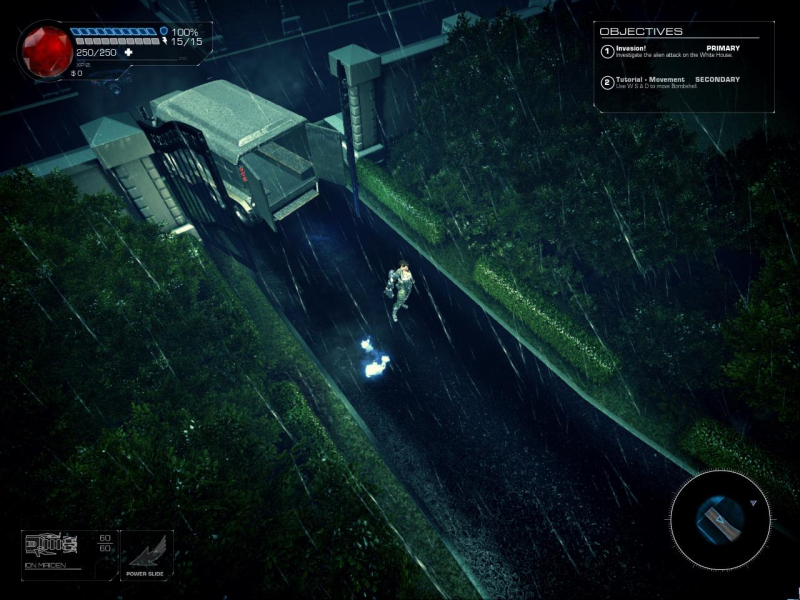
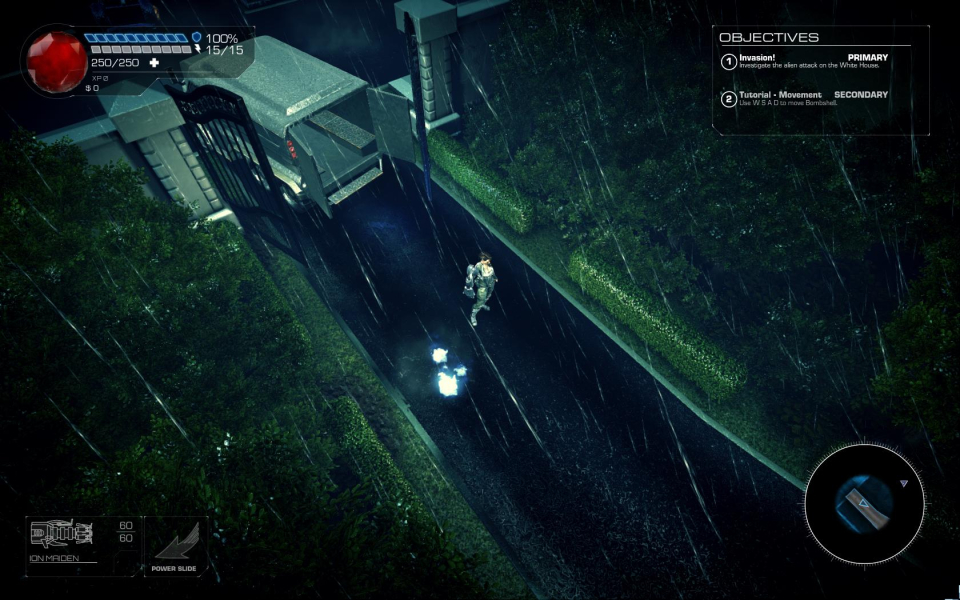



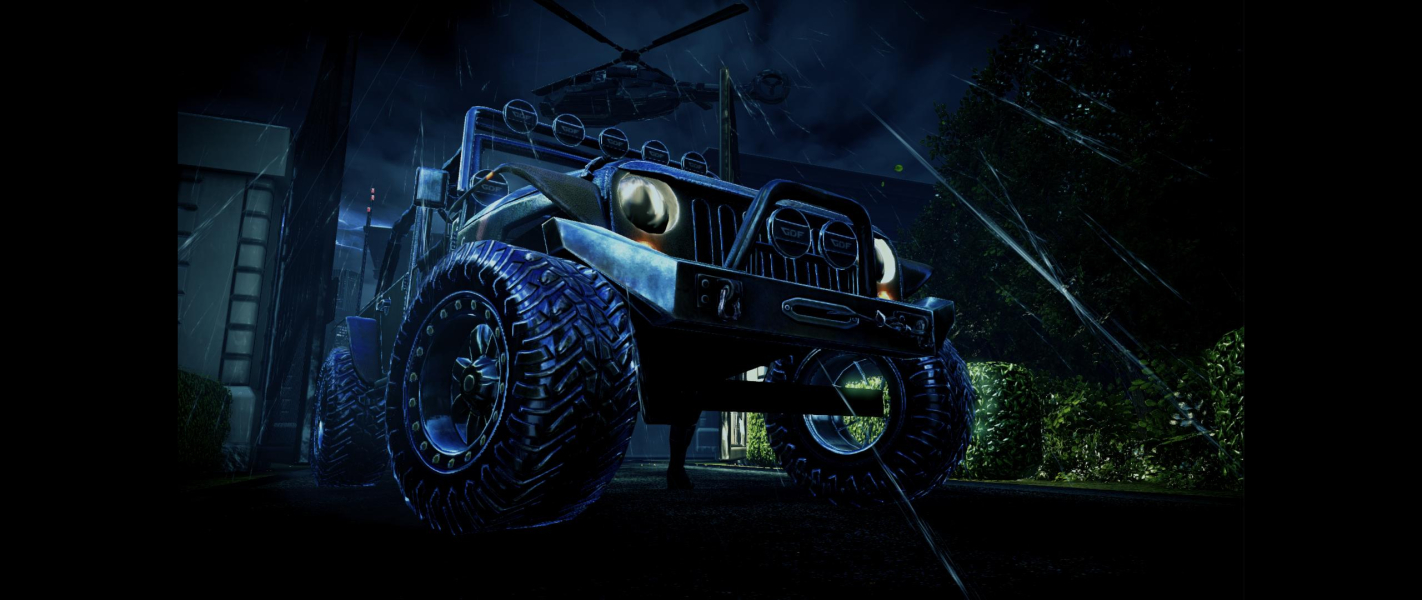
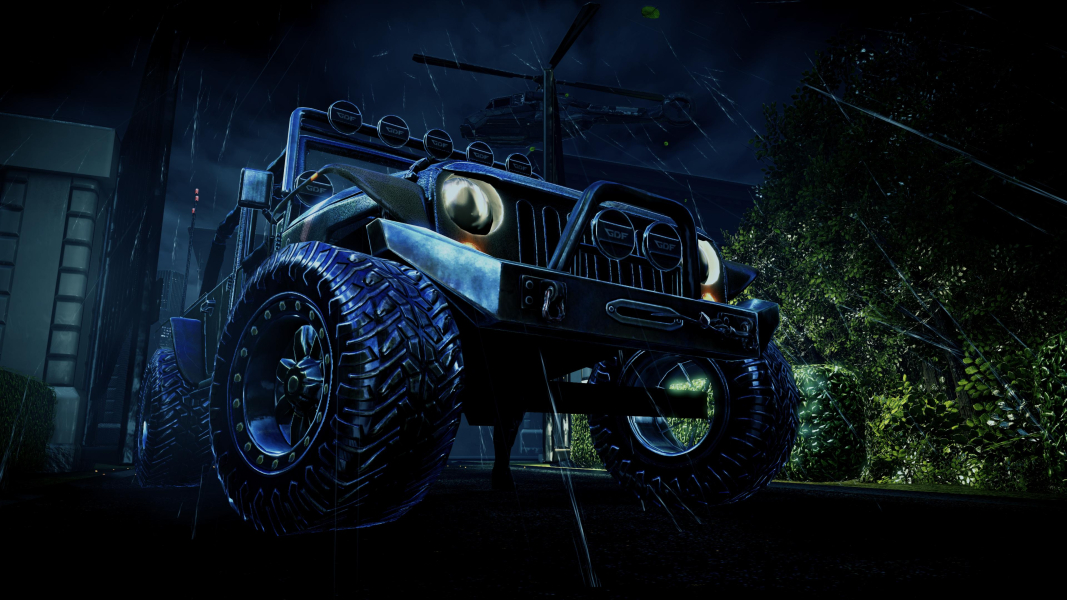
In-Game (Rendered) Cutscenes

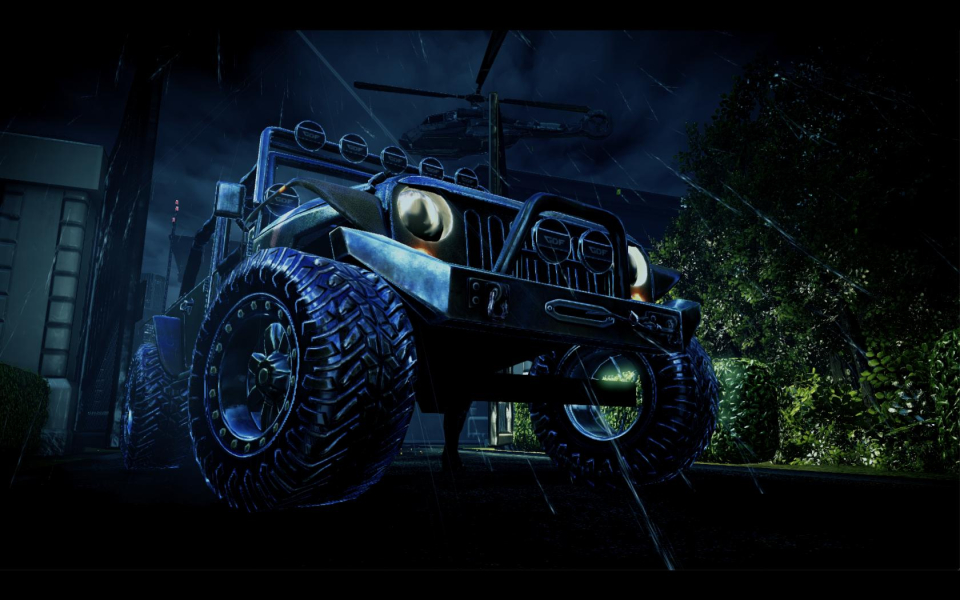


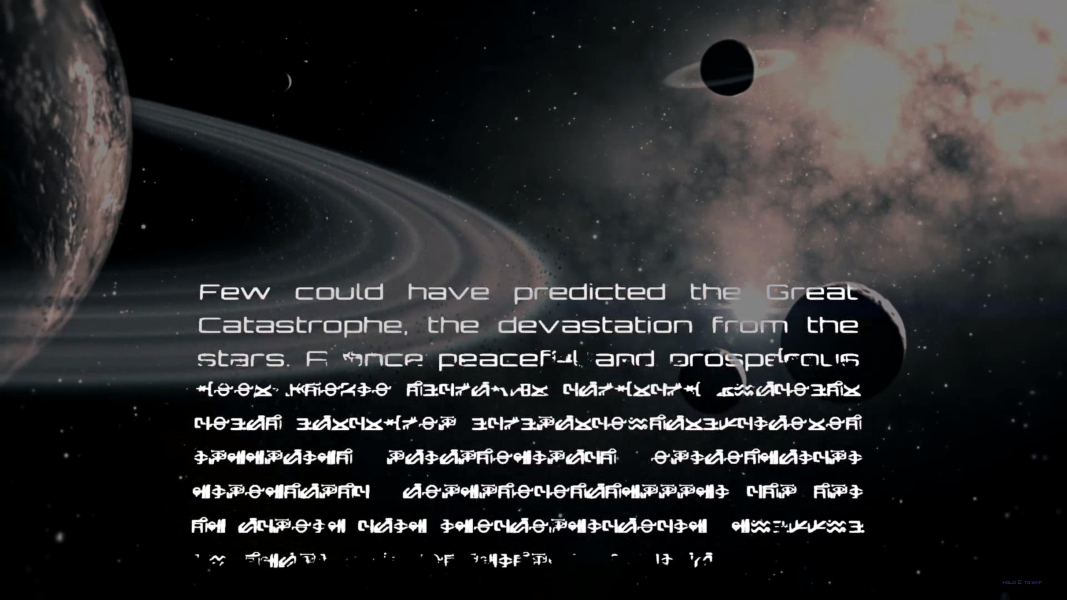
FMV Cutscenes


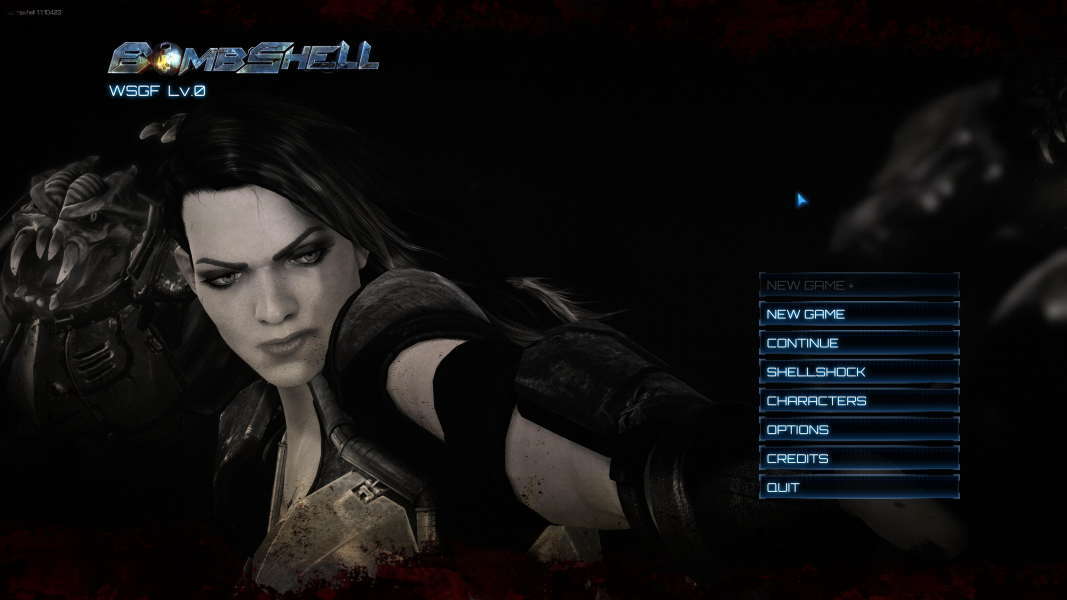
Menu Screenshots
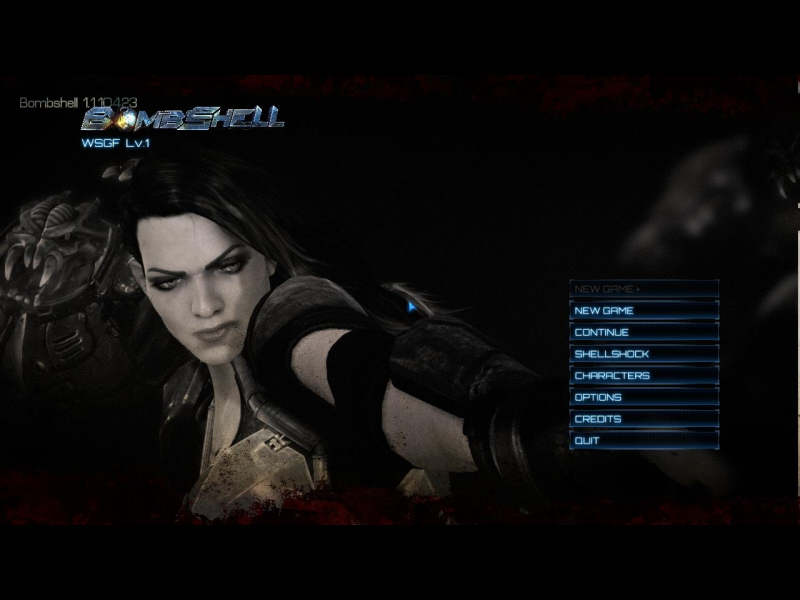
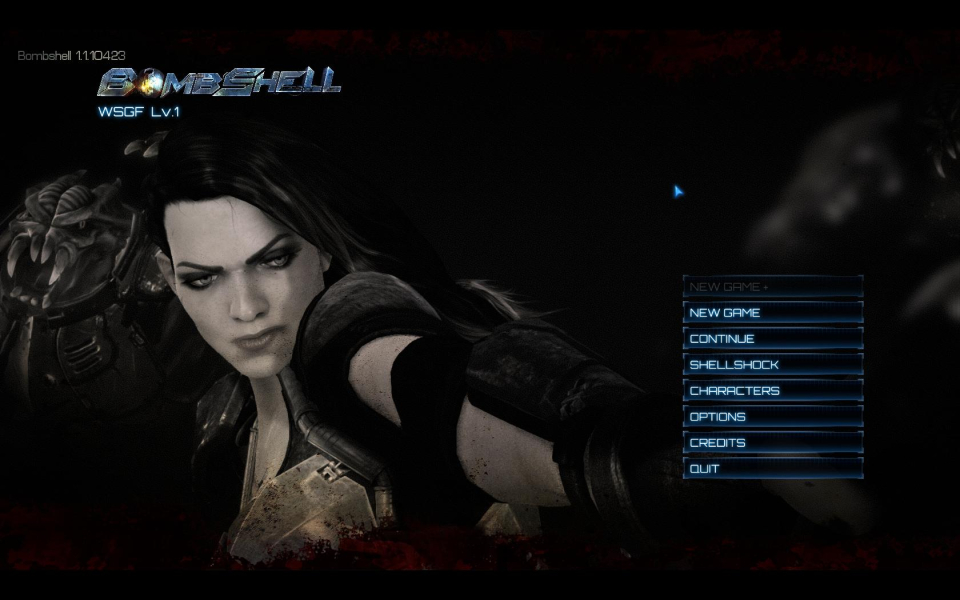
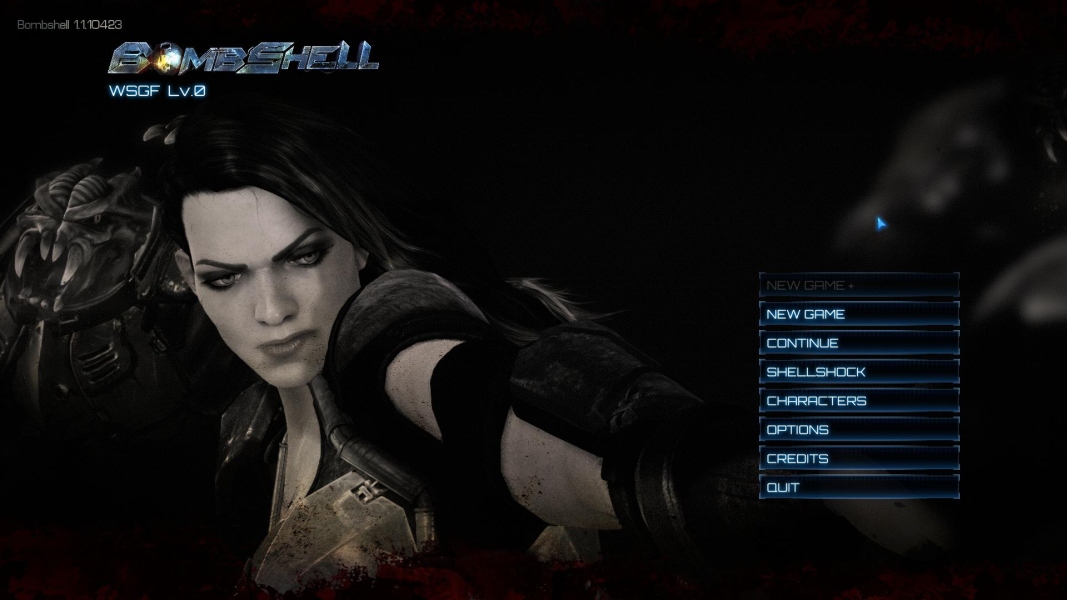
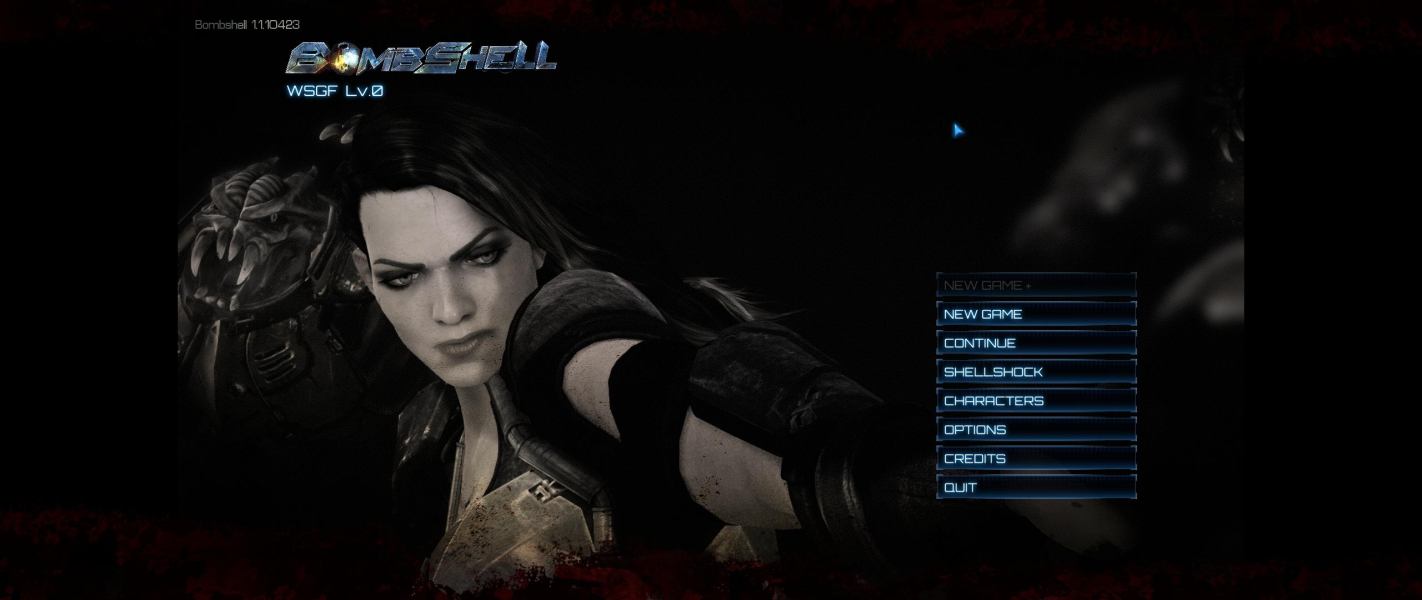

4K UHD Screenshots
Additional Screenshots


