

In the late 20th century, global warming consumes 75% of the world habitable land, forcing mankind to build new, raised cities above those that are now claimed by the sea. But the flooding has not only claimed land. Millions of people have been killed as well, leaving humanities workforce severely depleted and as a result, have created a robotic workforce to handle the workload. To govern how this robotic workforce is treated, the UN creates the "New Geneva Convention", part of which is clause 21, which forbids robots that can pass as humans from being created, which are dubbed "hollow children" by the population. To enforce clause 21, the UN creates specialist R.U.S.T crews. When a hollow child breaks into the headquarters of robotics company Bergen, after discovering he is a hollow child and having lived his life believing himself to be human, the UN suspect the Amada corporation to be behind its creation. As a result, a R.U.S.T crew is dispatched to bring Amada's CEO before the UN security council to give answers.
Support Summary
Widescreen | Ultra/Super‑Wide | Multi-Monitor | 4K Ultra HD | |
Support | ||||
Method | ||||
HUD | ||||
Cutscenes | ||||
FMVs |
Game Information
Screenshots Comparison
Solutions & Issues
Native support.
Aspect ratios narrower than 16:9 are letterboxed. Letterboxing can be removed using Flawless Widescreen (the output will then be standard Hor+).
Use Flawless Widescreen to fix the aspect ratio. UI/text/menus are stretched from 16:9. Gameplay and cutscenes are Hor+.
Binary Domain has issues with letterboxing the display (and doing it wrong!) causing it to not work properly in ultra-wide resolutions.
There are numerous other problems such as the aspect ratio being incorrect, the HUD and Main menu being stretched.
This fix corrects the Aspect ratio and removes the letter boxing, HUD and Main menu remain stretched, to be investigated.
Use Flawless Widescreen to fix the aspect ratio. UI/text/menus are stretched from 16:9. Gameplay and cutscenes are Hor+.
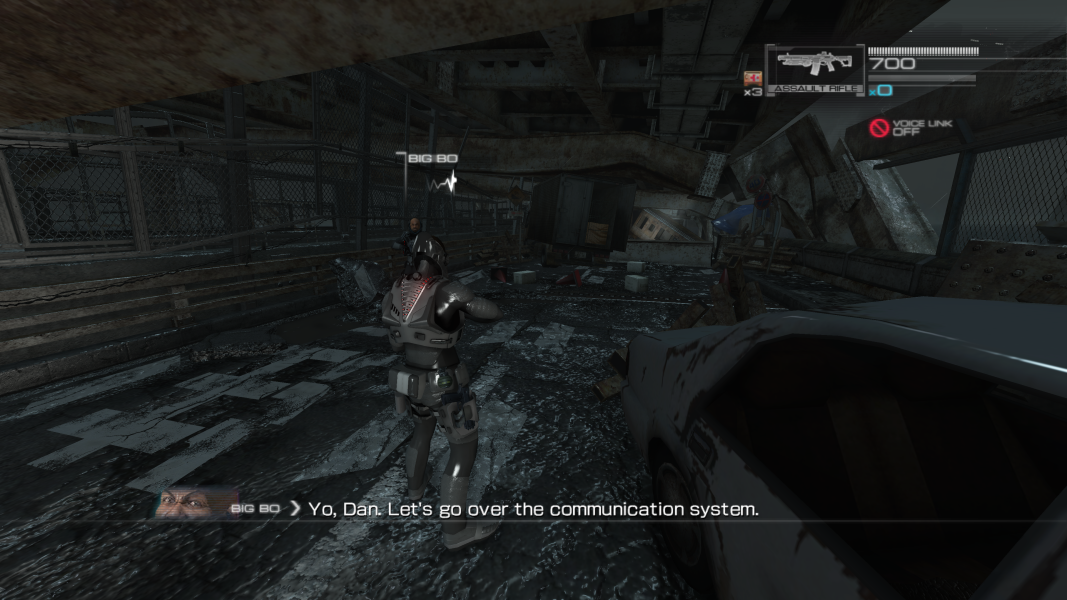
Gameplay Screenshots
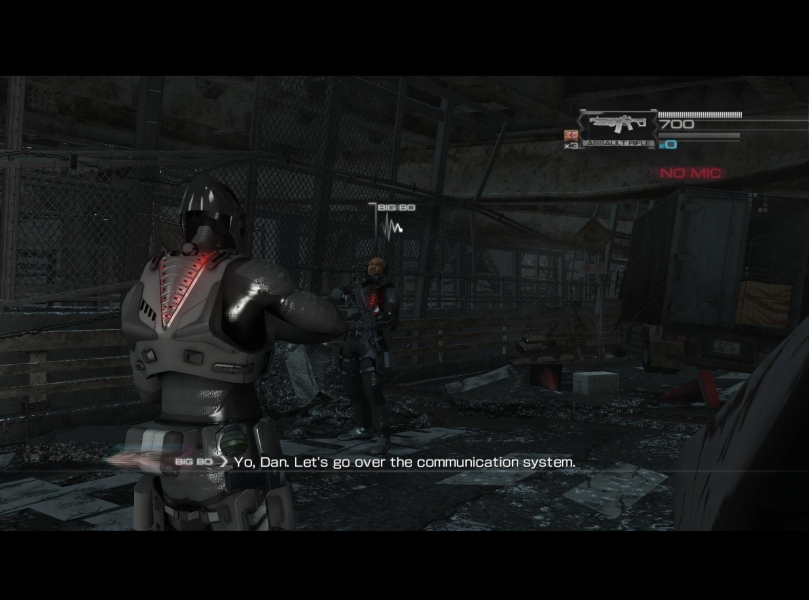
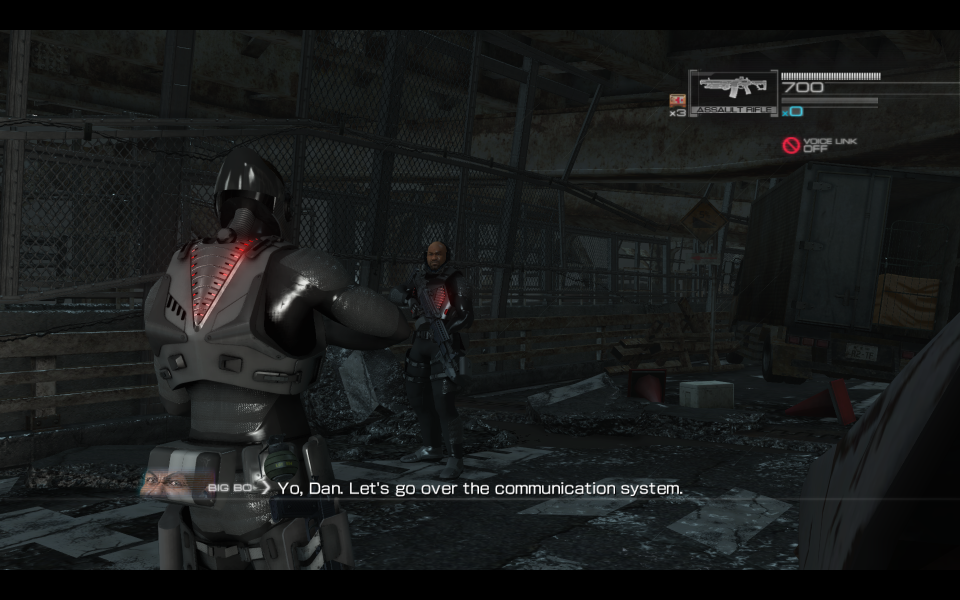
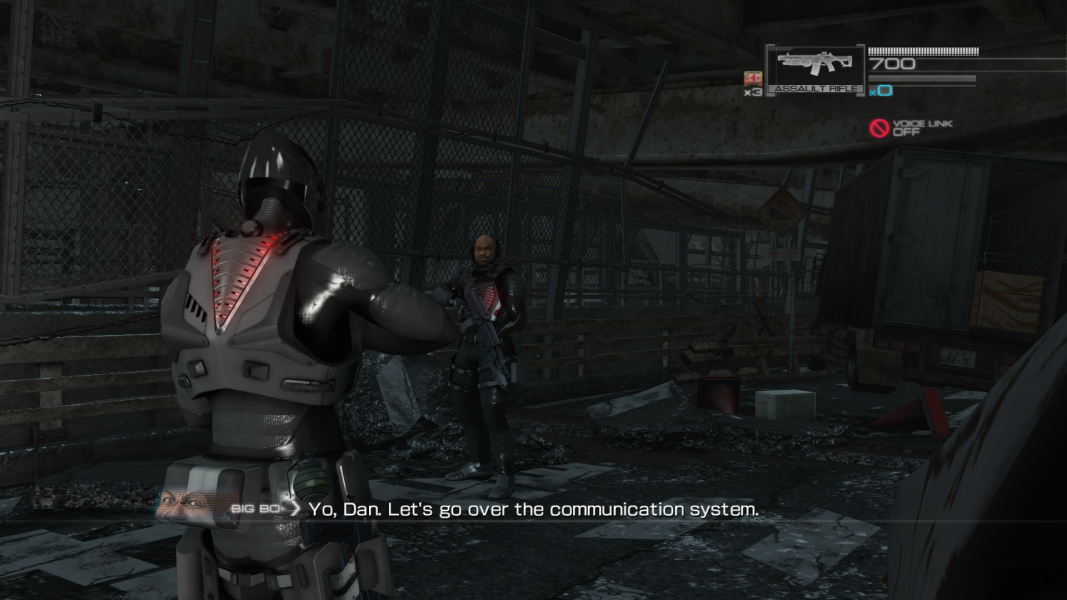



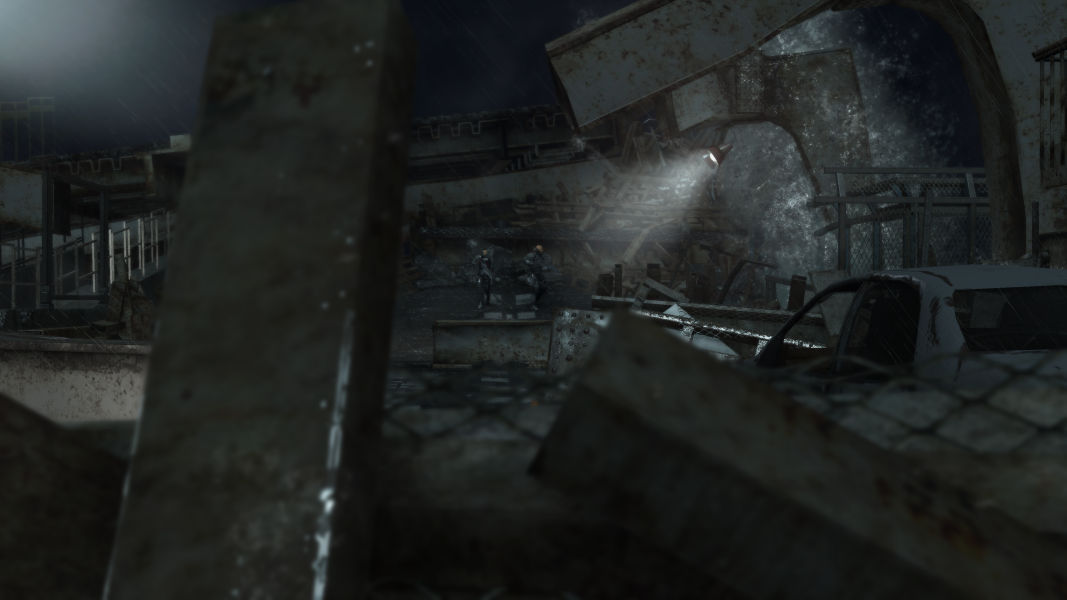
In-Game (Rendered) Cutscenes
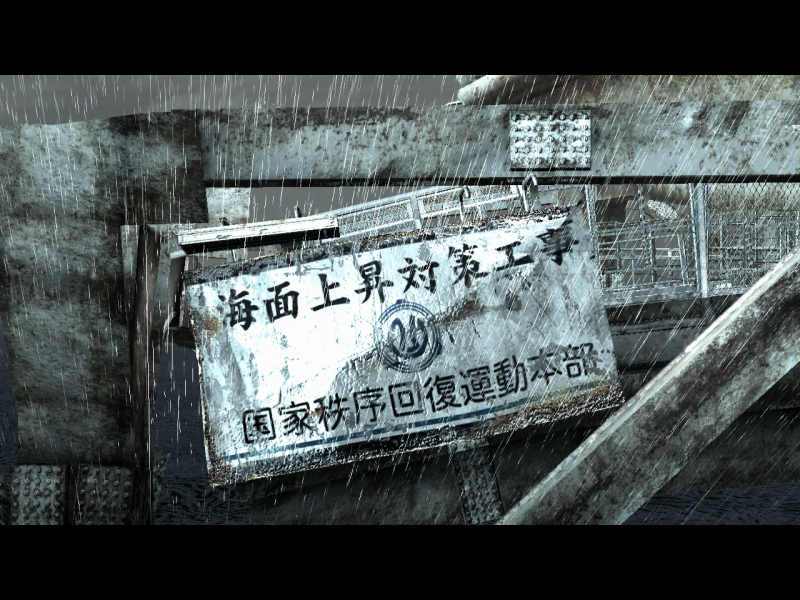
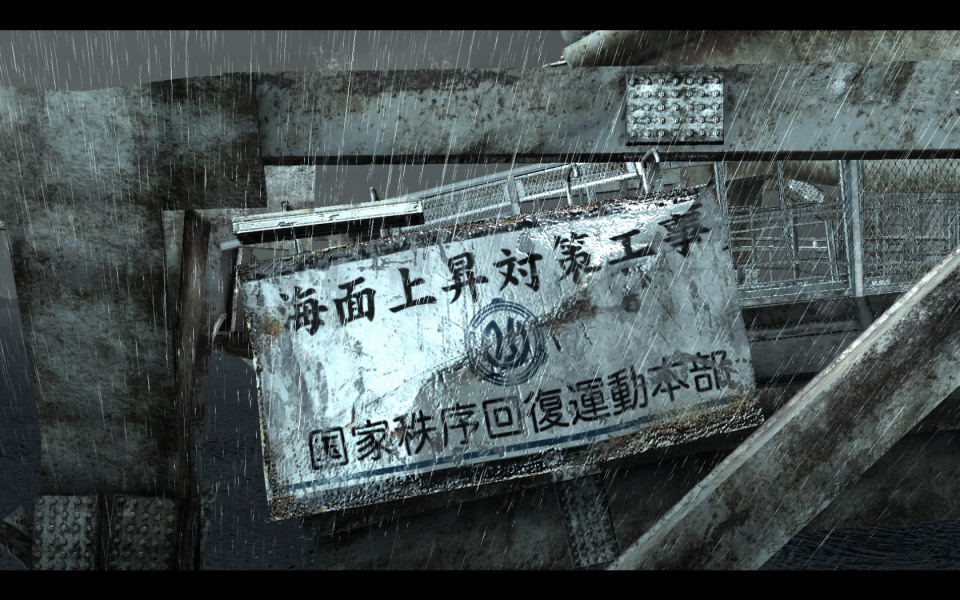
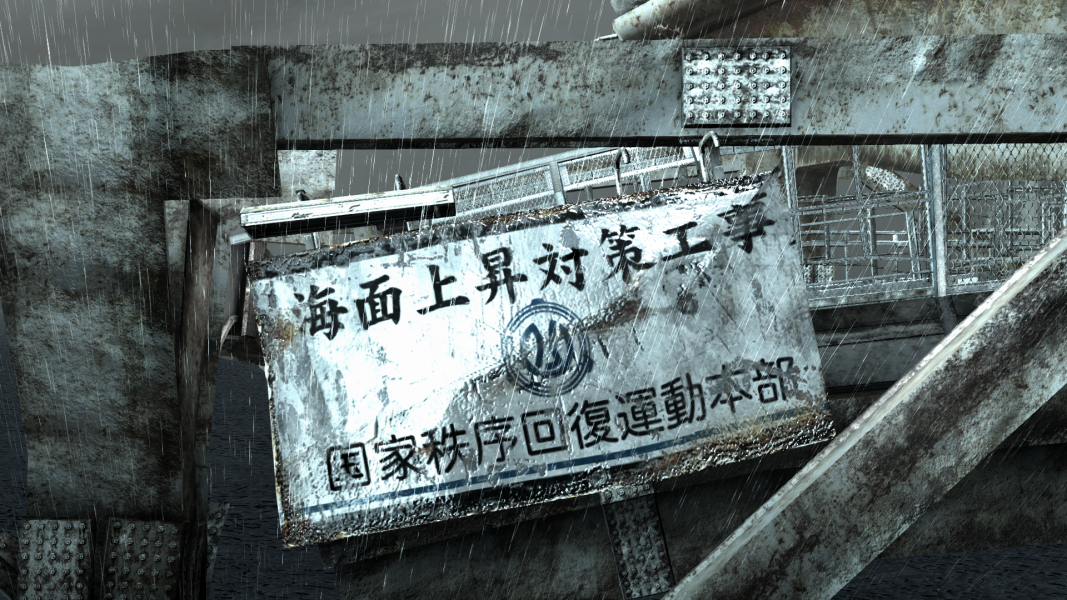

FMV Cutscenes
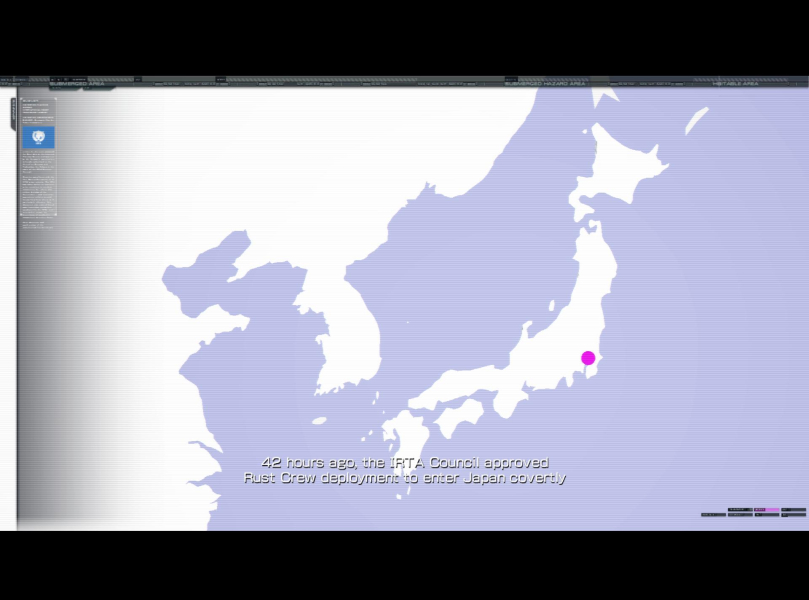
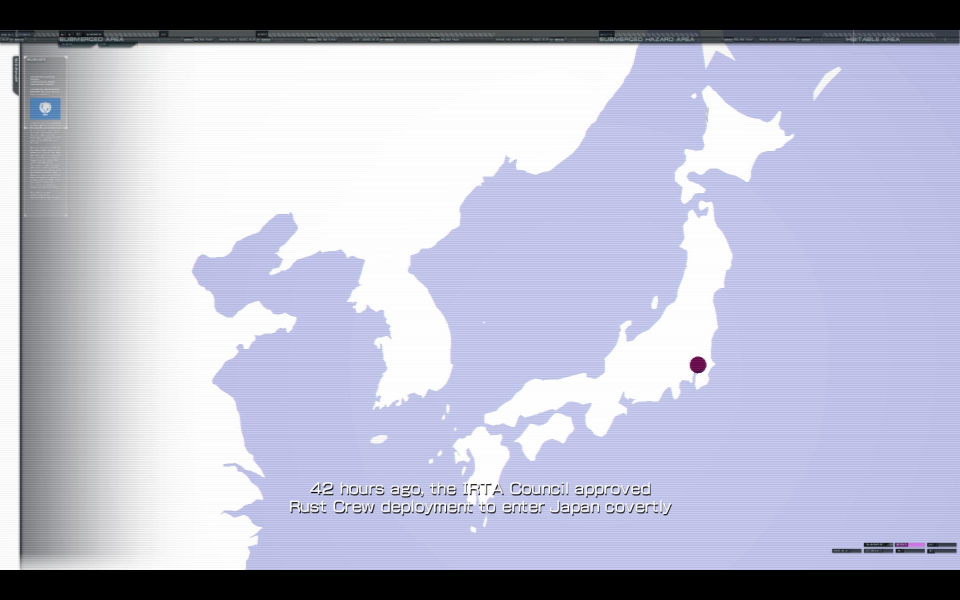
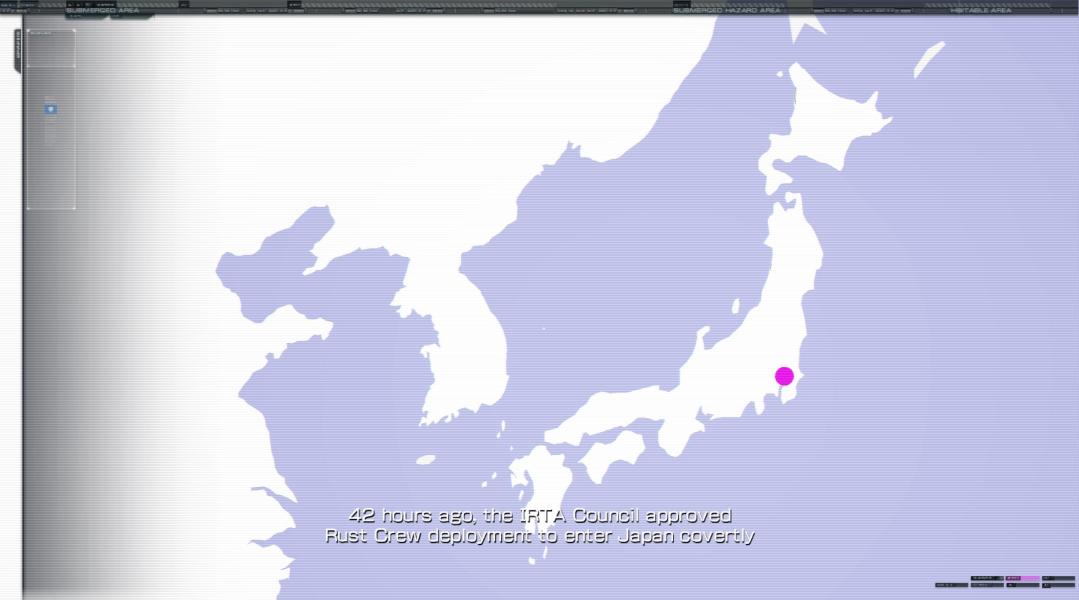
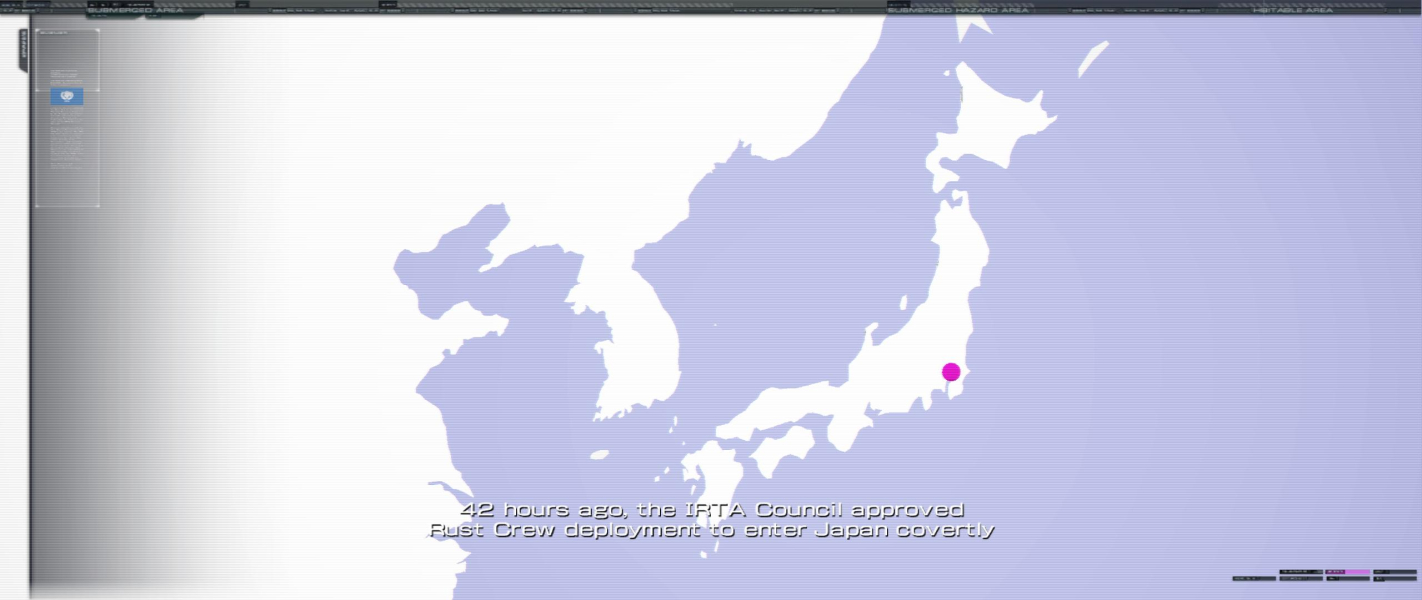

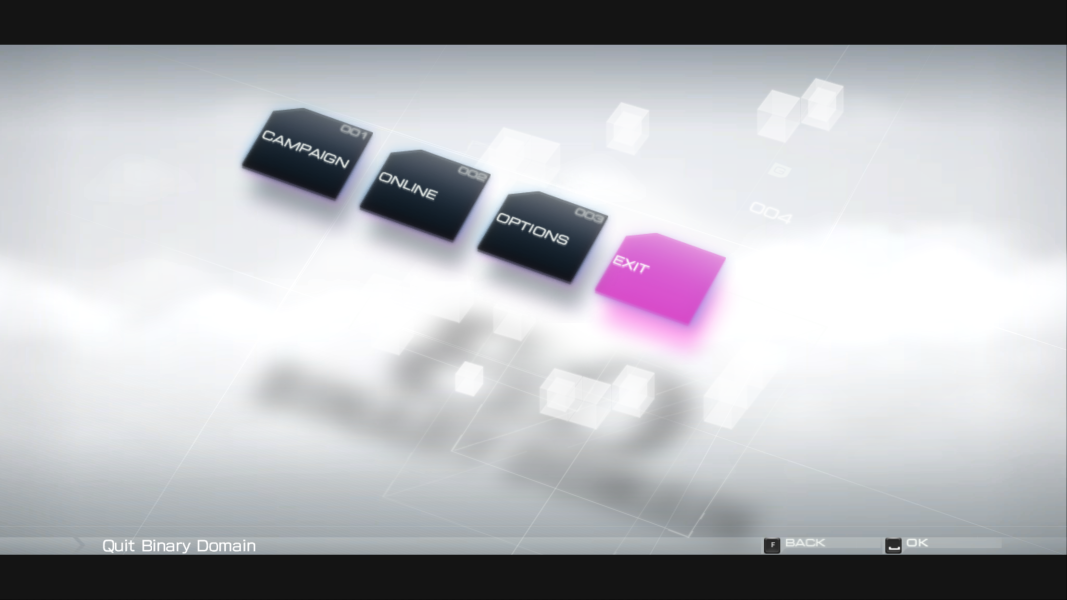
Menu Screenshots
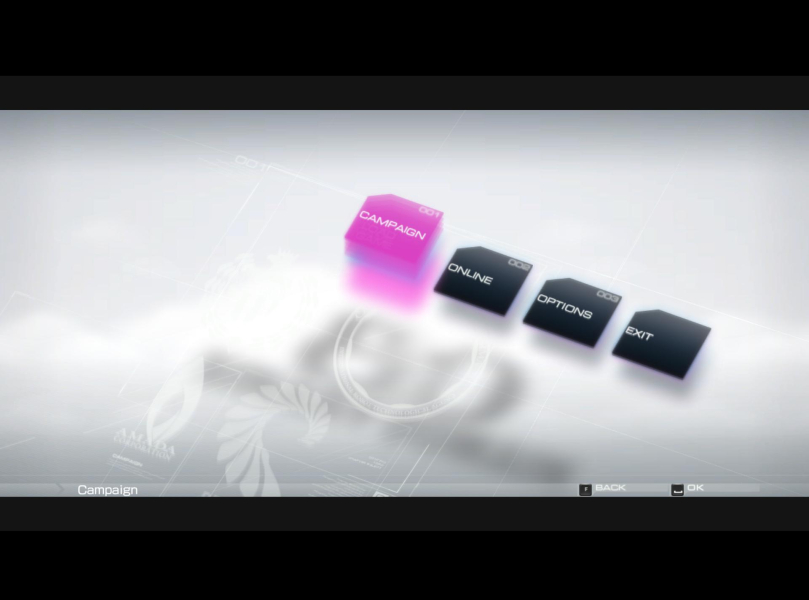
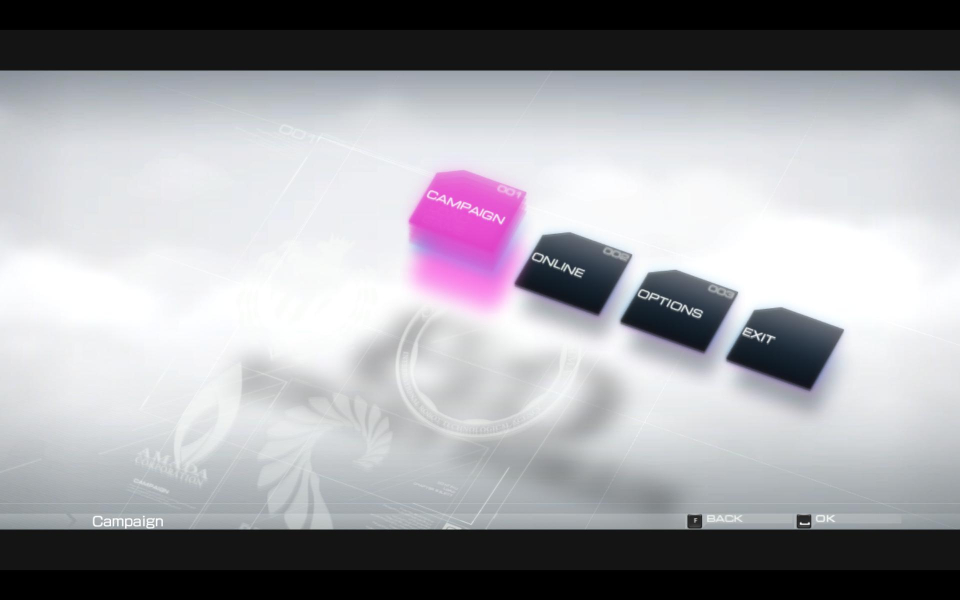
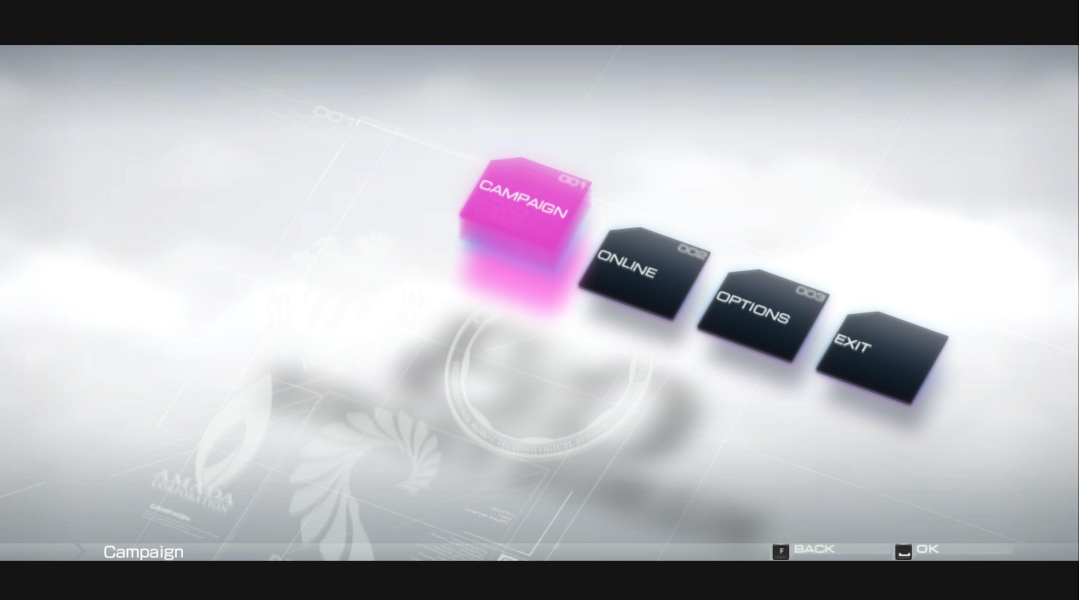
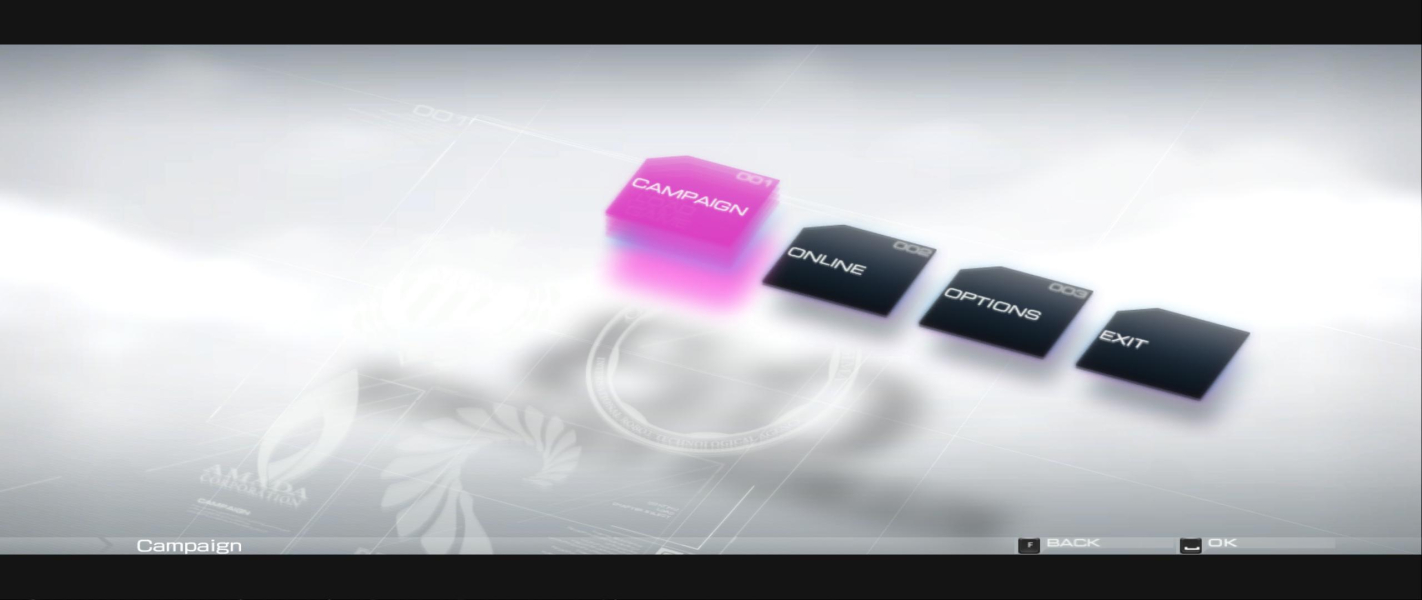
4K UHD Screenshots