

Blind girl looks for her cat pal through the blankness of the visible world, her other senses gradually revealing it in a flurry of watercolors. A slow-paced eerie and emotional walk that makes blindness look a lot like being a short-range psychic with a limp.
Support Summary
Game Information
Game Status:Released
Release Date:
Tested Version:Steam
Play Styles:Single-Player
Setting:Outdoors
Genre:Adventure (misc)
Developer:
Store Links:
Screenshots Comparison
Solutions & Issues
Widescreen Solution & Issues:
Native Hor+ support.
Although some specific resolutions like 1280x768 or 1024x640 are not part of the in-game resolution list, the game will use whatever resolution the desktop is set to.
Ultra/Super-Wide Specific Solution & Issues:
Native Hor+ support. Same issues as Multi-monitor.
Eyefinity / Surround Specific Solution & Issues:
Native Hor+ support.
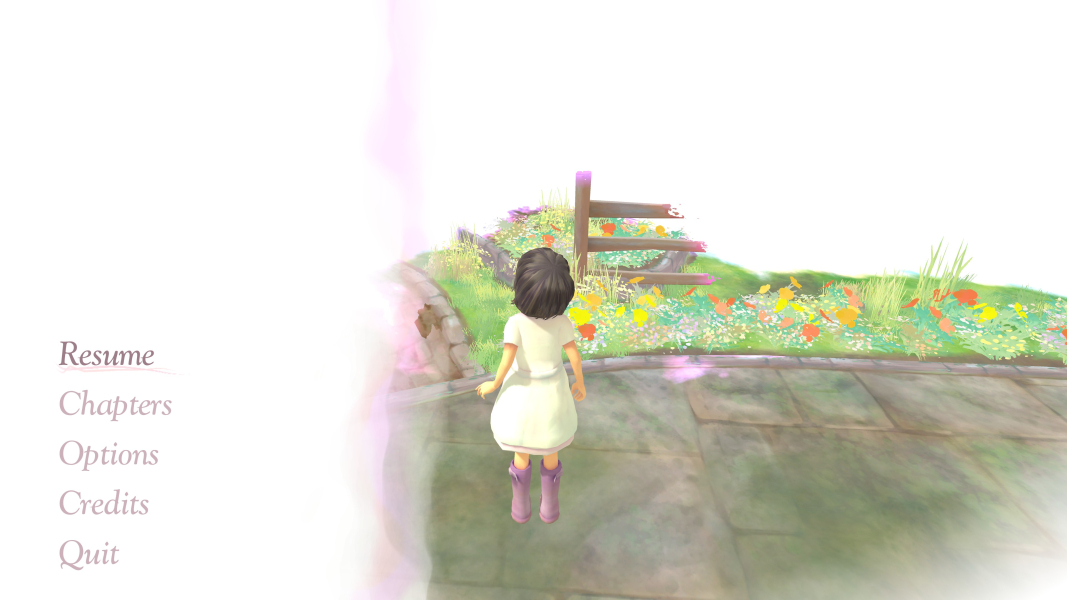
- There is no main menu. After the Tiger & Squid logo, press a key to go from start screen to loading screen to the game proper. Use the pause menu to access all settings.
- FMVs are Vert- and the transition to real-time rendered graphics is a bit awkward: Vert- FMV, stretched final frame, then Hor+ 3D.
- If you switch to a single-screen resolution through in-game settings, the picture will be forever pillarboxed - you won't be able to switch back to Multi-mon on your current savegame !
- delete or rename the .json file in Steam\steamapps\common\Beyond Eyes\Saves\
- delete the registry key HKEY_CURRENT_USER\Software\Team17\BeyondEyes
- To restore automatic aspect ratio detection:
4K UHD Specific Solution & Issues:
Native Hor+ support.
Gameplay Screenshots
4:3 Screenshot
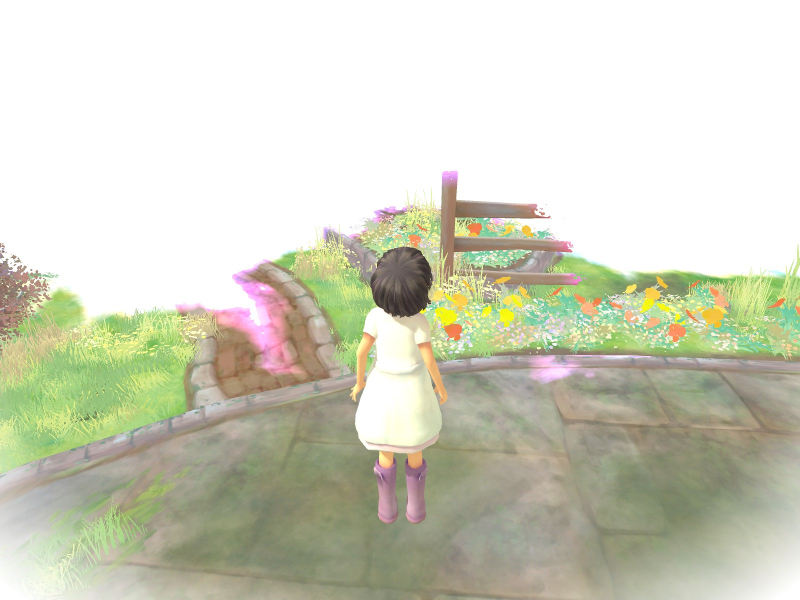
16:10 Screenshot
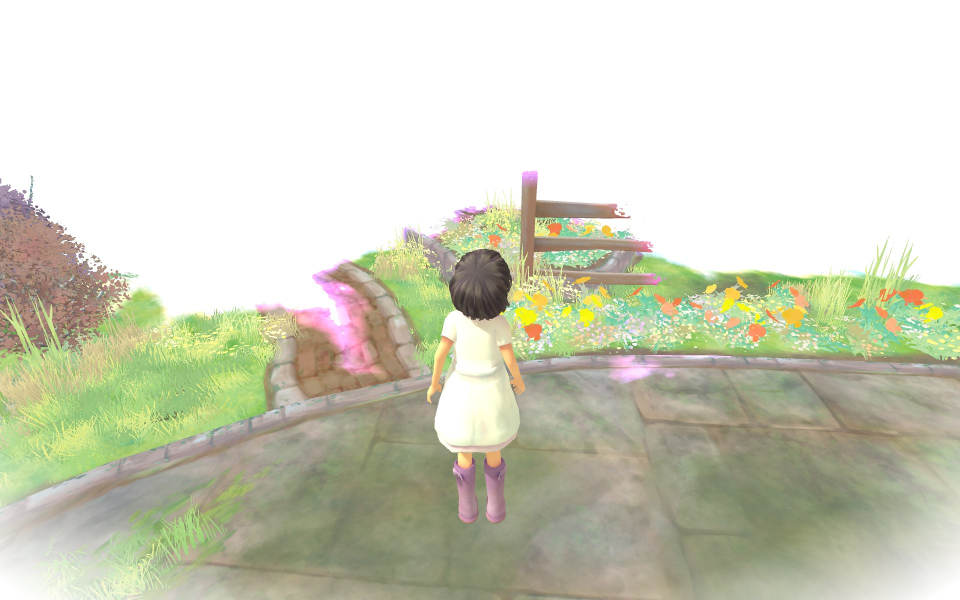
16:9 Screenshot
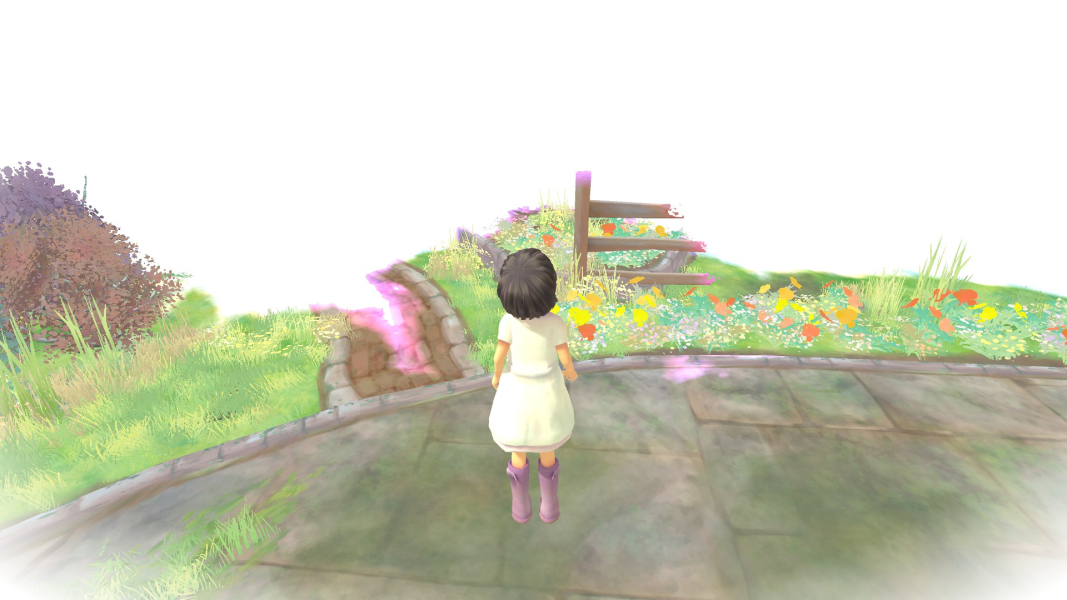
21:9 Screenshot
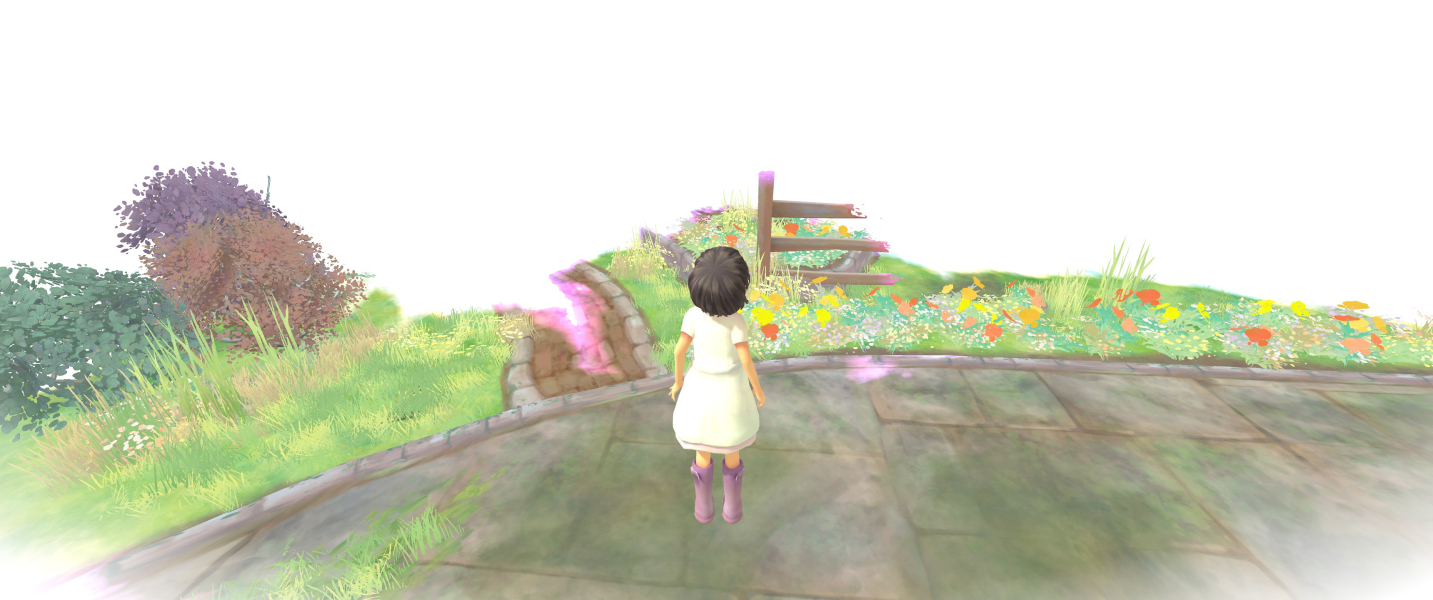
32:9 Screenshot

Eyefinity / Surround Screenshot

In-Game (Rendered) Cutscenes
4:3 Cutscene

16:10 Cutscene

16:9 Cutscene
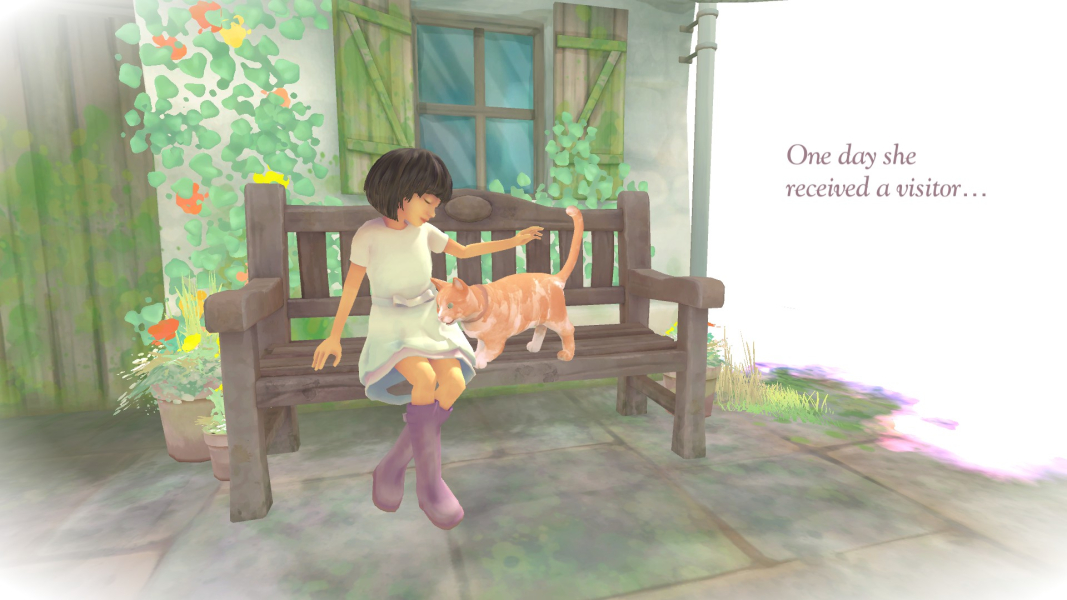
21:9 Cutscene
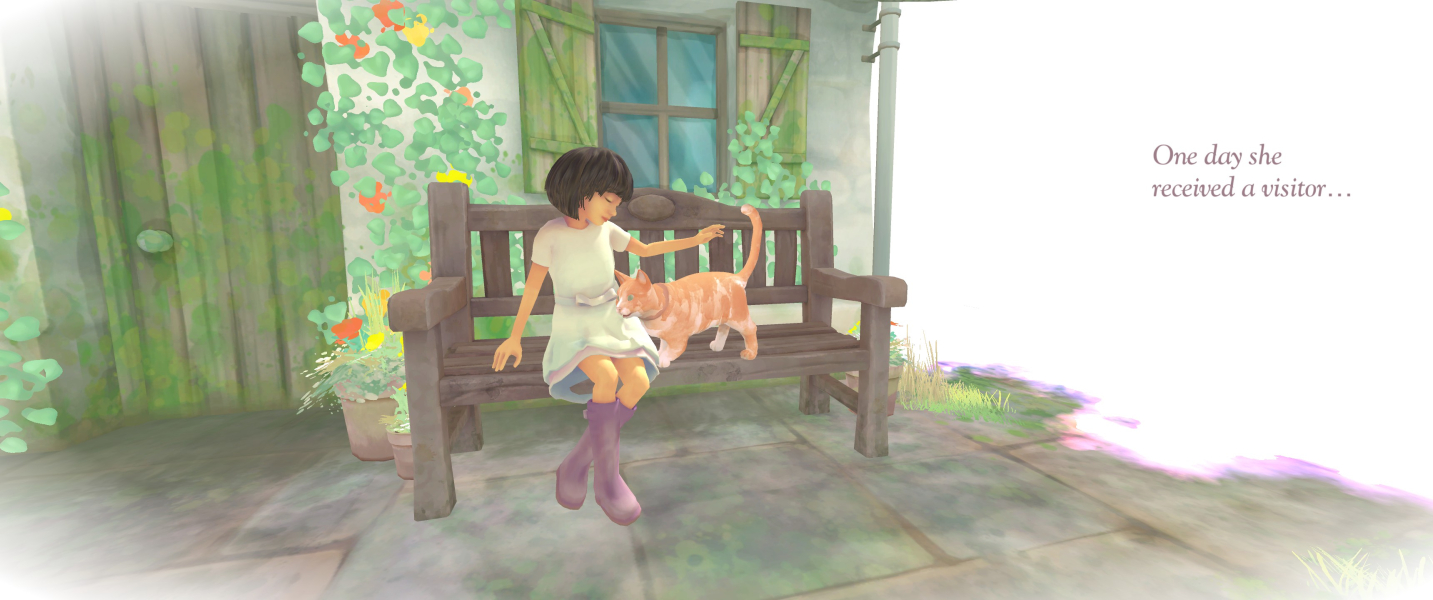
Eyefinity / Surround Cutscene

FMV Cutscenes
4:3 FMV Cutscene
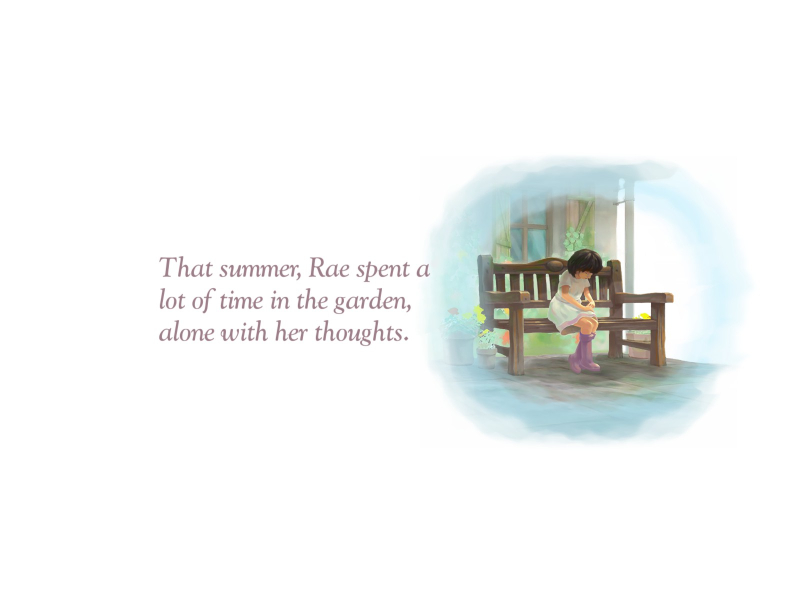
16:10 FMV Cutscene

16:9 FMV Cutscene
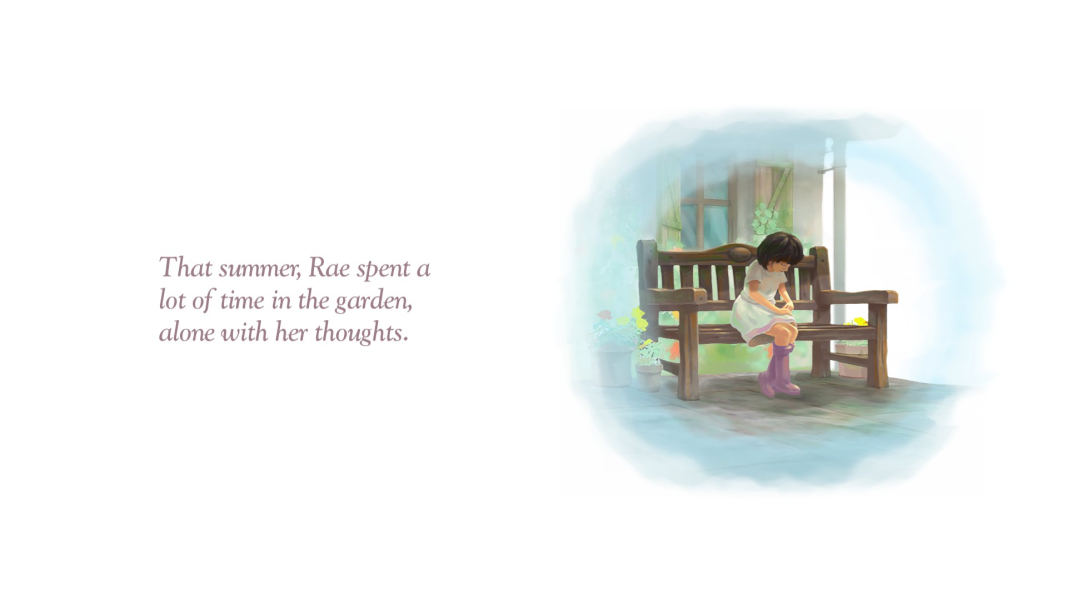
21:9 FMV Cutscene
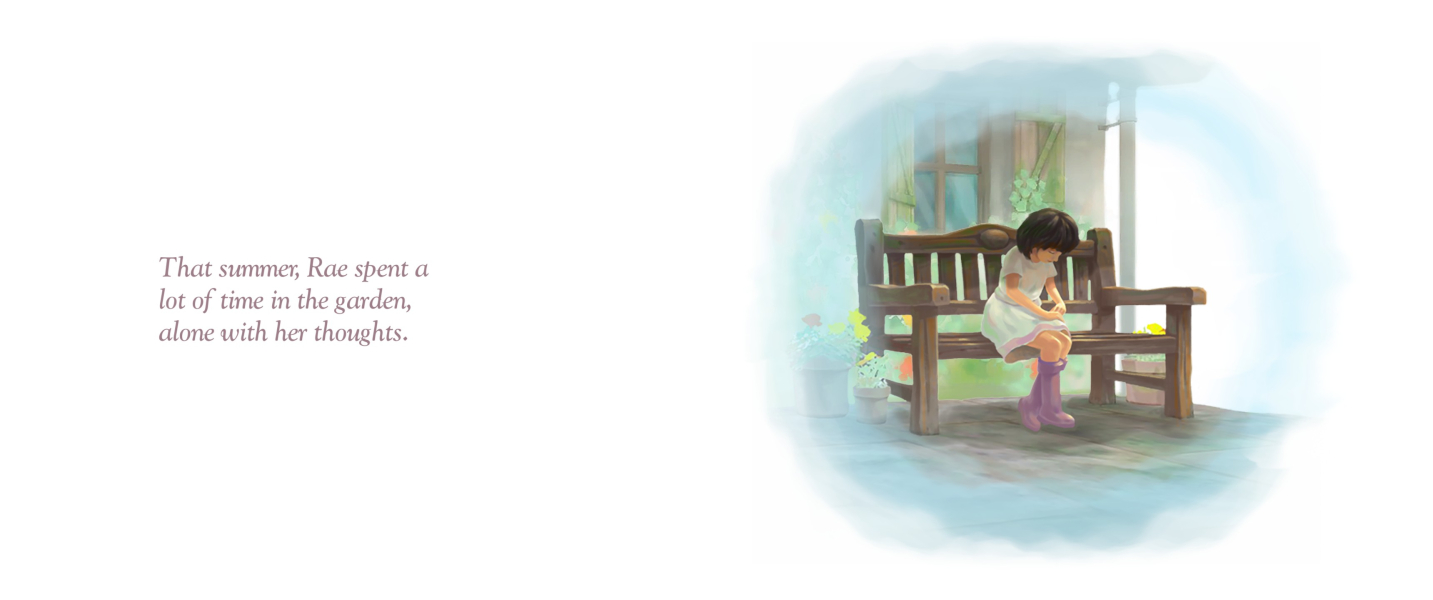
Eyefinity / Surround FMV Cutscene

Menu Screenshots
4:3 Menu
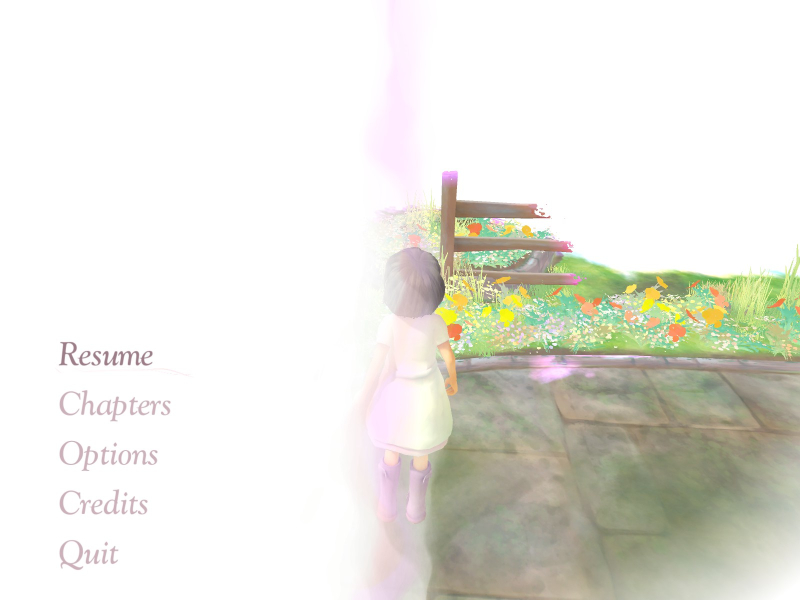
16:10 Menu
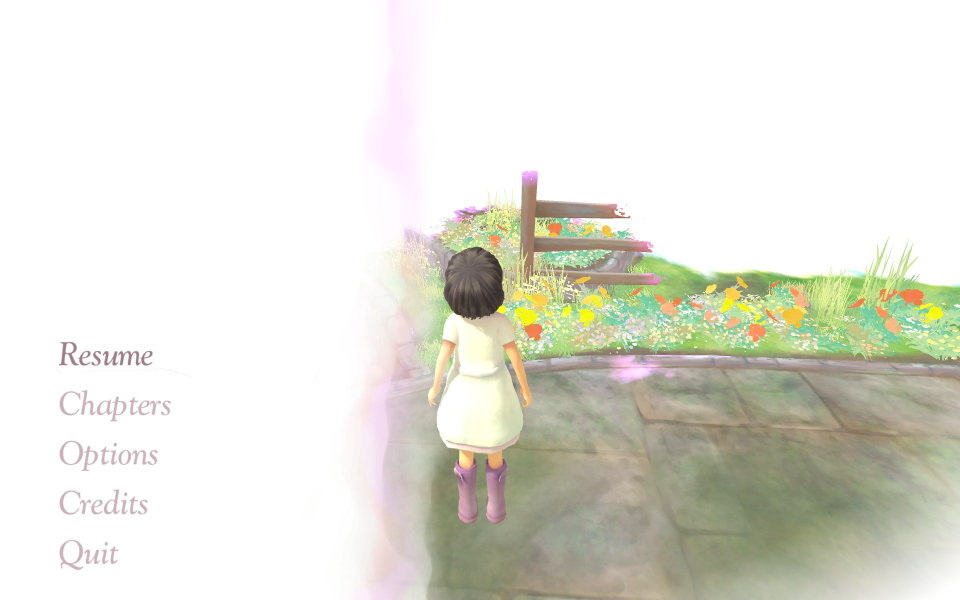
16:9 Menu
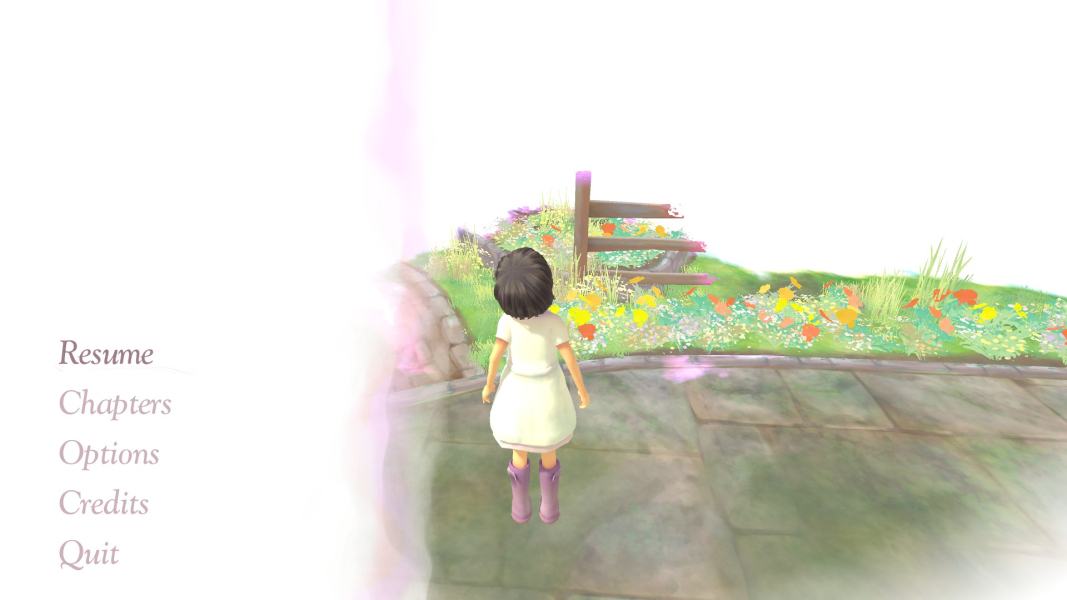
21:9 Menu
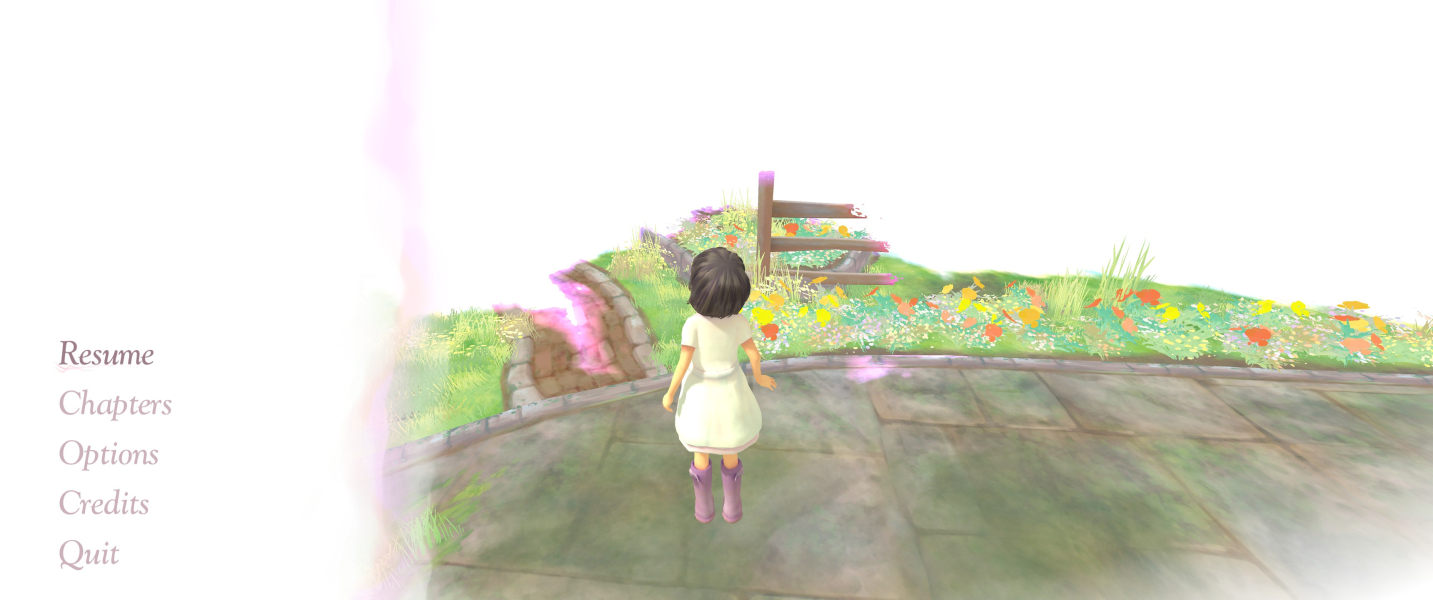
Eyefinity / Surround Menu

4K UHD Screenshots
4K Gameplay Screenshot

4K In-Game Cutscene
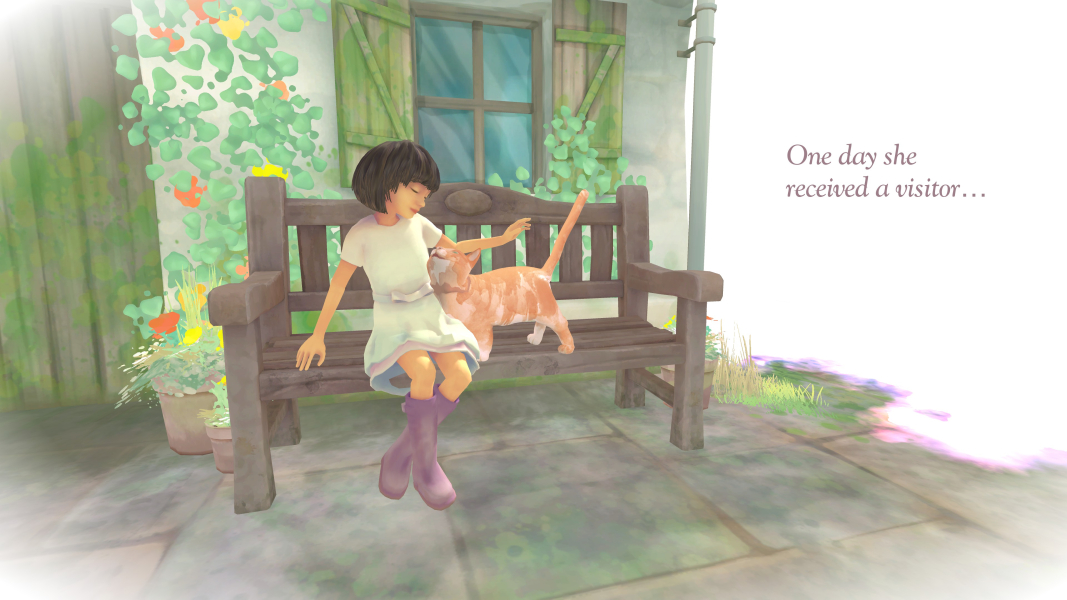
4K FMV Cutscene
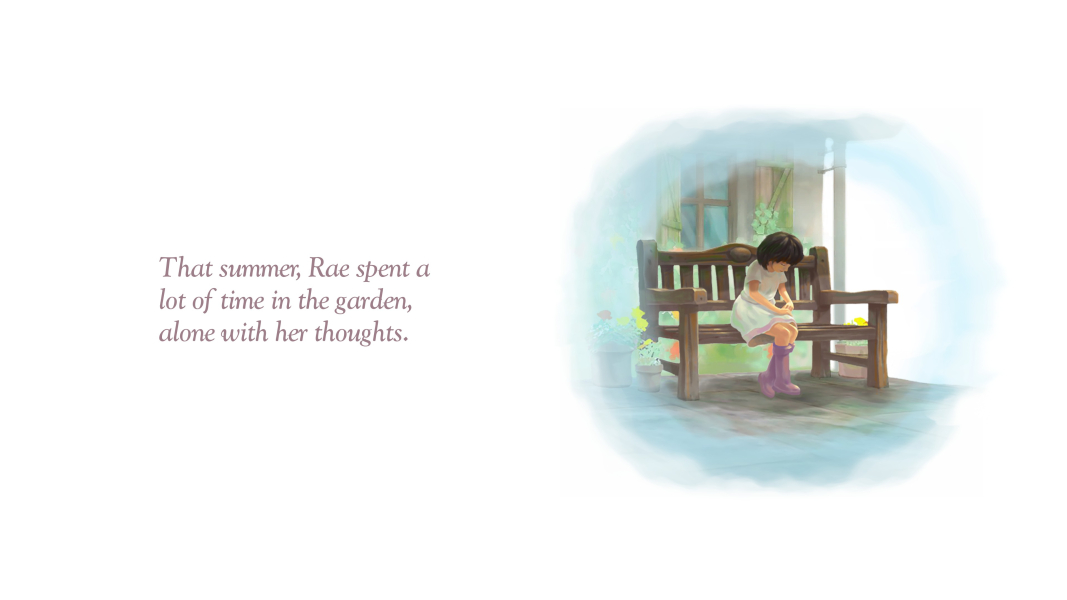
4K Menu Screenshot