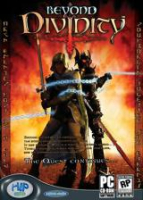


Beyond Divinity is the sequel to the popular RPG, Divine Divinity. The game retains the same open-ended exploration of its predecessor along with a buffet of character customization options. Character stats and skills are increased through player choices allowing for total specialization.
A big difference from Divine Divinity is the addition of multiple character parties. The main character discovers early on that he is bound to a Death Knight and only through cooperation will they both survive. Tailor the skills of these two opposing forces to best meet the challenges and adventures that await.
This is a RPG for an experienced gamer who enjoys challenging combat and frequent quick saves.
Support Summary
Widescreen | Ultra/Super‑Wide | Multi-Monitor | 4K Ultra HD | |
Support | ||||
Method | ||||
HUD | ||||
Cutscenes | ||||
FMVs |
Game Information
Screenshots Comparison
Solutions & Issues
No native widescreen support. In the root game directory there is a file called "config.div". Open this file with a text editor and look for the lines...
// display width
width ****
// display height
height ****
Change **** to your desired resolution and save.
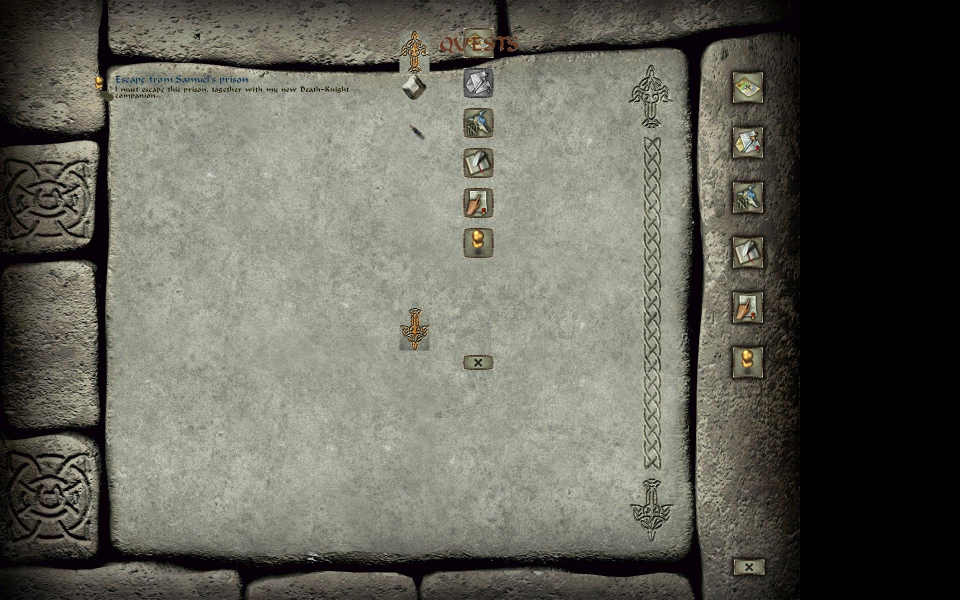
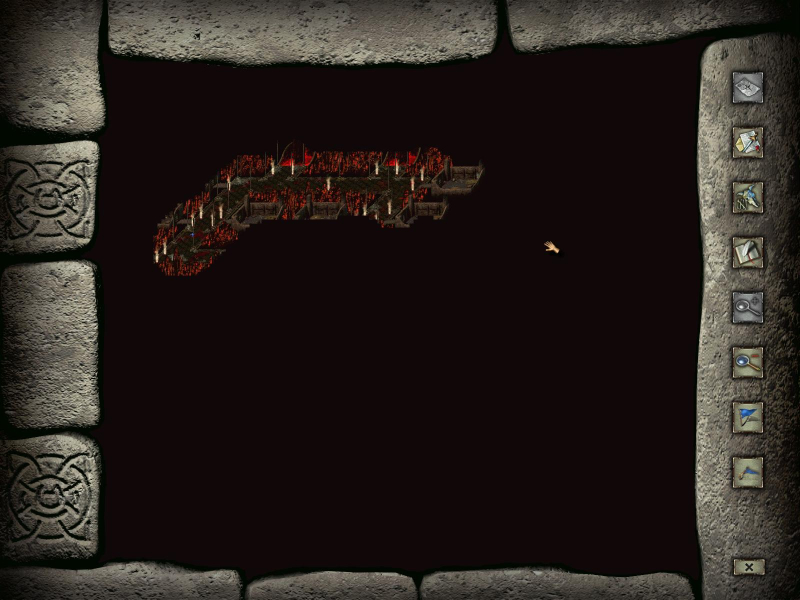
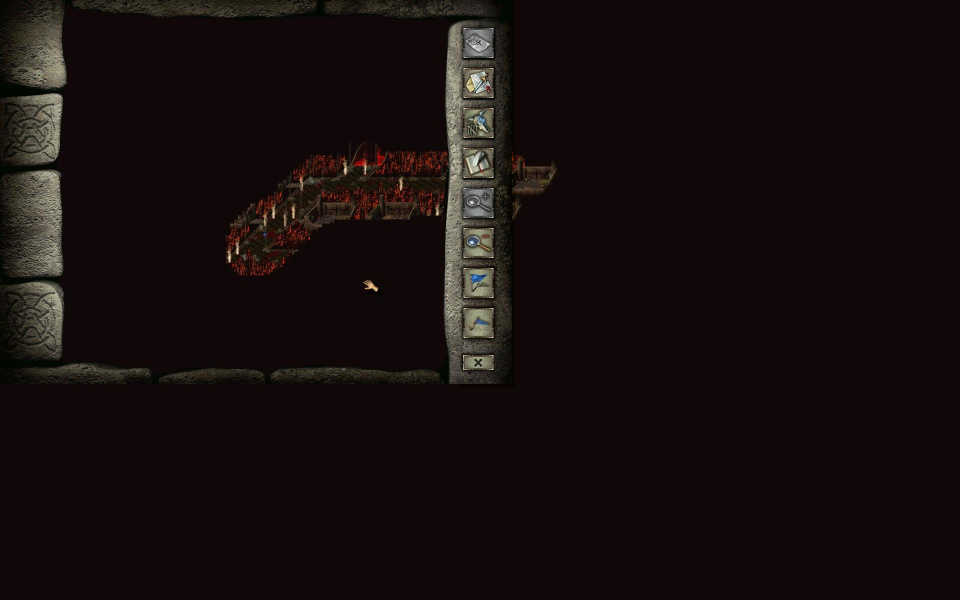
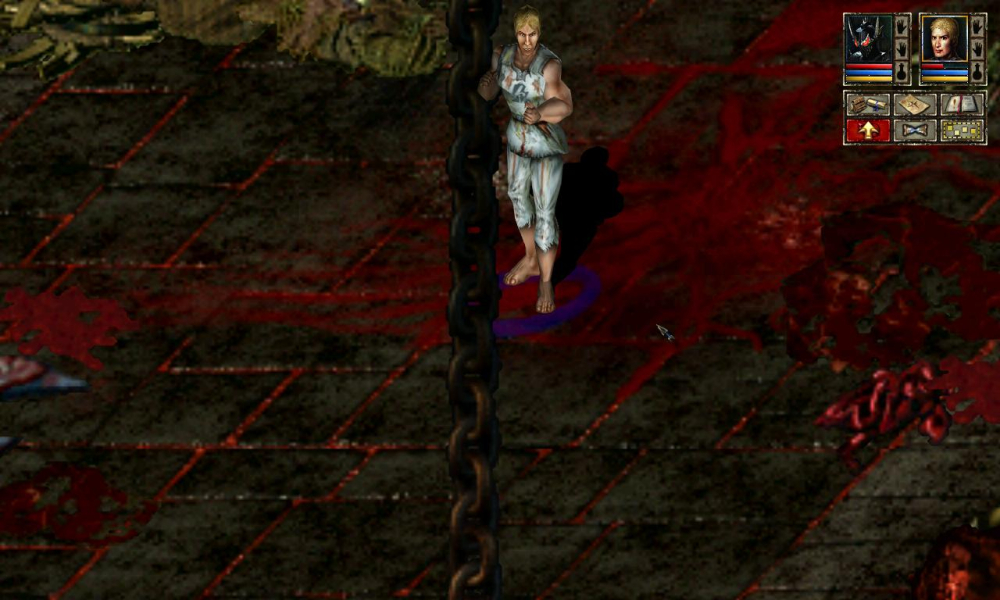
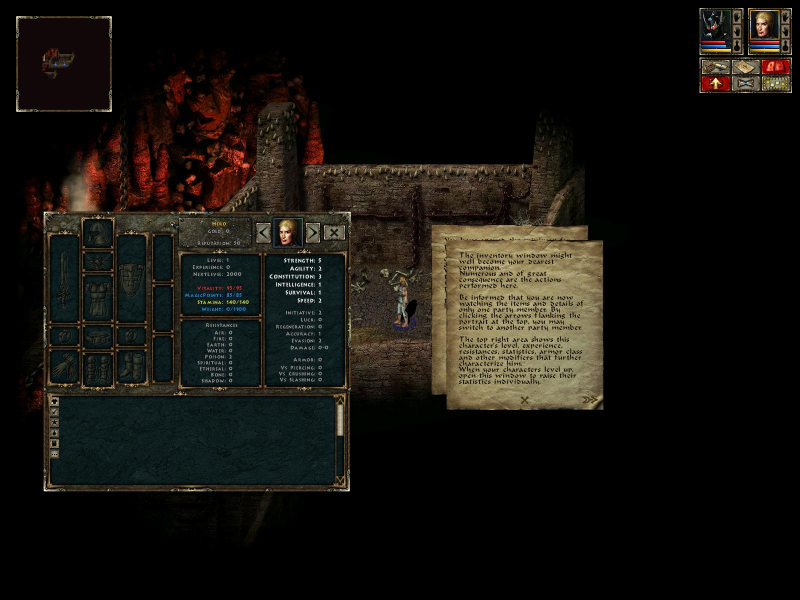
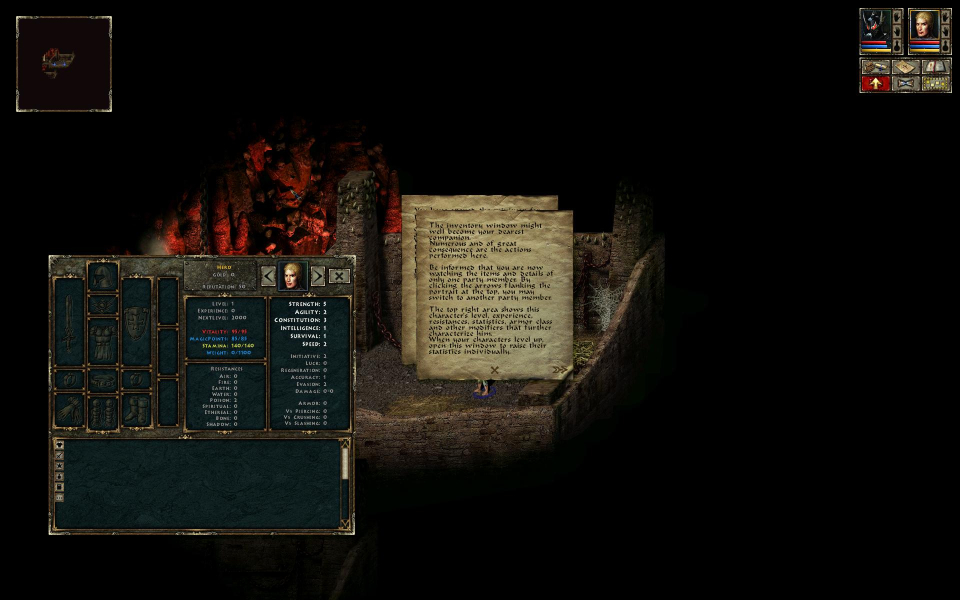
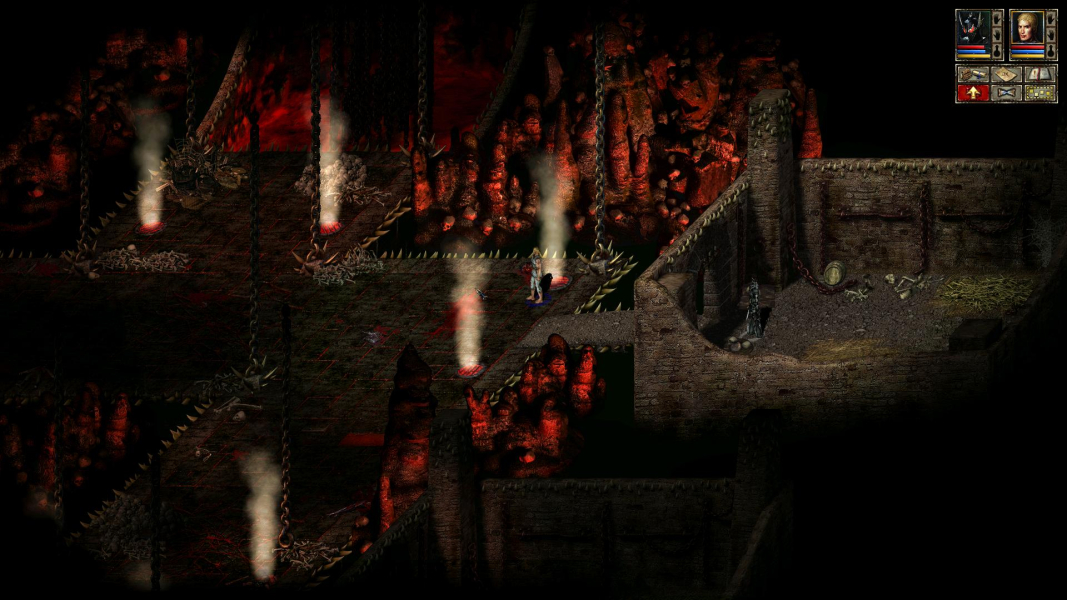
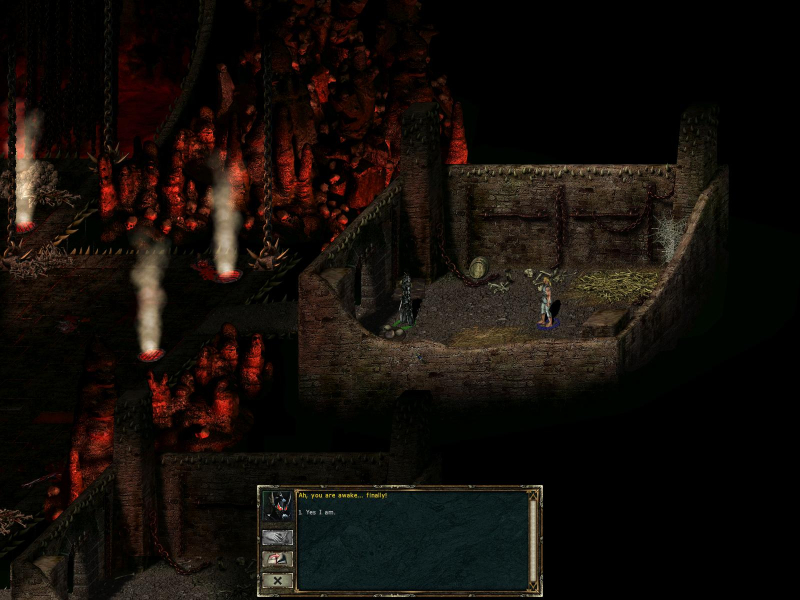
The game is pixel-based widescreen. Depending on your resolution you will get Hor + and possibly Vert +. Some two-dimensional screens are cropped depending on selected resolution. There is a possible alignment problem with the in game diary screen depending on your selected resolution. It does not hinder gameplay.
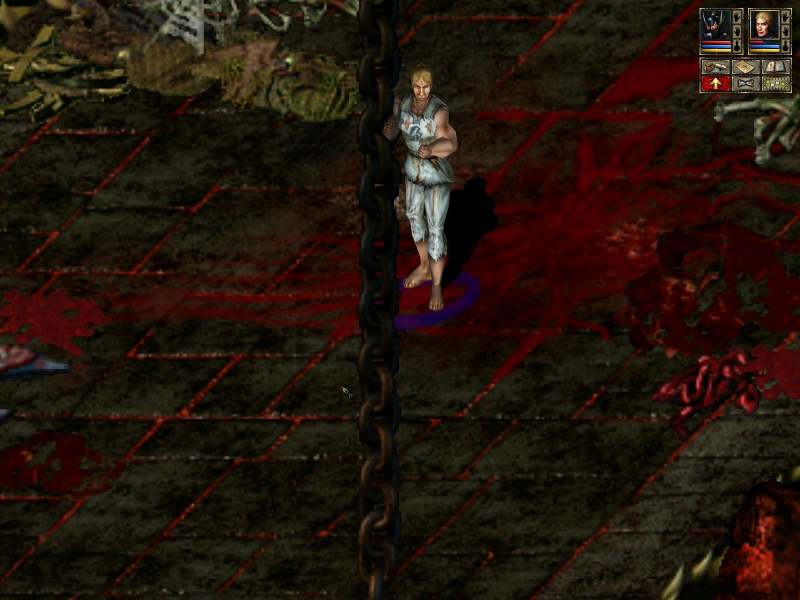
The journal-automap screen template does not scale or stretch which can obscure parts of the automap. The zoom-view scaling only works in the widescreen resolutions 1280x720, 1280x768, and 1280x800. In game HUD does not stretch or scale. Please note that the HUD can be too small for some high resolution users.
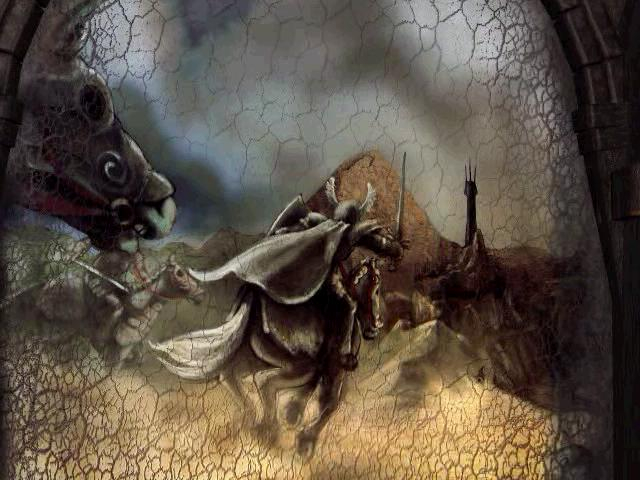
Pre-rendered cut-scenes are displayed in a fixed resolution.
Gameplay Screenshots




In-Game (Rendered) Cutscenes

FMV Cutscenes
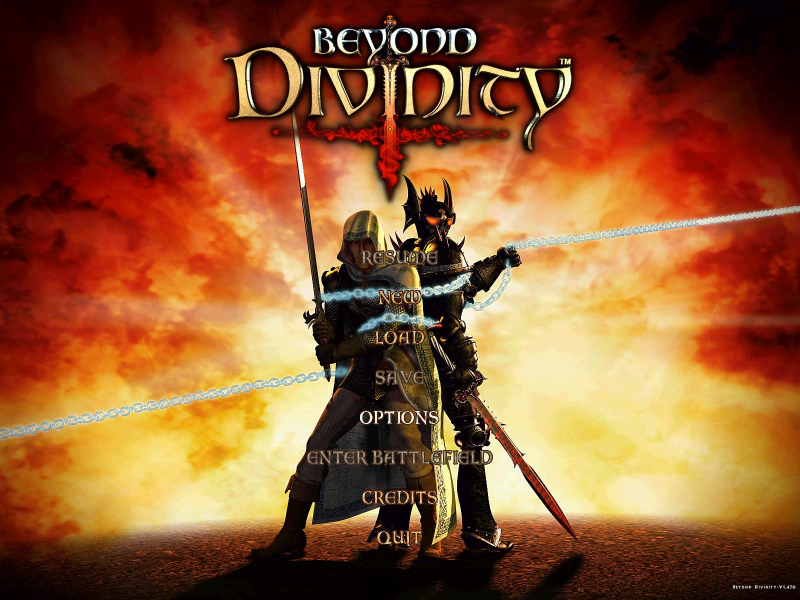
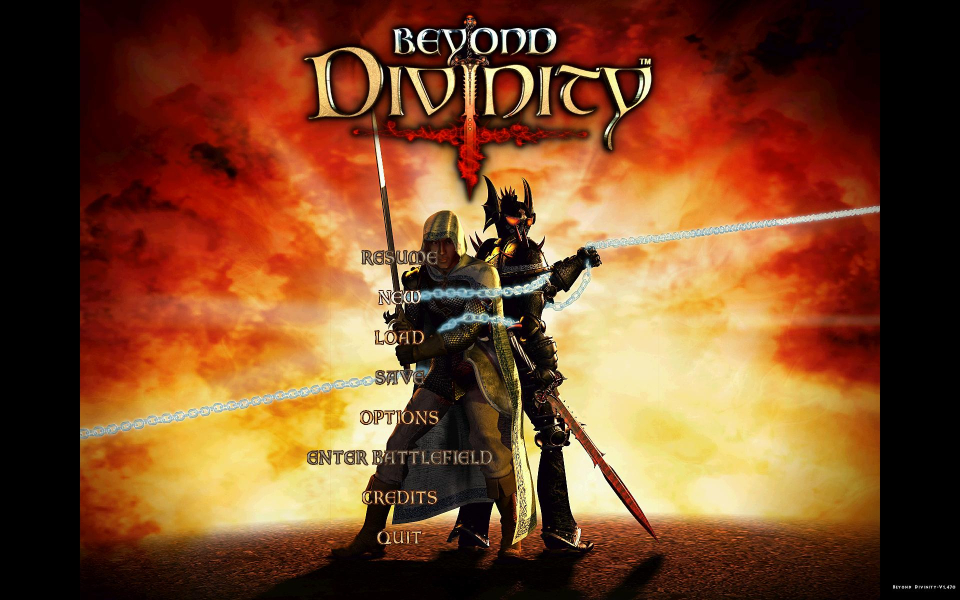
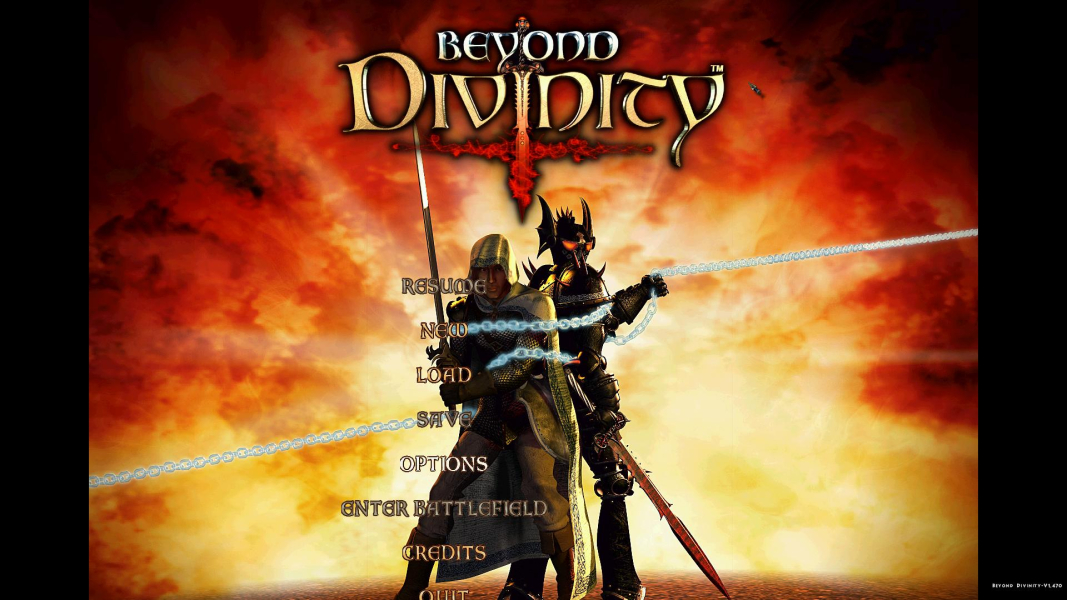
Menu Screenshots
Additional Screenshots