

The game is a budget, download and retail, Xbox 360 and PC Action game. It has a single player 10 mission campaign, multiplayer combat in 3 modes and Instant Action which is a offline bot match.
Support Summary
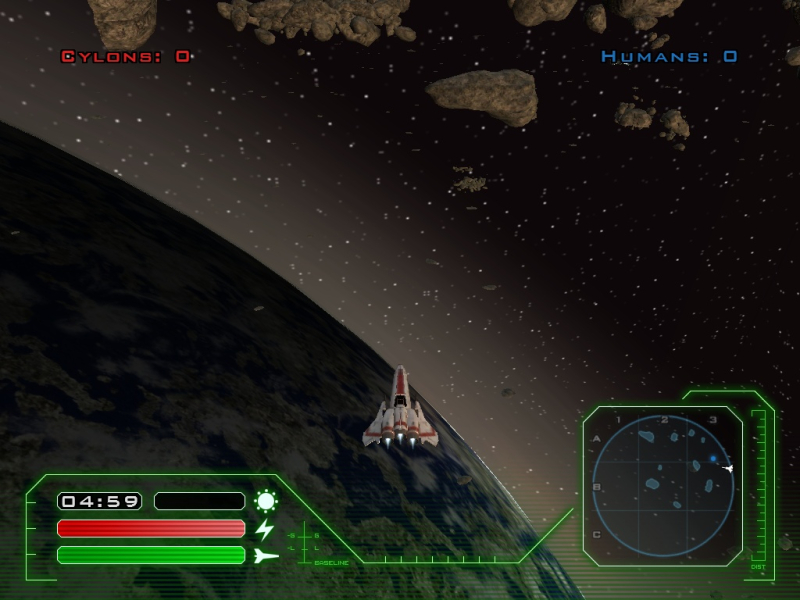
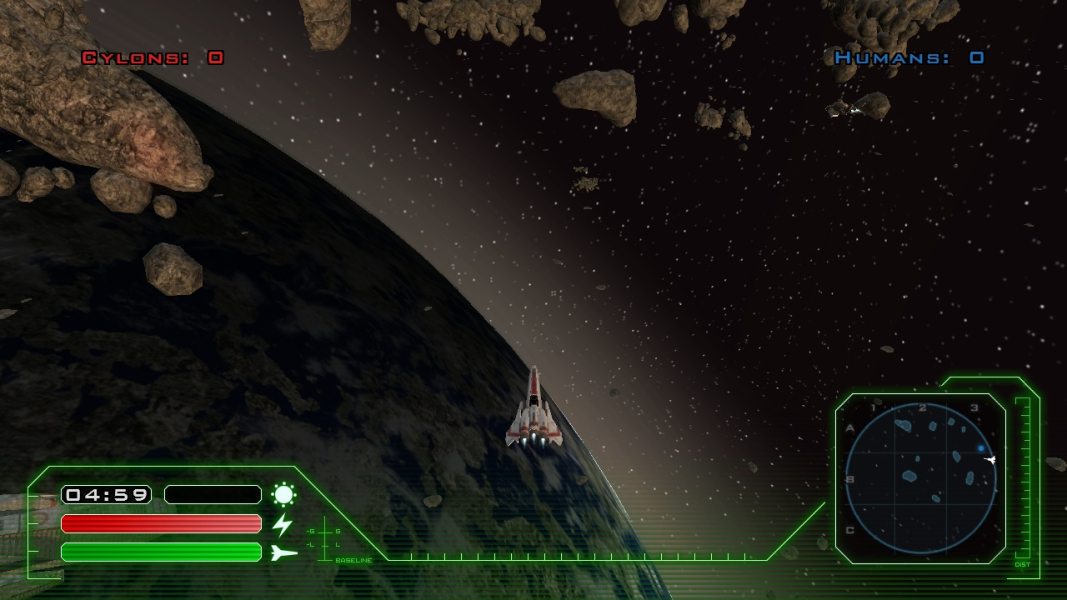
Screenshots Comparison
Solutions & Issues
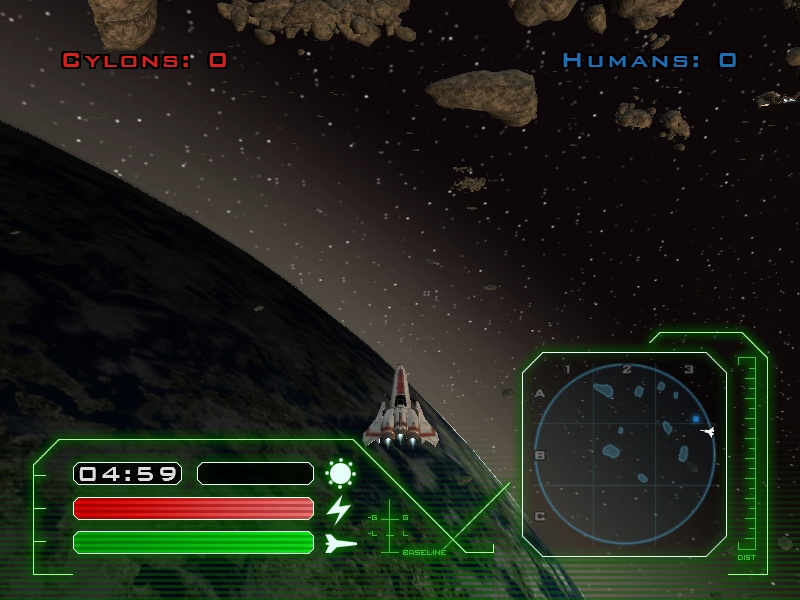
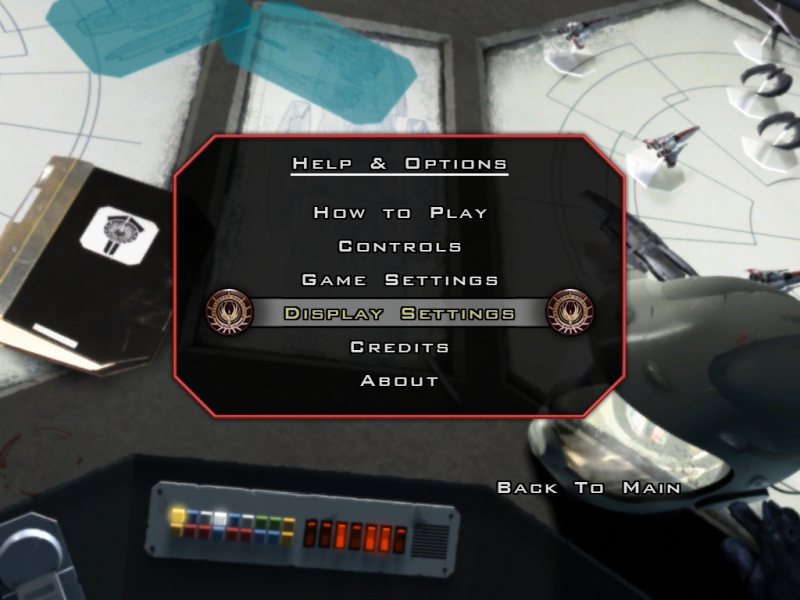
This game has full native support for widescreen. It allows independant setting of physical screen ratio and screen resolution. The display options are easily set from the main menu. The in game settings are adequate but still limited. The configuration file may be edited to create custom modes in fullscreen or windows.
The widescreen view is Hor+ with fixed vertical Field Of View and variable horizontal FOV while maintaining correct aspect ratio.
To manually change the display settings or create custom modes, the configuration file can be found in:
MyDocuments\MyGames\Battlestar Galactica\cvarsArchive.gm
The following variables may be configured to set almost any fullscreen or windowed display mode:
cvar.displayPhysicalScreenRatio = 1.33333;
cvar.fullscreenSizeX = 1024;
cvar.fullscreenSizeY = 768;
For windowed mode these variables:
cvar.windowPosX = 50;
cvar.windowPosY = 50;
cvar.windowSizeX = 1280;
cvar.windowSizeY = 720;
cvar.displayFullScreenFlag = 0;
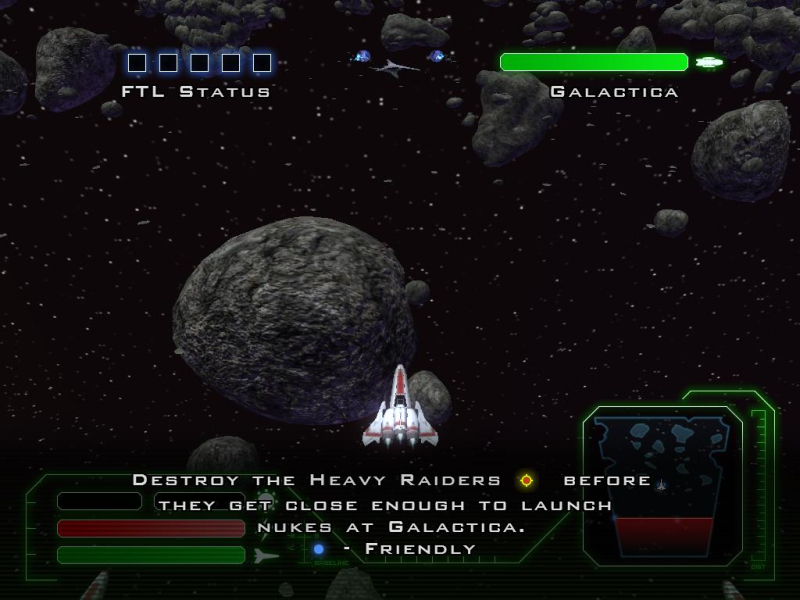
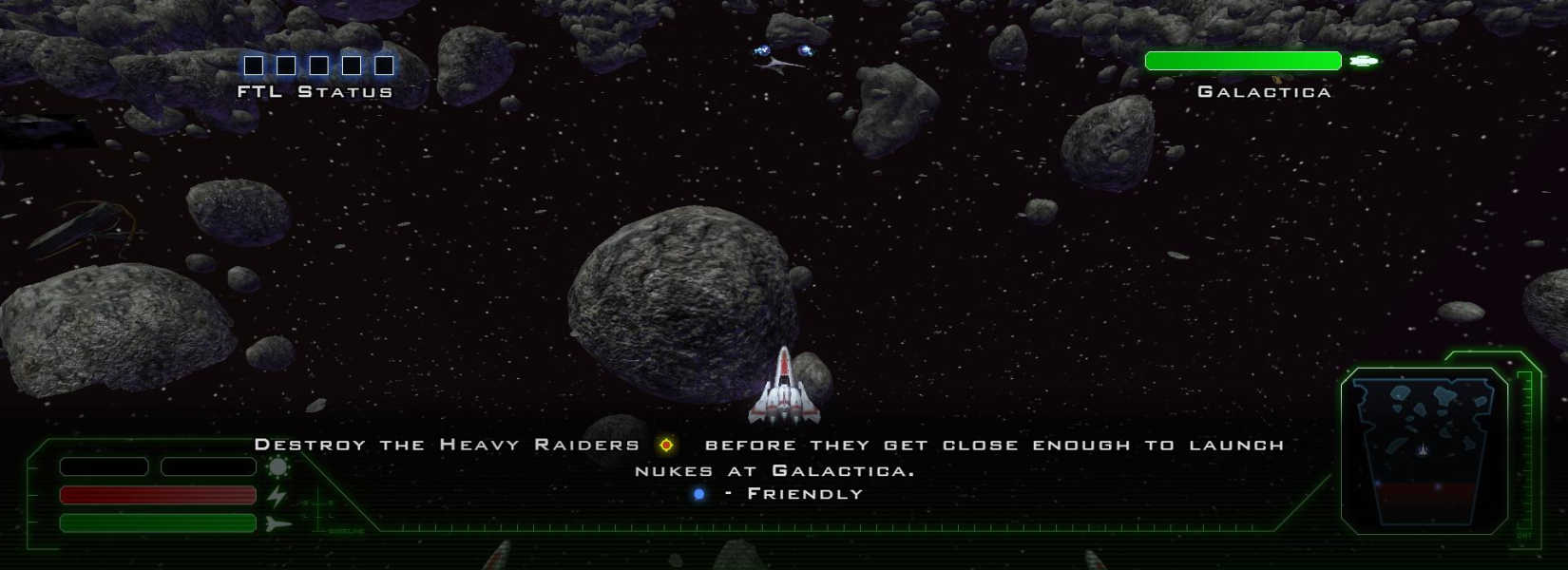
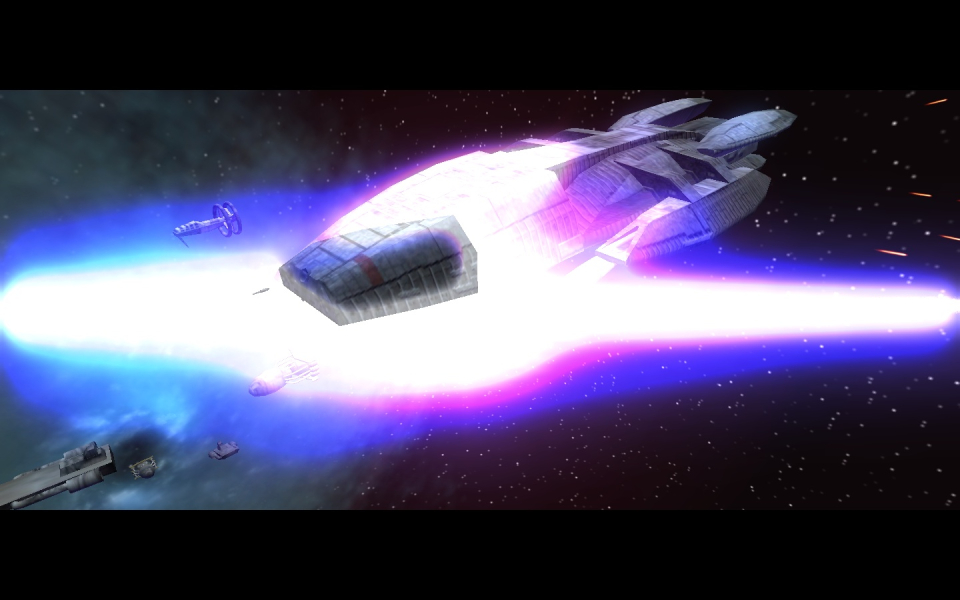
Cut scenes are rendered in game and perform without anomaly. They are Hor+. The cut scenes also add letter-boxing to pretend to be even wider screen and show that control has been temporarily taken away from the player.
Unfortunately these cut scene shots varied. The Galactica was hit by nukes in different places, but here are two different resolutions (see screenshots).
If you force the resolution below 1024x768 (the minimum in game resolution) menus and HUD elements will start to overlap and nor position well. For higher resolutions the HUD and menus will scale or reposition reasonably.
TH works through the .ini hack.
Gameplay Screenshots



In-Game (Rendered) Cutscenes

Menu Screenshots

Additional Screenshots