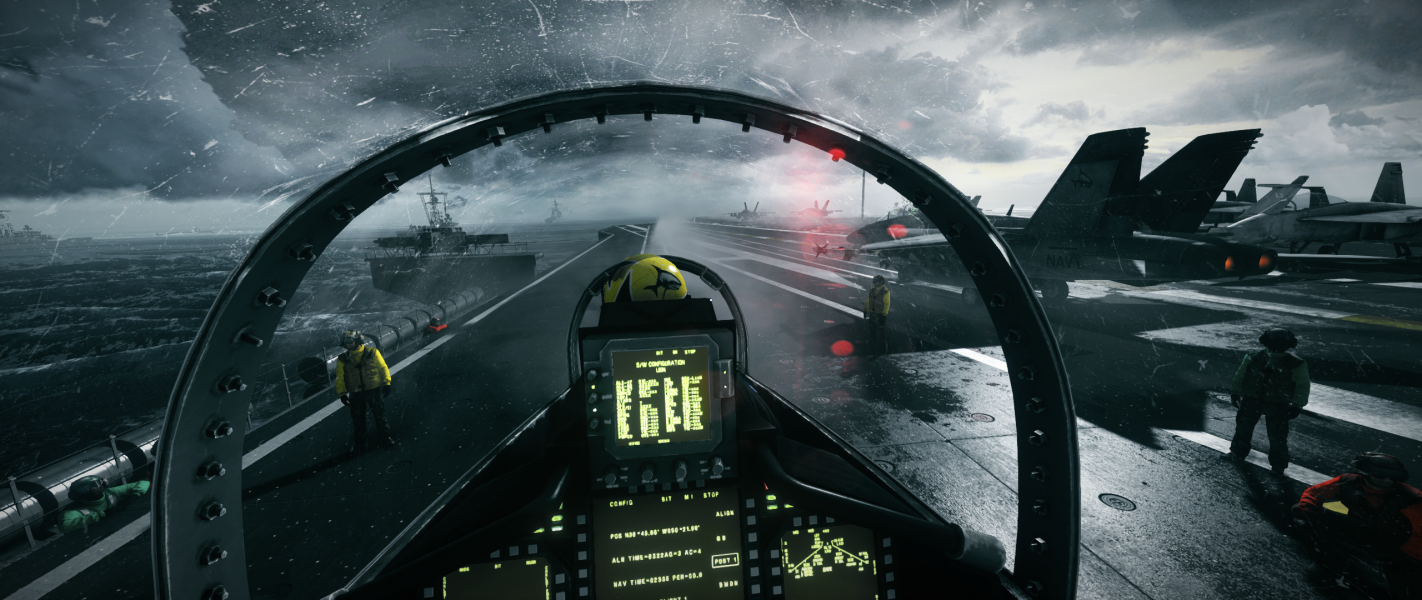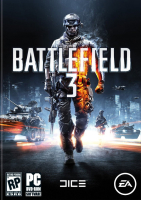


The direct sequel to Battlefield 2. It is build on this foundation and includes things left out of the Bad Company series such as fighter jets, the prone position and 64-player battles. The game features maps set in Paris, Tehran, Sarajevo, Sulaymaniyah, New York, Wake Island and Oman. As a whole, combat takes place in urban streets, metropolitan downtown areas, and open landscapes suited to vehicle combat.
Battlefield 3 introduces Battlelog, a free cross-platform social service with built-in text and voice communicator, game statistics and ability to join the game that friend is already playing (both players need to be on the same platform). The campaign is set near the Iraq-Iran border, where the US Marine Corps is fighting the People's Liberation and Resistance (PLR). Players are be able to use vehicles during the campaign, but their use is limited.
Support Summary
Screenshots Comparison
Solutions & Issues
Field of View (FOV) can be adjusted (60 - 90) in game menu OPTIONS >> VIDEO (70 is default).
Note: FOV in SP and COOP portions of Battlefield 3 cannot be changed using the game settings, either through the menu field of setting or console string or with the config edit, it only works in Multiplayer and only after you iron sight once (thanks to pyide for this information).
Thanks to fuc847 for this SP and COOP FOV solution...
1- Download this file and unrar it...
2- Run the app, launch BF3 and select the FOV increase you want (+25 degrees or +35 degress) by pressing respectively hotkeys num 7 or num 9...
3- Please note that it only works after you've zoomed in once, then zoom back out and it should be wider...
Check the comparison screenshots below ...
Default FOV
+ 25 FOV
+ 35 FOV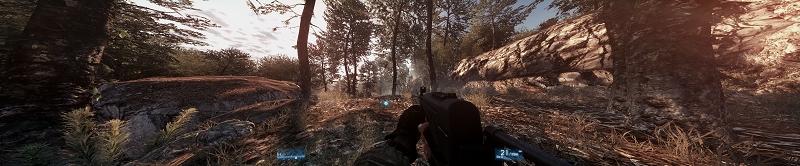
You just need to select the resolution in the menu and adjust the FOV to your needs.
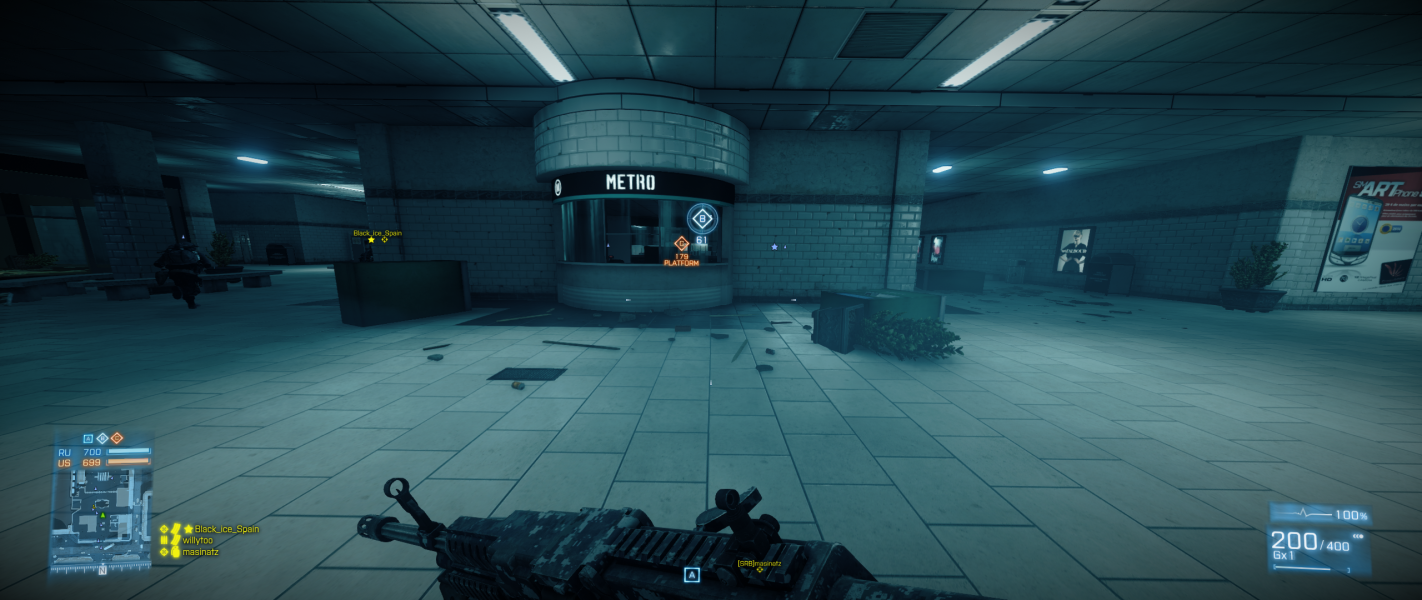
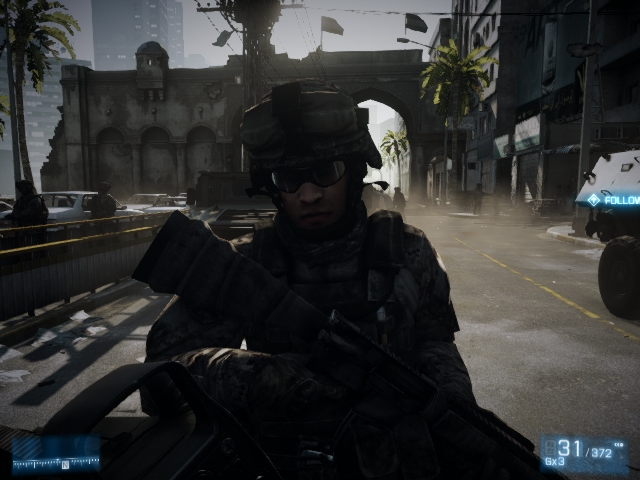
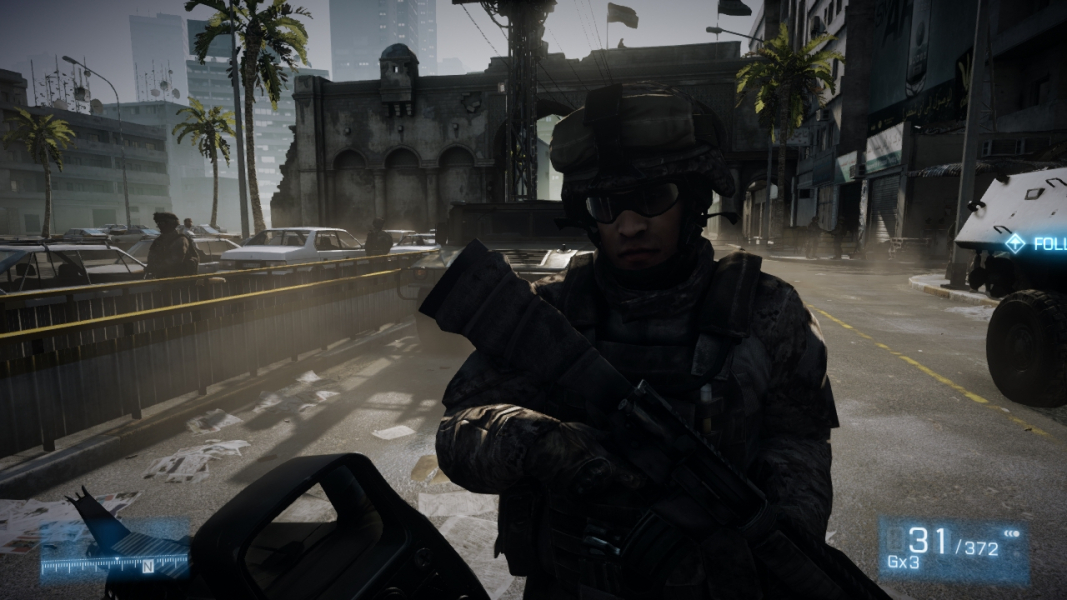
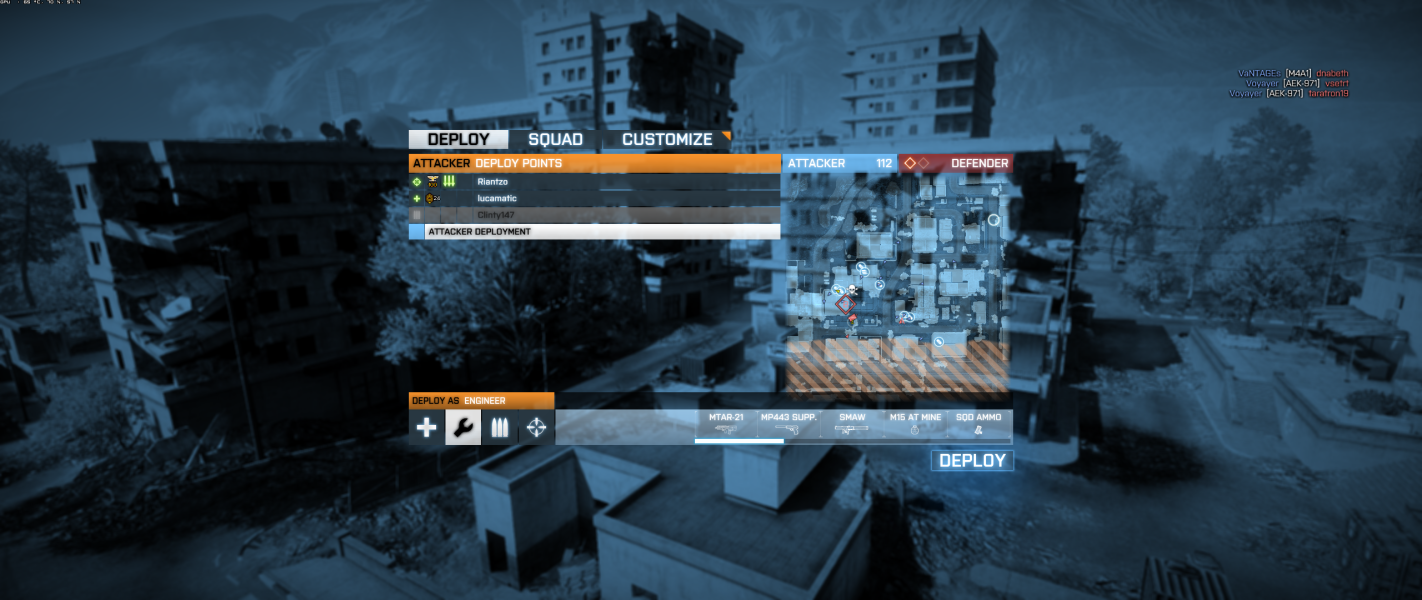
User's Interface position can be adjusted in game menu OPTIONS >> VIDEO (check screenshot below in Additional In-Game Shots).
You can manually edit both FOV and UI position, i.e. if running a Matrox THG ...
In C:\Users\[USERNAME]\Documents\Battlefield 3\settings\PROF_SAVE_profile
change GstRender.FieldOfView [value] for the FOV
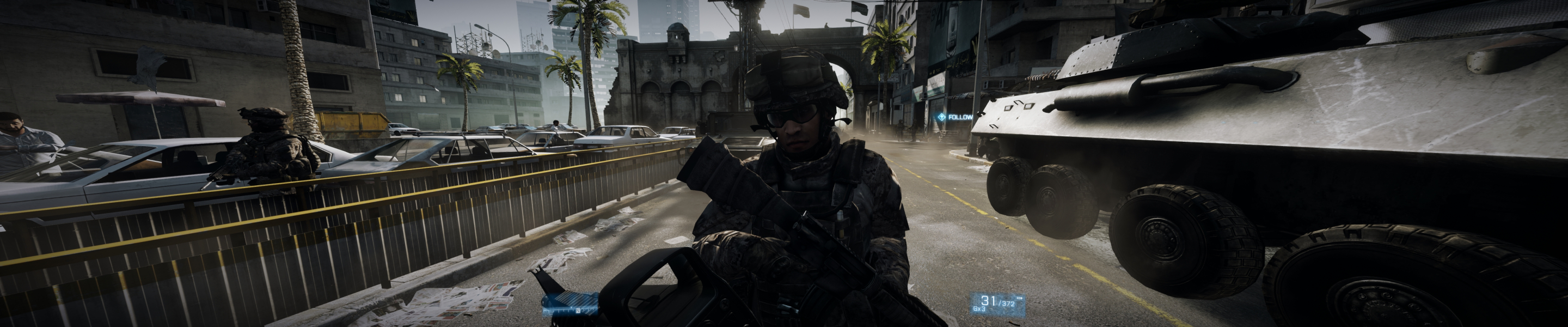
and GstRender.ScreenSafeAreaWidth [value] for the HUD positionmine : 110 FOV and 0.33 Safe Area, resolution 5040x1050 with Triplehead2Go
Command prompts do not show up at multi-monitor resolutions, making gameplay almost impossible to follow without reverting to a single monitor resolutions to find out whats required.
Distorted lighting effects running the game at multi-monitor resolutions, also in multiplayer.
All the over heads indicator icons are only displaying on the left monitor, and they're not scaling up towards three monitors.
The flag and mcom icons aren't matching the exact locations, eventhough they scale on multi-monitors.
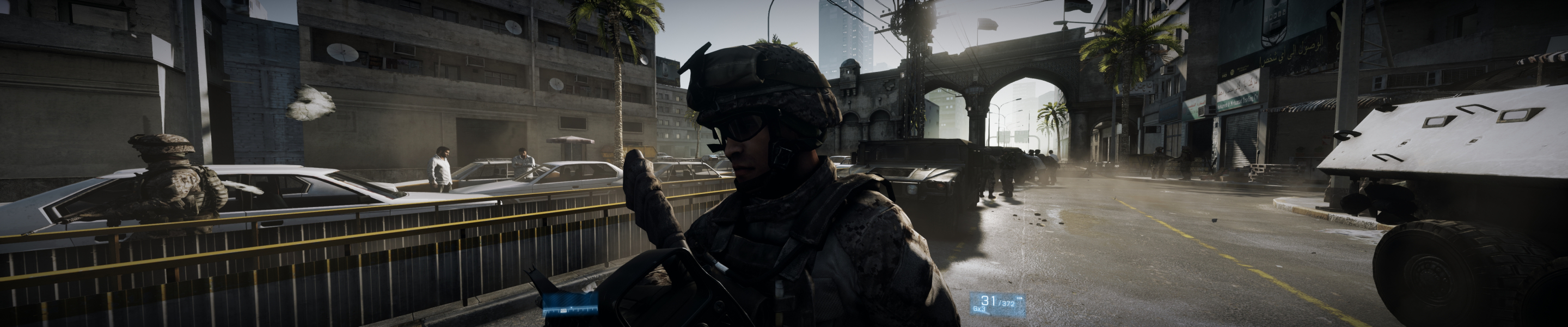
Gameplay Screenshots



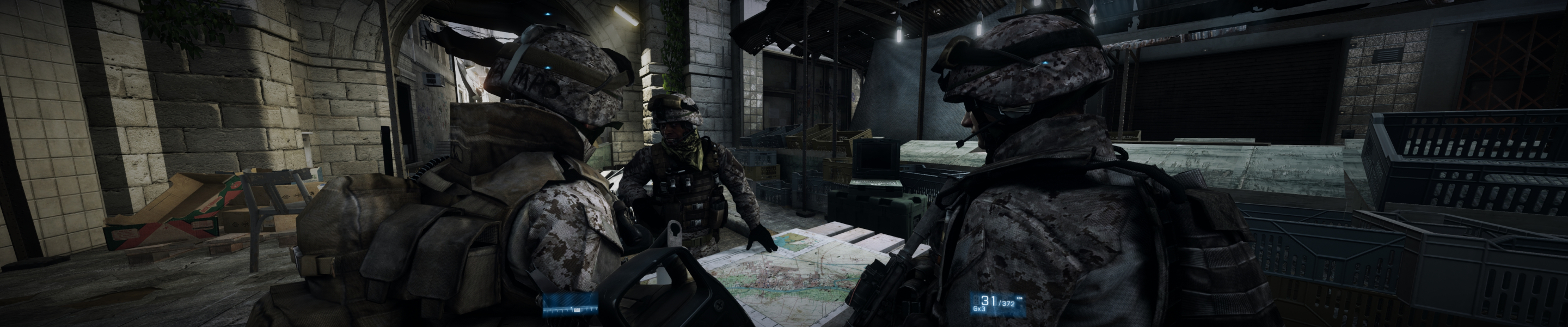
In-Game (Rendered) Cutscenes
FMV Cutscenes

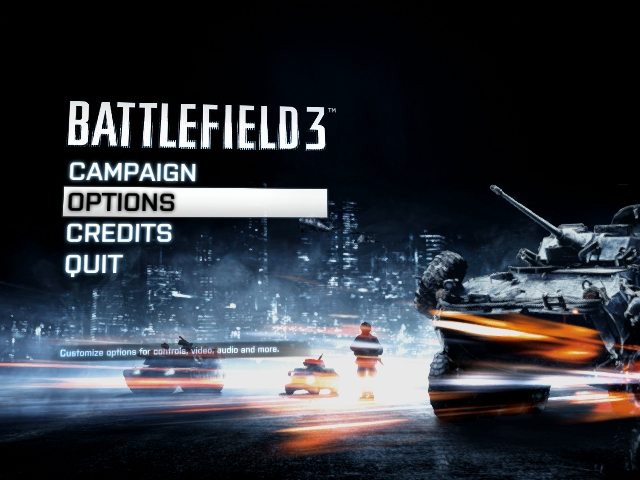
Menu Screenshots


Additional Screenshots