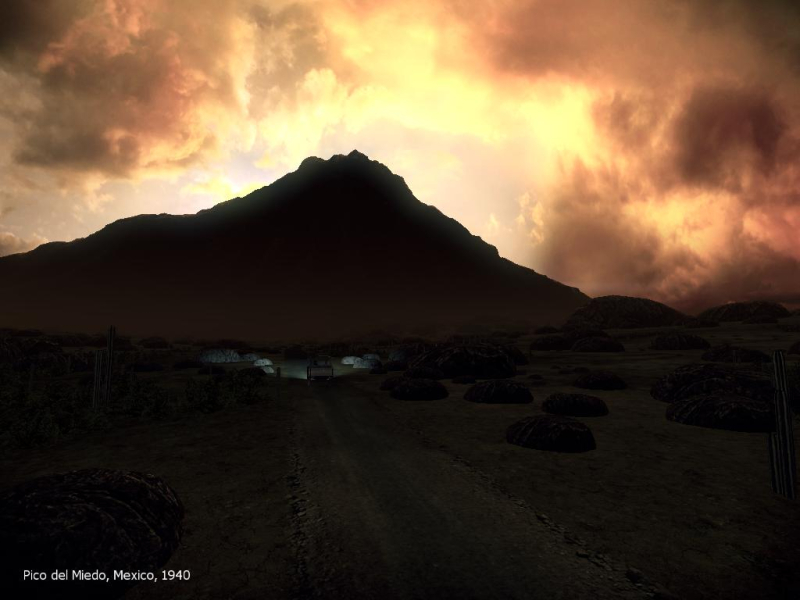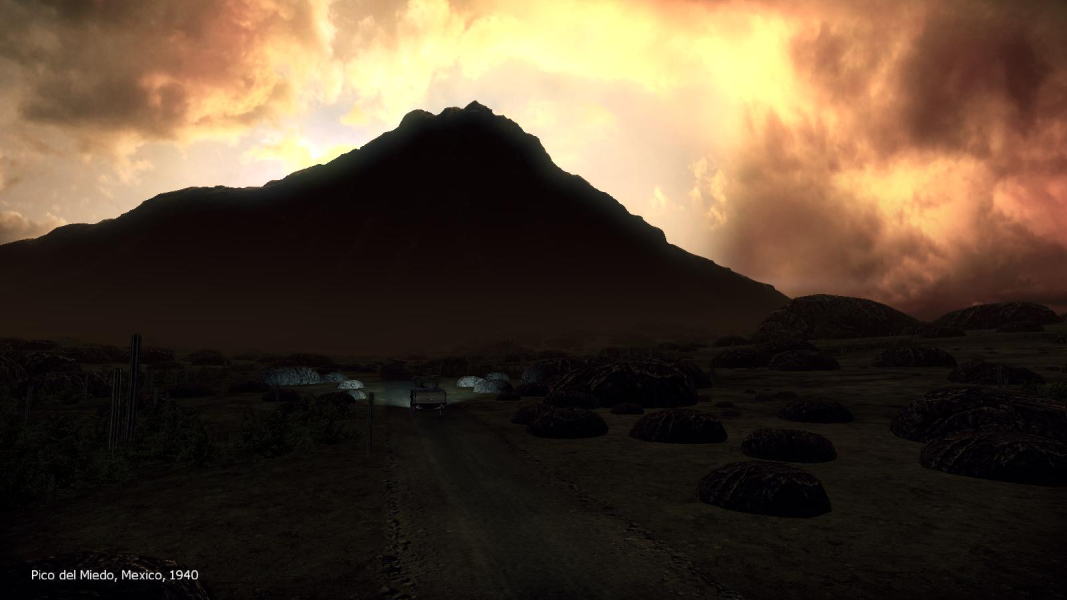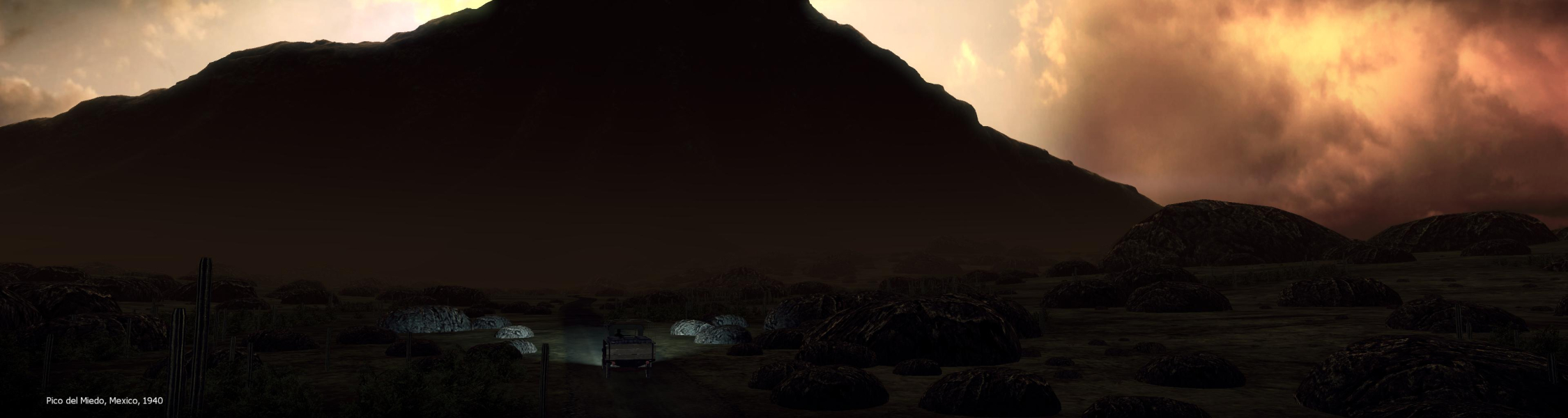


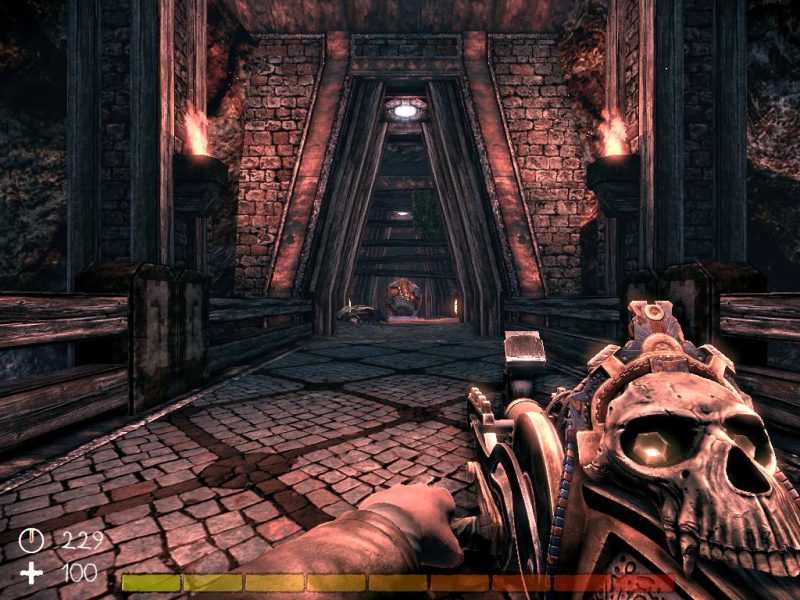
A puzzle game in FPS perspective. Your weapon: an artefact that can attract and shoot a humongous ball. Your goal: to reach the exit of each map by activating contraptions. Faithful ol' Ball will help you break walls and push buttons, and maybe smash some baddies here and there. The game features a story-driven campaign and a survival mode.
Support Summary
Game Information
Screenshots Comparison
Solutions & Issues
.ini
1) Resolution: UDKEngine.ini (only required for 1280x768 and res's higher than 1920x1200)
Code:
[SystemSettings]
ResX=
ResY=
2) FOV: UDKInput.ini
Code:
[Engine.PlayerInput]
Bindings=(Name="F5",Command="FOV xxx") //where xxx is the correct FOV value for your AR. Hit F5 while playing (not in the menus).
Start a game and press F5 (the FOV key has no effect within menus).
Some FOVCalculated values:
For 16:10 use FOV 100.39
For 15:9 (1280x768) use FOV 102.68
For 16:9 use FOV 106.26
Interestingly, the default FOV is 90 but the game natively applies FOV 100 to all widescreen reolutions, so 16:10 users may consider gameplay to be natively Hor+ and forget about it.
==Screen Change==
Hor+ world, Vert- weapon.
Actually the player's weapon model is Vert- up to 16:9, at which point it gets a different look with distinct proportions. I don't know which weapon aspect is best, but thanks to this the 16:9 weapon looks better than if it was only a Vert- version of the 16:10 weapon, if you get my meaning.
Two resolutions (1280x768 and 2560x1600) required an .ini edit.
The same method could be applied but the max FOV value the game will register is 120. This is not enough even for "classic TripleHead" (15:4).
Gameplay Screenshots
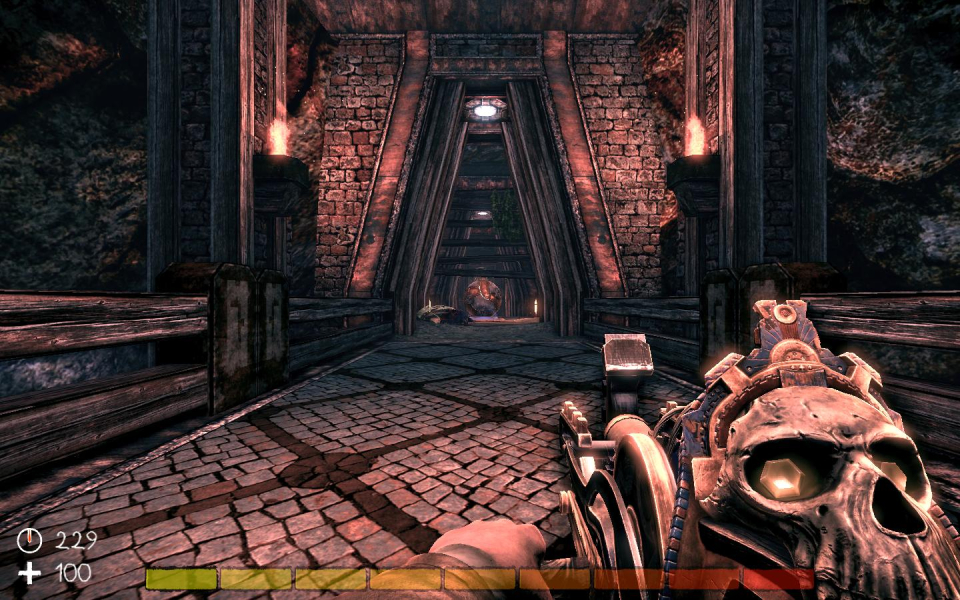
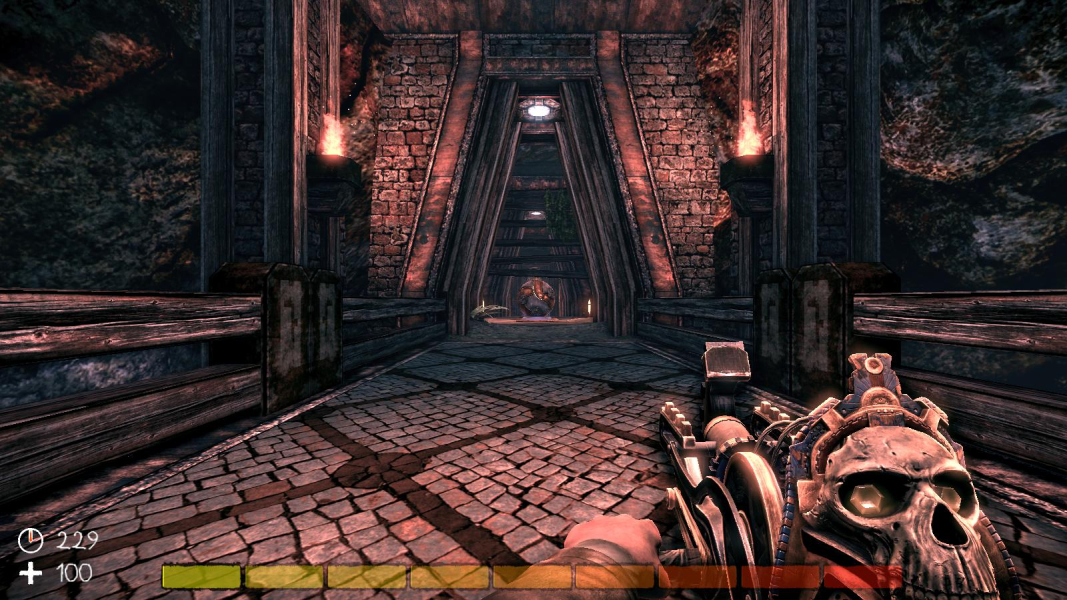


In-Game (Rendered) Cutscenes