

Baldur's Gate is an RPG from BioWare and Interplay, set in the Forgotten Realms universe, using Dungeons and Dragons 2nd edition rules. You play as a mage's apprentice in the city of Candlekeep during an iron shortage. Steel production is halted, tools such as farming equipment and weapons are scarce. Bandits roam the coast, seeking valuable iron, often over gold and jewels. After learning that there is a price on your head, but not why or by who, and witnessing the death of your foster father in an attempt on your life, you must flee Candlekeep, investigate the iron shortage, uncover a greater plot that involves your past, and future.
Baldur's Gate, along with Diablo and Fallout, pretty much brought the entire RPG genre back from the dead.
Support Summary
Widescreen | Ultra/Super‑Wide | Multi-Monitor | 4K Ultra HD | |
Support | ||||
Method | ||||
HUD | ||||
Cutscenes | ||||
FMVs |
Screenshots Comparison
Solutions & Issues
You *must* have the Tales of the Sword Coast expansion pack, and it appears you need to have the executable "Tales of the Sword Coast UK 5512" patch installed too. It does not work with the executable from the US patch, or from the DirectX patches. If you have the US version, first install the US version of the latest TotSC patch. Then download the UK version of the patch, but do not install it. Instead, open the installer (BGTalesUK5512.exe) with a tool such as WinRAR, and extract the file "BGMain2.exe" to your game directory, overwriting the old file.
Also, if you are using an NVIDIA 8 card or better, you will want the nvidia_fix tool, or else you will get bad graphical anomalies. Download it here: http://www.shsforums.net/index.php?showtopic=30840. Do this BEFORE applying the widescreen hack.
Then you may apply the widescreen hack.
Download:
http://www.gibberlings3.net/widescreen/
Instructions:
http://www.gibberlings3.net/widescreen/readme-widescreen.html
Summary:
1: Install game.
2: Download patches.
3a1: Install US patch (if using US version).
3a2: Copy BGMain2.exe from UK patch (if using US version).
3b: Install UK patch (if using UK version)
4: Install nvidia_fix (if using NVIDIA 8 card)
5: Install widescreen fix.
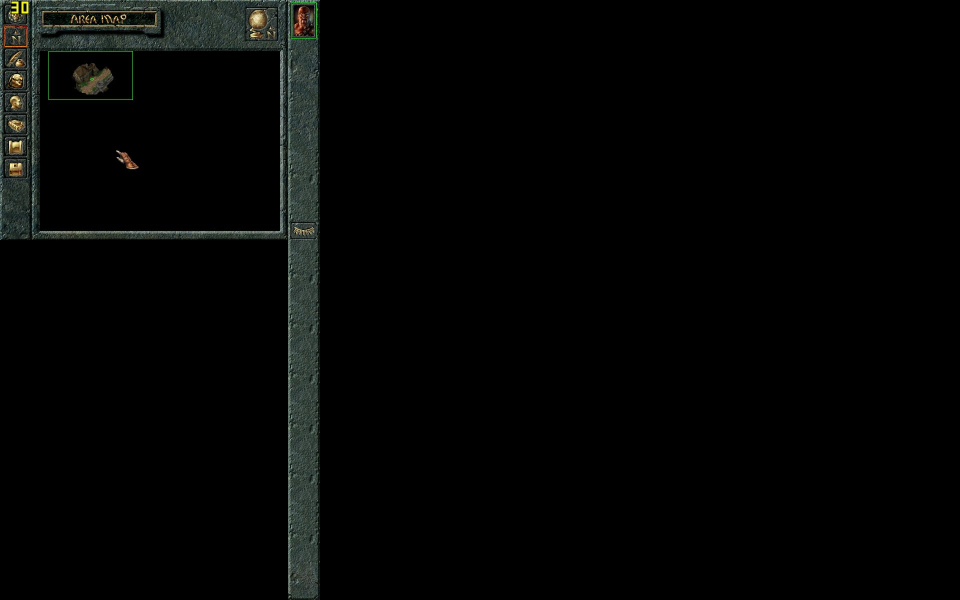
Screens like the maps, paper dolls, and inventory are rendered in a 640x480 frame in the upper-left, with black everywhere else.
Also, the widescreen patch seems to break the "mission pack save." If you want to use it (you don't need to use it to play the new mission pack areas), re-run the widescreen patch and uninstall. Then load the game and load the mission pack save. Save your game. Then re-install the widescreen patch and load the save you just made.
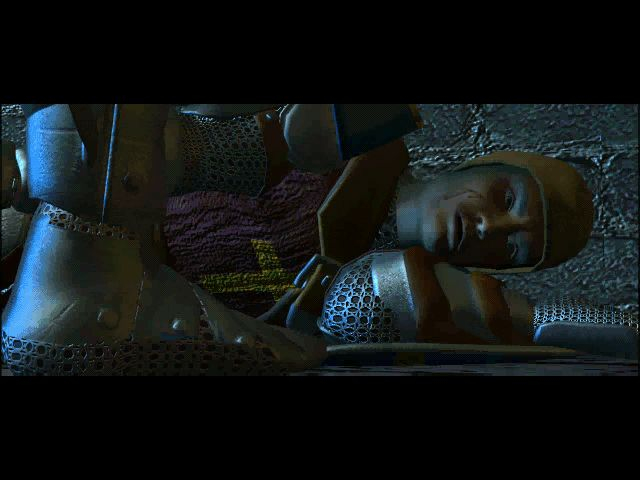
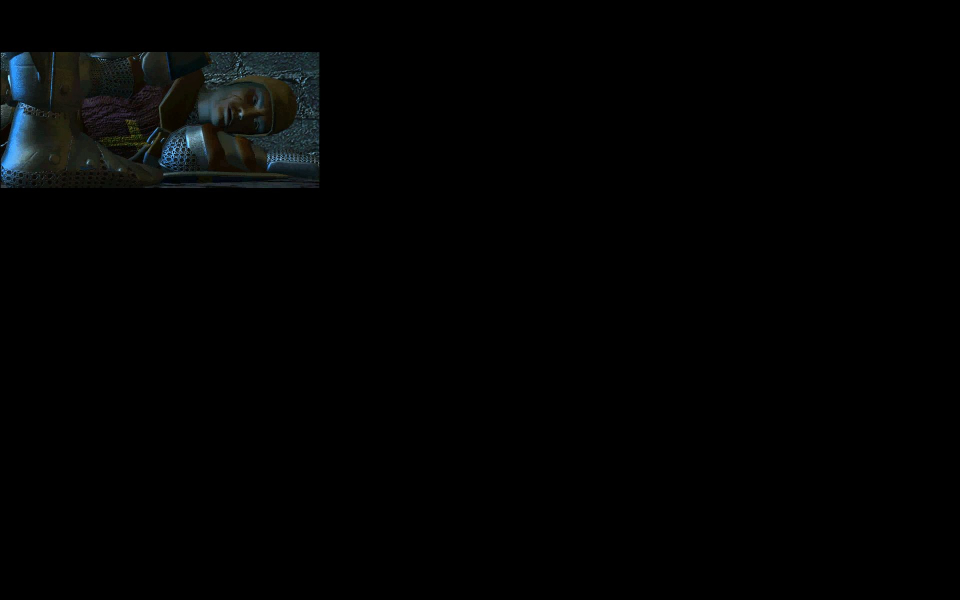
FMVs are anchored in the upper-left corner.
Surround resolutions work fine, and are pixel based. As per method in Widescreen solution.
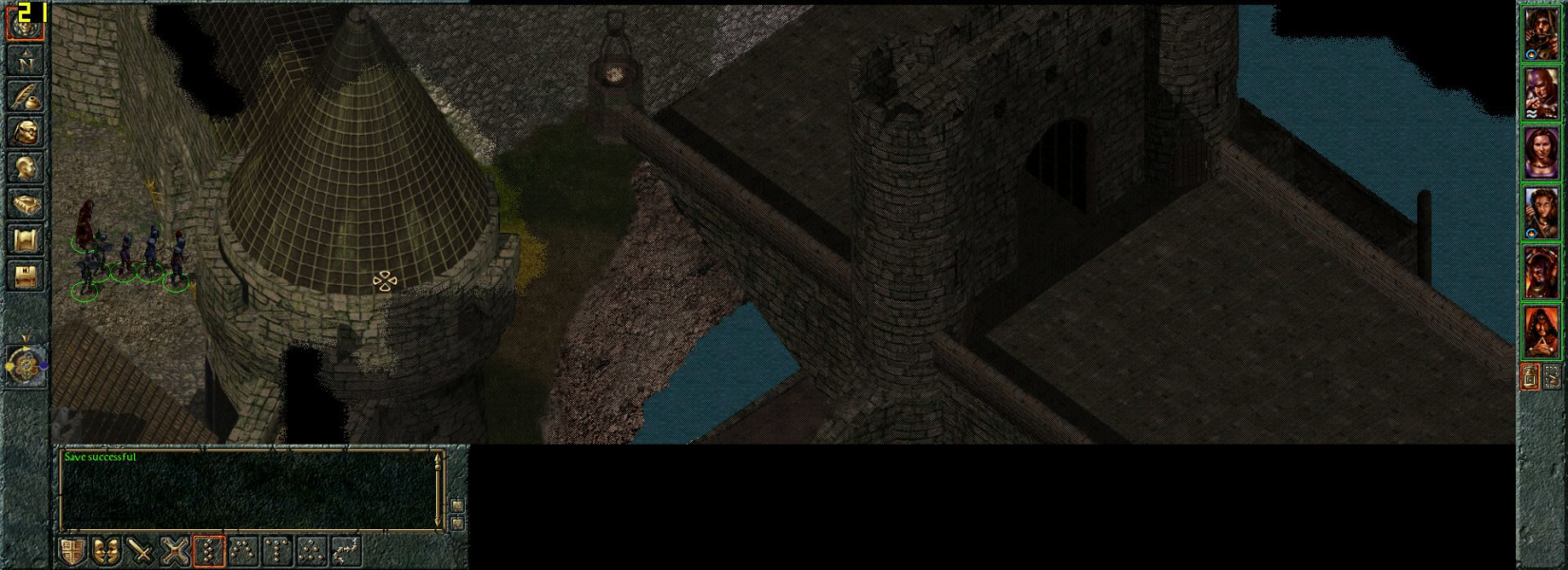
Gameplay Screenshots


FMV Cutscenes
Additional Screenshots