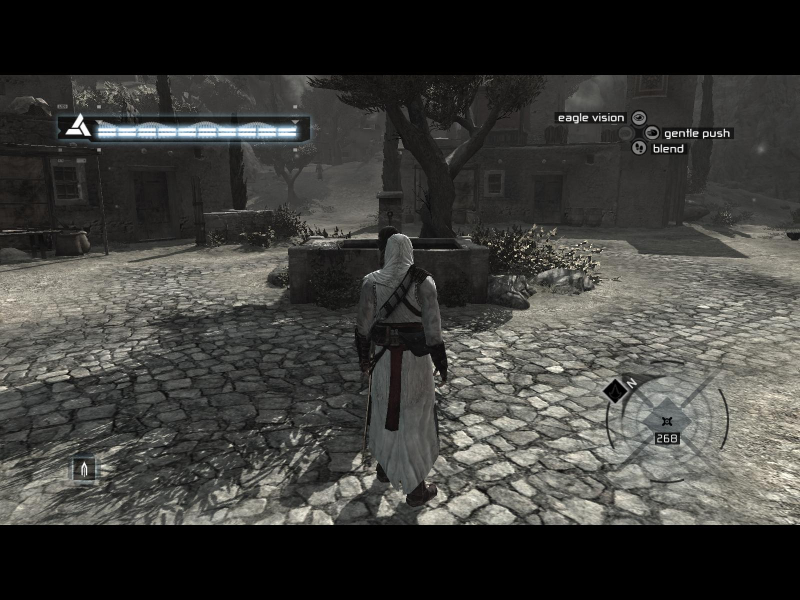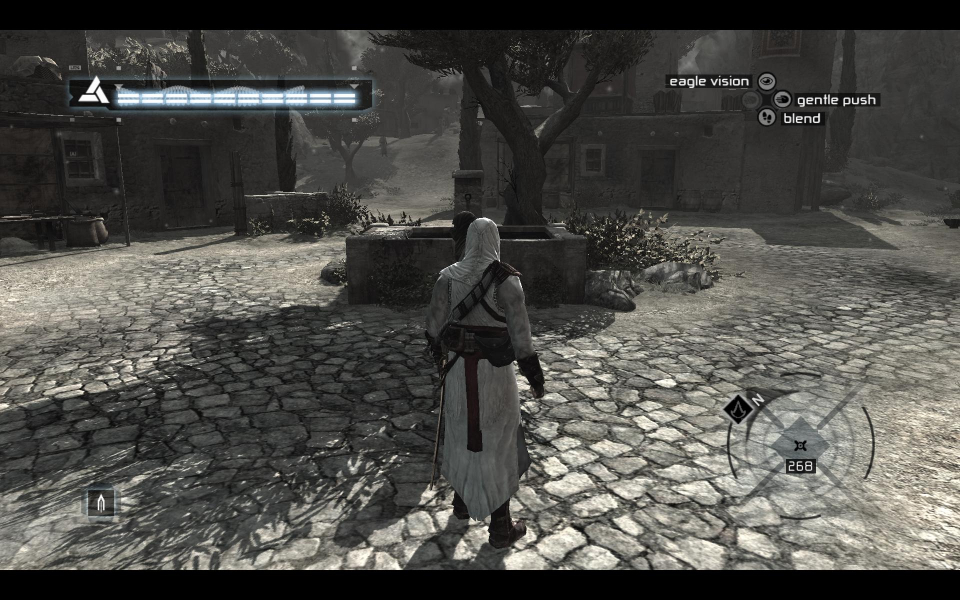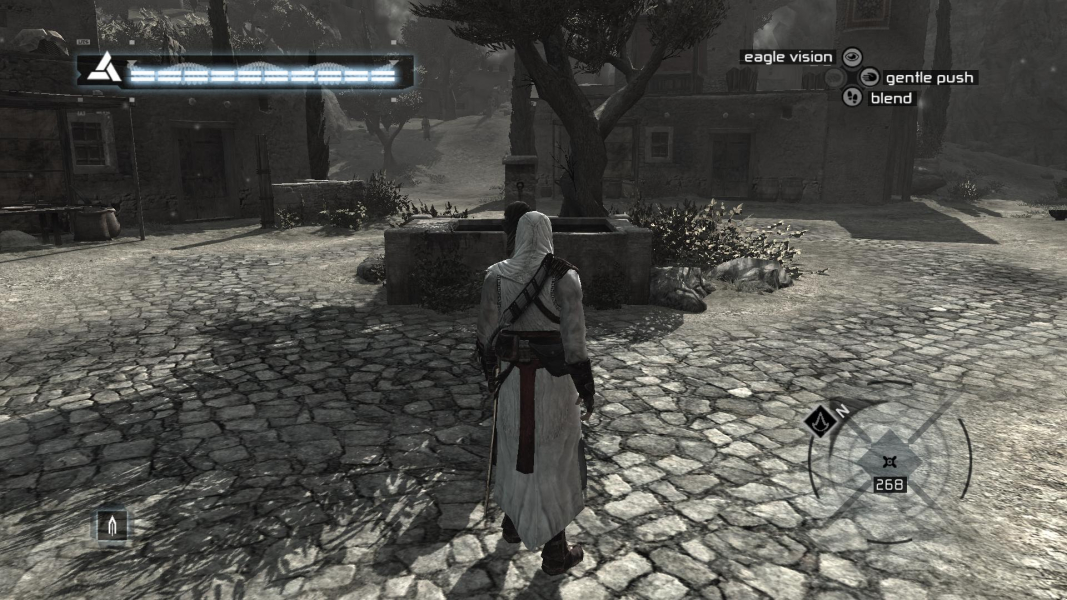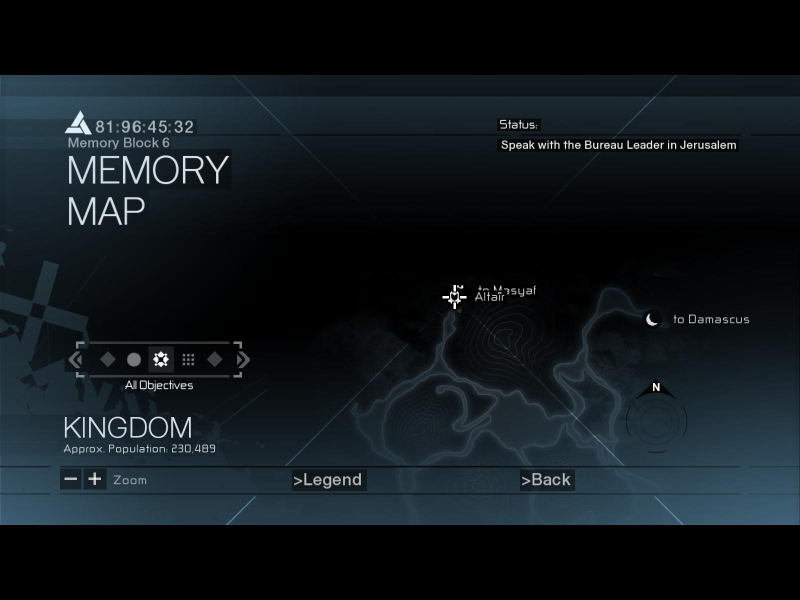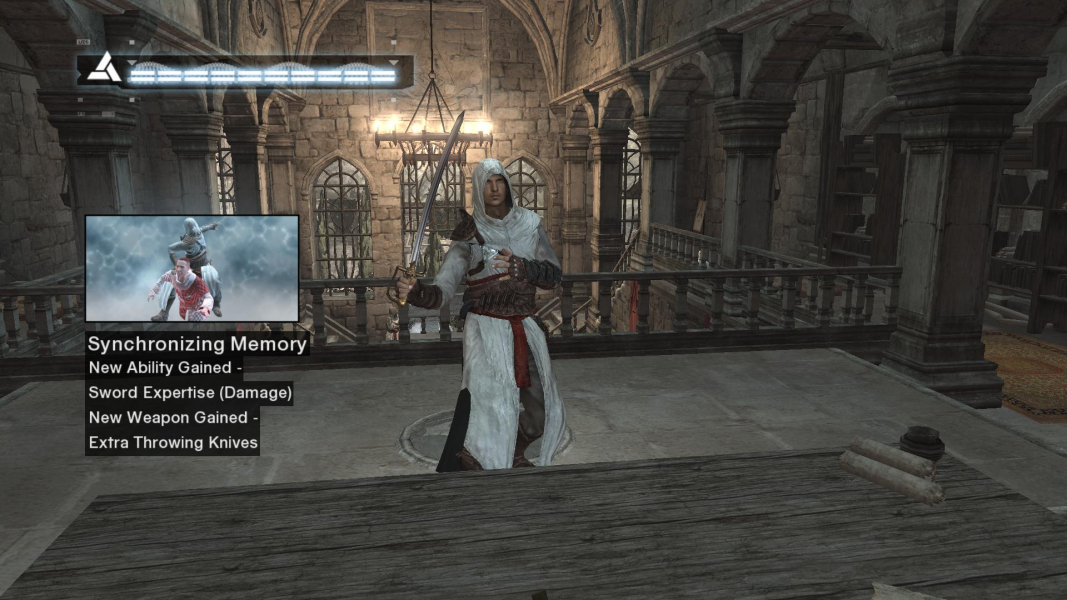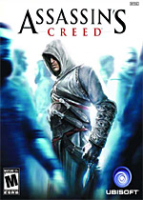


This is an adventure game in the spirt of the venerable Thief series without all the moral complications. Players combine stealth with exploration to maneuver their character into optimal assassinating position. Timing is the key to successful combat and survival. Cut-scenes have occasional "glitches" that open up special views and keep the player interacting with the game. The PC version has additional missions unseen in the console original.
Support Summary
Widescreen | Ultra/Super‑Wide | Multi-Monitor | 4K Ultra HD | |
Support | ||||
Method | ||||
HUD | ||||
Cutscenes | ||||
FMVs |
Game Information
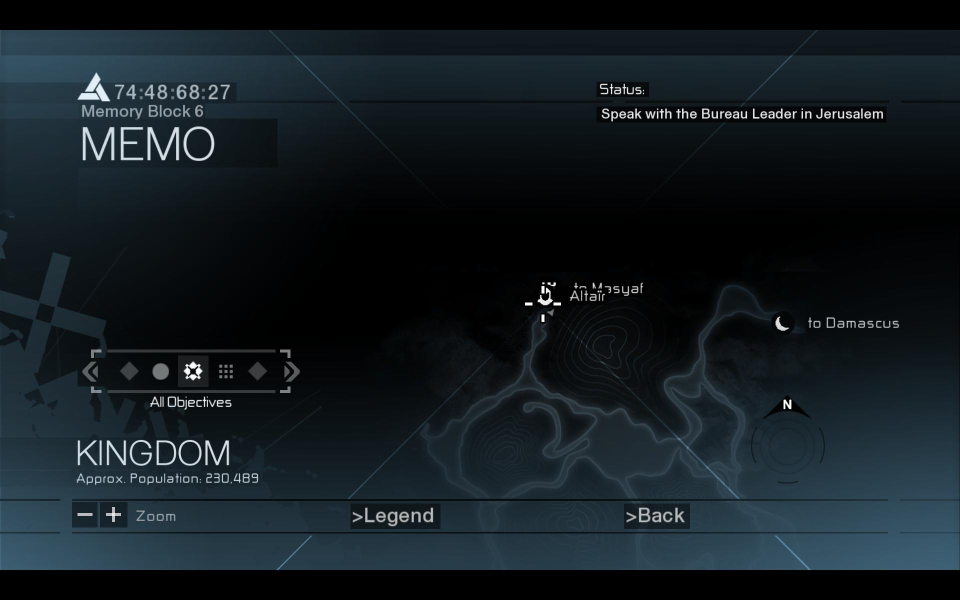
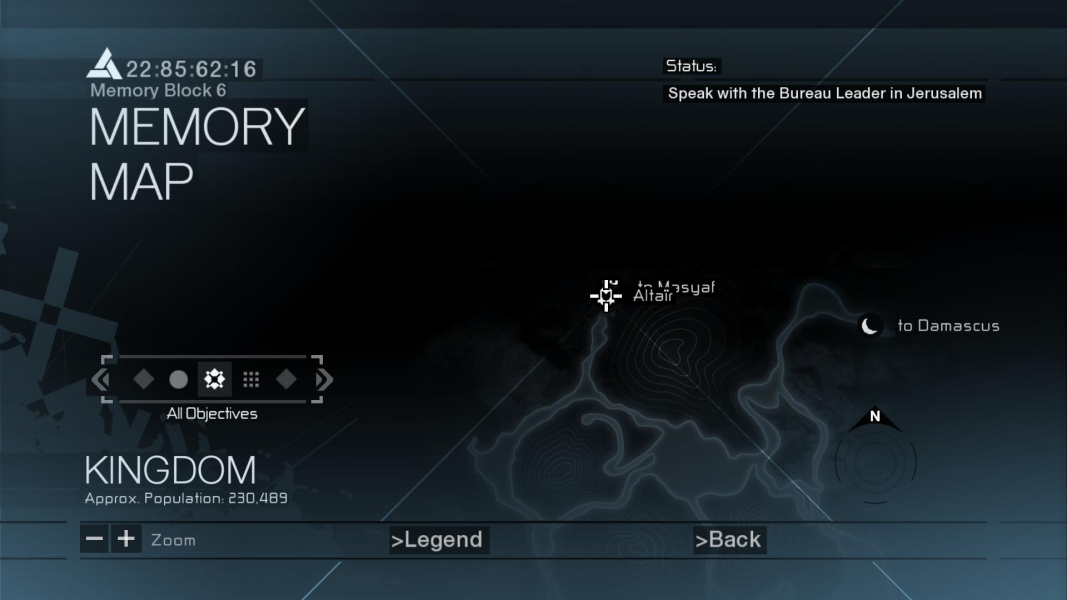
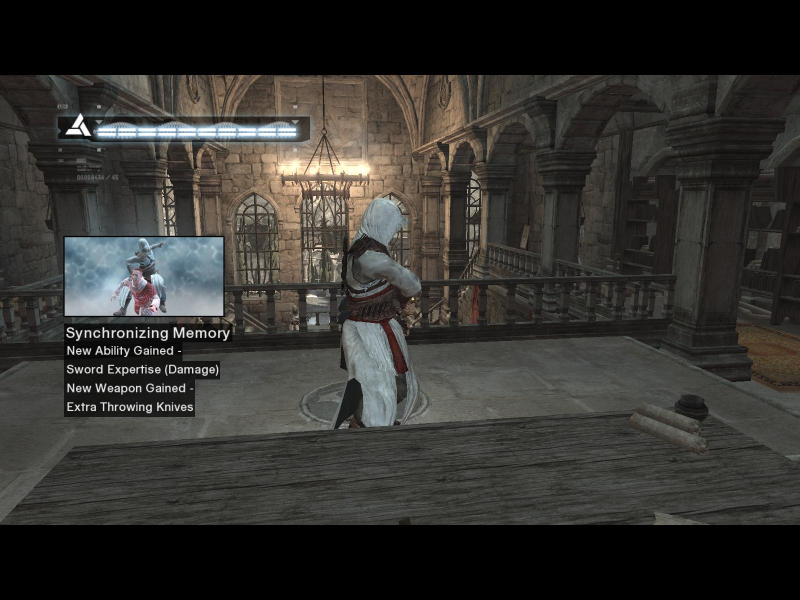
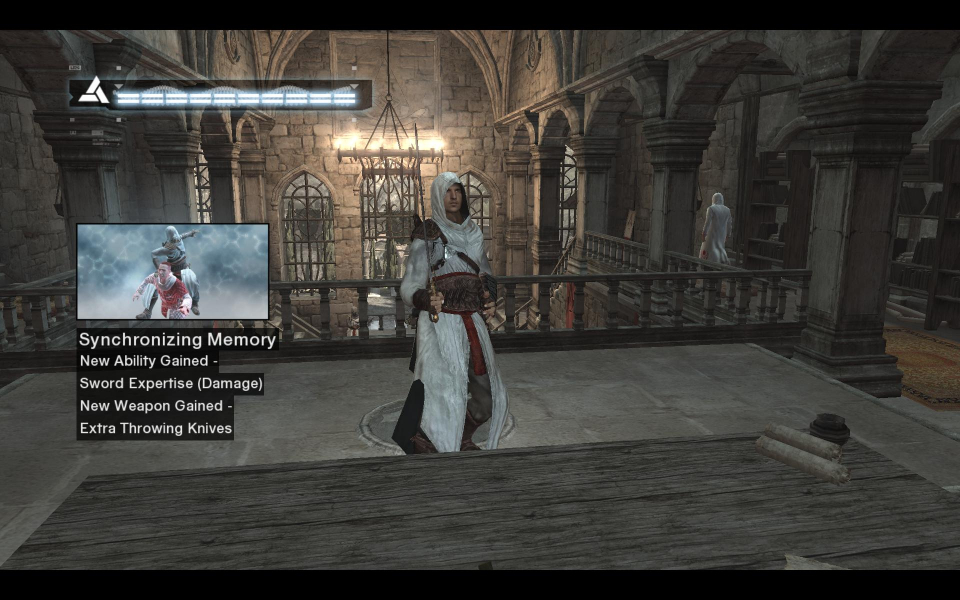
Screenshots Comparison
Solutions & Issues
Fix available from the PCGamingWiki Community Files.
Fix available from the PCGamingWiki Community Files.
Fix available from the PCGamingWiki Community Files.
Please Note - Due to issues with someone, somewhere, tagging the AC fix as malware, we have been forced to remove it from the WSGF Servers. We've tried to resolve the issue, but to no avail. You can still grab it from the site hosted by Racer_S - look for tocaeditprojects2002-2008.zip at tocaedit dot com
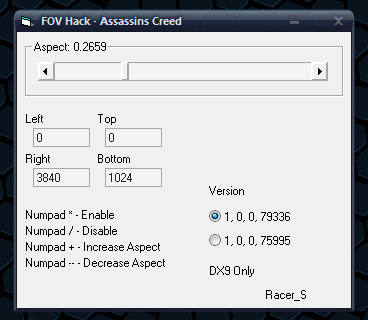
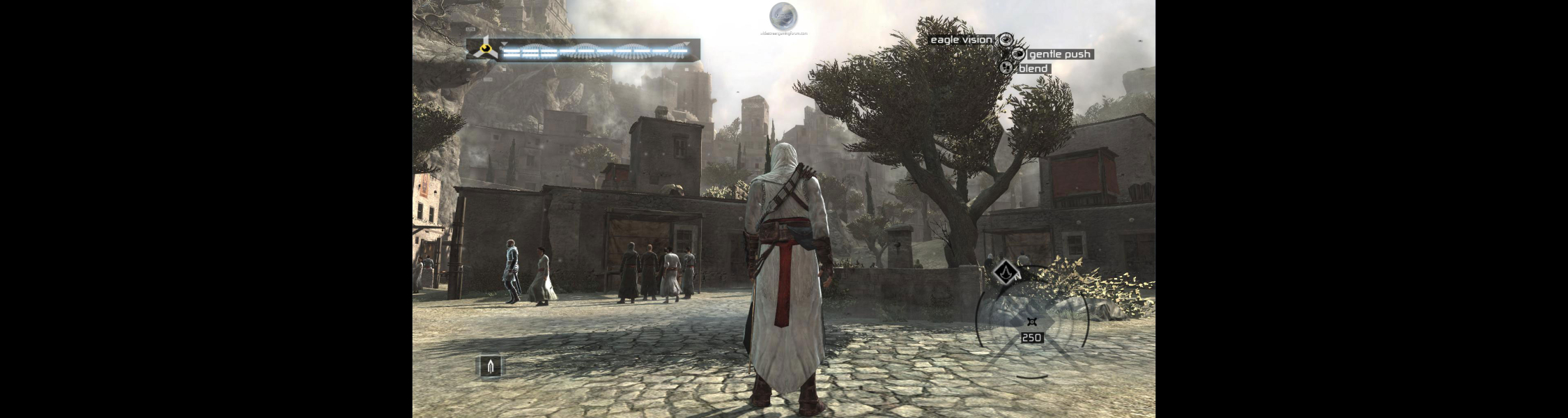
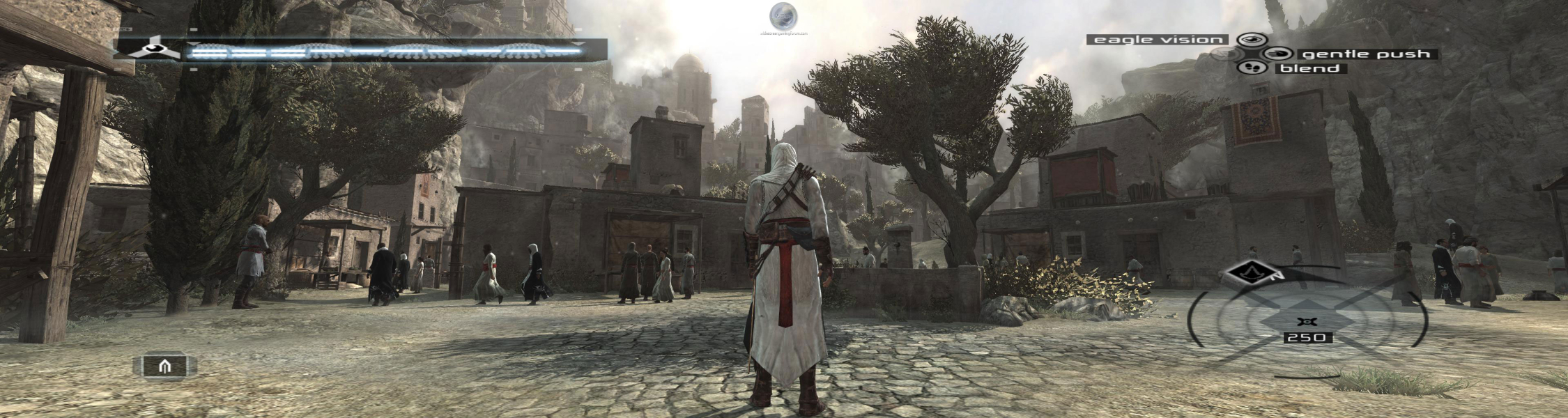
With big thanks to Racer_S for his FOV Hack. Unzip the tool anywhere you like ... I'm using XP and mine is in the games main directory/folder ... C:\Program Files\Ubisoft\Assassin's Creed ... Run the tool ... leave it running ... Set it as follows for TH 3840x1024 ... or your desired TH resolution ... Choosing your version of the game ... mine is the UK shop bought version. Just input the res you are using for lower TH resolutions ... the other settings should stay the same. Start the game ... Press the * key on the number pad to enable the tool ... If for any reason the graphics get messed up going from menu to in-game or back ... just disable the tool with the / key on the number pad and re enable it with the * key ... For those running 5040x1050 you need to set it like this ... Aspect: 0.2056 (same for any 3 x 16:10 res) Left - 0 Top - 0 Right - 5040 Bottom - 1050 That's it ... enjoy ... The HUD is stretched but it can be seen a bit better than it was without without the tool (because it was annoyingly behind the gaps between the screens). It can also be turned off in the games options if you so desire.
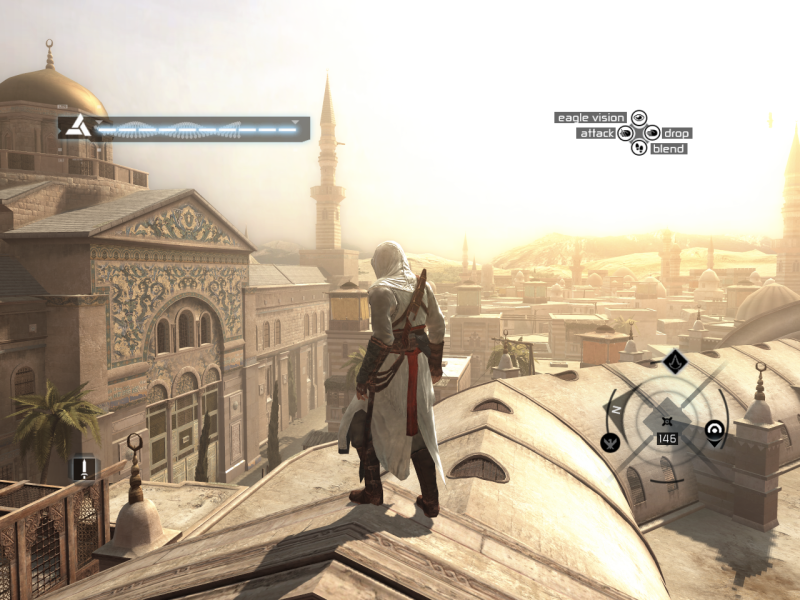
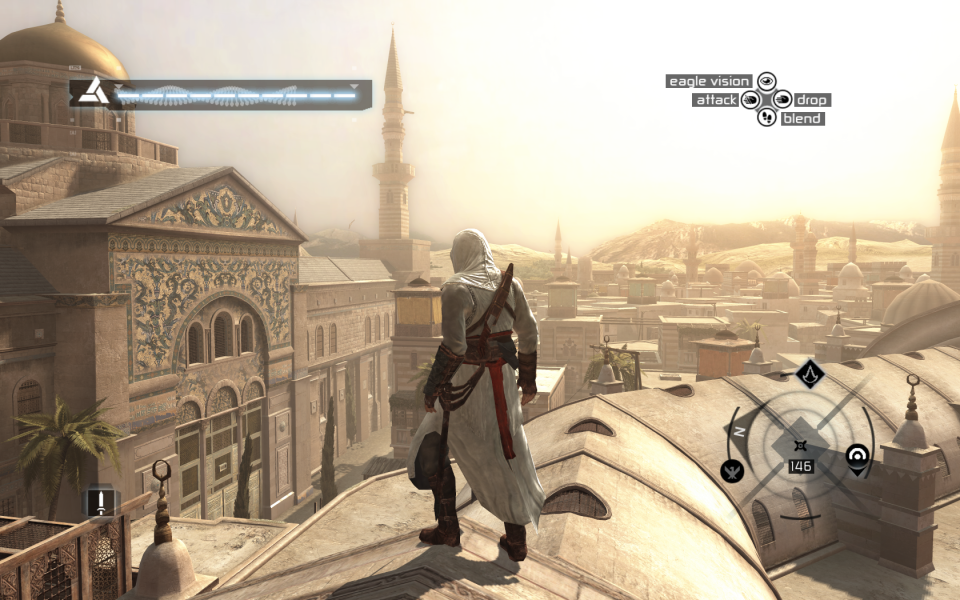
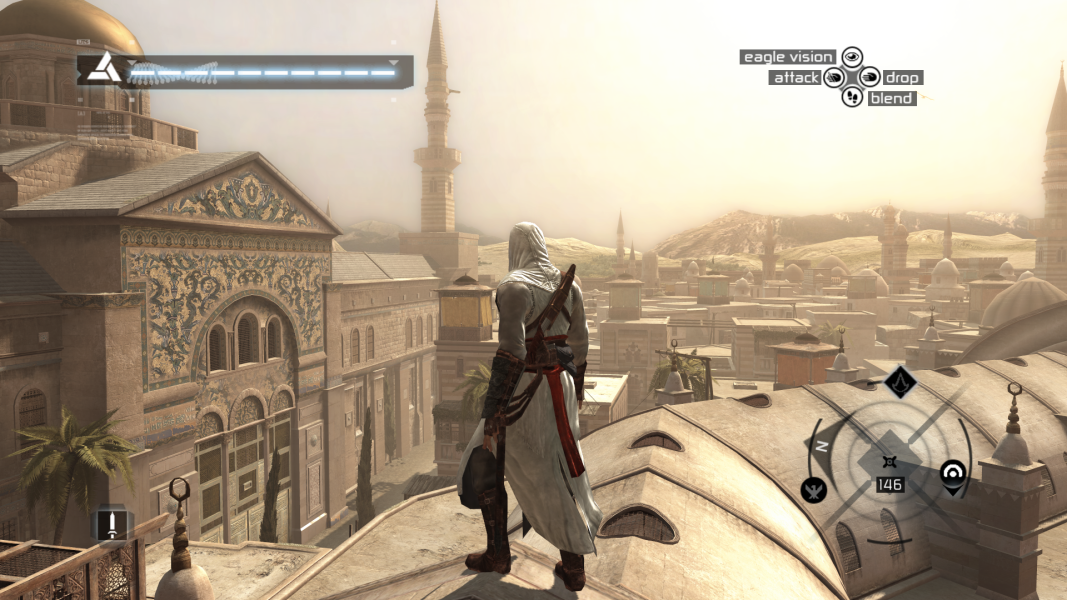
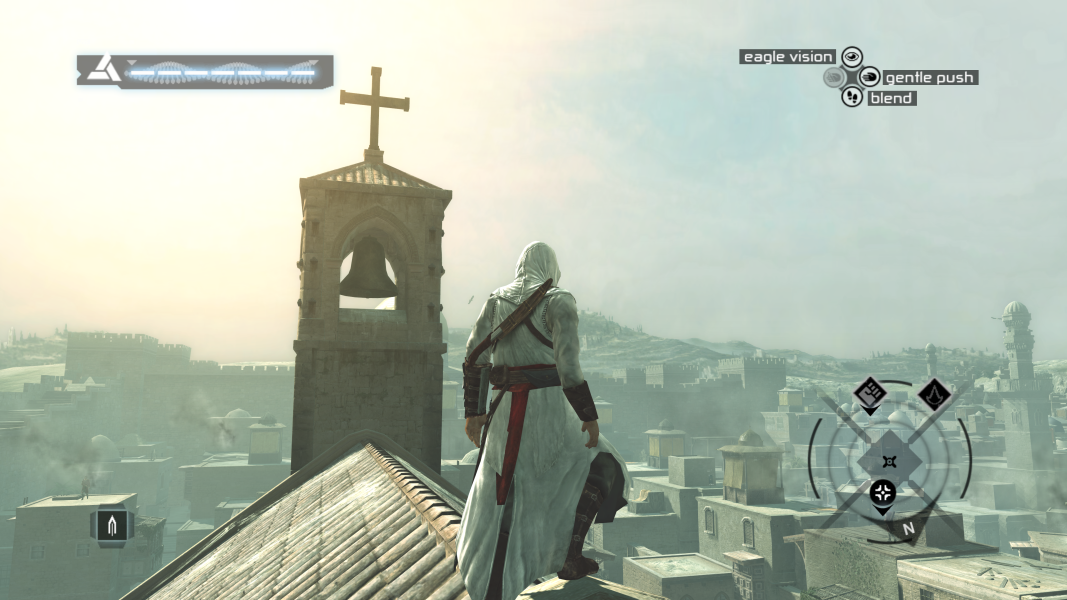
Gameplay Screenshots
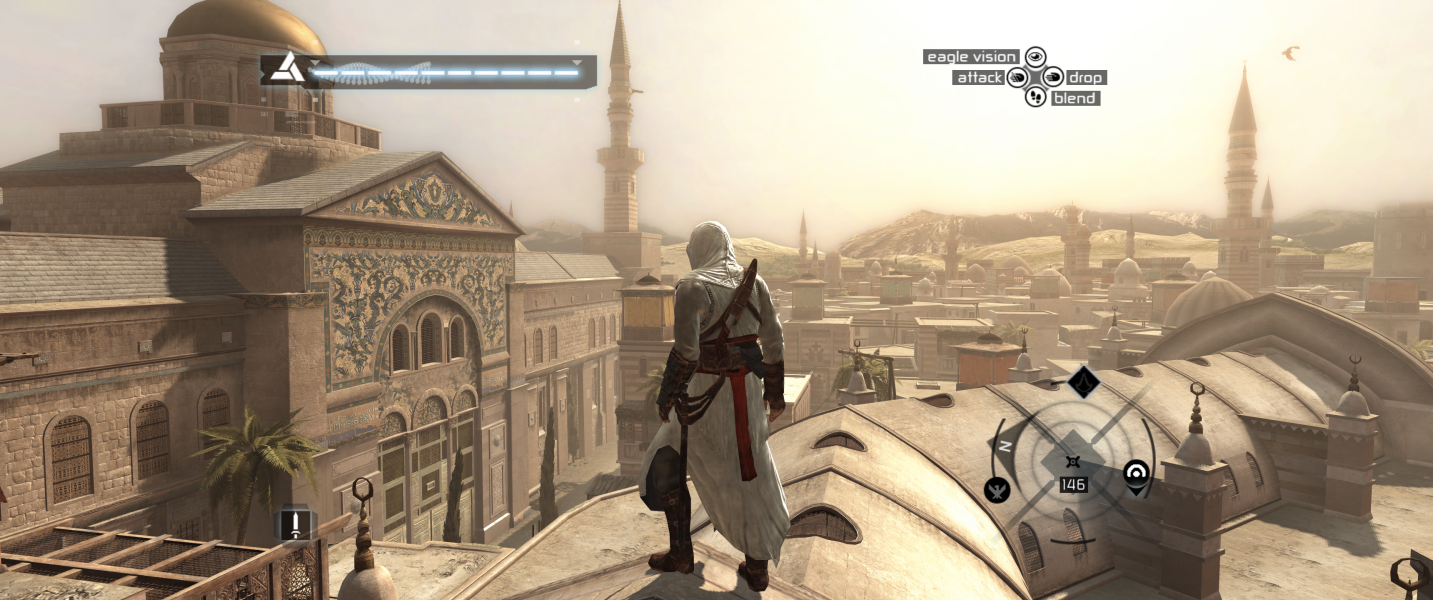


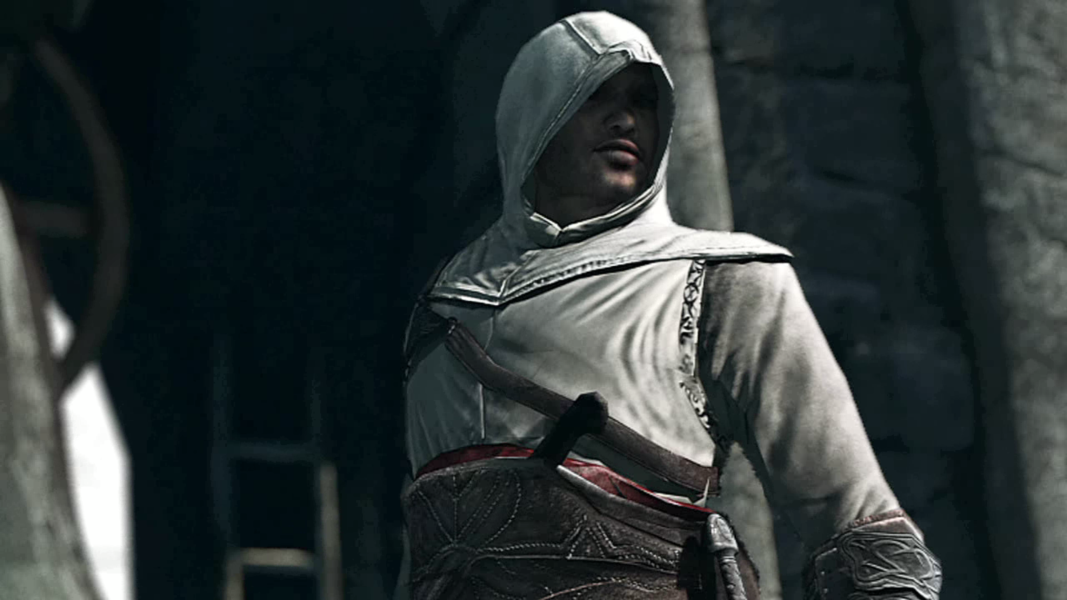
In-Game (Rendered) Cutscenes
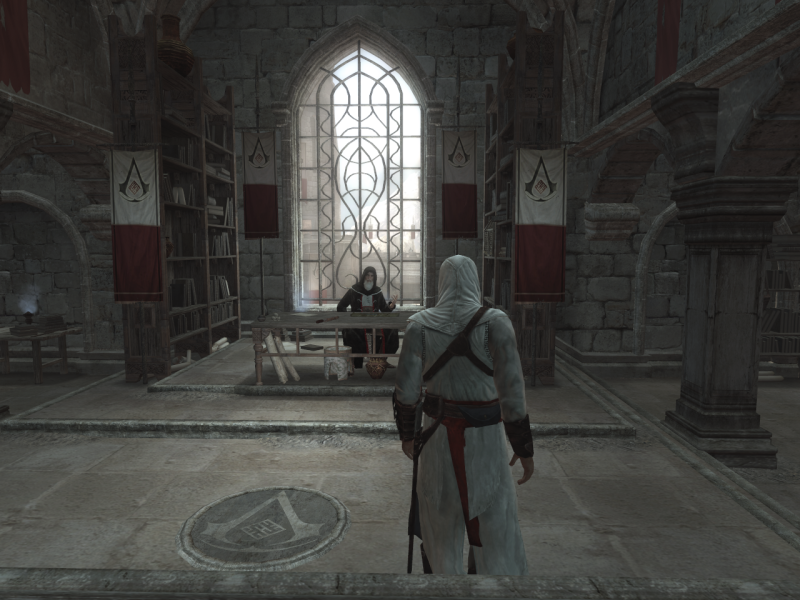
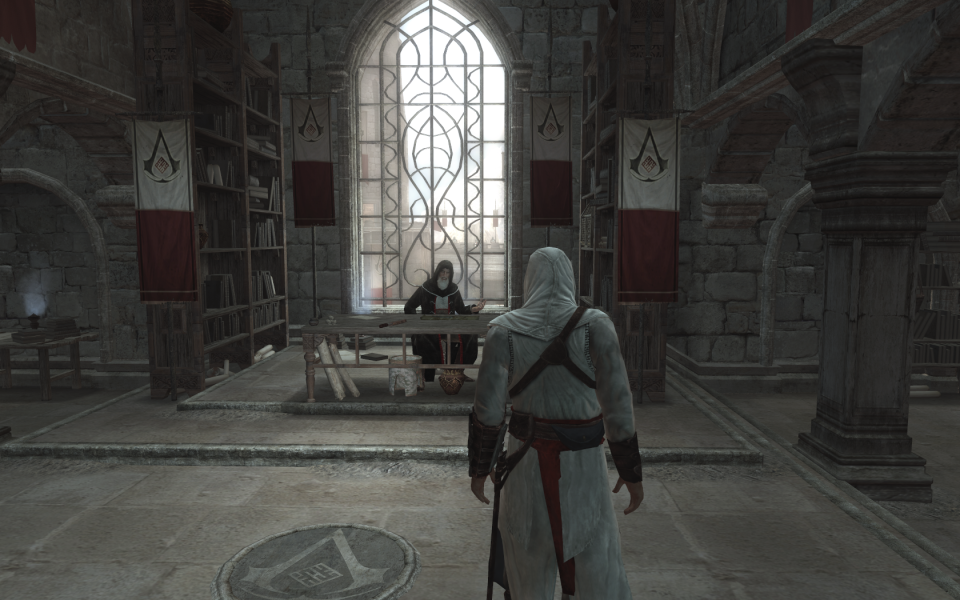
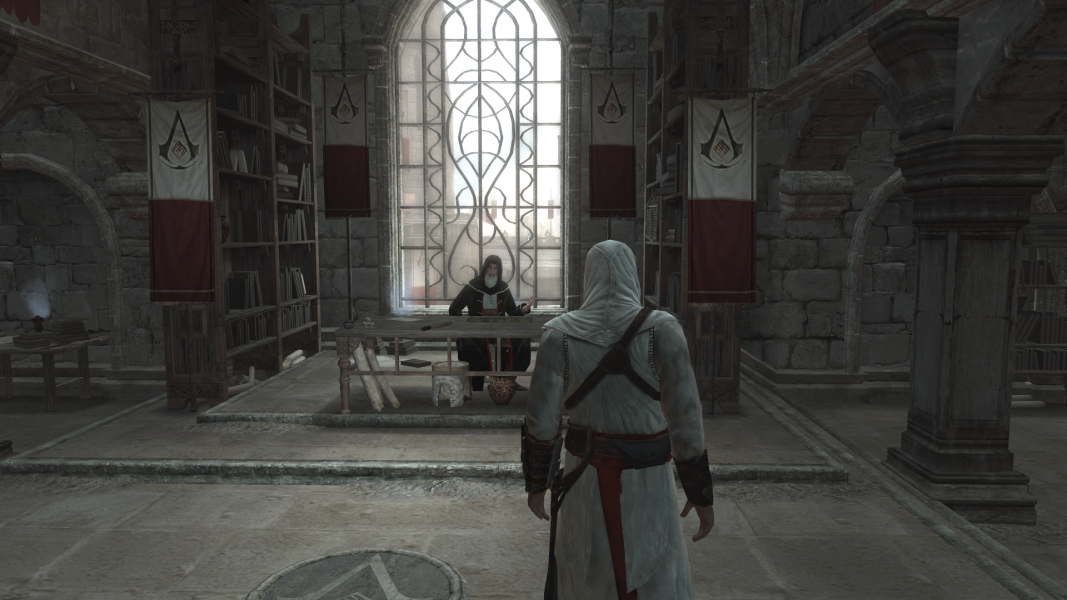
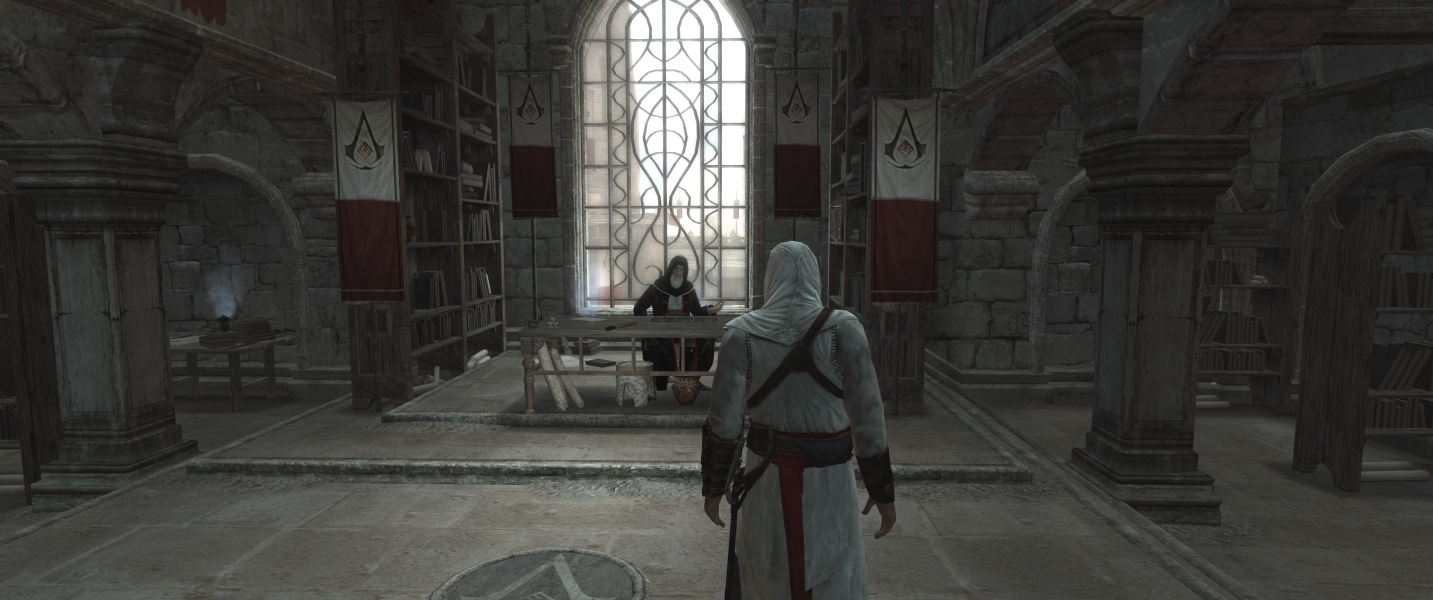

FMV Cutscenes
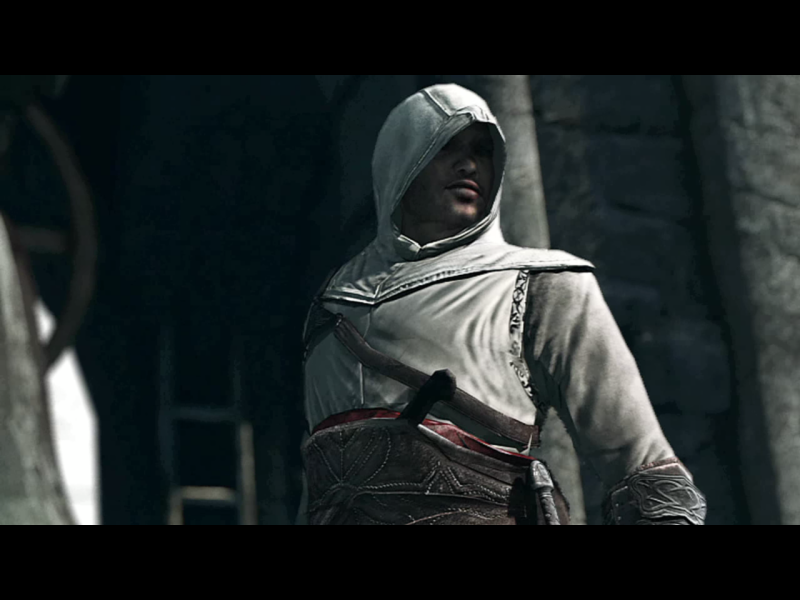
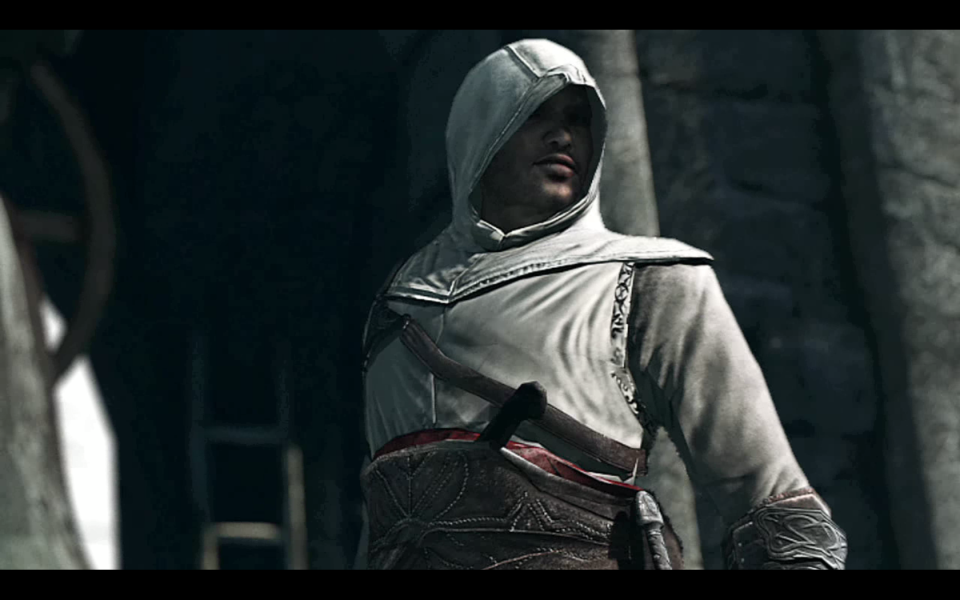

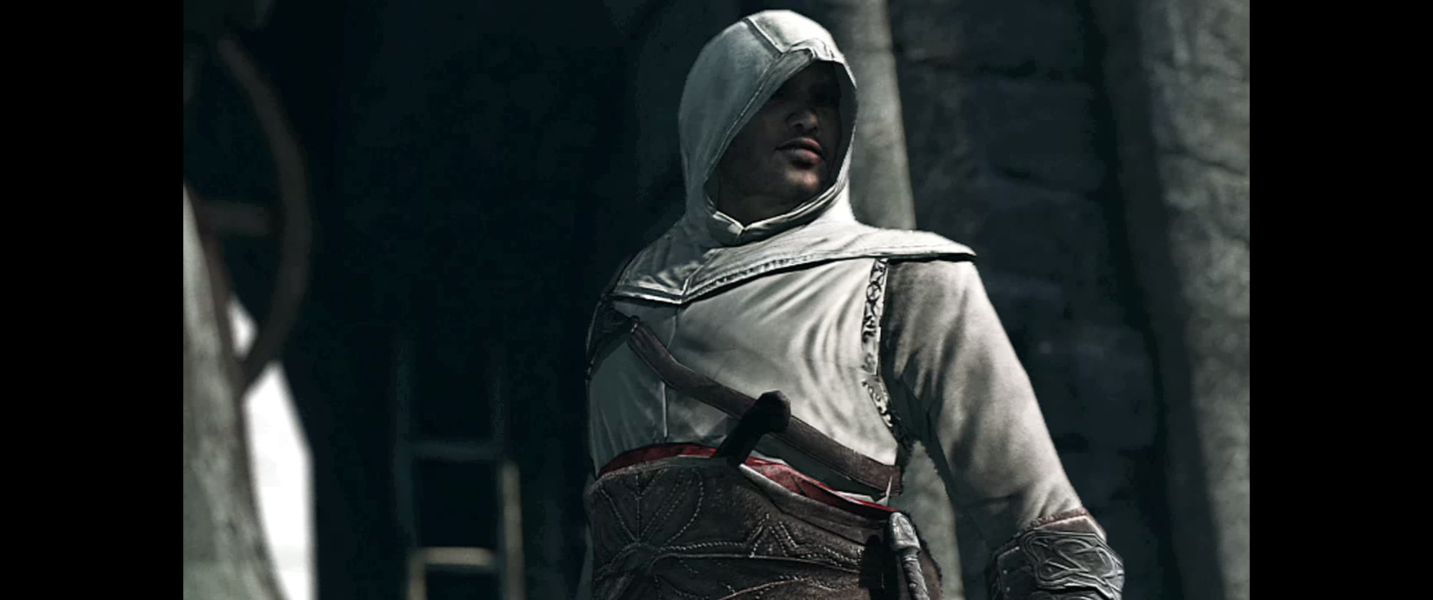

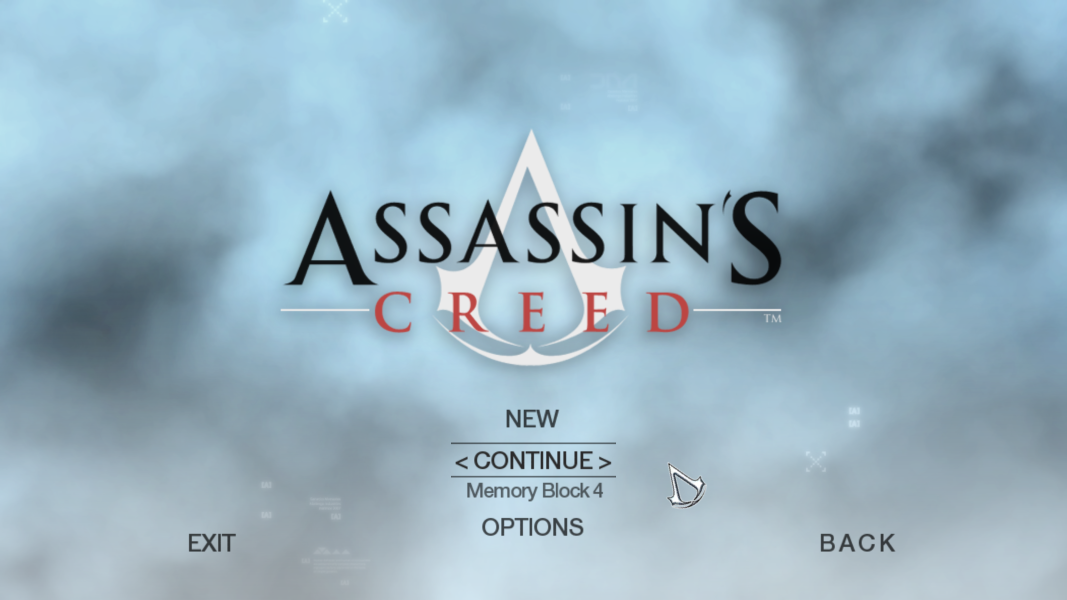
Menu Screenshots

4K UHD Screenshots

Additional Screenshots