

ARMA 2 (Armed Assault 2) is a realistic military simulation game
Support Summary
Game Information
Screenshots Comparison
Solutions & Issues
Support is native for 16:10, 16:9 and 12:3.
From the Video options menu, choose your desired resolution (Interface resolution) then select the corresponding aspect ratio in the Advanced menu. Restart the game to apply changes.
However for proper/unstretched 15:9 and Surround, a simple edit is required.
1) Find your .ArmA2Profile file in My Documents\ArmA 2\ and open it in Notepad.
2) Look for these lines:
fovTop=
fovLeft=
3) Edit these values to match your aspect ratio as follows:
For 15:9
fovTop=0.666666666;
fovLeft=1;
For 3x 16:10
fovTop=0.8;
fovLeft=4;
For 21:9
fovTop=0.94;
fovLeft=2.1900001;
4) Save changes and launch the game. Your new AR is automatically selected and listed as 'Custom' in the Advanced video options.
You will need to adjust the FOV and Aspect Ratio. See the Baseline widescreen support. Other than that the games works just perfect.
You need to be careful when choosing the size of the HUD because it can get outside the screen if you make it too big.
To center the HUD:
Go to "my documents" "other arma2 profiles" "your name" then edit "ARMA2OAPROFILE File (.ArmA2OAProfile)" with wordpad and change
"tripleHead=0" to "tripleHead=1"
tripleHead=1;
shadingQuality=10;
shadowQuality=2;
maxSamplesPlayed=32;
anisoFilter=2;
TexQuality=3;
TexMemory=3;
useWBuffer=0;
class Difficulties
"save" file.
Gameplay Screenshots
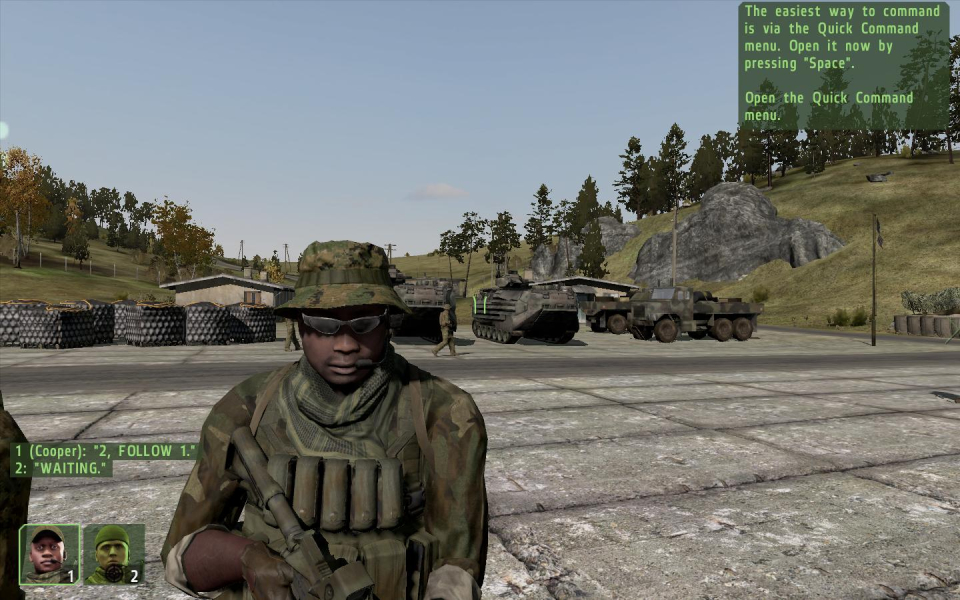
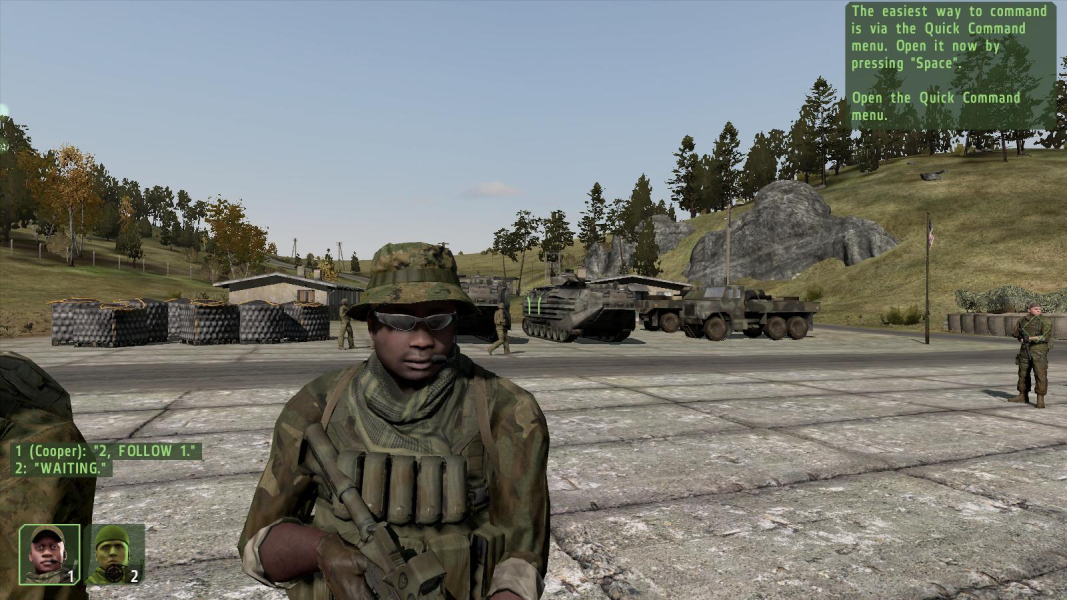


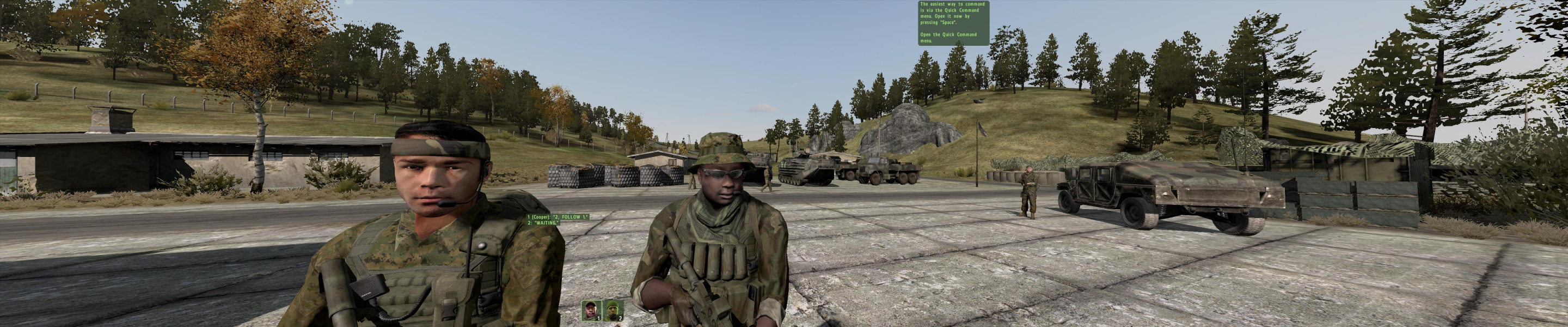
Additional Screenshots