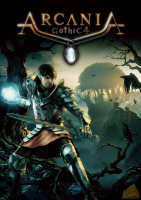


Arcania: Gothic 4 is the fourth installment of the Gothic series, and the first one developed by a company other than Piranha Bytes; the game was developed by Spellbound.
War covers over the Southern Islands like a blood-drenched shroud and finally, and reaches the idyllic isle of Feshyr in the Southern Seas. The protagonist returns from an adventure to find his home town pillaged and looted. The aggressors’ ships - with an Eagle displayed on their billowing sails - escape over the horizon.
Seeking revenge, the hero leaves the destroyed city behind and soon realizes that this cowardly attack did not just happen on a reckless mercenary's whim. An evil power lies waiting at the threshold of this world, and our hero will need to face this nameless evil. Yet the hero is not alone - his fate is linked to that of a beautiful, mysterious lady as well as a powerful artifact from the long-forgotten distant past.
Support Summary
Game Information
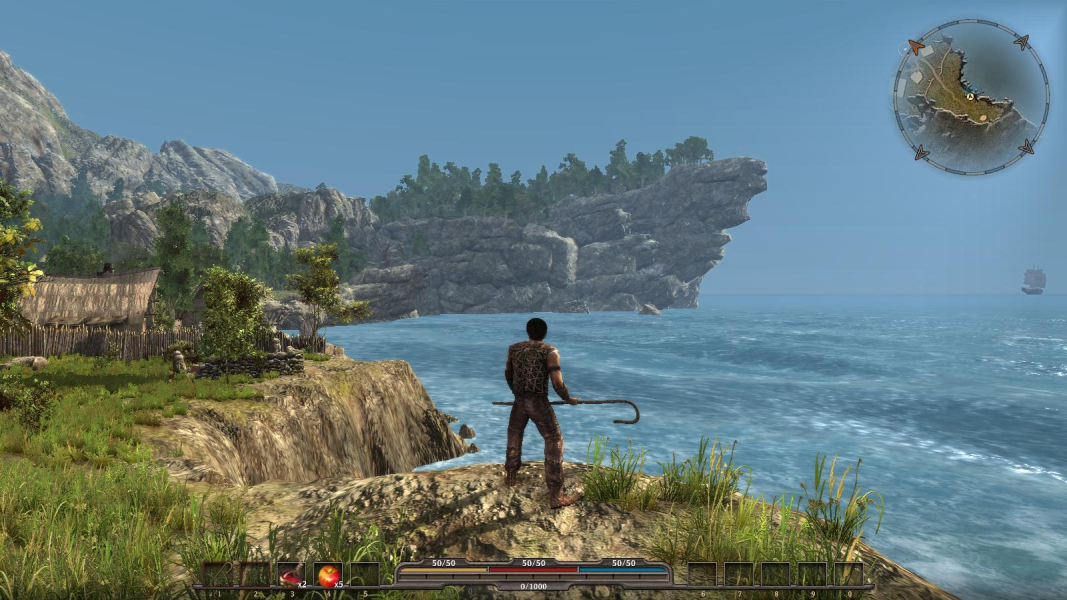
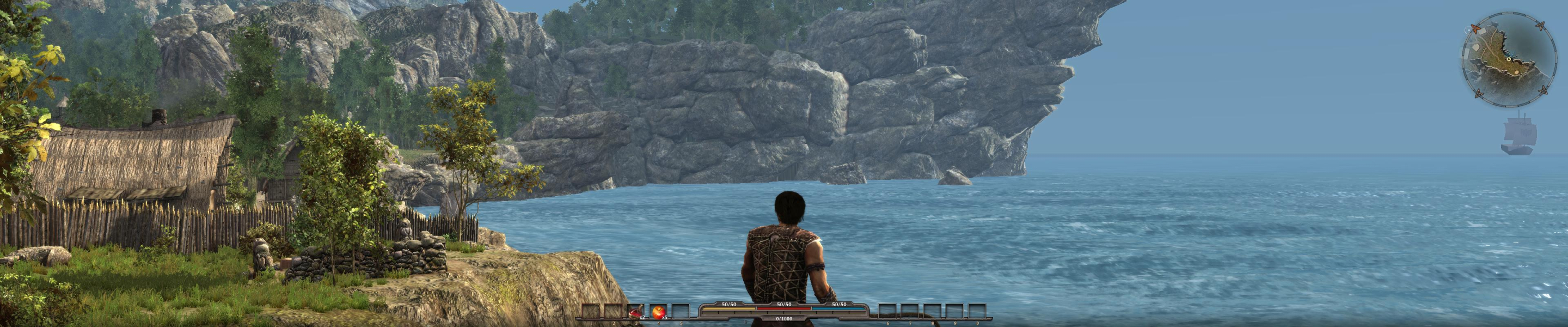
Screenshots Comparison
Solutions & Issues
There are two available solutions...
1) A big thanks to valafar for this solution...
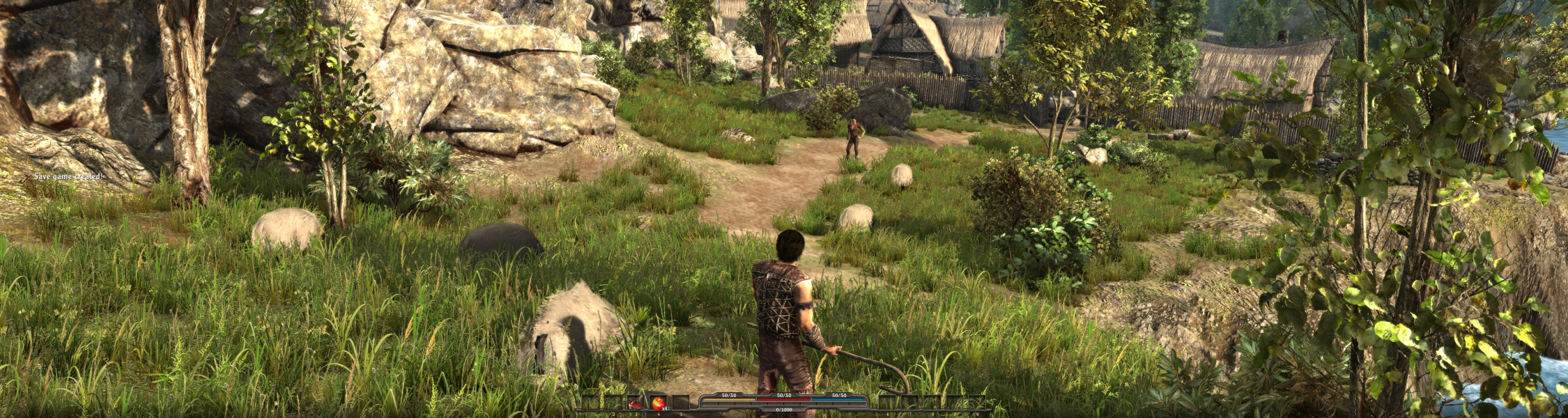
For those that run triple monitor setups the top and bottom of your view is cut off. I have been working on correcting this. What I have done is increase the field of view by 40 degrees for everything in the world, combat, and during the dialog. I can't say that this will work for all extended resolutions, but it does work for my setup @5760x1080. You may need to make a few edits to the files, increase or decrease FoV, to make it work correctly for other extended resolutions.
Instructions;
Simply extract the contents of the file to your game directory. Enjoy.
File: http://cdn2.wsgfmedia.com/f/u/FoVedit0.1.zip
2) A big thanks to helifax for this solution...
Un-7zip all the content in the following location: Arcania/Data/configuration.
It fixes the following:
- FOV - really nice fov close to the original fov on a 16:9 aspect ratio
- Correct FOV in cutsecenes for Surround/Eyefinity Gaming
- Correct fov in Inventory, Menus : Crafting, etc.
- They also work for the expansion "set":)
File: http://cdn1.wsgfmedia.com/f/u/configuration.7z
Gameplay Screenshots


Additional Screenshots