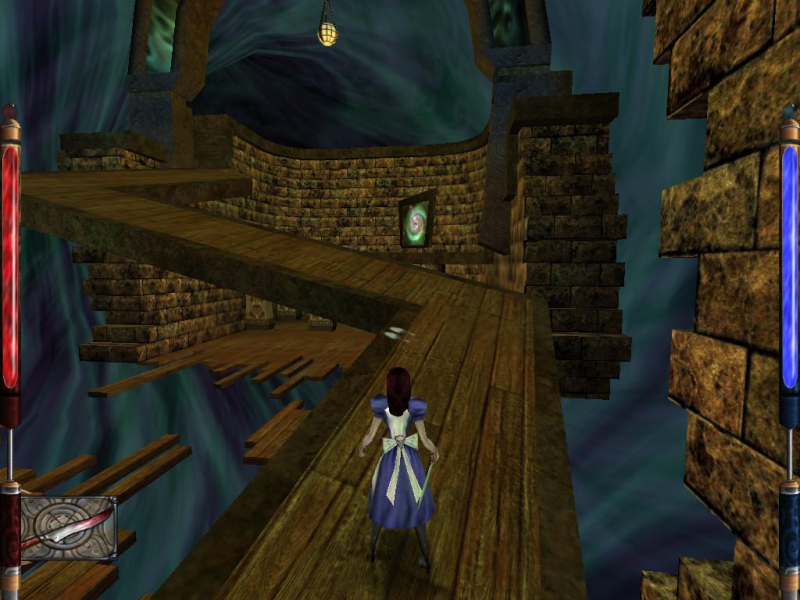


American McGee's Alice is a third-person puzzle/shooter computer game, which takes place in the Alice's Adventures in Wonderland universe. It was developed by Rogue Entertainment and published, distributed and marketed by Electronic Arts, and under the Sold-Out Software label as well. Alice was designed by American McGee, and featured music composed by former Nine Inch Nails drummer Chris Vrenna.
Support Summary
Game Information
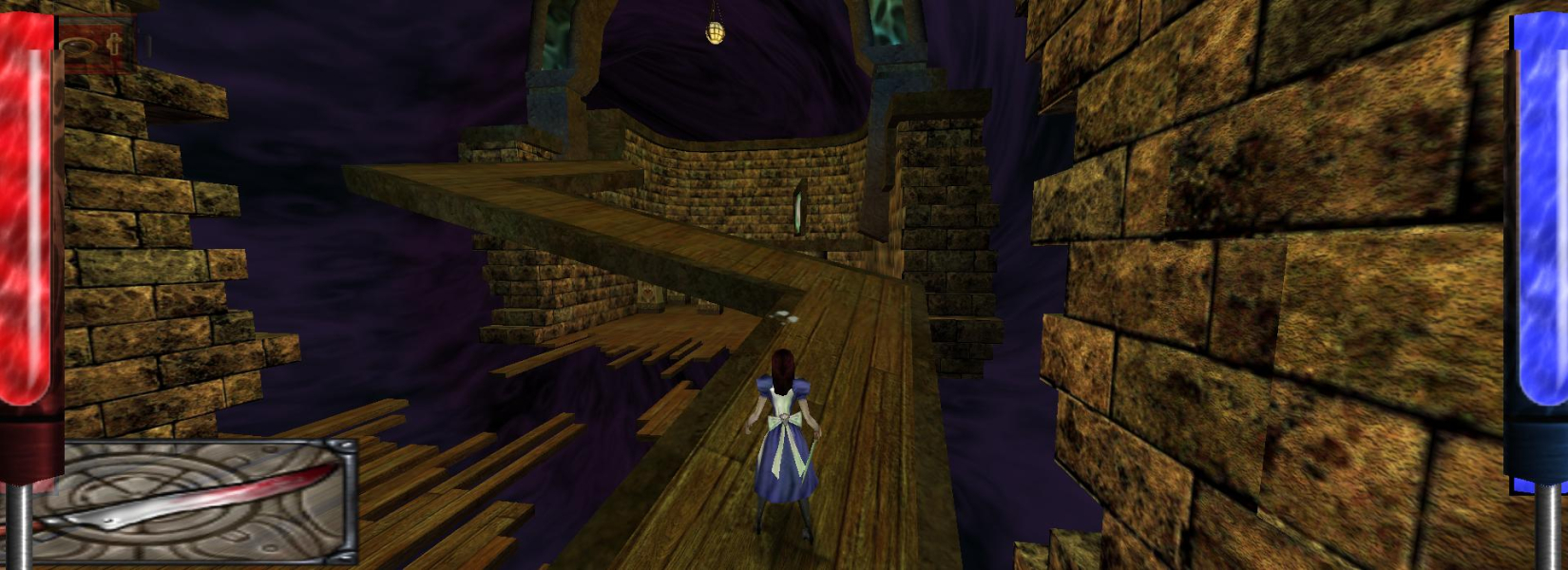
Screenshots Comparison
Solutions & Issues
Go to \Base, open the config.cfg file with a tool like textpad and change the line:
seta r_mode "x"
to
seta r_mode "-1"
Add the lines:
seta r_customwidth "1920"
seta r_customheight "1200"
(using your resolution if different)
Do not attempt to change the FOV through this file. It won't work, and it will lock out your ability to change it via console.
Instead, bring the console down ingame, and use the "fov x" command to increase it. You will need to do this every time you load a new level or load a saved game. Advanced users may wish to bind this to a keystroke.
Recommended fov settings:
Default 4:3 - 90
Widescreen 16:10 - 100.39
Widescreen 16:9 - 106.27
So, for instance, you might enter this command:
bind m "fov 100.39"
So that whenever you press m, your fov increases to what is appropriate for a 16:10 monitor.
The solution for widescreen also works for surround. The HUD does some strange things, though, as it gets quite cramped, and some of the non-functional bits collide with the actual colored bars. It still works fine, though.
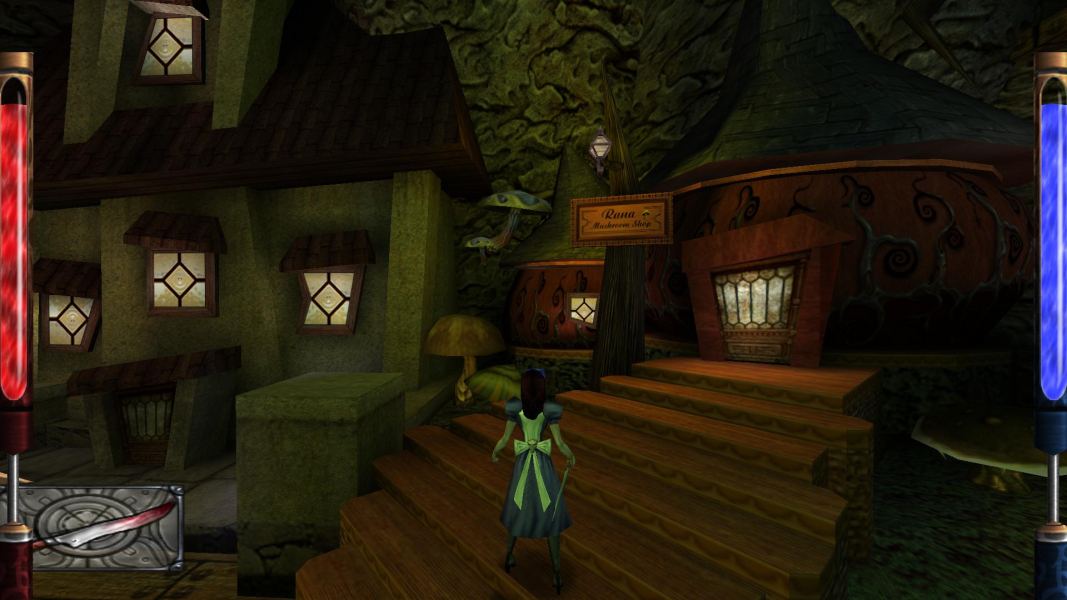
Gameplay Screenshots




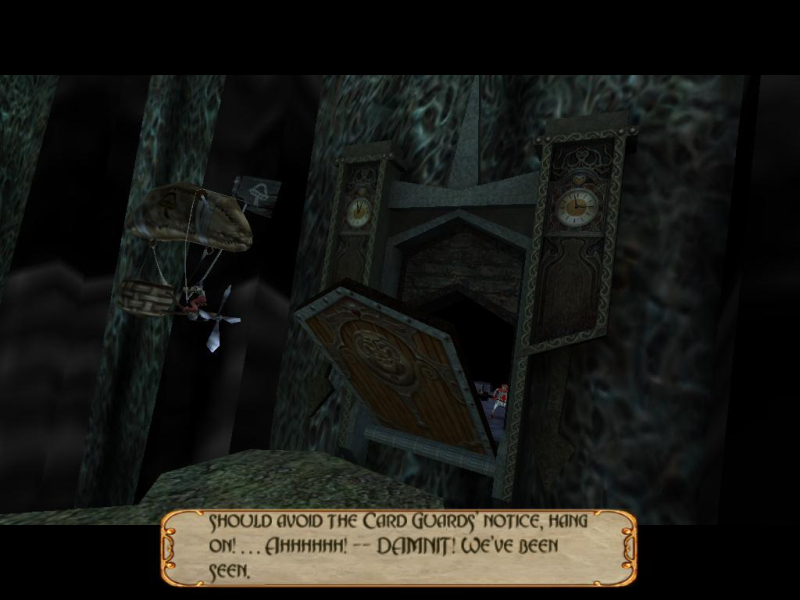
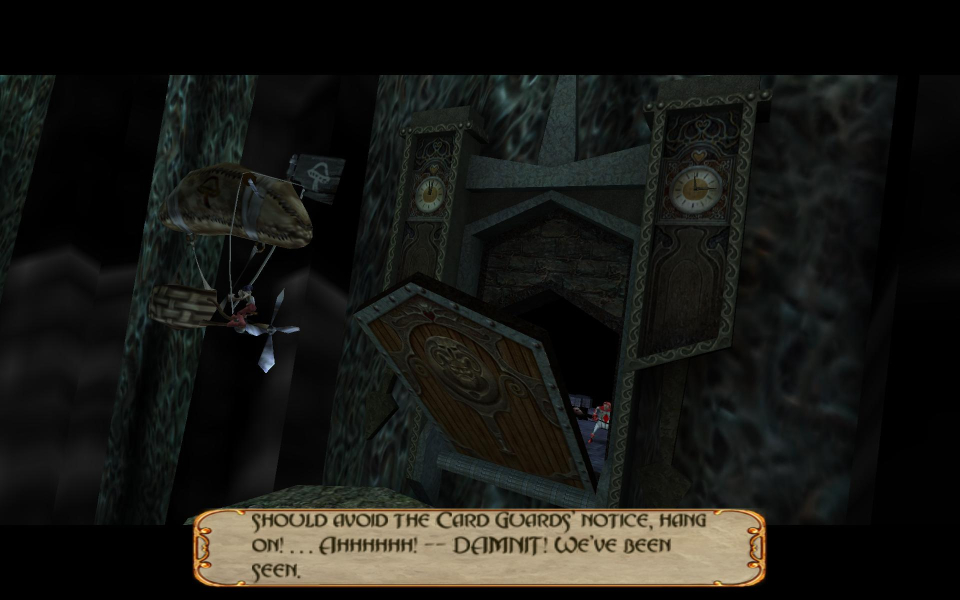
In-Game (Rendered) Cutscenes
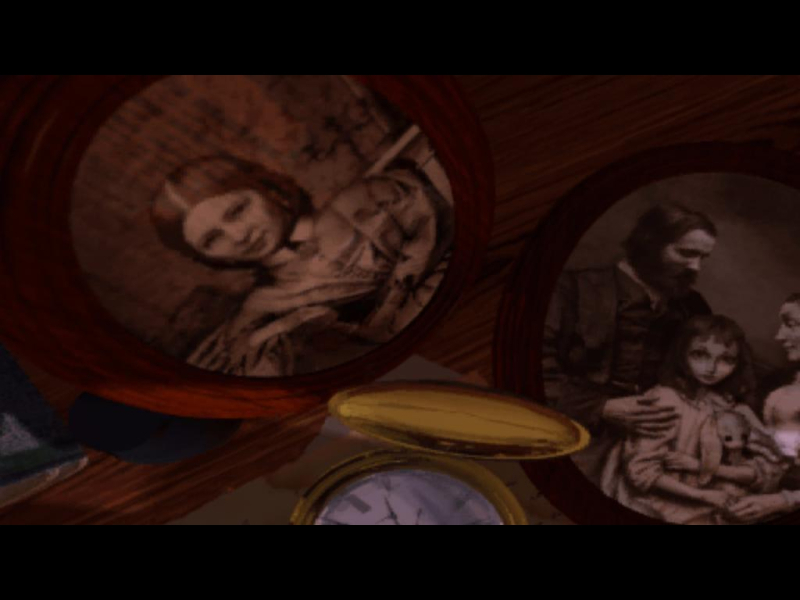
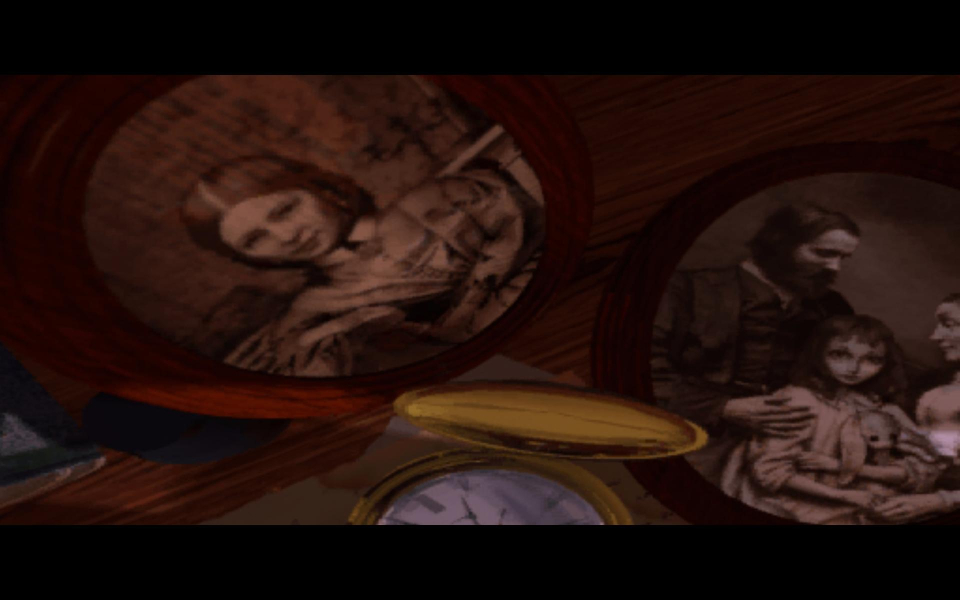
FMV Cutscenes
Additional Screenshots