


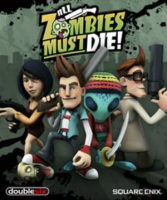


All Zombies Must Die!, the spiritual successor to Burn Zombie Burn!, is an Arcade- RPG where killing as many zombies as possible is top of the to-do list.
The fate of humanity – or at least the small town of Deadhill – rests in the hands of four unlikely heroes: Jack, the gamer; Rachel, the girl; Brian, the geek; and Luxo, the alien. Go it alone, or enlist the services of up to three like-minded chums to survive the zombie apocalypse.
Support Summary
Widescreen | Ultra/Super‑Wide | Multi-Monitor | 4K Ultra HD | |
Support | ||||
Method | ||||
HUD | ||||
Cutscenes | ||||
FMVs |
Game Information
Screenshots Comparison
Solutions & Issues
Native
Aspect Ratio via Cheat Engine - press F2 - files available from the PC Gaming Wiki Community Files (search there).
FOV can be changed via ini edit:
Go to C:\Users\.....\Documents\My Games\UnrealEngine3\Bzb2Game\Config\Bzb2Game.ini
[Bzb2Game.Bzb2PlayerCamera]
CameraFOV=80 change to 120
MaxMultiplayerCameraFOV=92 change to 120
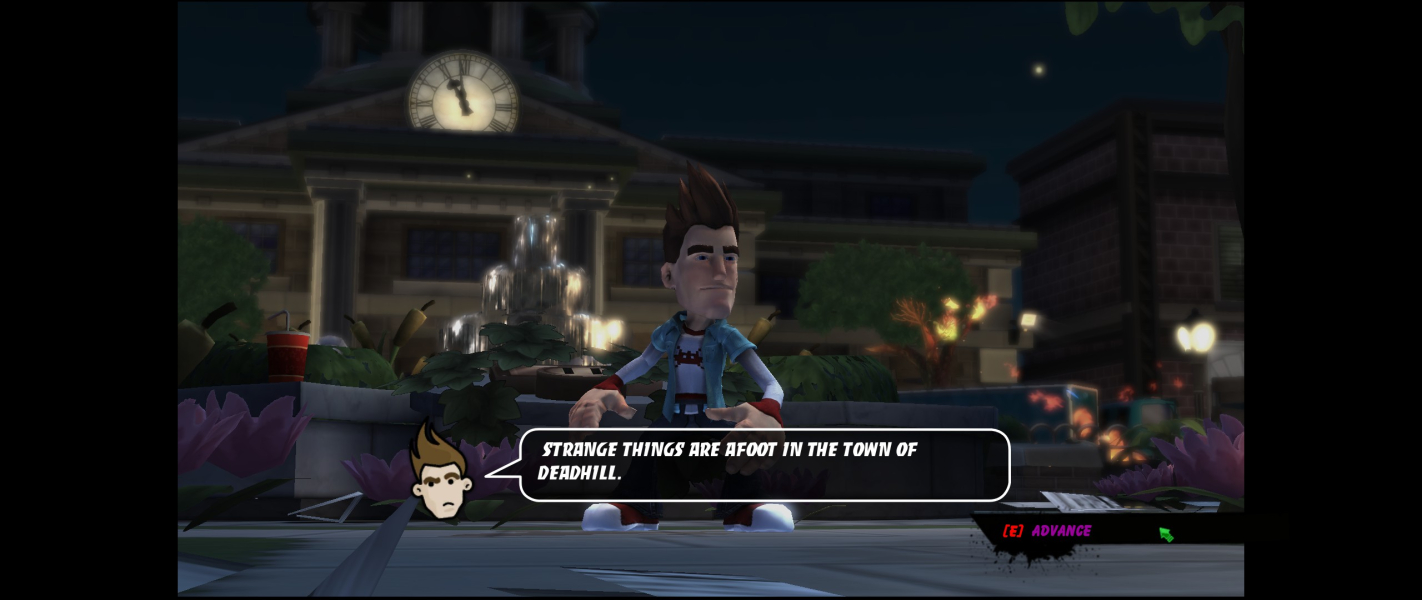
Anamorphic behaviour means pillarboxed gameplay. The outside monitors only show some cursor and HUD anomalies but does not affect gameplay. Refer to additional screenshots for surround anomalies.
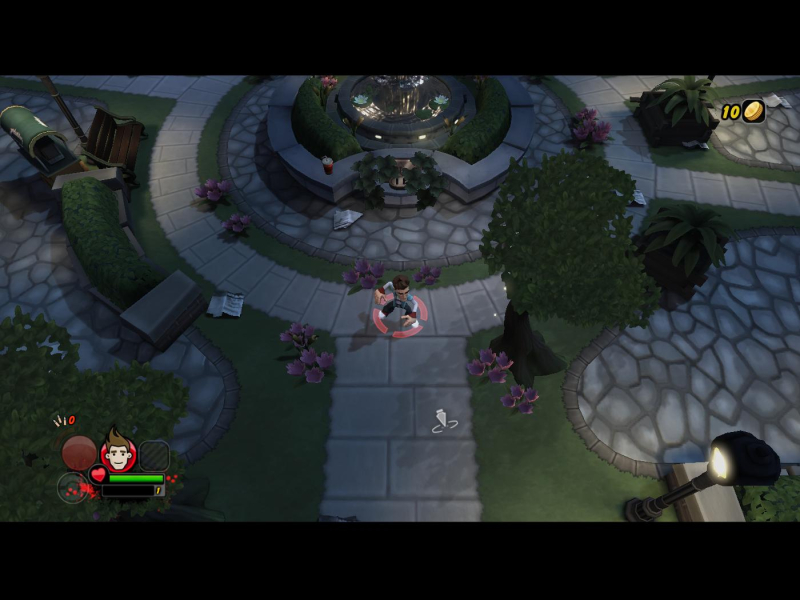
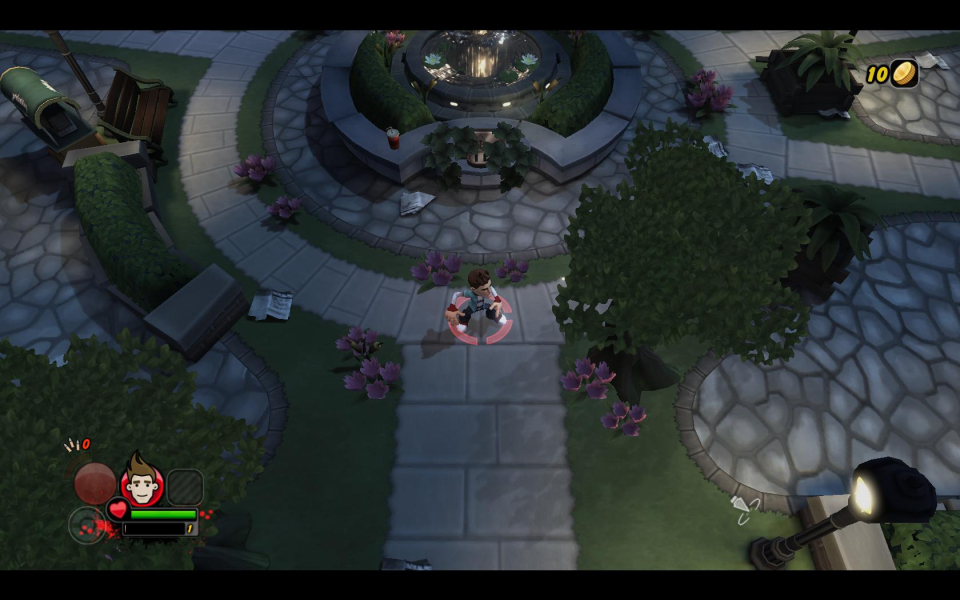
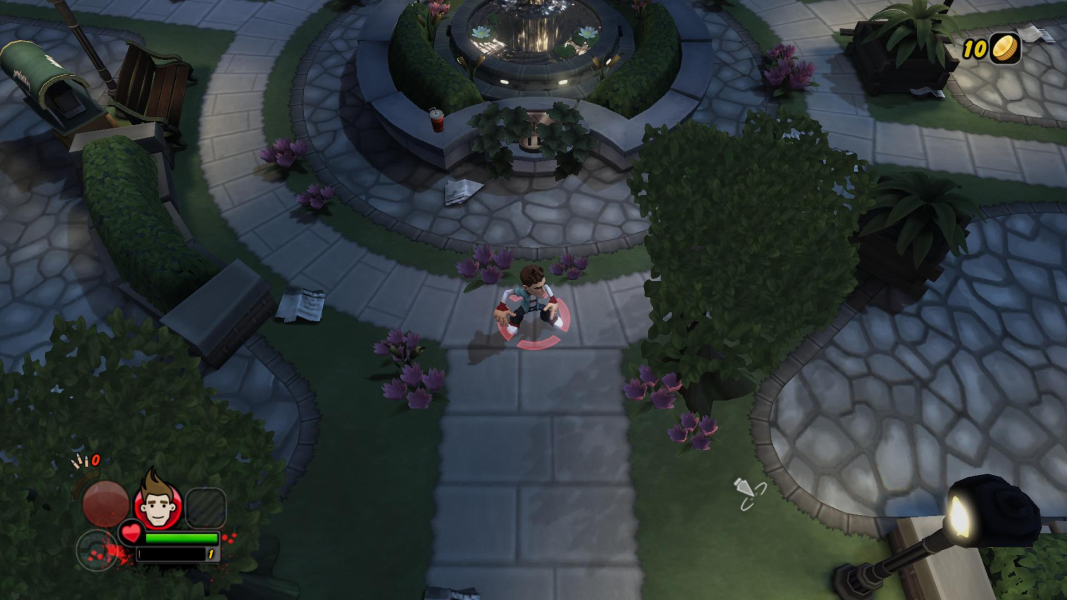
Gameplay Screenshots



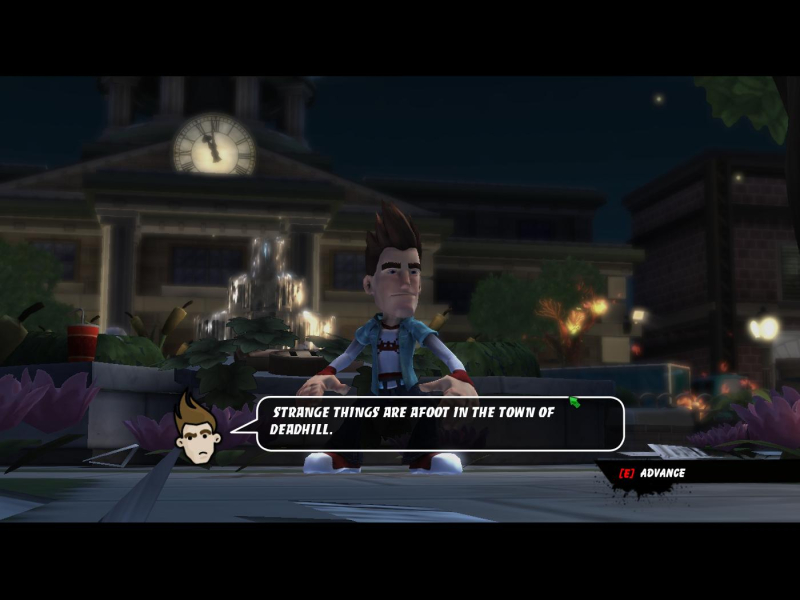
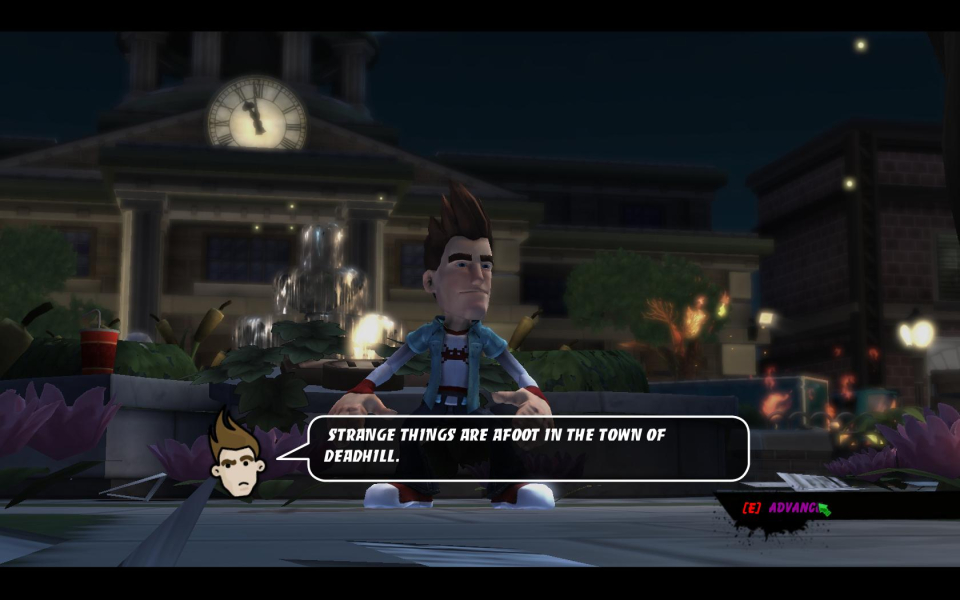
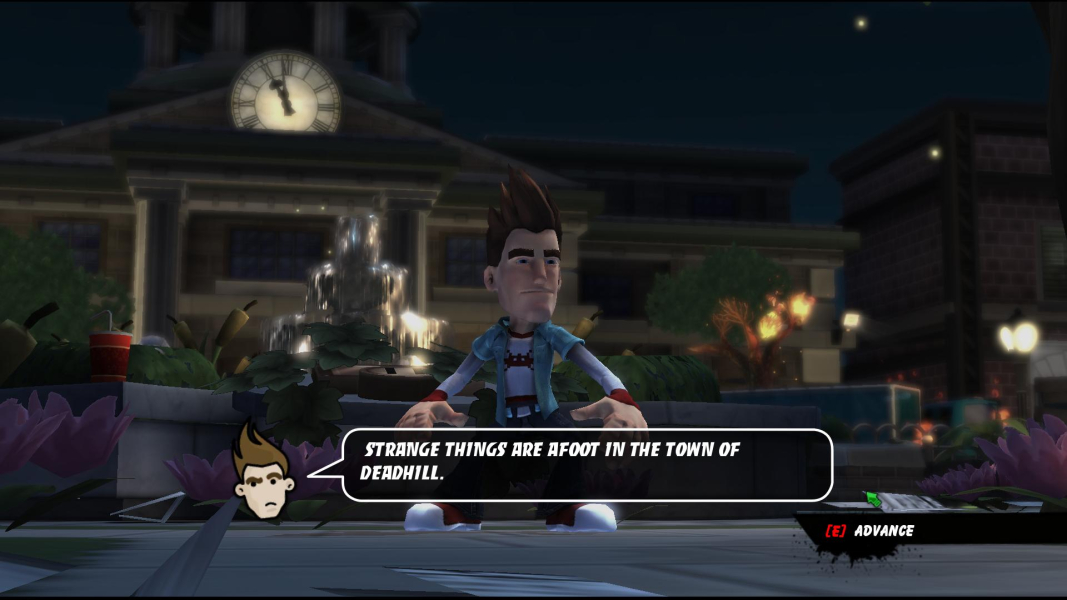
In-Game (Rendered) Cutscenes

Menu Screenshots
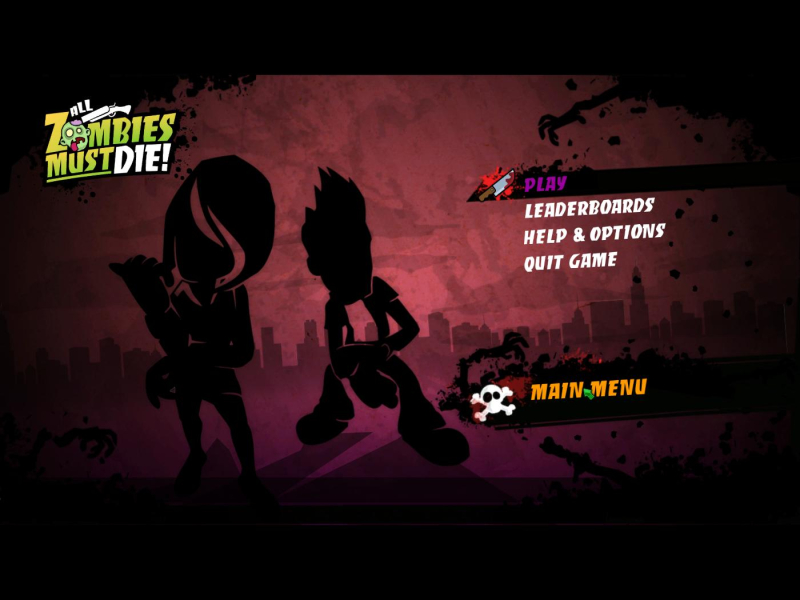
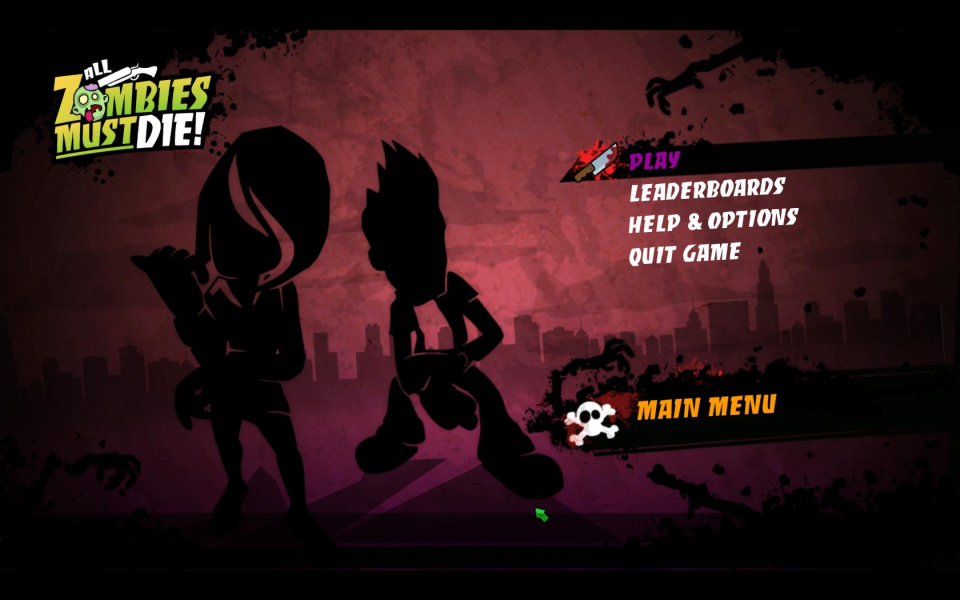



Additional Screenshots


