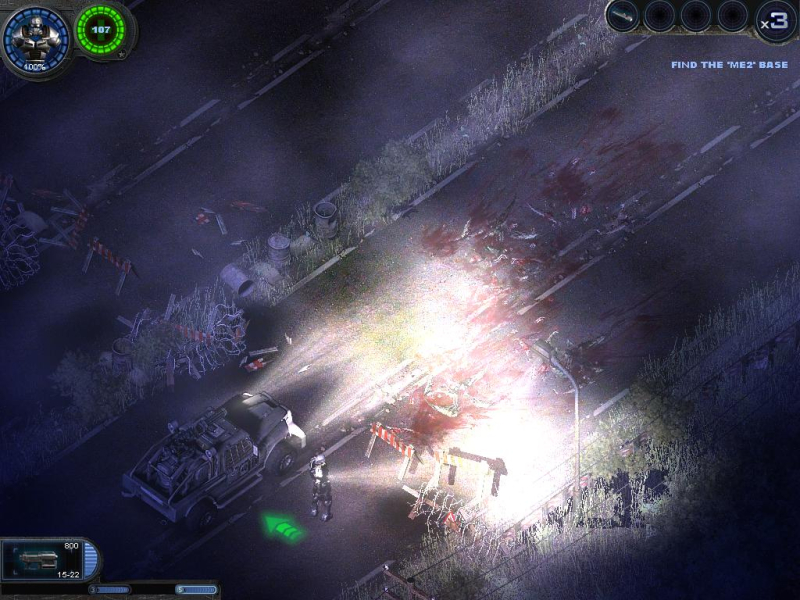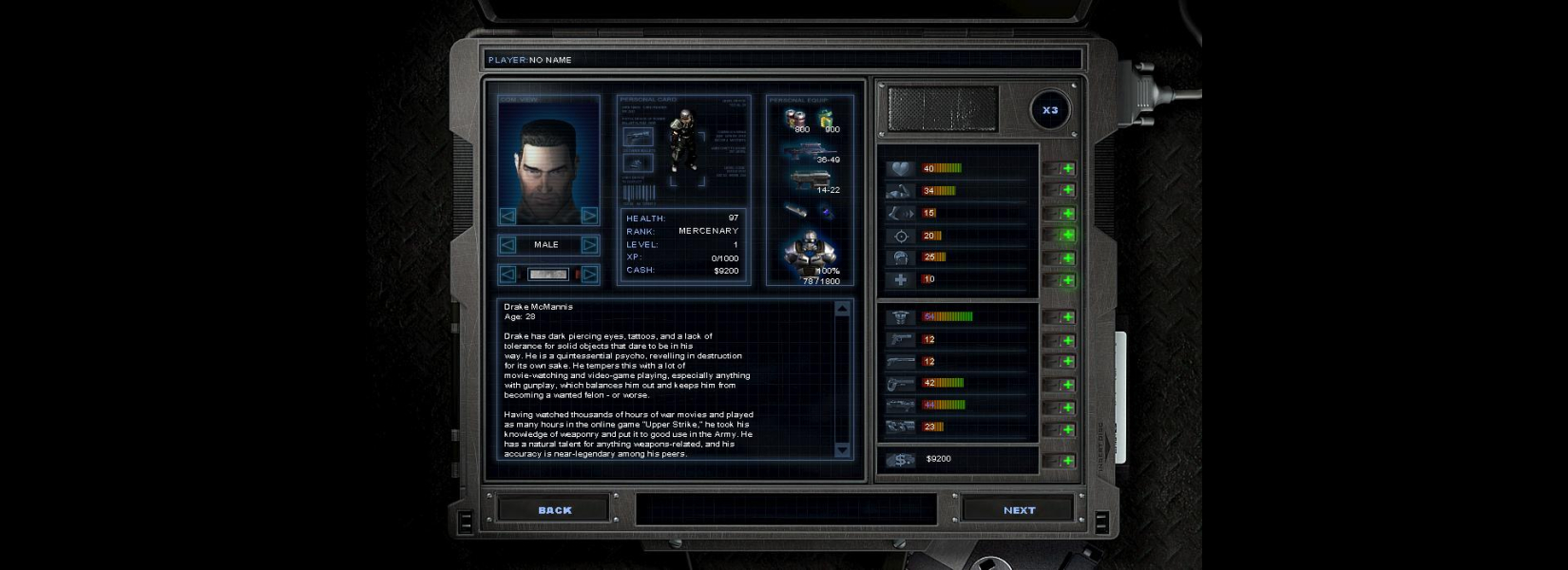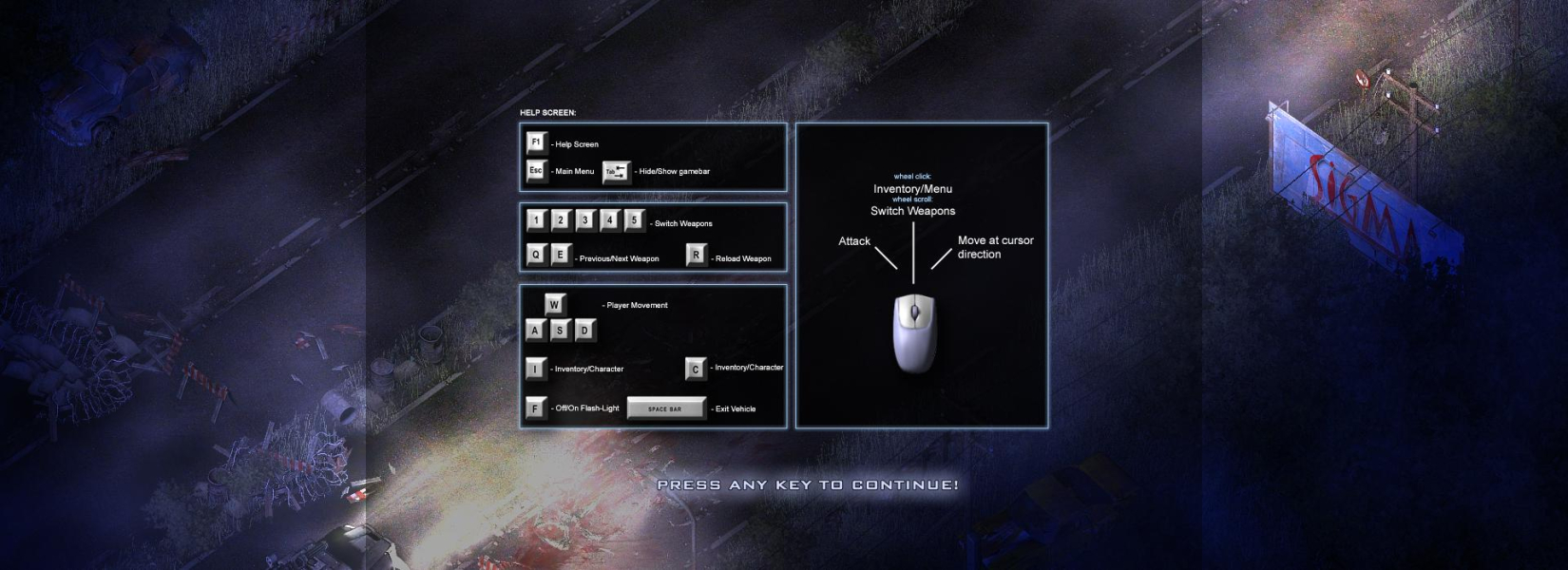


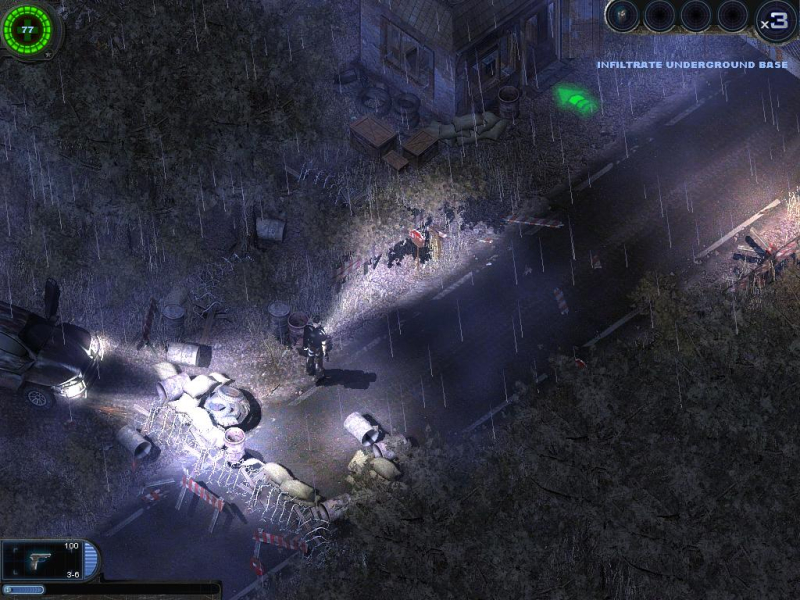
Alien Shooter Vengeance is a third-person shooter with some RPG elements. The game was made by Sigma Team. It is also known as Alien Shooter 2.
Support Summary
Widescreen | Ultra/Super‑Wide | Multi-Monitor | 4K Ultra HD | |
Support | ||||
Method | ||||
HUD | ||||
Cutscenes | ||||
FMVs |
Game Information
Screenshots Comparison
Solutions & Issues
To play with a widescreen resolution go to:
(install directory)\run\maps\ and open "CONST.LGC" find these lines (line 513 & 514):
static int RT_SCREEN_X[] = { 800, 1024 };
static int RT_SCREEN_Y[] = { 600, 768 };
These two resolutions correspond to the in-game settings.
If you wish to play in 1680x1050 it should look like this
static int RT_SCREEN_X[] = { 800, 1680 };
static int RT_SCREEN_Y[] = { 600, 1050 };
Now if you switch to 1024x768 in-game you get 1680x1050.
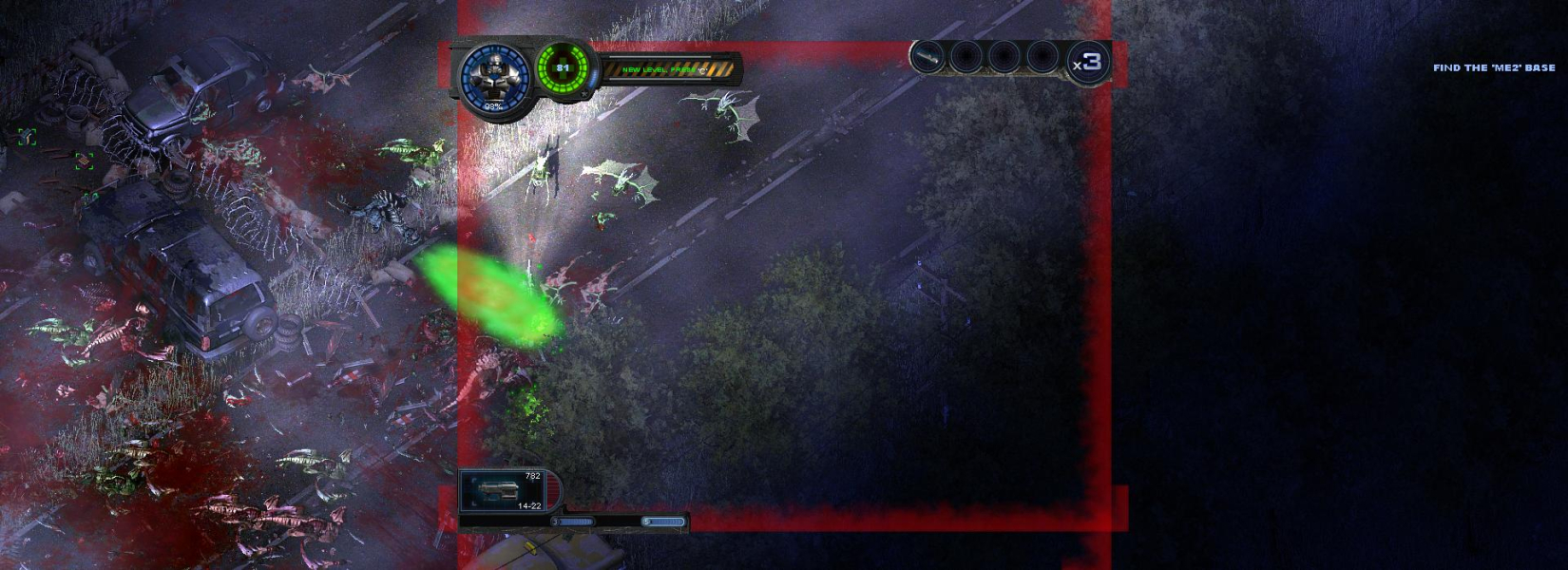
To enable the HUD:
Go to (install directory)\run\maps\ and find "gamebar1024.men"
Rename the file to "gamebar1680.men" if you are planning to play in 1680x1050.
Note that if you are using 1280x720 use "gamebar800.men" instead, otherwise the HUD will be partially gone.
To switch resolution during the startup sequence (loading screen and a couple of logos).
Open up Registry Editor (Start -> Run -> type "regedit").
Go to: HKEY_CURRENT_USER\Software\SigmaTeam\Alien2\
Change ScreenX and ScreenY to your prefered resolution.
TH works, and is pixel based. If your vertical resolution is below 768, then to enable the HUD, use "gamebar800.men" instead of "gamebar1024.men."
Gameplay Screenshots


Additional Screenshots