

Hugo, the TV troll from the Danish television series, is on his way to start his first day at the espionage agency R.I.S.K. (Risky Intelligent Spy Knights) when he is attacked by members of the sinister organization SUSPECTRA. Their plans are threatening the entire city, but Agent Hugo soon discovers there is even more at stake.
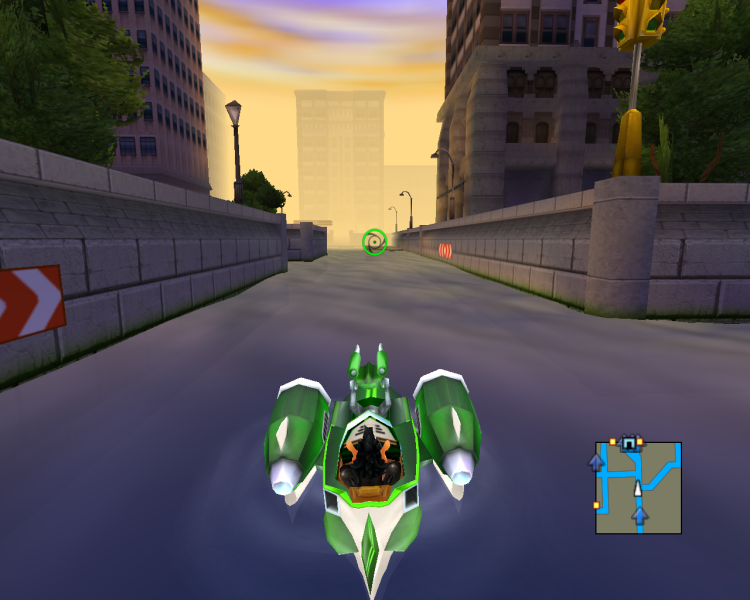
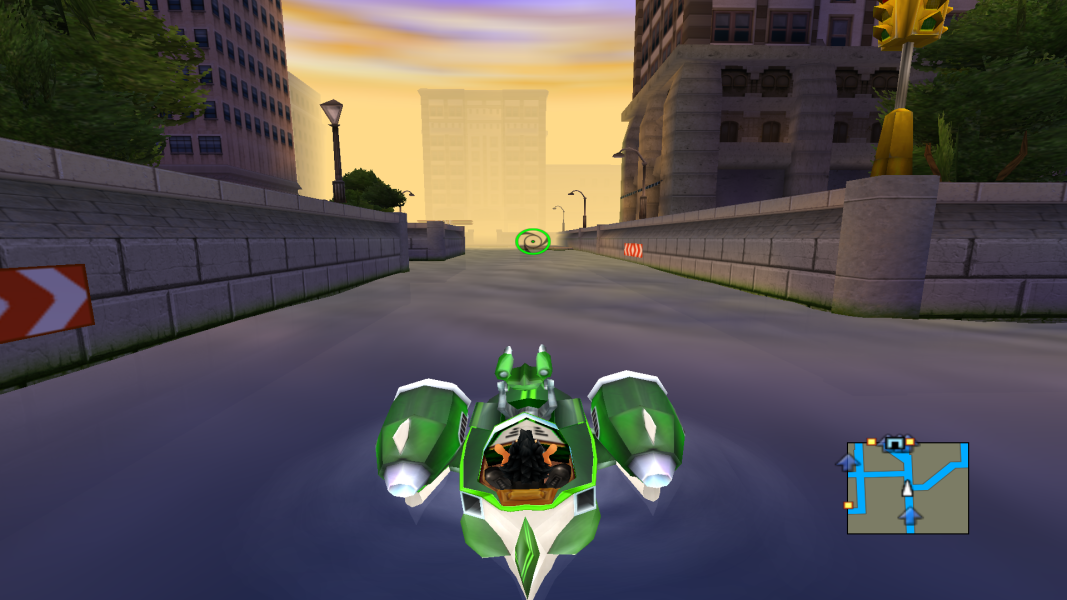
The game is played as a platformer with racing elements. Agent Hugo can use the R.I.S.K. Aquapolis boat with heat-seeking missiles and nitro acceleration. It can also dive and regular weapons can be used. While avoiding mines, the vessels can launch boomballs to blow up energy facilities, knock out enemies and open gates. Hugo can also swim and board other types of boats. On land, he has to either attack or sneak past enemies, with several disguises to stay undetected. When discovered, a meter starts to fill up. It can only be depleted by shaking off enemies and finding a hiding spot.
During his mission Agent Hugo meets members of R.I.S.K, such as Agent 01 & 02, professor W, Ms Alltobright and Honeybunny. Villains include SUSPECTRA chief Dr Nogo and the local bosses of the districts: Kizzi Mi, Oddjaw and Max Schmertz.
Support Summary
Screenshots Comparison
Solutions & Issues
Any-res solution
1. [Recommended] Run gamefolder/Config.exe , and apply settings for them to be saved in registry
2. Open up regedit
3. Browse to (as for Windows 8.1),HKEY_CURRENT_USER\Software\ITE\AgentHugo
4. Notice keys of "VideoResDepth", "VideoResHeight" and "VideoResWidth". Change them in accordance to the desired resolution
Note: These keys store values in DECimal, not HEXadecimal format!
Known issues
Problem: When trying to install, the installation program fails with the "AgentHugo.exe" error (on Windows 8.1)
Solution: Make sure there are no non-English symbols, spaces and long words in the path. The installation program comes from the Win98 days so you should expect these tradeoffs.
Problem: Hugo.exe does not install
Solution: Run Setup.exe instead, which will initialise Hugo.exe properly
Problem: Installer stops at 100% and does not progress (on Windows 8.1)
Solution: Wait until it gets to 100%, wait a few more seconds, and then kill the setup process (it is done anyway). Then, browse to the installation folder and delete Setup.exe. The installation program comes from the Win98 days so you should expect these tradeoffs.
Gameplay Screenshots