


Bit complex setup, but easy PLP once done & game looks quite good *.

(PLP screenshot with bezel effect, most common distance)

(distance to player varies by scenario)

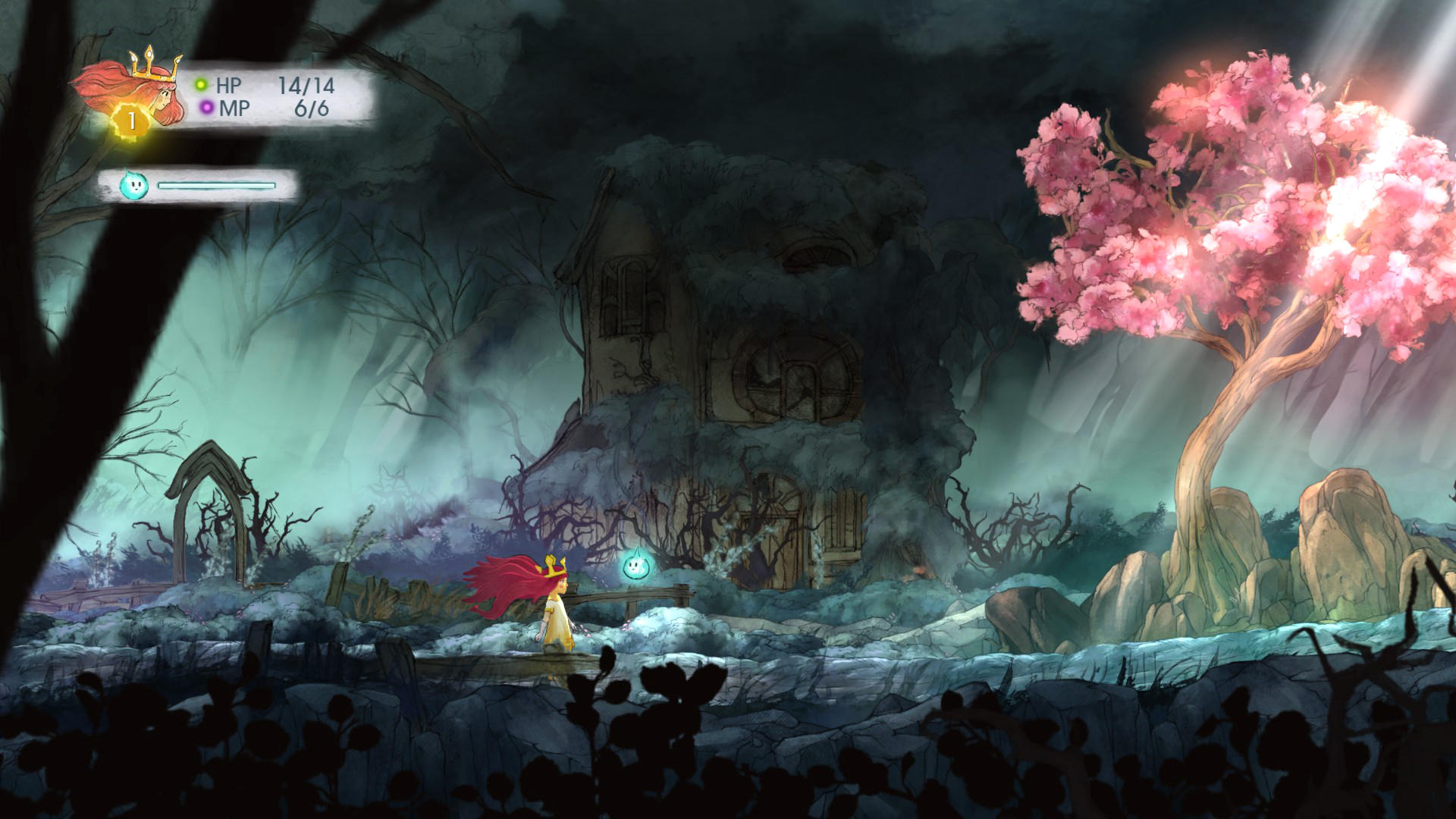
(comparison, 1080p)
1. In-game Windowed (not Borderless Windowed), quit.
2. Flawless Widescreen (FWS):
A. Load game plugin, checkmark all (enable, FOV, HUD, letterbox) & leave FOV zero. Then quit.
B. Find (path-to-fws)\PluginCache\FWS_Plugins\ Modules\ChildOfLight\Dependencies\ Scripts\ChildOfLight.lua.
C. Replace (Notepad) the following two strings (no quotes), then save:
i. "DisplayInfo:GetAspectRatio()" becomes "####/####" (your base PLP width / height).
ii. "DisplayInfo:GetfOffsetX()" becomes "###" (the width of your side screen minus ~15). This centers menus & HUD. 0 (zero) works alright too, but makes them left-justified).
3. Start FWS, start game.
4. ShiftWindow (+ border = borderless).

(combat, closer view distance)

(combat, further view distance)
NOTES:
1. * Hor+ & FOV looks proper. Rendered video perfect hor+, but FMV cutscenes & startup logos stretched. Combat instances & dialog type screens perfect hor+. HUD, text, menus perfect (except Skills menu either has offset titles or maybe right-justified; neither a problem). Uncommon graphic anomaly: an extra NPC showing, usually during dialog. Rarely, art backgrounds too narrow for full spread.
2. Optional FOV (not needed): FWS slider. 3. FWS must be restarted to recognize edits. Should backup lua file. If game stretches in future, paste file back in.


(rare anomaly: stationary copies on left & NPC stuck to player. Very short-term. Unseen in 1080p)

(occasional anomaly: extra NPCs, both sides. Unseen in 1080p)
View guide for general help with the instructions.





