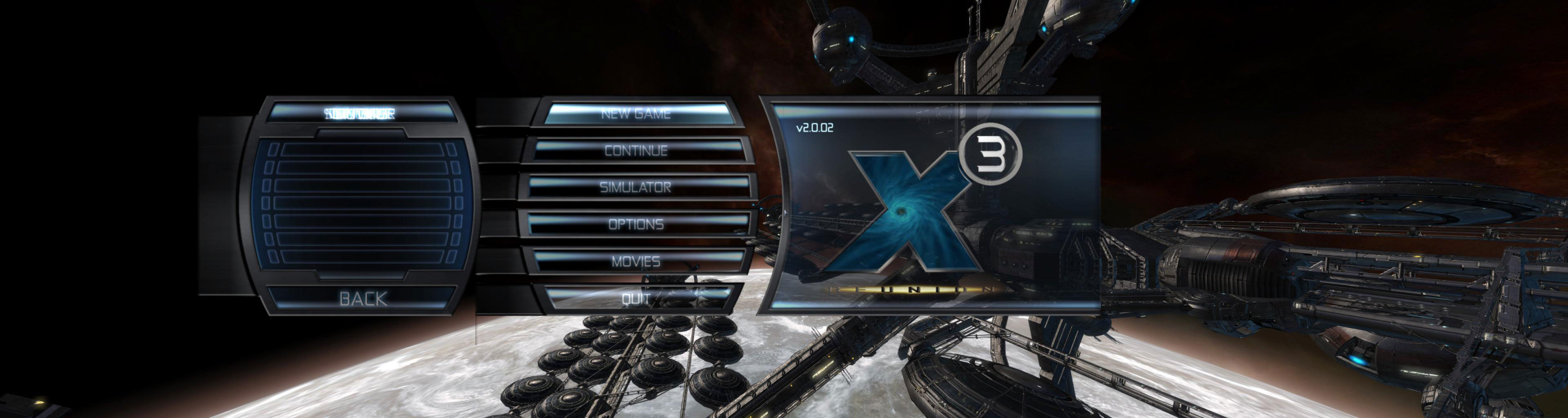
X3: Reunion

Profile picture for user skipclarke

X3: Reunion is a space trading and combat simulator, sequel to the game X2: The Threat, and the third in the series.

Support Summary

Widescreen
Ultra/Super‑Wide
Multi-Monitor
4K Ultra HD
Support
Method
HUD
Cutscenes
FMVs

Game Information

Game Status:Released
Release Date:
Play Styles:Single-Player
Setting:Sci-Fi
Developer:Egosoft

Screenshots Comparison

4:3 Screenshot
16:10 Screenshot
A monitor with a question mark on it. The text above it reads "There is currently no image uploaded for this field." There is a semi-transparent WSGF logo in the background, while the main background is white. The image aspect ratio is 16:10.
16:9 Screenshot
21:9 Screenshot
A monitor with a question mark on it. The text above it reads "There is currently no image uploaded for this field." There is a semi-transparent WSGF logo in the background, while the main background is white. The image aspect ratio is 21:9.
32:9 Screenshot
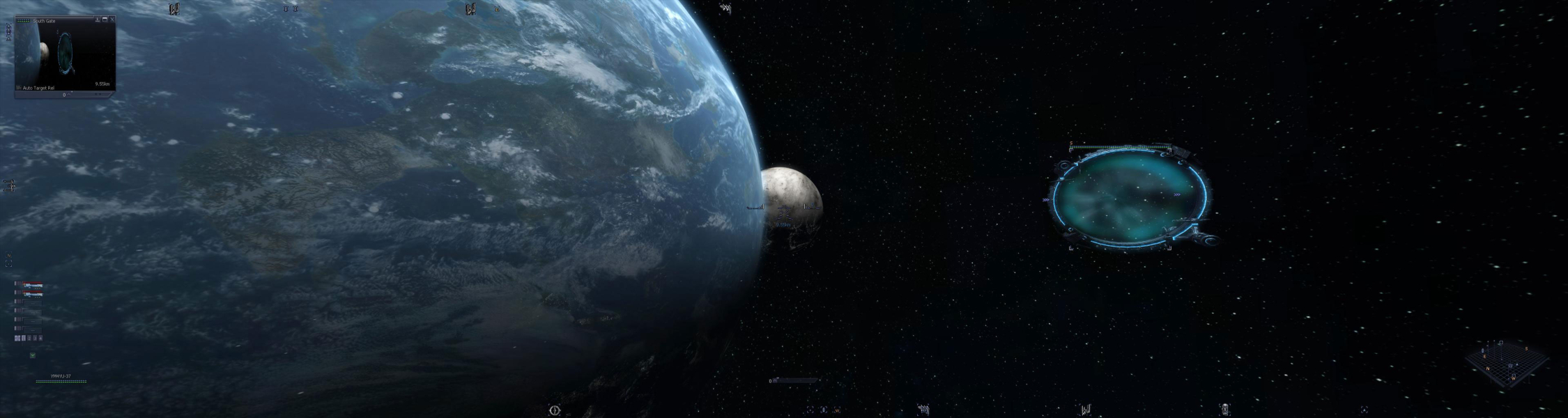
Eyefinity / Surround Screenshot
Solutions & Issues
Eyefinity / Surround Specific Solution & Issues:

2D monitor images are a bit distorted due to the extra FOV that is imposed on them, but playable. No solution available.

One user reported this problem: when flying around everything is proportional, but once i enter the sector-map, galaxy-surfer, or any other window like stats, ownerships, etc., then these windows are stretched like hell and with huge fonts.
This was the posted cure: okay the problem solved itself - i just needed to jump into another sector and from that moment on it works fine.

4:3 Screenshot
16:10 Screenshot
A monitor with a question mark on it. The text above it reads "There is currently no image uploaded for this field." There is a semi-transparent WSGF logo in the background, while the main background is white. The image aspect ratio is 16:10.
16:9 Screenshot
21:9 Screenshot
A monitor with a question mark on it. The text above it reads "There is currently no image uploaded for this field." There is a semi-transparent WSGF logo in the background, while the main background is white. The image aspect ratio is 21:9.
32:9 Screenshot
Eyefinity / Surround Screenshot
4:3 Menu
Eyefinity / Surround Menu
Multi-Monitor Layouts:3x1-L